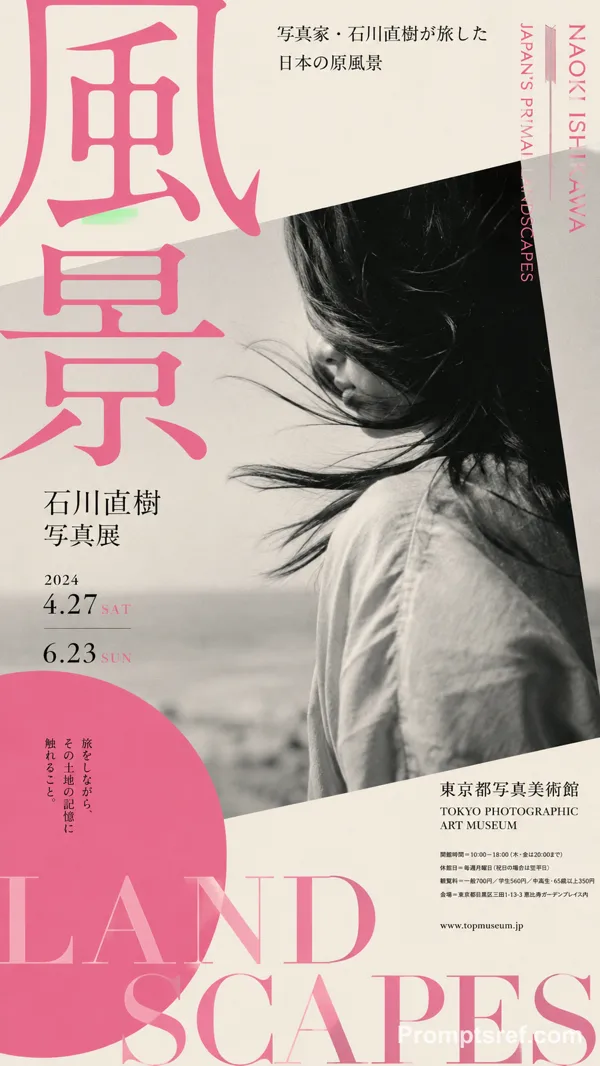
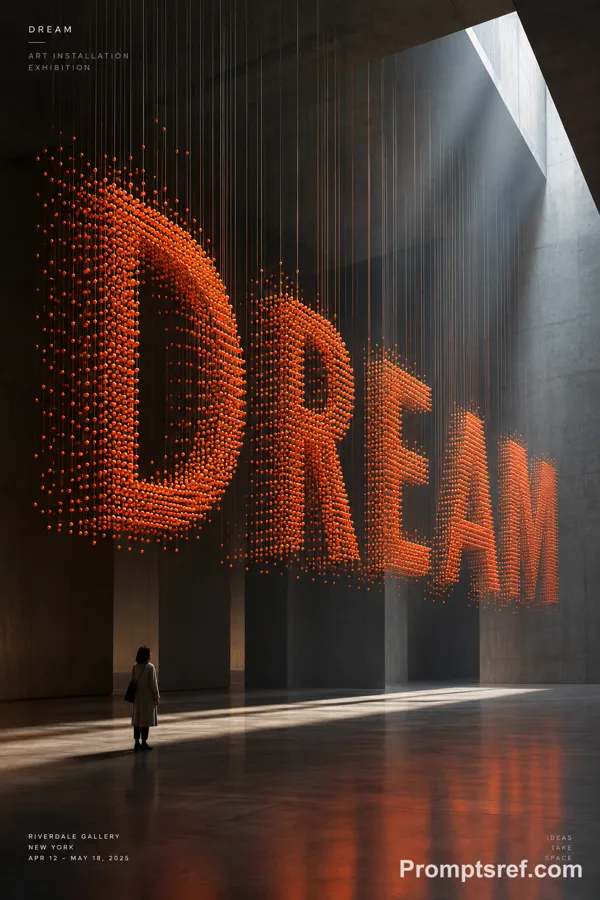
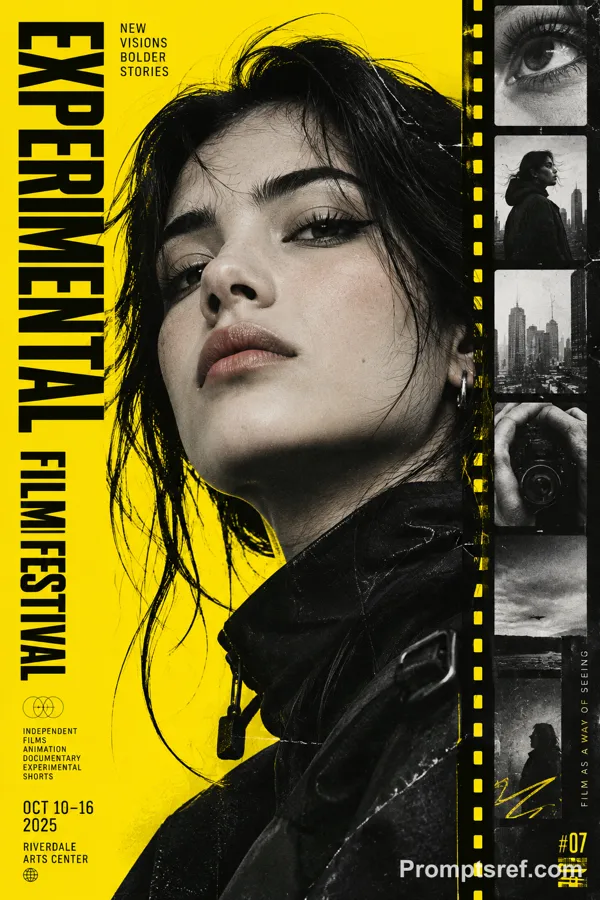
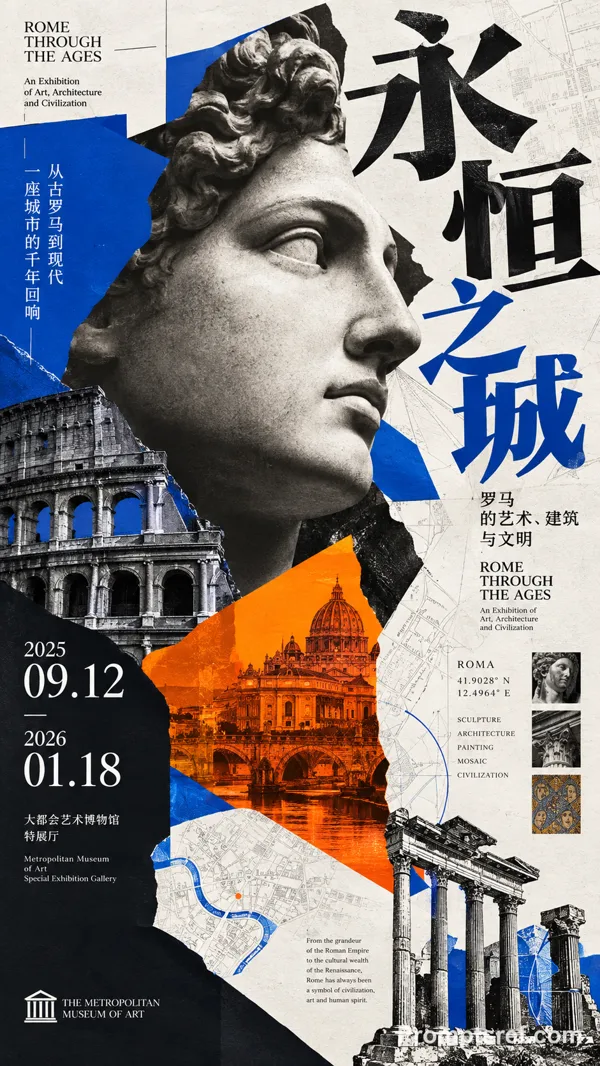
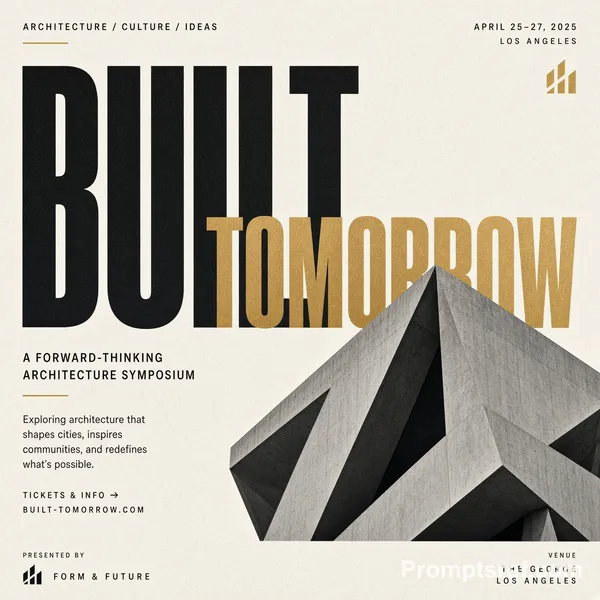
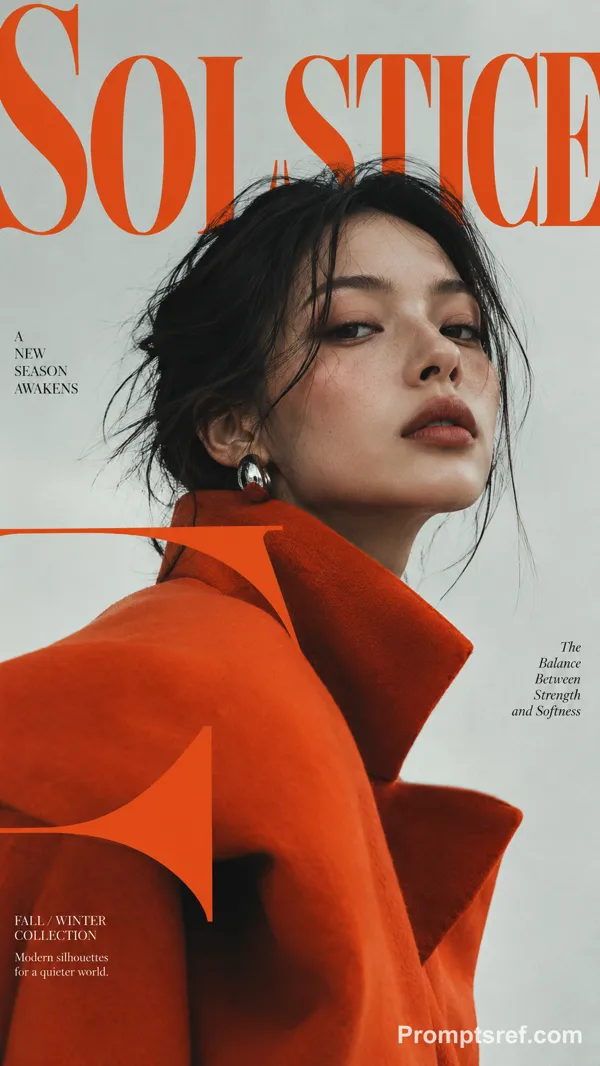
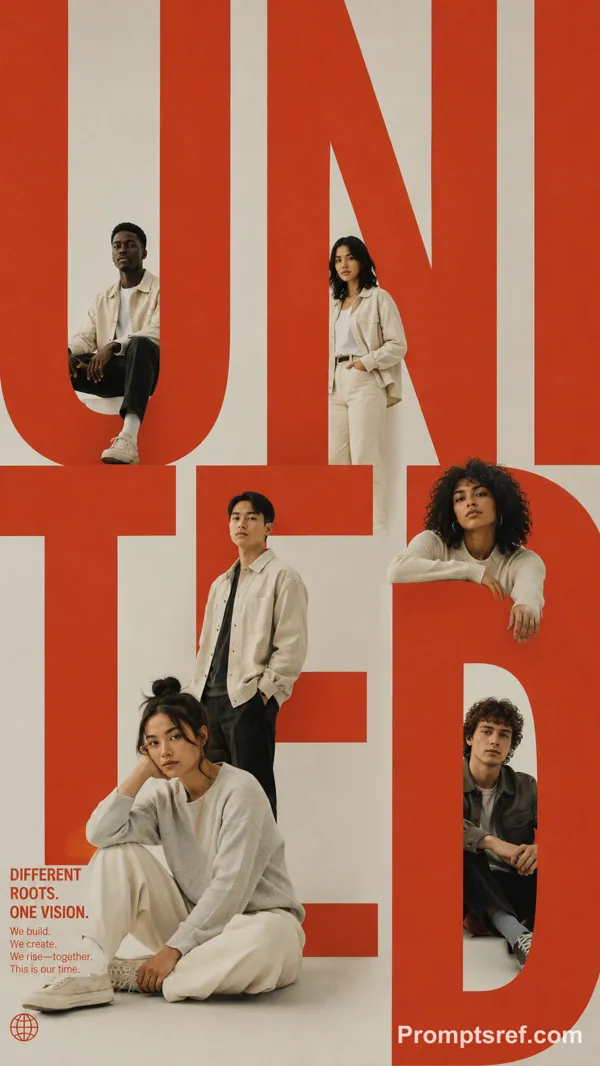
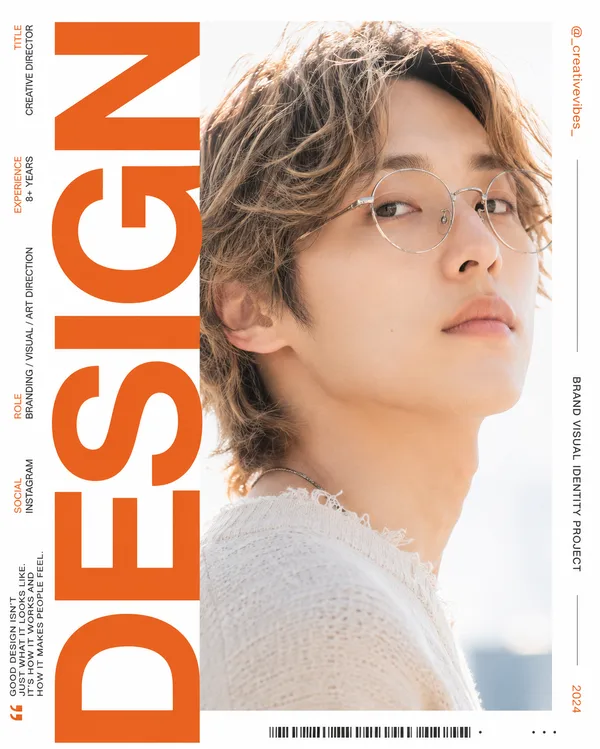
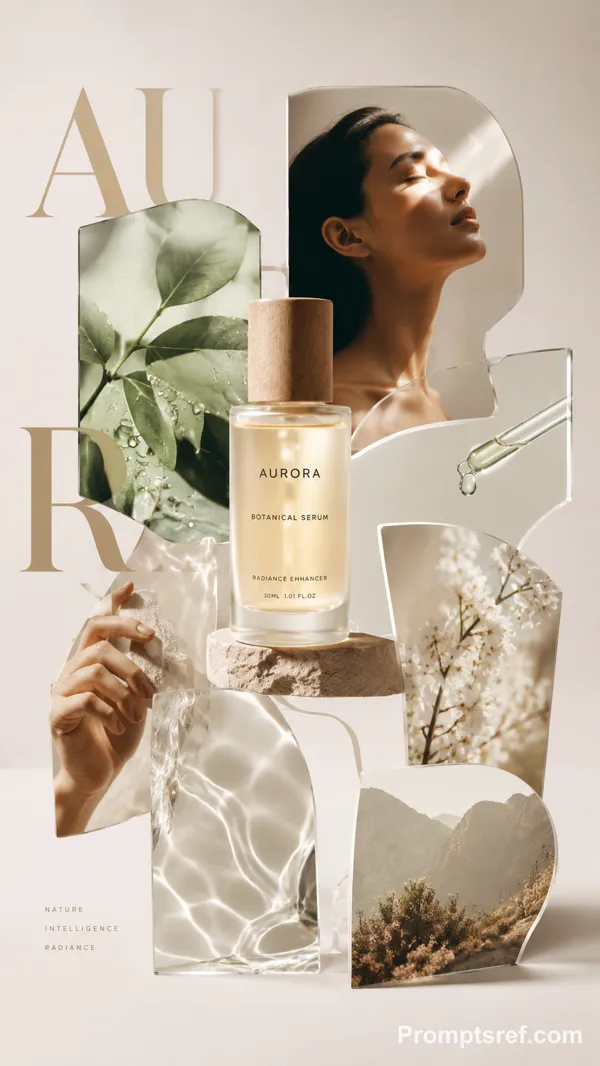
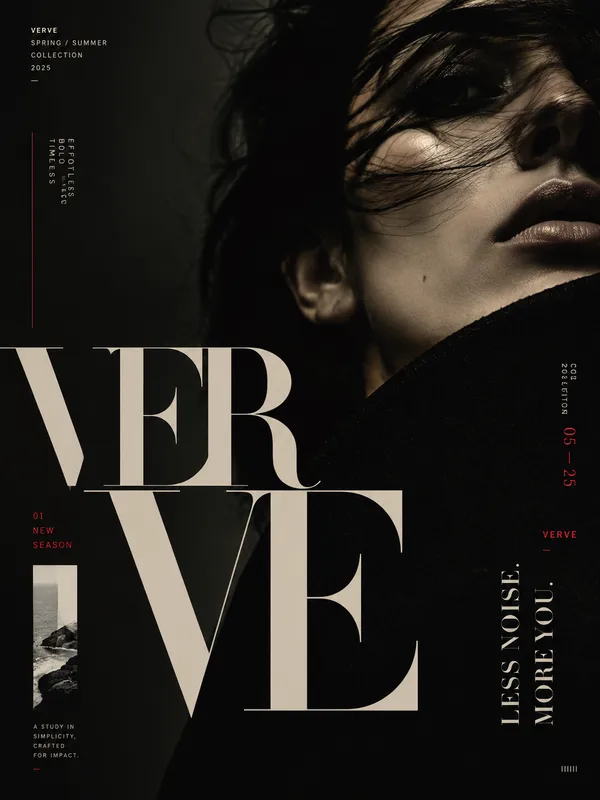
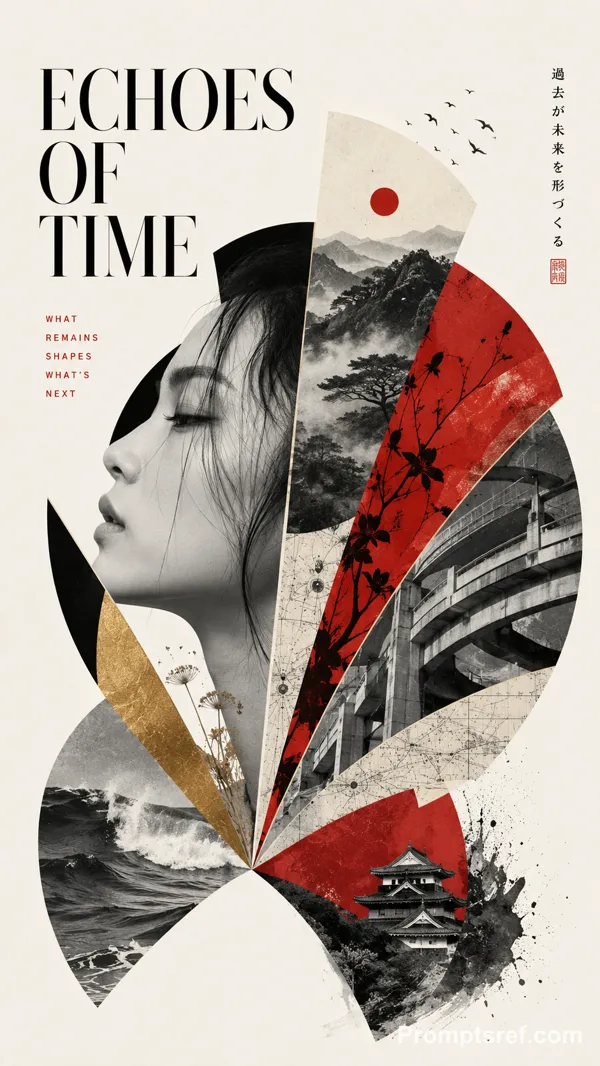
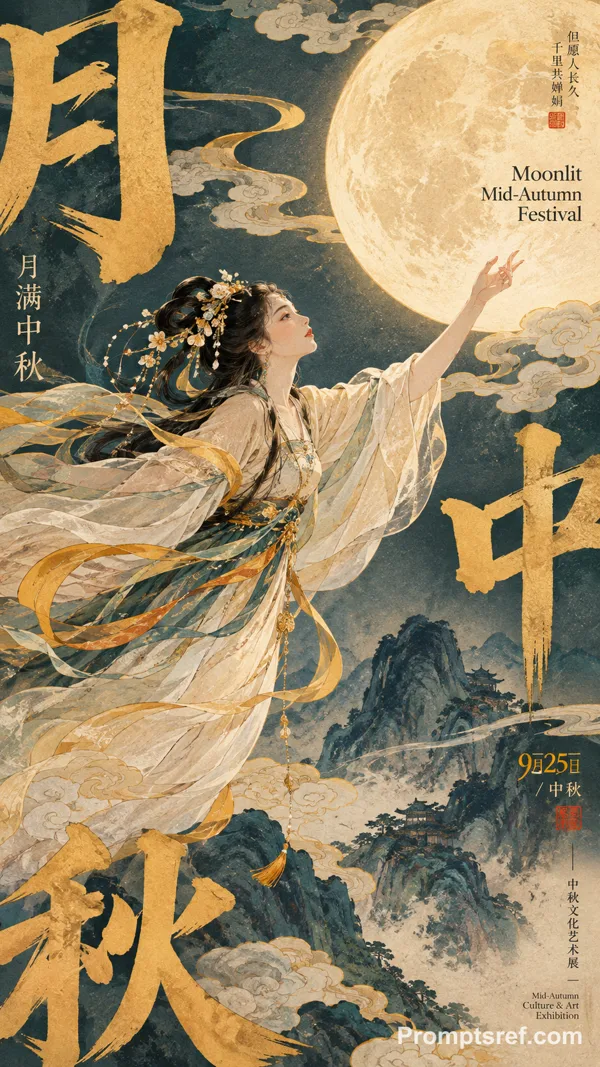
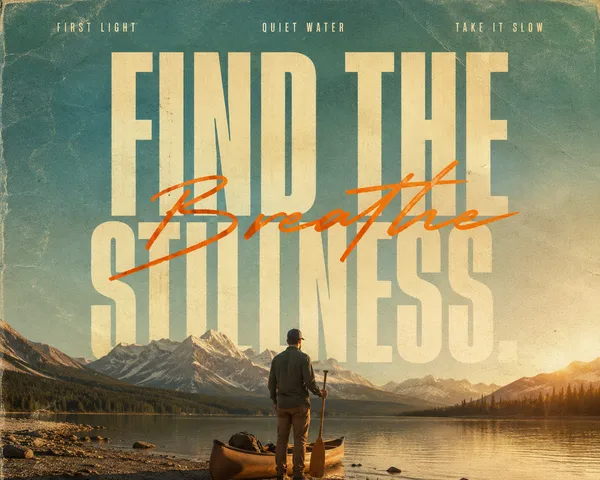
GPT Image 2.0 Prompt - Vertical Sliced Photo Typography

- Model
- GPT Image 2.0
- Aspect ratio
- auto
- Quality
- 1K
Prompt
【MAIN WORD】: {4–8 letter uppercase keyword}
【PROJECT TYPE】: {campaign / product launch / exhibition / editorial poster}
【BRAND / PROJECT】: {name}
【PHOTO SUBJECT】: {one complete photographic scene}
【BACKGROUND COLOR】: {color}
【IMAGE PALETTE】: {main colors}
【TYPE STYLE】: {condensed grotesk / slab serif / Didone serif}
【TOP LEFT】: {date / time / location}
【TOP RIGHT】: {short statement}
【BOTTOM LEFT】: {supporting details}
【BOTTOM RIGHT】: {brand / project name}
【FORMAT】: 9:16 vertical
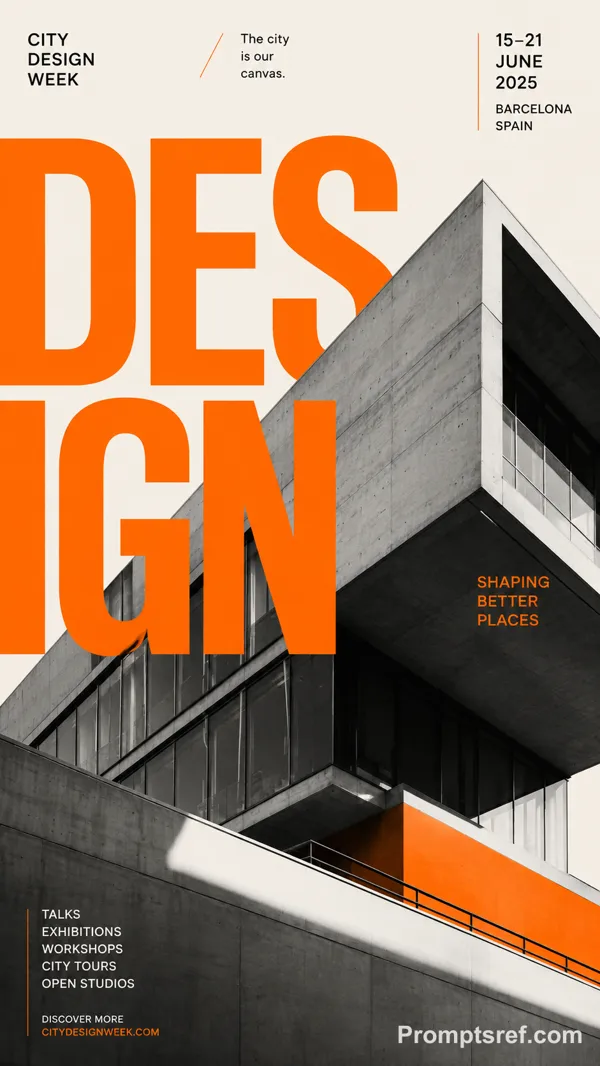
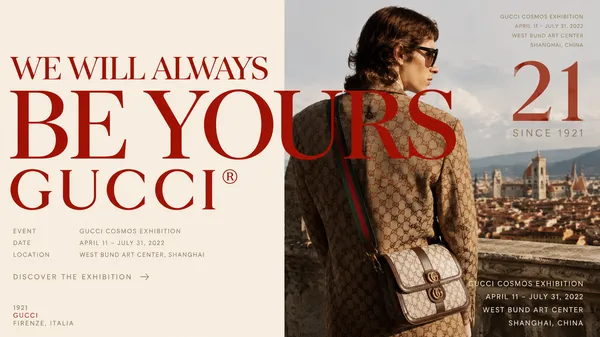
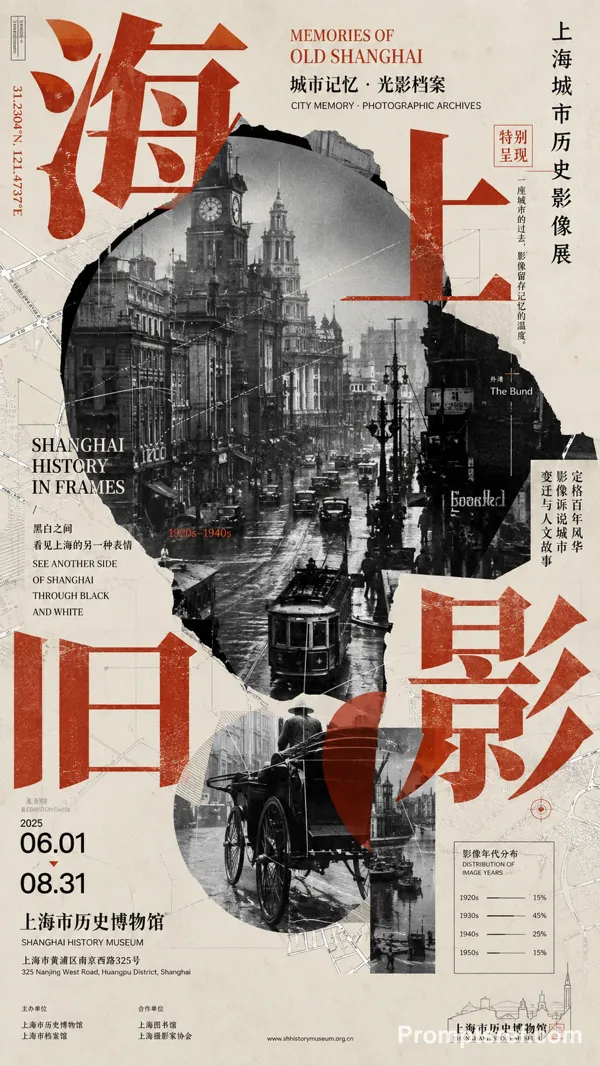
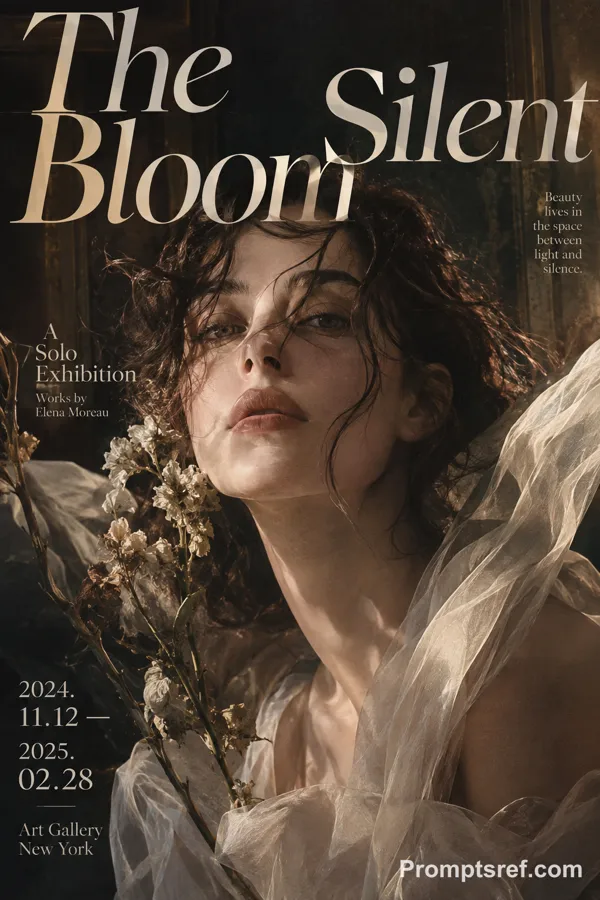
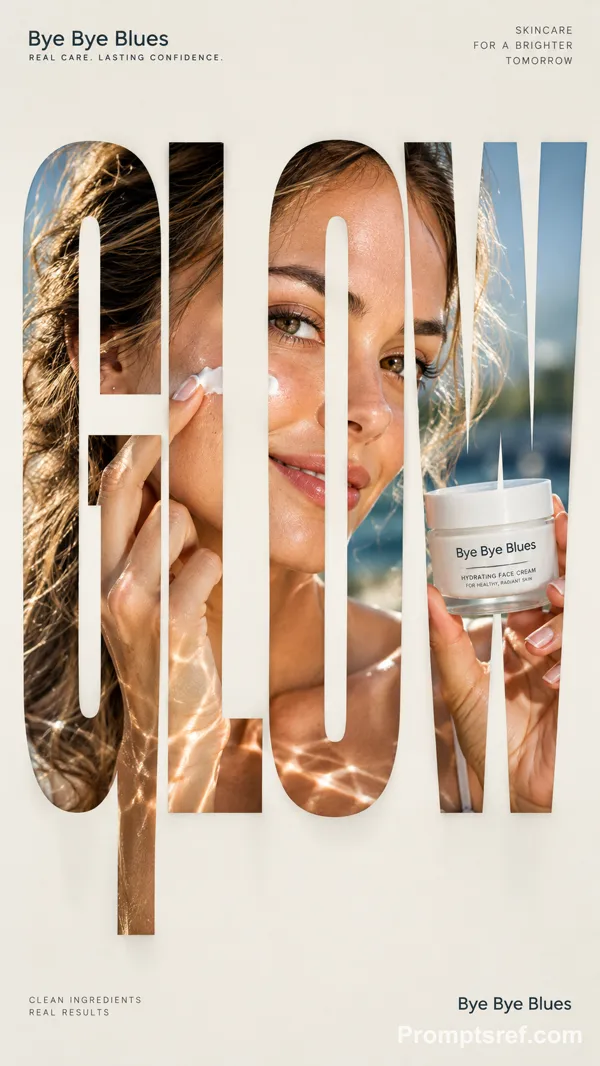
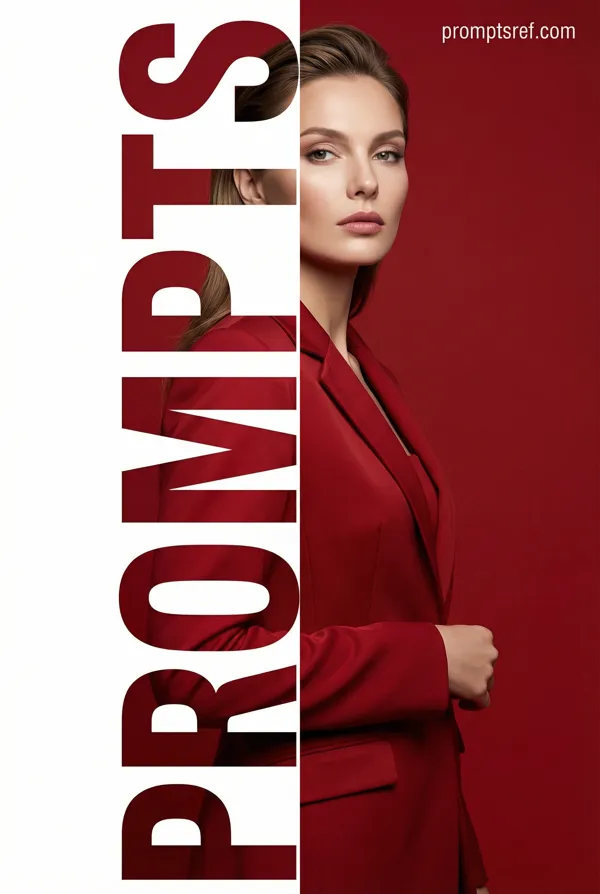
Create a high-end editorial poster built around **vertical sliced typography**.
Place 【MAIN WORD】 at the center as the dominant visual, occupying about 75–85% of the poster width. Keep the word bold, clear and readable at thumbnail size.
Embed **one single continuous photograph** of 【PHOTO SUBJECT】 inside the entire word. Every letter should reveal a different part of the same image, with horizons, objects, people, light, branches, roads or material edges connecting naturally across the letters.
Keep roughly the upper 40–45% of the letterforms intact. Extend selected lower strokes downward into 5–7 vertical slices with varied short, medium and long lengths. The slices must grow naturally from the original letters, not become unrelated rectangles or barcode-like strips.
Continue the same photograph through every extended slice. Place the strongest visual focus around the central letters and use one clear continuous feature to connect the composition.
Add a subtle soft shadow behind the typography, slightly offset toward the lower right, creating a restrained floating-paper effect.
Use a clean 【BACKGROUND COLOR】 background with generous negative space. Keep most visual complexity inside the typography and use 【IMAGE PALETTE】 for the embedded photography.
Arrange meaningful supporting information around the main visual:
Top left: 【TOP LEFT】
Top right: 【TOP RIGHT】
Bottom left: 【BOTTOM LEFT】
Bottom right: 【BOTTOM RIGHT】
Use clean modern typography for secondary information. The final image should feel like a finished campaign, exhibition, product-launch or editorial poster, not a template demonstration.
Remixes
RemixNo remixes yet. Be the first to make your own version.
Use this image prompt
- 01
Start with the prompt
Copy the prompt, or open it with the generate button.
- 02
Make your changes
Adjust the subject, setting, or details. Add reference media if needed.
- 03
Check before generating
Review the model and output settings. Results can vary between generations.