AI Giga Chad Generator Online Free

Upload a clear portrait or start with a prompt. Create a recognizable Gigachad-style image with a sharper jawline, sculpted cheekbones, confident expression, and the dramatic lighting that makes the meme instantly readable.

0/20000
Total Credits9
GPT Image 29
Publish to Explore
?
👑
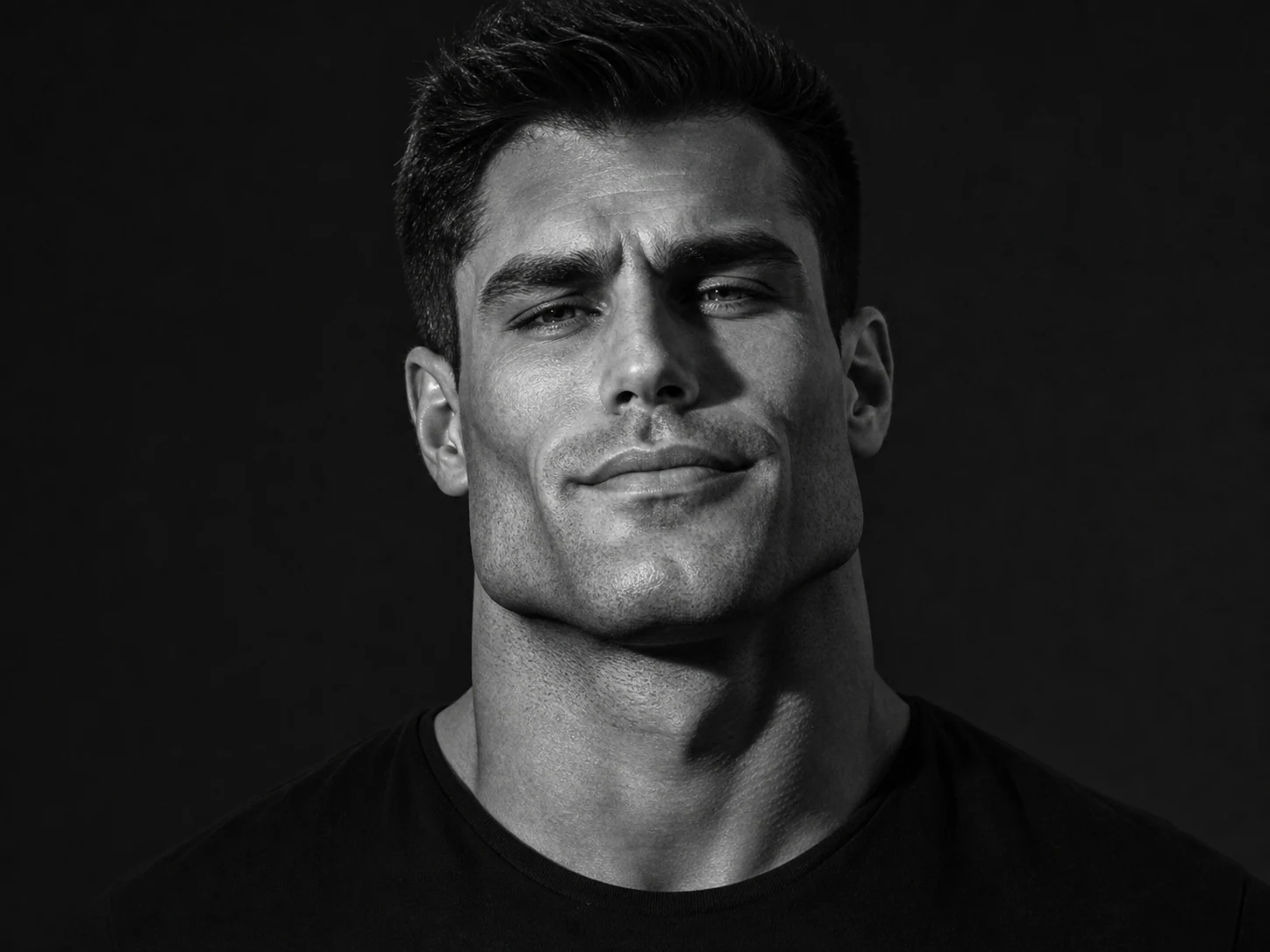
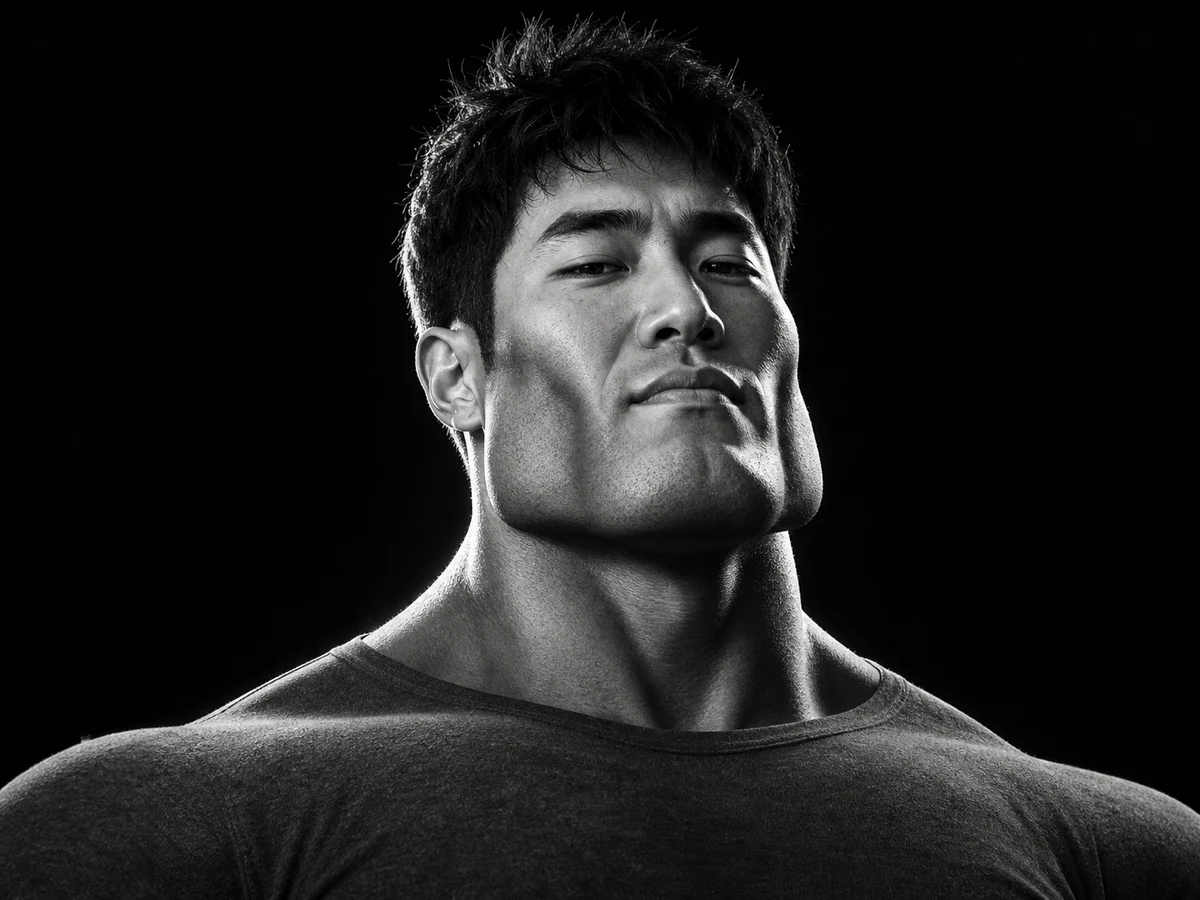
Classic Black-and-White Chad

Original fictional adult man as a classic GigaChad meme portrait, extremely defined square jaw and cheekbones, thick neck, restrained confident half-smile, close head-and-shoulders framing, plain dark crew-neck shirt, dramatic high-contrast black-and-white studio side lighting, realistic skin texture, deep sculpted shadows, humorous meme energy, original identity, no text, no logo, no watermark

Turn a photo into a Giga Chad image

A useful Gigachad filter does more than paste a familiar face over yours. It rebuilds the portrait around the visual language of the meme: a wider jaw, stronger cheekbones, broad neck, controlled expression, and lighting that carves the face into clear planes. Upload a selfie when you want the person to remain recognizable, or write a prompt to invent an original Chad character from scratch.

Keep the person recognizable

Use a model that accepts reference images, then ask it to preserve the eyes, hair, skin tone, and overall identity while exaggerating the jaw and cheekbones.

Choose how hard the joke lands

Ask for a subtle confident portrait, a highly exaggerated sigma face, or a deliberately absurd heroic transformation.

Make an image, not only a captioned template

The generator creates a new portrait or character image. Add meme captions afterward if you want an image macro with exact wording.

Create a Giga Chad image
Classic black-and-white portrait made with the AI Giga Chad Generator

Use a clear portrait for a better Gigachad filter

The AI needs to read the original face before it can exaggerate it. A sharp photo of one adult, with the face large enough to inspect, gives it a much better chance of keeping the person recognizable. Front-facing and three-quarter portraits both work; very wide group shots usually do not.

Show the jaw, eyes, and hairline

Avoid hands, masks, sunglasses, heavy motion blur, or a crop that hides the chin. Those details are the anchors of the transformation.

Start with one person

A single subject reduces identity mixing. If you use a group photo, the prompt must say exactly which person should receive the effect.

Use even light before adding drama

A well-lit source makes the face easier to understand. Let the prompt add the deep shadows, monochrome finish, or neon rim light afterward.

Upload a portrait
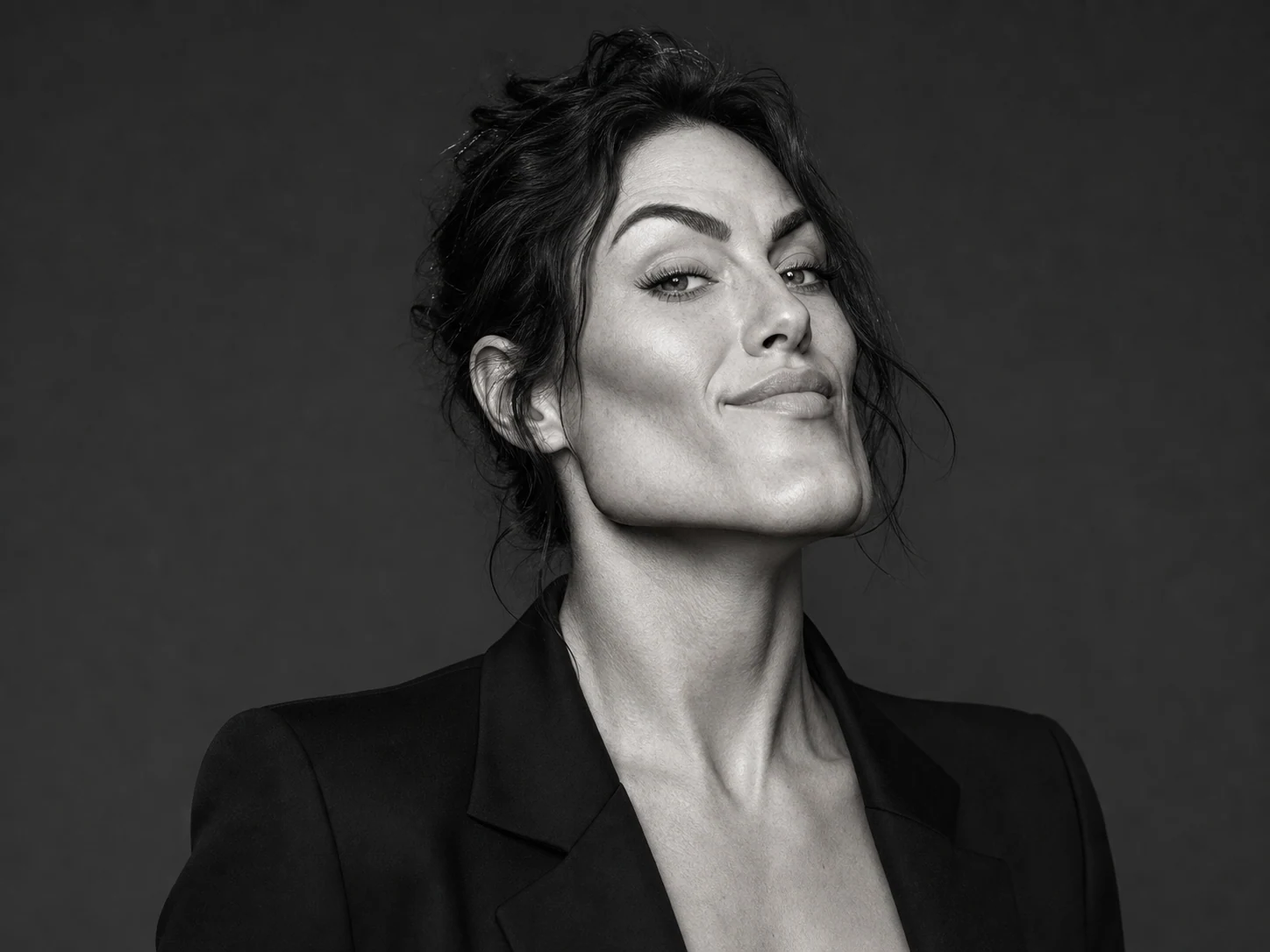
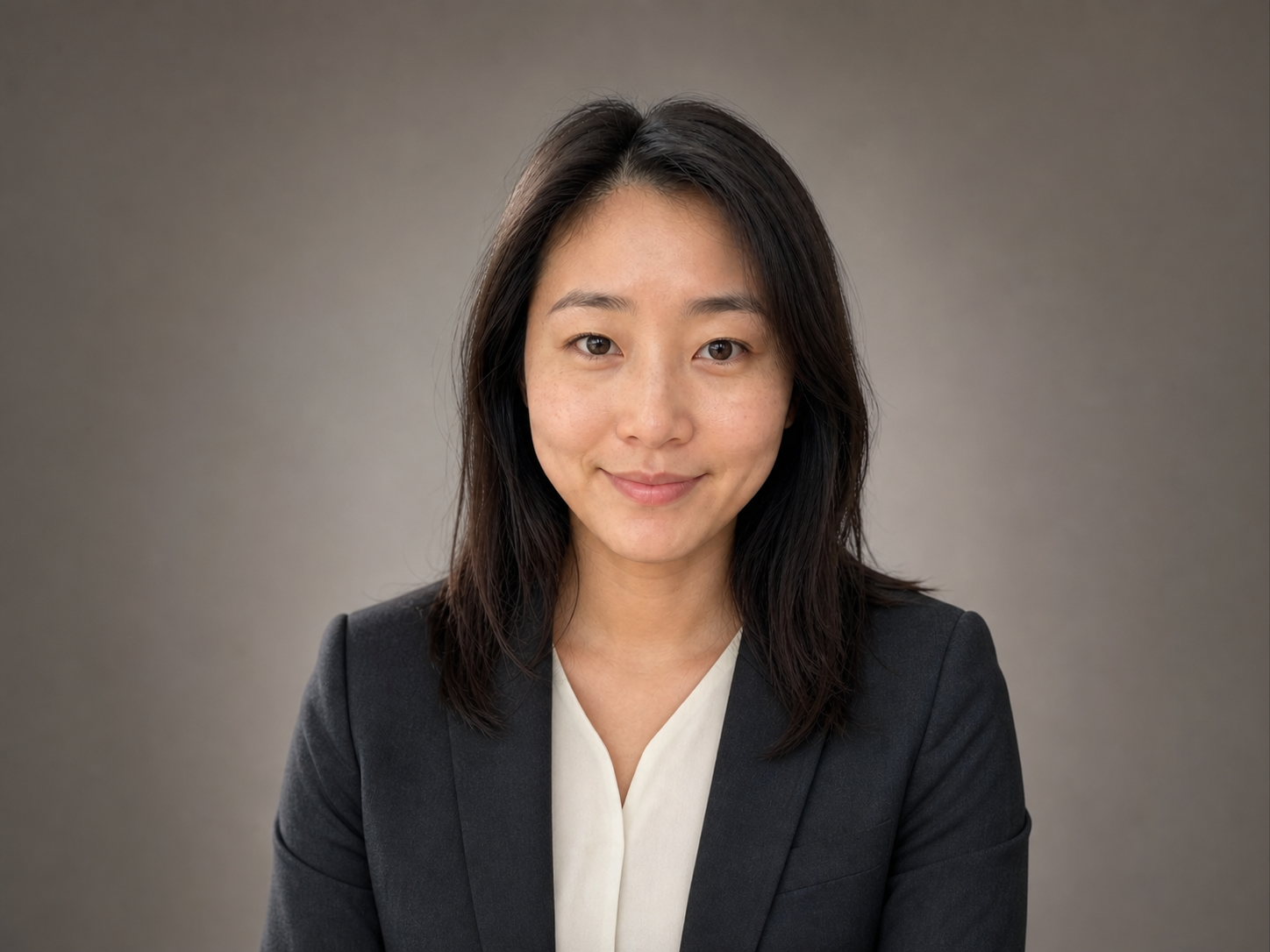
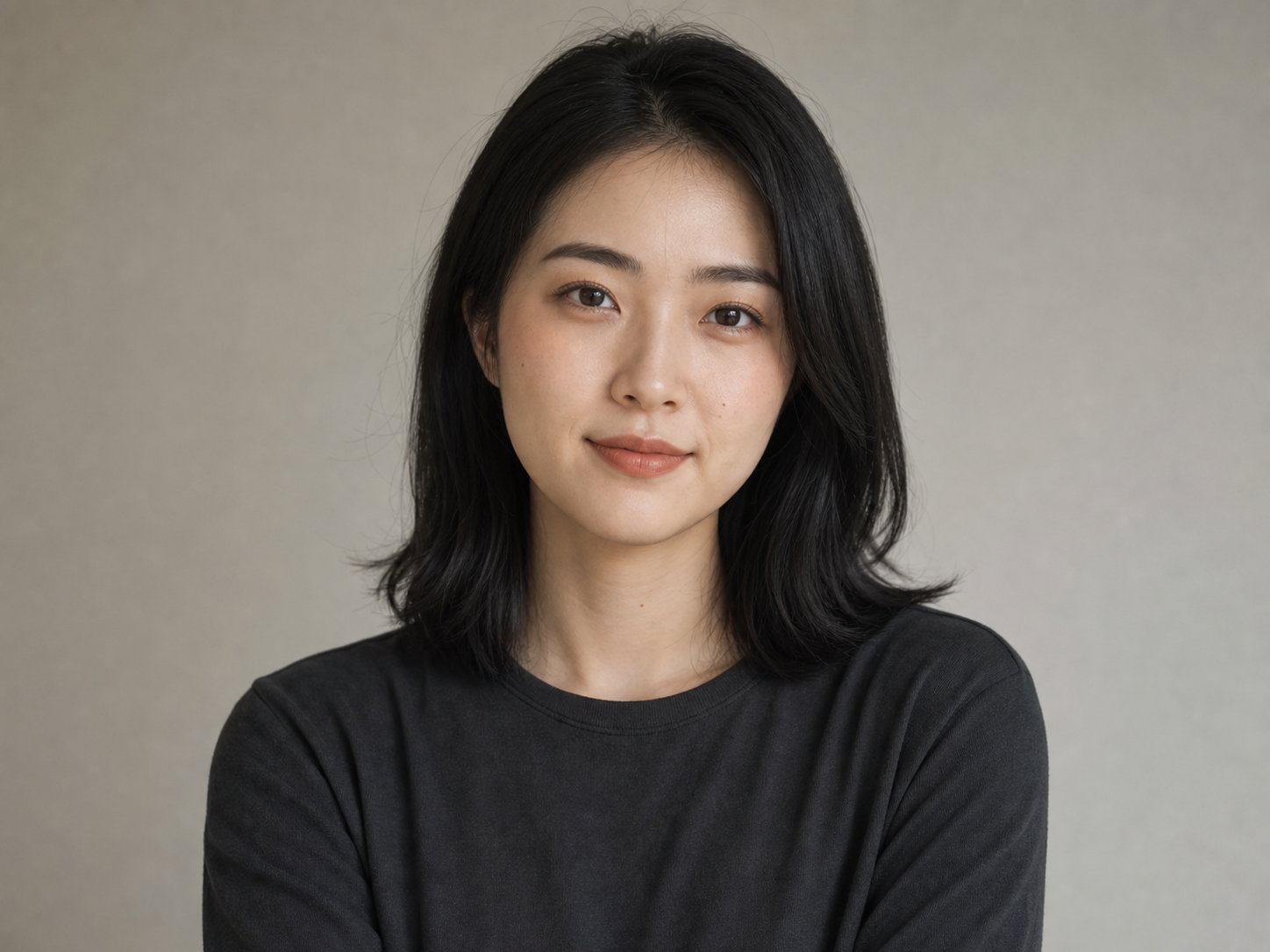
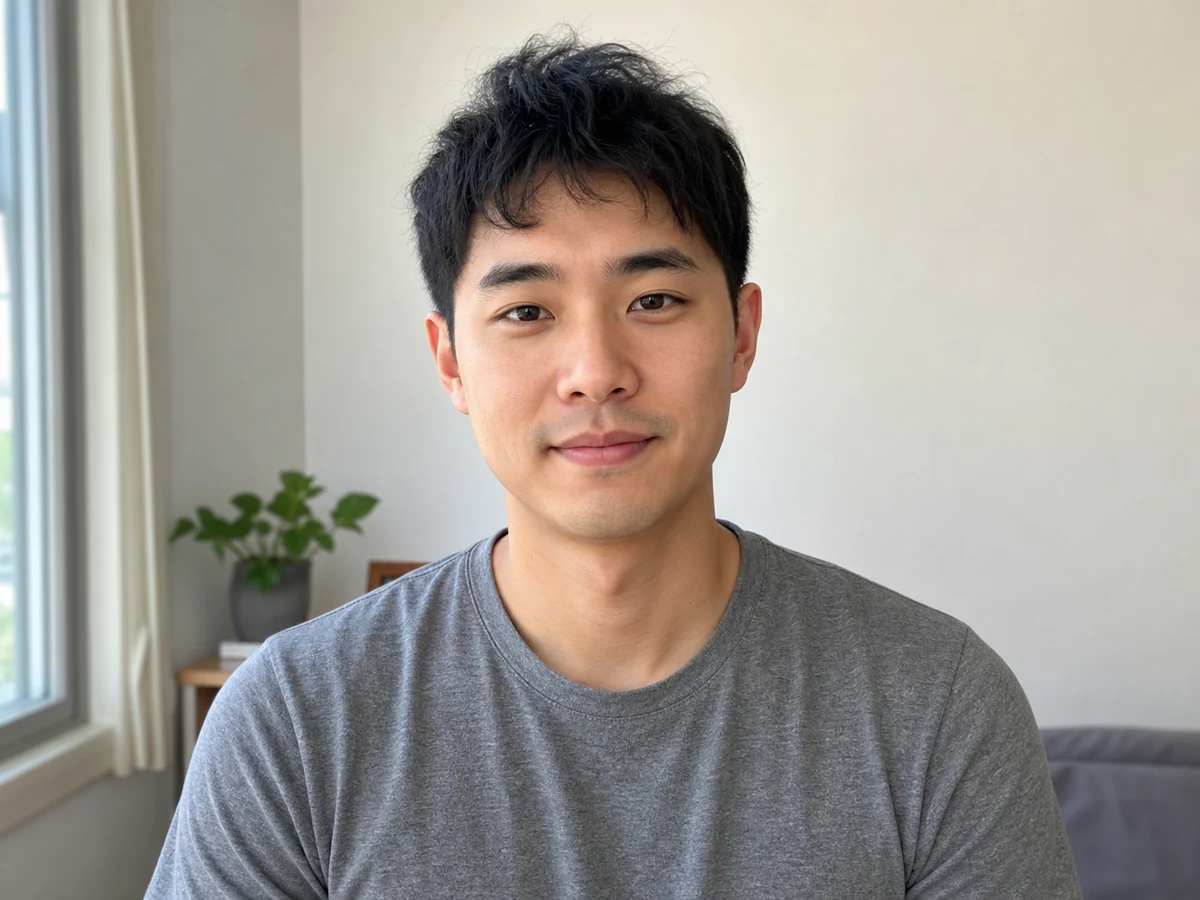
Confident adult portrait showing a clear jawline and facial features

Control the jawline, lighting, and meme style

The most reliable Gigachad prompts separate identity from style. First say what must remain recognizable. Then describe the structural changes, expression, camera framing, and lighting. This gives you more control than simply typing “make me Gigachad,” especially when you want a polished avatar instead of an extreme parody.

Classic meme portrait

Use “square jaw, defined cheekbones, thick neck, restrained half-smile, high-contrast black-and-white studio portrait.”

Sigma profile picture

Ask for a centered head-and-shoulders crop, direct eye contact, realistic skin, clean background, and an intense but playful expression.

Color or character remix

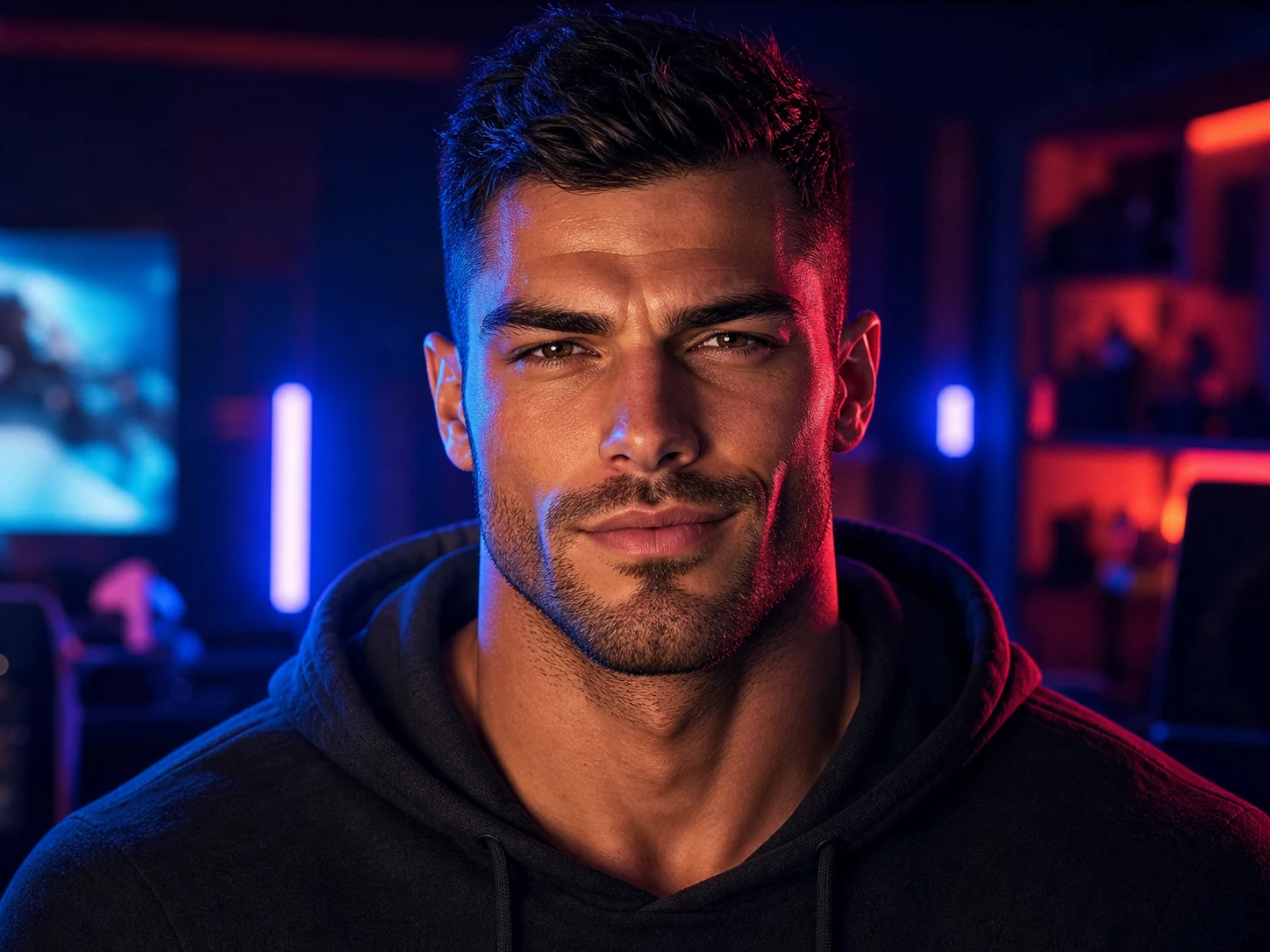
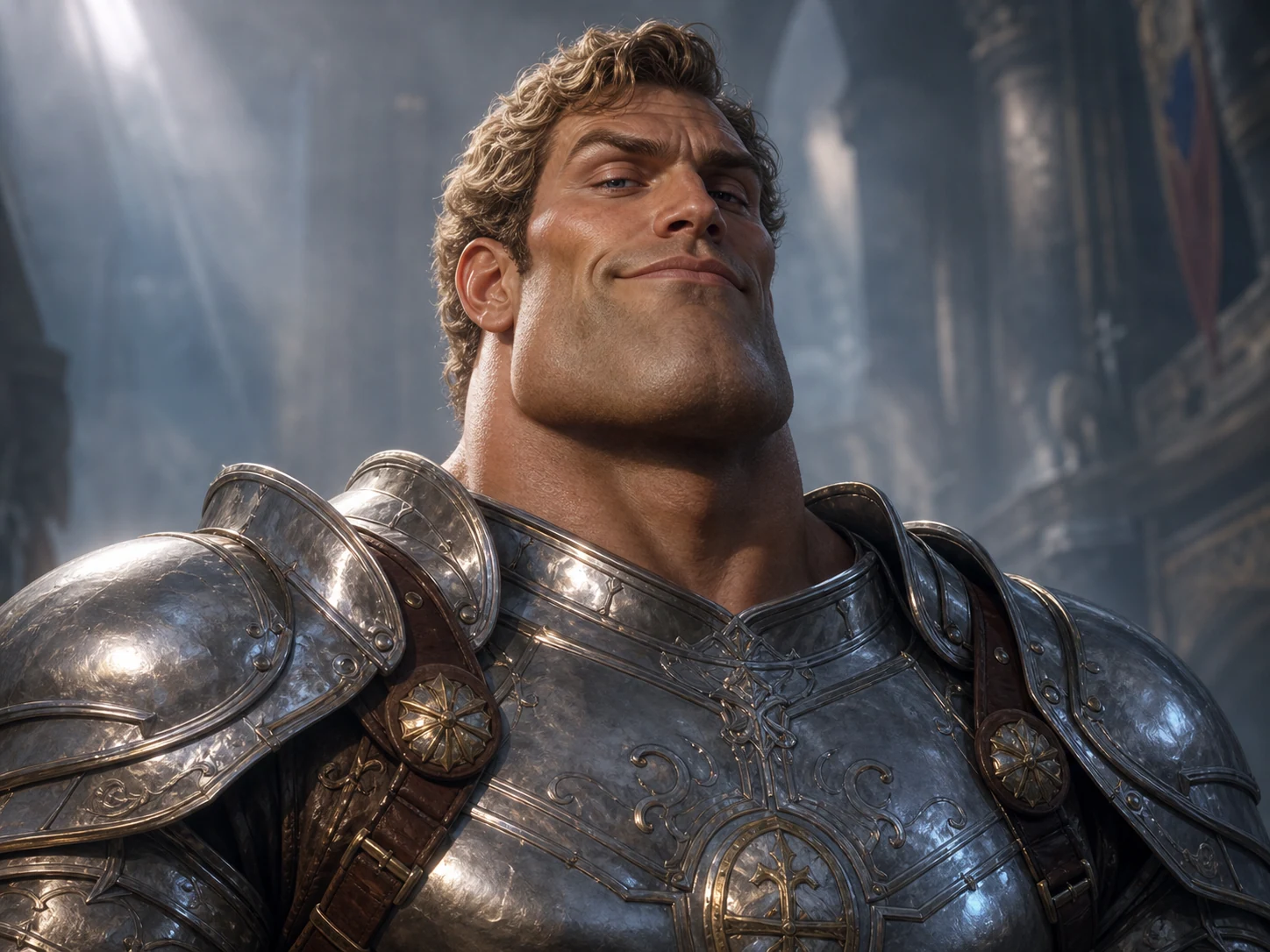
Keep the facial exaggeration, then switch the setting to neon gaming, fantasy armor, anime, comic art, or another original visual world.

Write a Giga Chad prompt
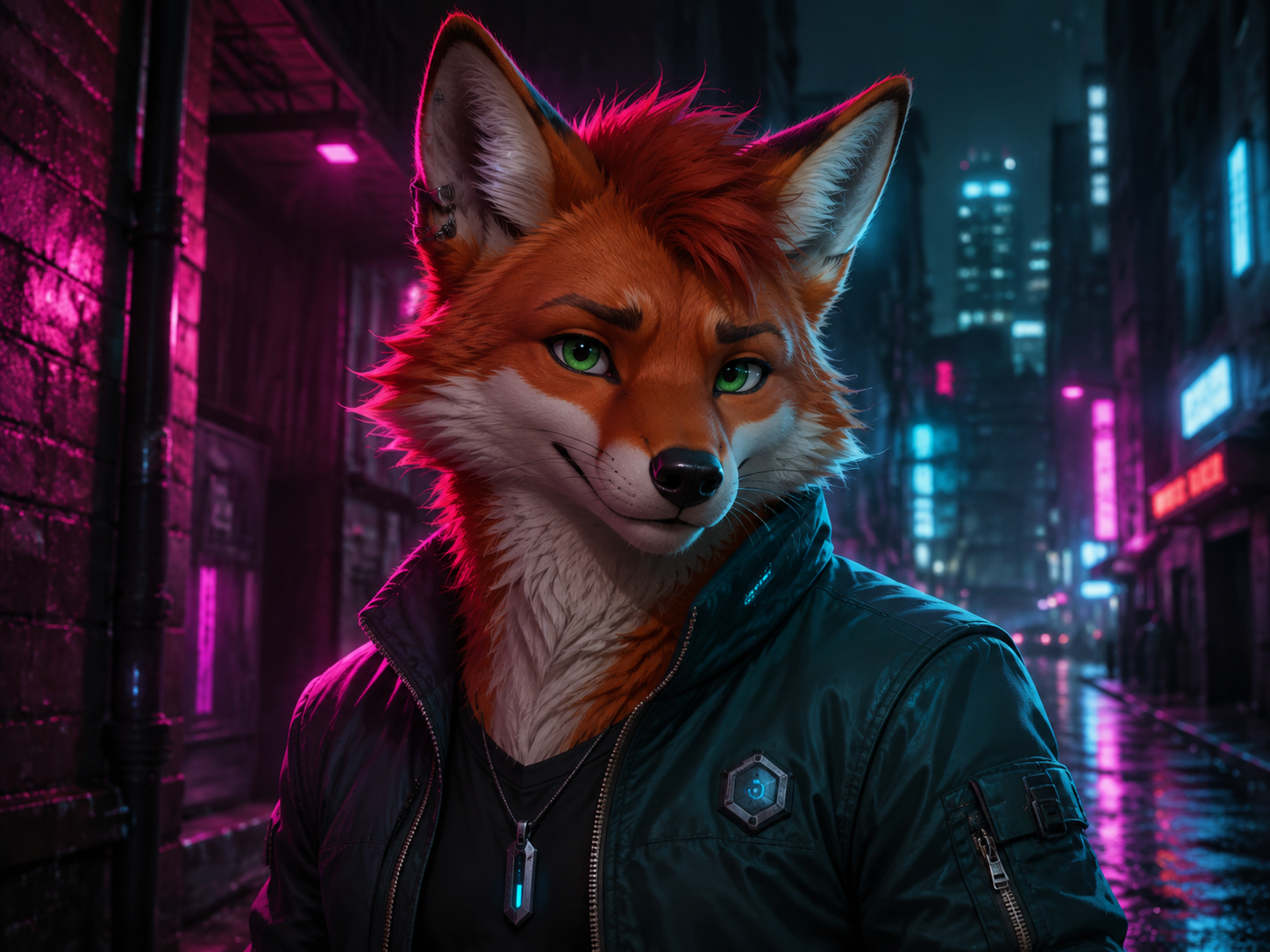
Colorful cinematic Gigachad avatar with blue and magenta lighting

How to use the AI Giga Chad Generator

Create a GigaChad image online in three practical steps.

1

Upload a photo or describe a character

Choose a clear portrait for a personal transformation, or start from text when you want a completely original fictional Chad.

2

Describe the transformation

Name the jaw shape, cheekbones, expression, lighting, color treatment, background, and framing. Say which identity details should remain.

3

Generate, compare, and refine

Check whether the face still reads correctly. Reuse the best result and change one detail at a time before downloading or sharing.

Giga Chad image styles to try

The trend is recognizable because of its facial structure and attitude, not because every image has to be identical. Start with a classic monochrome portrait, then try a social avatar, a color-lit gamer look, or an original character remix.

AI Giga Chad Generator FAQ

It is an AI image generator for creating Gigachad-style portraits and original characters from text or a reference image. It can exaggerate the jawline, cheekbones, neck, expression, and dramatic lighting associated with the meme.

You can try it online with free credits when available. The exact credit cost depends on the selected image model, quality, and number of outputs, and the current total appears before generation.

Yes. Choose a model that supports reference images, upload a clear portrait, and ask it to keep your identity recognizable while strengthening the jaw, cheekbones, neck, expression, and lighting.

Use a sharp, well-lit portrait of one adult with the face, chin, eyes, and hairline visible. Avoid tiny faces, heavy blur, sunglasses, masks, and crowded group photos.

A short prompt gives you more control. Describe the jawline, cheekbones, expression, black-and-white or color lighting, camera crop, and which parts of the person should remain recognizable.

Yes. The visual joke can be applied to any adult portrait. State how strongly you want the face exaggerated and which identity or presentation details the result should preserve.

This page generates a new Gigachad-style image. A traditional meme generator usually places custom text on an existing template. You can download your AI image and add exact caption text afterward.

Yes. Square or close portrait framing works well for Discord, gaming profiles, reaction images, and social posts. Review the result before sharing and use only photos you have permission to upload.

No. This is an independent AI image tool for creating original meme-inspired portraits and characters. It is not affiliated with the person, photographer, or art project associated with the original meme.

Create your own Giga Chad image

Upload one clear portrait or load an example prompt, then choose how subtle, cinematic, or absurd you want the transformation to be.