

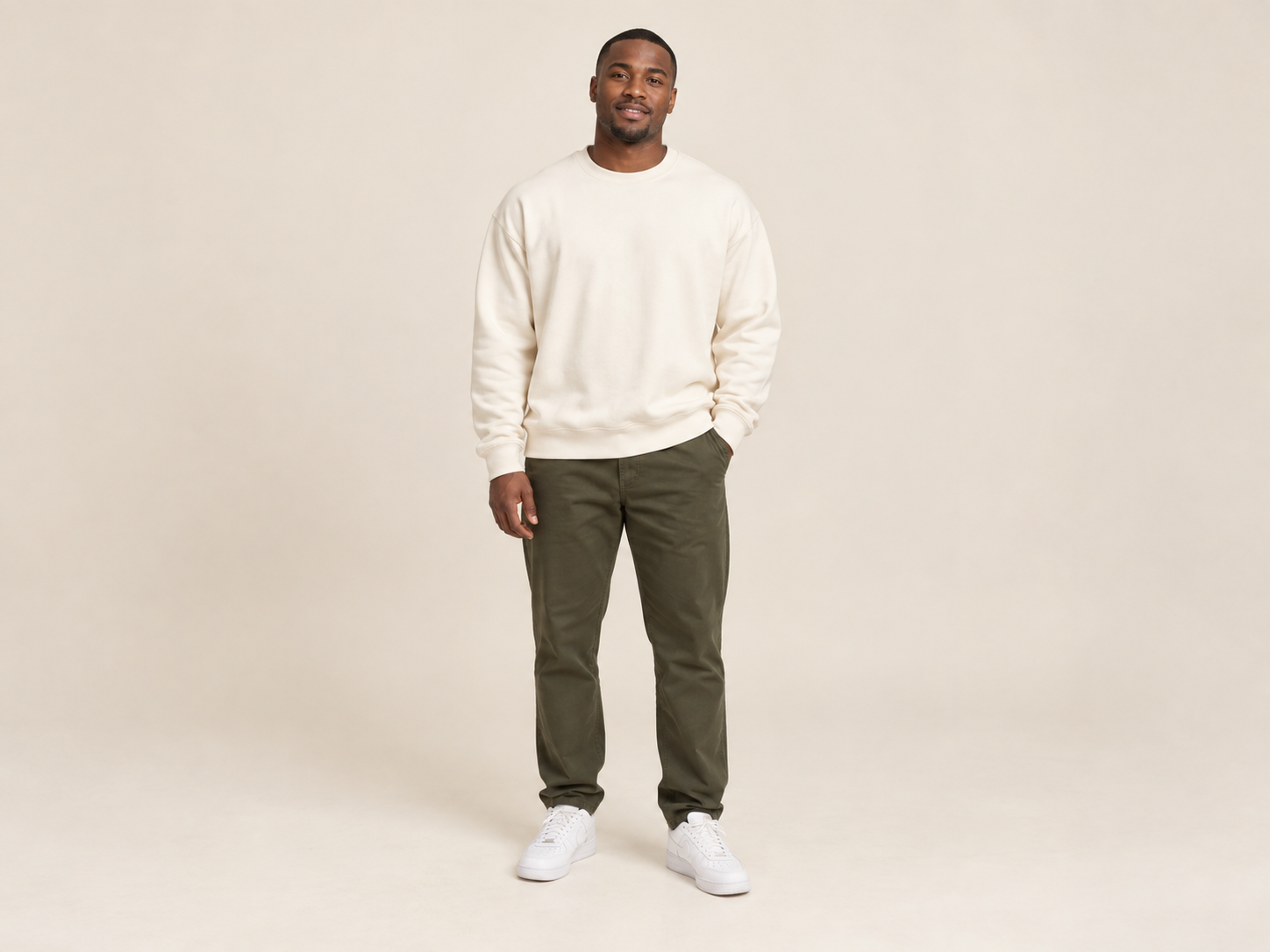
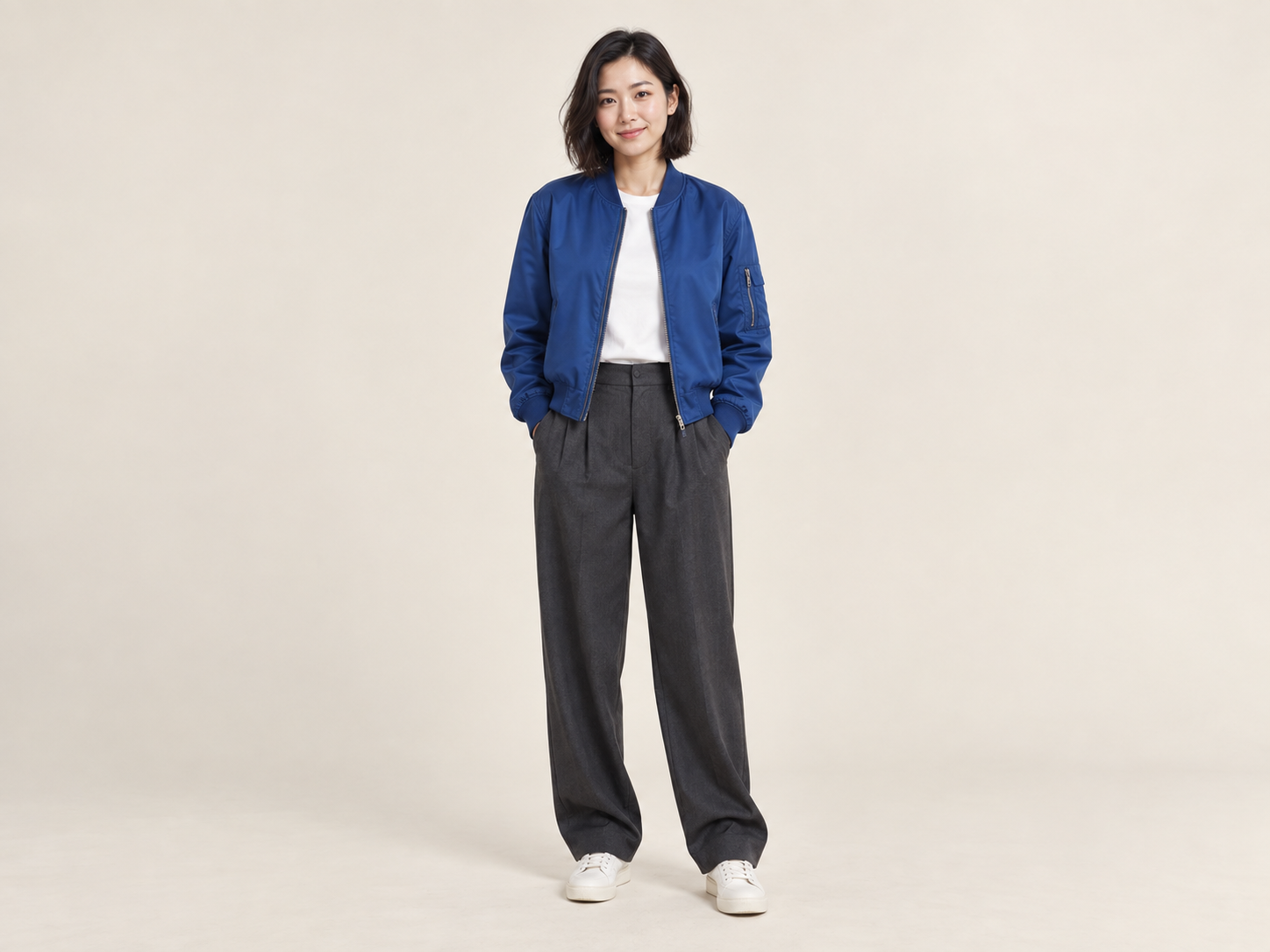
Use @video1 as the reference for the orange studio, hanging microphone, fixed camera and alternating performance. Replace the left performer with @image1 and the right performer with @image2, preserving each subject’s appearance, clothing, proportions and colors. Generate a 15-second, 16:9 video, keeping both subjects fully visible and on their original sides throughout. No cuts, zooms, extra subjects, face blending, text or logos.
Hotel Lobby AI Video Generator
Upload 2 photos—friends, pets, or characters. We put them in the iconic orange booth to trade bars like Quavo & Takeoff.
435/7000
Add reference images (with key frames, max 9 images total). Each file under 30MB. Reference images cannot be combined with key frames.
MP4/MOV, each 2-15s, max 3clips, combined <=15s.
15.0s
MP3/WAV/AAC/M4A/OGG, max 3clips, combined <=15s.
Publish to Explore
?👑
Recreate the Viral "Hotel Lobby" Rap Meme in Seconds
Put anyone in the iconic orange COLORS booth. Swap Quavo & Takeoff with your favorite chaotic duo—friends, pets, or anime icons—trading verses into the hanging mic. Quavo & Takeoff – HOTEL LOBBY | A COLORS SHOW
Any Duo Works
Pair up yourself and a friend, your cat and dog, or two unhinged pop-culture icons.
Ready-to-Use Motion
Pre-synced body movement and booth setup. No prompt tweaking required.
How It Works
Your idea starts with two faces. The example supplies the starting prompt, scene and settings.
Pick the Vibe
Choose an orange-booth reference template.
Swap the Cast
Upload Photo 1 (Left) and Photo 2 (Right)—no prompt writing needed.
Generate & Go Viral
Export your duo's synced rap performance and share to TikTok or Reels.
Make Your Duo Look Shockingly Real
Two good photos are all it takes to get viral-ready results without weird AI glitches.
Clear Solo Portraits
Solo shots work best—avoid crowded group pictures or heavy filters.
Keep Distinct Details Visible
Distinct hairstyles, accessories, or pet markings make the meme hit harder.
Keep Movements Natural
Let the built-in groove handle the rhythm—simpler poses keep faces crisp.
Why Make Your Hotel Lobby AI Video on Promptsref?
Go from “we should try this” to a ready-to-edit example, with room to make the performance your own.
Zero Prompting Needed
Pre-configured with optimal MiniMax H3 settings and video references. Just swap faces.
No Face Blending Glitches
Strict left/right mapping keeps characters, pets, and facial details distinct.
High-Res & Watermark-Free
Clean 768p/2K downloads, ready for CapCut audio sync and social sharing.
What Creators Are Saying
Tyler Jenkins
Instant TikTok viral template
The movements are pre-synced to the beat. Downloaded the clean clip, added the audio on Reels, and it immediately outperformed my usual posts.
Card 3 of 5 — Tyler Jenkins
Other AI Video Generators
AI Brainrot Generator
Turn an absurd idea, a first frame, or character reference images into a short, chaotic AI meme video. Start with an example, replace its image, and push the scene in your own direction.
Open generator
AI Gugugaga Video Generator
Turn one Gugu Gaga Penguin image into a short, share-ready video. Upload a reference, choose a ready-made story prompt, and generate with compatible motion, audio, and aspect-ratio controls.
Open generator
AI Fruit Story Video Generator
Just enter a prompt or upload character images. AI turns them into viral-style fruit meme videos with motion, dialogue, and sound.
Open generator
Hotel Lobby AI Video Generator FAQs
It’s the viral meme recreating Quavo & Takeoff’s iconic "A COLORS SHOW" performance. Instead of the rappers, you swap in any duo—friends, pets, or fictional characters—rapping side-by-side in the famous orange booth.
No. Simply upload two clear photos (Left and Right). The reference motion, orange backdrop, and hanging mic setup are already configured for you.
Yes! Two cats, a dog and cat, or anime figures work great. Clear, well-lit portraits deliver the best lip and body sync.
Use high-contrast, front-facing single shots. Ensure Photo 1 is strictly the left character and Photo 2 is the right character.
Browsing templates and prompts is free. Generating the video uses platform credits (displayed on the button) based on the chosen AI model and duration.
Ready to Jump on the "Hotel Lobby" Trend?
Drop in your favorite duo—friends, pets, or icons—and take the mic before the hype fades.