

Subject and scene
Finds the main subject, setting, objects, action, and visible relationships.
Upload a reference image. Get a prompt you can edit, copy, and reuse.
 Reference image
It looks beyond the main subject and captures the style, lighting, composition, camera feel, and small visual details that shape the final image.
Finds the main subject, setting, objects, action, and visible relationships.
Names the visual direction, such as photo, cinematic, 3D, anime, editorial, product shot, or illustration.
Captures light direction, contrast, palette, shadows, and the overall mood.
Turns framing, angle, lens feel, depth of field, perspective, and crop into prompt language.
Adds texture, clothing, materials, environment details, emotion, and finish.
Gives you a prompt you can use as a base for Midjourney, GPT image, Nano Banana, and other generators.
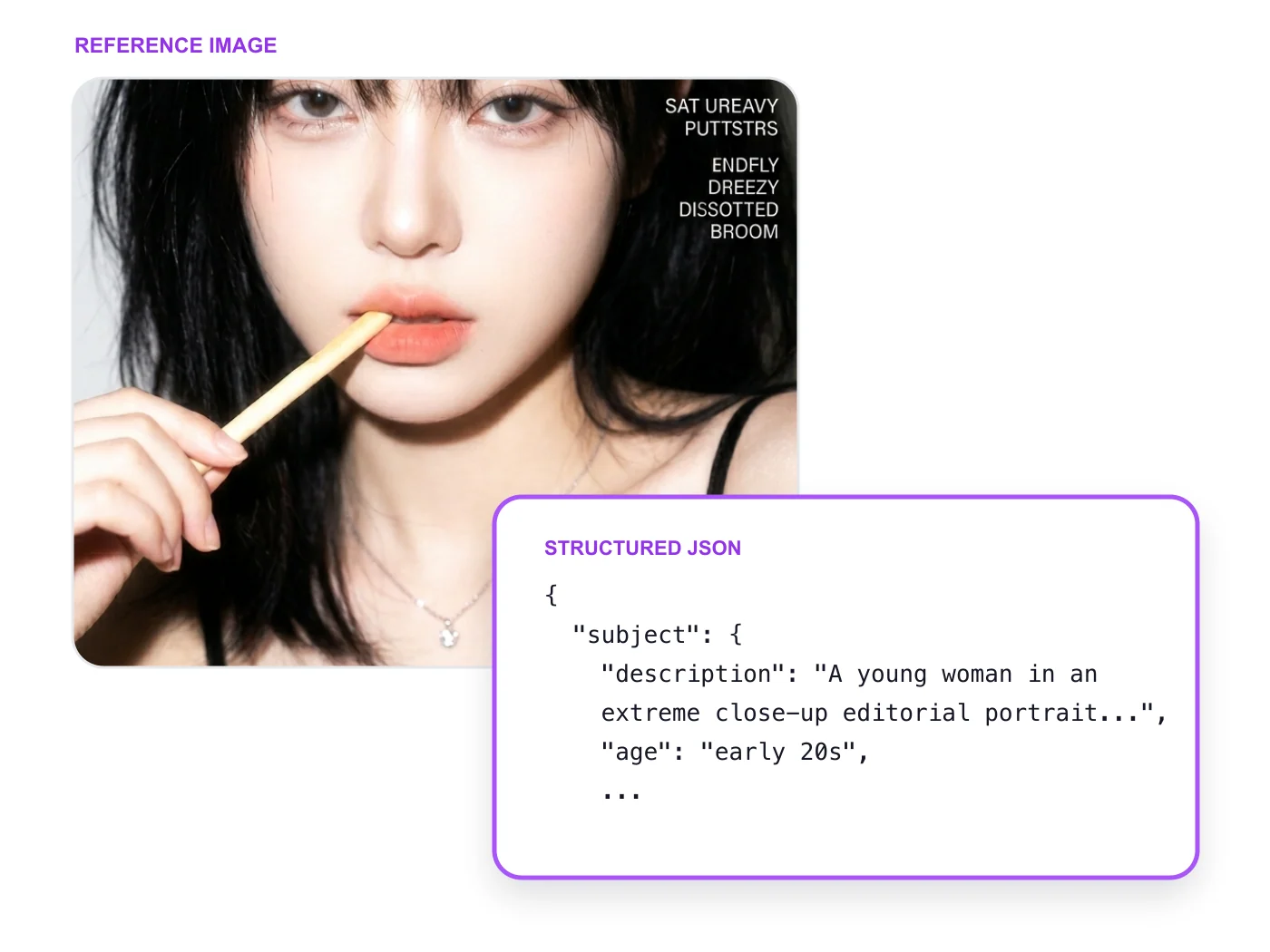
The tool reads the image like a prompt brief, then gives you both a detailed JSON prompt and a shorter natural-language version.
The JSON version breaks the image into subject, pose, outfit, lighting, camera, background, mood, constraints, and negative prompts. That gives the model clearer instructions for rebuilding the look.
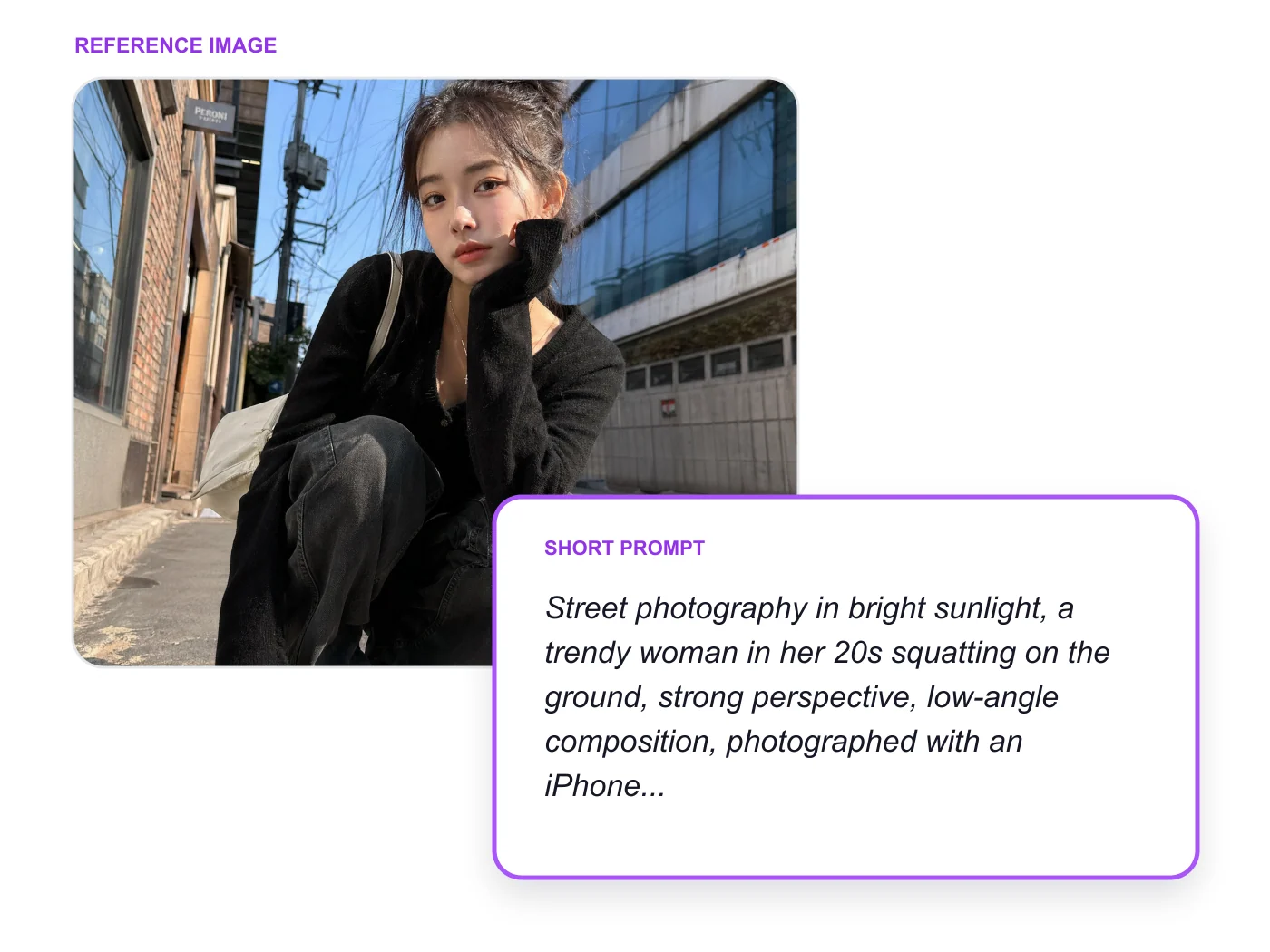
You also get a natural-language prompt. It is shorter, easier to copy, and useful when you want to generate quickly without editing a long JSON block.
Choose the output language before analysis. The prompt keeps the visual details, but reads naturally in the language you use for work.
01 · Reference image

02 · Turn image to prompt
A vertical, documentary-style street photograph with a strong early-20th-century atmosphere: an elderly white-bearded man stands in the narrow doorway of an old dark shop or pub, accompanied by a small scruffy cream-colored terrier-like dog. The man is centered but slightly off-axis, leaning casually against the doorframe with one leg crossed over the other and his weight settled into the threshold. He wears a weathered brown tweed flat cap, a dark charcoal-gray overcoat hanging open, a textured gray herringbone waistcoat, a muted rust-brown tie, loose high-waisted gray trousers, and worn dark leather shoes. His left hand rests inside a trouser pocket while his right hand raises a short smoking pipe to his mouth. His expression is quiet, stern, and contemplative, with narrowed eyes directed toward the camera and a face marked by deep age lines, a full white mustache, and a neatly heavy white beard. Smoke curls softly from the pipe toward the shadowed doorway. The dog sits in the lower-left foreground, looking upward toward the man with an alert, affectionate expression. Its fur is shaggy, wiry, and uneven, pale ivory with slightly darker beige patches around the ears and muzzle; the fur should appear tactile, dusty, and naturally tousled rather than groomed. The man’s face and hands show dry, weathered skin with visible wrinkles, creases, and realistic texture, softly touched by warm reflected light. No other body skin is visible. Frame the scene as a close full-body portrait from a slightly low, eye-level-to-chest-height viewpoint, as if taken by a photographer standing just outside the doorway with a vintage 35mm camera and a normal-to-slightly-wide lens around 40mm. Use a vertical 4:5 composition. Keep the man dominant in the center, the dog anchoring the lower-left corner, and the doorway creating strong dark vertical framing on both sides. Allow slight asymmetry, imperfect centering, subtle lens distortion, a little foreground obstruction, and the feeling of a found archival photograph rather than a polished studio portrait. The old shopfront is cramped and heavily worn: dark brown and black wooden doorframes, chipped paint, stained surfaces, faded hand-painted signs, shelves of bottles, stacked papers, tins, and small miscellaneous goods visible along the edges. The interior behind the man is almost black, creating a deep recess that makes his face, clothing, pipe smoke, and the dog stand out. Use warm, low-contrast daylight mixed with amber reflections from aged wood and nearby shop surfaces. A soft directional light enters from the front-left, grazing the man’s beard, cap, coat shoulders, waistcoat texture, and the dog’s fur while leaving the doorway behind him in dense shadow. Add faint cool ambient fill from the street, subtle rim light on the coat edge, and naturally uneven exposure across the frame. The light should behave physically: highlights catch on worn fabric fibers, the pipe, dusty bottles, and rough wood; shadows remain brown-black and slightly lifted rather than pure digital black. Use shallow-to-moderate depth of field, keeping the man’s face, pipe, waistcoat, and dog recognizable while allowing the shop edges and background objects to soften gradually. Create a tactile analog image with muted sepia, tobacco brown, olive gray, charcoal, faded cream, and subdued rust tones. Include fine film grain, slight halation around bright edges, soft focus falloff, minor dust specks, faint scratches, gentle vignette, restrained color fading, and the imperfect tonal softness of an aged color photograph or hand-tinted archival print. Avoid a modern digital-clean appearance, fashion-editorial polish, exaggerated sharpness, glamour retouching, plastic skin, contemporary clothing, excessive smoke, dramatic cinematic lighting, or a pristine background. The image should feel like a fleeting moment that happened decades ago and was discovered later: a tired shopkeeper pausing in the doorway, his loyal dog waiting beside him, while the street continues just outside the frame. Caption energy: “He had been standing there all afternoon, pipe glowing quietly, the dog watching the world go by.”
03 · Generated image

Keep the visual description, then add the aspect ratio, style syntax, or parameters your model needs.
Use detailed natural-language prompts for subject, pose, camera, light, and finish.
Works well for reference recreation, visual remixing, and image-aware prompts.
Useful for style matching, cinematic references, SREF exploration, and concept images.
Use the extracted prompt as a base, then add the syntax your generator expects.
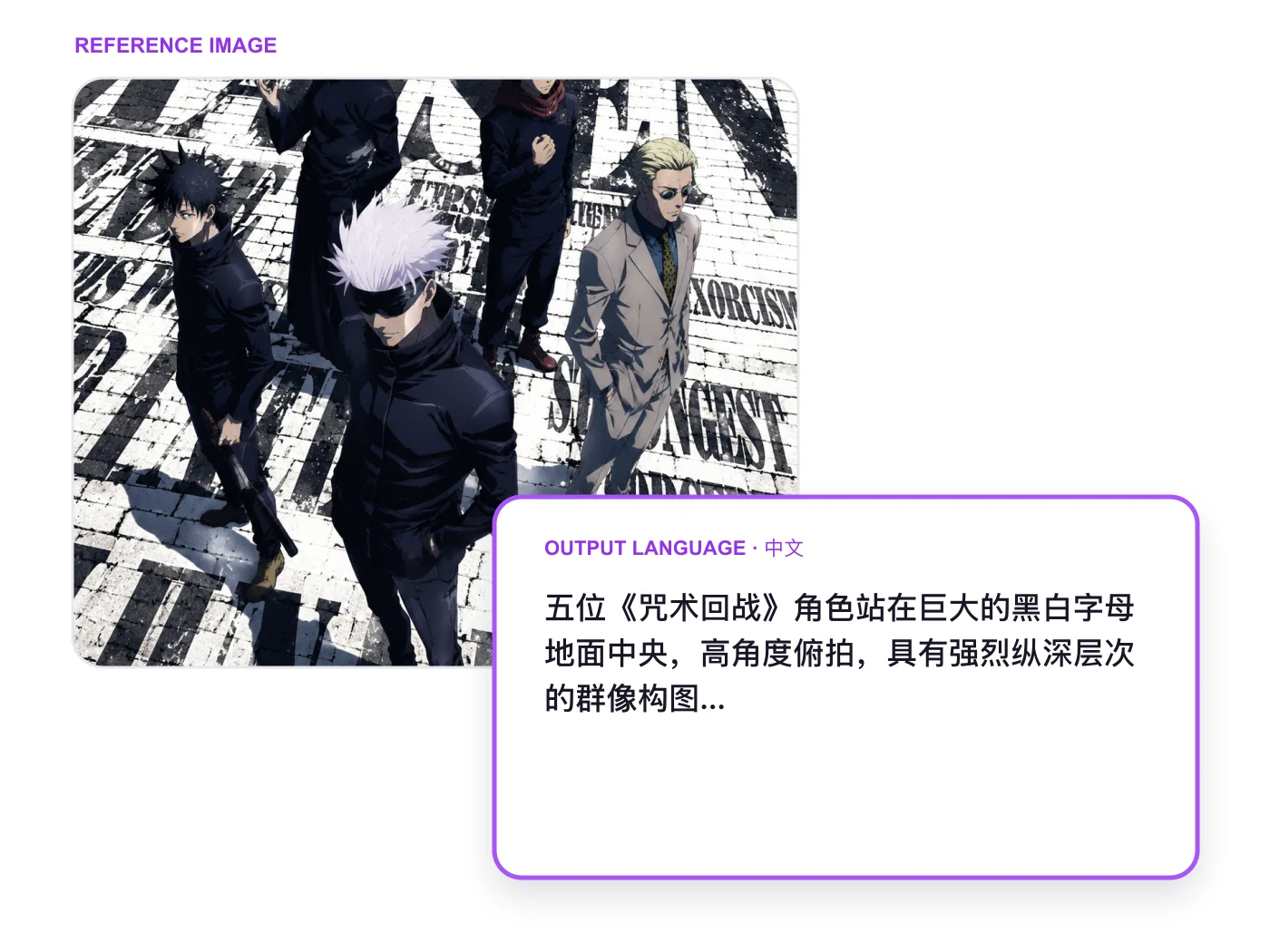
Works across all kinds of scenes—from portraits and products to posters, illustrations, food, travel, and more.
The Image-to-Prompt tool converts images into descriptive prompts. It uses artificial intelligence to analyze image content and generate corresponding prompts, which can be used for creating similar images or other text-to-image generation tasks. This tool helps users better understand and describe image content, facilitating AI image generation and creative work.
Your uploaded image is securely stored so you can access the generated prompt and your history. It remains private to your account and is visible only to you. It is not displayed in the public gallery or shared with other users through Image to Prompt.
Image-to-Prompt plays a crucial role in AI image generation by helping users extract key information from existing images and generate accurate prompts. These prompts can serve as new descriptions for creating similar or improved images, helping users better understand how AI "sees" images and improve their prompt-writing skills.
Image-to-Prompt output typically includes descriptions of the main subject, setting, artistic style, color scheme, lighting conditions, and overall mood or atmosphere. It may also describe specific subjects, actions, poses, composition, perspective, coloring, style, or detailed features present in the image, aiming to provide a comprehensive textual representation.
Using Image-to-Prompt is simple: just upload an image to our tool. Our AI will analyze the image and generate detailed prompts. You can then use this prompt as a starting point for creating new images with AI image generators or refine it further based on your specific needs.
Our Image-to-Prompt generator uses advanced AI models to provide highly accurate image descriptions. However, like all AI technologies, it may occasionally misinterpret certain elements. We continuously work to improve its accuracy and encourage users to review and adjust generated prompts as needed for their specific purposes.
Our Image-to-Prompt generator is designed to handle various types of images, including photographs, digital art, and illustrations. However, it performs best with clear, high-resolution images. Some highly abstract or complex images may result in more generalized descriptions.
Using Image-to-Prompt helps you gain insight into how AI interprets visual information. This helps you understand what elements to include in your own prompts when generating images and serves as an excellent tool for learning the vocabulary and structure of effective image prompts.
No, the Image-to-Prompt generator does not allow any NSFW content. Uploading NSFW content will be blocked by our system.


