

Replace the woman with long straight black hair (on the left when both are in frame) with the person in reference image 1. Replace the woman with light brown hair (on the right when both are in frame, and the one shown alone at the start) with the person in reference image 2. Each keeps the face, hairstyle, body and outfit from her own reference image, and their identities never swap or blend across the whole video, including close-ups and the rotated shot. Keep the original dance moves, timing, camera movement, framing and white background unchanged. Clean footage, no watermark, no text.
A2O LITE NEON Dance AI Video Generator
Two photos, one neon dance. Replace the black-haired dancer on the left and the light-brown-haired dancer on the right while the choreography, timing and camera stay the same.
Add reference images (with key frames, max 9 images total). Each file under 30MB. Reference images cannot be combined with key frames.
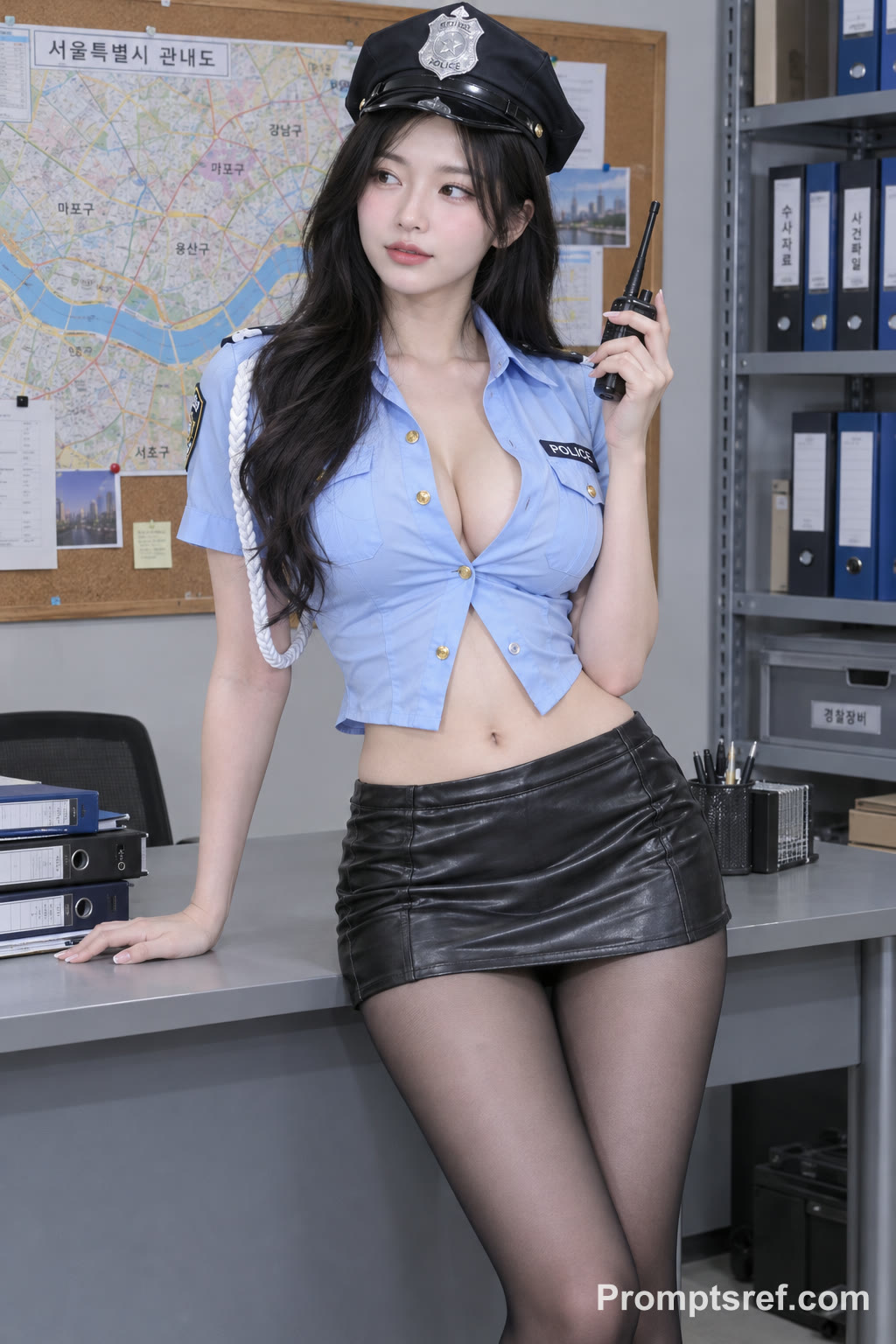
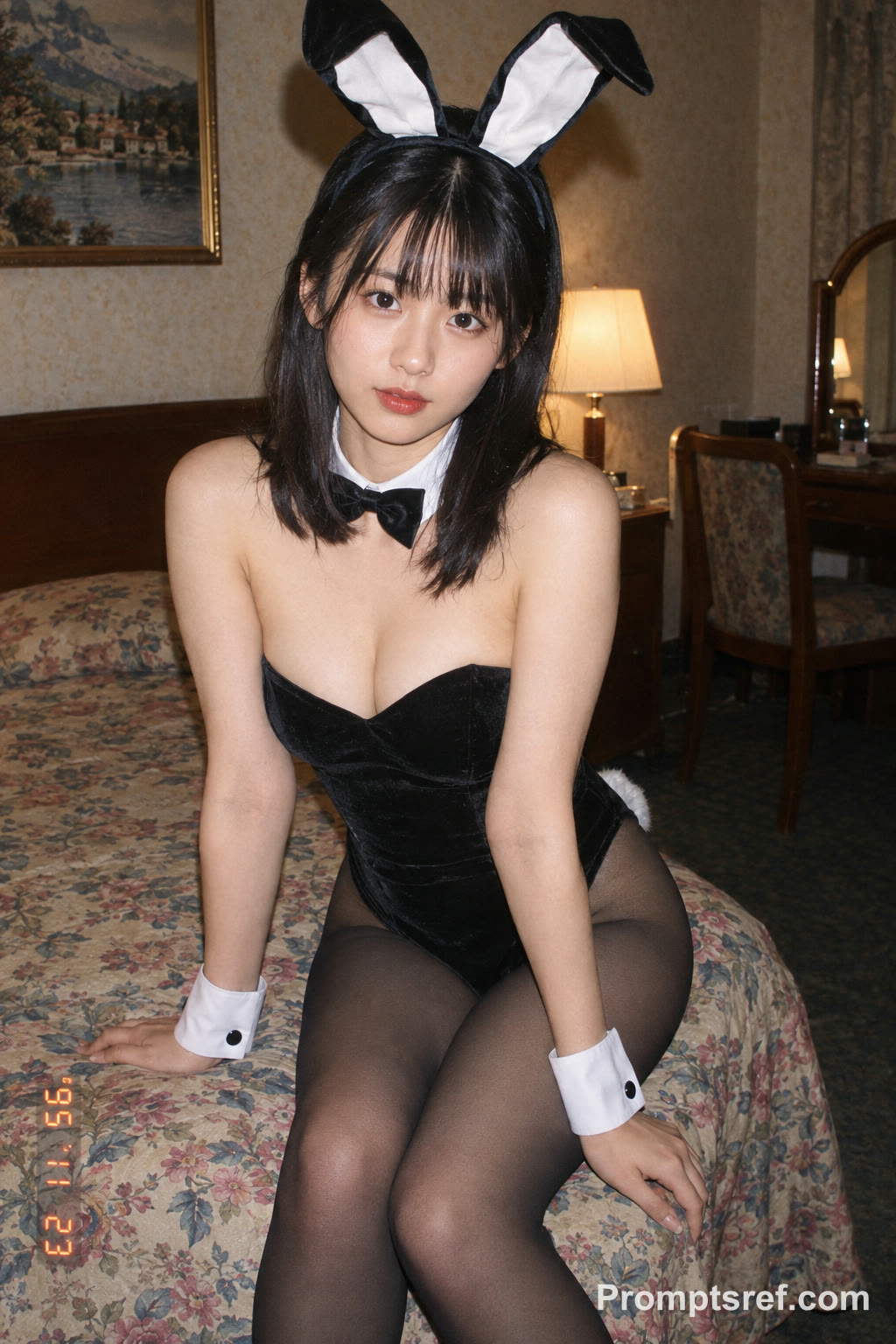
595/20000
MP4/MOV, each 1-15s, max 5 clips, combined <=15s.
15.0s
MP3/WAV/AAC/M4A/OGG, max 5 clips, combined <=15s.
Publish to Explore
?👑
Two Photos Become an A2O LITE NEON Dance Duo
This saved result uses the two portraits below. The template loads both photos, the 15-second dance reference and the swap prompt. Replace the photos to put your own pair on the white stage.
Preset settings
Wan 3.0 · 15 s · 480p · adaptive
Preview includes sound; listen before sharing
How to Make an A2O LITE NEON Dance AI Video
1
Replace the two photos
The template is already loaded. Image 1 becomes the dancer on the left; image 2 becomes the dancer on the right who also opens the clip solo. Keep that order.
2
Keep the dance reference
The 15-second reference supplies the moves, timing, close-ups and rotated shot. The default is Wan 3.0, 15 seconds, 480p, adaptive ratio, with audio. The prompt is editable.
3
Generate, check and download
Check the credit estimate, then generate. Watch faces in the close-ups and the rotated shot, check that the two dancers never swap, then download your favorite take.
Give Each Dancer a Clear Reference
Full body if possible
The choreography shows legs and full outfits. A head-to-knee or full-body photo keeps the body and outfit closer to your reference.
One person per photo
Use sharp, evenly lit photos with no other faces. Distinct looks help the model keep the two identities apart.
Mind the left/right roles
Image 1 is left, image 2 is right and the solo opener. Review the whole clip for blended faces or swapped outfits.
Who Joins Your Neon Dance?
You and your best friend
Turn the dance challenge everyone is posting into a duo clip that actually features the two of you.
Cosplay and character looks
Put two costume looks on the same choreography and compare which one carries the moves better.
Creator collab teaser
Announce a collaboration with a short synced dance between two recognizable creator styles.
Why Make Your Dance on Promptsref?
A complete preset
Photos, dance reference, prompt and model settings load together, so you only change the cast.
Editable instructions
Read the swap rules and change outfits, background or identity notes before you spend credits.
Visible settings and cost
The generator shows model, duration, quality and the credit estimate including the reference video.
Other AI Video Generators
KONG KONG KING KING KING AI Video Generator
Two photos. One keyboard. Your duo. Replace the left keyboard player and the right hype partner in the white-studio performance with your chosen pair.
Open generator
STORM II AI video generator
Our STORM II AI video generator puts your characters in the scene: one image for the front, one for the steps. Our self-made depth reference carries only the dance, so every face and outfit comes from your images.
Open generator
Hotel Lobby AI Rap Duo Video Generator
Upload 2 photos—friends, pets, or characters—and this free Hotel Lobby AI Rap Duo Video Generator drops them into the iconic orange booth to trade bars like Quavo & Takeoff.
Open generator
AI Brainrot Generator
Turn an absurd idea, a first frame, or character reference images into a short, chaotic AI meme video. Start with an example, replace its image, and push the scene in your own direction.
Open generator
AI Fruit Story Video Generator
Just enter a prompt or upload character images. AI turns them into viral-style fruit meme videos with motion, dialogue, and sound.
Open generator
AI Gugugaga Video Generator
Turn one Gugu Gaga Penguin image into a short, share-ready video. Upload a reference, choose a ready-made story prompt, and generate with compatible motion, audio, and aspect-ratio controls.
Open generator
Rosé & Bruno Mars APT. AI Video Generator
Add two photos to the Rosé & Bruno Mars APT. AI video generator — Photo 1 grabs the mic, Photo 2 takes the drums — and get a 15-second pink-studio duo video.
Open generator
A2O LITE NEON Dance AI FAQs
It recasts the two dancers in a white-studio A2O LITE NEON style choreography with the people from your two photos, keeping the source dance moves, timing, camera movement and framing.
Two separate photos, one clear person each. Image 1 replaces the black-haired dancer on the left; image 2 replaces the light-brown-haired dancer on the right who also appears alone at the start.
No. The 15-second reference video and the prompt are already in the template. Just replace the photos.
The prompt tells the model not to swap or blend identities, including close-ups and the rotated shot. AI can still drift, so watch the full clip before sharing.
Wan 3.0, 15 seconds, 480p, adaptive aspect ratio, audio on. Generation uses credits; the button shows the estimate, which includes the reference video. Browsing the example is free.
Yes, but reference-video support differs between models. Start with the Wan 3.0 preset to reproduce the saved example.
Put Your Duo on the Neon Stage
Pick two photos, swap them in and create your version of the dance. An independent AI creative tool, not affiliated with A2O, its artists or performers.