

Free Online Video Frame Extractor
Extract frames from videos instantly. All processing happens in your browser - no server upload required.
Free Online Video Frame Extractor: Key Features
Extract high-quality images from your videos instantly with our local, browser-based video frame extractor.
100% In-Browser (No Upload)
Your video stays on your device—processing runs locally for privacy.
Extract Frames to JPG/PNG
Save frames as clean images for thumbnails, references, or datasets.
Interval-Based Extraction
Grab frames every 1s / 2s / 5s (or your preferred interval) for fast sampling.
Timestamp Precision
Pick a specific moment to extract the exact frame you need (perfect for “that one shot”).
Batch Download as ZIP
Download all extracted frames in one click to keep workflows smooth.
Fast & Lightweight
Designed for quick extraction without complicated settings.
Free Online Video Frame Extractor: Best Use Cases
YouTube / TikTok Thumbnails
Extract the sharpest moment from your video to create thumbnails that get more clicks.
Storyboards & Shot Review
Pull frames at a fixed interval to review pacing, framing, and continuity—great for editors and creators.
AI Video Workflows
Need a reference frame for image-to-video tools? Extract the first / last / key frame and move on.
Datasets & Research
Extract frames every N seconds to build quick datasets for labeling, testing, or experiments.
Social Media Threads
Split highlights into frame sequences and post as a thread—ideal for tutorials, breakdowns, and “how it’s made”.
Free Online Video Frame Extractor: How It Works
Upload Video
Upload a video file (processed locally in your browser).
Choose Mode
Choose extraction mode: interval (every N seconds) or a specific timestamp.
Preview Results
Preview results and select what you want to keep.
Download
Download frames individually or export everything as a ZIP.
What Creators Say
““No upload is a huge win””
I was worried about uploading my private videos to a random server. This tool runs completely in my browser, which is a huge win for privacy.
““Perfect for thumbnails””
I use this for every YouTube video. Finding the exact frame for a thumbnail used to be a pain, but the timestamp precision here is perfect.
““ZIP download saved me time””
I needed to extract hundreds of frames for a dataset. The batch download as ZIP feature saved me hours of manual saving.
Other AI Tools
Explore more AI tools to enhance your creative workflow

AI Prompt Generator
Develop image and video prompts through conversation with selectable specialist Skills.
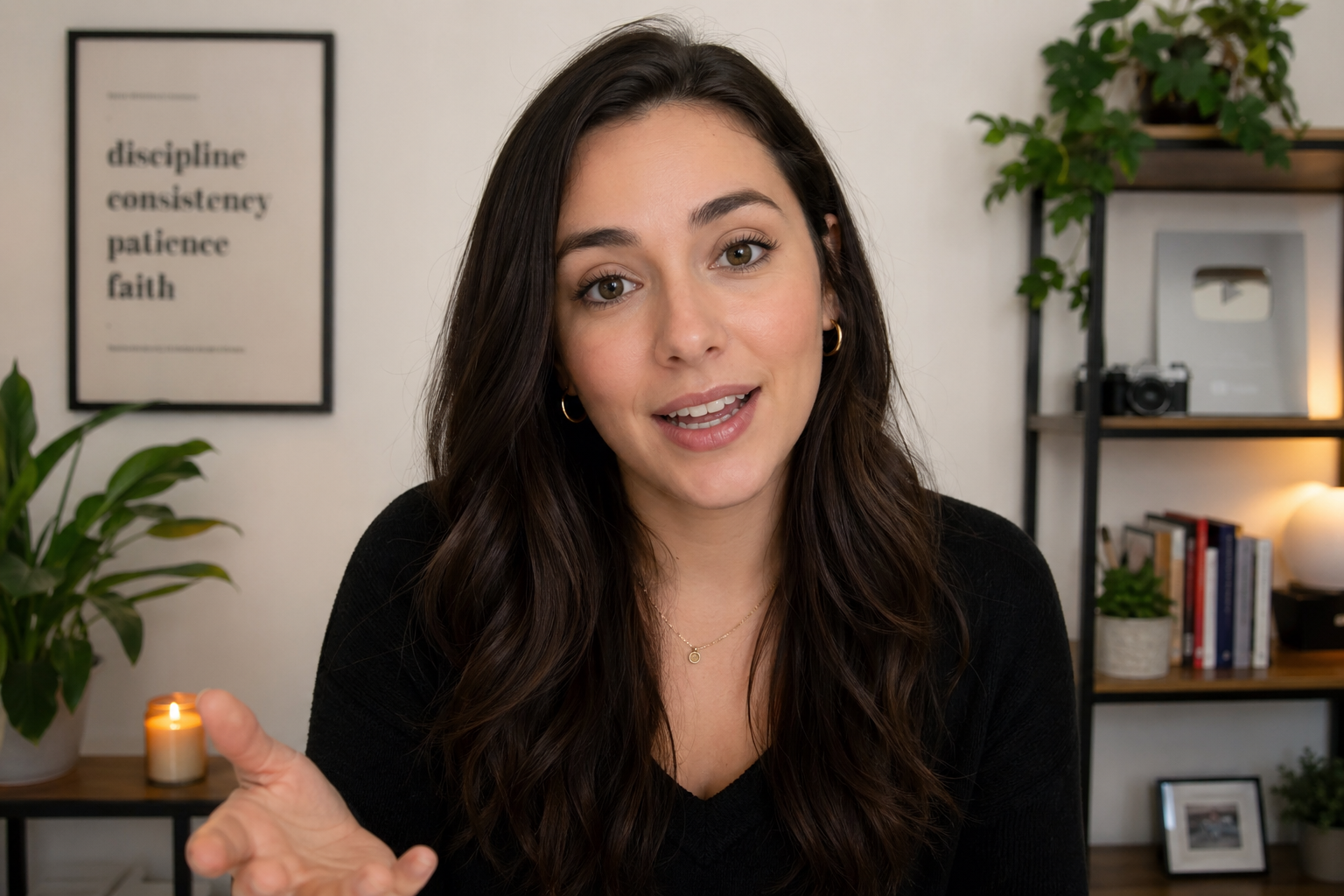
AI Lip Sync Generator
Turn a portrait and a script or audio file into a realistic talking video.
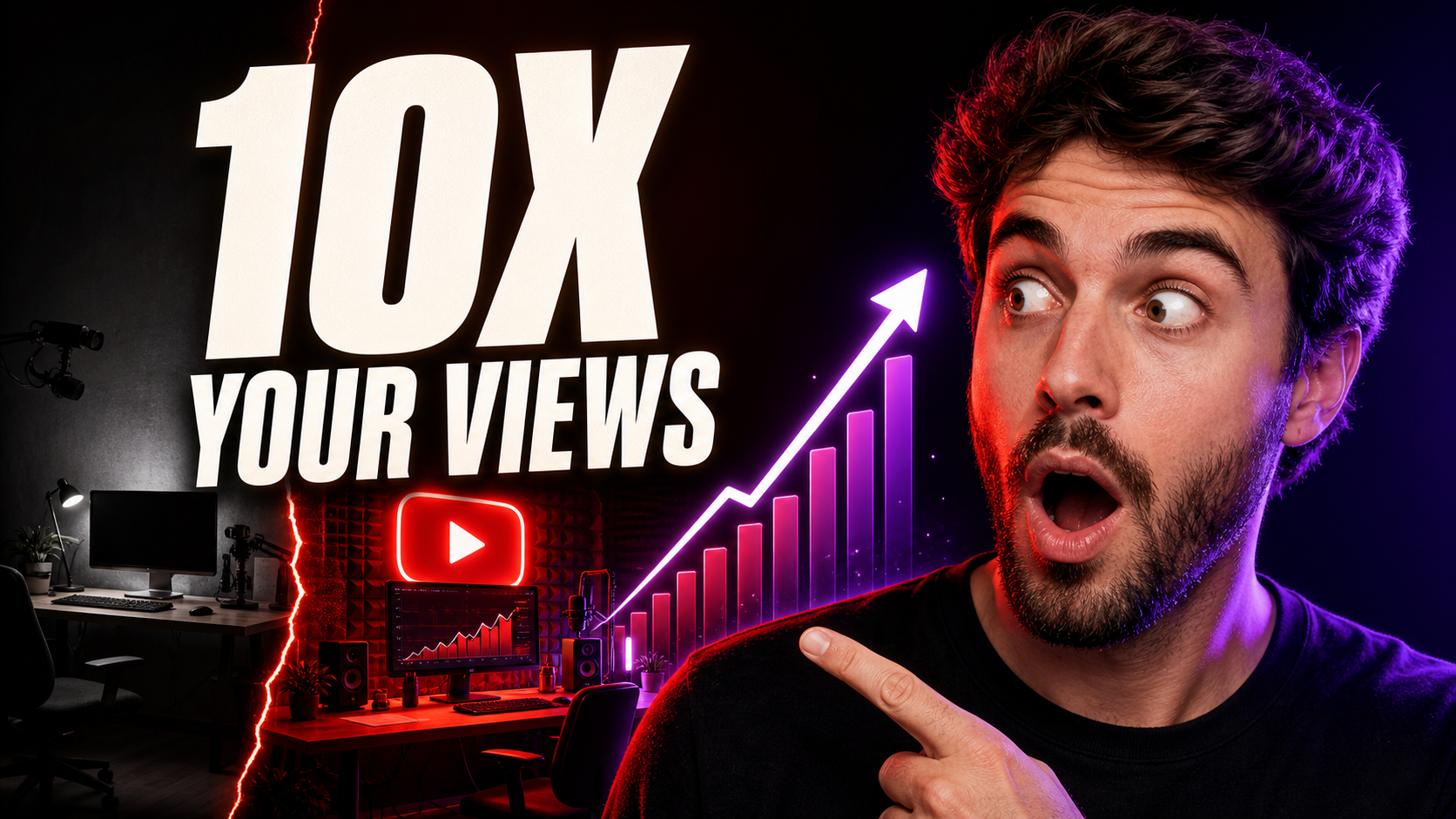
YouTube Thumbnail Generator
Create 16:9 YouTube thumbnail concepts from a prompt or reference image.
Video Motion Control
Generate videos with motion control using AI. Upload an image and a reference video to create dynamic video content.

AI Image Generator
Generate images from text prompts using multiple AI models simultaneously

AI Product Listing Image Generator
Turn a product photo or description into main images, lifestyle scenes, and ads for your online store.

Image to Prompt Generator
Upload a reference image and turn it into detailed JSON and natural-language prompts.

Upscale Image AI 4K
Upscale images to 2K, 4K, or 8K while preserving important details.

Multiple Angle Images AI Generator
Generate 3×3 multi-angle grid images from a single photo using AI

AI Change Angle
Upload one image and change its camera angle with AI rotation, tilt, and distance controls

Split Image Into Grid
Split an image into smaller pieces and upscale each tile to HD quality

Crop & Remove Background
Crop images and remove backgrounds. Upload an image and get clean cutouts or precise crops in seconds.

Free Turn Grid to Video
Upload grid images and convert them to videos. Split grid images into frames and combine them into smooth videos. Support multiple images for seamless video creation.
Multi-Model AI Video Generator
Generate videos from text or keyframes using multiple AI video models in a single workflow.
AI Depth Video Generator
Turn a short video into a depth-map video for motion transfer and reference-driven AI video workflows.
AI Video Quality Enhancer
Upscale short videos to 1080p or 4K and choose 30 or 60 fps.
AI Voice Generator
Create natural AI voiceovers with text to speech, voice clone, and voice design using Qwen3 TTS.
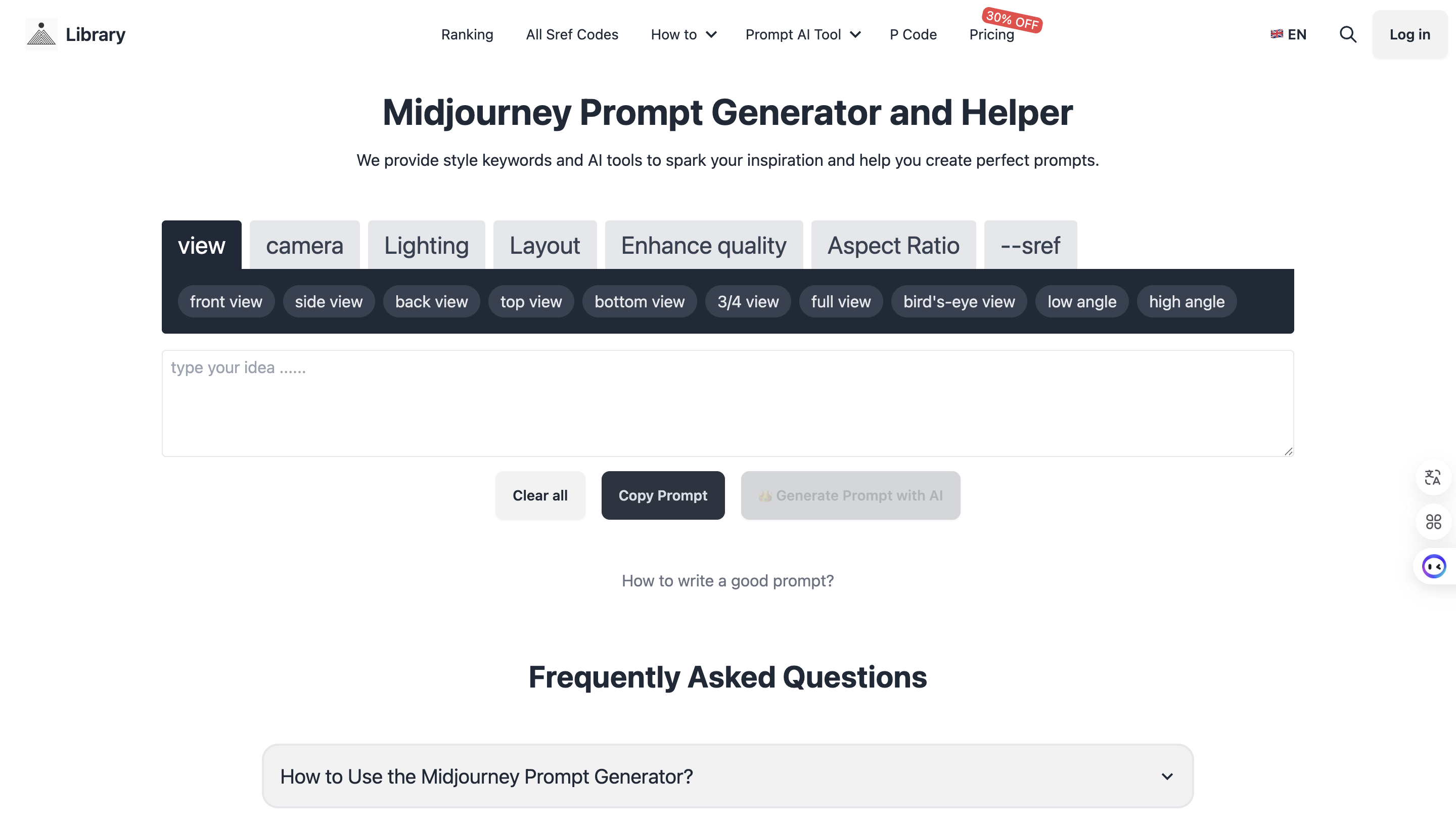
Midjourney Prompt Helper
Generate perfect prompts with AI assistance