Free AI Game Character Generator Online

Create original game character art from a text prompt or reference image. Choose an AI model and aspect ratio, then generate heroes, NPCs, enemies, portraits, and full-body concepts online.

0/20000
Total Credits9
GPT Image 29
Publish to Explore
?
👑
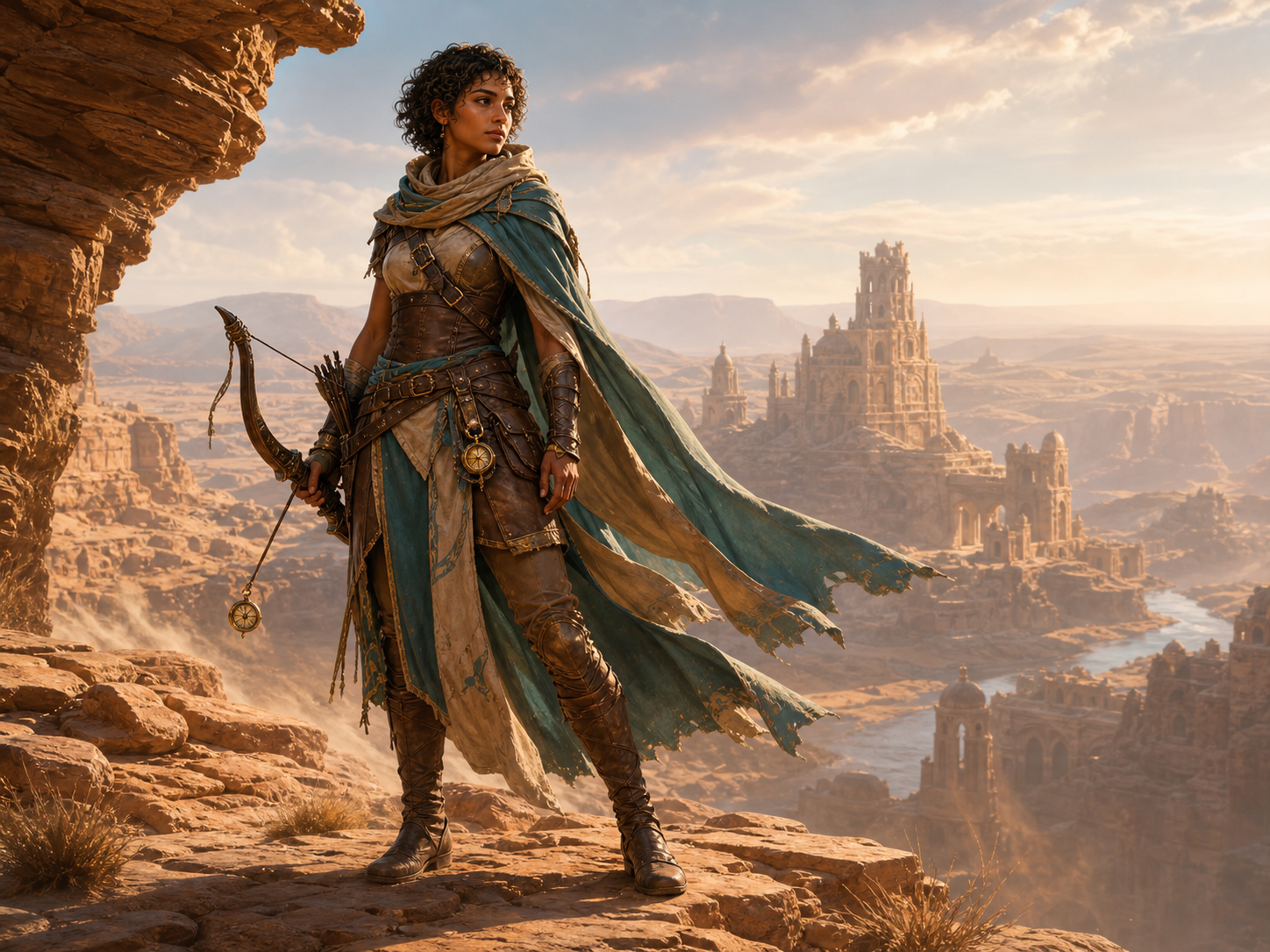
Desert Ranger

Original adult female desert ranger game character, sun-browned skin, short dark curls, layered teal-and-sand travel cloak, practical light leather armor, recurved bow, small brass compass charm, windswept sandstone overlook above distant ruins, warm late-afternoon sunlight, polished painterly AAA fantasy game concept art, full-body three-quarter pose, strong readable silhouette, no text, no logo, no watermark
Create game characters from text or a reference image

Start from a written idea when you are designing a new character, or upload an existing image when you want the result to follow a recognizable face, outfit, pose, or color palette. The generator creates new 2D character art that you can refine in later generations.

Generate a character from a prompt

Describe the character’s role, appearance, clothing, equipment, pose, setting, and art style to create a new design from scratch.

Guide the result with a reference image

Choose a model that accepts image input, upload a clear reference, and say which visual details should remain recognizable.

Create heroes, NPCs, enemies, and more

Use the same generator for playable heroes, party members, merchants, quest givers, bosses, monsters, and background characters.

Create a game character
Original desert ranger made with the AI Game Character Generator

Choose the style, framing, and setting you need

Create a dialogue portrait, a full-body concept, key art, or a character shown inside the game world. You control the visual direction through the prompt, selected model, and canvas shape.

Try different game art styles

Generate anime, painterly fantasy, realistic science fiction, stylized 3D, cartoon, pixel-inspired, or other looks supported by the selected model.

Pick an aspect ratio for the final use

Use a vertical canvas for full-body character art, square for avatars, or landscape when the environment is part of the composition.

Control pose, camera, and environment

Ask for a close portrait, three-quarter view, action pose, side view, neutral concept pose, or a character placed in a specific scene.

Write a character prompt
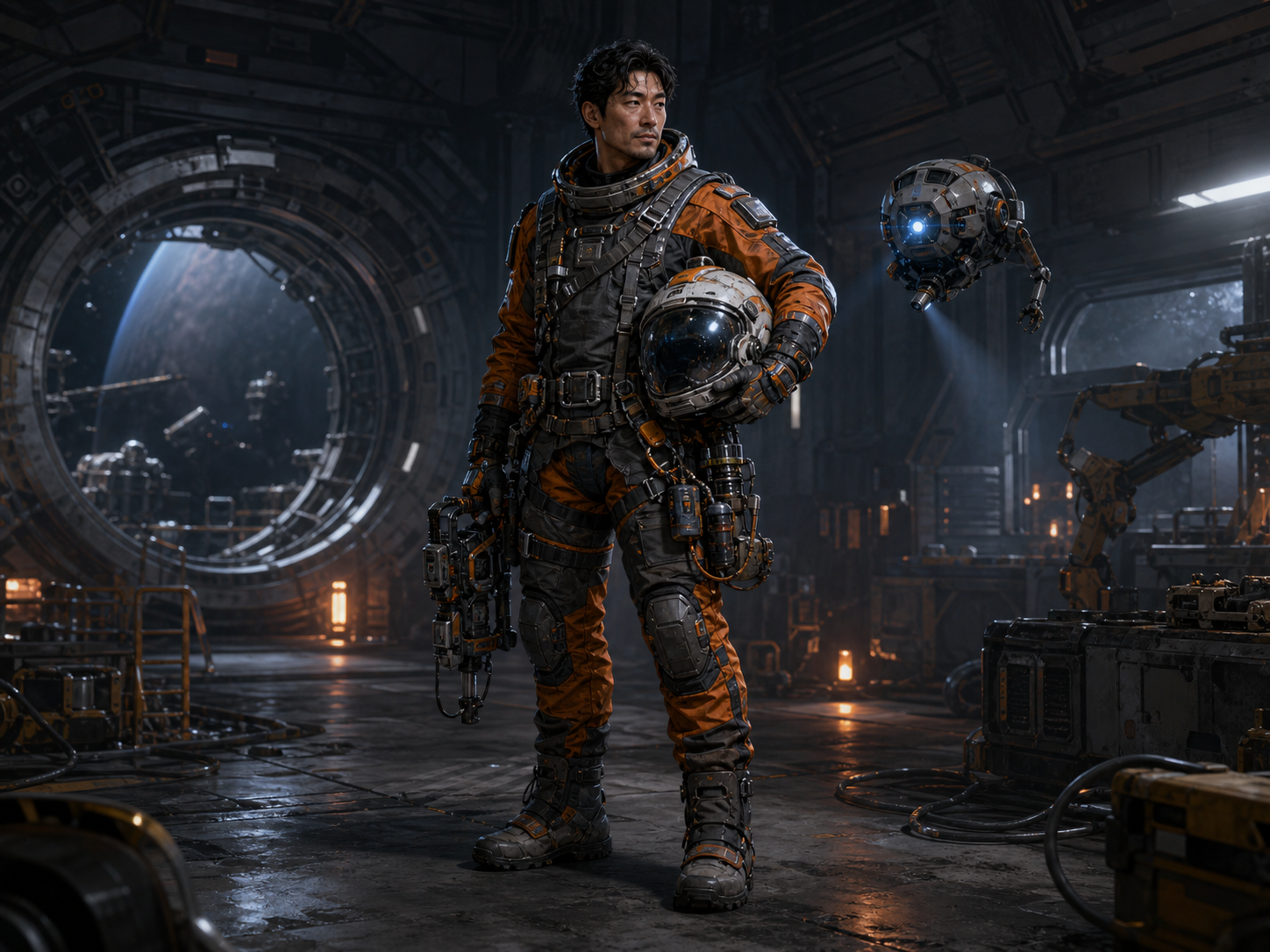
Sci-fi orbital engineer shown as a readable game character design

AI game character generator features

The generator combines character-focused examples with the controls of the main AI image workspace, so you can start quickly and keep working from the results.

Text and reference-image input

Create a character entirely from text, or add reference images when the selected model supports them.

Model and aspect-ratio controls

Choose an available image model and a canvas shape that fits an avatar, portrait, character sheet, or scene.

Character examples with reusable prompts

Open any example to load its full prompt, model, and aspect ratio, then replace the details with your own character.

Download, share, and generate again

Review generated images, download the versions you want, share a result, or reuse its settings for another generation.

Try a character prompt
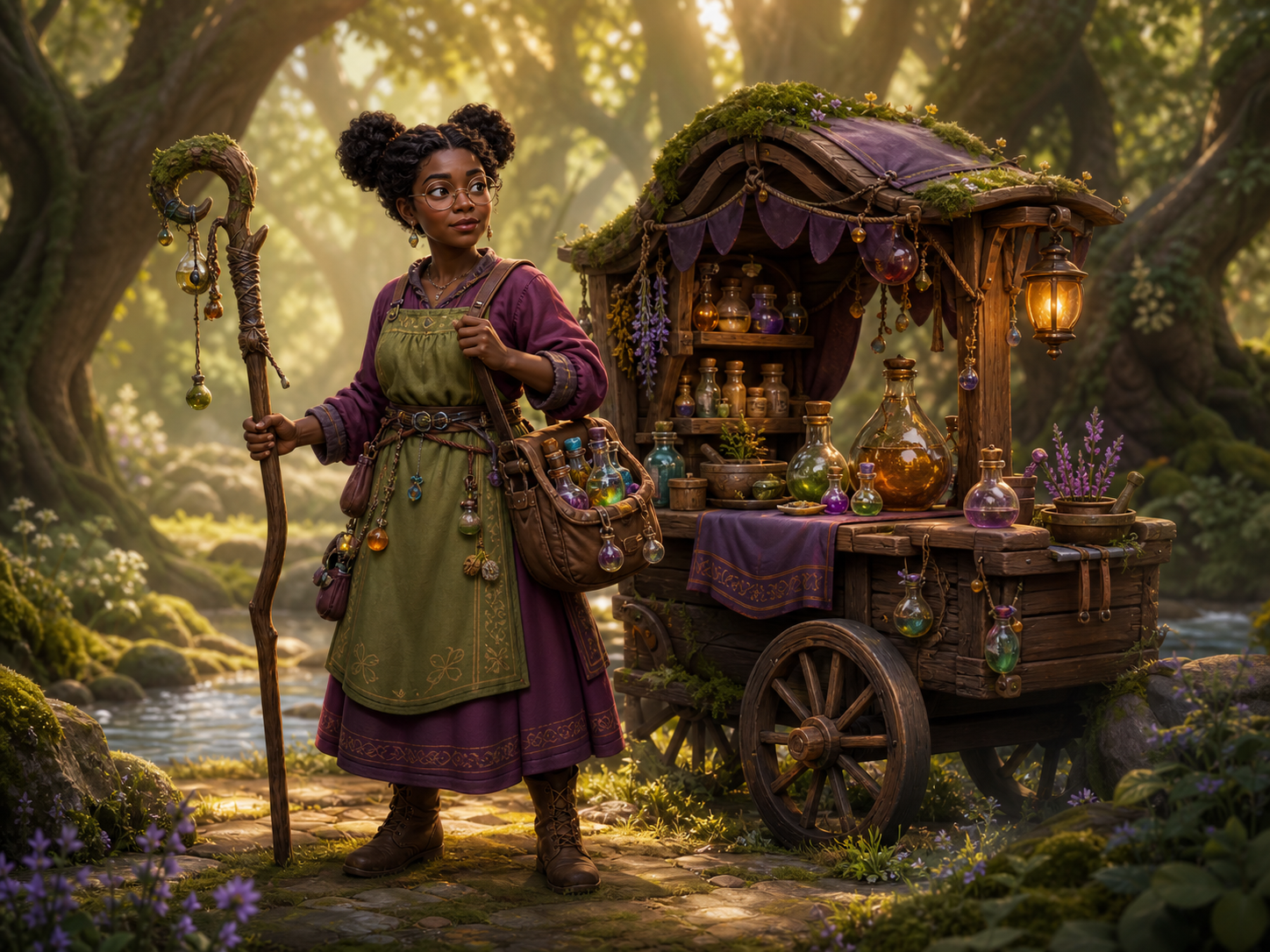
Stylized potion maker illustrating a ready-to-use game character prompt

Keep developing the same character

Reuse the same prompt details and the clearest reference image when you want new poses, expressions, outfits, or scenes for one character. AI can still change small details, so review each result before using it as the next reference.

Save a short character ID

Record body type, face shape, skin tone, hair, color palette, core outfit, and one or two signature items in the same order.

Use the clearest image, not the prettiest

A dramatic image may hide the face or costume. Pick the one where the important features are easiest to read.

Change one thing at a time

Keep that short description unchanged, then adjust the pose, expression, camera angle, clothing, or location one at a time.

Watch the details that quietly drift

Earring counts, fabric patterns, hands, and weapon shapes can change without warning. Save the strongest result and check it before using it as the next reference.

Create a consistent character
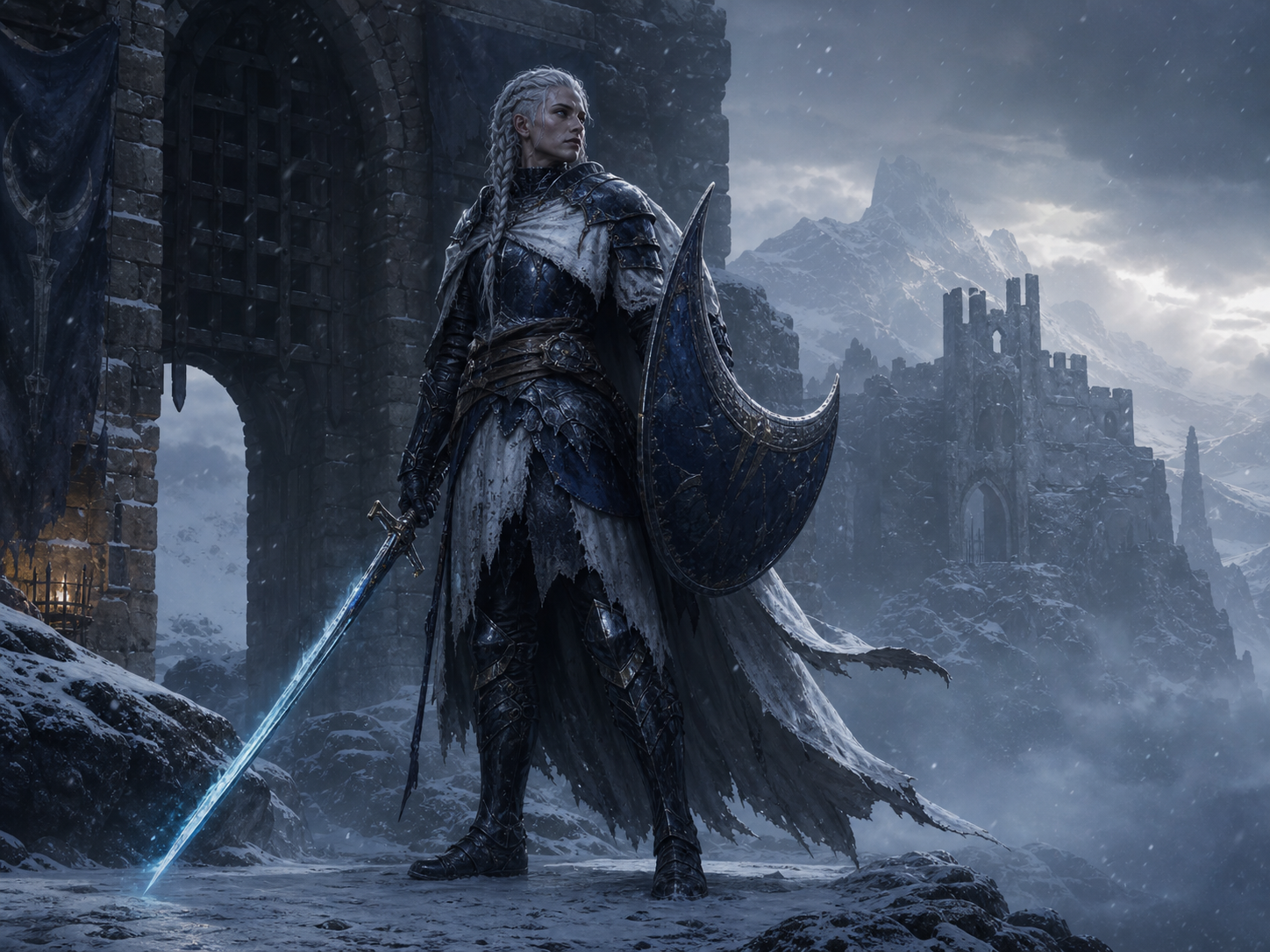
Frostbound knight used as a consistent game character reference

How to use the AI Game Character Generator

Create a new game character online in three steps.

1

Describe or upload your character

Write a prompt for a new design, or upload a clear reference image if the chosen model supports image input.

2

Choose a model and format

Select an image model, aspect ratio, quality option, and number of outputs. The current credit total appears before generation.

3

Generate and refine

Review the images, download or share the strongest result, and reuse its prompt and settings when you want another version.

Create characters for different game genres

Explore fantasy, science fiction, cozy adventure, and dark fantasy examples. Open one to load the full setup and adapt it to your own game.

AI Game Character Generator FAQ

It is an AI image generator for creating original 2D game character art from a text prompt or reference image. Use it for portraits, full-body concepts, dialogue art, key art, and single sprite-like images.

You can start online with free credits when available. The exact credit cost depends on the model, quality, and number of images, and the generator shows the total before you submit.

Yes. The same workflow can create playable heroes, party members, merchants, quest givers, bosses, monsters, and background characters in many game genres.

Yes, when the selected model supports reference images. Use a clear image of one character and state which features should remain recognizable.

Reuse the same reference and repeat the same short description of their build, face, hair, colors, clothing, and signature gear. Small details may still vary between generations.

Review the terms for the selected model and make sure your prompt and references do not copy protected characters, logos, or artwork you do not have permission to use.

It creates 2D raster images such as portraits, full-body concepts, dialogue art, key art, and sprite-like single images. It does not export rigged 3D models, animated sprite sheets, engine packages, or RPG stat blocks. Those production assets need a separate modeling, animation, or game-development workflow.

Credits are charged for successful results. If a generation fails or times out, the system attempts to refund the deducted credits automatically.

Create your next game character

Describe a new character or upload a reference image, then choose a model and format to generate the first version.