

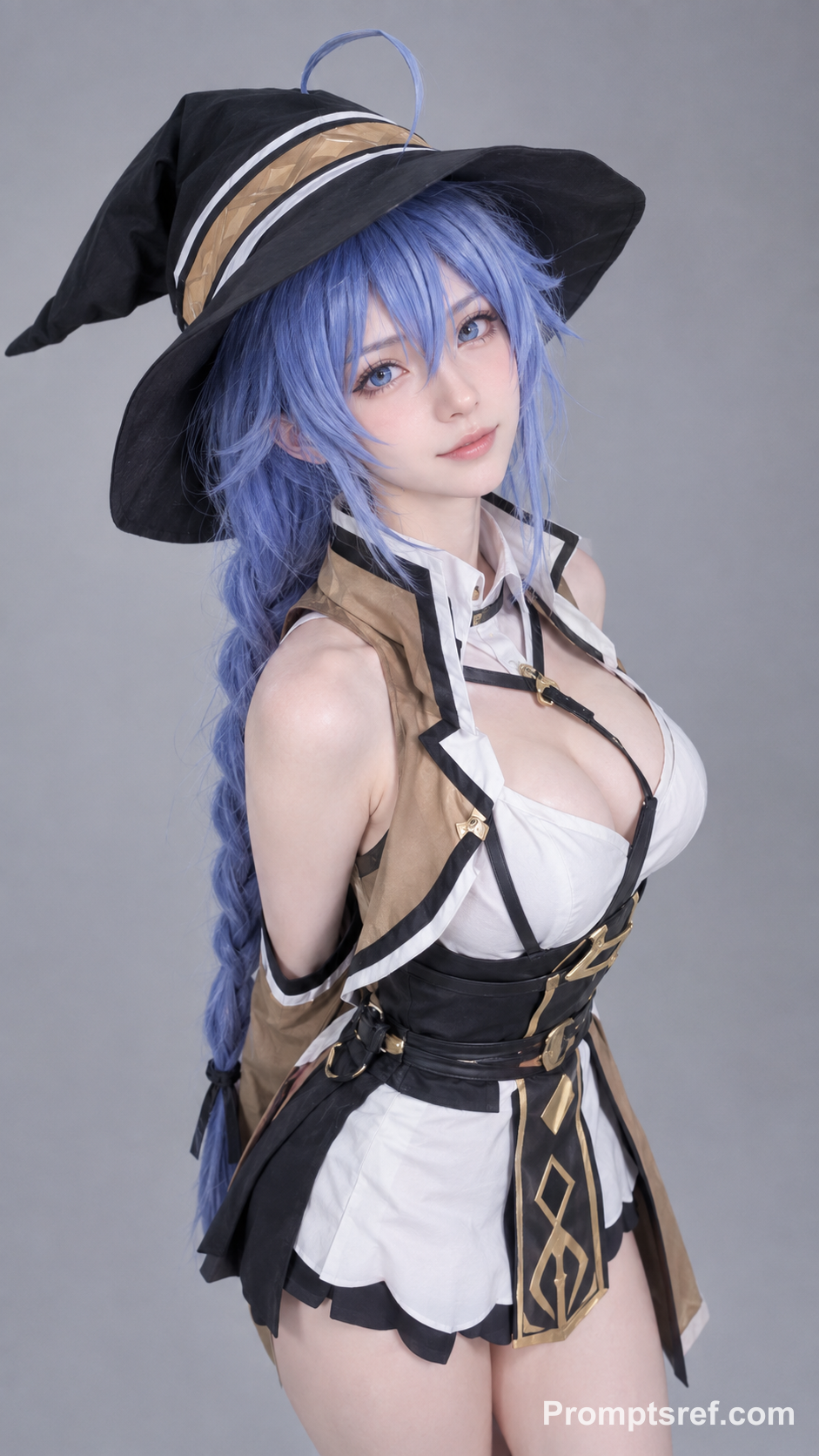
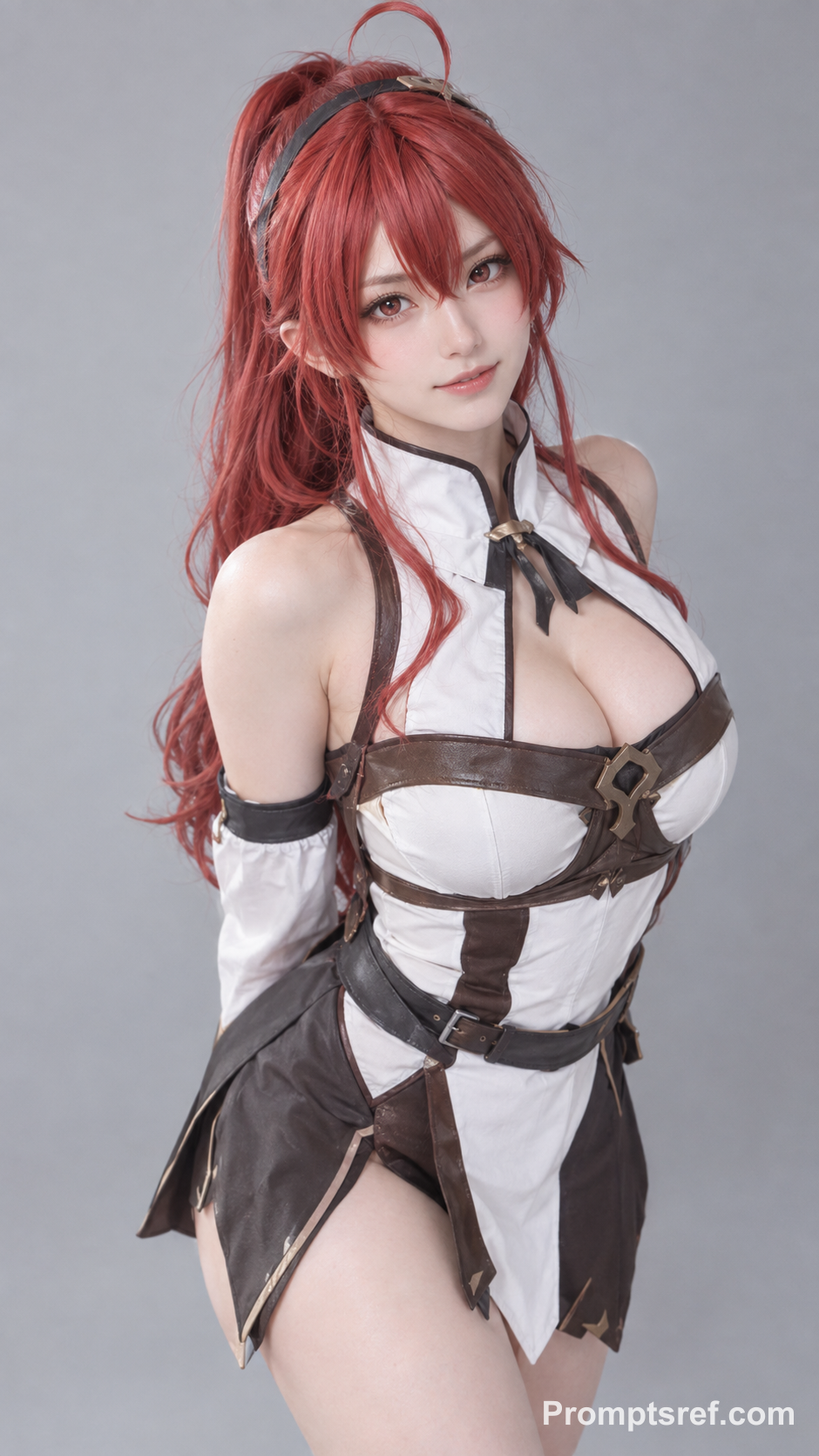
Have the people in image_1 and image_2 precisely replicate the movements of the two people in video_1, matching the timing and rhythm of every action. 1. Character replacement: Replace the person on the left with the person from image_1, and the person on the right with the person from image_2. Match their clothing and hairstyles to the reference images; do not retain the original video characters’ outfits. 2. Visual requirements: Movements must be fluid, with firm, grounded landings. Maintain consistent lighting, and follow video_1 for camera work, composition, the pink background, and musical instrument props, microphone. 3. Restrictions: Keep each character’s identity consistent throughout. Do not introduce any additional people.
Rosé & Bruno Mars APT. AI Video Generator
Upload two photos and the Rose and Bruno Mars APT AI video generator puts both of you into the pink-studio APT choreography — one photo takes Rosé's role, the other takes Bruno Mars'.
Add reference images (with key frames, max 9 images total). Each file under 30MB. Reference images cannot be combined with key frames.
MP4/MOV, each 2-15s, max 3clips, combined <=15s.
MP3/WAV/AAC/M4A/OGG, max 3clips, combined <=15s.
What the Rose and Bruno Mars APT AI Video Generator Makes
Your friend on drums. You throwing punches to the beat. This APT. meme generator uses AI motion transfer with the MiniMax H3 model to bring two familiar faces into a pink-studio performance inspired by Rosé and Bruno Mars. The supplied clip guides the movement, timing and camera cuts. Generation time and results vary. A 15-second AI-generated example. Use this template to load its two photos, motion reference and settings, then replace the photos with your own.
Two photos, two roles
Photo 1 replaces the curly-haired drummer. Photo 2 replaces the performer wearing boxing gloves. Each photo follows its role through camera cuts, even when the performers change sides.
Your own look
The prompt asks the AI to keep the faces, hairstyles and clothes from your photos while following the reference performance.
Ready to make it yours
Try a friend duo, a couple or two original characters. The template already includes the reference and prompt, so you can start by adding your photos.
What People Mean by the "APT Duo Video"
You may see this format called an APT duo video, an APT AI dance video, a Rose and Bruno Mars AI video generator, or the APT trend with two people. On this page, they refer to the same idea: two photos replacing both performers in a pink-studio APT clip. Photo 1 takes Rosé’s role, and Photo 2 takes Bruno Mars’ role. This template creates a 15-second video, with 768p and 2K options.
How to Make a Rose and Bruno Mars APT Video (3 Steps)
The reference video and MiniMax H3 settings are preloaded. Add your two subjects in the order below.
Upload Your Two Reference Photos
Add two reference images: first the drummer, then the performer wearing boxing gloves. Use one clear subject per photo; leave the supplied reference video in place.
Customize the AI Prompt & Settings
Start with the 15-second, 768p preset. Check the image order and displayed credit cost. Edit the prompt if you want to change the clothing instructions.
Generate & Download Your APT. AI Video
Generate your video, then inspect faces, hands and role continuity across the cuts before downloading. Add a suitable music track in your editor if needed.
APT AI Video Tips: Keep Both Performers Looking Right
The reference contains quick cuts, drumming and boxing gestures. Clear photos help the AI keep both people recognizable as they move.
Keep faces clear
Choose sharp solo photos with even lighting. Avoid faces hidden by hands, sunglasses or heavy filters.
Show the outfit you want
Include the hairstyle and clothing you want to keep. A waist-up or full-body photo provides more outfit information than a tightly cropped headshot.
Check both roles
Keep the two reference images in order. If a face changes after a cut, try clearer, more distinct photos and keep the role descriptions in the prompt.
Other AI Video Generators
Hotel Lobby AI Rap Duo Video Generator
Upload 2 photos—friends, pets, or characters—and this free Hotel Lobby AI Rap Duo Video Generator drops them into the iconic orange booth to trade bars like Quavo & Takeoff.
AI Brainrot Generator
Turn an absurd idea, a first frame, or character reference images into a short, chaotic AI meme video. Start with an example, replace its image, and push the scene in your own direction.
AI Gugugaga Video Generator
Turn one Gugu Gaga Penguin image into a short, share-ready video. Upload a reference, choose a ready-made story prompt, and generate with compatible motion, audio, and aspect-ratio controls.
AI Fruit Story Video Generator
Just enter a prompt or upload character images. AI turns them into viral-style fruit meme videos with motion, dialogue, and sound.
Rose and Bruno Mars APT AI Video Generator FAQs
Use two photos with one subject in each. Photo 1 takes the curly-haired drummer’s role; Photo 2 takes the boxing-glove performer’s role.
A motion-transfer prompt and reference video are included. Upload your photos and check their order; you can edit the prompt before generating.
The default prompt requests the appearance, hairstyle and clothing from your photos rather than the reference performers’ outfits. Accuracy can vary during fast movement and occlusion.
The template assigns a performance role, not a gender. Photo 1 maps to Rosé’s role and Photo 2 to Bruno Mars’ role. The prompt asks the AI to keep each person’s own face, hair, clothing and gender presentation, regardless of the role. It does not ask for a gender change. Appearance can still vary during fast movement or camera cuts.
This template is set to 15 seconds, matching the supplied reference clip. The default resolution is 768p; you can also choose 2K. Changing the output duration may affect how closely the result follows the reference timing.
Viewing the template is free. Generating uses credits based on the model, resolution, output duration and reference duration. Check the amount shown on the Generate button before submitting.
The reference contains audio, but this template does not guarantee the original recording or exact lip-sync in the output. Preview the generated audio and add a track available for your use in your editor if needed.
Fast gestures, covered faces and camera cuts can cause details to drift. Use clearer photos and inspect the result; the prompt cannot guarantee perfect identity or motion matching.
No. This is an independent APT.-inspired meme template, with no affiliation with or endorsement by Rosé, Bruno Mars or the original video’s creators.