AI Product Listing Image Generator

Upload a product photo or describe what you sell. Create clean product shots, lifestyle scenes, and ad images for your online store.

0/20000
Total Credits9
GPT Image 29
Publish to Explore
?
👑
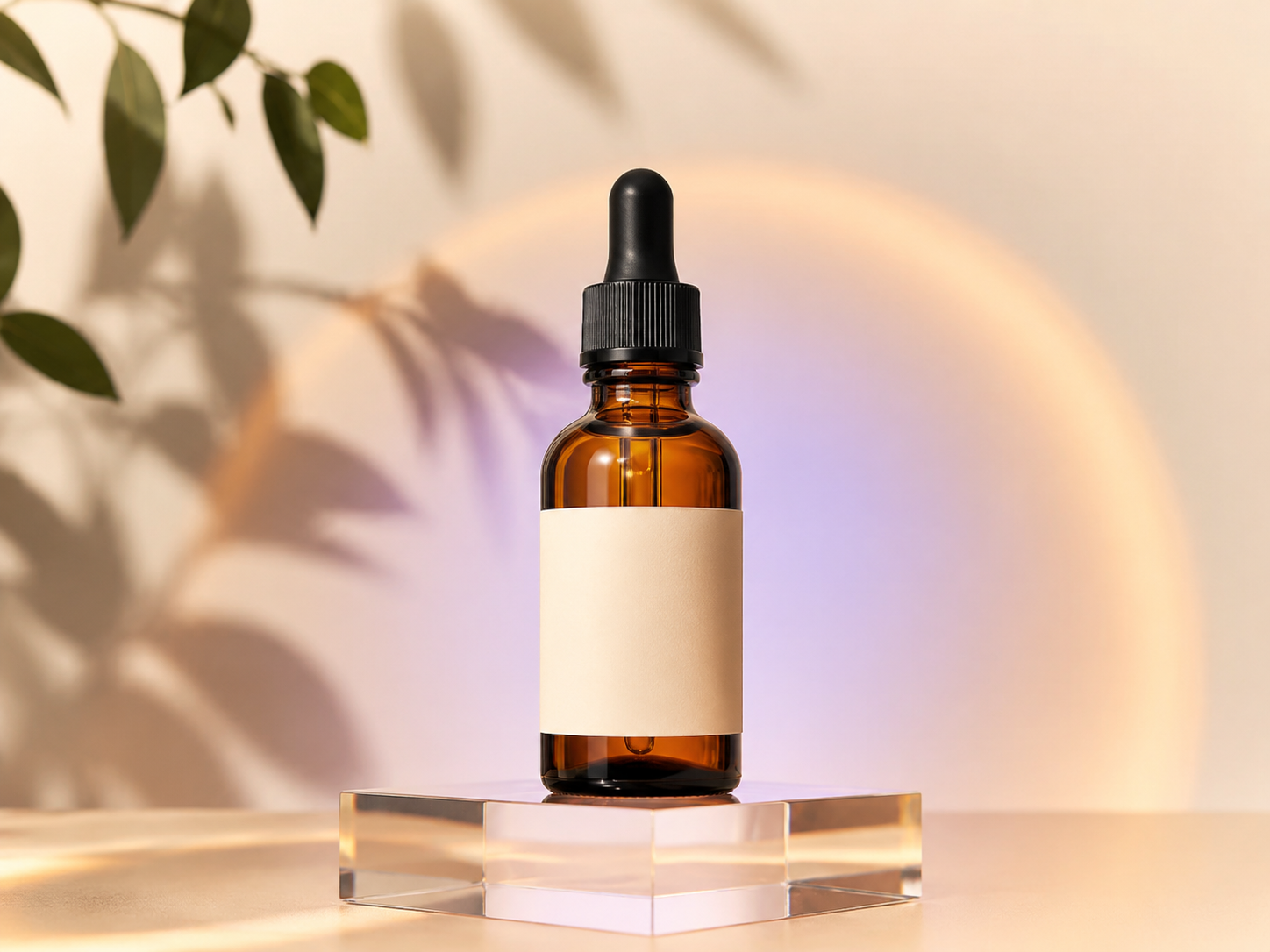
Botanical Serum

Premium e-commerce hero image of an amber glass botanical face serum dropper bottle with a minimal cream label, centered on a clear acrylic plinth, warm ivory studio background, soft peach and lavender halo, subtle leaf shadow, diffused commercial lighting, realistic glass reflections, clean marketplace composition, generous margins, no extra products, no readable text, no watermark
Create product listing images without a photo studio

Start with a product photo or a written description. Create a clean main image, a color-led studio shot, or a lifestyle scene without scheduling a new photo shoot for every product.

Make a clear main image

Keep the full product in frame with a simple background, clean edges, and enough space around it to read well in search results.

Put the product in context

Show it in a kitchen, on a bathroom shelf, outdoors, or in a studio setup that matches your store’s visual style.

Build out the rest of the listing

Try different angles, backgrounds, colors, and image sizes while reusing the same product reference.

Create a product image
AI-generated listing image of a botanical serum bottle

Use a clear product photo

A sharp source photo helps the AI understand the product’s shape, materials, and small details. Start with one strong image. Add another only when it shows an angle or feature the first photo misses.

Show the whole product

Avoid cropped edges, hands, and objects blocking the item. Leave space around the product so its full shape is easy to see.

Keep important details in focus

Use a sharp photo that clearly shows materials, seams, closures, controls, and surface texture.

Say what should not change

Name the shape, packaging color, proportions, and design details the generated image needs to keep.

Upload your product
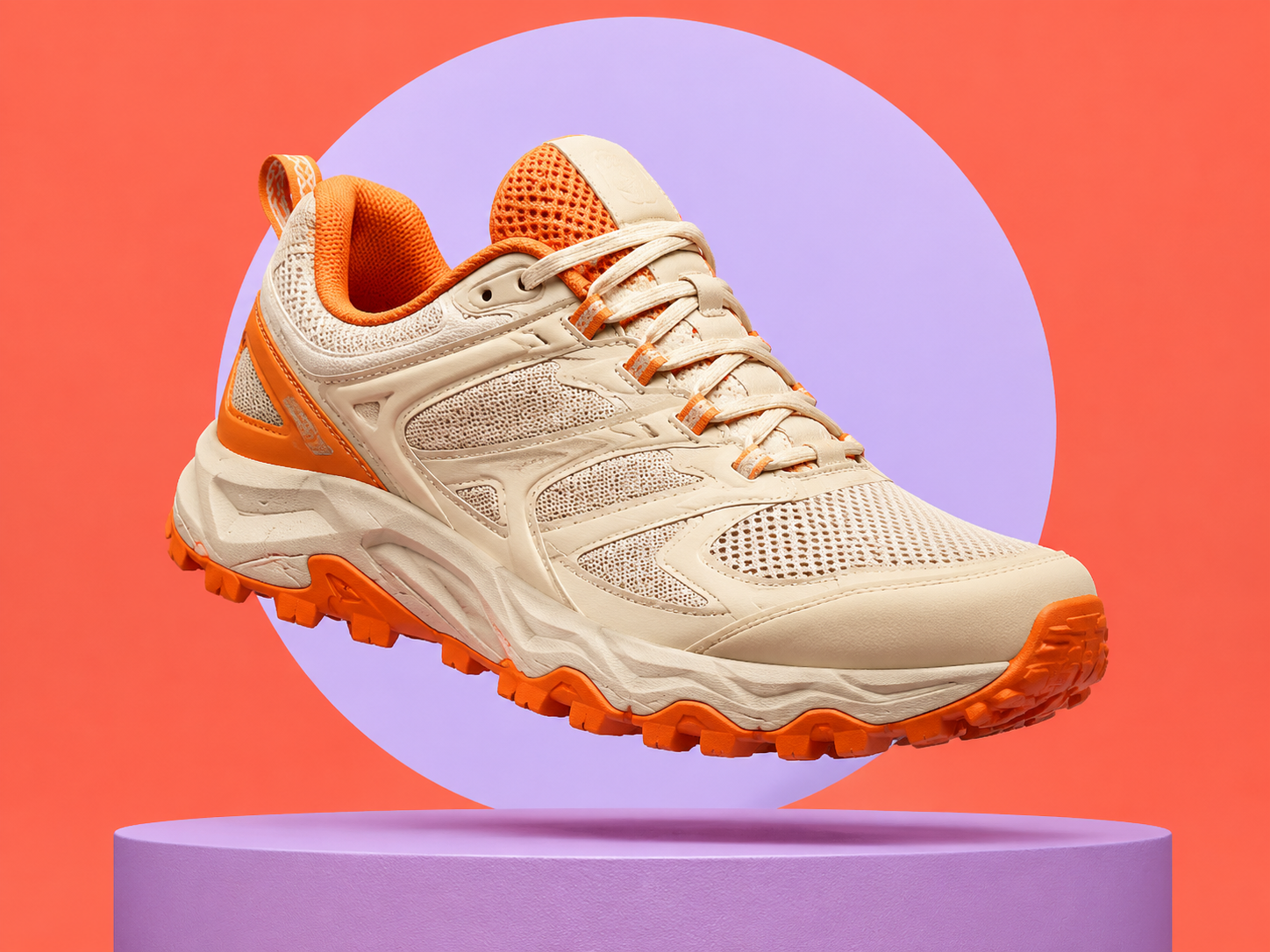
AI-generated listing image of a trail running shoe

Write a useful product photography prompt

Decide on the product, setting, camera angle, lighting, color palette, props, and where the image will appear. Keep the product description the same, then test one visual change at a time.

Use a simple prompt formula

Product + camera angle + background + lighting + materials + mood + image size is enough for a useful first result.

Check the image at thumbnail size

Use a clear outline, good contrast, and enough empty space so the product is still easy to recognize when the image is small.

Add important text afterward

Create the product photo first, then add exact prices, claims, dimensions, and required legal copy in your design editor.

Write a product image prompt
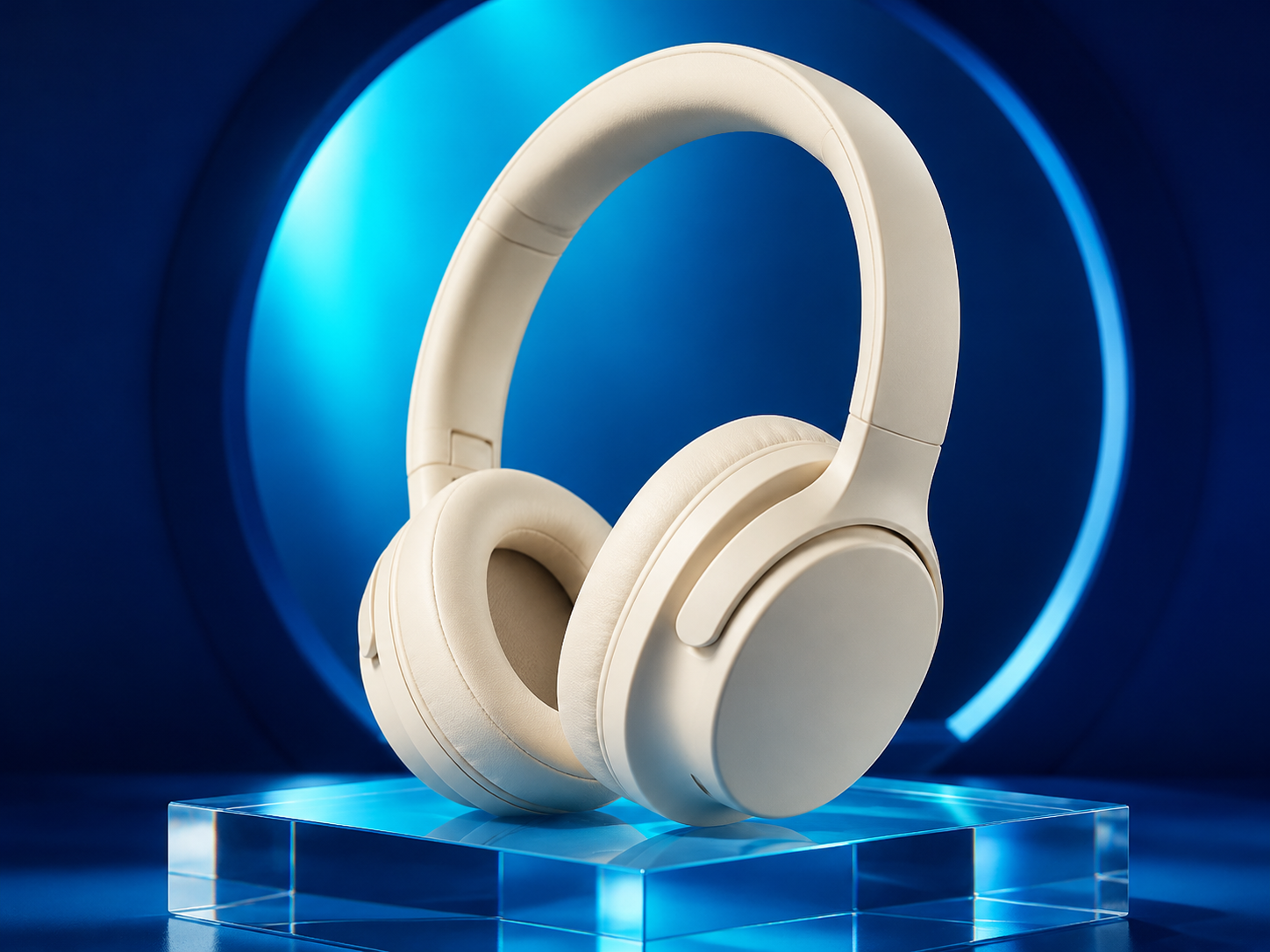
AI-generated listing image of wireless headphones

How to use the AI Product Listing Image Generator

Create a new product image from a photo or written description in three steps.

1

Upload or describe the product

Upload a clear photo when the exact product needs to stay recognizable. For a new concept, start with a detailed written description.

2

Describe the shot

Choose an image model and aspect ratio, then describe the camera angle, background, lighting, colors, and props.

3

Generate and refine

Check the result at full size and as a thumbnail. Keep the best version, change one detail, and generate again if needed.

Product photo styles to try

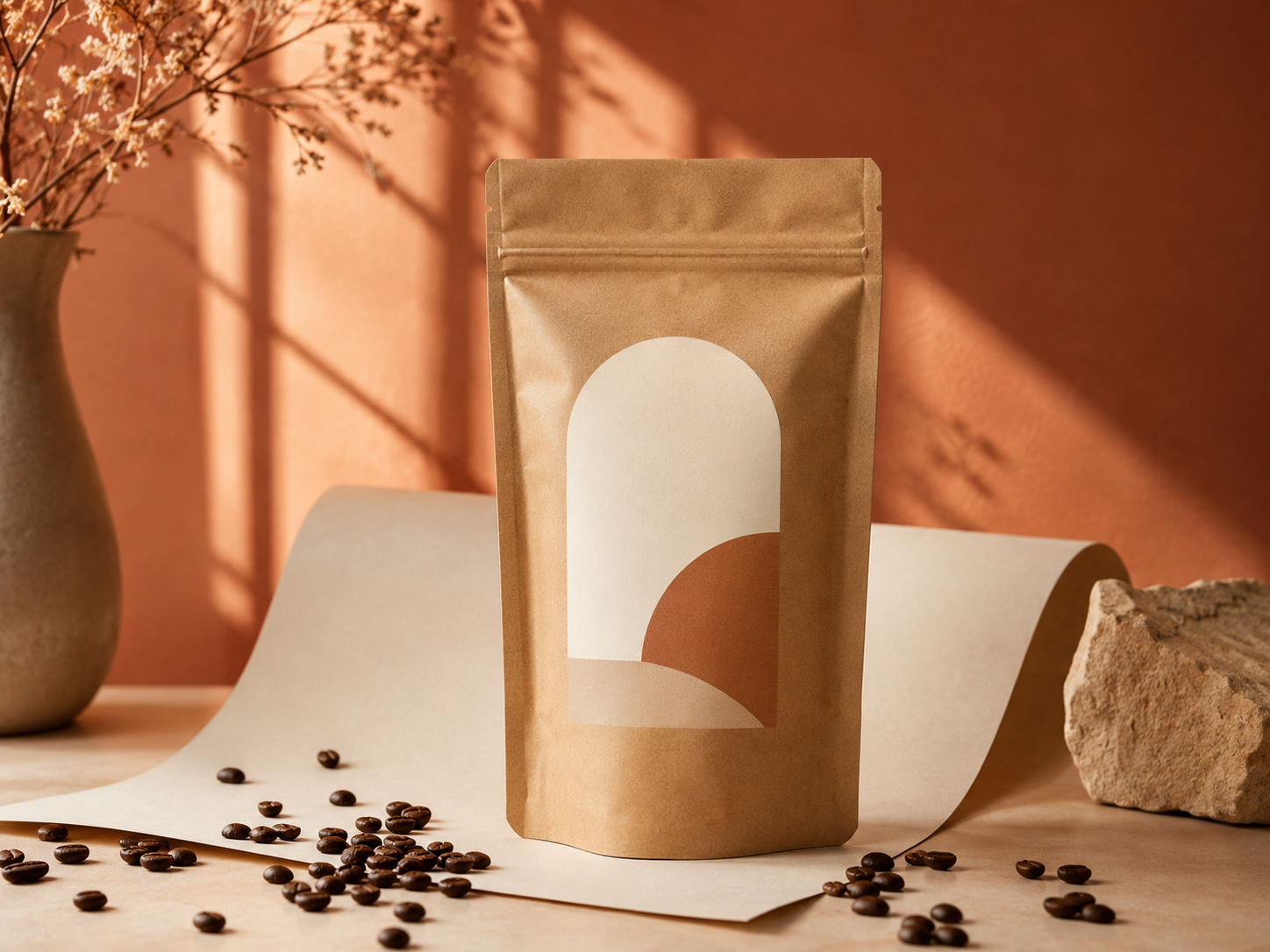
Use a simple studio shot for the main listing image. Then add color, props, or a real-world setting to show how the product looks and where it fits.

AI Product Listing Image Generator FAQ

It creates product photos from a written prompt or reference image. Use it to make clean main images, styled studio shots, lifestyle scenes, and additional images for an online product listing.

Yes. Upload a clear photo and describe the details that need to stay the same. Then choose a new background, camera angle, lighting setup, and image style.

You can create images for marketplace listings, online stores, and ads. Before publishing, check each platform’s current rules for backgrounds, text overlays, and accurate product representation.

Reuse the same reference photo and repeat the product’s defining details in every prompt. AI may still alter small details, so review each image before publishing.

Use a sharp, well-lit photo that shows the whole product. Avoid cropped edges, motion blur, and objects blocking important details.

For exact wording, create the product photo first and add text afterward in a design editor. AI image models can misspell labels, prices, measurements, and product claims.

Available aspect ratios and quality settings depend on the image model you select. The generator shows the current options before you create an image.

The cost depends on the selected model, quality, and number of images. You will see the current credit total before you generate.

Build a complete set of product listing images

Start with one product photo, then create a main image, lifestyle scene, and ad-ready versions.