AI Portrait Generator

Create a portrait from a written idea or add a reference photo to guide the face, pose, clothing, and visual style. Choose an image model and format for realistic headshots, editorial portraits, profile images, or illustrated characters.

413/20000
Total Credits9
GPT Image 29
Publish to Explore
?
👑
Natural Studio Portrait

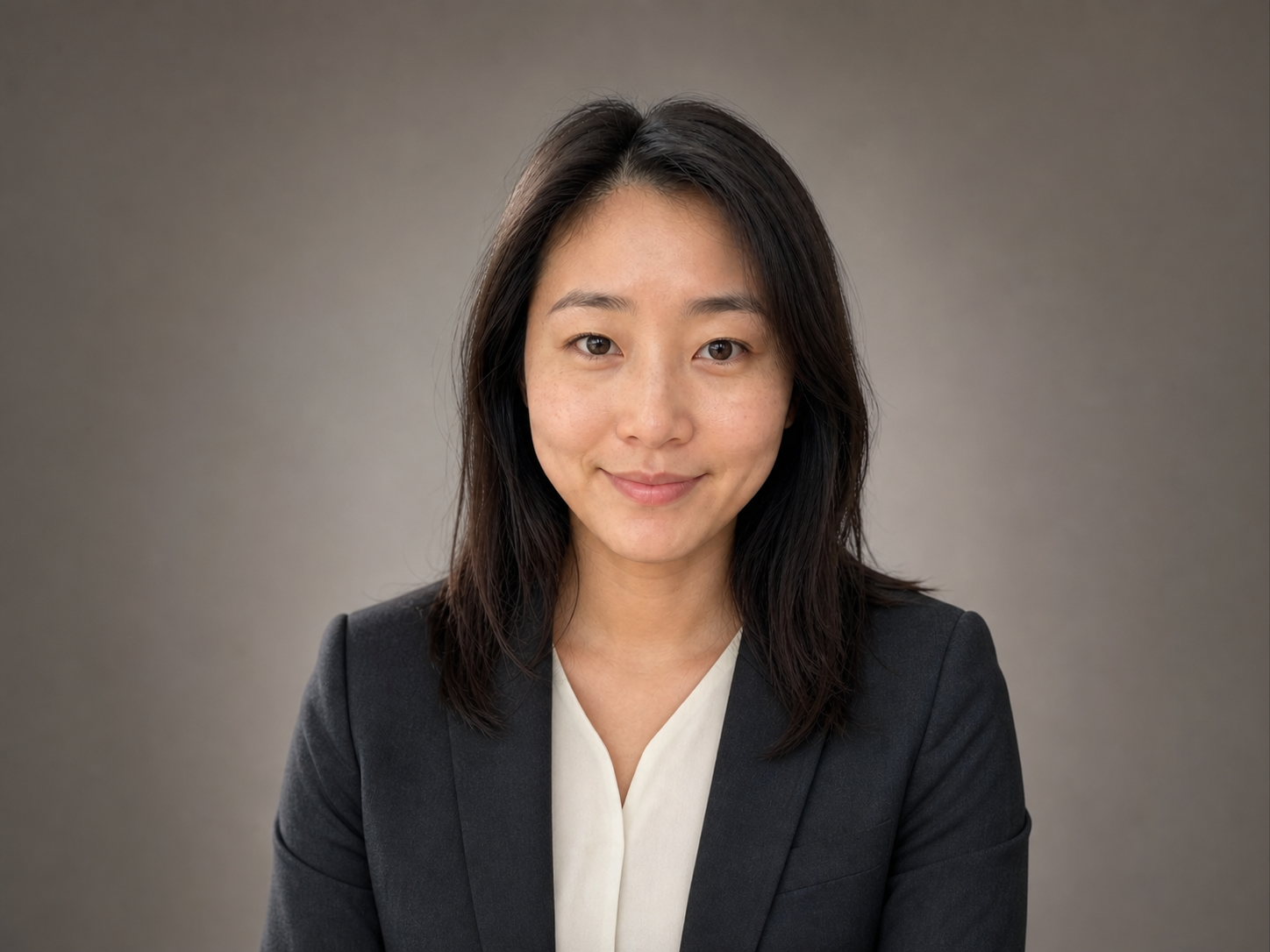
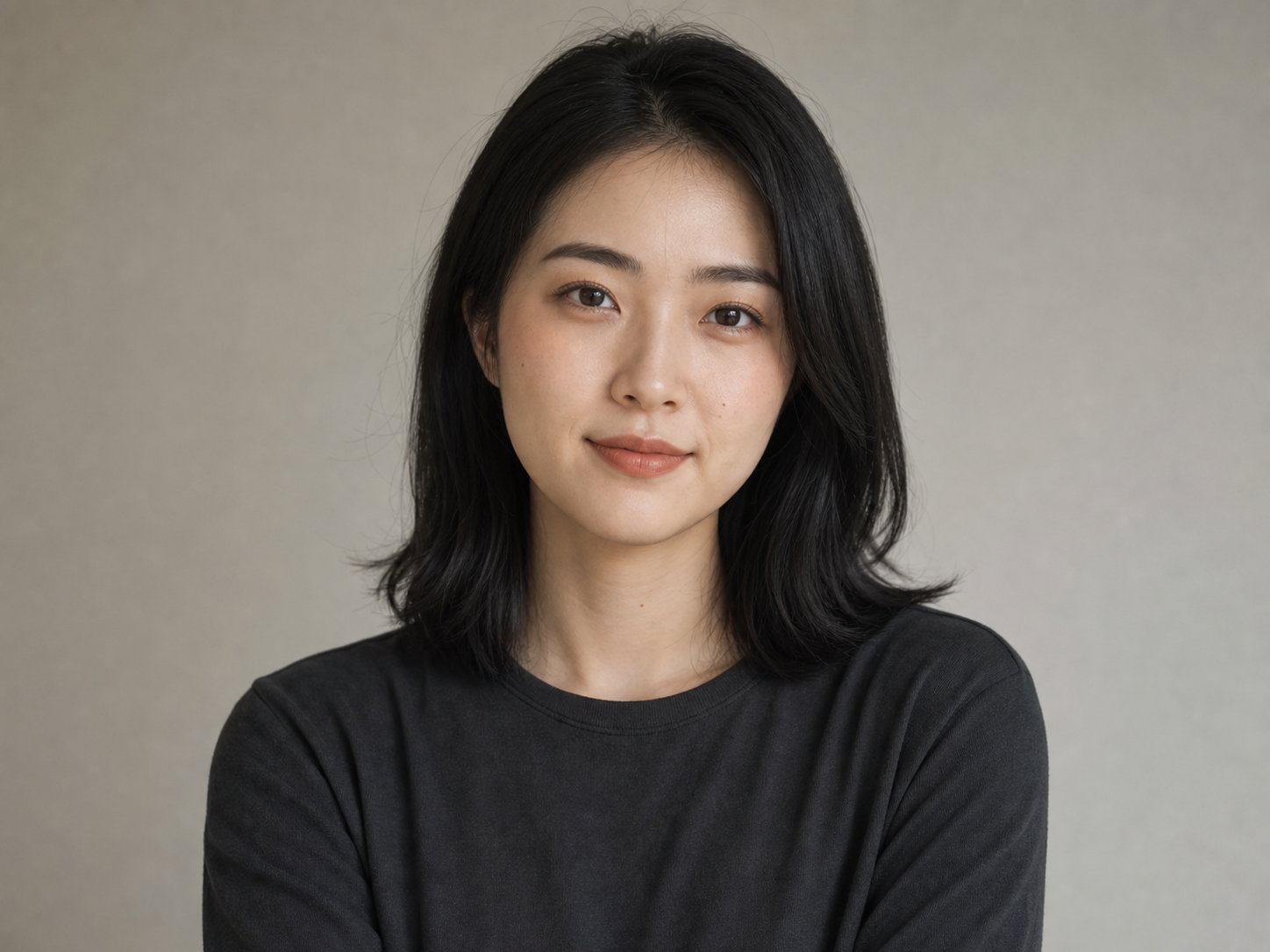
Original fictional young East Asian woman, shoulder-length black hair, charcoal crew-neck top, calm direct expression, centered chest-up portrait with full head and shoulders visible, warm light-gray seamless studio background, large soft window light from camera left, realistic professional portrait photography, natural skin texture and subtle imperfections, no beauty-filter look, no text, logo, or watermark.
Create portraits from text or photos

Start from a description when you are inventing a person or character. Add a reference photo when your chosen model accepts image input and you want the new portrait to follow recognizable visual details.

01

Generate a portrait from text

Describe the person, expression, clothing, background, lighting, framing, and visual medium. The model creates a new fictional portrait from that direction without requiring an uploaded photo. Try: close editorial portrait, thoughtful expression, navy jacket, soft side light, warm-gray studio, realistic photography.

02

Guide a portrait with a photo

Choose a model that accepts references, upload an image you may use, and state which face, hair, age, pose, clothing, or palette should remain recognizable. The output is still a newly generated image, so exact details can change. Try: preserve the recognizable face and hair, replace the casual setting with a quiet editorial studio, keep natural skin texture.

Create portraits from text or photos

Portrait ideas and styles to try

Choose the style and framing for the job instead of adding visual effects at random. These starting points cover common profile, creative, character, and keepsake uses.

01

Professional profiles

Use natural studio photography or a quiet office setting with even light, a centered chest-up crop, full head and shoulders, and enough room for a square or circular profile crop. Recommended: realistic photography · chest-up · neutral background

02

Social and creator profiles

Try cinematic lighting, editorial color, black-and-white photography, or a graphic illustrated look. A close portrait or compact square composition stays readable at avatar size. Recommended: editorial or cinematic · close crop · stronger color direction

03

Characters and story worlds

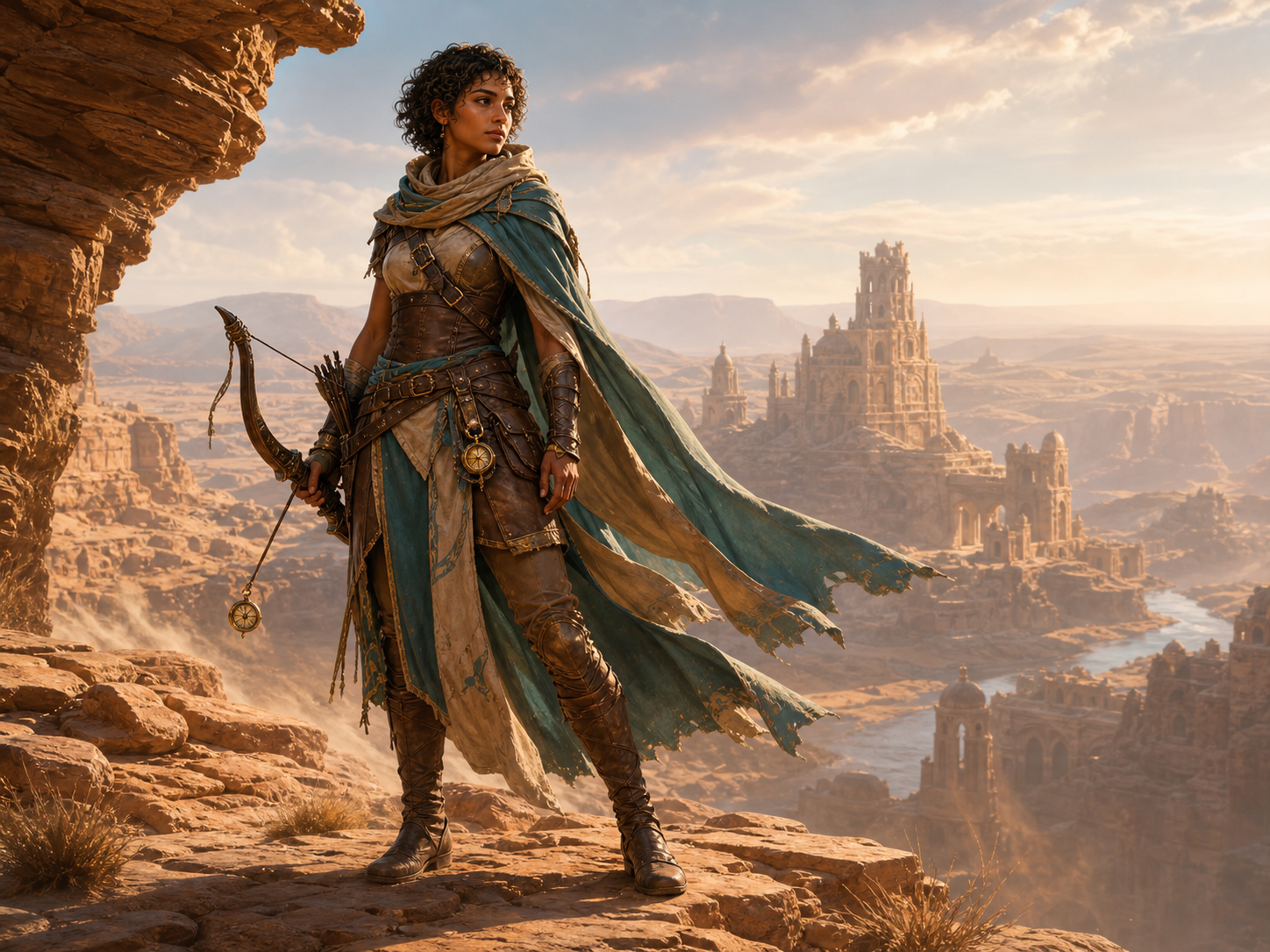
Use painterly fantasy, anime, realistic concept art, or stylized 3D. A half-length portrait can show costume and signature objects, while a wider frame gives the setting a role. Recommended: illustrated or concept art · half-length · environmental detail

04

Gifts and personal artwork

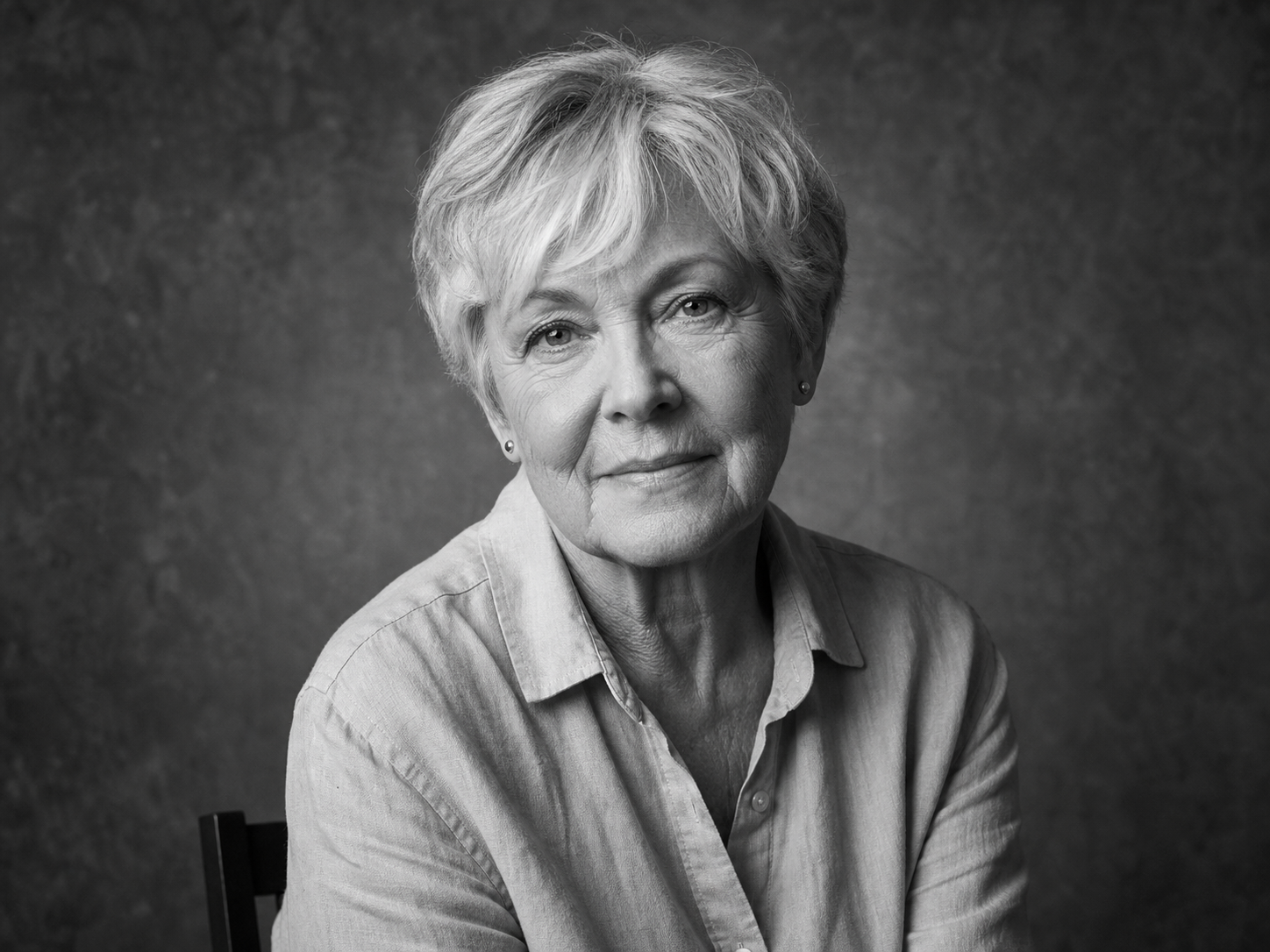
Black-and-white photography, oil-painting treatments, vintage portraiture, and soft storybook illustration work well for personal art. Leave clean space around the subject if you plan to crop or print. Recommended: monochrome, oil painting, or vintage · vertical-friendly framing

Portrait ideas and styles to try

How to use the AI Portrait Generator

Build a portrait in three practical steps, then refine only the details that need another pass.

1

Describe the portrait or add a reference

Write the person, expression, styling, setting, light, and framing you want. If image input is available, add a reference and explain which features it should guide.

2

Choose the model and format

Select an available image model, aspect ratio, resolution, and output count. The controls and current credit total update before you submit the generation.

3

Generate, inspect, and download

Open the result at full size and inspect facial details, hands, clothing edges, accessories, and background text. Download the strongest image or adjust one instruction for the next version.

Why create AI portraits with Promptsref

Promptsref keeps portrait generation and follow-up image work in one browser workflow, with the current model controls and cost visible before generation.

01

Compare multiple image models

Use one interface to try supported image models with different balances of realism, illustration, prompt following, reference handling, and credit cost.

02

Choose ratio and resolution

Available portrait, square, and landscape ratios vary by model. Supported models include resolution options up to 4K.

03

Download without a visible watermark

Save the generated portrait without a Promptsref watermark after reviewing the full-size result.

04

Continue with companion tools

Refine the result with the AI Image Editor or 4K upscaler, or take a finished portrait into the related image-to-video workflow.

Why create AI portraits with Promptsref

Review the details that matter

A convincing overall portrait can still contain small changes. Inspect the final file closely before using it for a profile, client project, print, or public post.

01

Identity and facial features

A reference can improve resemblance, but the model may change face shape, age, skin detail, hair, teeth, or expression. Use a real unaltered photo when documentary accuracy is required.

02

Hands, clothing, and accessories

Check fingers, glasses, earrings, buttons, fabric patterns, and other repeated details. These can drift even when the face looks convincing.

03

Text, symbols, and backgrounds

Look for invented lettering, distorted signs, unintended logos, and background objects that do not make visual sense.

04

Permission and final use

Use photos you own or may transform, and get appropriate consent for identifiable people. Review the model provider’s terms and the rules of the destination where you plan to publish.

Review the details that matter
More to make

Other AI Image Generators

Want a different look? Each generator opens with its own examples, prompt tips, and ready-to-use settings.

AI LinkedIn Photo Generator
AI image

AI LinkedIn Photo Generator

Upload one clear photo and turn it into a polished professional headshot. Keep your recognizable features while changing the outfit, background, lighting, and crop for LinkedIn, a résumé, or a company profile.

Image to Image AI Generator
AI image

Image to Image AI Generator

Upload a reference image, tell the AI what should stay and what should change, then create a new variation without rebuilding the image from scratch.

Free AI Game Character Generator Online
AI image

Free AI Game Character Generator Online

Create original game character art from a text prompt or reference image. Choose an AI model and aspect ratio, then generate heroes, NPCs, enemies, portraits, and full-body concepts online.

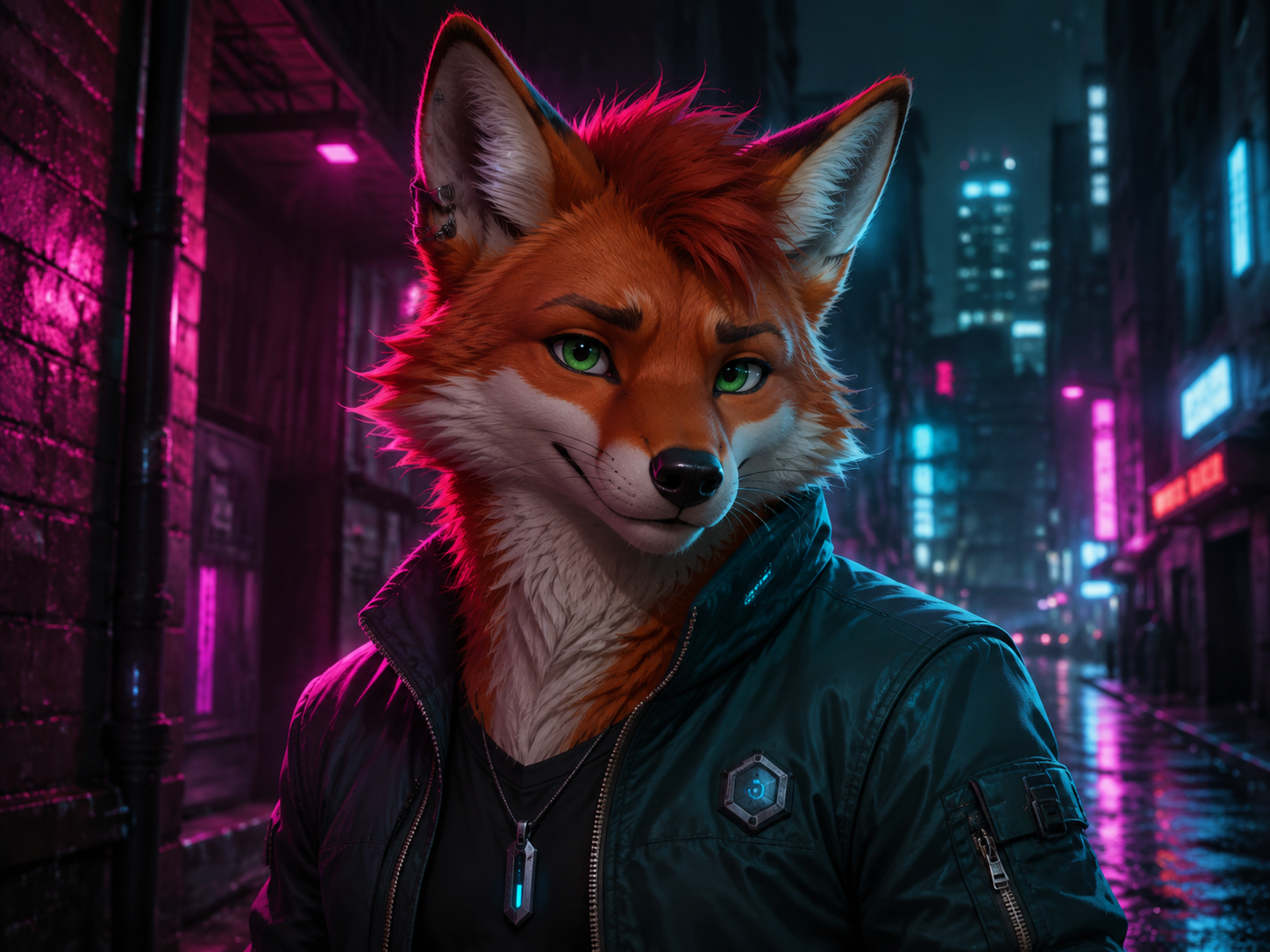
AI Furry Art Generator
AI image

AI Furry Art Generator

Start with a species and a few features you can picture clearly. Add an outfit, pose, and setting—or upload a reference image—and keep refining the character from there.

AI Engraving Generator
AI image

AI Engraving Generator

Turn a prompt or reference image into artwork with cross-hatching, carved marks, and the texture of a traditional print.

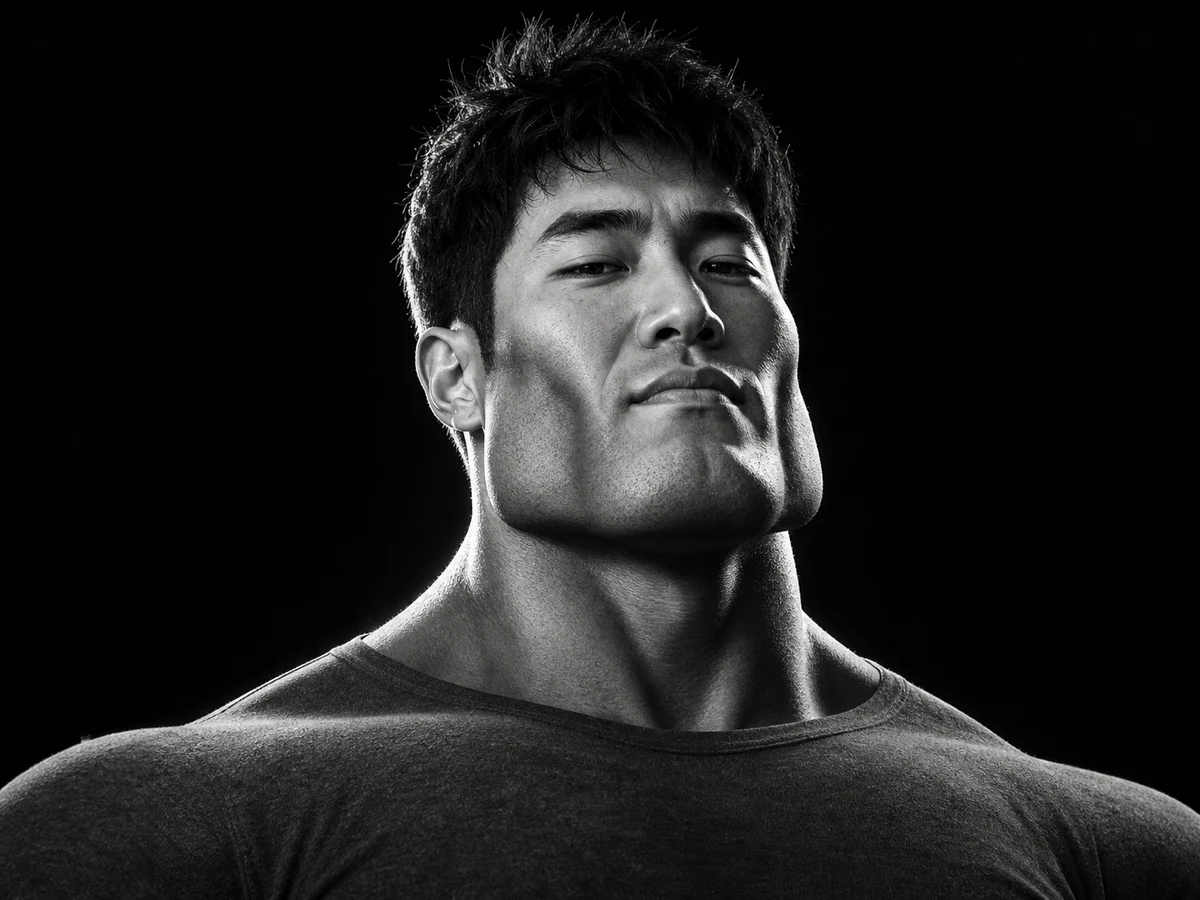
AI Giga Chad Generator Online Free
AI image

AI Giga Chad Generator Online Free

Upload a clear portrait or start with a prompt. Create a recognizable Gigachad-style image with a sharper jawline, sculpted cheekbones, confident expression, and the dramatic lighting that makes the meme instantly readable.

AI Product Listing Image Generator
AI image

AI Product Listing Image Generator

Upload a product photo or describe what you sell. Create clean product shots, lifestyle scenes, and ad images for your online store.

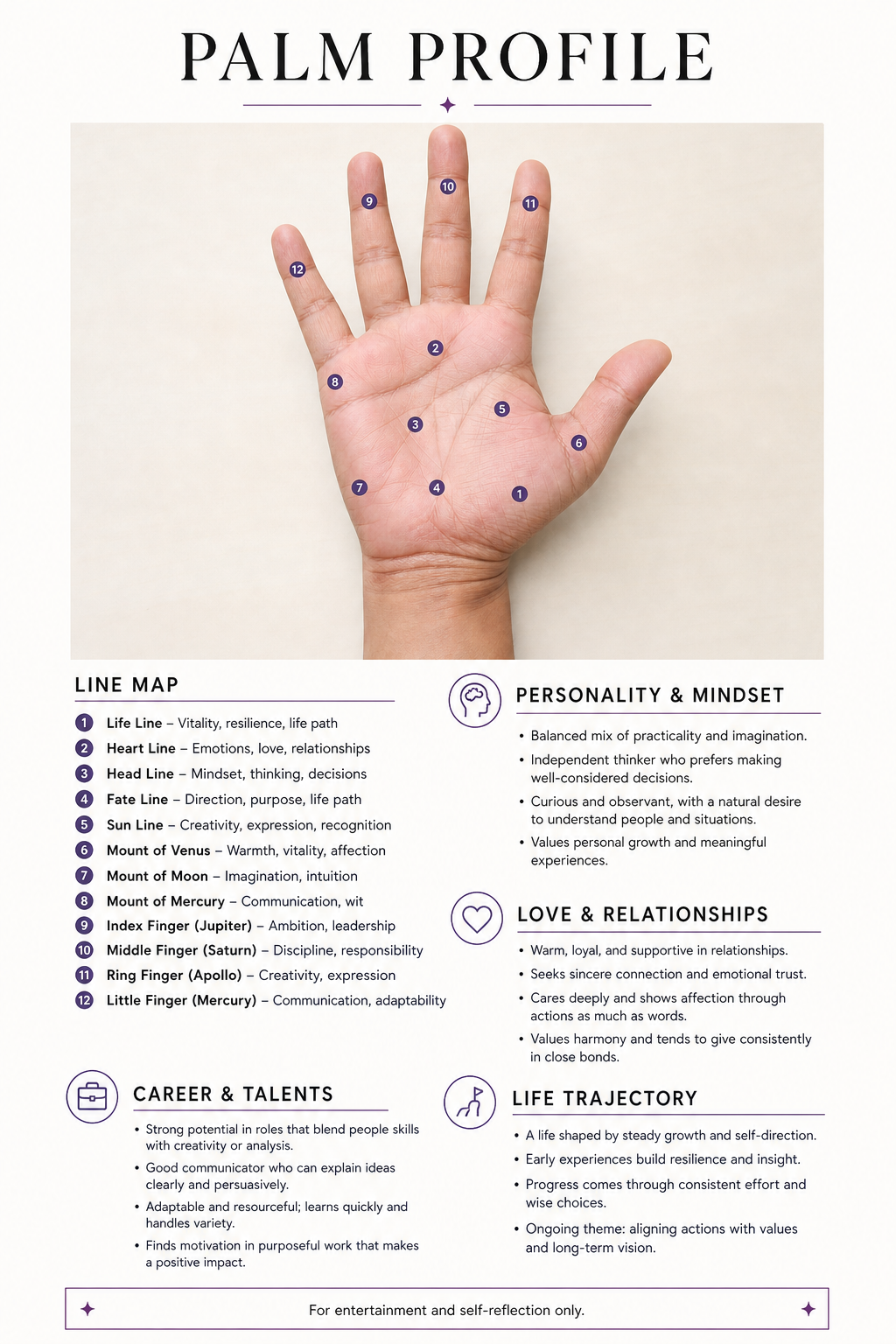
Free AI Palm Reader Online
AI image

Free AI Palm Reader Online

Upload a clear palm photo to map your life, heart, head, and fate lines. Create a personalized visual palmistry report with labeled details—for entertainment and self-reflection only.

YouTube Thumbnail Generator
AI image

YouTube Thumbnail Generator

Turn a video title, topic, or hook into a 16:9 thumbnail concept. Describe the scene, add a face or visual reference when useful, and compare multiple AI image models without rebuilding your prompt.

AI Portrait Generator FAQ

It is an AI image tool for creating a portrait from a written prompt or, when image input is supported, a reference photo. The prompt controls the subject, expression, styling, setting, light, framing, and visual medium.

Yes. Describe the person and portrait direction in text to create a new fictional subject. Include the facial features, expression, clothing, background, lighting, camera crop, and style that matter to you.

Yes, with a model that accepts reference images. Upload a photo you may use and explain which features should remain recognizable and what should change. The result is newly generated and may not reproduce every detail exactly.

Not always. A clear reference and precise preservation instructions can help, but facial features, age, hair, accessories, pose, and proportions can still change. Review every result closely.

You can request realistic studio photography, editorial and cinematic portraits, black-and-white photography, oil-painting looks, anime, painterly illustration, fantasy character art, stylized 3D, and other directions the model can produce.

Options vary by model. The generator shows the supported portrait, square, and landscape ratios and current resolution choices, including up to 4K where available.

The cost varies with the image model, resolution, and output count. The current total appears in the generator before you submit the task.

Yes. Promptsref does not add a visible watermark to the generated image you download.

Do not assume a generated portrait is valid for a passport, government ID, visa, license, or other identity document. Those uses normally require a real photo that follows the issuing authority’s current rules.

Create an AI portrait for your next profile, story, or artwork

Start with a written idea or reference photo, choose the model and format, and generate a portrait you can inspect and refine.