Image to Image AI Generator

Upload a reference image, tell the AI what should stay and what should change, then create a new variation without rebuilding the image from scratch.

Reference imageReference image
301/20000
Total Credits9
GPT Image 29
Publish to Explore
?
👑
Reference image
Input
Change Object Color
Output

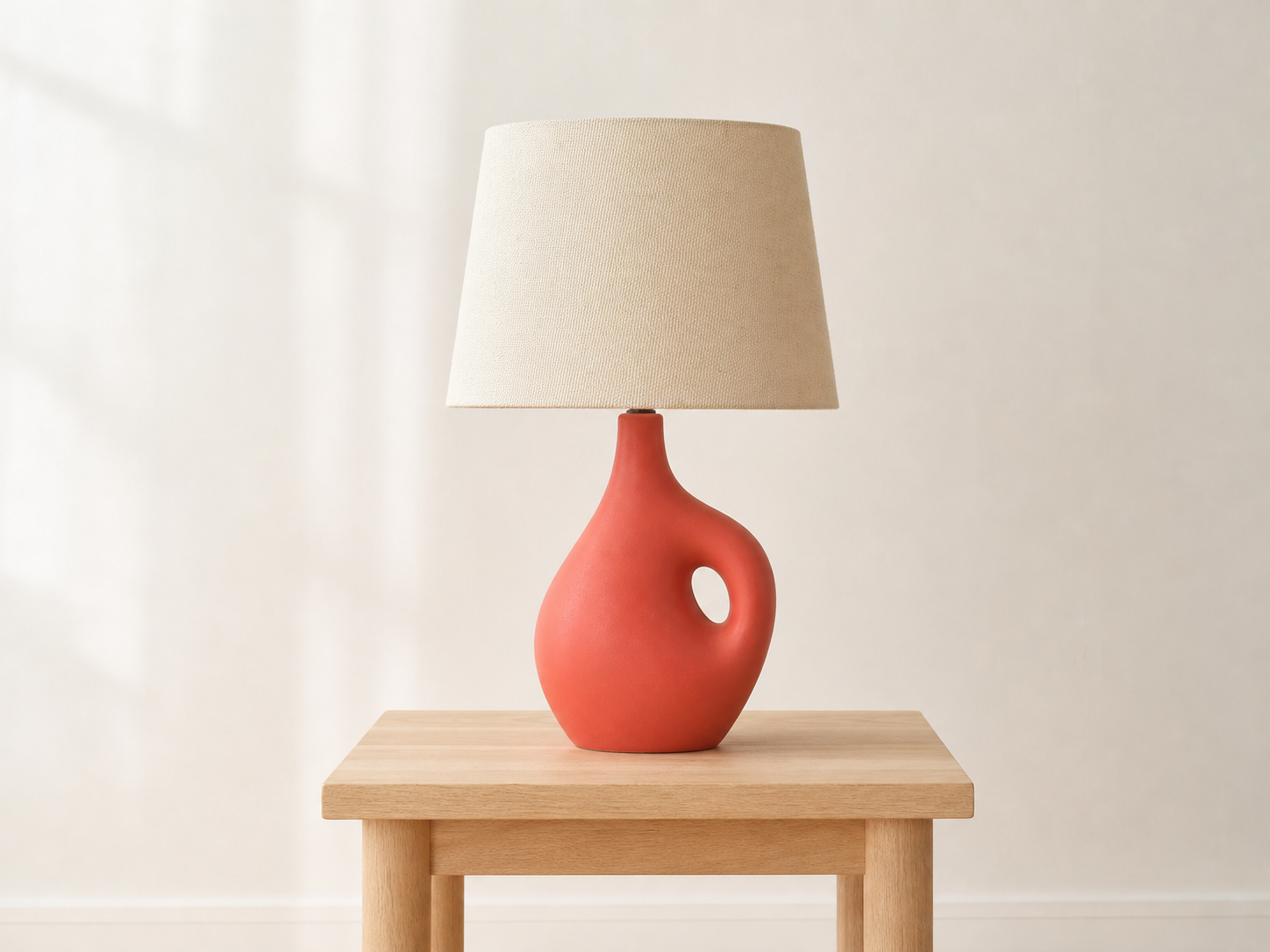
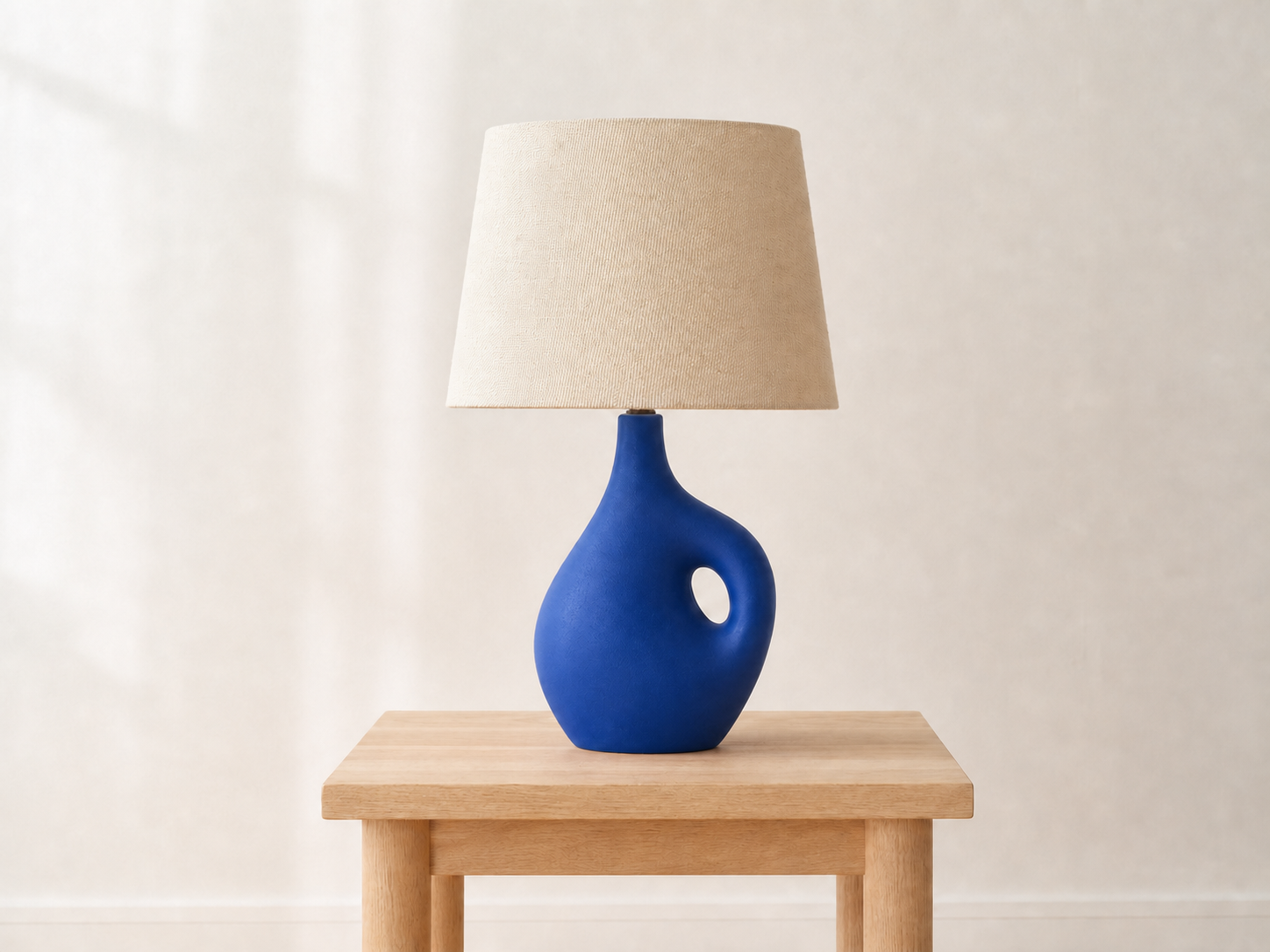
Prompt:Change only the ceramic lamp base color from matte coral red to rich cobalt blue. Preserve the exact lamp shape, circular cutout, cream linen shade, pale oak table, warm-white wall, camera angle, crop, lighting, materials, and shadows. Do not alter any other object or add text, logos, or a watermark.
What Can You Make With This Image-to-Image AI Generator?

Start with a photo or sketch, then describe the edit you want. Keep the parts that matter and change the rest.

Restyle a subject
Input: Restyle a subject
Input
01

Restyle a subject

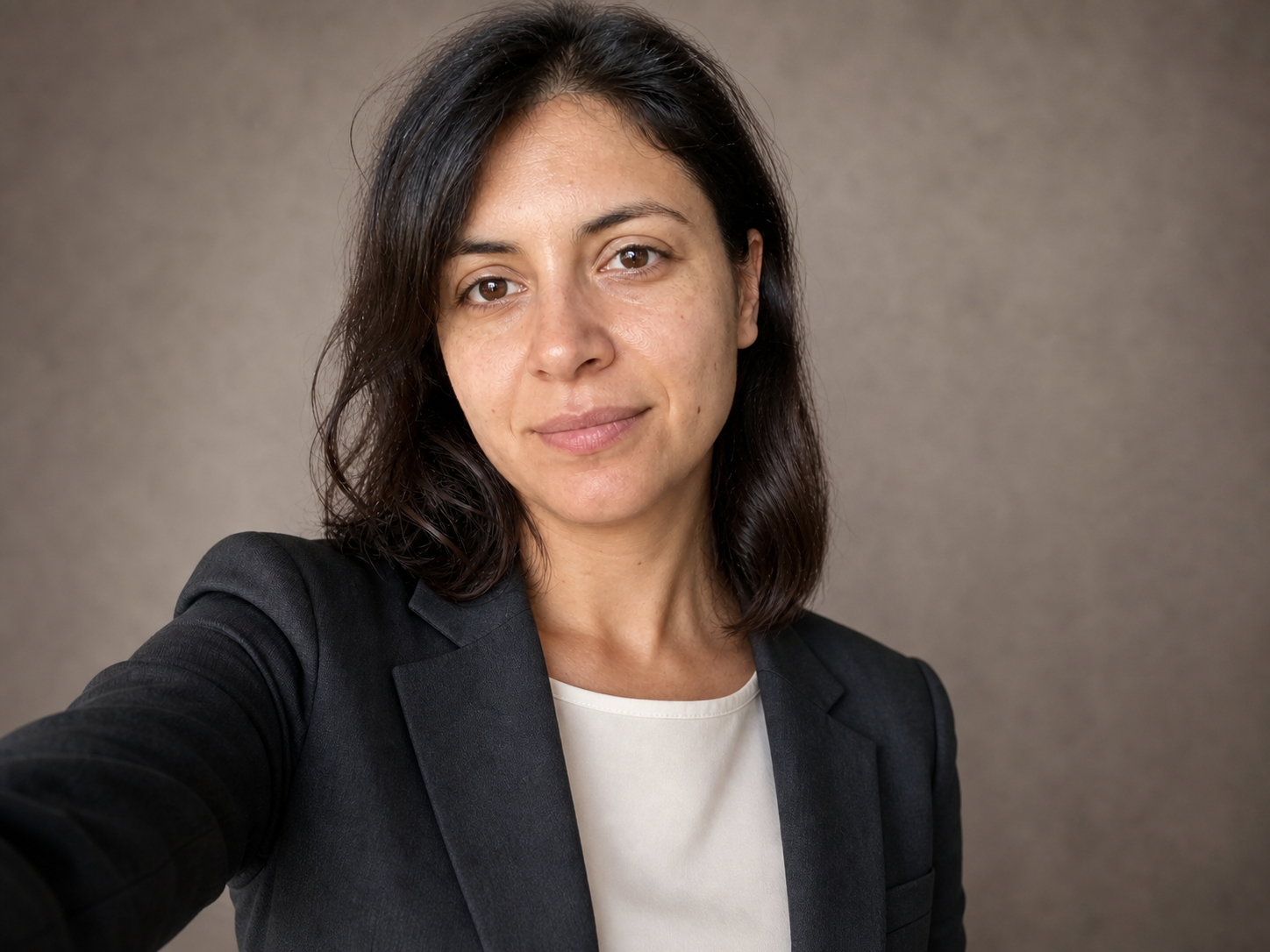
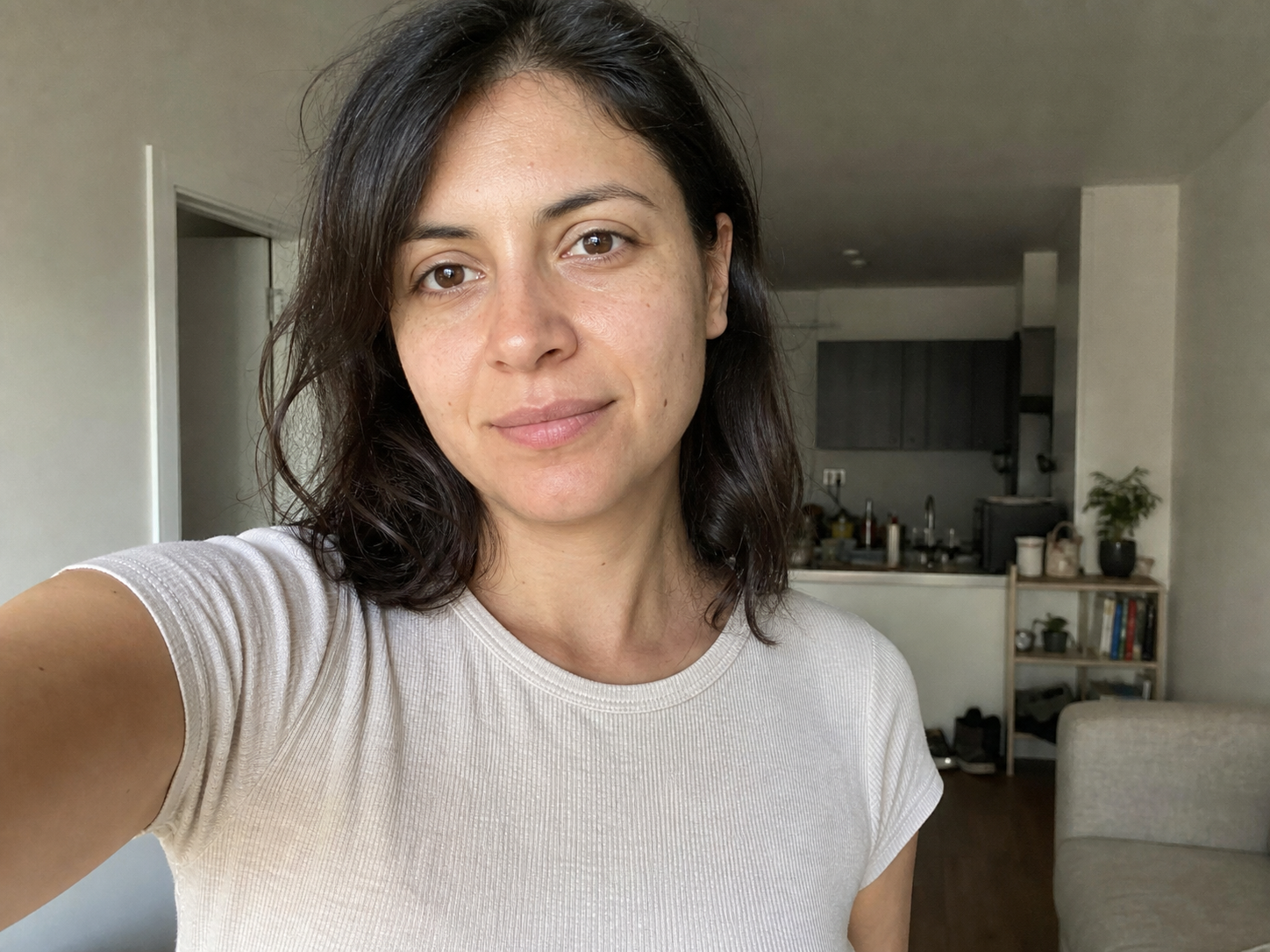
Turn a selfie, portrait, character, or product photo into a new look without losing the subject. It is useful for professional headshots, outfit changes, editorial portraits, and character restyles.

Example: Turn a casual apartment selfie into a studio business portrait while keeping the same person.

Rebuild a scene
Input: Rebuild a scene
Input
02

Rebuild a scene

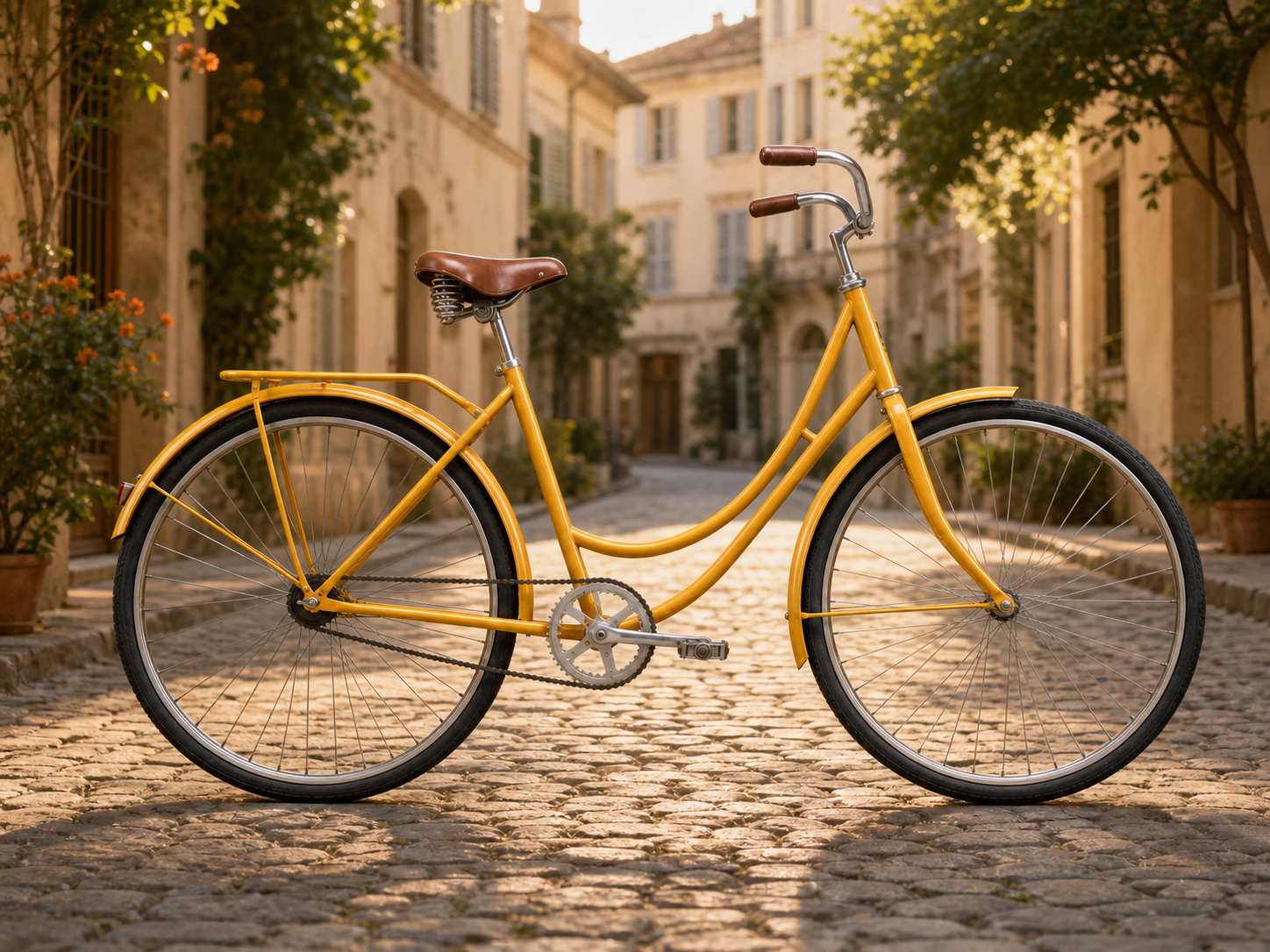
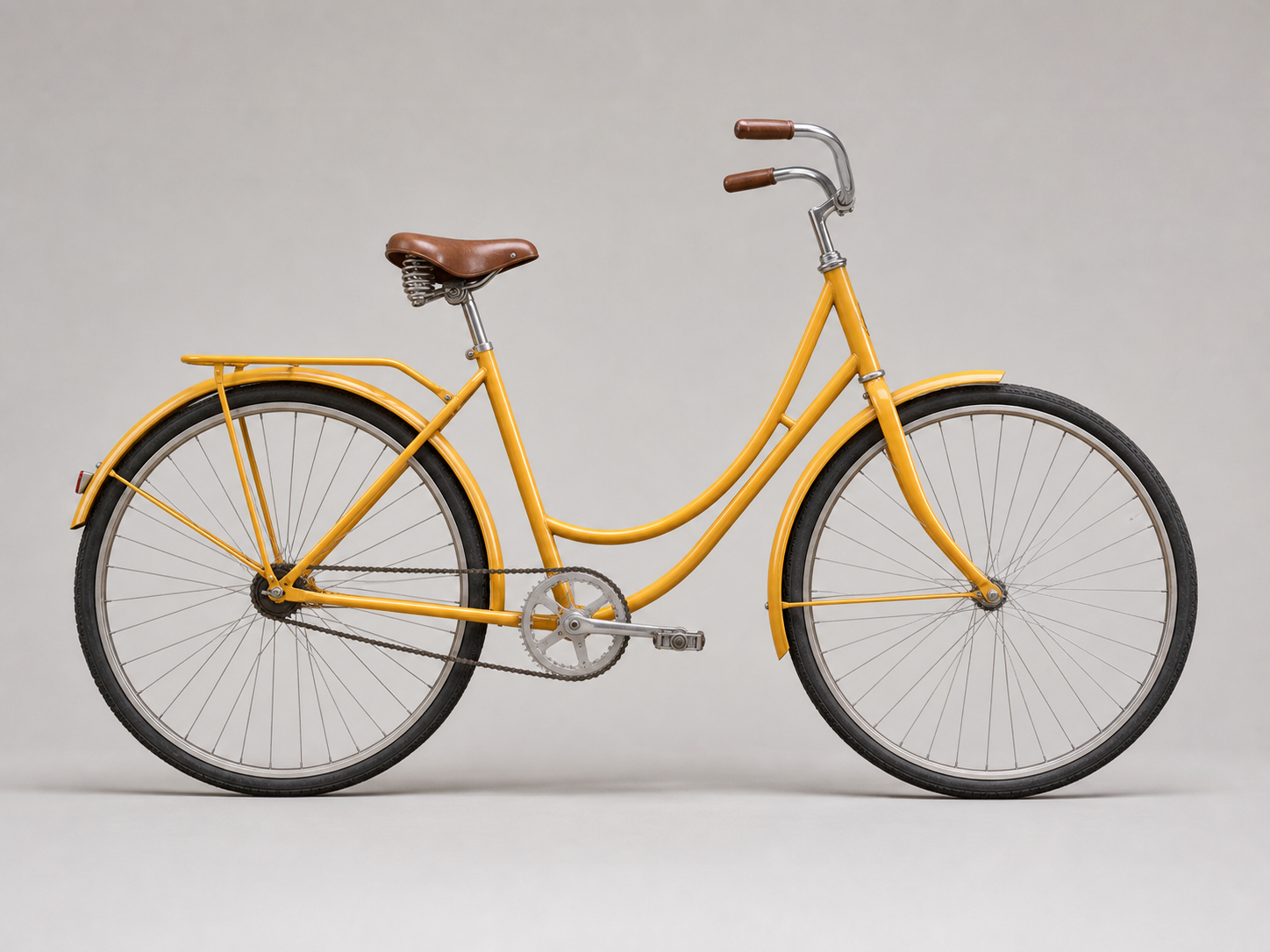
Swap the background while keeping the subject and framing in place. Use it as an AI background changer for product photos, vehicles, portraits, or room scenes.

Example: Move a yellow studio bicycle onto a sunlit European street without changing the bicycle.

Develop a visual idea
Input: Develop a visual idea
Input
03

Develop a visual idea

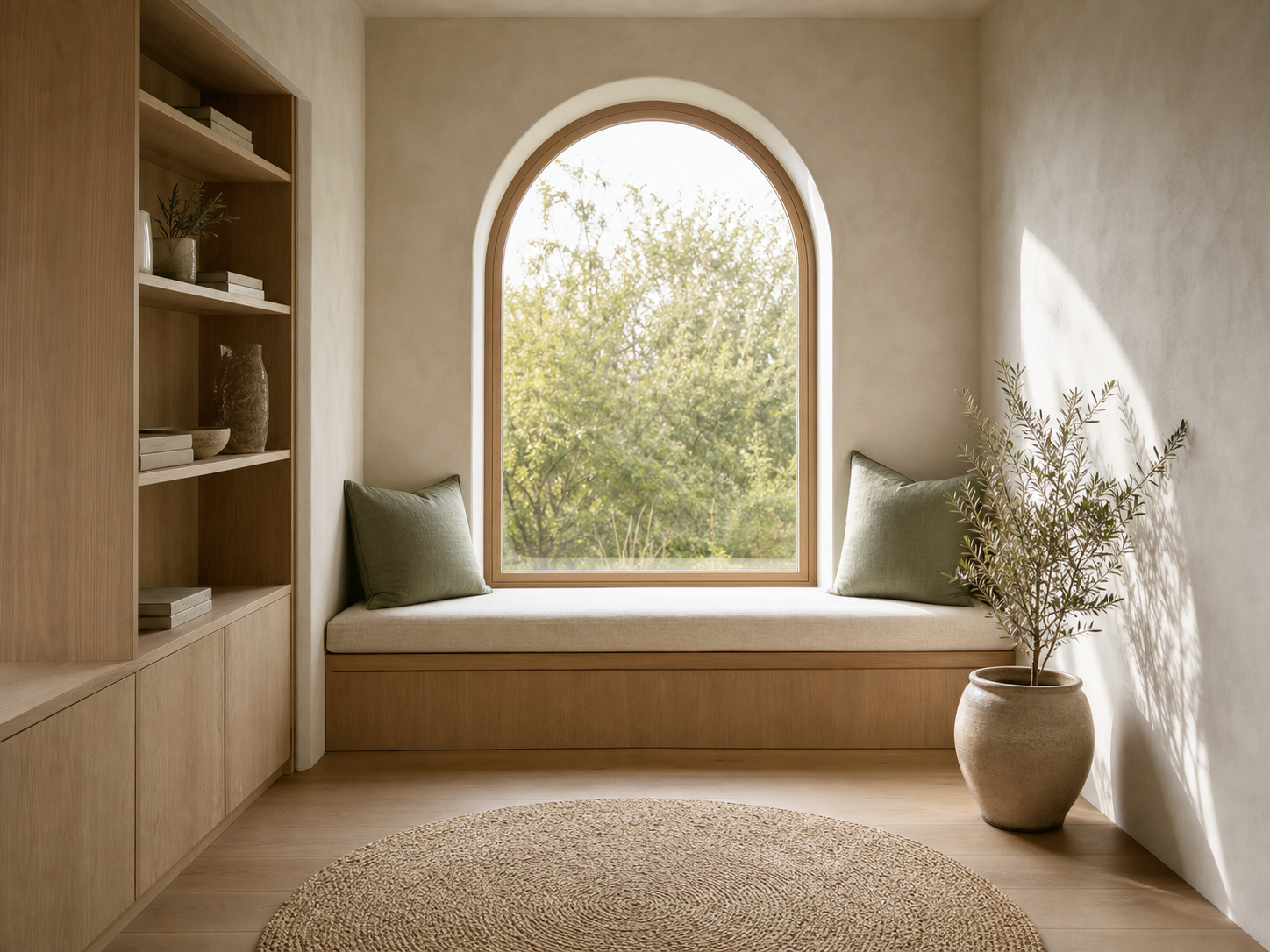
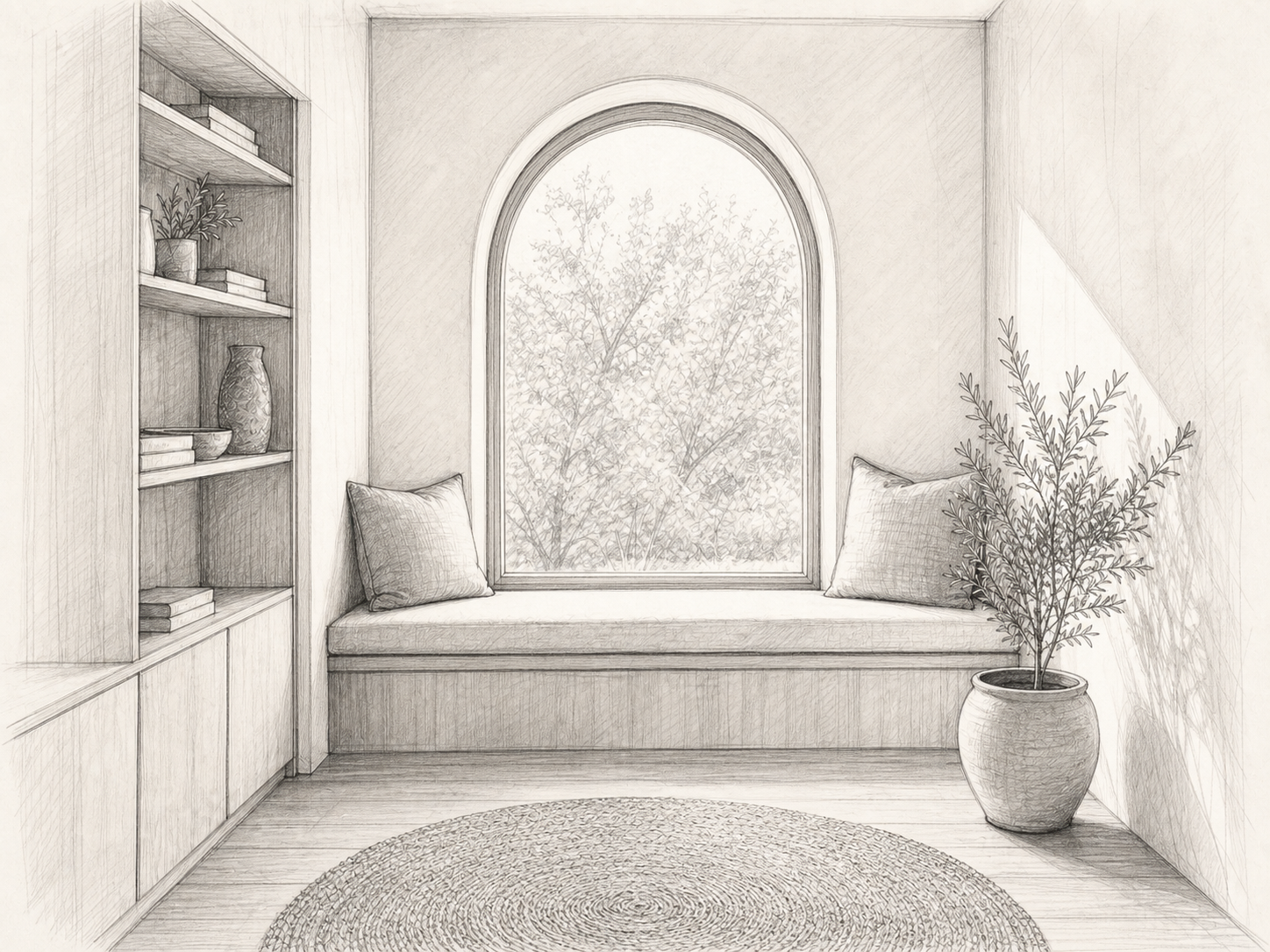
Turn a rough sketch into a finished image while keeping its layout and perspective. This works well for interior renders, architectural concepts, and early product ideas.

Example: Render a pencil sketch of an arched reading nook as a warm, photoreal Japandi interior.

Replace or remove an object
Input: Replace or remove an object
Input
04

Replace or remove an object

Clean up a photo by removing one unwanted item or replacing it with something else. The generator rebuilds the area behind the object so the edit fits the original scene.

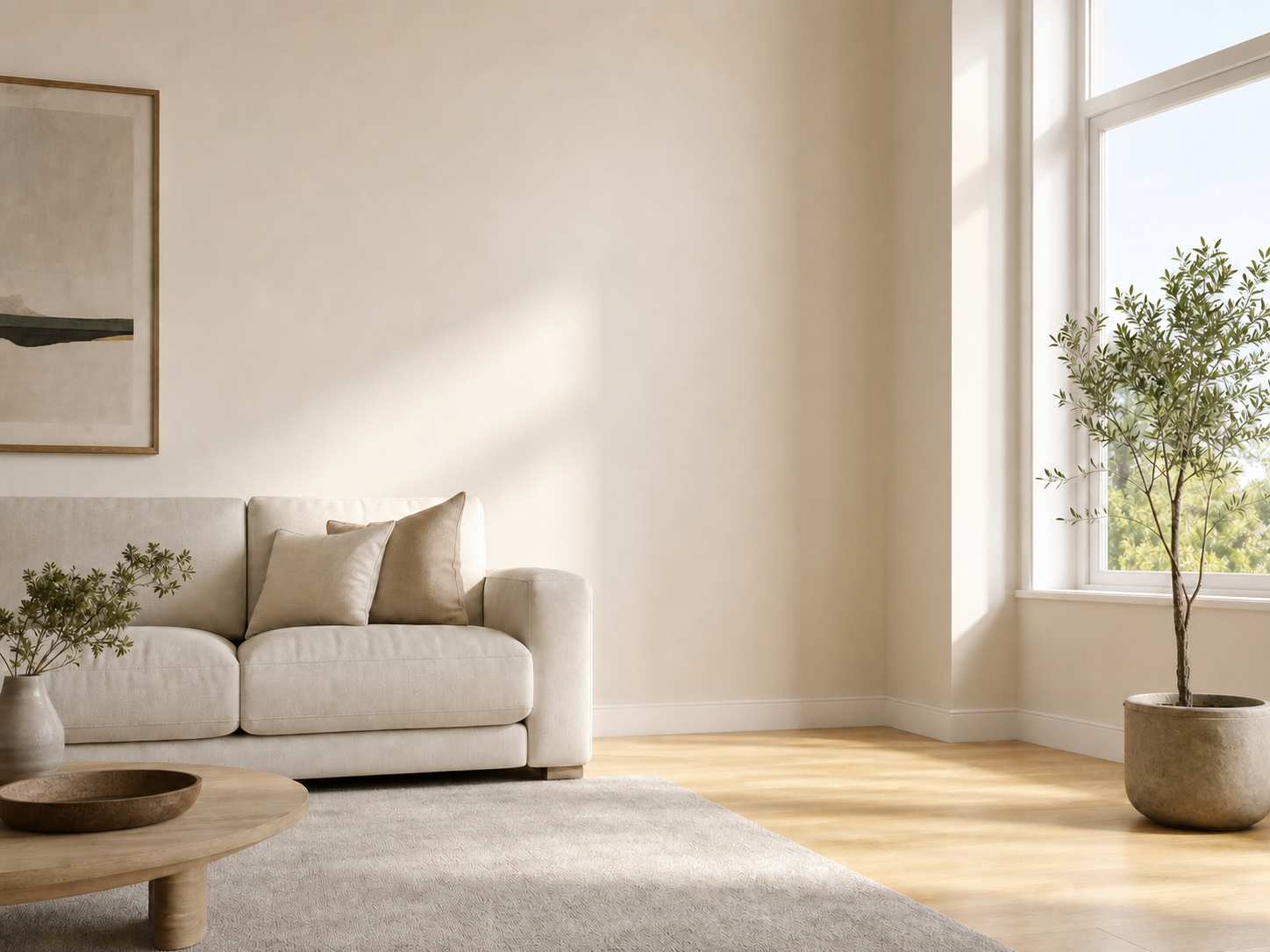
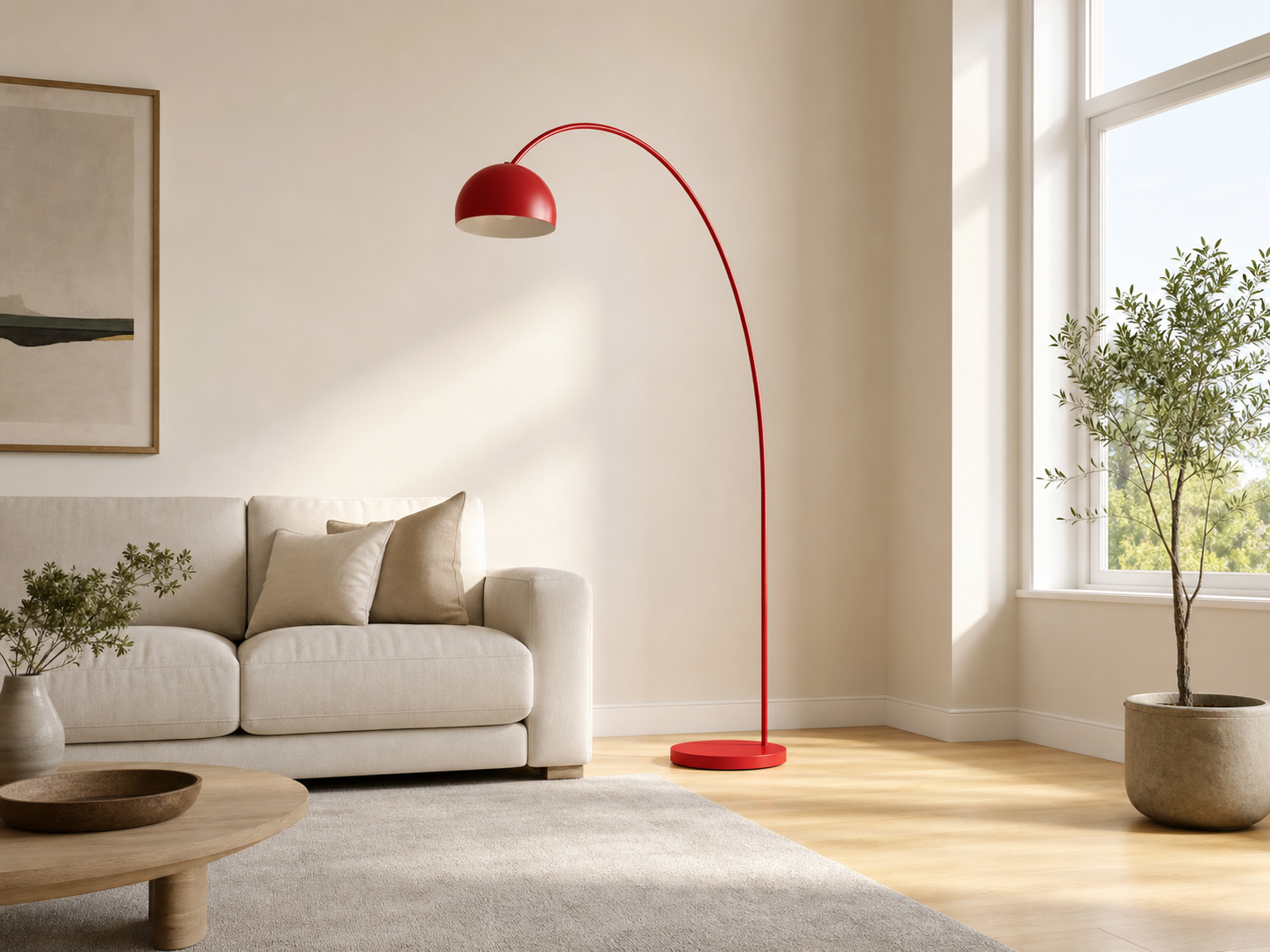
Example: Remove a red floor lamp and restore the wall and wooden floor behind it.

Create product variations
Input: Create product variations
Input
05

Create product variations

Make product color and finish variations from one reference photo. The shape, materials, lighting, and composition can stay consistent across ecommerce and catalog images.

Example: Change a ceramic lamp base from coral red to cobalt blue and leave everything else unchanged.

Combine multiple references
Input: Combine multiple references
Input
06

Combine multiple references

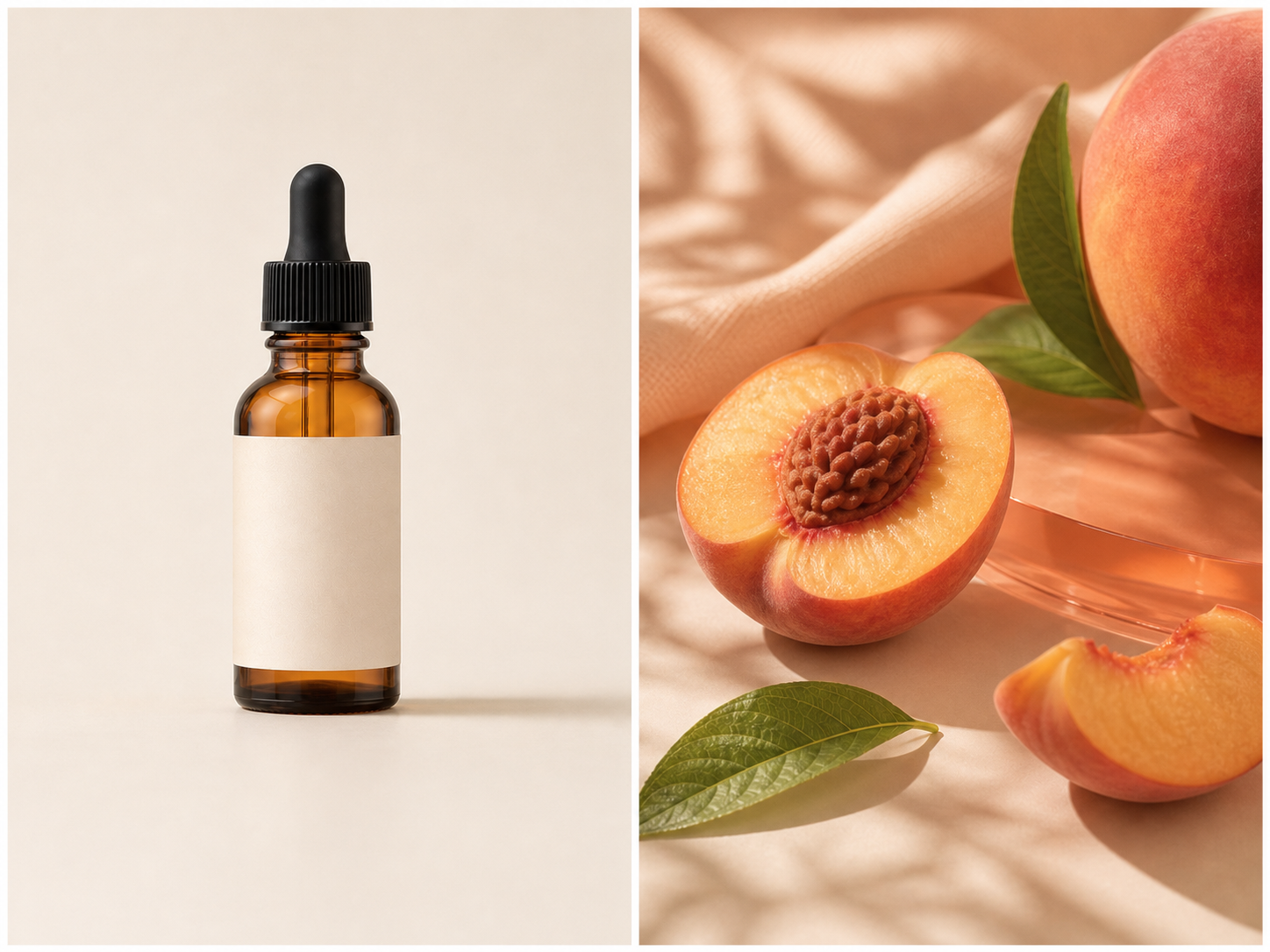
Give each reference a clear job: one can define the product, while another supplies the color, ingredients, lighting, or overall mood. This makes multi-reference generation easier to control.

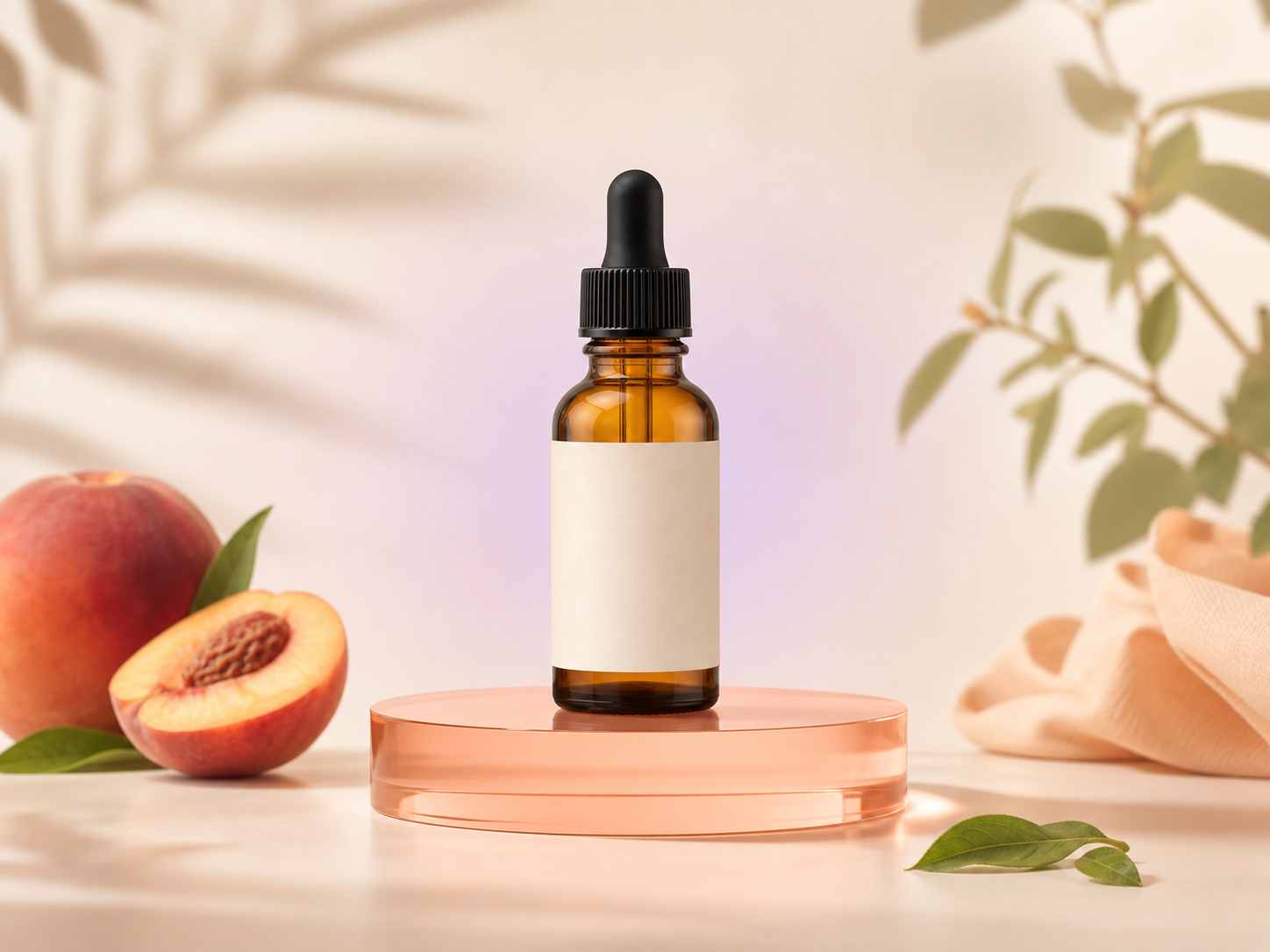
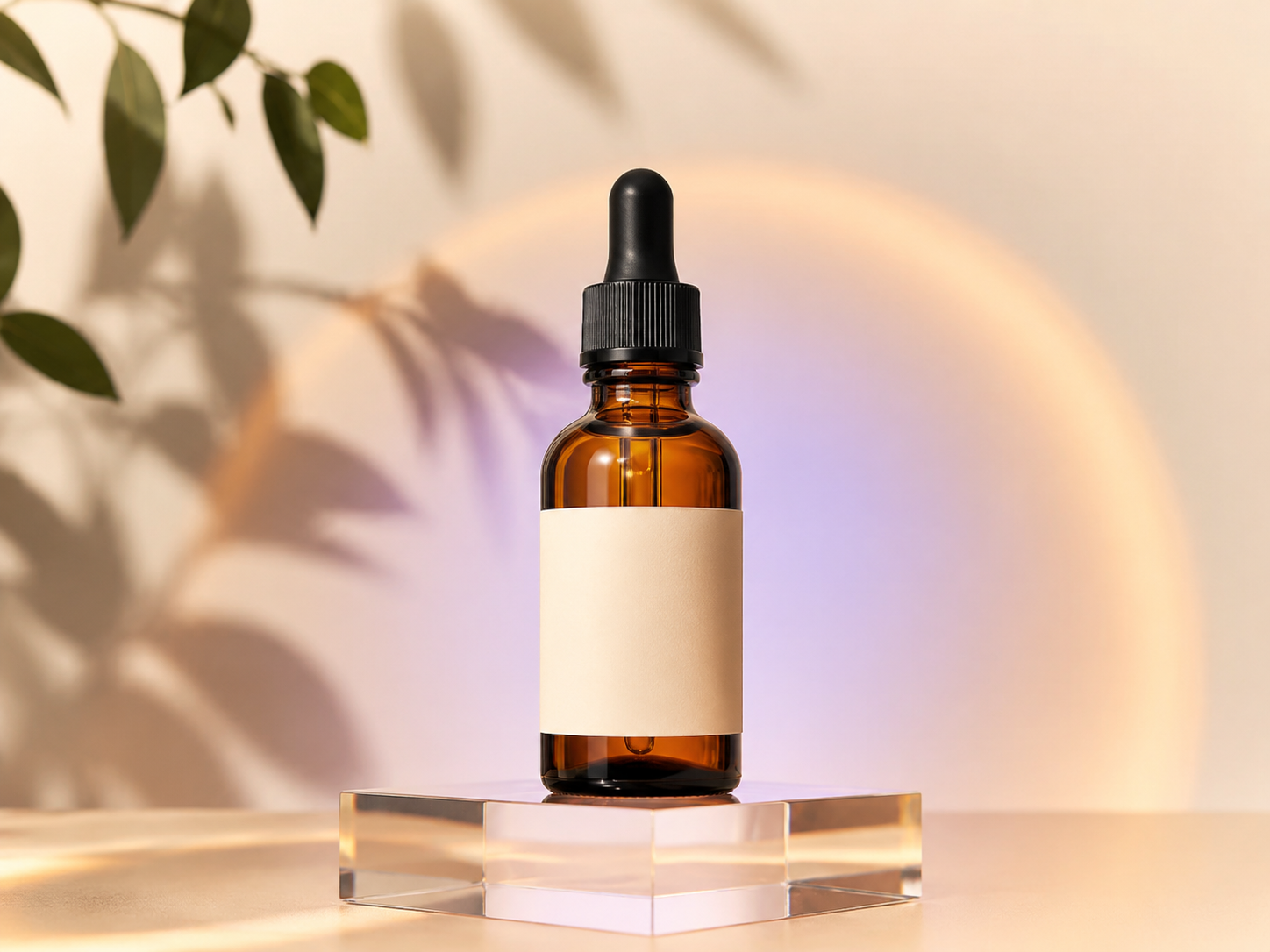
Example: Combine an amber skincare bottle with a peach-inspired visual reference to create a product campaign image.

How to use the Image to Image AI Generator

Turn one reference image into a new result in three steps.

1

Upload a reference image

Choose a clear JPG, PNG, WebP, or supported image file. Add more references only when each one has a distinct purpose.

2

Describe what stays and changes

Select a model and aspect ratio, then write the preservation rules, requested edit, style, setting, lighting, and exclusions.

3

Generate and refine

Review the current quality, credit total, and visibility setting before generating. Inspect the result and change one instruction for the next variation.

How to Get Better Results With This Image to Image AI Generator

Structure every prompt around three jobs—what to keep, what to change, and what to avoid—so the generator preserves the right details and makes only the requested edit.

Keep

Name the face, product silhouette, pose, room geometry, camera angle, palette, or other details that must remain recognizable.

Change

Describe the new background, materials, wardrobe, visual medium, lighting direction, color palette, and level of realism.

Avoid

List likely failure cases for this image, such as altered logos, extra objects, face reshaping, moved furniture, text, or a watermark.

Try an image-to-image prompt
Product campaign scene generated from a plain reference photo

Why use Promptsref for image-to-image generation

The usual alternative is moving files and prompts between separate model sites, editors, and download folders. Promptsref keeps reference-led generation and follow-up image work in one browser workflow.

Compare multiple AI models

Choose among supported reference-image models in the same generator instead of rebuilding the job in a separate tool.

Choose the output you need

Available aspect ratios and resolutions, including options up to 4K on supported models, appear before generation.

Download without a visible watermark

Save the generated image without a visible watermark, then continue with companion image and video tools when needed.

Try image-to-image generation
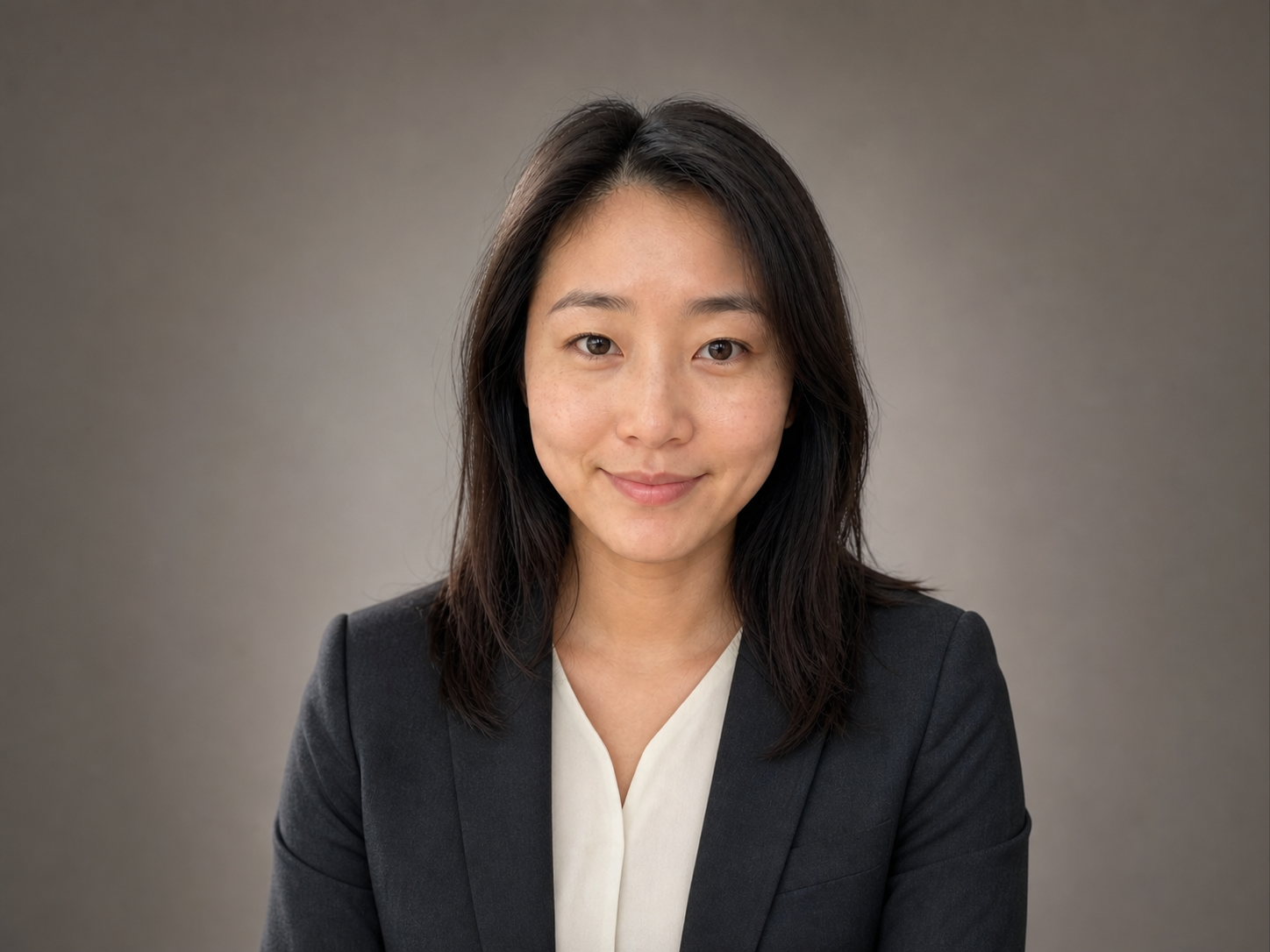
Portrait made with the Promptsref image-to-image workflow

Use references you have permission to transform

An image-to-image model creates a new file, but the source material and visible identities may still carry ownership, privacy, trademark, or consent obligations.

Check ownership and consent

Use your own images or material you are allowed to edit. Get appropriate permission before transforming identifiable people or client assets.

Review Public Visibility

Check the visibility control before uploading private material, and avoid sensitive images you would not be comfortable processing under the selected setting.

Inspect important details

AI can change faces, product geometry, hands, logos, and text. Review the final file before publishing, selling, or sending it to a client.

Generate with permission
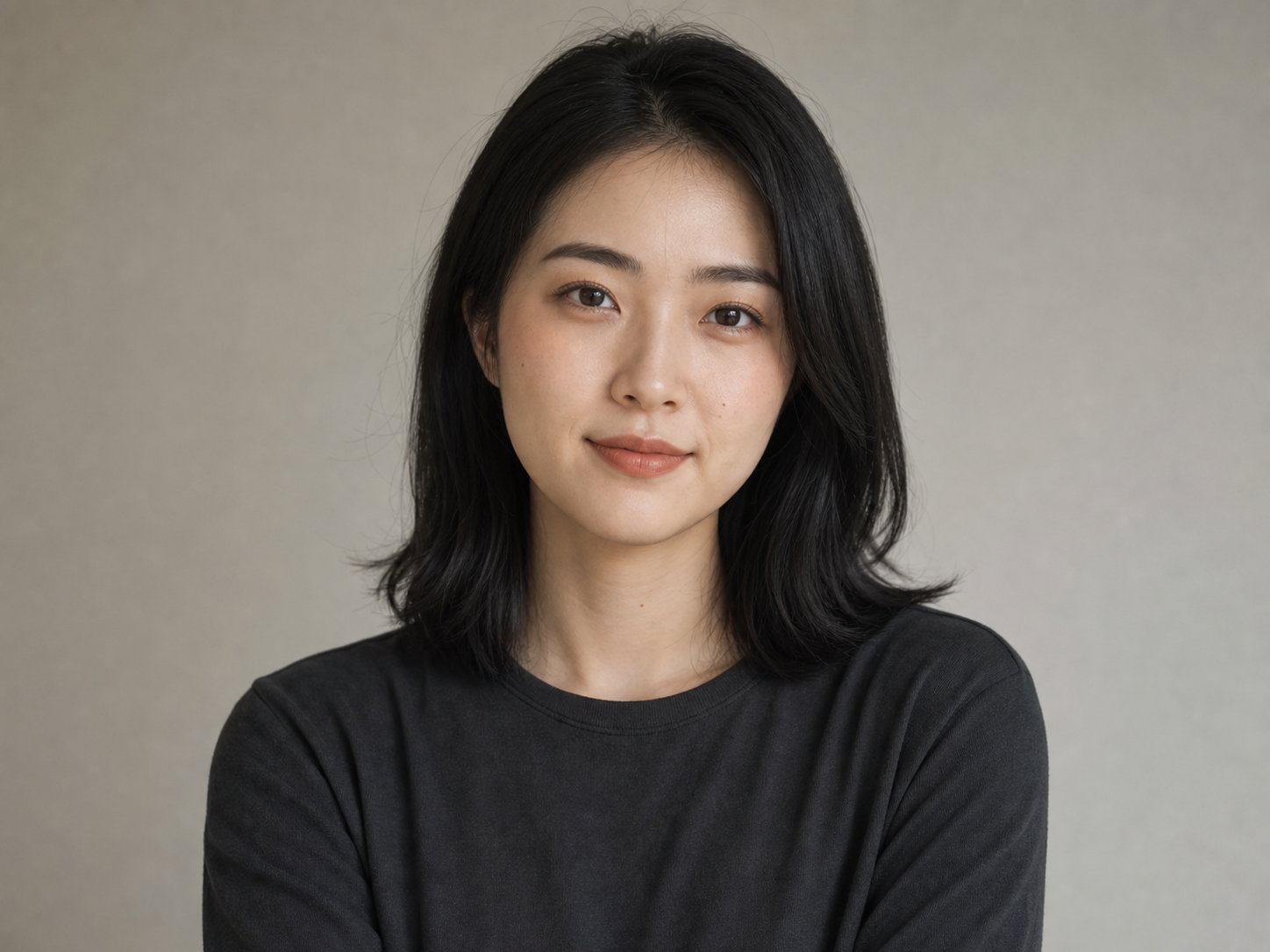
Original portrait used as an authorized reference image

Choose a model by its reference limits and output controls

Model names matter less than the controls your job needs. Check how many references the model accepts, its available ratios and resolutions, and the live credit total before generating.

ModelMax referencesResolutionSupported aspect ratios
GPT Image 2161K / 2K / 4KAuto · 1:1 · 2:3 · 3:2 · 3:4 · 4:3 · 9:16 · 16:9
Nano Banana 2 / Pro81K / 2K / 4KAuto · 1:1 · 2:3 · 3:2 · 3:4 · 4:3 · 4:5 · 5:4 · 9:16 · 16:9 · 21:9
Nano Banana 2 Lite101KAuto · 1:1 · 1:4 · 1:8 · 2:3 · 3:2 · 3:4 · 4:1 · 4:3 · 4:5 · 5:4 · 8:1 · 9:16 · 16:9 · 21:9
Seedream 5.0 Pro101K / 2K1:1 · 4:3 · 3:4 · 16:9 · 9:16 · 3:2 · 2:3
Grok Imagine11:1 · 2:3 · 3:2 · 9:16 · 16:9
More to make

Other AI Image Generators

Want a different look? Each generator opens with its own examples, prompt tips, and ready-to-use settings.

AI LinkedIn Photo Generator
AI image

AI LinkedIn Photo Generator

Upload one clear photo and turn it into a polished professional headshot. Keep your recognizable features while changing the outfit, background, lighting, and crop for LinkedIn, a résumé, or a company profile.

AI Product Listing Image Generator
AI image

AI Product Listing Image Generator

Upload a product photo or describe what you sell. Create clean product shots, lifestyle scenes, and ad images for your online store.

Free AI Game Character Generator Online
AI image

Free AI Game Character Generator Online

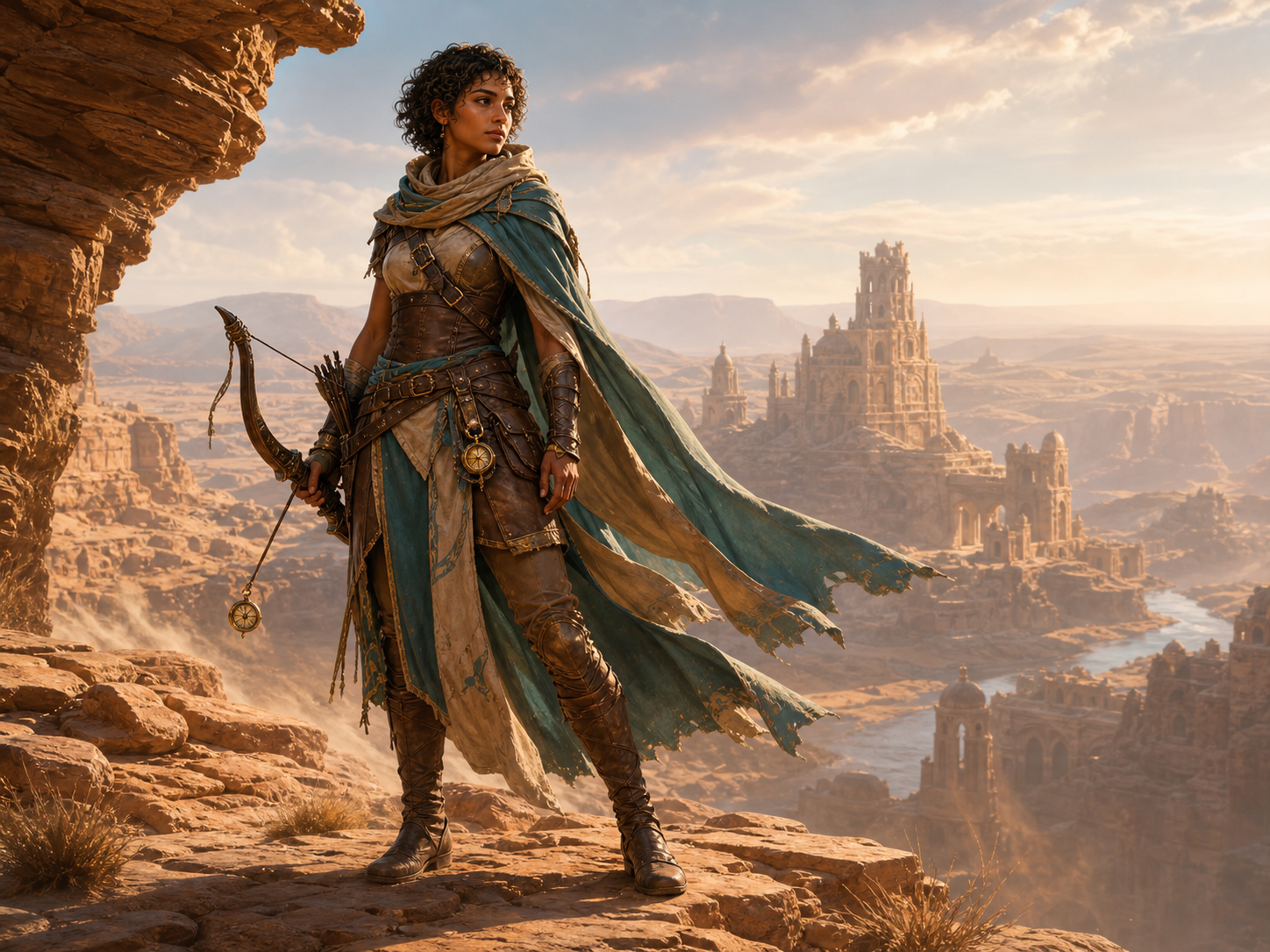
Create original game character art from a text prompt or reference image. Choose an AI model and aspect ratio, then generate heroes, NPCs, enemies, portraits, and full-body concepts online.

AI Engraving Generator
AI image

AI Engraving Generator

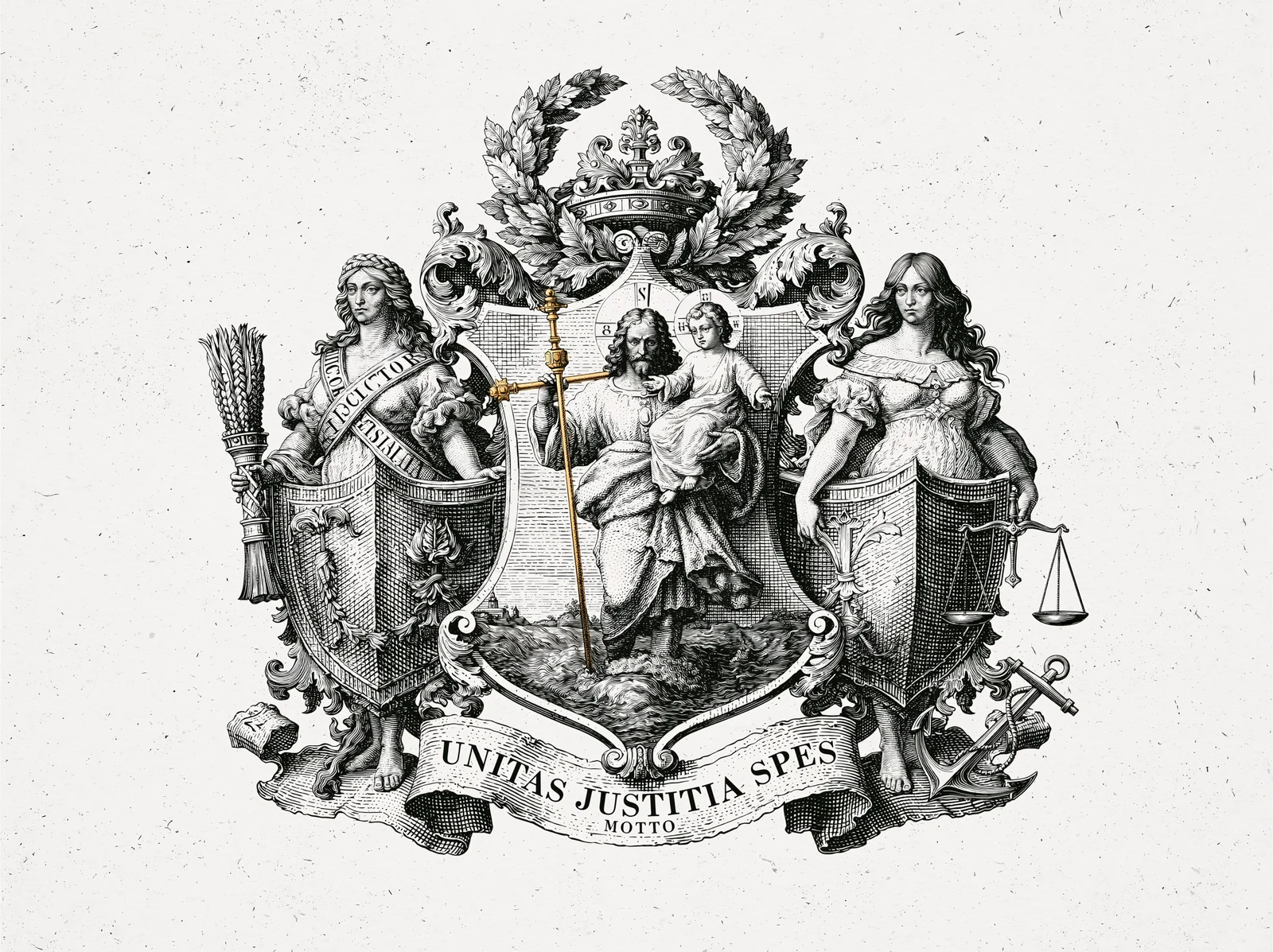
Turn a prompt or reference image into artwork with cross-hatching, carved marks, and the texture of a traditional print.

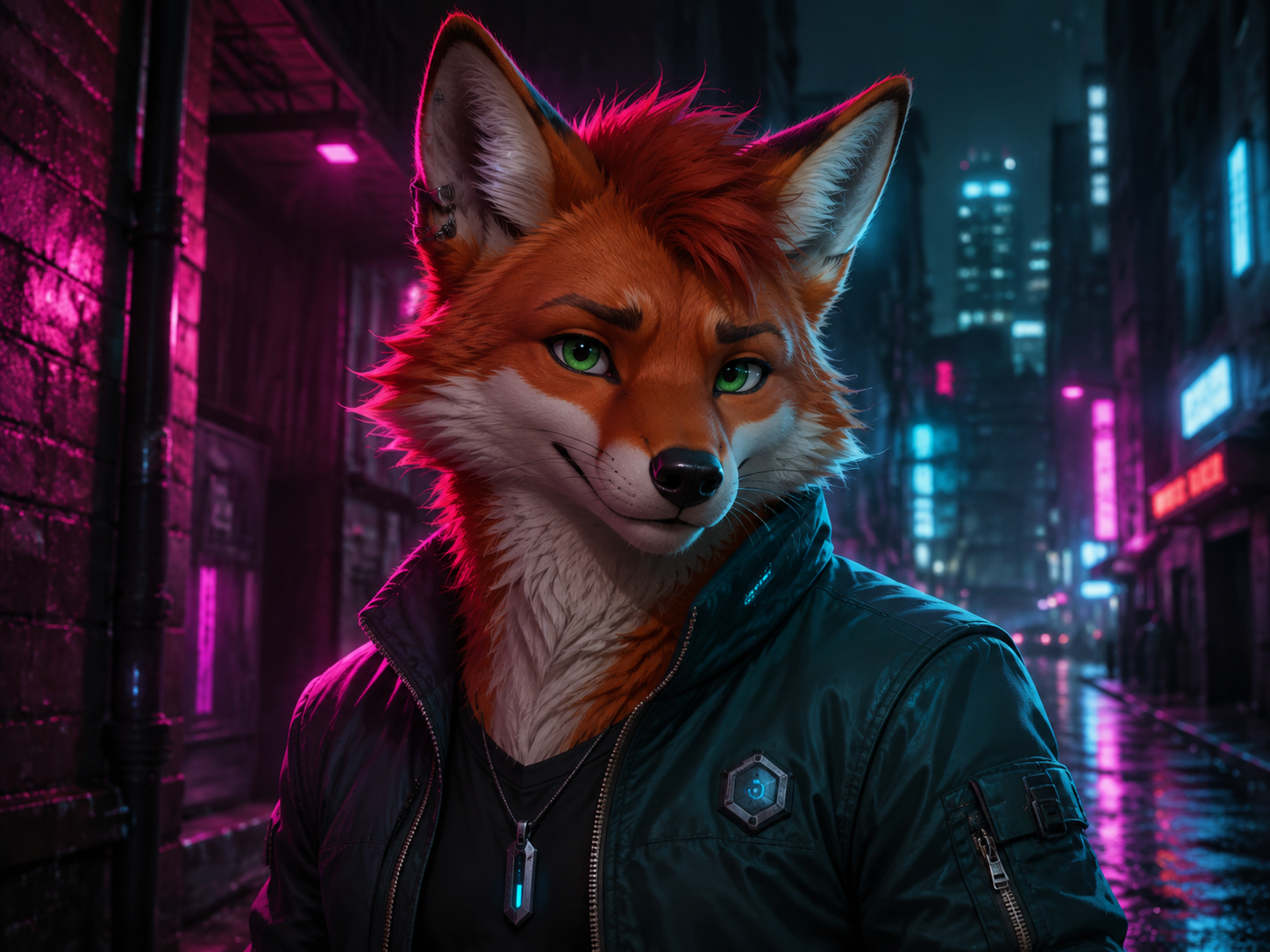
AI Furry Art Generator
AI image

AI Furry Art Generator

Start with a species and a few features you can picture clearly. Add an outfit, pose, and setting—or upload a reference image—and keep refining the character from there.

AI Giga Chad Generator Online Free
AI image

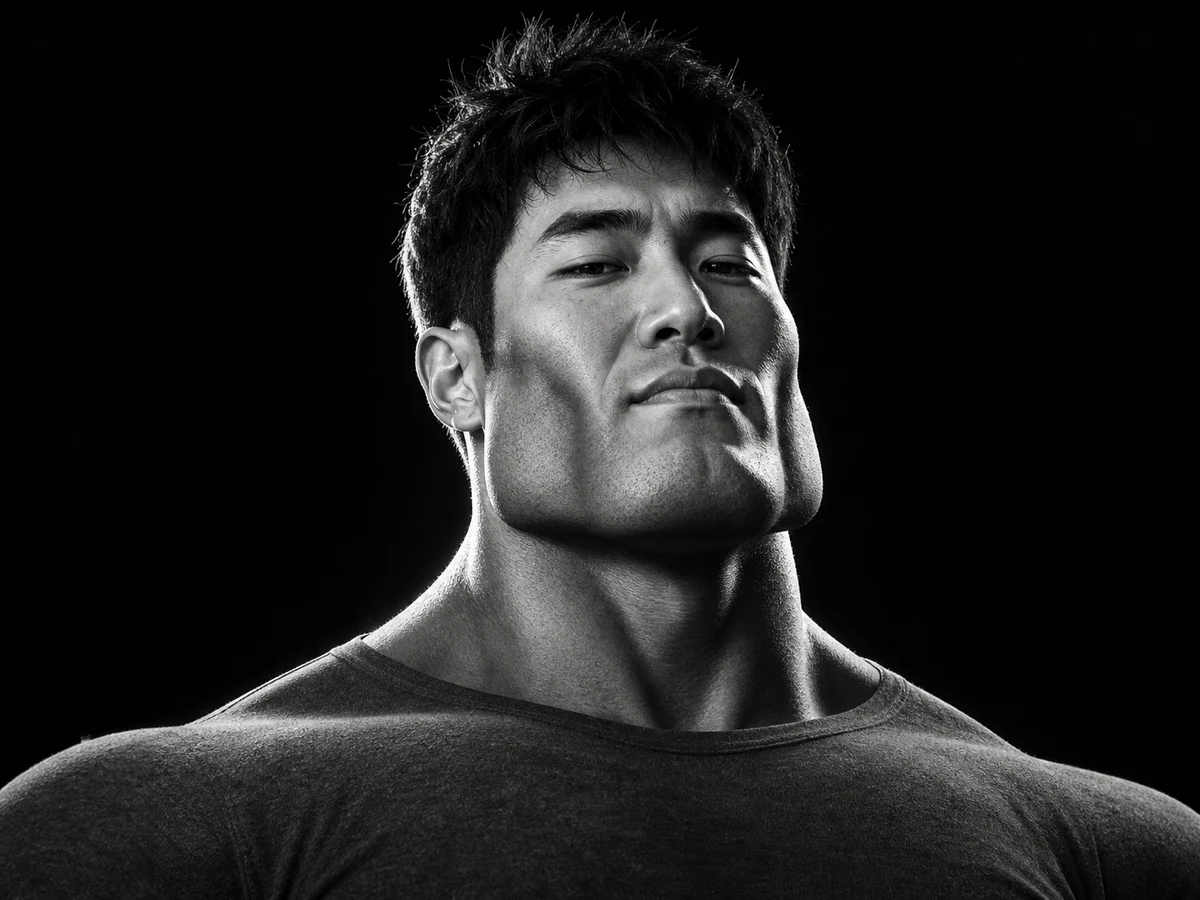
AI Giga Chad Generator Online Free

Upload a clear portrait or start with a prompt. Create a recognizable Gigachad-style image with a sharper jawline, sculpted cheekbones, confident expression, and the dramatic lighting that makes the meme instantly readable.

Free AI Palm Reader Online
AI image

Free AI Palm Reader Online

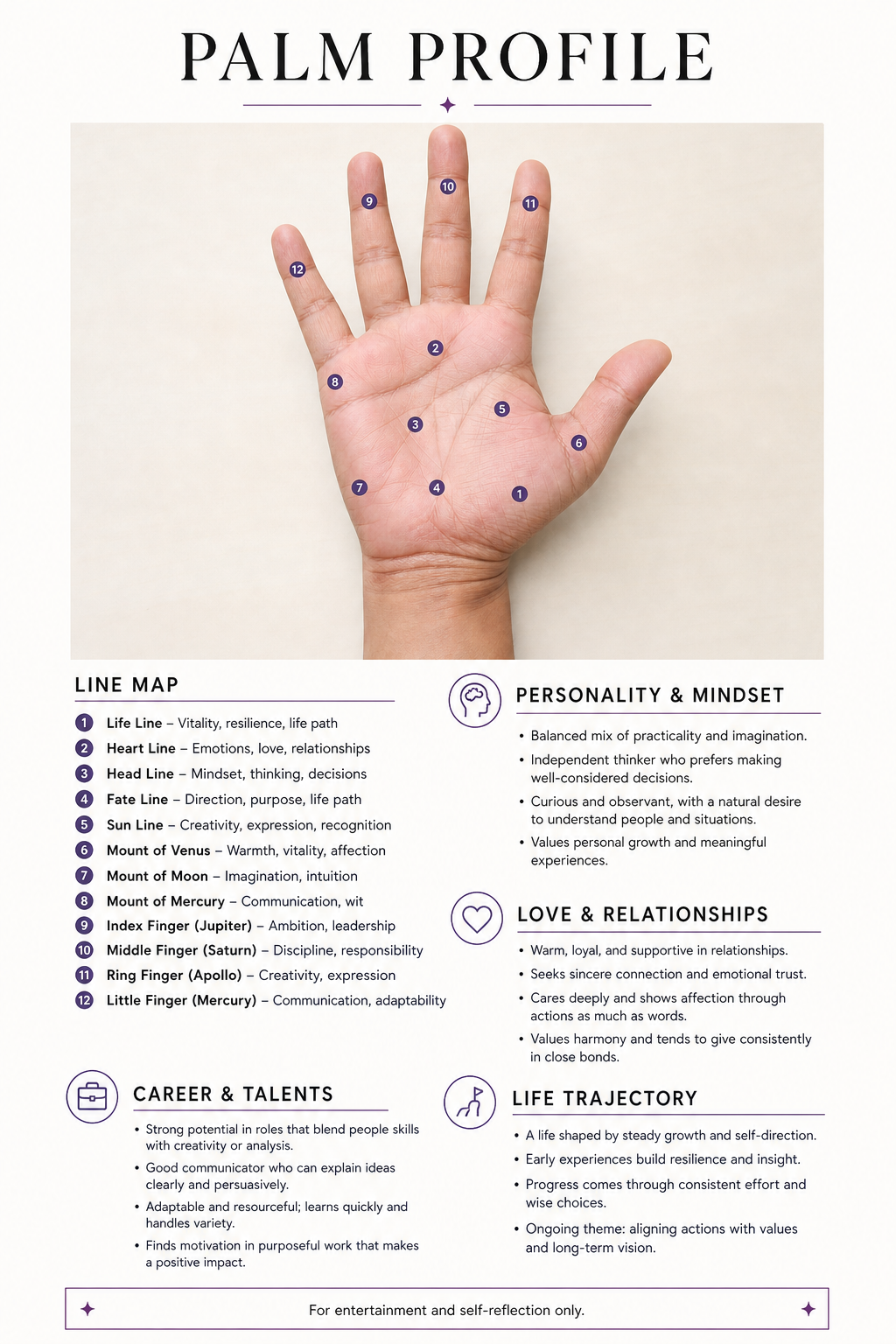
Upload a clear palm photo to map your life, heart, head, and fate lines. Create a personalized visual palmistry report with labeled details—for entertainment and self-reflection only.

Free AI Selfie with Celebrities Generator Online
AI image

Free AI Selfie with Celebrities Generator Online

Start with two clear photos: one of you and one celebrity reference. Load a complete example, replace the sample images, and create a believable backstage, premiere, or stadium selfie without manual compositing.

YouTube Thumbnail Generator
AI image

YouTube Thumbnail Generator

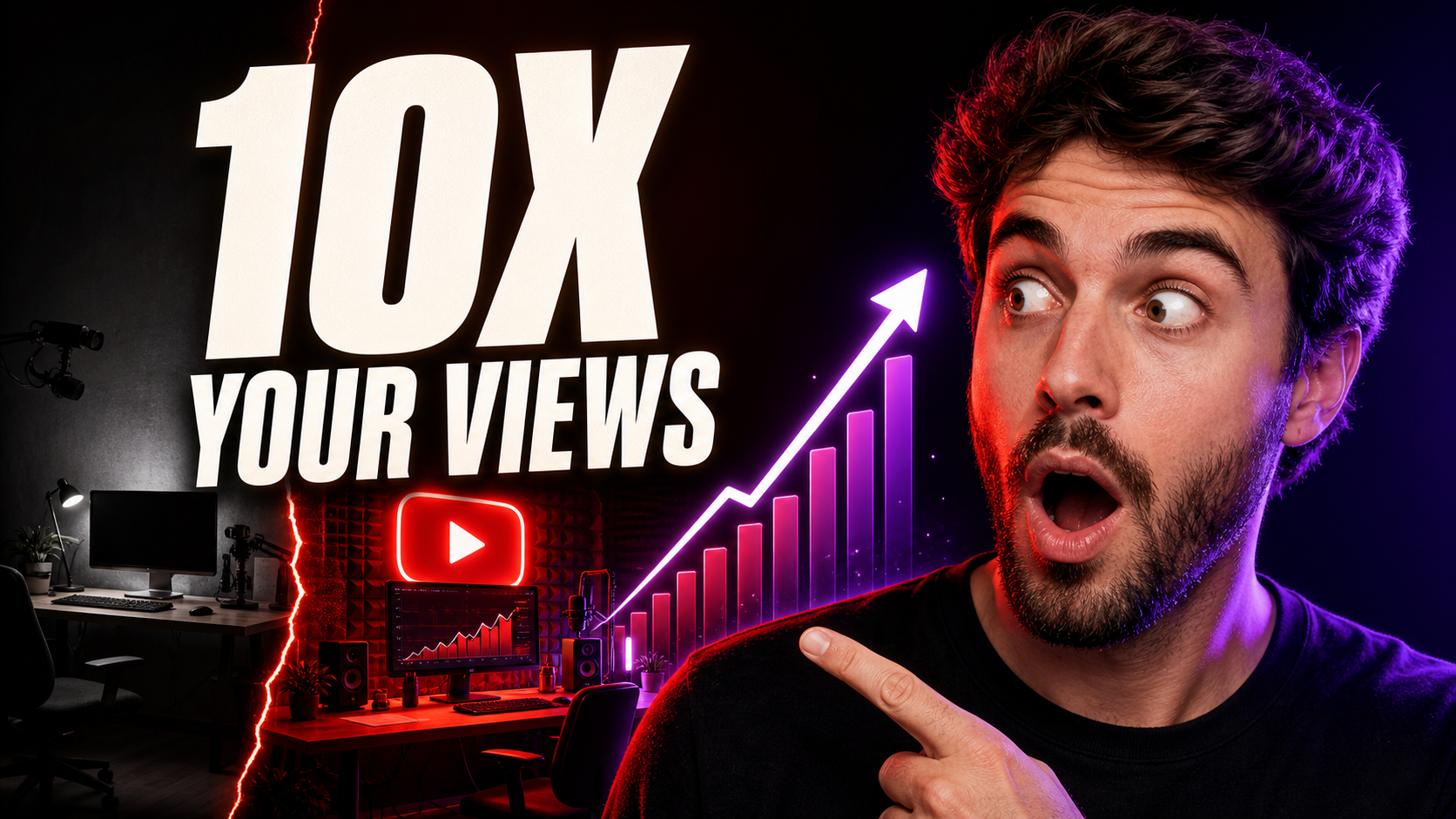
Turn a video title, topic, or hook into a 16:9 thumbnail concept. Describe the scene, add a face or visual reference when useful, and compare multiple AI image models without rebuilding your prompt.

Image to Image AI Generator FAQ

It creates a new image from an uploaded reference and a written instruction. The reference supplies visual information such as subject, layout, pose, colors, or style, while the prompt explains what to preserve and change.

Text-to-image starts from a written description alone. Image-to-image adds visual context, making it more useful when you already have a subject, composition, product, character, or style you want the new result to follow.

Yes. A short prompt tells the model how to use the reference. For a controlled result, state what must stay recognizable, what should change, and what the output should avoid.

The limit depends on the selected model. The generator displays the current image limit for that model; some accept one reference while others support several.

Use a sharp, well-lit image with a clear subject and visible defining features. If composition matters, start with framing close to the result you want.

A reference can improve consistency, but AI may still change small facial, product, clothing, text, or design details. Review each result carefully when exact accuracy matters.

Options depend on the selected model. Supported models offer common portrait, square, and landscape ratios, with resolutions up to 4K where available.

The cost depends on the model, resolution, and number of outputs. The current credit total appears before you generate, and failed generations are automatically reviewed for a refund.

Yes. Generated images can be downloaded without a visible watermark.

Turn your reference into a new image

Upload one clear image, set the creative boundaries, and generate a controlled variation.