AI Furry Art Generator

Start with a species and a few features you can picture clearly. Add an outfit, pose, and setting—or upload a reference image—and keep refining the character from there.

0/20000
Total Credits9
GPT Image 29
Publish to Explore
?
👑
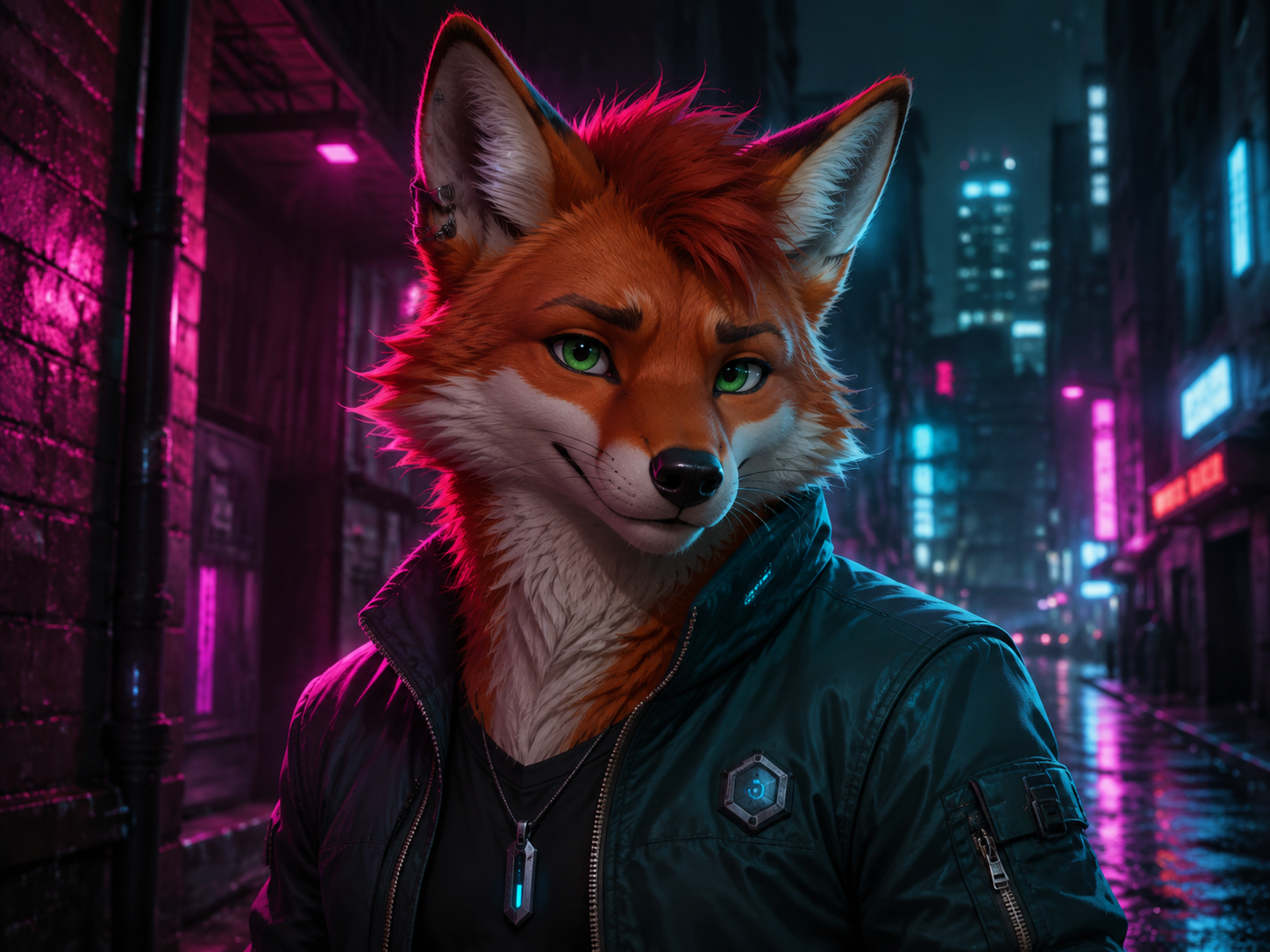
Neon Fox

Original adult anthropomorphic red fox character, expressive green eyes, detailed fluffy fur, dark teal bomber jacket, subtle cyberpunk accessories, neon-lit rainy city alley, magenta and cyan rim lighting, polished semi-realistic digital character art, waist-up portrait, confident friendly expression, no text, no watermark
Turn a character idea into furry art

You do not need a finished character sheet. A species, a color palette, and a few memorable traits are enough to begin. Generate a portrait first, then reuse the same details for outfits, full-body poses, or a scene.

Start with the species

Fox, wolf, cat, rabbit, dragon, or a hybrid—name it early so the rest of the prompt has a clear base.

Add the details people will remember

A split-color muzzle, one bent ear, bright eyes, or a favorite jacket will do more than a long list of generic adjectives.

Say how you want it drawn

Ask for clean cartoon lines, anime shading, painterly fantasy, or semi-realistic fur instead of leaving the style open.

Create furry art
Anthropomorphic fox portrait created with the AI Furry Art Generator

Write down the details you want to keep

If the same character will appear more than once, keep a short identity note you can reuse. Put the fixed traits first. Clothing, pose, camera angle, and background can change from image to image.

Keep the identity note short

Species, build, fur pattern, eye color, and two or three signature details are usually enough.

Pick a reference that is easy to read

Use one character with a visible face and silhouette. Busy group art and tight crops leave the model guessing.

Change one thing per attempt

Keep the identity note in place, then swap the outfit, pose, camera angle, or location separately.

Write a character prompt
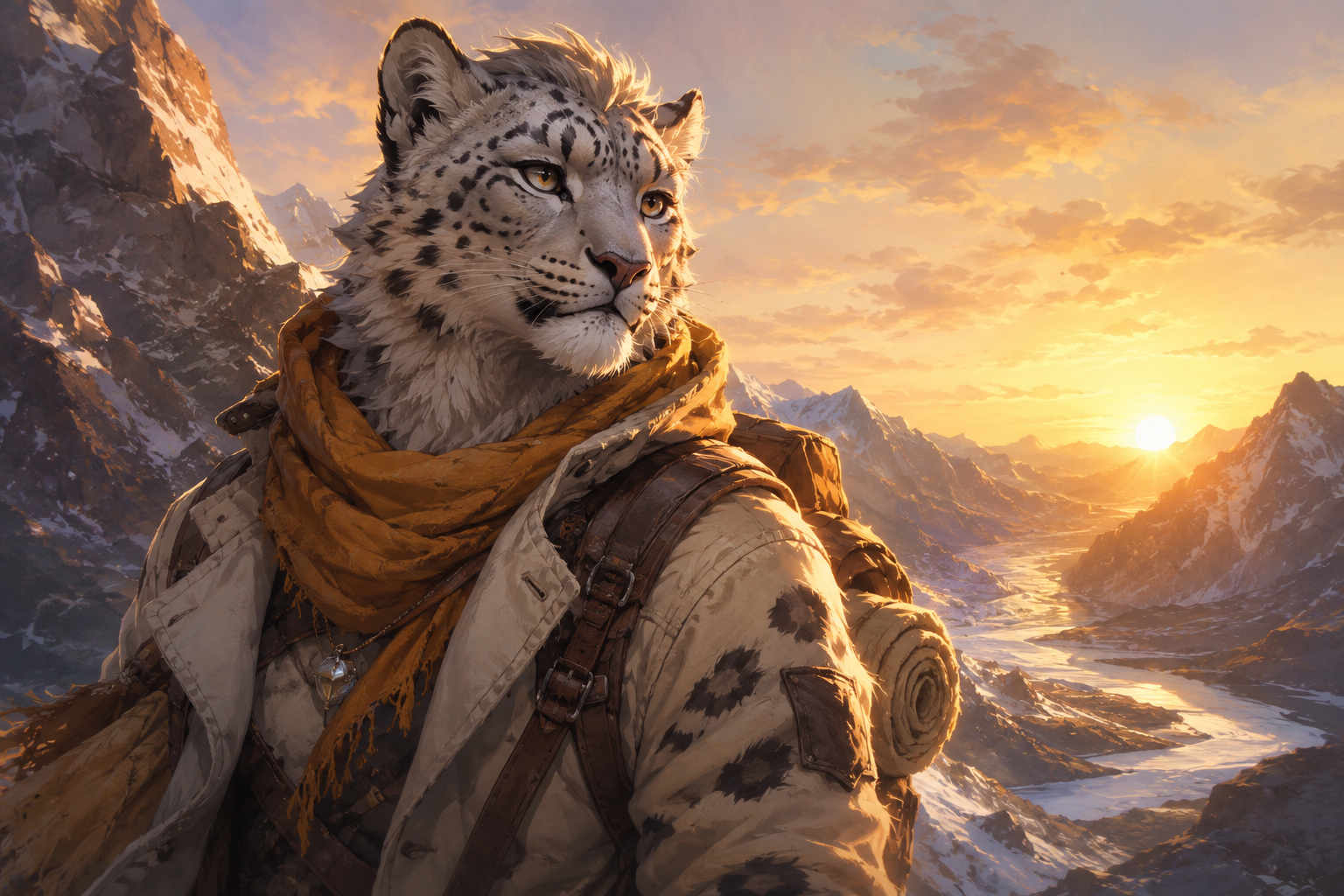
Snow leopard furry character used as a clear design reference

Make a furry character in three steps

Start simple. You can add detail after the first image gives you something useful to react to.

1

Describe the character

Write the species and the features that should not change. Add a reference image if you already have a design.

2

Pick the image shape

Use a square for an avatar, a portrait canvas for character art, or a wider frame when the setting matters.

3

Generate, compare, adjust

Keep the version that gets the character right. Change one weak detail, then try again.

Four furry character ideas to try

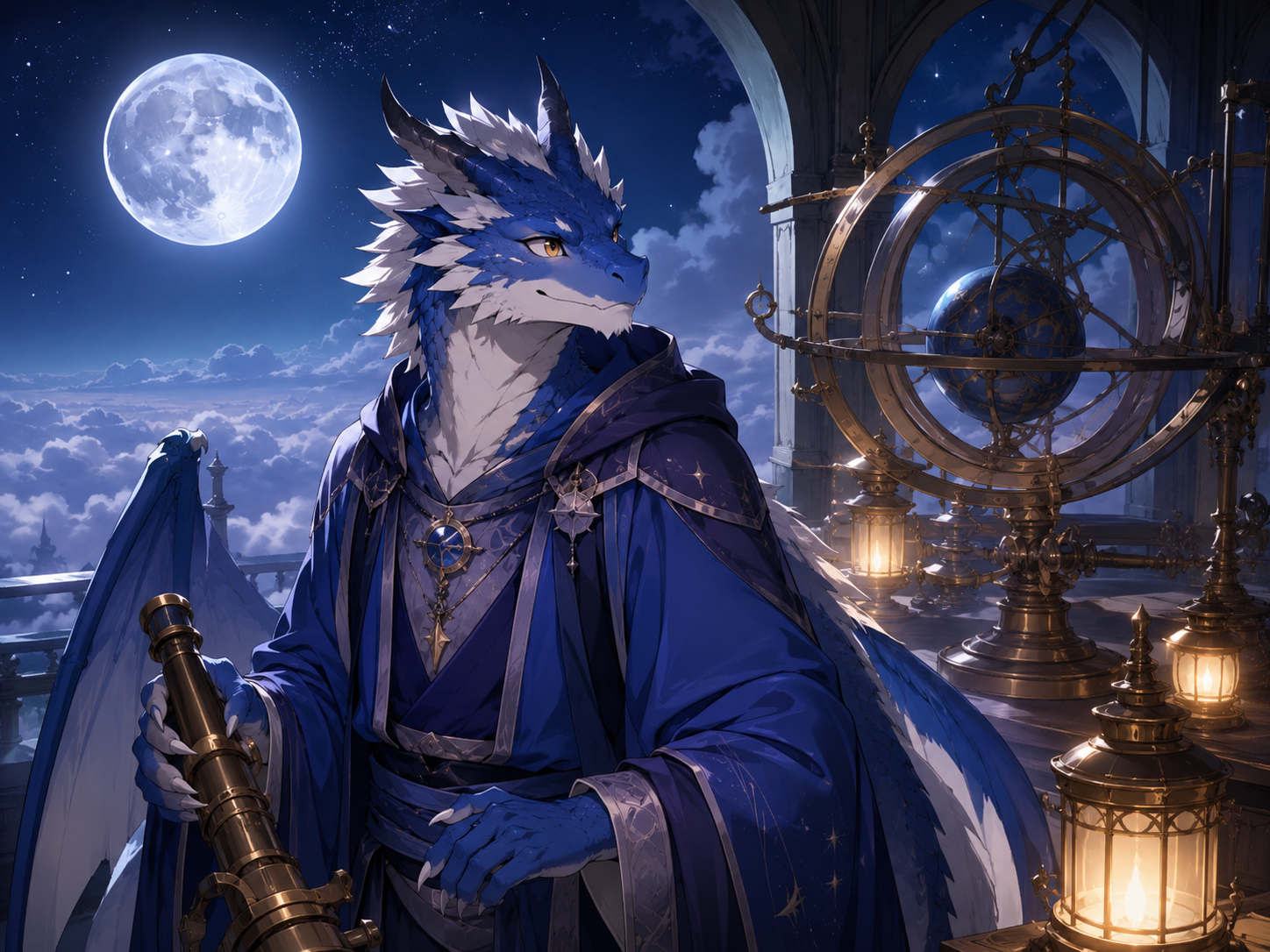
A setting, job, or favorite object can carry the whole design. Load any example to see the complete prompt.

AI Furry Art Generator FAQ

It turns a written character idea into anthropomorphic animal art. Describe the species, key features, clothing, pose, and style, then generate a new image from those details.

Yes. Save a short note with the character’s species, markings, colors, eyes, ears, tail, and signature clothing. Reuse it when you try a new pose or setting.

Yes, if the selected model accepts image references. A clear image of one character works best. The reference guides a new result; it will not reproduce every detail exactly.

Try anime, cartoons, line art, comics, painterly fantasy, semi-realistic portraits, or a 3D-rendered look. Name the style in the prompt instead of relying on the model to choose.

Reuse the same identity note and reference image. Keep colors and markings specific, and change one thing at a time. Small details may still move, so save the image that gets them closest.

Yes. Ask for a feral animal, mascot, creature, or fantasy hybrid in the prompt. The page starts with furry character examples, but the image models are not limited to them.

The cost depends on the selected model, quality, and number of outputs. The generator shows the current total before you submit.

Ready to make your character?

Load an example or start with the species and one detail you already know.