

Your turn to do the Sawadika dance
1 photo · 15s video with music · outfit kept
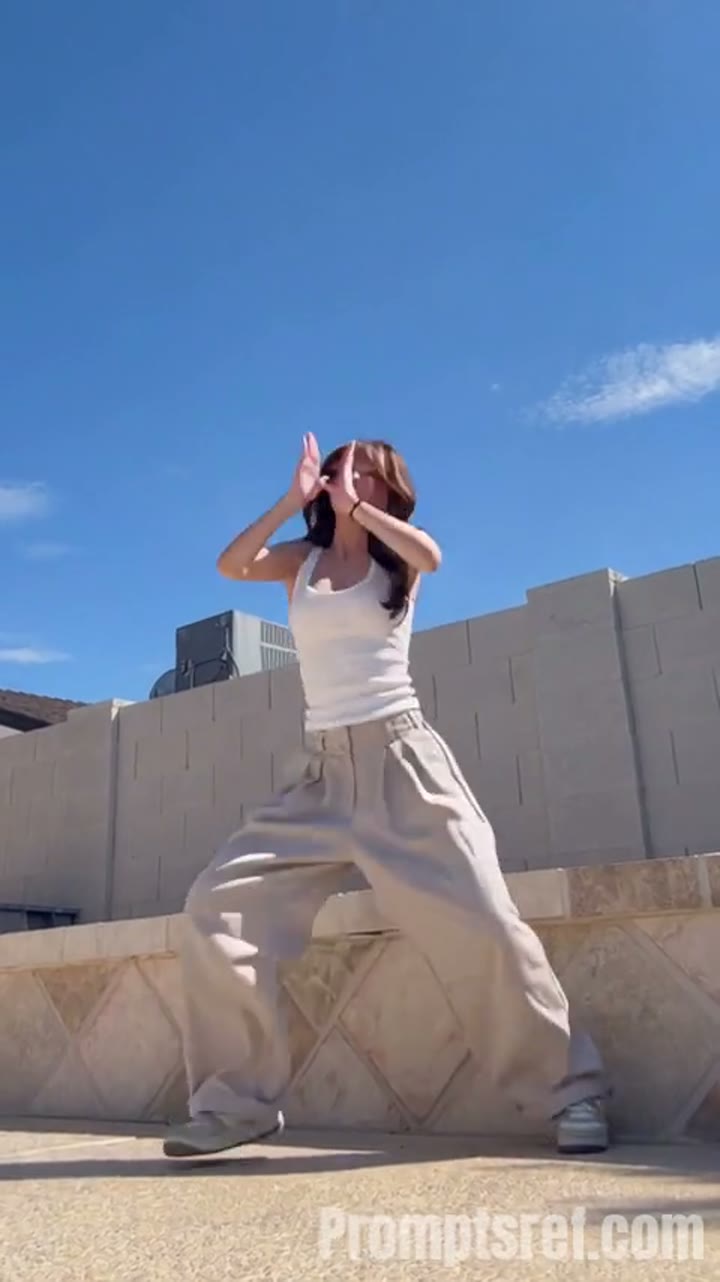
One photo, one viral dance. Replace the rooftop dancer with your person while the Sawadika moves, low-angle camera and blue-sky background stay the same.
 Example
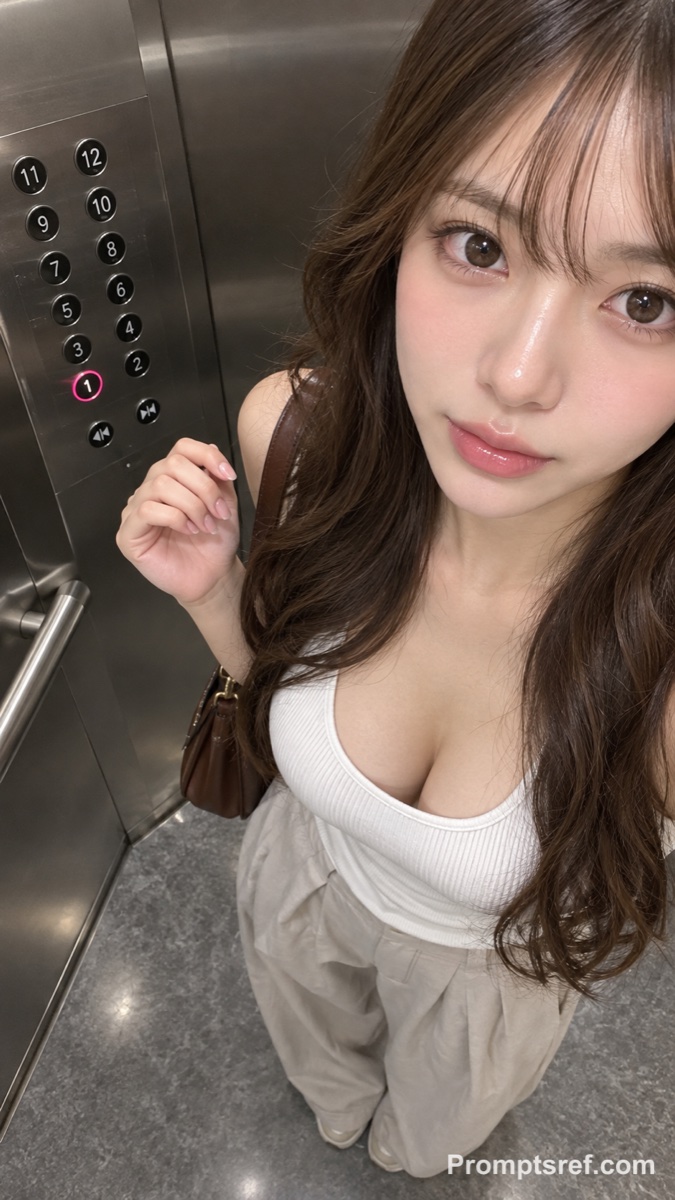
This saved result uses the photo below. The template loads the photo, the 15-second Sawadika dance reference and the swap prompt. Replace the photo to put your own dancer on the rooftop.
The template is already loaded. Upload one clear photo of the person who should do the dance.
The 15-second reference supplies the Sawadika moves, timing and low-angle camera. The default is Wan 3.0, 15 seconds, 480p, adaptive ratio, with audio. The prompt is editable.
Check the credit estimate, then generate. Watch the face during fast arm moves and turns, then download your favorite take.
The camera films from below and shows the whole body. A photo that shows the top and pants keeps the outfit closer to your reference.
Use a sharp, evenly lit photo with no other people. A front or slight-angle face holds up best in the turns.
Tank tops, wide-leg pants and sneakers move naturally. Long dresses or bulky coats may warp during the dance.
Join the Sawadika trend without filming on a rooftop or learning the steps.
Turn today's outfit photo into a short dance clip for Reels or TikTok.
Make an AI influencer, cosplay look or brand mascot hit the trend.
Photo, dance reference, prompt and model settings load together, so you only change the person.
Read the swap rules and change outfit or identity notes before you spend credits.
The generator shows model, duration, quality and the credit estimate including the reference video.
Two photos, one neon dance. Replace the black-haired dancer on the left and the light-brown-haired dancer on the right while the choreography, timing and camera stay the same.
Our STORM II AI video generator puts your characters in the scene: one image for the front, one for the steps. Our self-made depth reference carries only the dance, so every face and outfit comes from your images.
Two photos. One keyboard. Your duo. Replace the left keyboard player and the right hype partner in the white-studio performance with your chosen pair.
Turn an absurd idea, a first frame, or character reference images into a short, chaotic AI meme video. Start with an example, replace its image, and push the scene in your own direction.
Just enter a prompt or upload character images. AI turns them into viral-style fruit meme videos with motion, dialogue, and sound.
Turn one Gugu Gaga Penguin image into a short, share-ready video. Upload a reference, choose a ready-made story prompt, and generate with compatible motion, audio, and aspect-ratio controls.
Upload 2 photos—friends, pets, or characters—and this free Hotel Lobby AI Rap Duo Video Generator drops them into the iconic orange booth to trade bars like Quavo & Takeoff.
Add two photos to the Rosé & Bruno Mars APT. AI video generator — Photo 1 grabs the mic, Photo 2 takes the drums — and get a 15-second pink-studio duo video.
It replaces the dancer in a sunny rooftop Sawadika dance video with the person from your photo, keeping the moves, timing, camera movement, framing and background.
Just one photo with one clear person.
No. The 15-second reference video and the prompt are already in the template. Just replace the photo.
The prompt asks for a stable, consistent face through the whole clip. AI can still drift during fast turns, so watch the full video before sharing.
Wan 3.0, 15 seconds, 480p, adaptive aspect ratio, audio on. Generation uses credits; the button shows the estimate, which includes the reference video. Browsing the example is free.
Yes, but reference-video support differs between models. Start with the Wan 3.0 preset to reproduce the saved example.
Pick a photo, swap it in and create your version of the Sawadika dance.
Create a Dance Video