

Turn Grid to Video
Upload grid images and convert them to videos. Split grid images into frames and combine them into smooth videos. Support multiple images for seamless video creation.
Preview will appear here
Turn Grid to Video Online in Seconds (Fast Grid to Video Converter)
If you already have a grid image (2×2, 3×3, or collage-style), you don’t need to re-edit it in a timeline editor. This Turn Grid to Video online workflow turns your grid into a simple motion clip — great for social posts, demos, and quick reviews.
Best for
- ✓Creators posting comparisons on social media
- ✓Designers sharing variations and drafts
- ✓Ecommerce sellers showing multiple angles fast
- ✓AI artists comparing styles/models in one post
Convert Grid Image to Video (What You’ll Get)
When you convert a grid image to video, the result is a sequence where each tile becomes a “frame” in a short video.
Sequential Playback
A short video that plays each tile in order
Optimized Pacing
Smooth pacing for quick scanning
Ready to Share
Clean preview you can share anywhere
Turn 2x2 Grid to Video and Turn 3x3 Grid to Video (Supported Grid Types)
Turn 2x2 Grid to Video
Perfect for:
- •before vs after
- •A/B testing (Version A vs Version B)
- •4-step mini process
Turn 3x3 Grid to Video
Perfect for:
- •9-angle product showcase
- •multi-model comparisons
- •storyboard / shot list previews
Support for Many Other Grid Formats
We support a wide range of grid layouts beyond just 2x2 and 3x3. Whether you need 4x4, custom grids, or other variations, our tool can handle them to suit your specific creative needs.
Turn Grid to Video Use Cases (Core Grid Image to Video Scenarios)
Turn 3x3 Grid to Video for Storyboards
Use a 3x3 grid to video as a quick storyboard: each tile is a shot. Great for planning camera angles, pacing, or pitching an idea.
Example: wide → medium → close-up → reaction → detail → reveal.
Turn Grid Image to Video for A/B Comparisons
Turn a grid into a watchable comparison clip. Perfect for “which one is better?” posts, model outputs comparison, or edits and retouches.
Turn Photo Grid to Video for Product Showcase
A photo grid to video is an easy product demo: front, back, detail, color options, packaging, lifestyle shot — all in one.
Turn AI Image Grid to Video for Social Media
Creators often post a grid of variations. Converting it to a video improves “scanability” and makes the post feel more dynamic.
How to Turn Grid to Video (Step-by-Step)
Upload Grid
Choose a 2x2 or 3x3 grid image (JPG/PNG).
Preview Result
The tool will map each tile into a frame sequence.
Adjust Settings
Change playback speed (FPS), tile order, or output format.
Export Video
Download and share the video anywhere.
Turn Grid to Video Settings
Grid to Video FPS (Playback Speed)
- Use a slower speed if viewers need to compare details
- Use a faster speed for “variation showcase” posts
- Fully Adjustable: You can customize the playback speed (FPS) to get the perfect timing.
Grid to Video Order (Tile Sequence)
Common orders:
- Left-to-right, top-to-bottom (most common)
- Top-to-bottom, left-to-right (for vertical storytelling)
- Custom order for narrative reveals (best → second best → etc.)
Duration
Shorter clips perform well on social; longer clips help detailed comparisons.
Output Format
- MP4 is the most shareable format for social media and video platforms.
Turn Grid to Video Tips for Best Quality
Use a clean grid image
Avoid thick borders or uneven spacing between tiles — they can make splits look inconsistent.
Keep all tiles the same style/lighting
If you want “fair” A/B testing, keep prompt, lighting, and framing consistent.
Export at higher resolution
If your grid is low-res, the video will be low-res too. Tip: upscale the grid or each tile before converting.
Put the best tile first
Your first frame is the hook — lead with the strongest image.
Other AI Tools
Explore more AI tools to enhance your creative workflow

AI Prompt Generator
Develop image and video prompts through conversation with selectable specialist Skills.
AI Lip Sync Generator
Turn a portrait and a script or audio file into a realistic talking video.

YouTube Thumbnail Generator
Create 16:9 YouTube thumbnail concepts from a prompt or reference image.
Video Motion Control
Generate videos with motion control using AI. Upload an image and a reference video to create dynamic video content.

AI Image Generator
Generate images from text prompts using multiple AI models simultaneously

AI Product Listing Image Generator
Turn a product photo or description into main images, lifestyle scenes, and ads for your online store.

Image to Prompt Generator
Upload a reference image and turn it into detailed JSON and natural-language prompts.

Upscale Image AI 4K
Upscale images to 2K, 4K, or 8K while preserving important details.

Multiple Angle Images AI Generator
Generate 3×3 multi-angle grid images from a single photo using AI

AI Change Angle
Upload one image and change its camera angle with AI rotation, tilt, and distance controls

Split Image Into Grid
Split an image into smaller pieces and upscale each tile to HD quality

Crop & Remove Background
Crop images and remove backgrounds. Upload an image and get clean cutouts or precise crops in seconds.

Free Video Frame Extractor
Extract frames from videos instantly. No server upload required - all processing happens in your browser. Customize frame rate and create grid layouts.
Multi-Model AI Video Generator
Generate videos from text or keyframes using multiple AI video models in a single workflow.
AI Depth Video Generator
Turn a short video into a depth-map video for motion transfer and reference-driven AI video workflows.
AI Video Quality Enhancer
Upscale short videos to 1080p or 4K and choose 30 or 60 fps.
AI Voice Generator
Create natural AI voiceovers with text to speech, voice clone, and voice design using Qwen3 TTS.
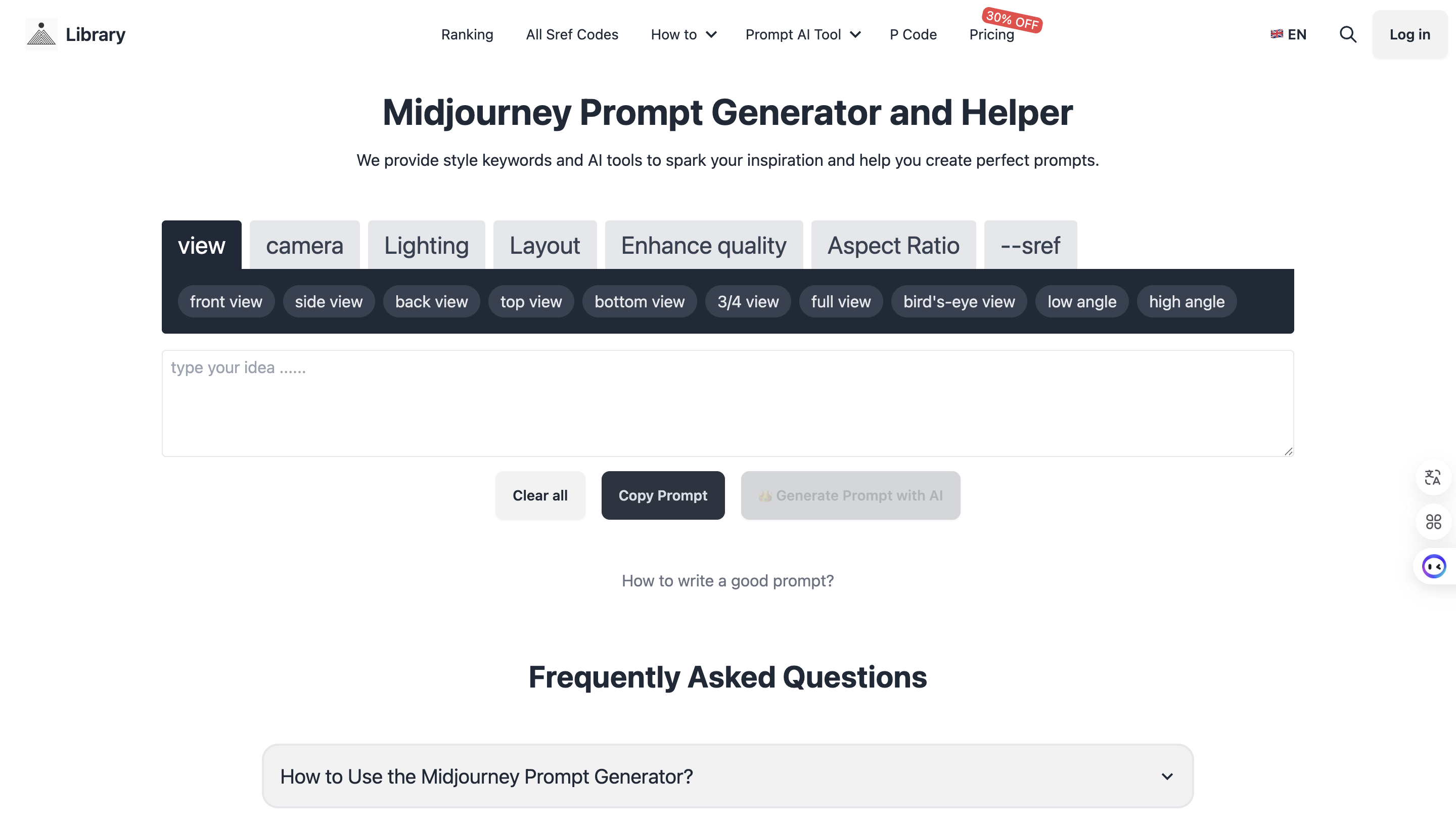
Midjourney Prompt Helper
Generate perfect prompts with AI assistance