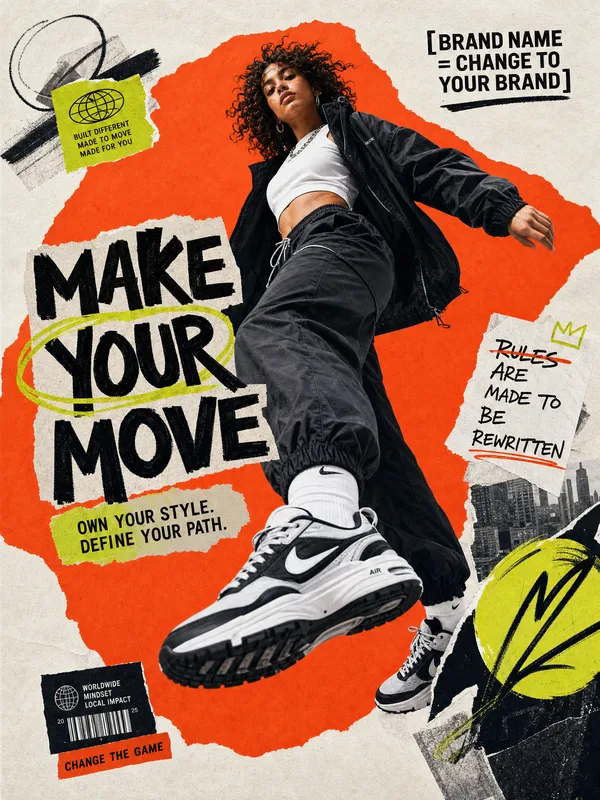
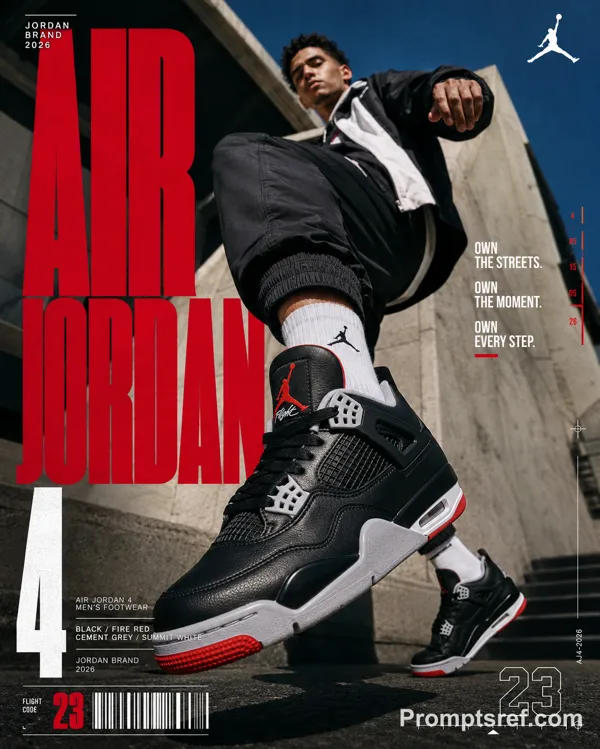
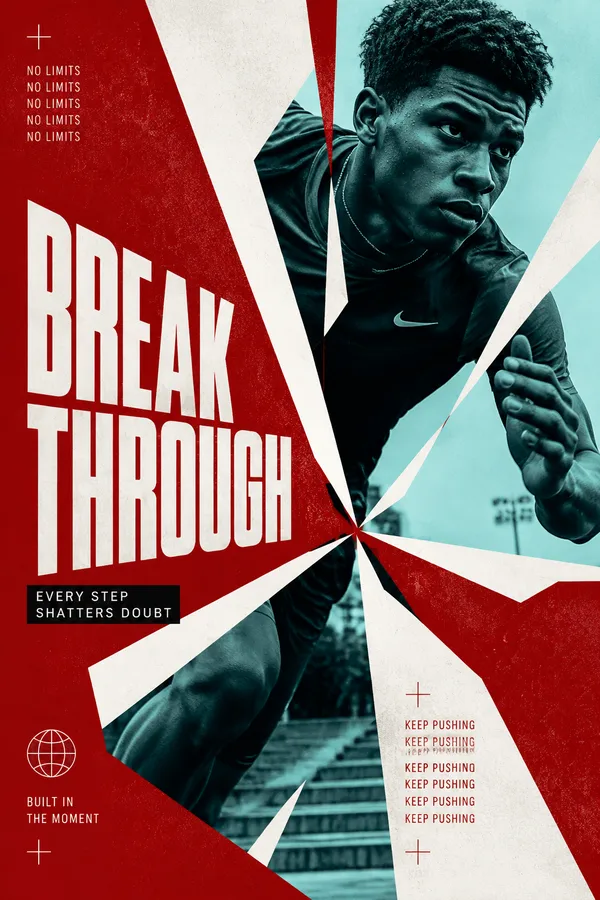
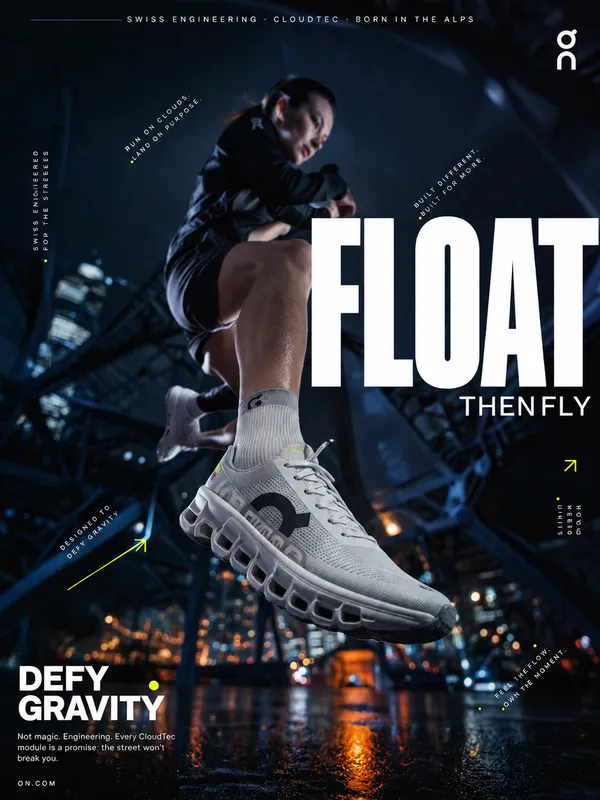
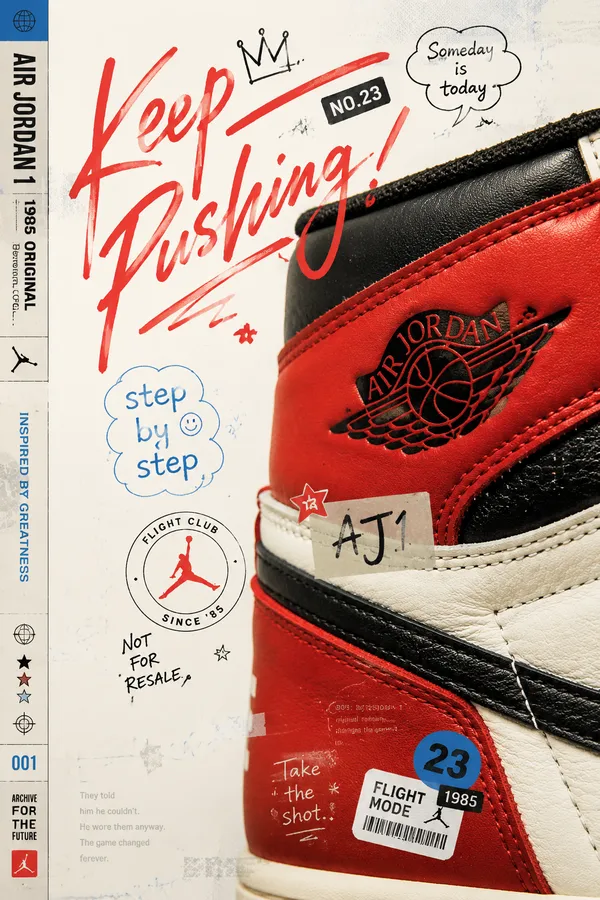
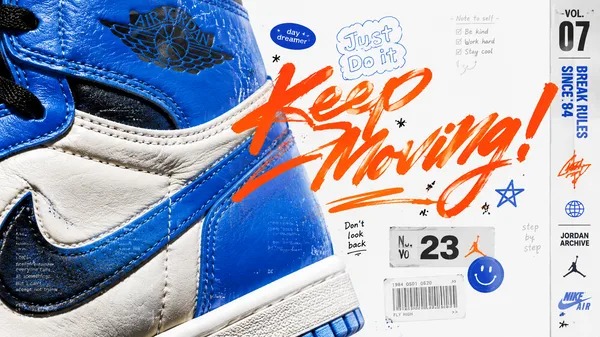
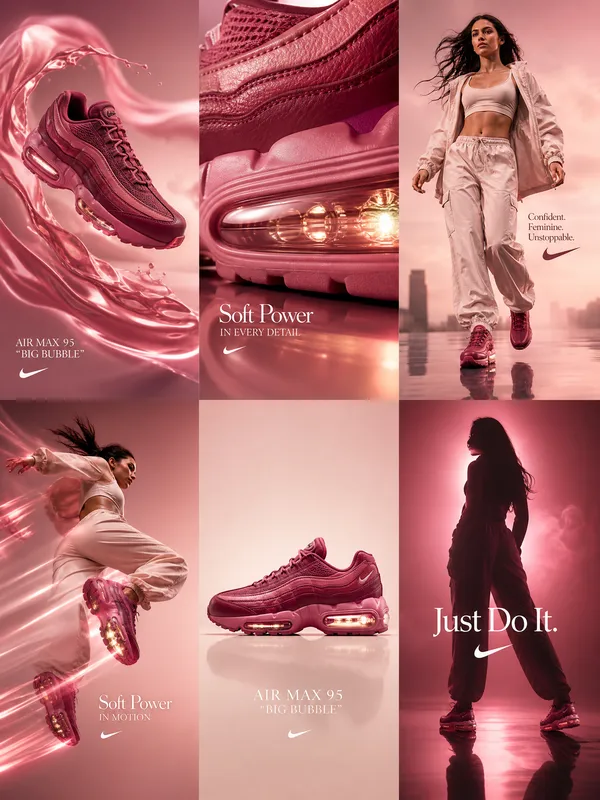
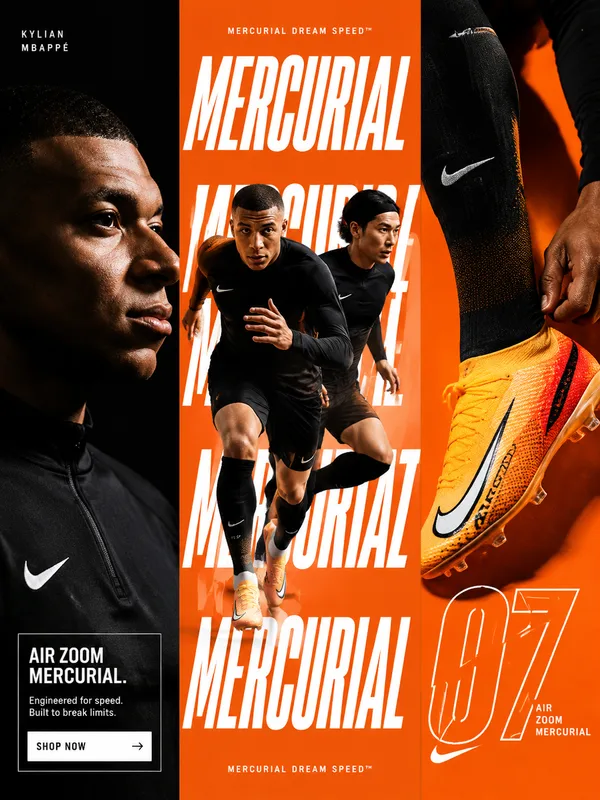
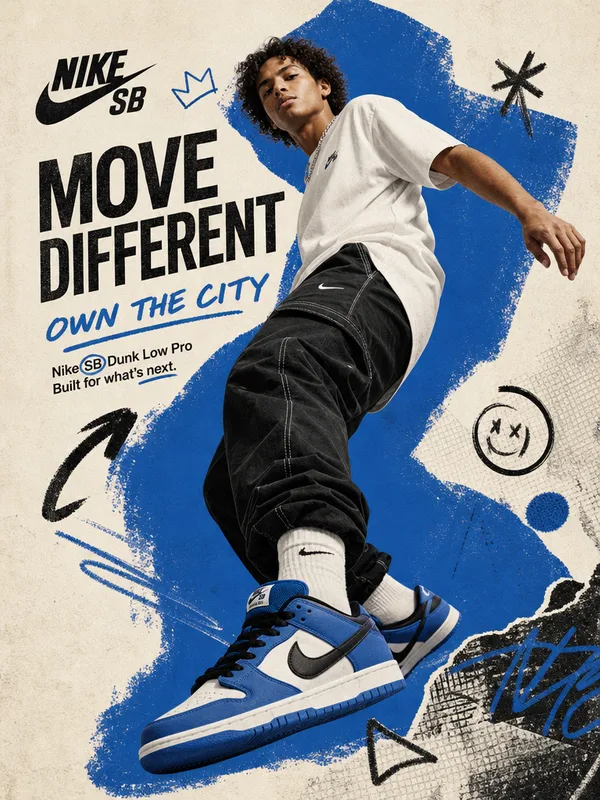
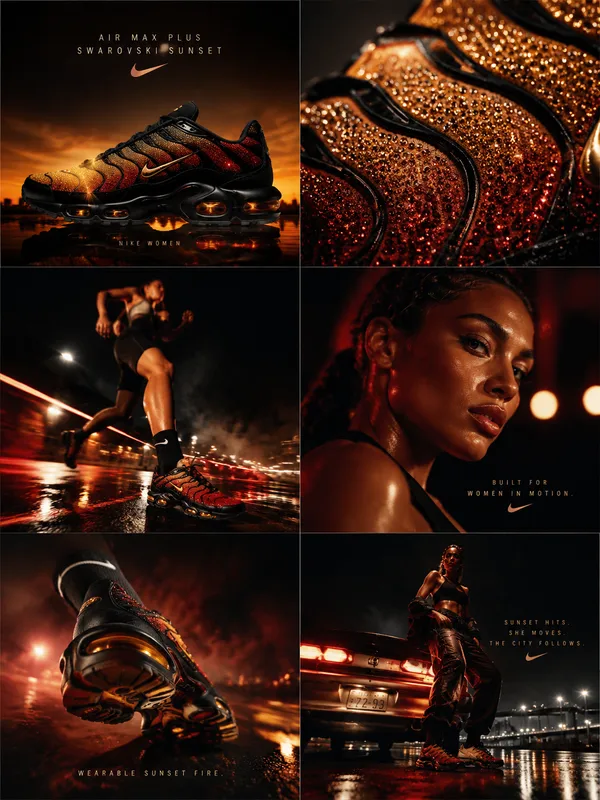
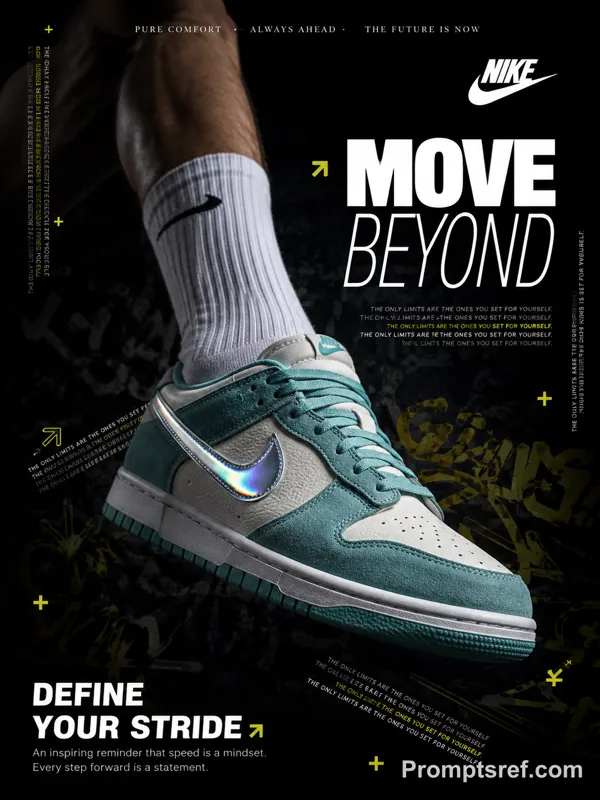
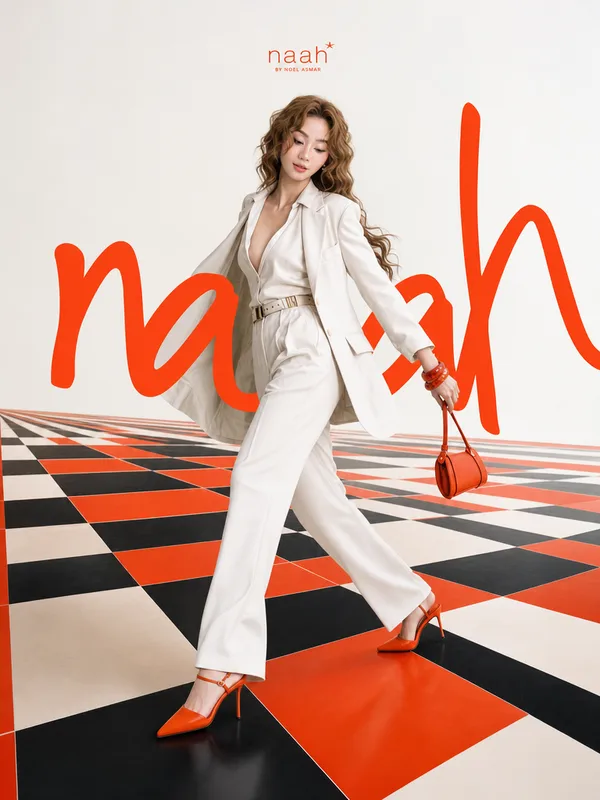
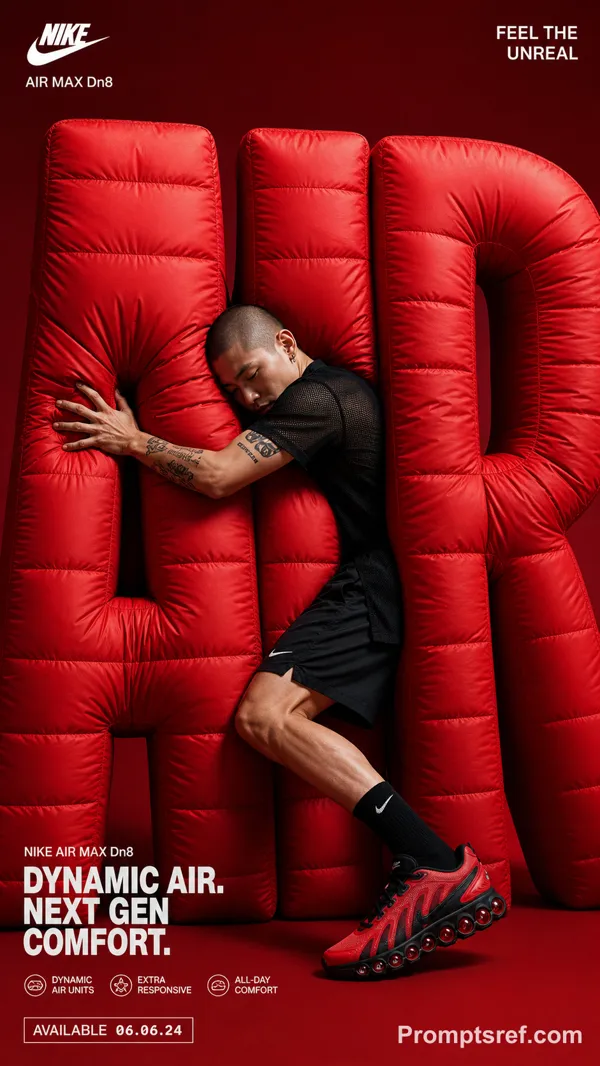
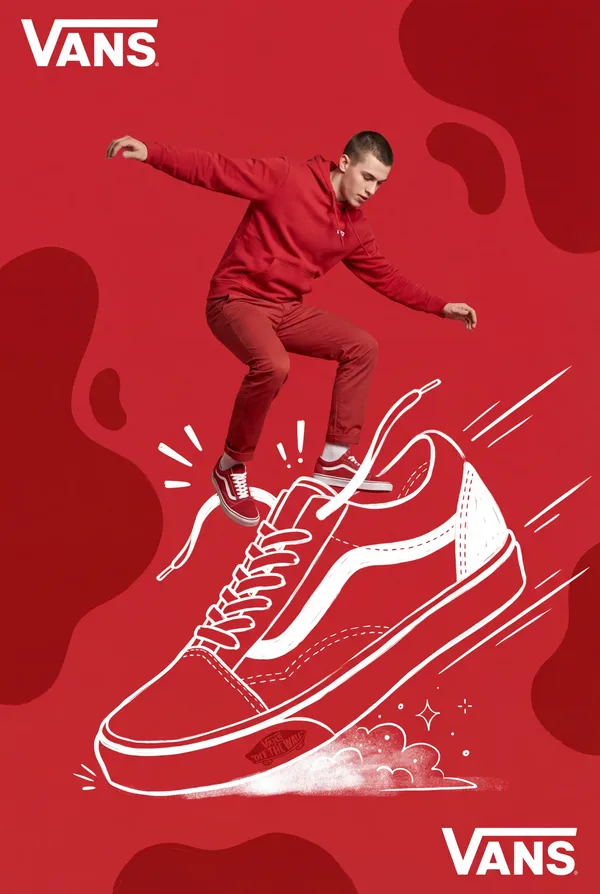
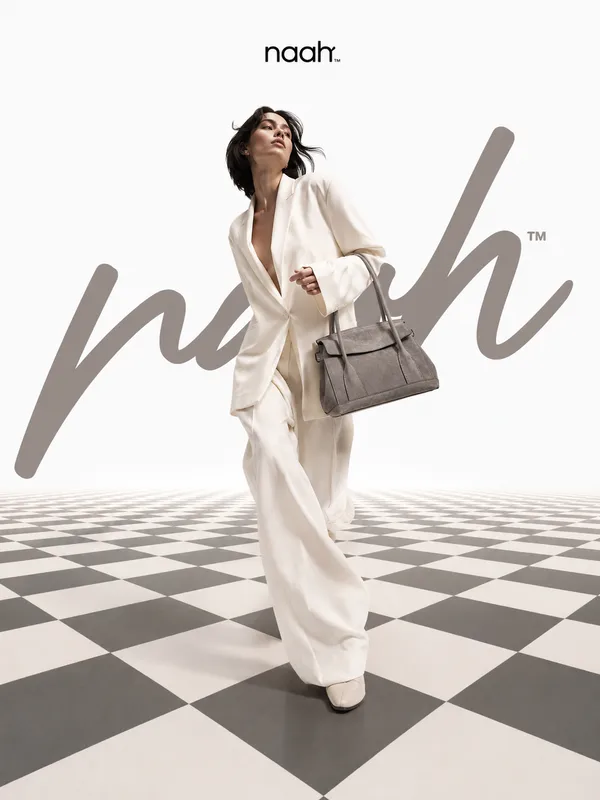
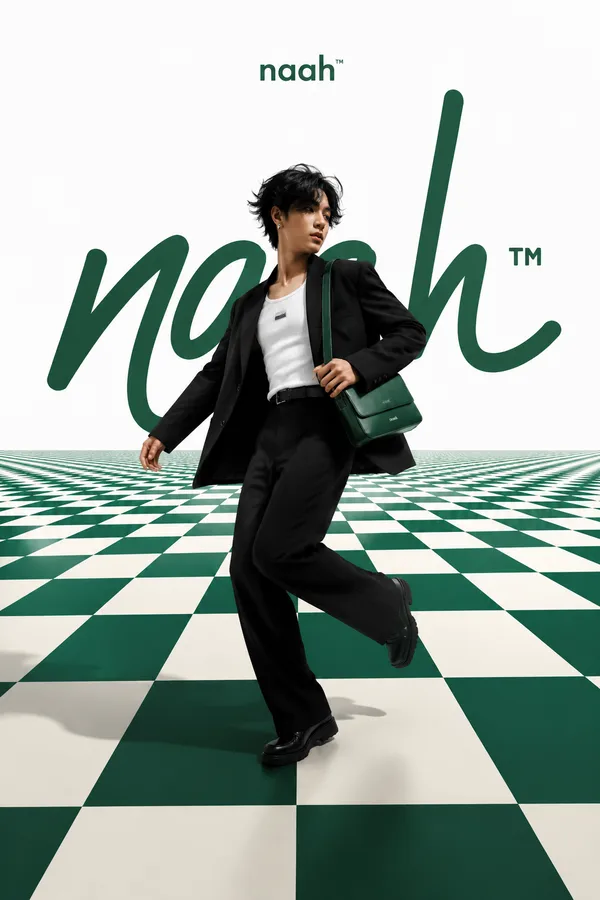
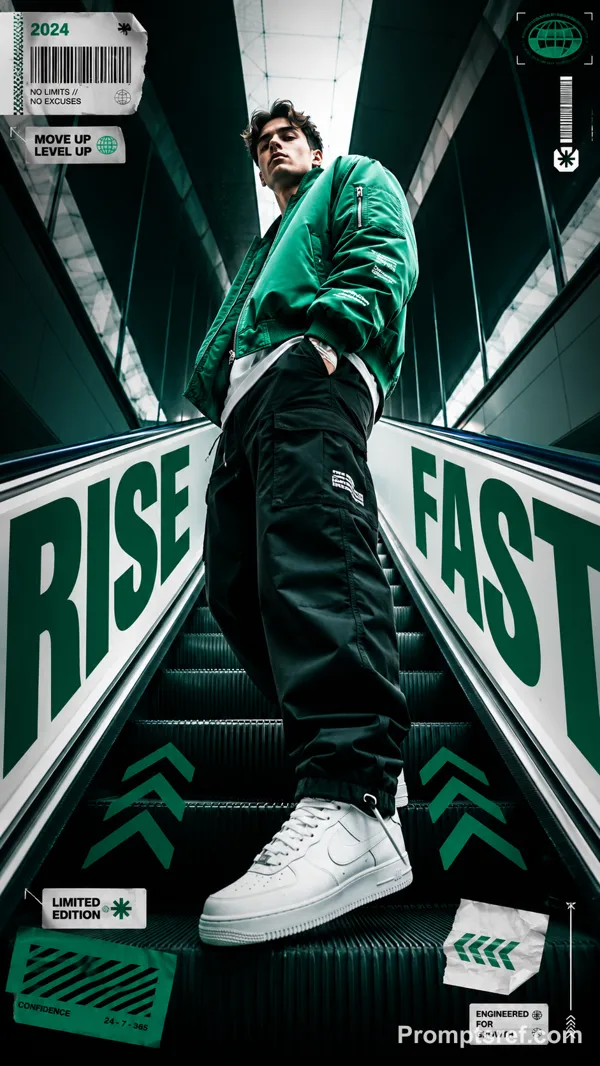
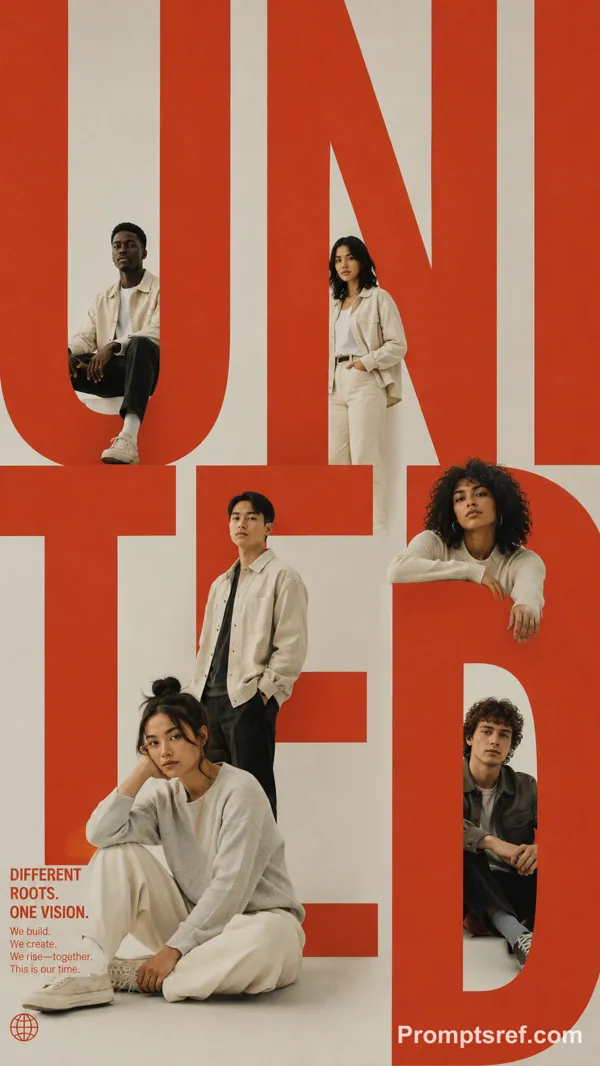
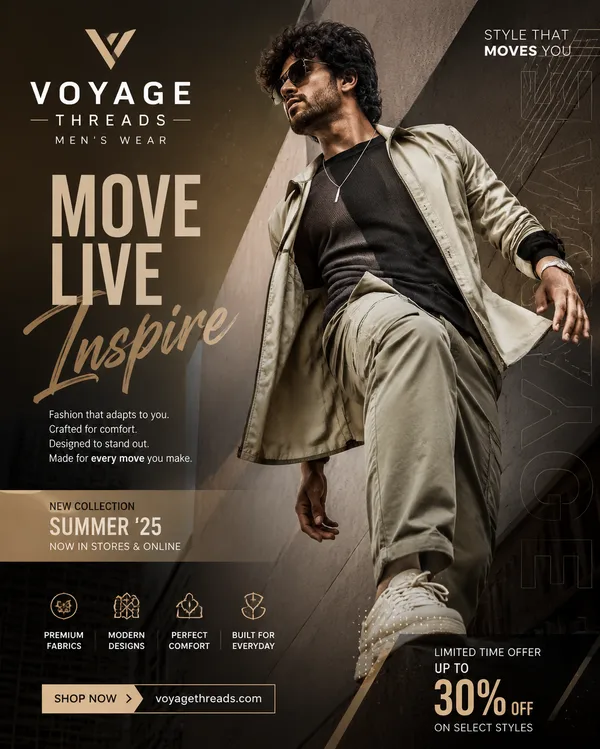
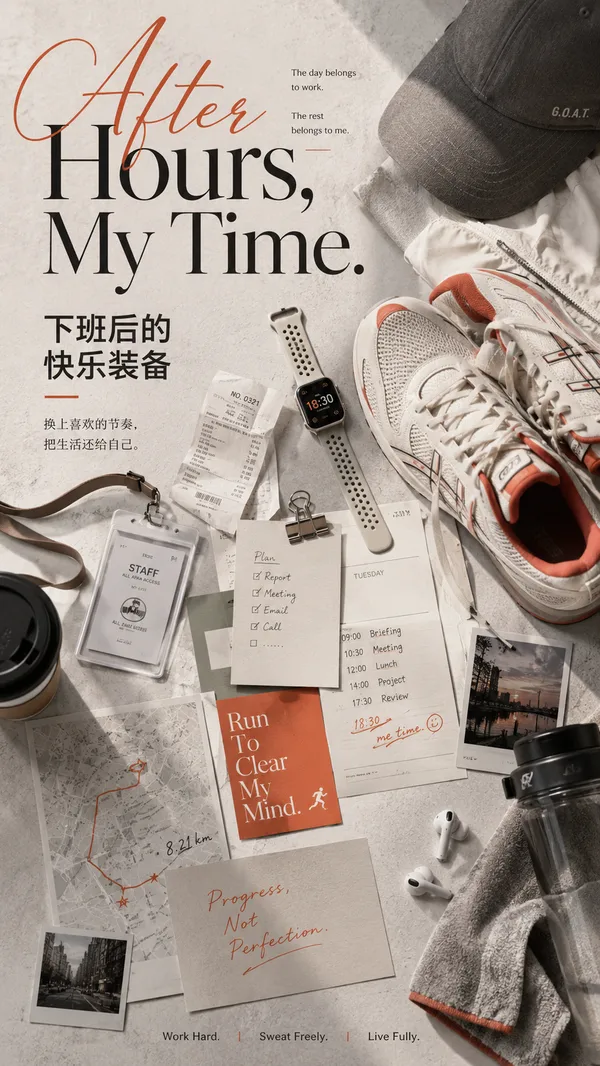
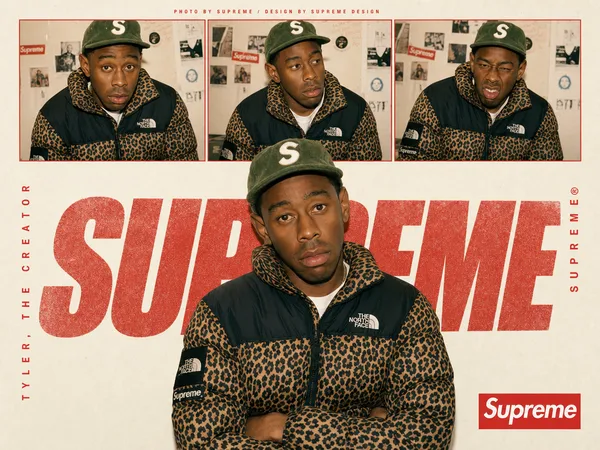
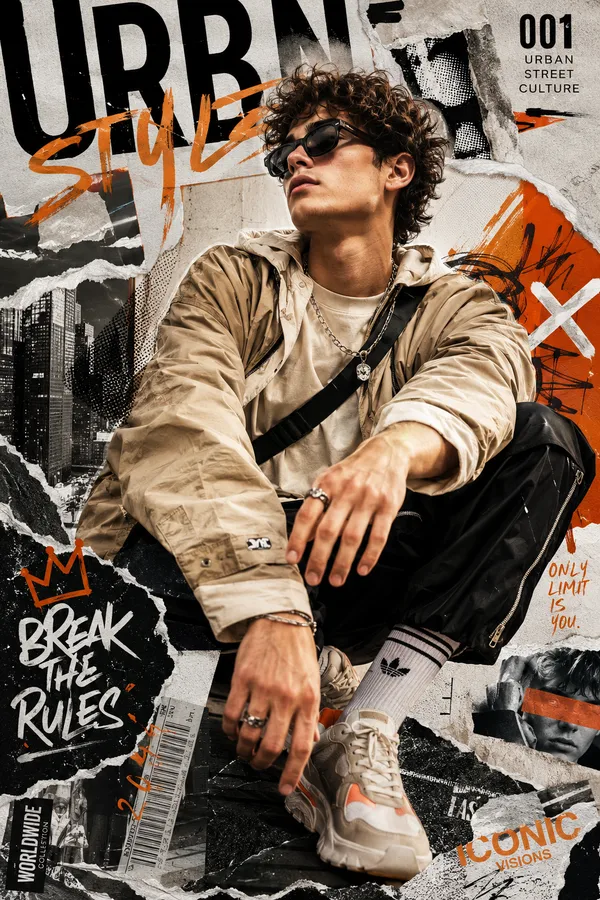
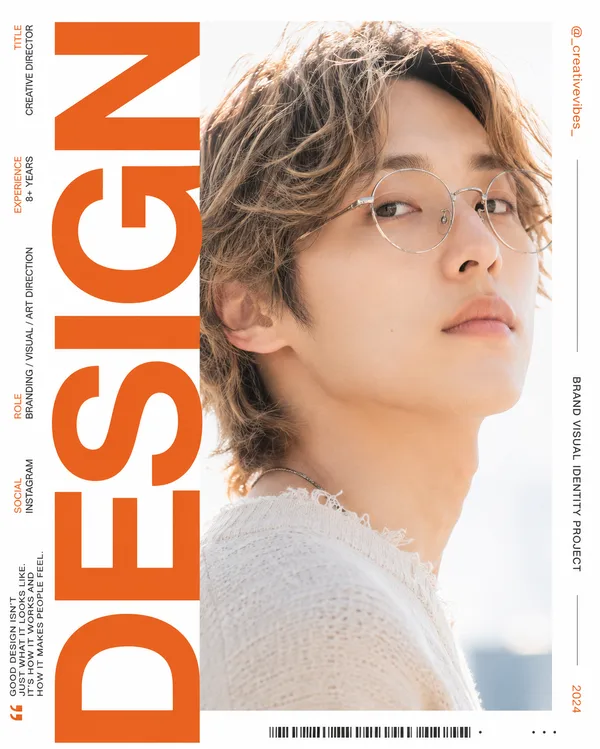
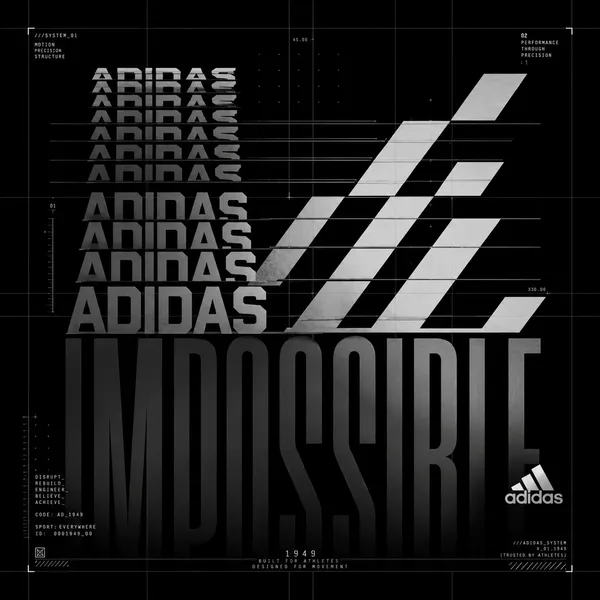
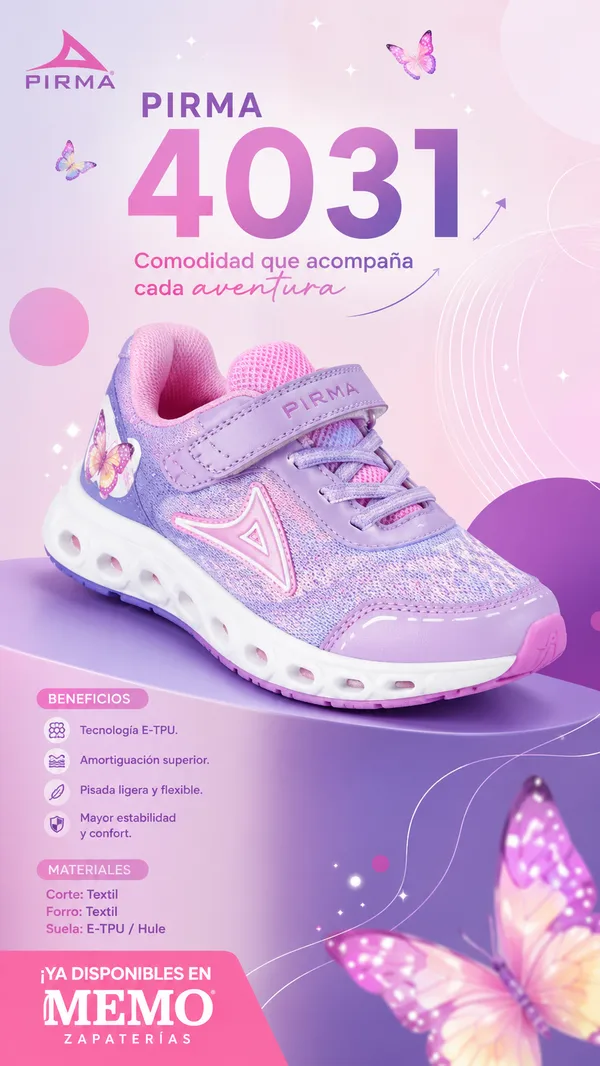
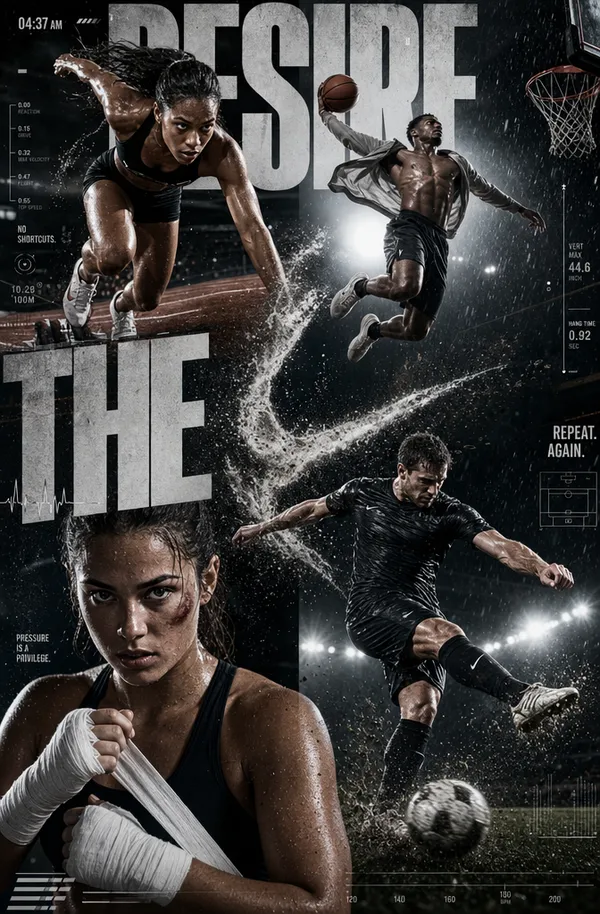
GPT Image 2.0 Prompt - Layered Product Panels Editorial Poster

- Model
- GPT Image 2.0
- Aspect ratio
- auto
- Quality
- 1K
Prompt
Theme: {theme}
Brand: {brand}
Product: {product}
Core word: {keyword}
Panel content: {5–7 related visual chapters}
Colors: {palette}
Aspect ratio: 9:16
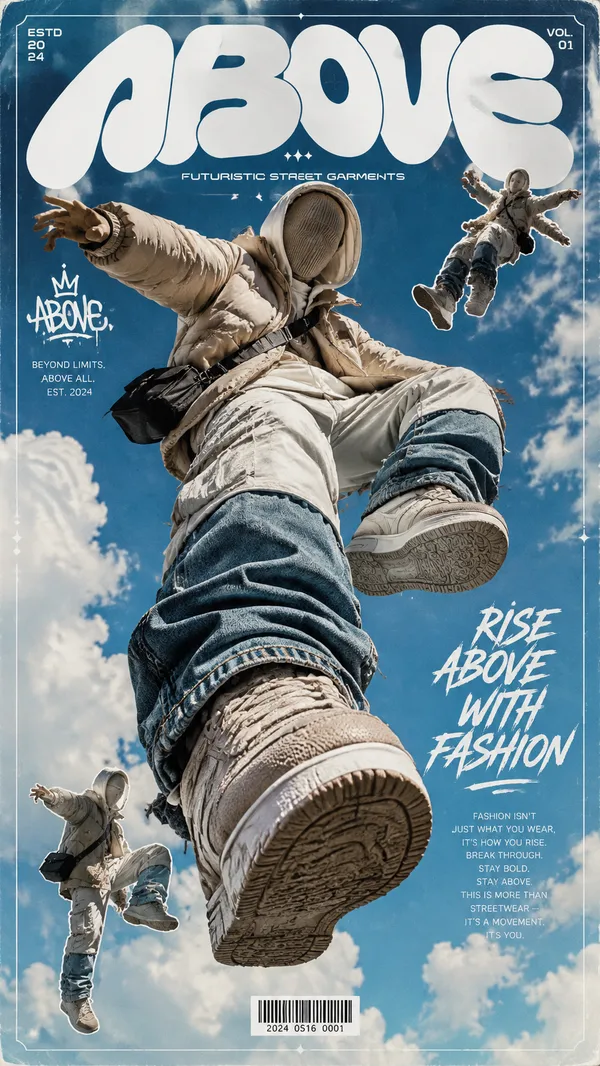
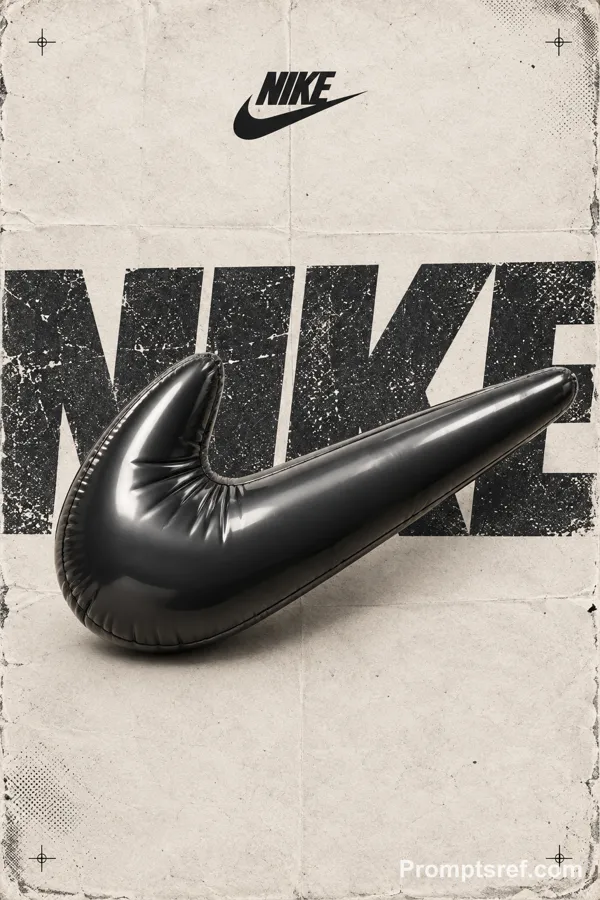
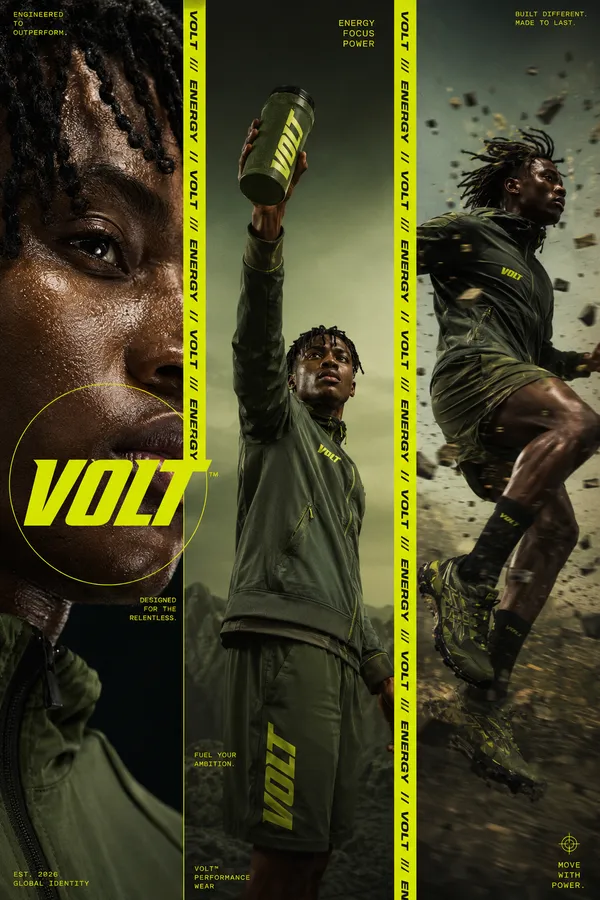
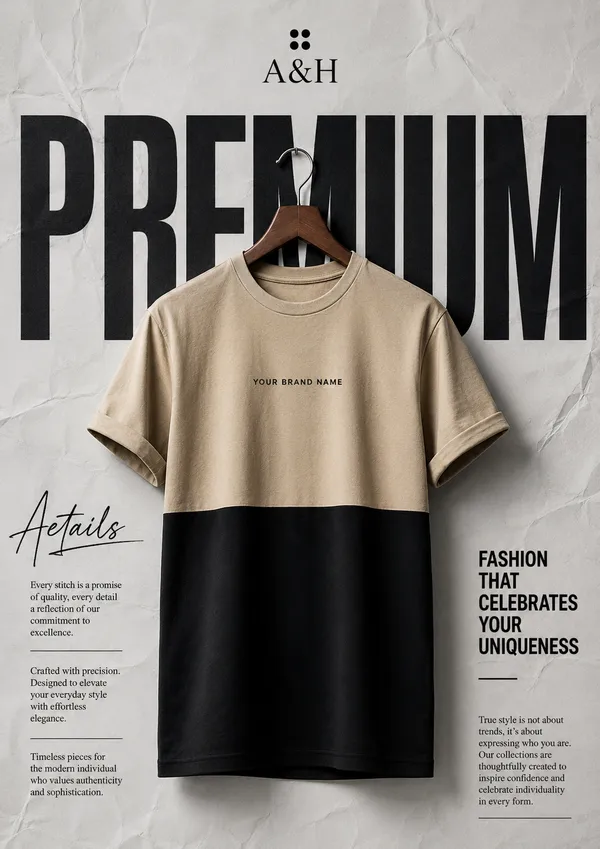
Create a premium spatial editorial poster using 5–7 freestanding visual panels with varied heights, widths, irregular silhouettes, and selected transparent materials.
Each panel should contain a meaningful part of the same theme: product, people, process, materials, environment, close-up details, or emotional imagery.
Arrange them with foreground, midground, and background depth, natural overlaps, realistic thickness, clean edges, and soft contact shadows.
Place one clear hero subject near the center. Integrate oversized {CORE WORD} typography behind and between the panels so it becomes part of the composition.
Use a clean light background, generous negative space, cohesive colors, realistic photography, and minimal editorial text.
Premium editorial design × spatial graphic design × product photography.
Avoid identical rectangular boards, rigid grids, miniature scenes, excessive props, clutter, random imagery, and cheap 3D mockup aesthetics.
Remixes
RemixNo remixes yet. Be the first to make your own version.
Use this image prompt
- 01
Start with the prompt
Copy the prompt, or open it with the generate button.
- 02
Make your changes
Adjust the subject, setting, or details. Add reference media if needed.
- 03
Check before generating
Review the model and output settings. Results can vary between generations.