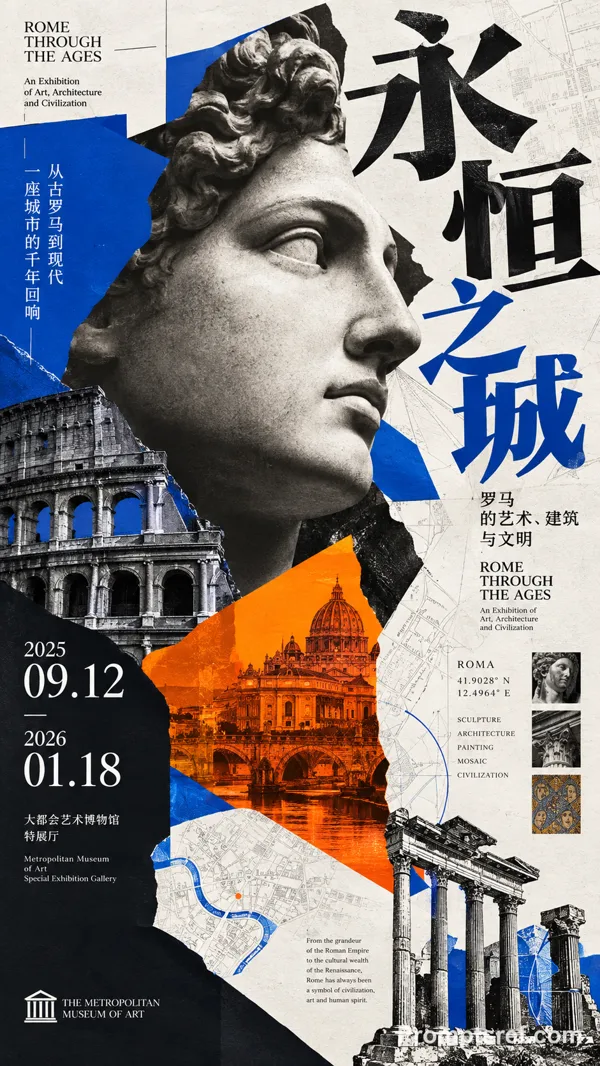
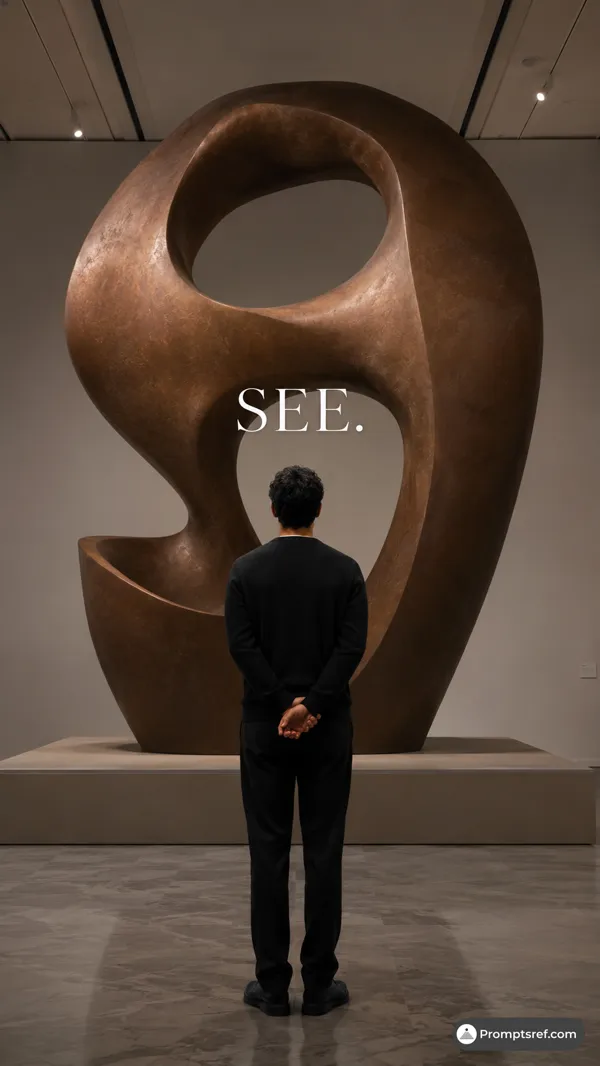
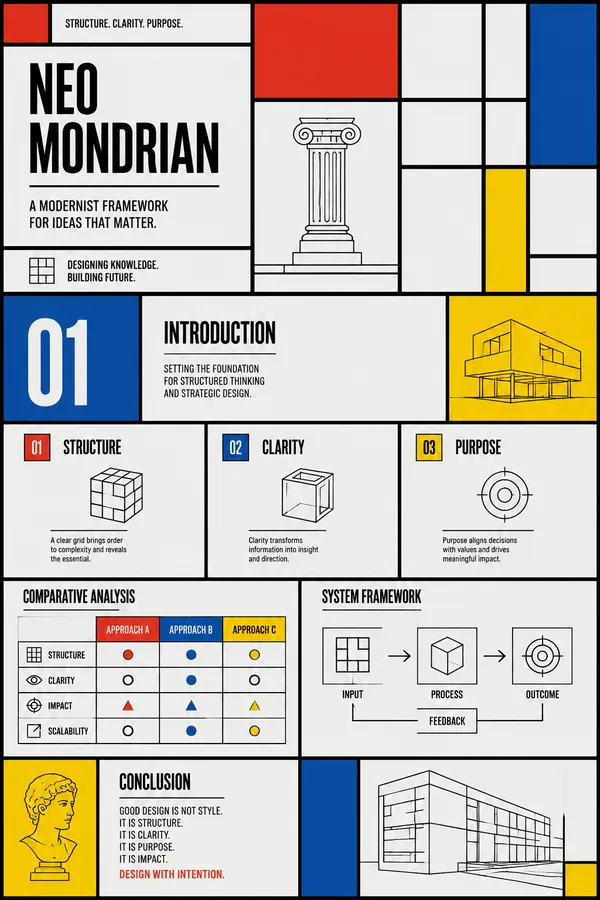
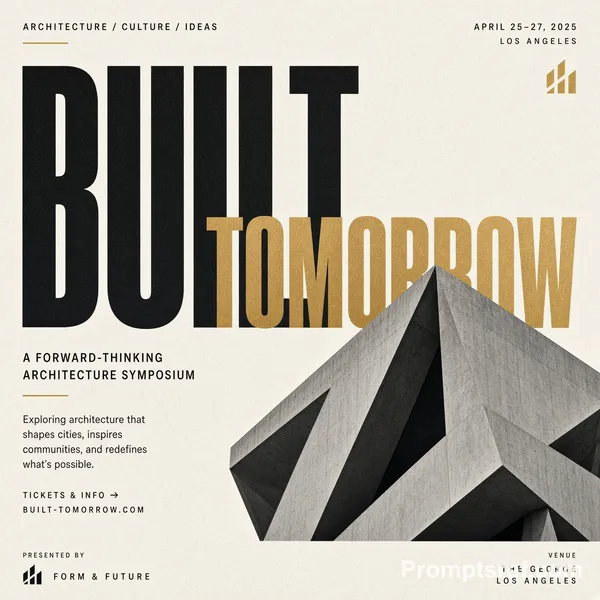
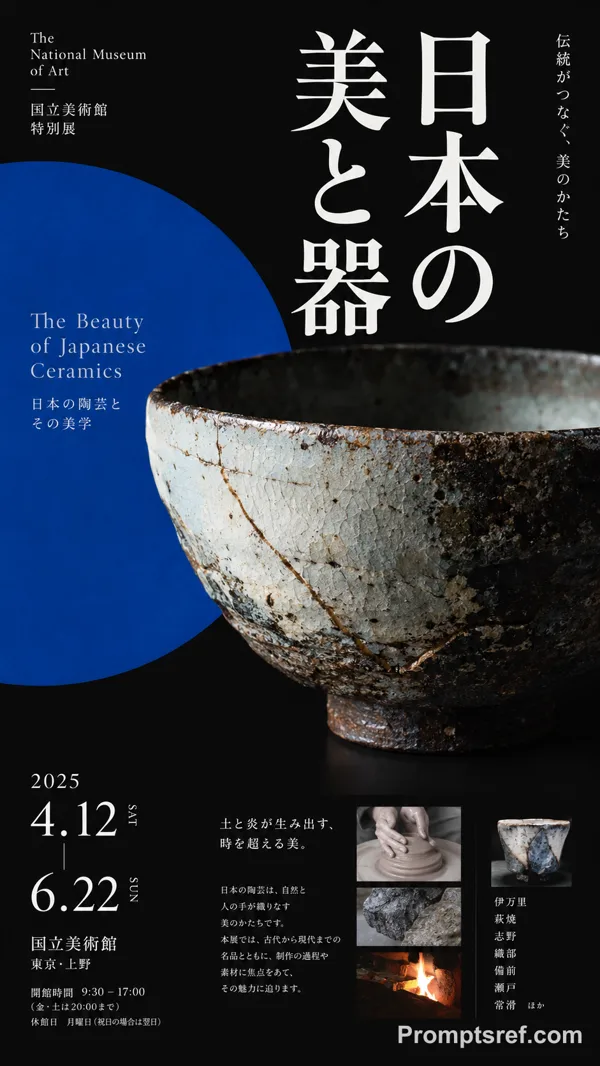
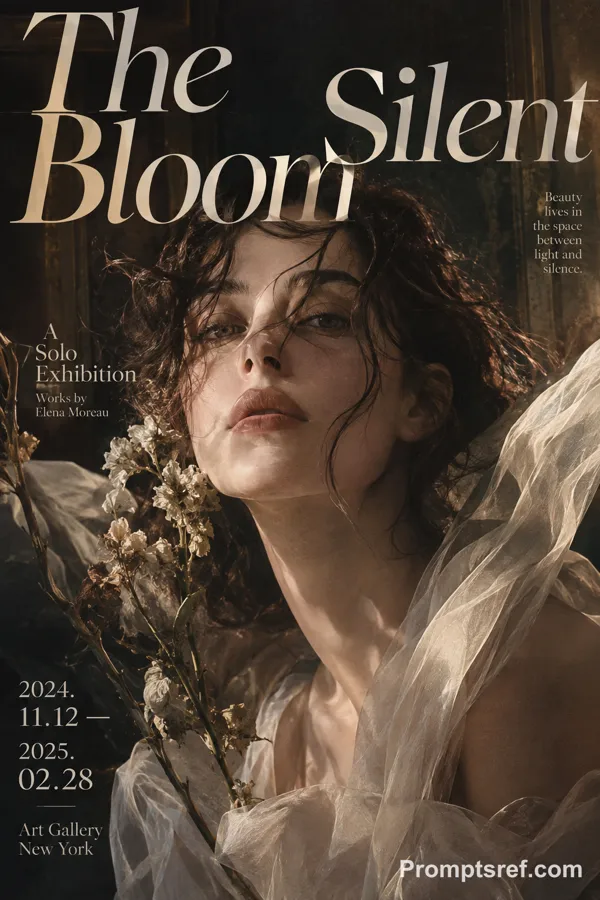
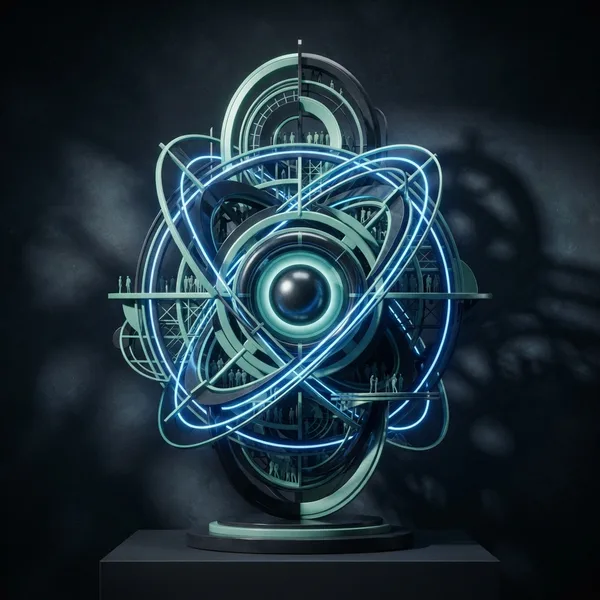
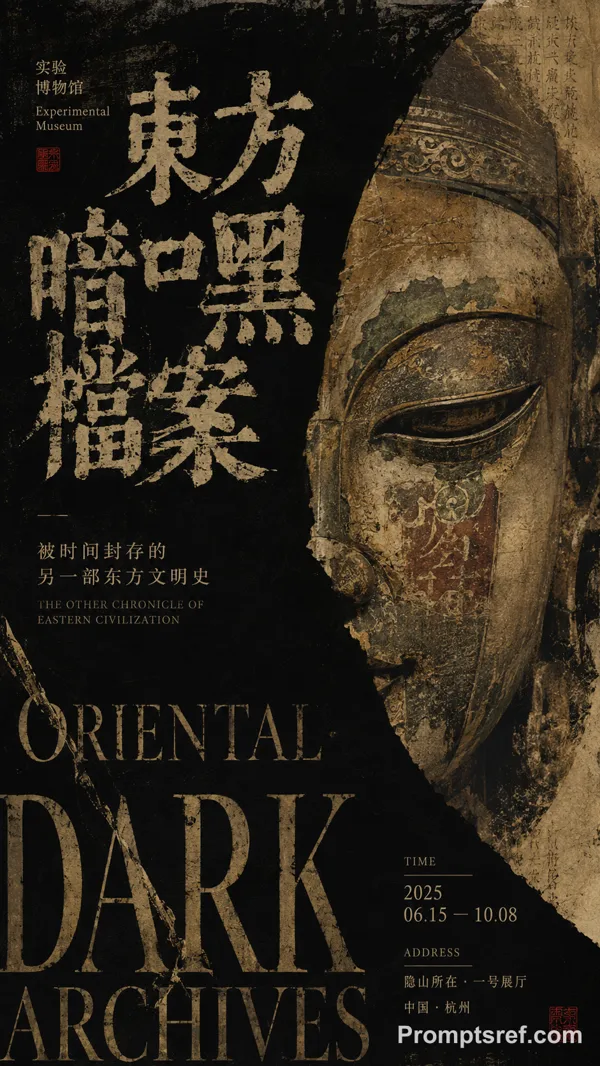
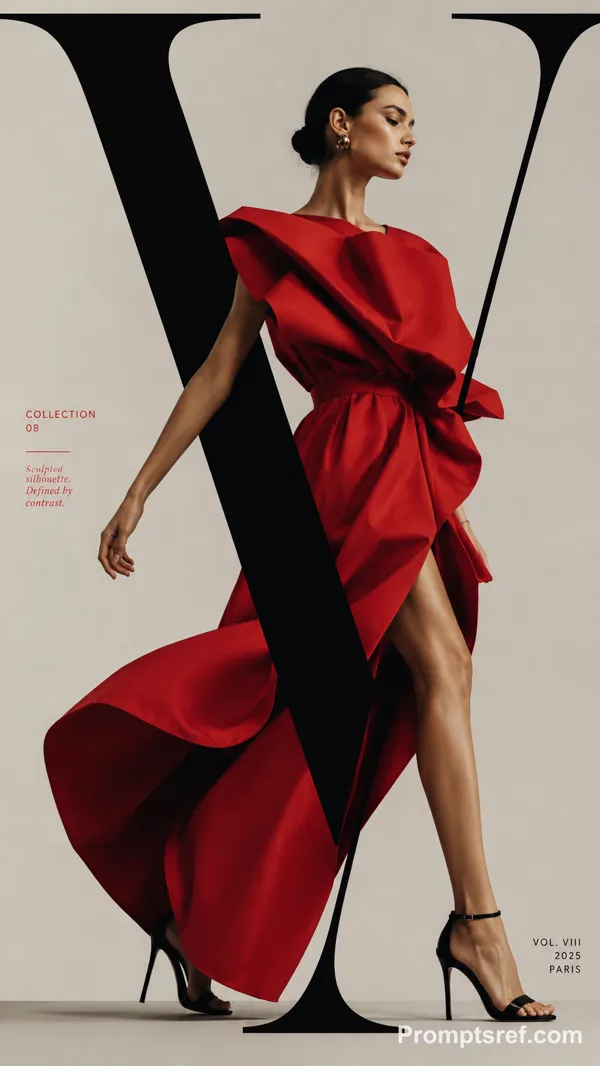
GPT Image 2.0 Prompt - Neo Museum Presentation Design System

- Model
- GPT Image 2.0
- Aspect ratio
- 2:3
- Quality
- 1K
Prompt
Design Style:
Name: "Neo Museum"
Concept: >
現代美術館の展示ビジュアル、
デザインカンファレンス、
テクノロジーアート、
プレミアムブランドの
エディトリアルデザインから着想を得た
ミニマルアートプレゼンテーション。
クラシカルな彫刻と
現代的なグラデーションUIを融合し、
知性と未来感を両立する。
Canvas:
Ratio: "16:9"
Mood:
- Contemporary
- Premium
- Minimal
- Intelligent
- Editorial
- Artistic
- Futuristic
- Elegant
Color Palette:
Background:
Primary: "#F2F2F2"
Text:
Primary: "#121212"
Secondary: "#4F4F4F"
Accent:
Blue: "#3D8BFF"
Green: "#4CAF50"
Yellow: "#F7C443"
Pink: "#FF7DAF"
Red: "#FF5A4A"
Illustration:
Style:
Contemporary Art Editorial
Subjects:
- Classical sculpture
- Museum objects
- Monochrome portraits
- Abstract geometric shapes
- Contemporary art imagery
Rendering:
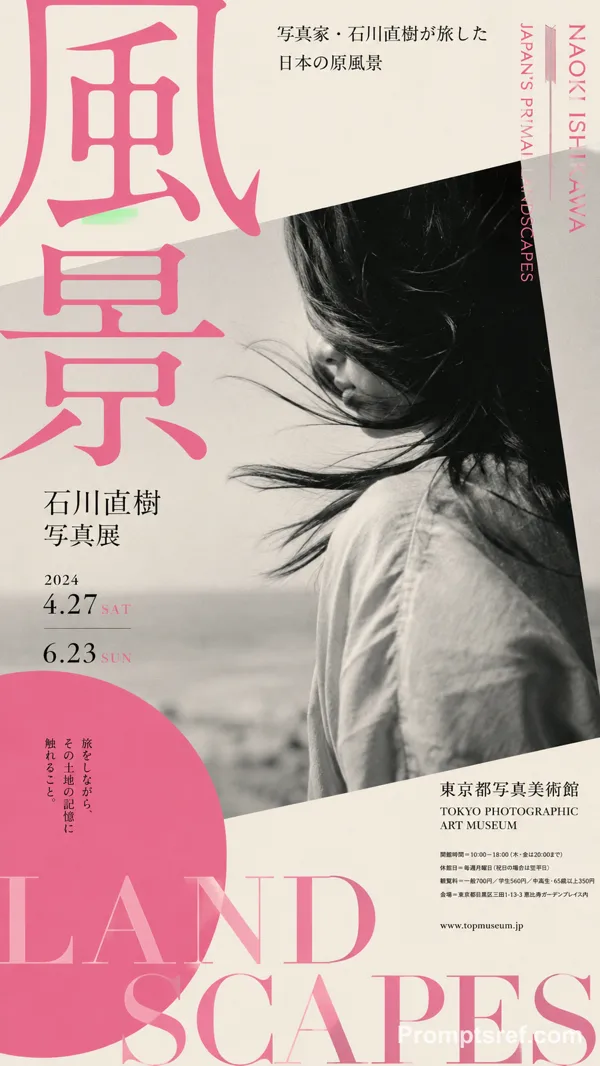
Black and white photography
High contrast
Fine grain texture
Editorial composition
Typography:
Headings:
Style: Geometric Sans
Weight: 600
Body:
Style: Modern Sans
Weight: 400
Layout:
Structure:
- Large asymmetrical composition
- Strong visual hierarchy
- Museum poster layout
- Wide whitespace
Components:
Cover:
- Hero sculpture image
- Large editorial title
Section Divider:
- Minimal section number
- Abstract graphic accents
Content:
- Card-based information blocks
- Editorial image placement
- Large statistics
Closing:
- Full visual statement slide
Graphics:
Elements:
- Gradient bars
- Soft glow effects
- Abstract stars
- Dotted patterns
- Circular outlines
- Geometric frames
Effects:
Glow:
Soft RGB bloom
Gradients:
Multi-color spectrum
Texture:
Very subtle grain
Rules:
- Use monochrome imagery
- Add vibrant gradient accents
- Maintain museum-quality aesthetics
- Prioritize whitespace
- Avoid decorative clutter
- Use large editorial typography
- Keep layouts asymmetrical
- Balance art and business readability
Remixes
RemixNo remixes yet. Be the first to make your own version.
Use this image prompt
- 01
Start with the prompt
Copy the prompt, or open it with the generate button.
- 02
Make your changes
Adjust the subject, setting, or details. Add reference media if needed.
- 03
Check before generating
Review the model and output settings. Results can vary between generations.