AI Feet Generator

Create the feet image you have in mind, from a realistic close-up to an anime character scene.

702/10000
Total Credits13
Nano Banana Pro13
Publish to Explore
?
👑
Reference image
Original
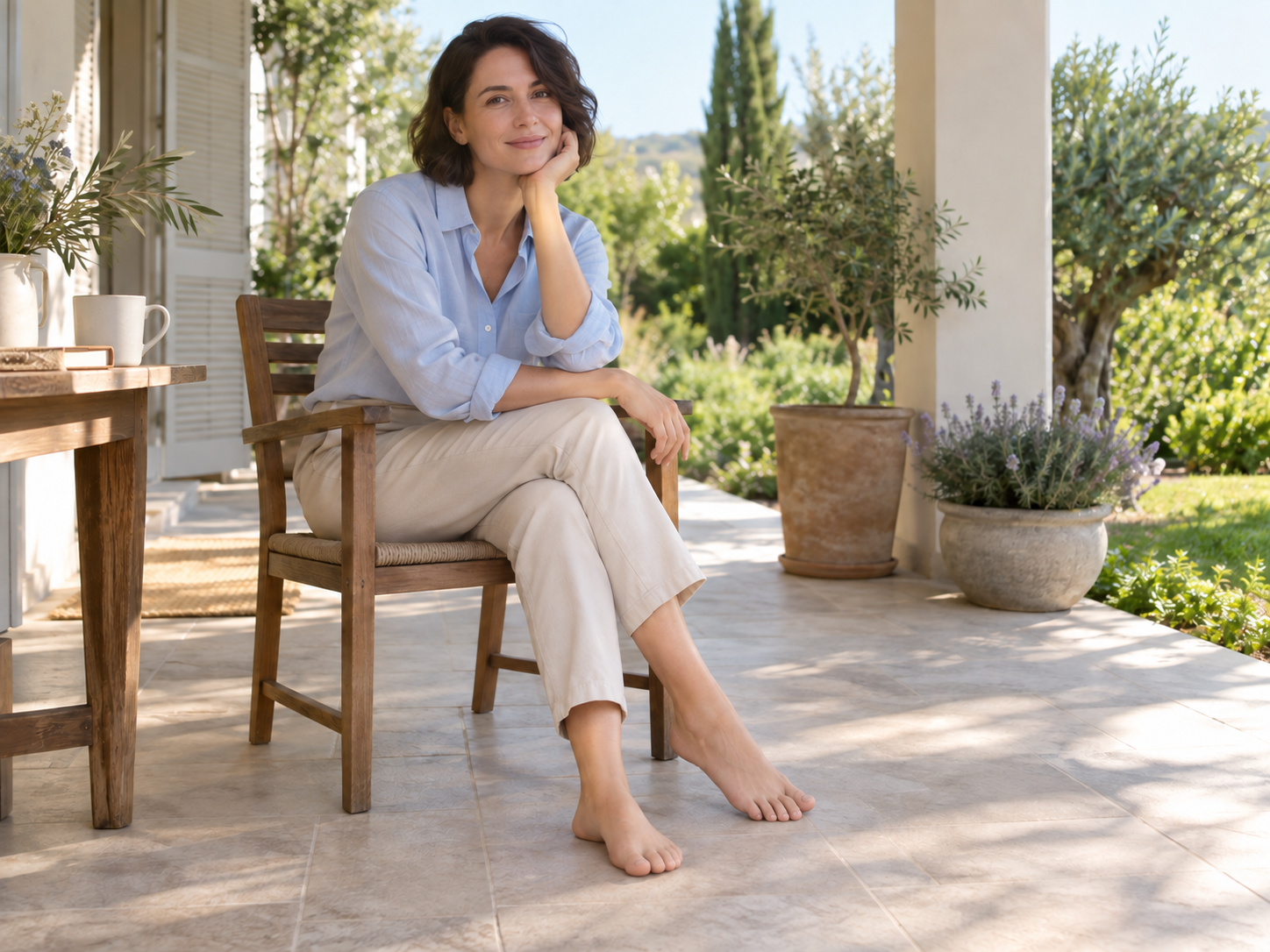
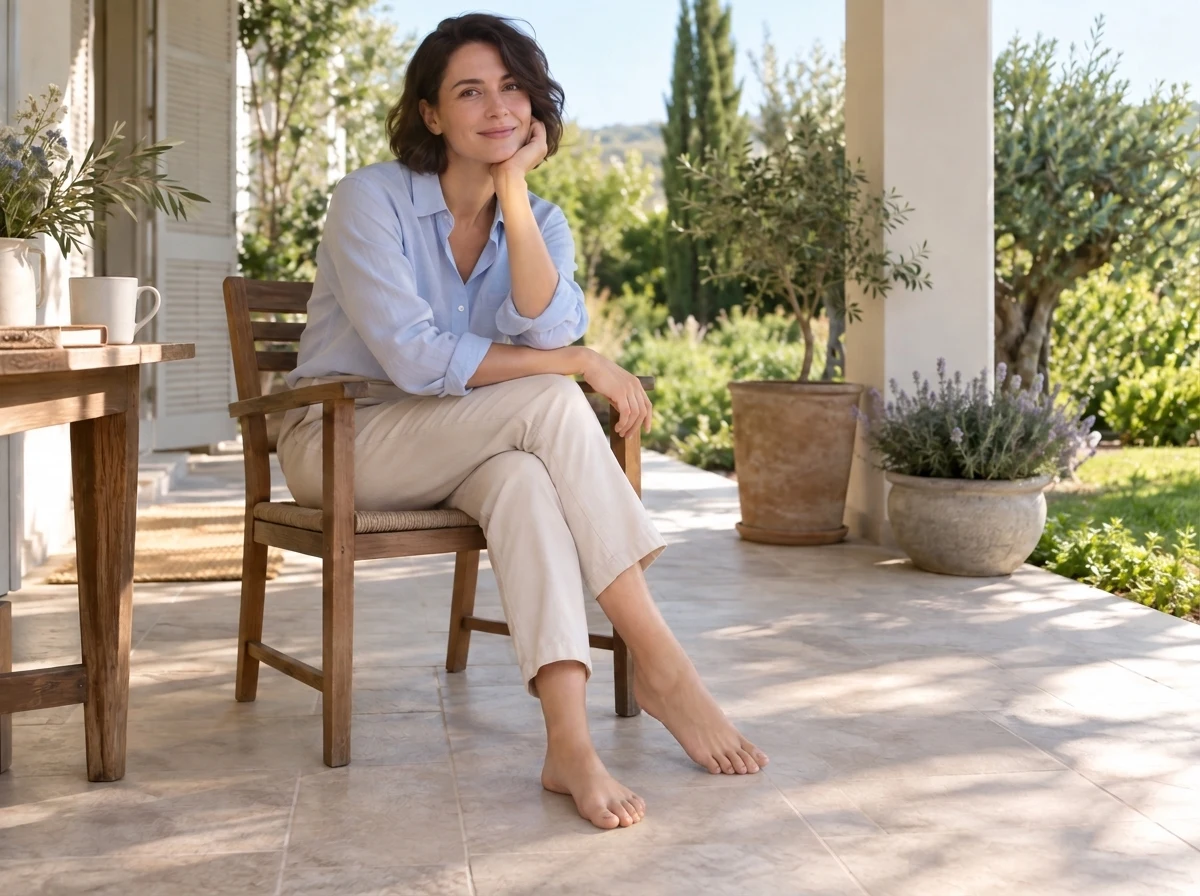
Foot Completion or Repair
Result

Prompt:Edit the feet in the uploaded image. Complete partly missing feet or refine unnatural toes and ankles using the visible legs, pose and supporting surface as context. Preserve the person's identity, face, pose, clothing and background as closely as possible. Match the original skin tone, perspective, light, sharpness and contact shadows. Avoid extra or fused toes and malformed ankles. Make the edit look natural and reviewable within the original scene.
Create Realistic Feet Photos or Anime Art

Start with the kind of picture you want. It could be a close-up of bare feet on a wooden floor, a walking scene on a beach, or feet within a complete character illustration. Tell the AI how the feet should appear in the frame and what is happening around them.

Describe a photographic look

Name the light, surface, skin texture and camera position. A simple pose and clear ground contact make the intended scene easier to describe.

Build an anime scene

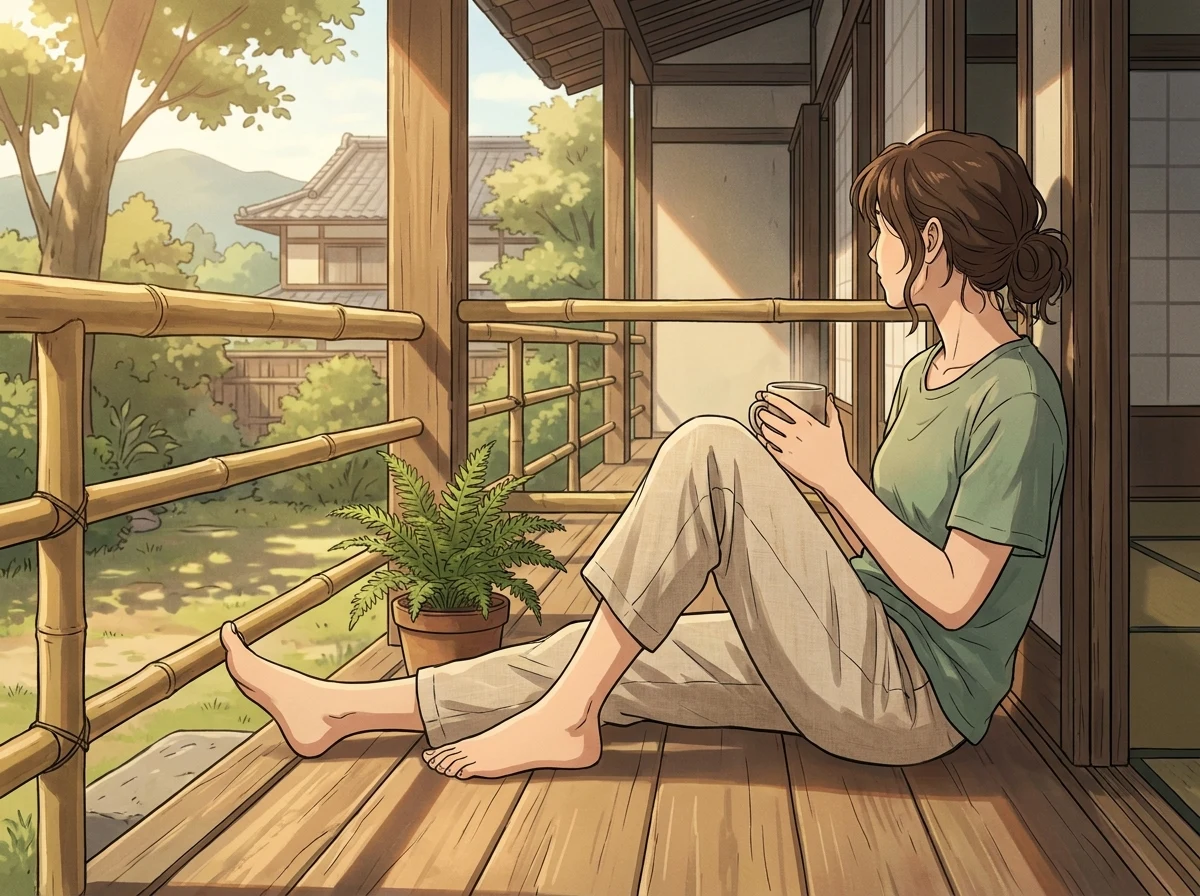
Describe the character’s pose, linework, shading and colors. Include the legs and surroundings when they matter to the composition.

Try the same scene in another style

Keep the scene and pose in your prompt, then change the visual style. Compare the results and refine the version closest to your idea.

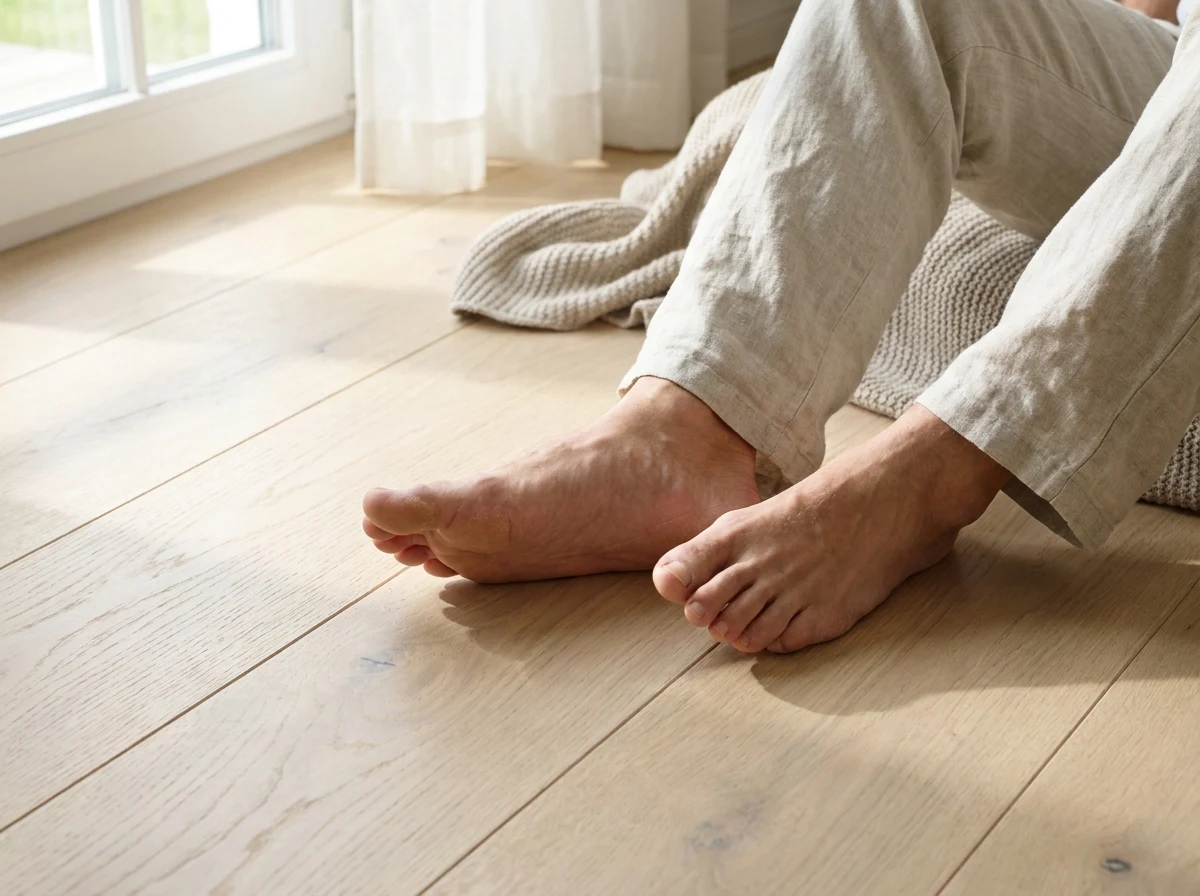
Realistic close-up of adult bare feet on a wooden floor created with the AI Feet Generator

Choose the Pose, View and Setting

A clear pose gives the image a useful starting point. Describe standing, walking or sitting, then say where the feet rest and how they connect to the legs.

01

Make the pose specific

Details such as “both feet flat on the floor” or “one heel lifting during a step” are easier to interpret than a vague request for a natural pose.

02

Name the viewpoint and framing

Add a side view, top-down view or three-quarter angle. Ask for a close-up if the feet should fill the frame, or a wider composition to include the person and surroundings.

03

Say what the feet touch

Sand, tile, grass and a wooden floor call for different shadows and contact details. Name the supporting surface so the feet have a clear place in the scene.

Use a Reference Image to Guide the Result

You can create an image from text alone. Add a photo or illustration when you already have a subject, pose, color palette or composition you want the result to follow.

Give the reference a clear role

Ask the model to use the pose from a photo while creating an anime illustration, or retain the character’s appearance in a new scene.

Name what to preserve and change

For an edit of the original picture, specify the details to keep and the area to change. Use a model that accepts reference images.

Compare the result with your source

References guide generation, but small details can drift between versions. Check recognizable features, clothing, pose and surrounding details afterward.

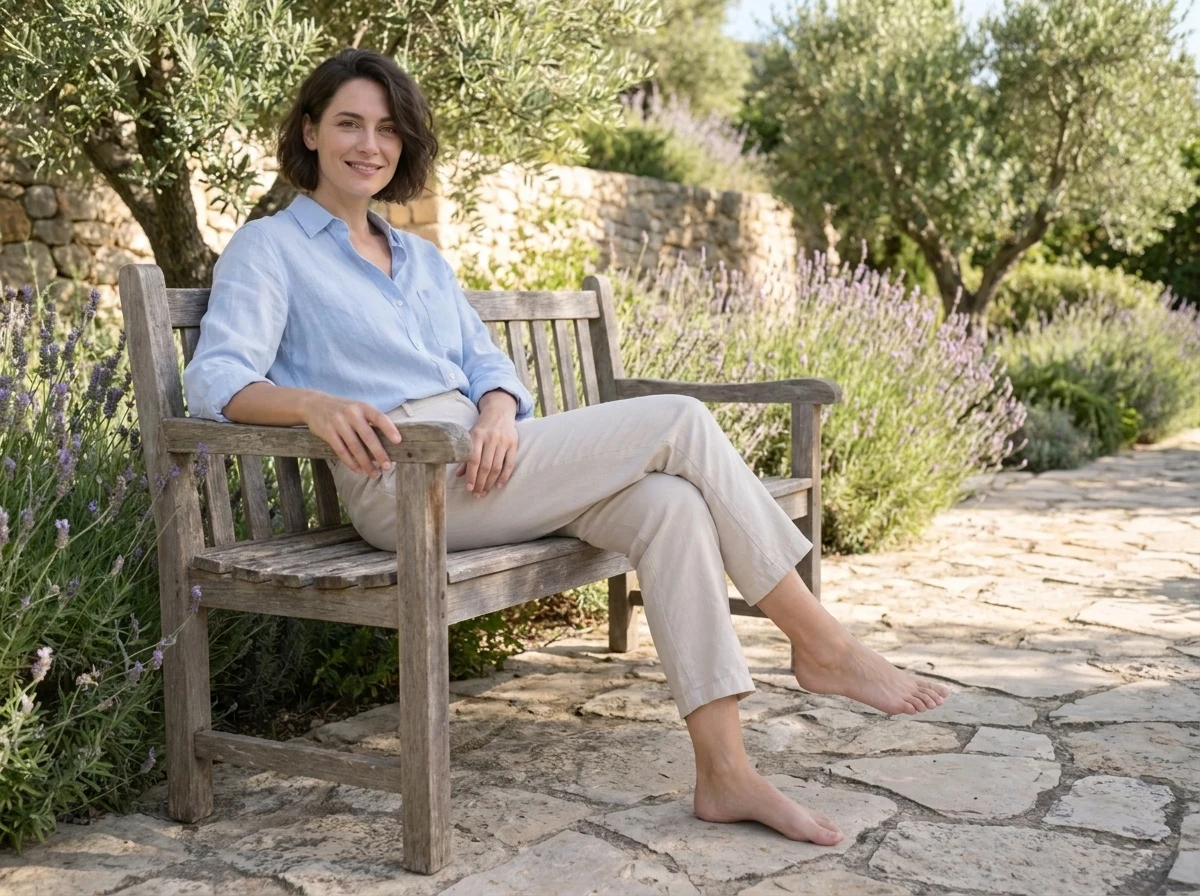
Adult seated on a garden bench with legs crossed, one bare foot on the stone path and the other raised

Start with a Feet Image Example

Choose an example to load its prompt and output settings into the generator. Replace the scene, pose or style with your own idea, then generate a variation. Each example shows its prompt, model and aspect ratio.

How to Use the AI Feet Generator

Start with a description or an example, then choose the settings for your image.

1

Describe your image

Write the style, pose, view and setting, or choose an example prompt. Add a reference image if you want the model to follow a photo or illustration.

2

Choose your output settings

Select a model, aspect ratio and available resolution. Use a portrait frame for a character scene or a wider frame when the setting needs more room. Check the displayed credit cost before generating.

3

Generate, review and download

Preview the result. Check the toes, ankles, proportions and shadows, then download the version you want. If one detail needs work, keep the rest of the prompt and change that instruction for the next attempt.

Why Create Feet Images with Promptsref?

Keep your example prompt, output settings and result in one workflow, then choose the next step for the image.

01

Keep the prompt and image together

Load an example, adapt its wording and compare the generated result in the same workflow. Return to a prompt that worked and change one detail for the next variation.

02

Compare supported image models

Choose from the available image models in the generator. When you add a reference, use a model that supports reference images and check its current input limits.

03

Choose the output size you need

Nano Banana Pro offers 1K, 2K and 4K resolution settings, with portrait, square and landscape ratios. The available controls and credit total appear before generation.

04

Continue with the image

Download the result or use the companion image and video tools for your next step. Watermark-free original exports are available to accounts with the relevant download entitlement.

More to make

Other AI Image Generators

Want a different look? Each generator opens with its own examples, prompt tips, and ready-to-use settings.

Image to Image AI Generator
AI image

Image to Image AI Generator

Upload a reference image, tell the AI what should stay and what should change, then create a new variation without rebuilding the image from scratch.

AI Portrait Generator
AI image

AI Portrait Generator

Create a portrait from a written idea or add a reference photo to guide the face, pose, clothing, and visual style. Choose an image model and format for realistic headshots, editorial portraits, profile images, or illustrated characters.

Free AI Game Character Generator Online
AI image

Free AI Game Character Generator Online

Create original game character art from a text prompt or reference image. Choose an AI model and aspect ratio, then generate heroes, NPCs, enemies, portraits, and full-body concepts online.

AI Engraving Generator
AI image

AI Engraving Generator

Turn a prompt or reference image into artwork with cross-hatching, carved marks, and the texture of a traditional print.

AI Furry Art Generator
AI image

AI Furry Art Generator

Start with a species and a few features you can picture clearly. Add an outfit, pose, and setting—or upload a reference image—and keep refining the character from there.

AI Giga Chad Generator Online Free
AI image

AI Giga Chad Generator Online Free

Upload a clear portrait or start with a prompt. Create a recognizable Gigachad-style image with a sharper jawline, sculpted cheekbones, confident expression, and the dramatic lighting that makes the meme instantly readable.

AI LinkedIn Photo Generator
AI image

AI LinkedIn Photo Generator

Upload one clear photo and turn it into a polished professional headshot. Keep your recognizable features while changing the outfit, background, lighting, and crop for LinkedIn, a résumé, or a company profile.

AI Product Listing Image Generator
AI image

AI Product Listing Image Generator

Upload a product photo or describe what you sell. Create clean product shots, lifestyle scenes, and ad images for your online store.

Free AI Palm Reader Online
AI image

Free AI Palm Reader Online

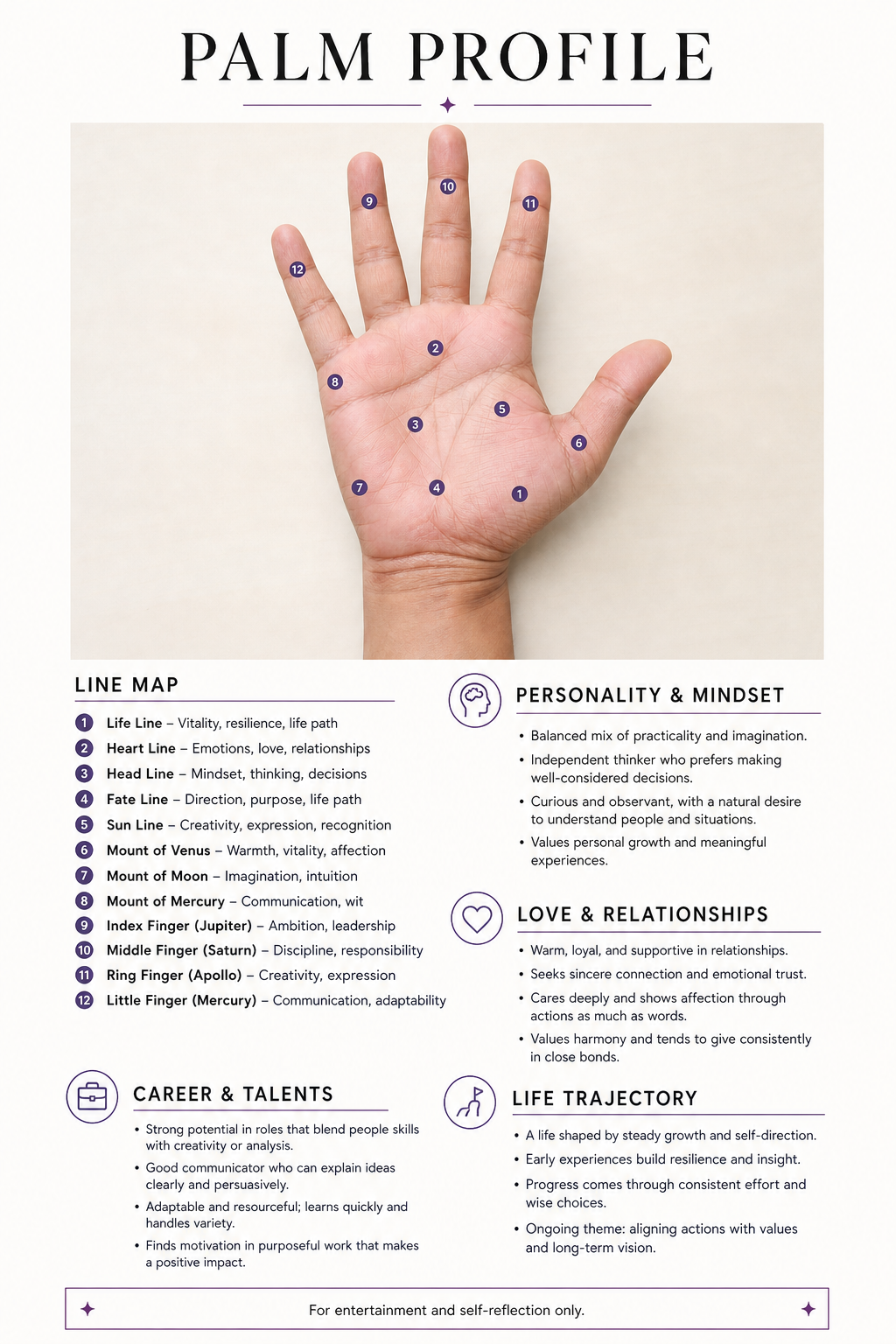
Upload a clear palm photo to map your life, heart, head, and fate lines. Create a personalized visual palmistry report with labeled details—for entertainment and self-reflection only.

YouTube Thumbnail Generator
AI image

YouTube Thumbnail Generator

Turn a video title, topic, or hook into a 16:9 thumbnail concept. Describe the scene, add a face or visual reference when useful, and compare multiple AI image models without rebuilding your prompt.

AI Feet Generator FAQ

It is an image tool for creating pictures that feature feet. Describe the style, pose, camera angle and scene in a prompt, then generate a new image. A reference photo or illustration can provide additional visual guidance.

Yes. Start with a text prompt describing the picture you want. A reference image is optional for new-image generation. Add one when you want to guide the appearance, pose or composition, or edit an existing picture.

You can request either look in your prompt. Use photographic details for realism, or describe the linework, shading and colors for anime art. Review the result and adjust the style description if it misses the look you intended.

Include the body position, how the feet meet the surface, and the viewpoint. For example, describe a seated pose with both feet flat on the floor, photographed from the side. Add whether the image should be a close-up or a wider scene.

Use a clear, simple pose and ask for plausible proportions, natural ankle alignment and separated toes. Inspect every result. If the anatomy is wrong, revise the relevant instruction and generate another version rather than assuming a higher resolution will correct it.

You can upload a photo and ask the model to complete or refine the foot area. The result depends on the visible pose clues. Other details may also change, especially when the feet are outside the frame or heavily obscured.

Generation uses credits. The selected model, resolution and number of outputs determine the cost shown before you generate. Check your account’s balance and any available trial or bonus credits before starting.

The options depend on the selected model. Nano Banana Pro supports 1K, 2K and 4K settings. Choose the resolution and aspect ratio in the generator before submitting your prompt.

Watermark-free original downloads depend on your account’s export entitlement. The download controls show the available options for your account.

Create Your Feet Image

Choose a realistic photo, an anime illustration or a reference-led edit. Describe the pose and scene, then generate a version you can preview and refine.