GPT Image 2.0 提示词 - 纵切照片排版海报

- 画面比例
- auto
- 画质
- 1K
提示词
【MAIN WORD】: {4–8 letter uppercase keyword}
【PROJECT TYPE】: {campaign / product launch / exhibition / editorial poster}
【BRAND / PROJECT】: {name}
【PHOTO SUBJECT】: {one complete photographic scene}
【BACKGROUND COLOR】: {color}
【IMAGE PALETTE】: {main colors}
【TYPE STYLE】: {condensed grotesk / slab serif / Didone serif}
【TOP LEFT】: {date / time / location}
【TOP RIGHT】: {short statement}
【BOTTOM LEFT】: {supporting details}
【BOTTOM RIGHT】: {brand / project name}
【FORMAT】: 9:16 vertical
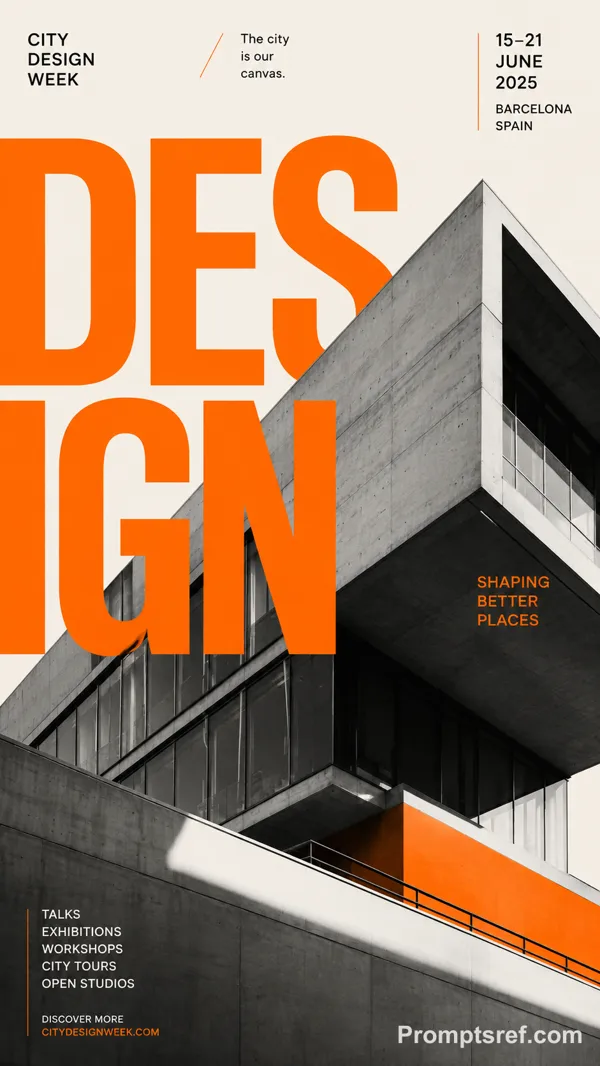
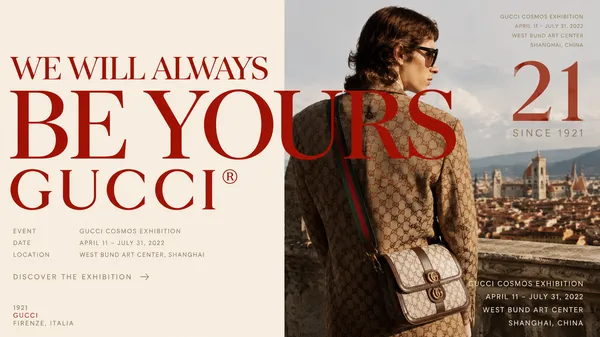
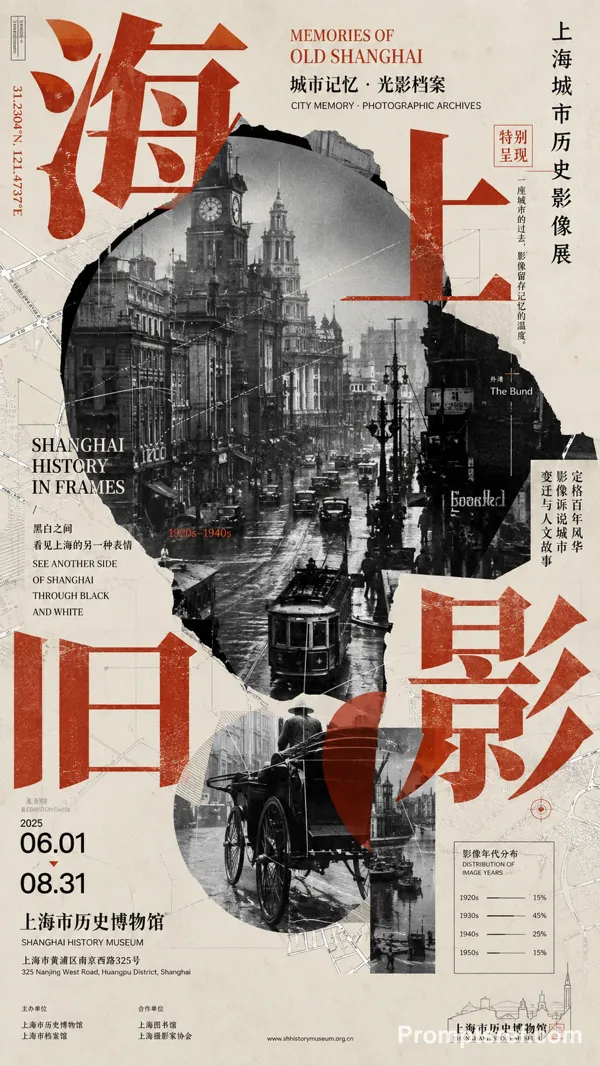
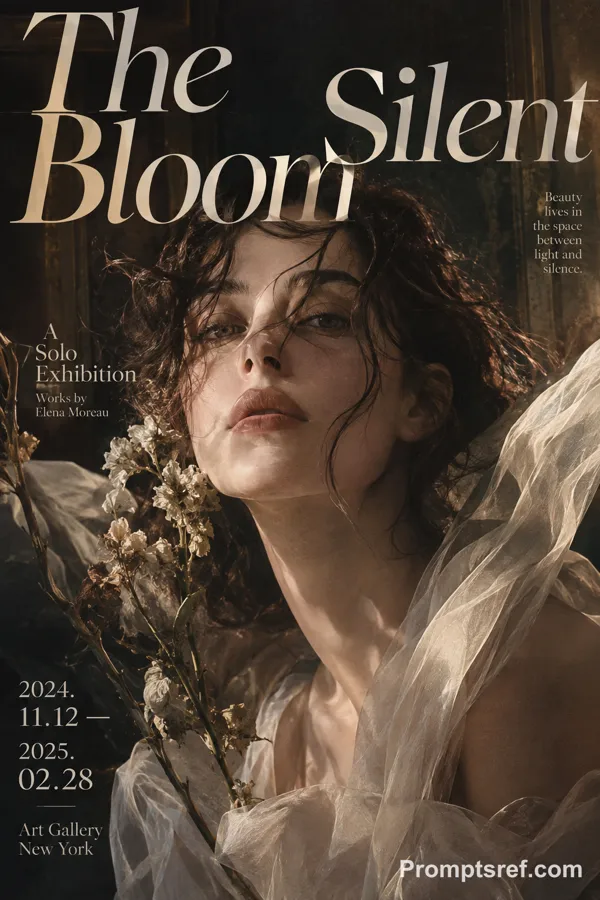
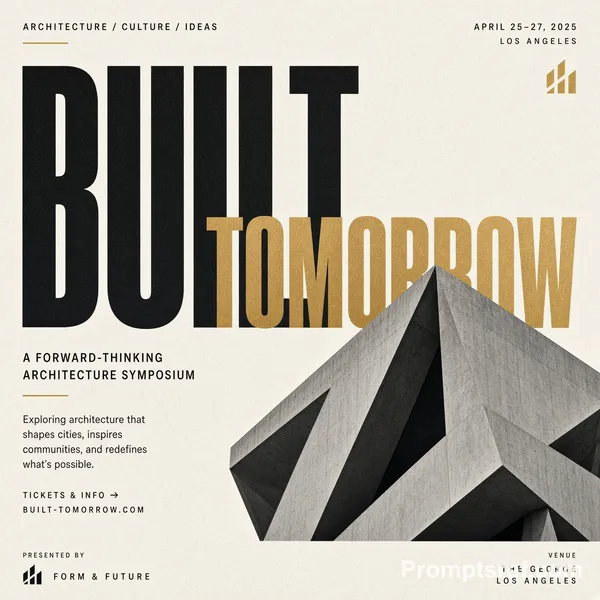
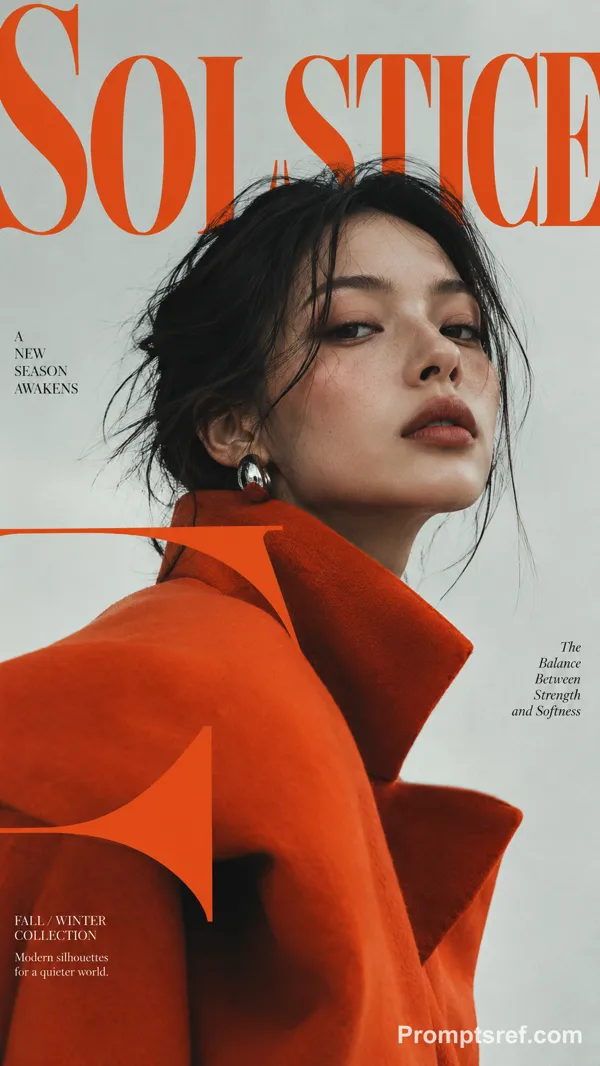
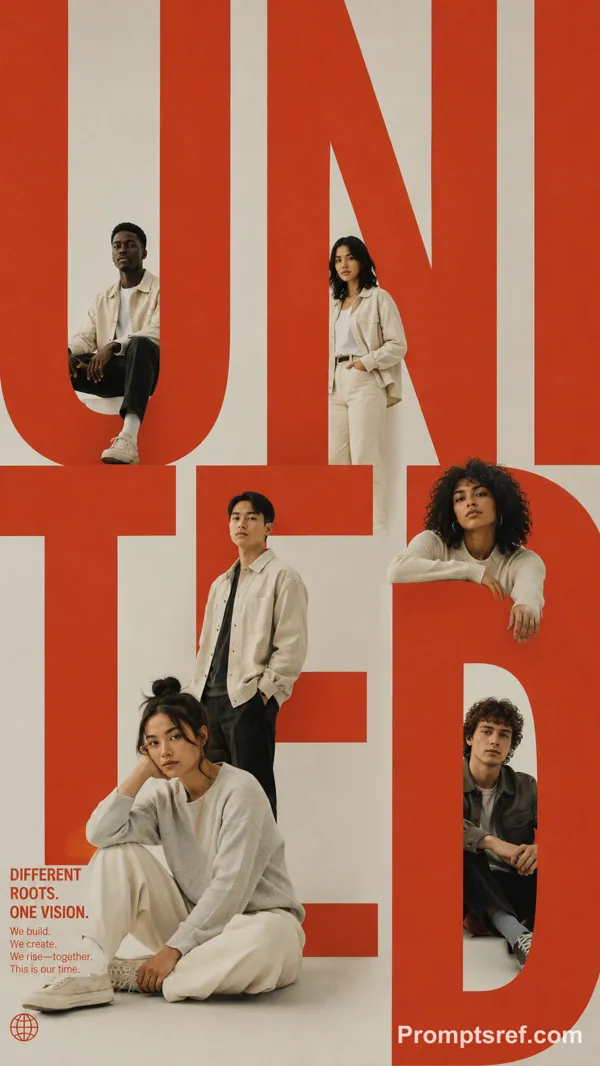
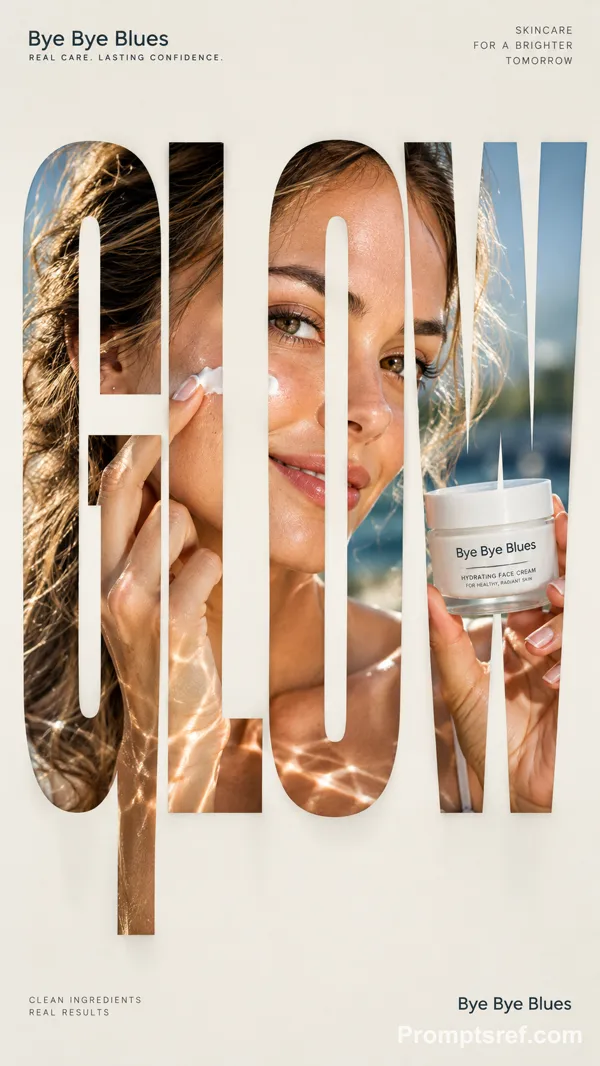
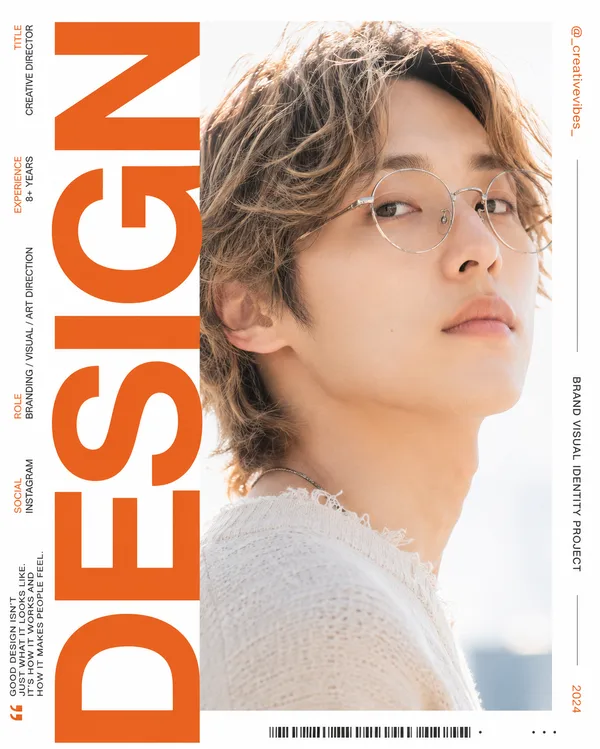
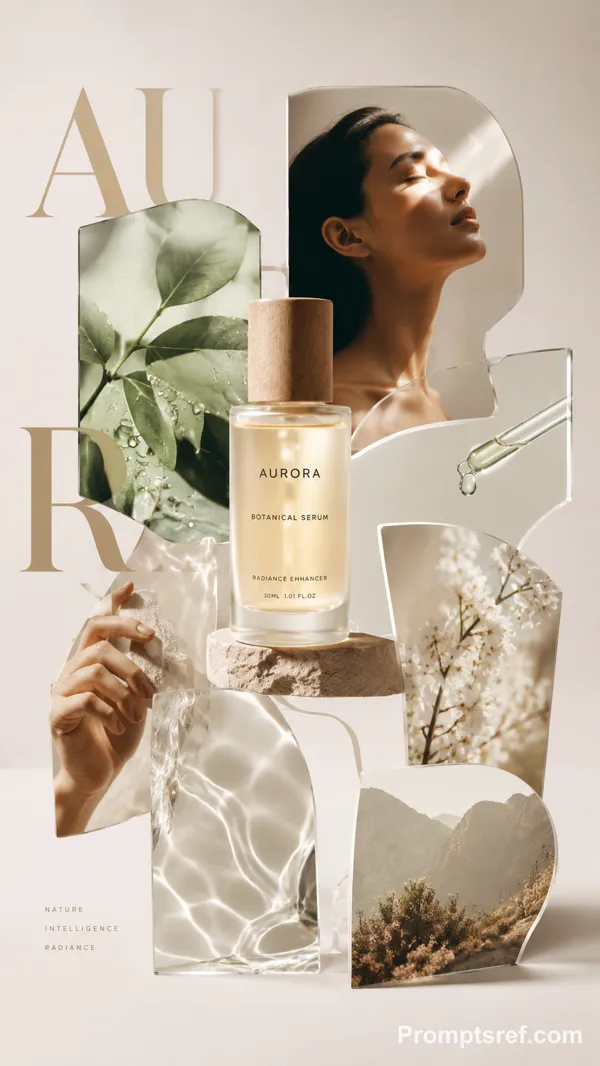
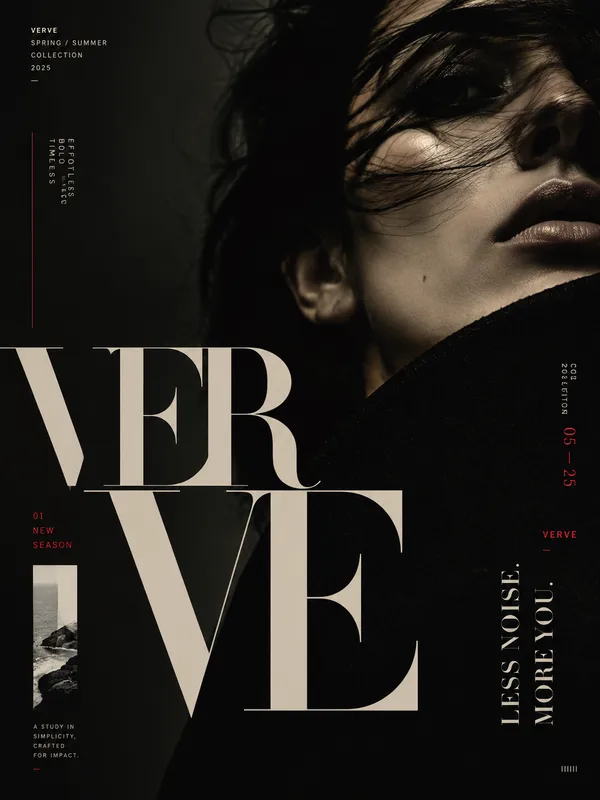
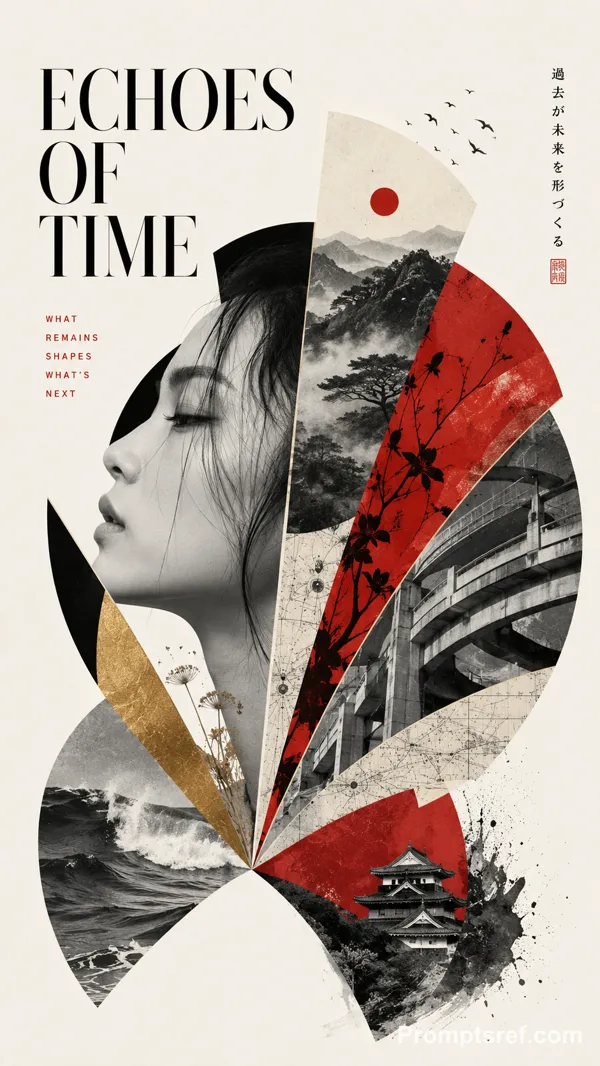
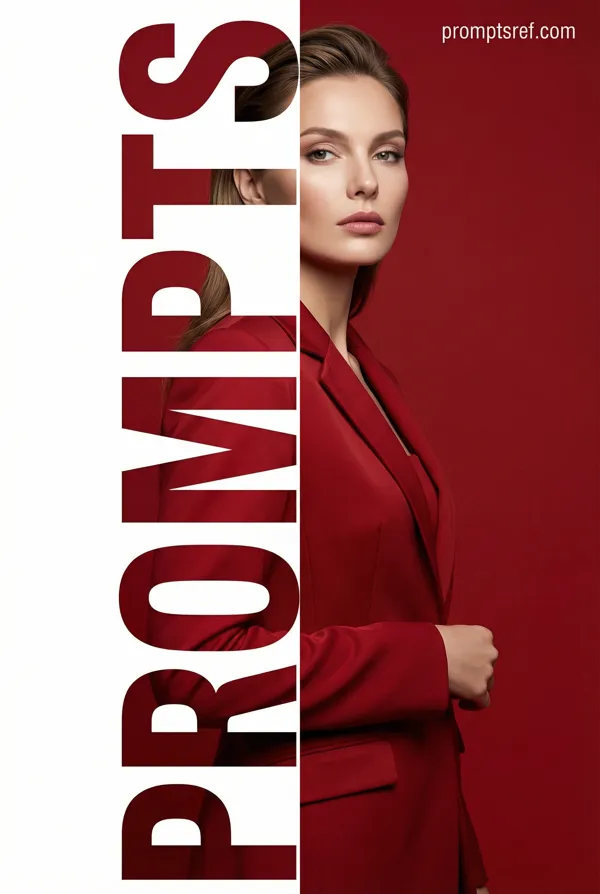
Create a high-end editorial poster built around **vertical sliced typography**.
Place 【MAIN WORD】 at the center as the dominant visual, occupying about 75–85% of the poster width. Keep the word bold, clear and readable at thumbnail size.
Embed **one single continuous photograph** of 【PHOTO SUBJECT】 inside the entire word. Every letter should reveal a different part of the same image, with horizons, objects, people, light, branches, roads or material edges connecting naturally across the letters.
Keep roughly the upper 40–45% of the letterforms intact. Extend selected lower strokes downward into 5–7 vertical slices with varied short, medium and long lengths. The slices must grow naturally from the original letters, not become unrelated rectangles or barcode-like strips.
Continue the same photograph through every extended slice. Place the strongest visual focus around the central letters and use one clear continuous feature to connect the composition.
Add a subtle soft shadow behind the typography, slightly offset toward the lower right, creating a restrained floating-paper effect.
Use a clean 【BACKGROUND COLOR】 background with generous negative space. Keep most visual complexity inside the typography and use 【IMAGE PALETTE】 for the embedded photography.
Arrange meaningful supporting information around the main visual:
Top left: 【TOP LEFT】
Top right: 【TOP RIGHT】
Bottom left: 【BOTTOM LEFT】
Bottom right: 【BOTTOM RIGHT】
Use clean modern typography for secondary information. The final image should feel like a finished campaign, exhibition, product-launch or editorial poster, not a template demonstration.
Remix 作品
Remix还没有人 Remix,来做第一个属于你的版本。
使用这条图片提示词
- 01
从提示词开始
复制提示词,或点击生成按钮在生成器中打开。
- 02
加入你的想法
调整主体、场景或细节,按需添加参考素材。
- 03
生成前确认
检查模型与输出设置,每次生成的结果可能有所不同。