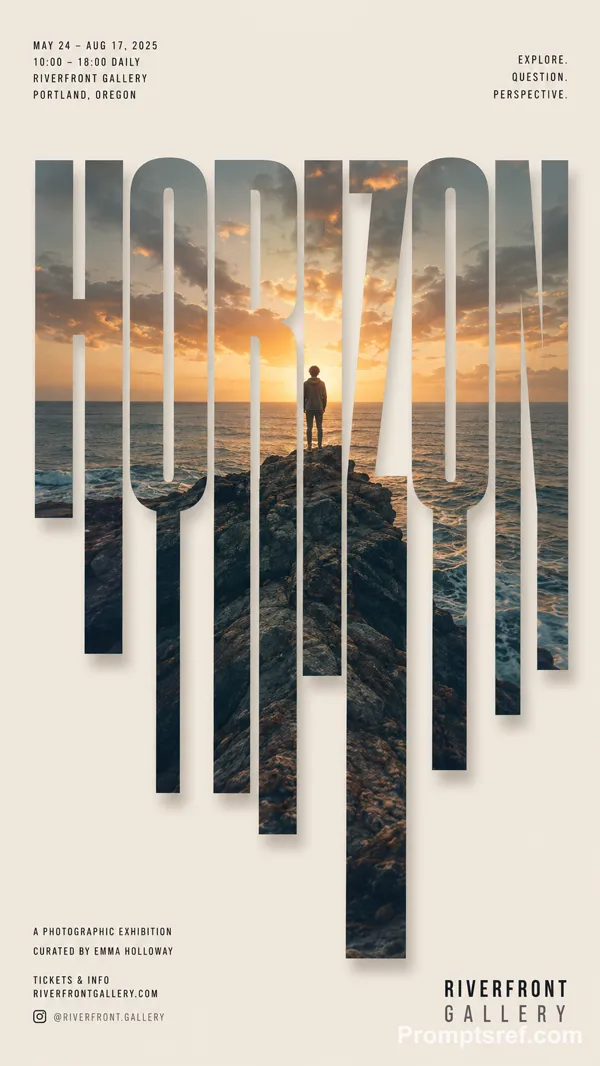
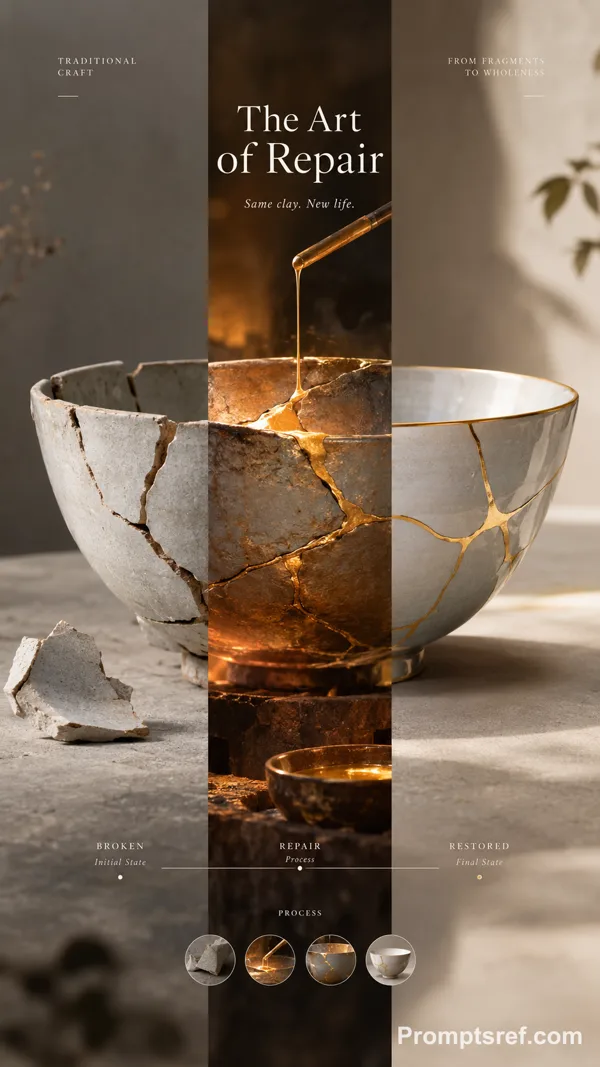
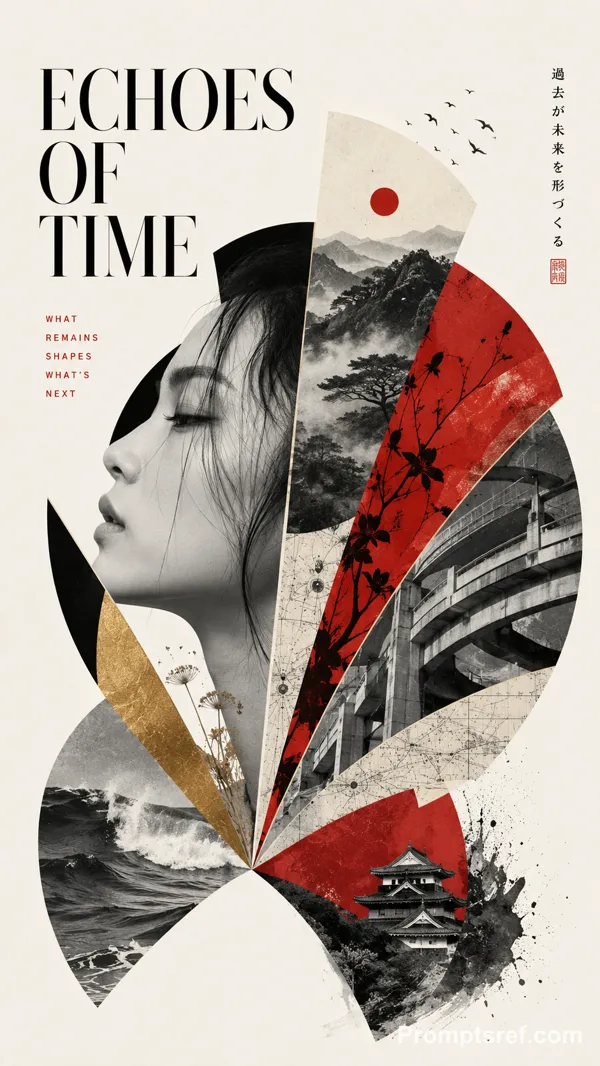
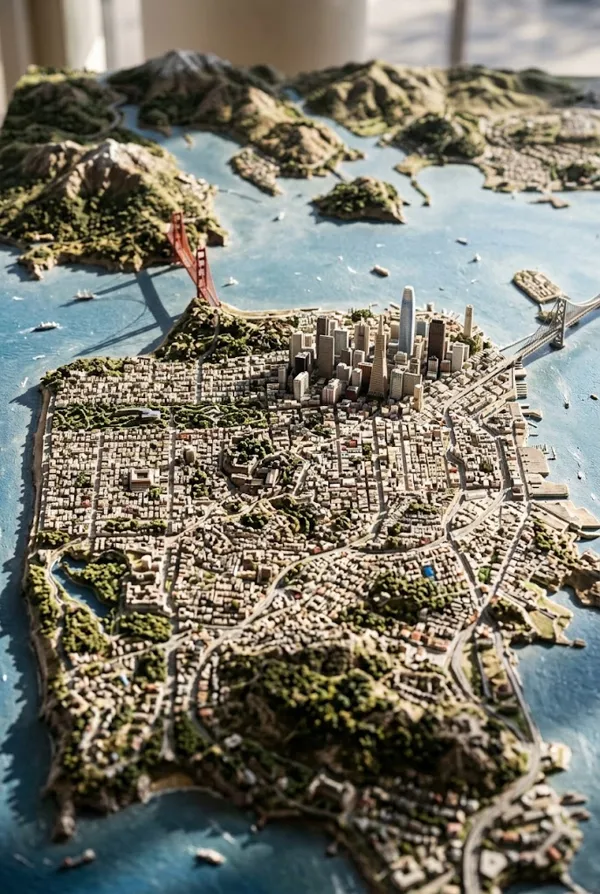
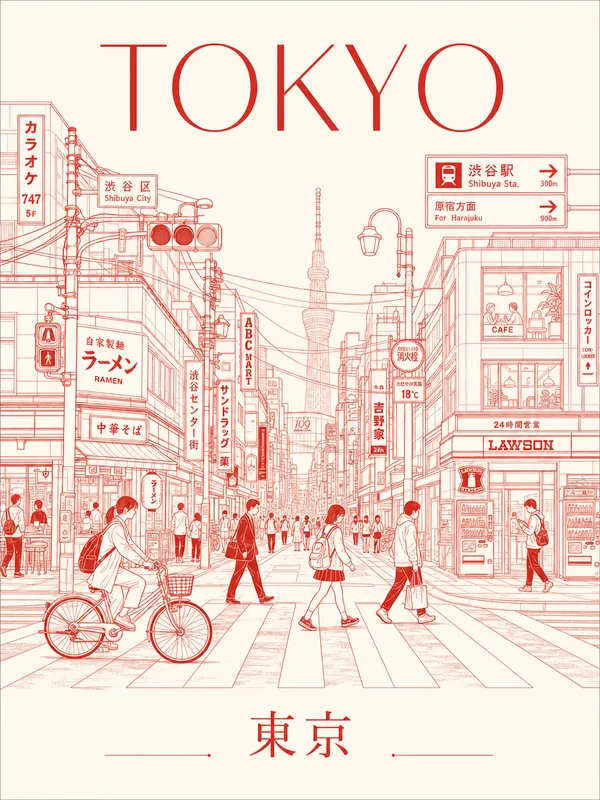
GPT Image 2.0 Prompt - Ivory Gouache Fault Study

- Model
- GPT Image 2.0
- Aspect ratio
- auto
- Quality
- 1K
Prompt
[TITLE]: {fill in}
[GEOGRAPHIC STRUCTURE]: {fault / basin / quarry / confluence / other}
[COLOR FIELD]: {oxide red / mineral teal / earth orange / mixed river tones / other}
[MICRO SCENE]: {surveyors / monitoring station / vehicle / boat / equipment}
[FIELD DATA]: {depth / flow / level / strata / capacity / sediment}
[SUBTITLE]: {fill in}
[HANDWRITTEN NOTE]: {fill in}
[FORMAT]: 9:16 vertical
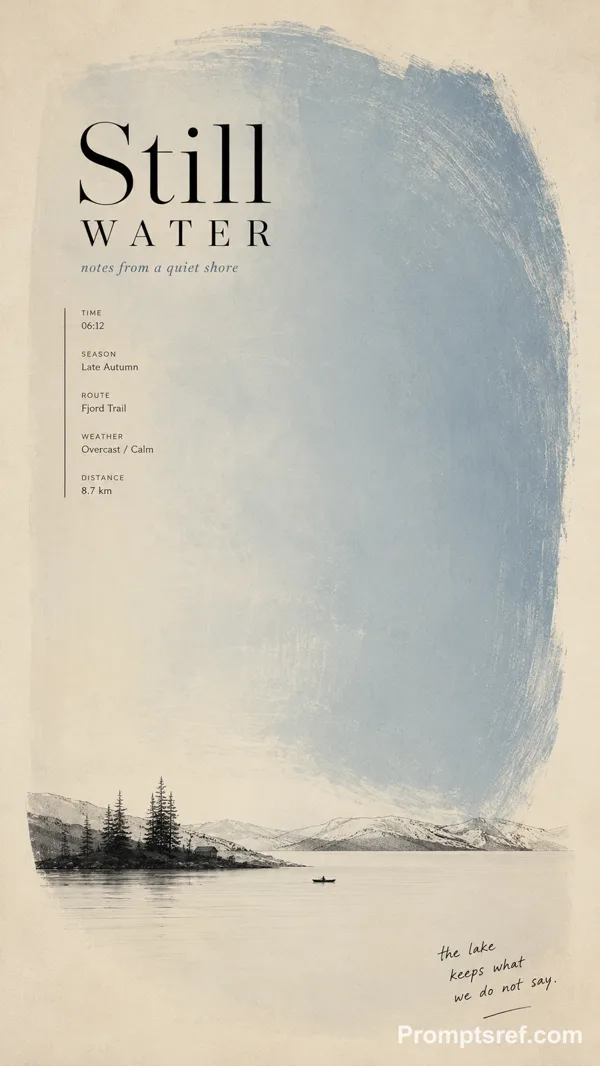
Create a refined minimalist editorial poster that turns a geological or hydrological structure into the main composition.
Use clean warm ivory fine-art paper and one large mineral [COLOR FIELD] with subtle silkscreen, gouache and pigment texture. Build a strong [GEOGRAPHIC STRUCTURE] into the color field — such as a diagonal fault, sweeping reservoir arc, concentric excavation, or merging currents.
Keep the structure bold and readable from a distance, while adding extremely small [MICRO SCENE] details in black or charcoal to create scale and narrative.
Set “[TITLE]” in sophisticated editorial typography and add:
“[SUBTITLE]”
Include a few small, meaningful [FIELD DATA] notes related to the subject, plus one natural handwritten annotation:
“[HANDWRITTEN NOTE]”
The hierarchy should feel graphic from far away and archival up close: large color field, strong geographic structure, tiny survey scene, refined typography and micro field notes.
Each poster should redesign the structure, color movement and narrative according to its subject rather than simply changing the title and palette.
Avoid flat vector blocks, cheap gradients, oversized scenery, technical-dashboard UI, random text, dirty grunge texture, logos, watermarks, numbering, starbursts and sparkle symbols.
Remixes
RemixNo remixes yet. Be the first to make your own version.
Use this image prompt
- 01
Start with the prompt
Copy the prompt, or open it with the generate button.
- 02
Make your changes
Adjust the subject, setting, or details. Add reference media if needed.
- 03
Check before generating
Review the model and output settings. Results can vary between generations.