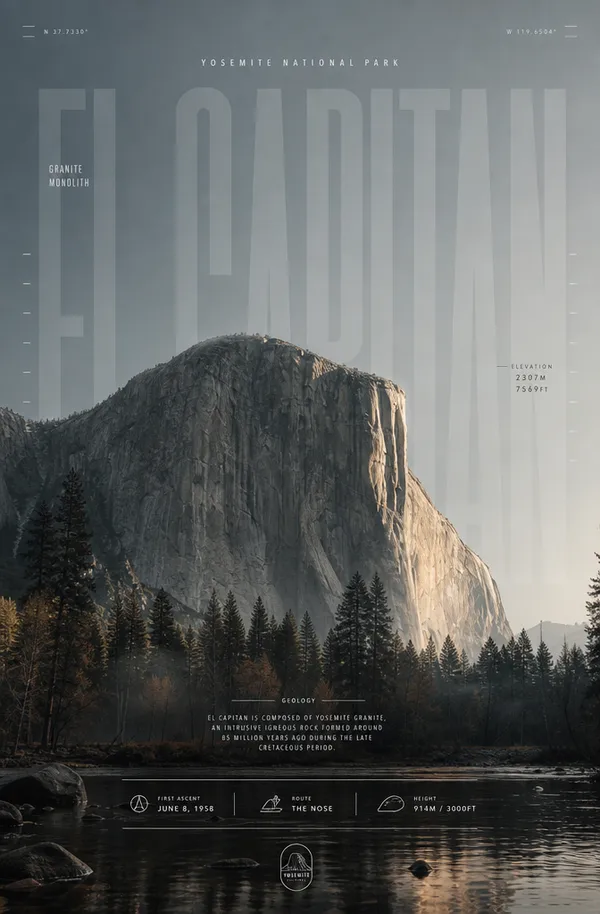
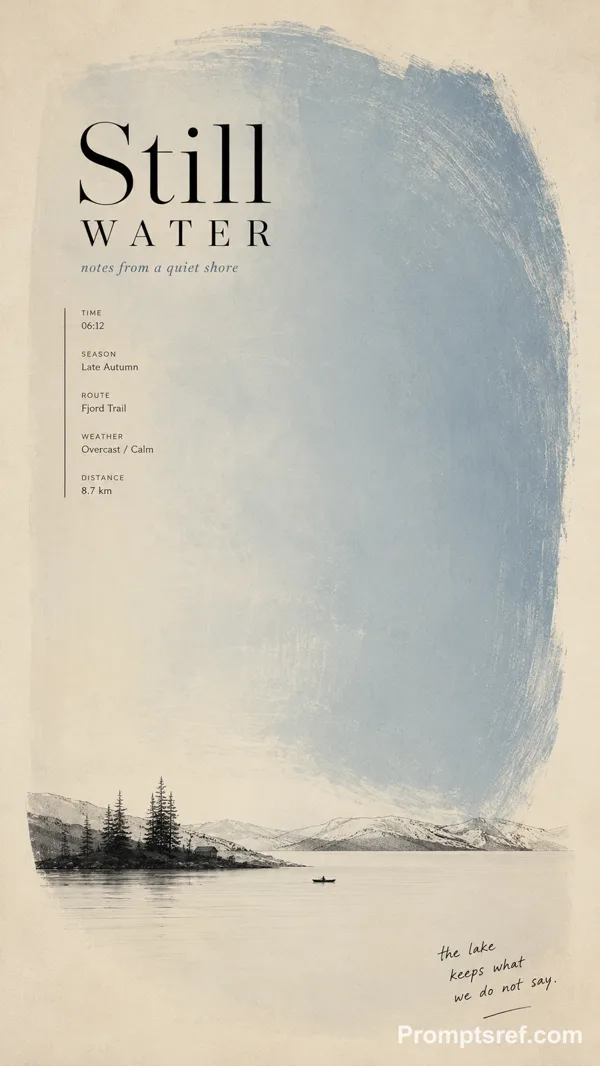
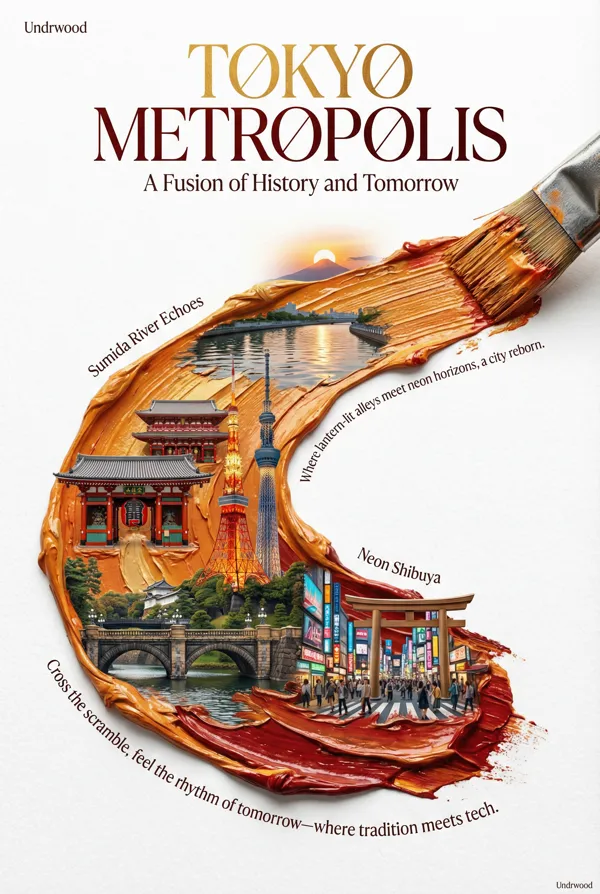
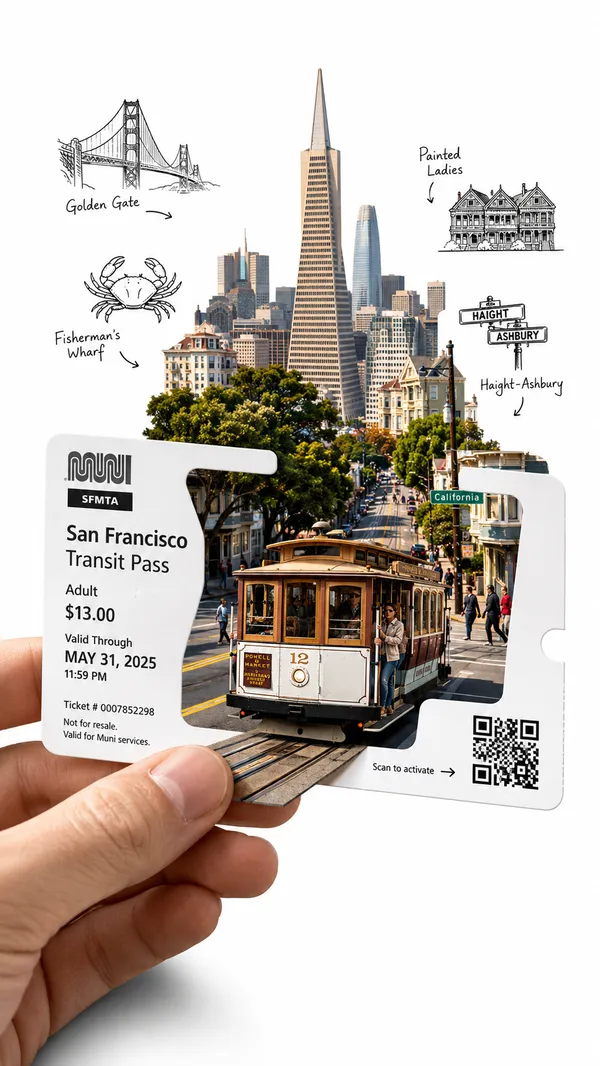
GPT Image 2.0 프롬프트 - 아이보리 구아슈 단층 연구

- 화면 비율
- auto
- 화질
- 1K
프롬프트
[TITLE]: {fill in}
[GEOGRAPHIC STRUCTURE]: {fault / basin / quarry / confluence / other}
[COLOR FIELD]: {oxide red / mineral teal / earth orange / mixed river tones / other}
[MICRO SCENE]: {surveyors / monitoring station / vehicle / boat / equipment}
[FIELD DATA]: {depth / flow / level / strata / capacity / sediment}
[SUBTITLE]: {fill in}
[HANDWRITTEN NOTE]: {fill in}
[FORMAT]: 9:16 vertical
Create a refined minimalist editorial poster that turns a geological or hydrological structure into the main composition.
Use clean warm ivory fine-art paper and one large mineral [COLOR FIELD] with subtle silkscreen, gouache and pigment texture. Build a strong [GEOGRAPHIC STRUCTURE] into the color field — such as a diagonal fault, sweeping reservoir arc, concentric excavation, or merging currents.
Keep the structure bold and readable from a distance, while adding extremely small [MICRO SCENE] details in black or charcoal to create scale and narrative.
Set “[TITLE]” in sophisticated editorial typography and add:
“[SUBTITLE]”
Include a few small, meaningful [FIELD DATA] notes related to the subject, plus one natural handwritten annotation:
“[HANDWRITTEN NOTE]”
The hierarchy should feel graphic from far away and archival up close: large color field, strong geographic structure, tiny survey scene, refined typography and micro field notes.
Each poster should redesign the structure, color movement and narrative according to its subject rather than simply changing the title and palette.
Avoid flat vector blocks, cheap gradients, oversized scenery, technical-dashboard UI, random text, dirty grunge texture, logos, watermarks, numbering, starbursts and sparkle symbols.
리믹스 작품
리믹스아직 리믹스가 없어요. 첫 번째 버전을 만들어 보세요.
이 이미지 프롬프트 사용하기
- 01
프롬프트로 시작하기
프롬프트를 복사하거나 생성 버튼으로 여세요.
- 02
나만의 아이디어 더하기
주제, 배경, 세부 사항을 조정하고 필요하면 참고 자료를 추가하세요.
- 03
생성 전 확인하기
모델과 출력 설정을 확인하세요. 생성 결과는 매번 다를 수 있습니다.