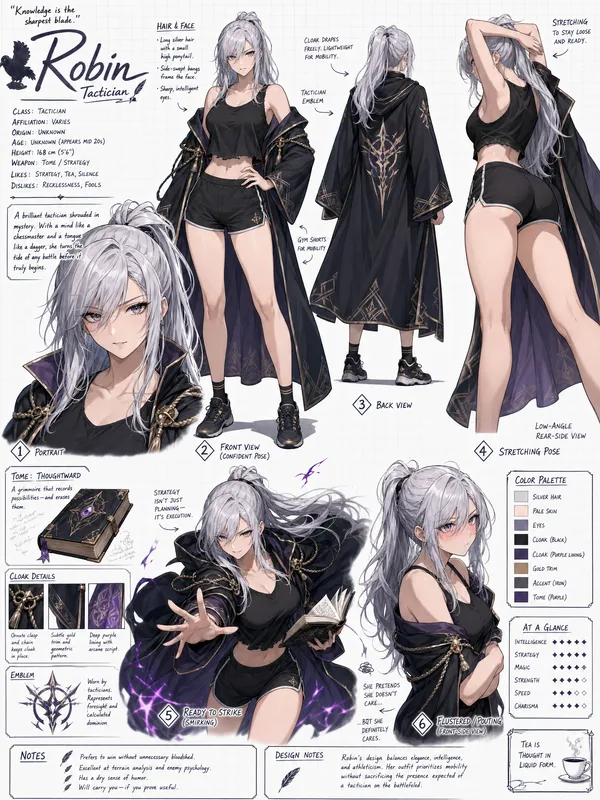
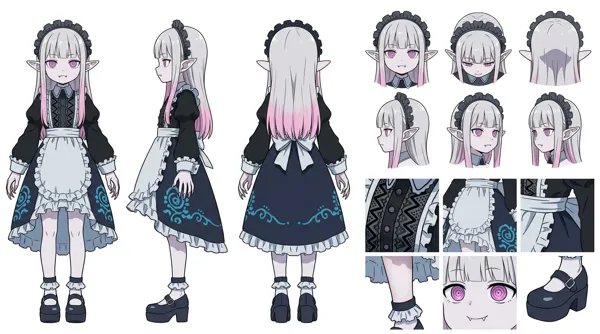
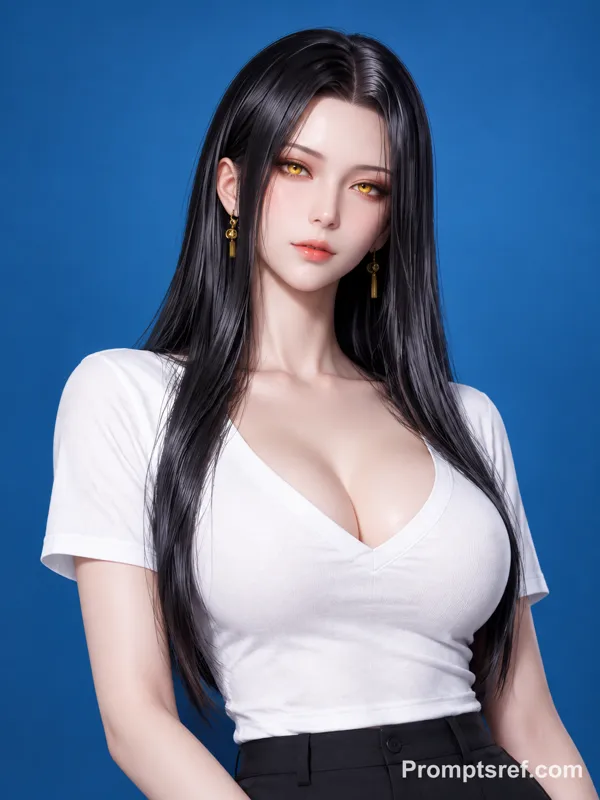
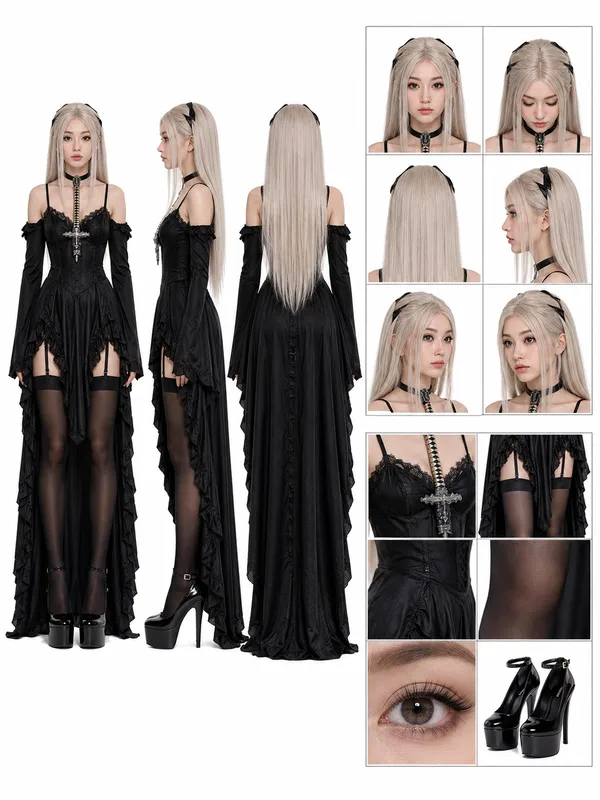
GPT Image 2.0 Prompt - Cinematic Character Turnaround Sheet Template

- Model
- GPT Image 2.0
- Aspect ratio
- auto
- Quality
- 1k
Prompt
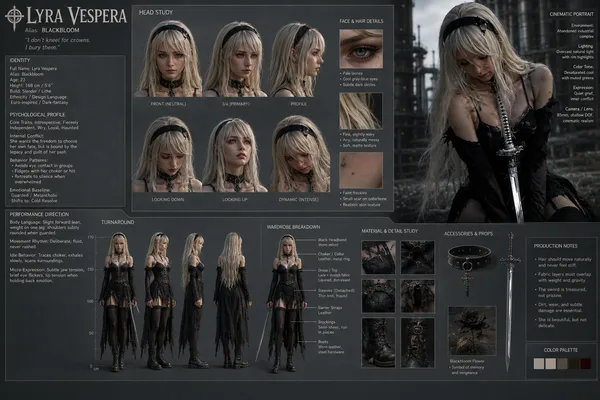
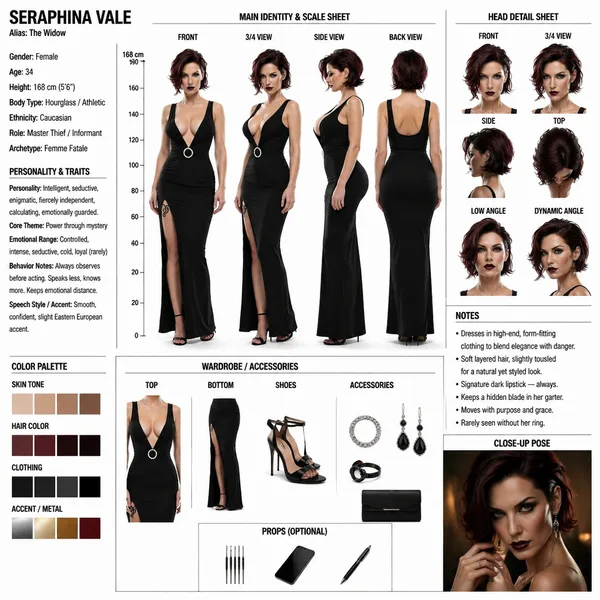
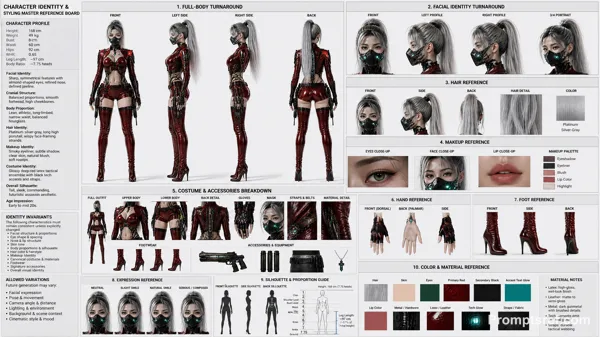
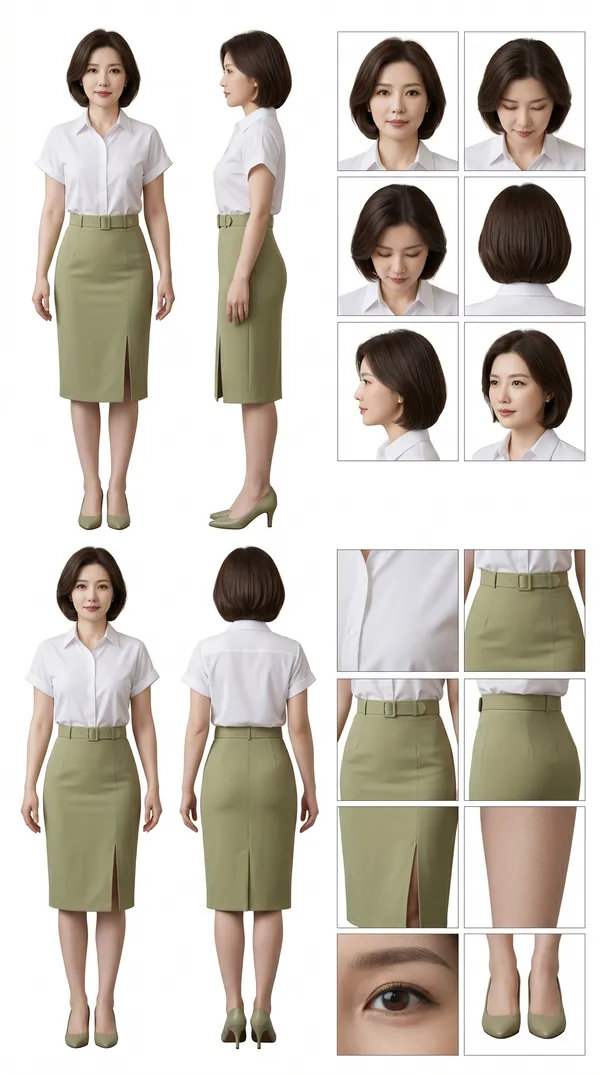
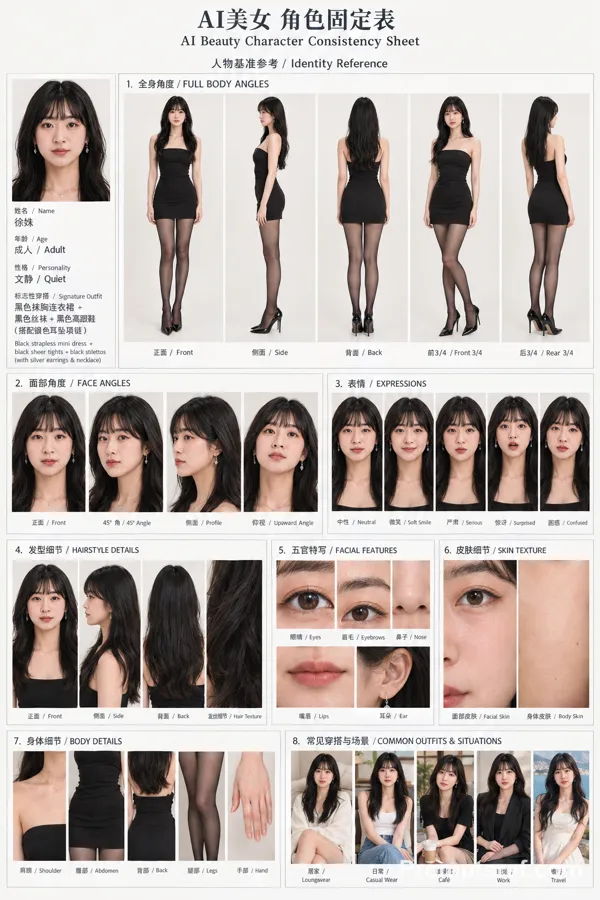
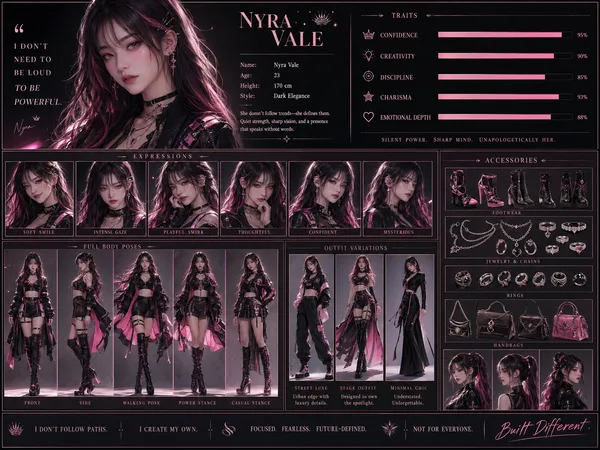
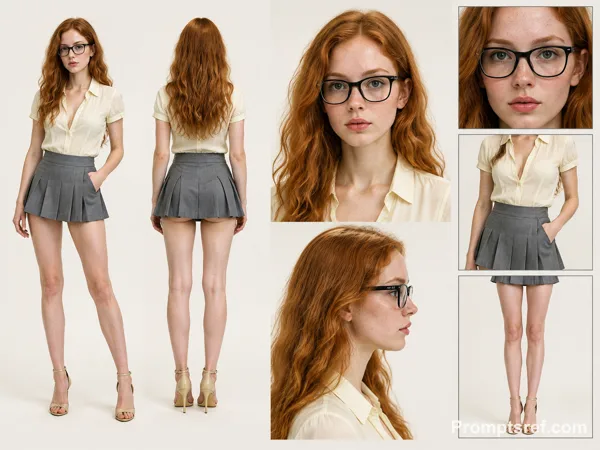
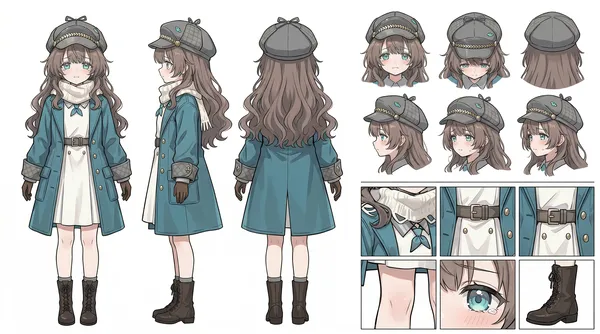
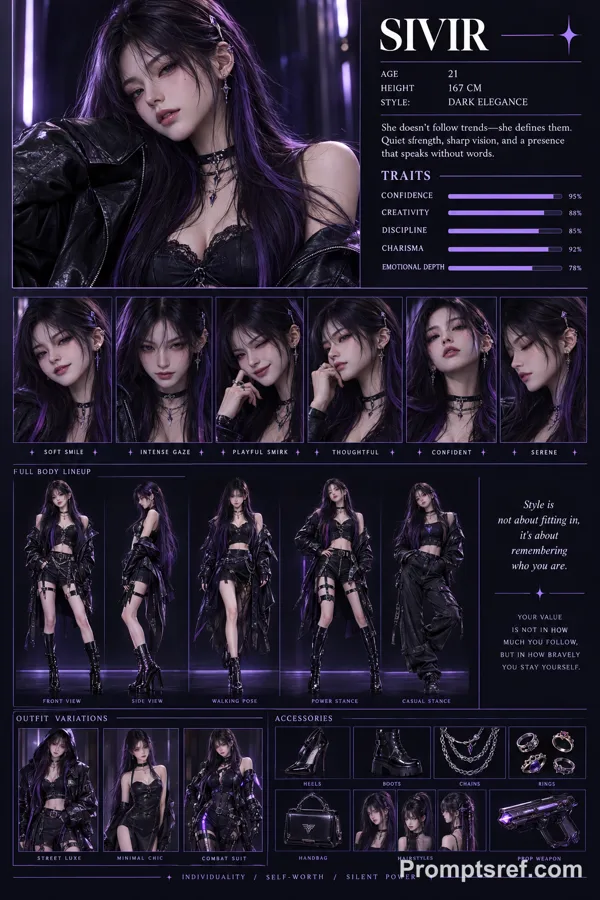
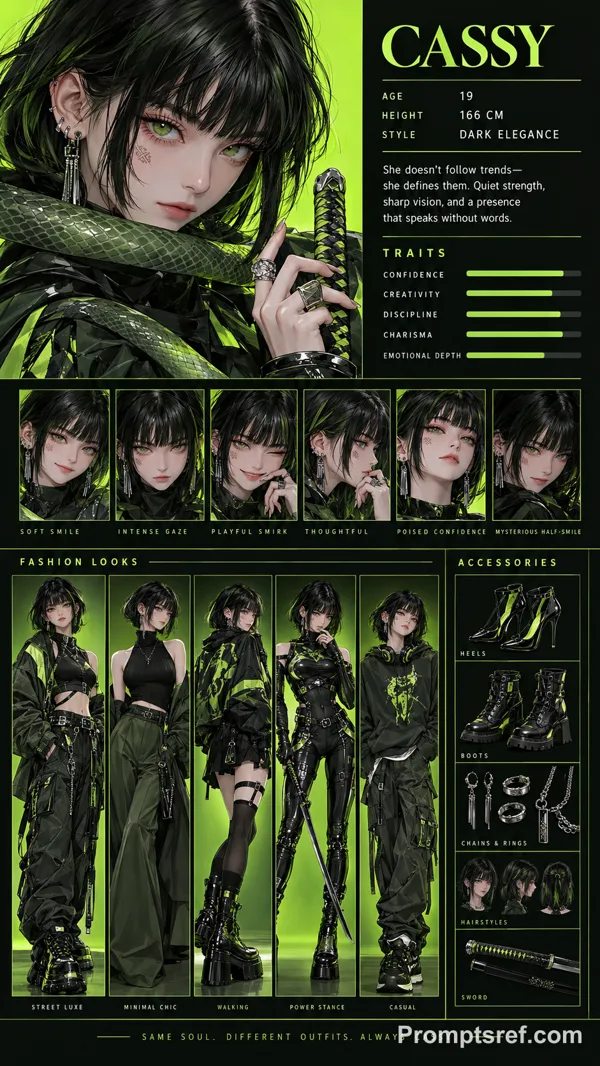
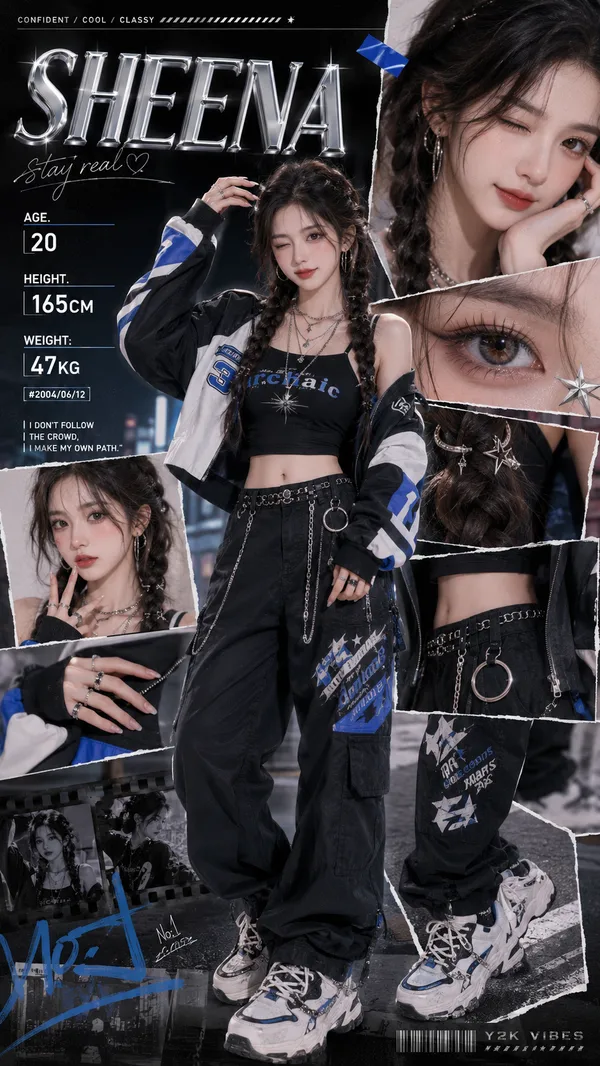
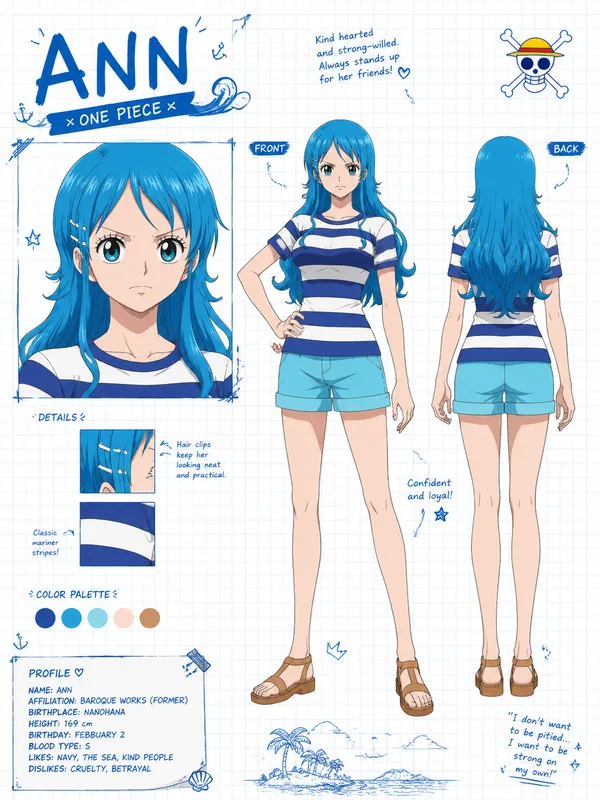
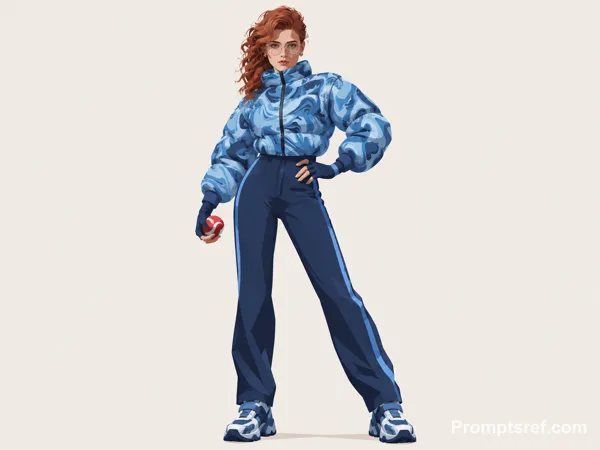
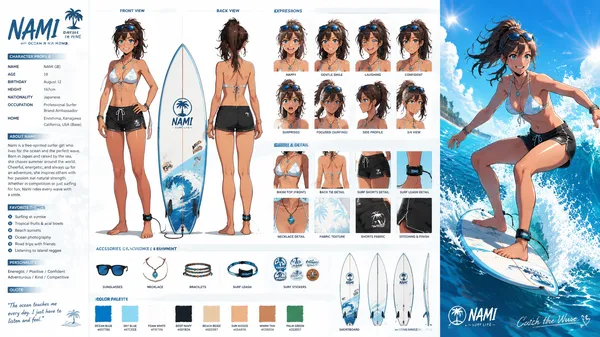
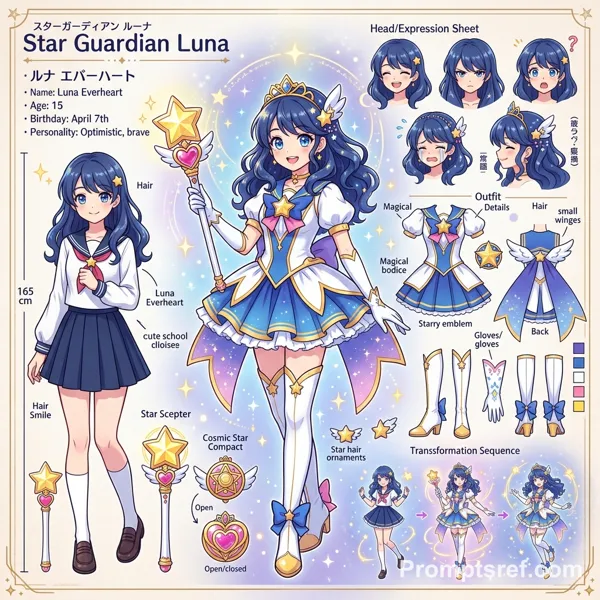
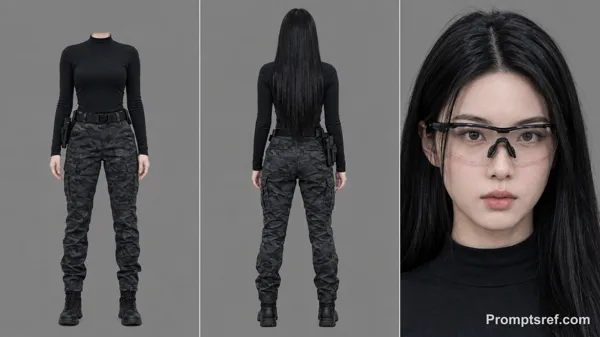
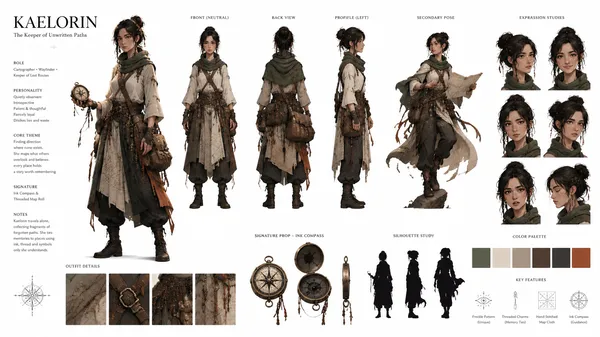
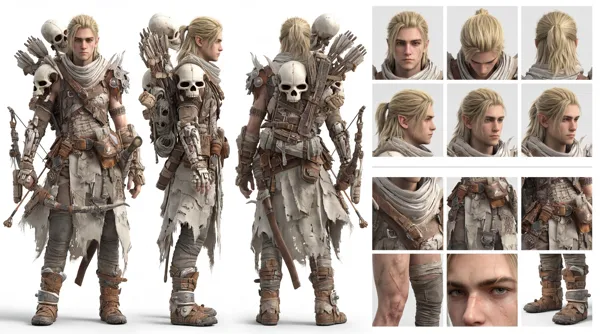
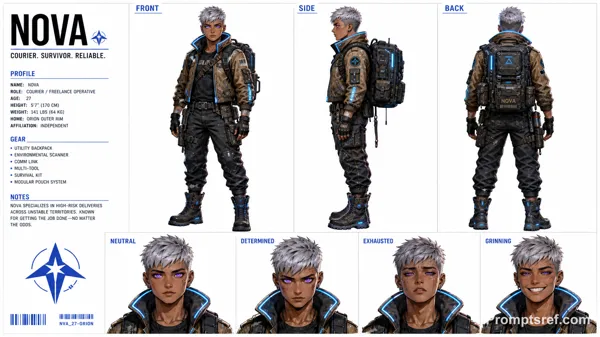
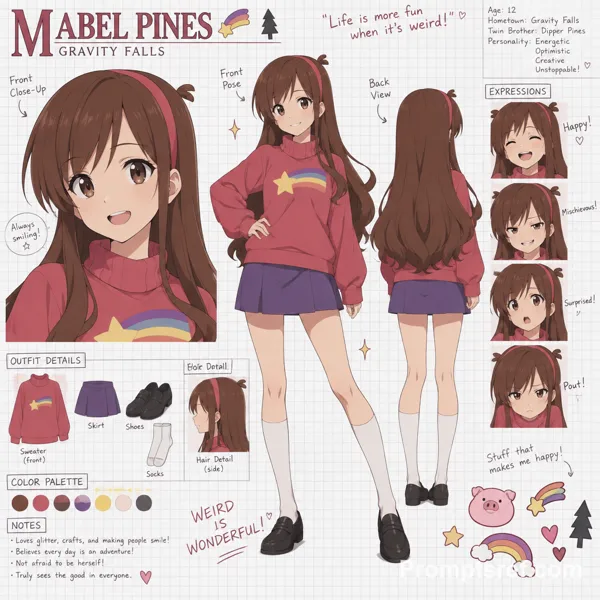
Generate image: Cinematic Character Concept Art Sheet (Realistic / hyper-Photorealistic Character Turnaround Style)-WHITE BACKGROUND highly detailed, professional SHEET in a clean studio layout, similar to an animation/model sheet used in film or game production. CHARACTER CORE:
Name: {{character_name}}
Alias: {{alias}}
Gender: {{gender}}
Age: {{age}}
Height: {{height}}
Body Type: {{body_type}}
Ethnicity: {{ethnicity}}
Role: {{role}}
Archetype: {{archetype}}
PERSONALITY & TRAITS:
Personality: {{personality_traits}}
Core Theme: {{core_theme}}
Emotional Range: {{emotional_range}}
Behavior Notes: {{behavior_notes}}
Speech Style / Accent: {{speech_style}}
đ§ MAIN IDENTITY & SCALE SHEET
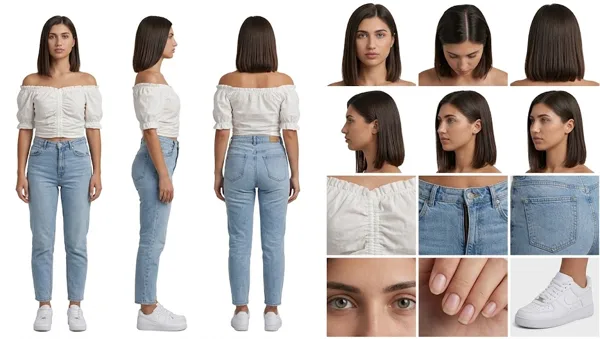
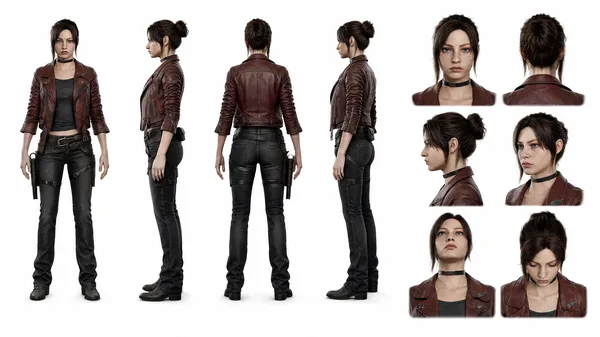
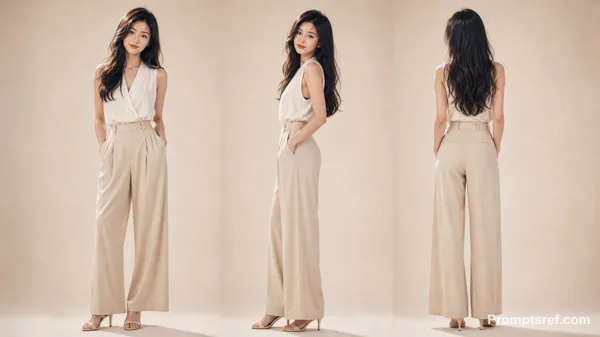
Show full-body character turnaround:
Front view
3/4 view
Side view
Back view
Character should wear: {{default_outfit_description}}
Include:
Neutral pose
Consistent proportions
Clean silhouette readability
Add a vertical height scale beside the character (in cm or ft).
đ§ HEAD DETAIL SHEET
Show head from multiple angles:
Front
Side
3/4
Top
Low angle
Dynamic angle
Focus on:
Hair structure
Face proportions
Ear + jaw alignment
đ¨ COLOR PALETTE
Show labeled swatches: {{color_palette}}
Include:
Skin tone
Hair color
Clothing palette
Accent colors
đ WARDROBE / ACCESSORIES
Break down clothing pieces:
Top: {{top_description}}
Bottom: {{bottom_description}}
Shoes: {{shoes_description}}
Accessories: {{accessories}}
Optional props: {{#if props}}
Props: {{props}} {{/if}}
𧞠NOTES PANEL
Include small annotation text: {{#each notes}}
{{this}} {{/each}}
(e.g., ârolled sleeves for practicalityâ, âsoft layered hairâ, âalways slightly slouched postureâ)
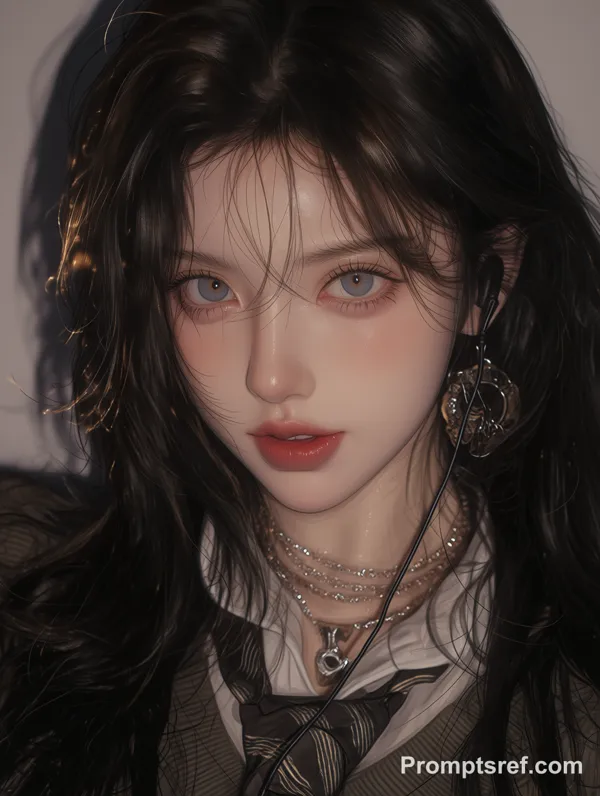
đŹ CLOSE-UP POSE
Add one cinematic close-up of the character:
Emotional moment
Soft lighting
Story hint
LAYOUT RULES:
Clean grid composition
Clear section headers
Balanced spacing
Minimal background noise
Professional art sheet presentation
Everything labeled and readable
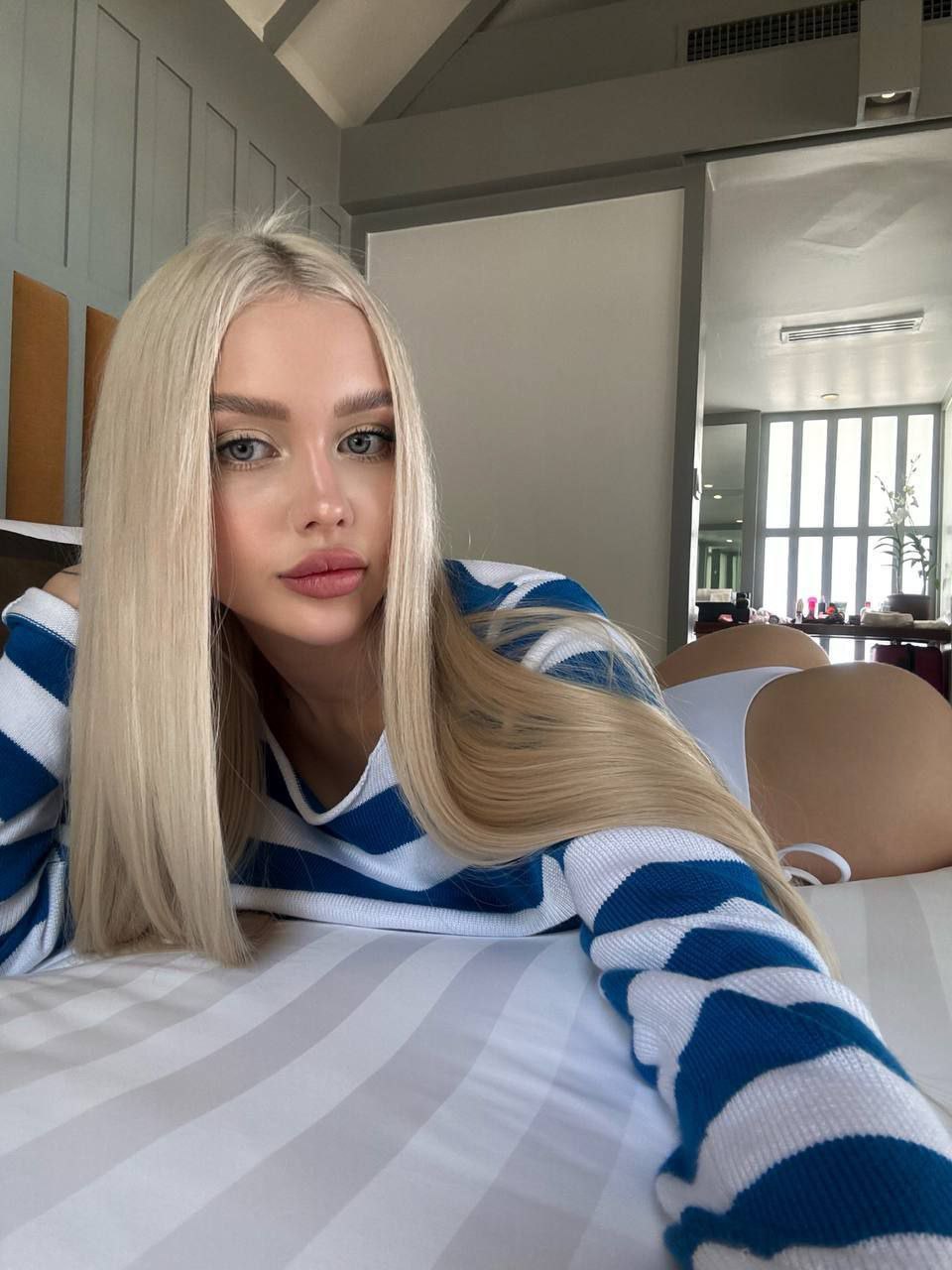
Reference image
Remixes
RemixNo remixes yet. Be the first to make your own version.
Use this image prompt
- 01
Start with the prompt
Copy the prompt, or open it with the generate button.
- 02
Make your changes
Adjust the subject, setting, or details. Add reference media if needed.
- 03
Check before generating
Review the model and output settings. Results can vary between generations.