GPT Image 2.0 Prompt - Cyberpunk Character Creation Screen

- Model
- GPT Image 2.0
- Aspect ratio
- auto
- Quality
- 1K
Prompt
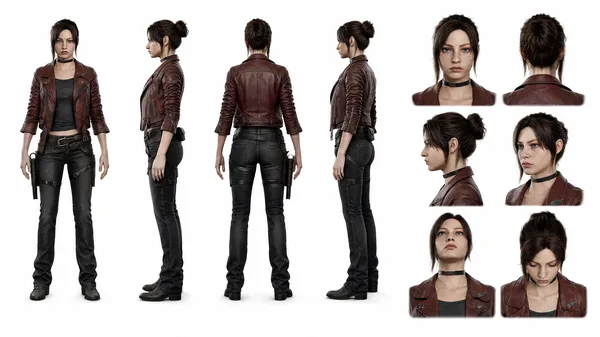
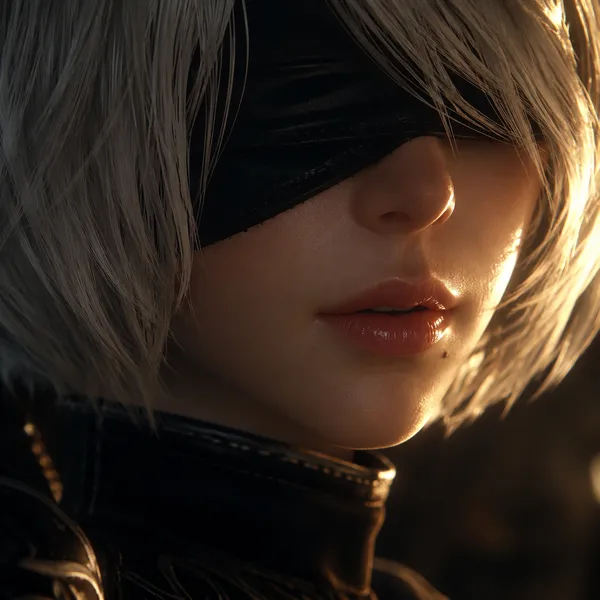
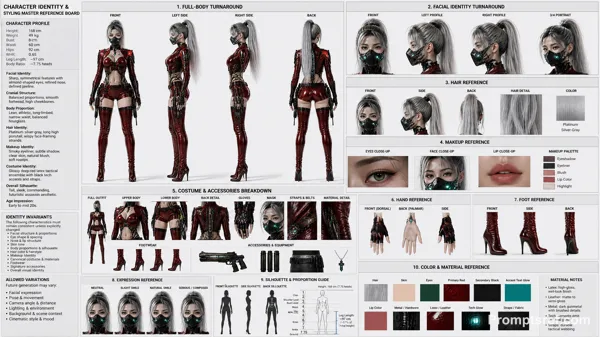
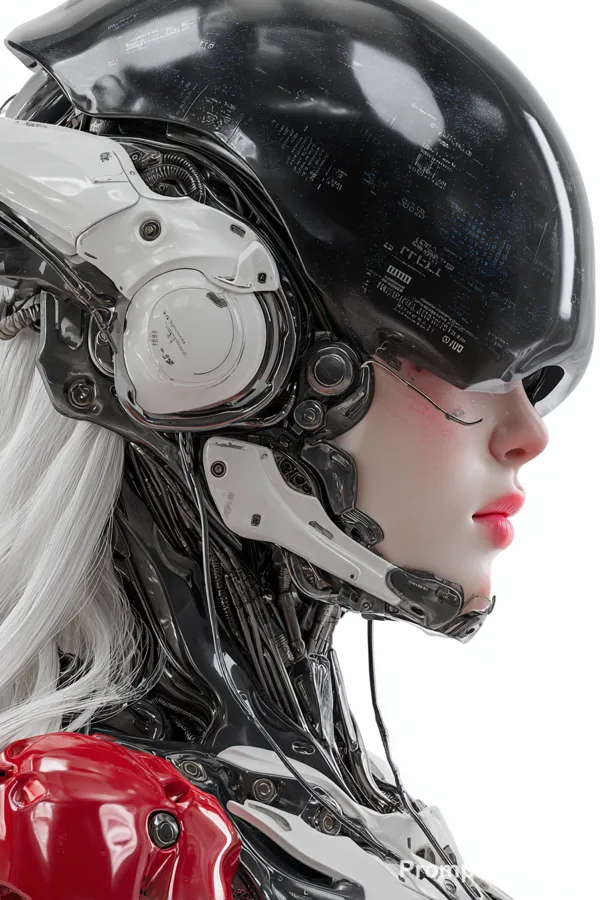
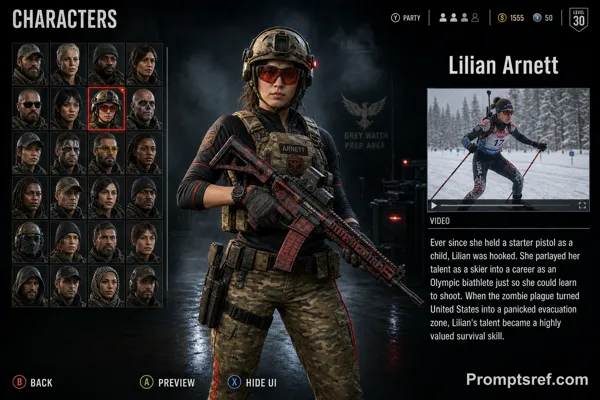
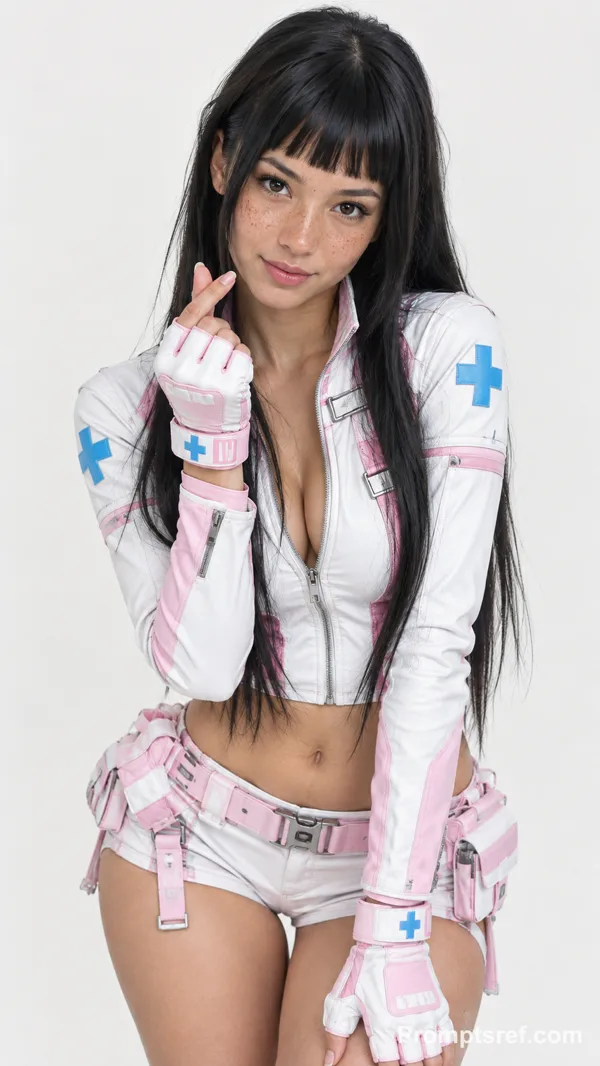
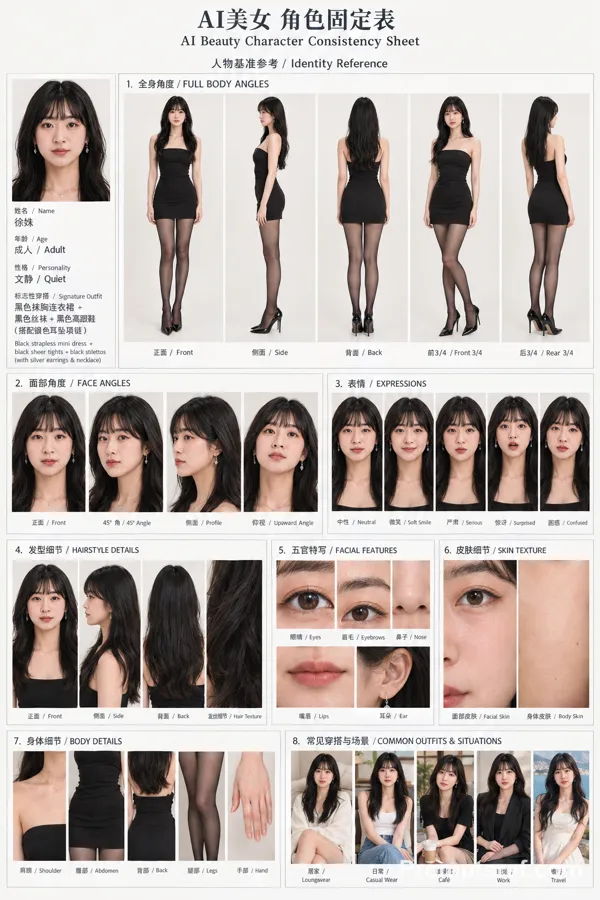
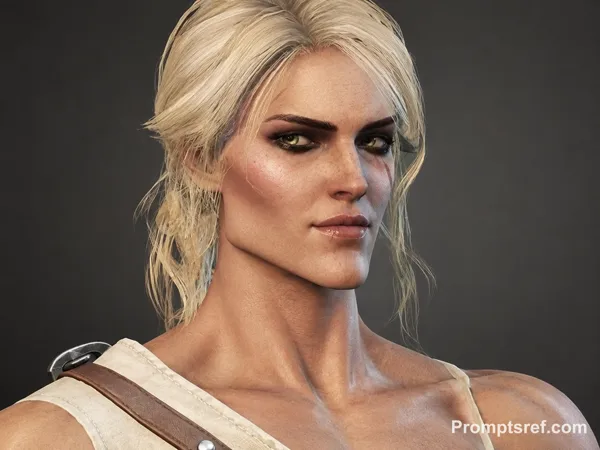
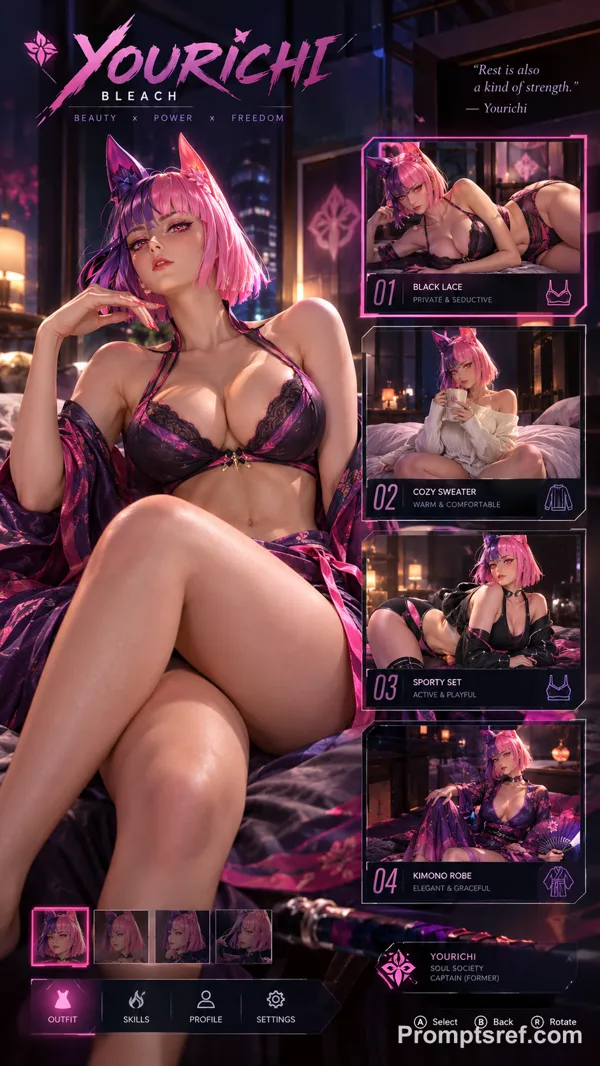
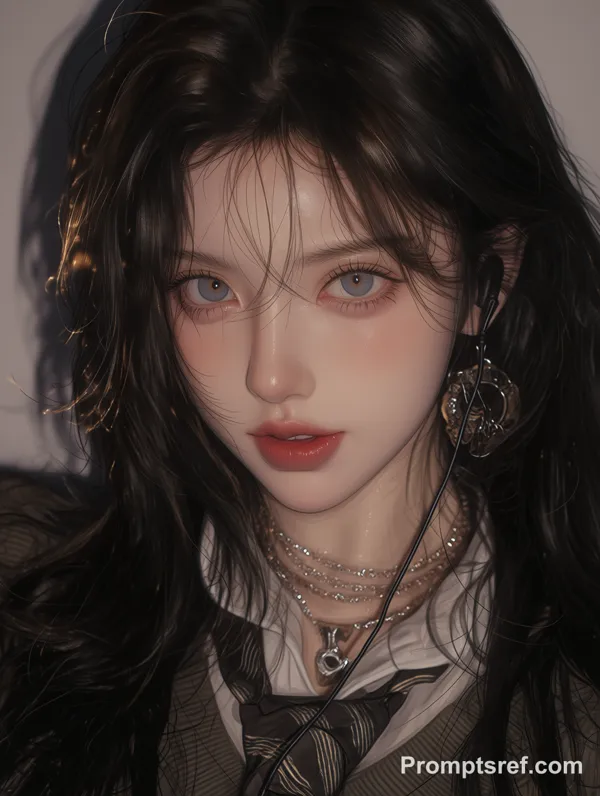
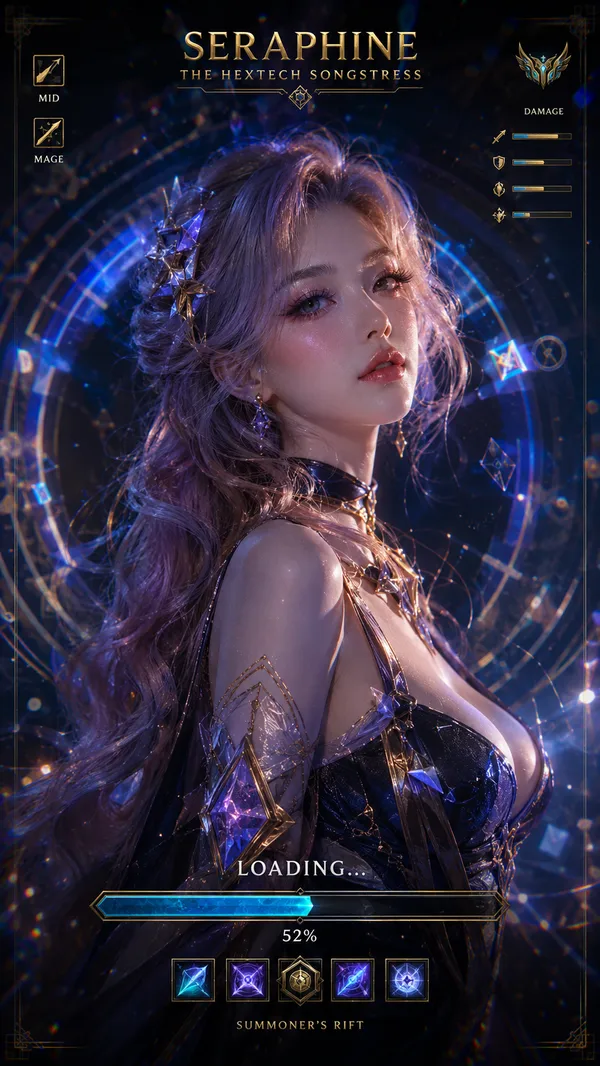
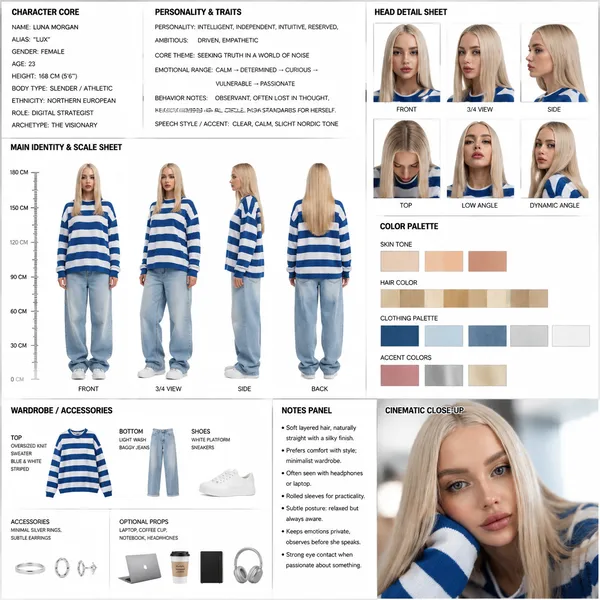
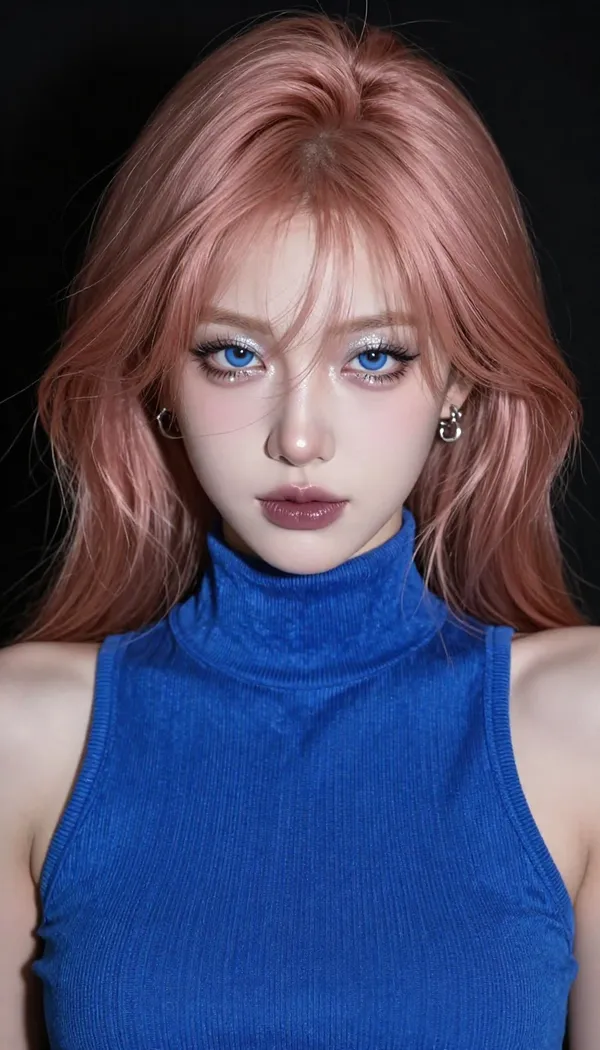
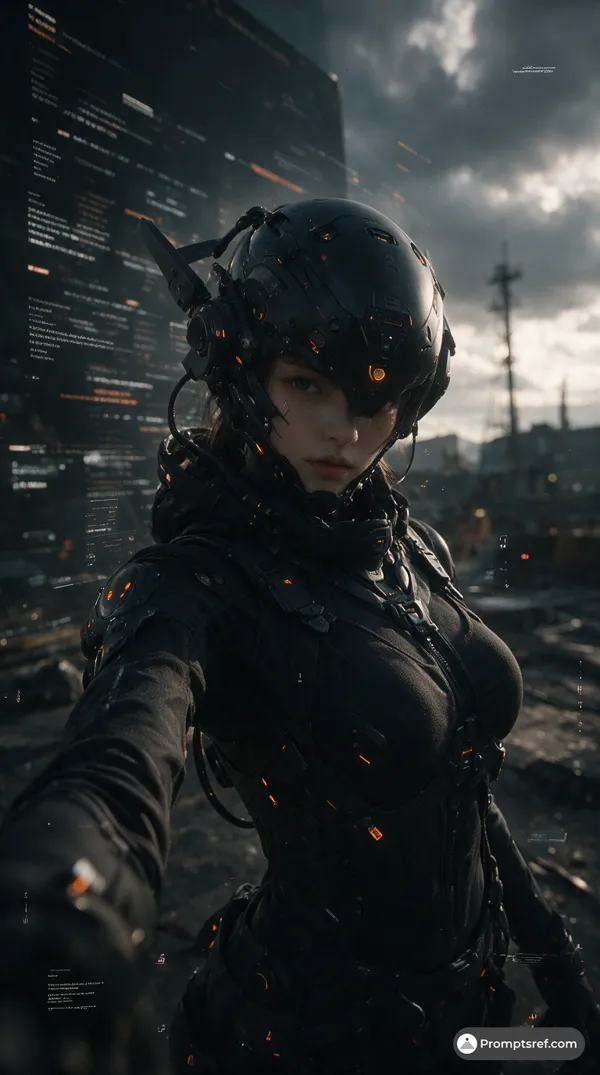
A high-definition video game screenshot of a character creation interface featuring a beautiful young woman with a cyberpunk or sci-fi aesthetic.Main Subject: the character in reference image 1 A stunning young woman in a centered, bust-up perspective. She has:Face: Flawless porcelain skin, vibrant blue eyes with diamond-shaped pupils, light pink lips, and soft blush.Hair: Wavy, medium-length brown-blonde hair with soft highlighting.Attire: She wears a complex high-tech metal neck brace collar and a cream-colored top with intricate black harnesses and utility straps. A white patch on her chest displays a large white "L" logo against a dark background.Expression: A neutral, forward-facing expression, looking directly at the camera.Interface Elements (UI):Left-Side Panel: A dark gray panel with light-blue accents.Menu Options : Starts with general tabs: "Head", "Forehead", "Peak", "Frontal Bone", "Cheeks". "Cheeks" is currently highlighted in green.Face Customization Sliders : Below the highlighted tab are several specific sliders:"Horizontal" at 37"Vertical" at 57"Cheek Height" at 21"Cheek Angle" at 14"Cheek Eversion" at 30"Cheek Expansion" at 70Further Options : Below the sliders are options for "Chin", "Jawline", "Mandible".Confirm Button : A large green button at the very bottom left reads "Finish Shaping/Customization".Top Navigation : Tabs for "Preset", "Face Shape" - currently selected, "Makeup", "Body Type", flanked by function icons like search, grid, lighting, pose, and settings.Top-Right Status Icons: A series of icons with values, starting with a star at 0, a box at 3, a drop at 1, a power symbol, and a gear icon.Bottom-Right Key Prompts : A set of control instructions: "[X] Zoom", "[Y] Change Initial Viewpoint", "[ZC] Rotate Left/Right", "[Esc] Return".Background: Dark, atmospheric, with several thick, coiling cables trailing in the background behind the character, hinting at a technological environment or data network.Aesthetic: The overall look combines high-end hyper-realistic anime-style character modeling with detailed, realistic textures and lighting, set against a sleek, future-tech user interface.
Remixes
RemixNo remixes yet. Be the first to make your own version.
Use this image prompt
- 01
Start with the prompt
Copy the prompt, or open it with the generate button.
- 02
Make your changes
Adjust the subject, setting, or details. Add reference media if needed.
- 03
Check before generating
Review the model and output settings. Results can vary between generations.