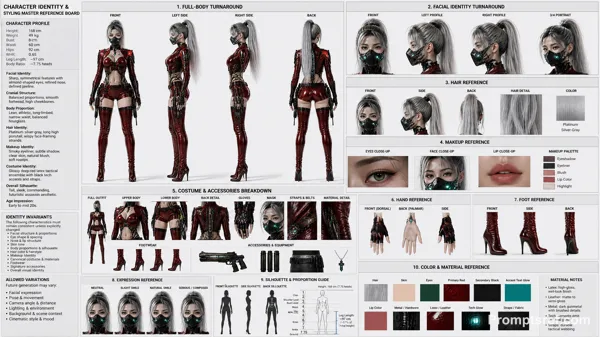
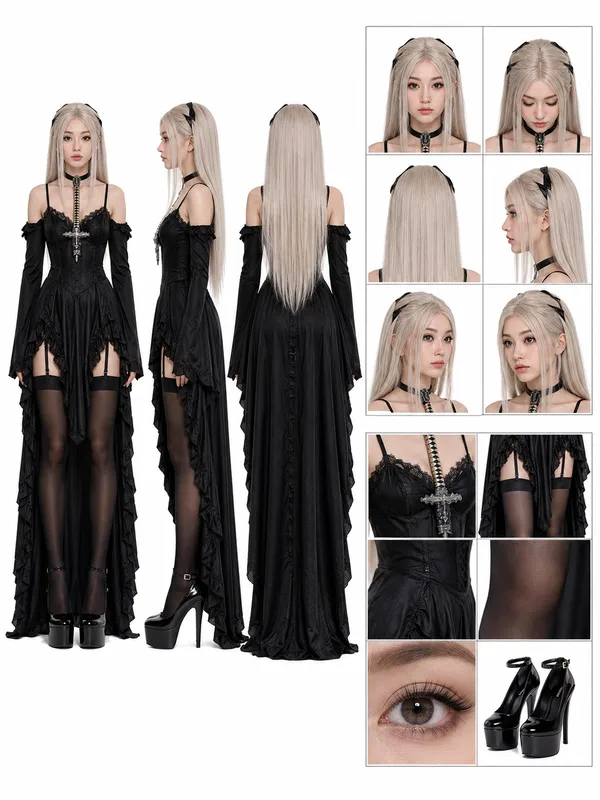
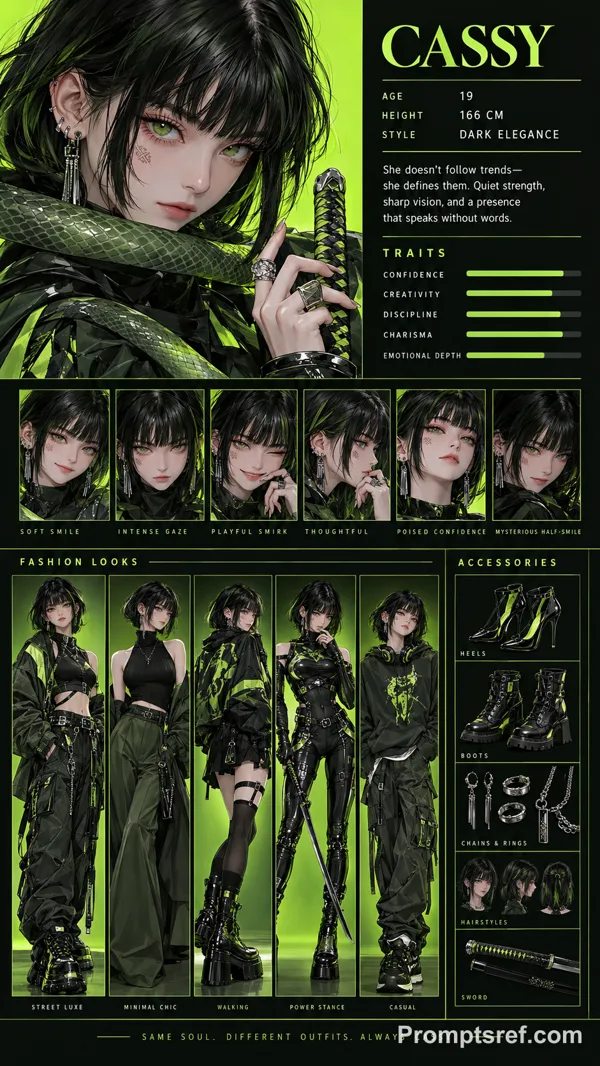
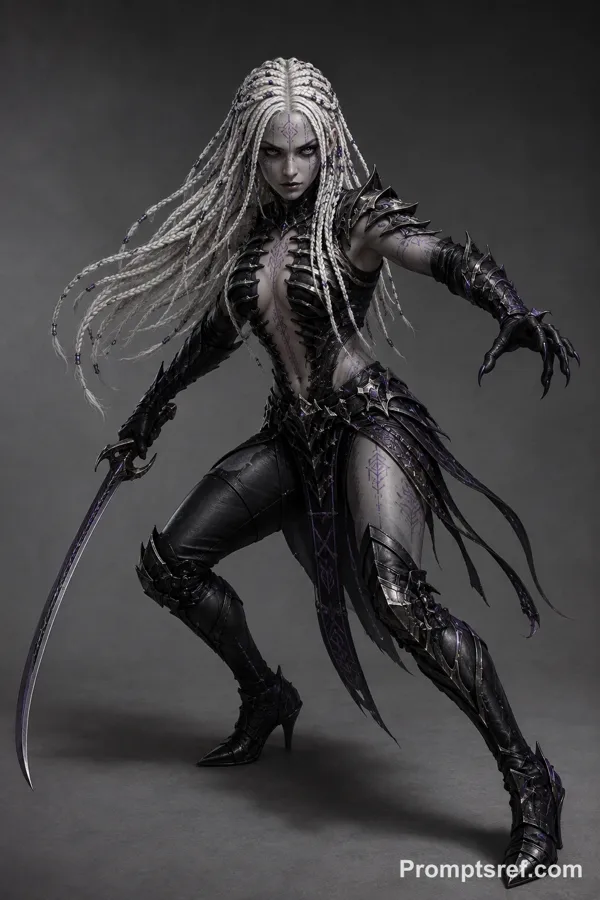
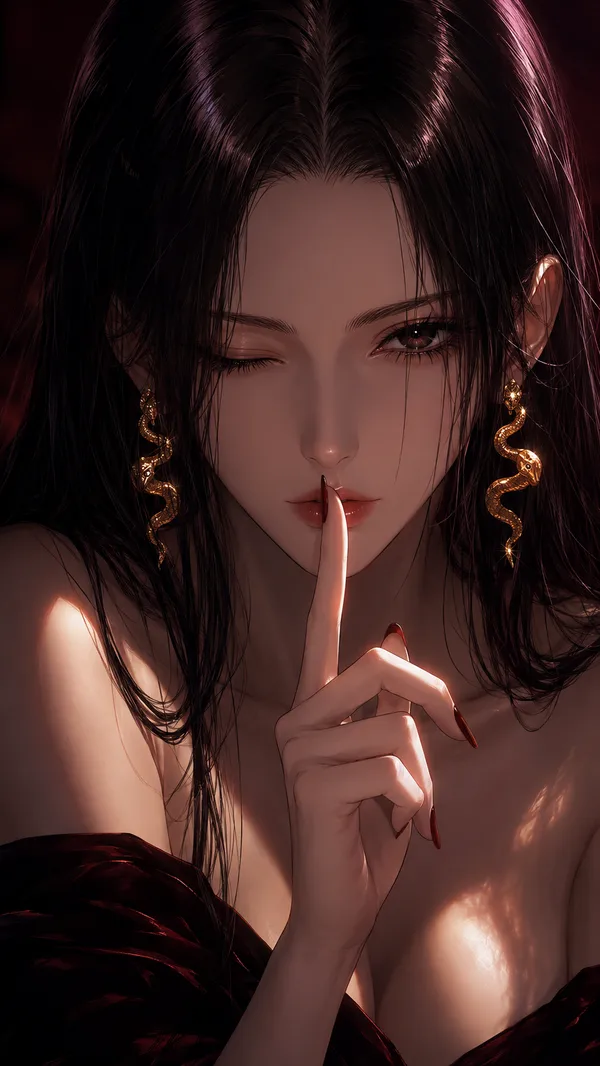
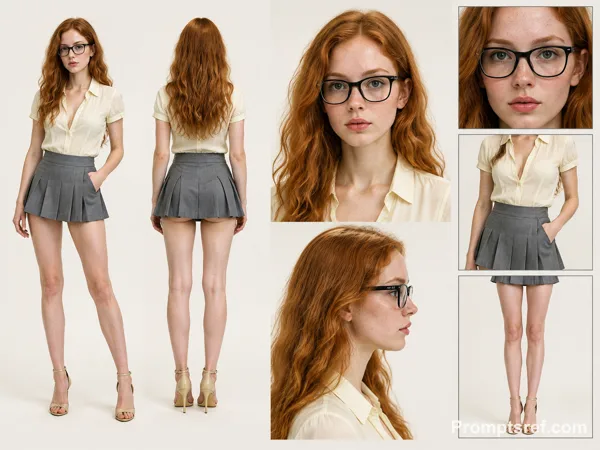
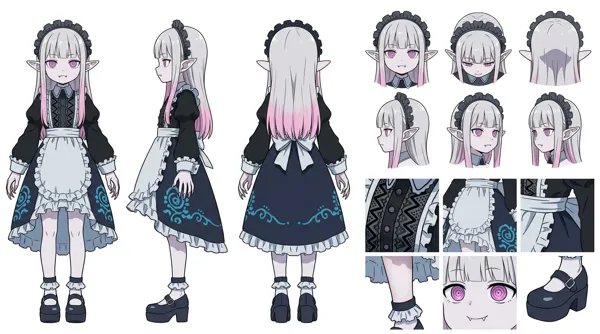
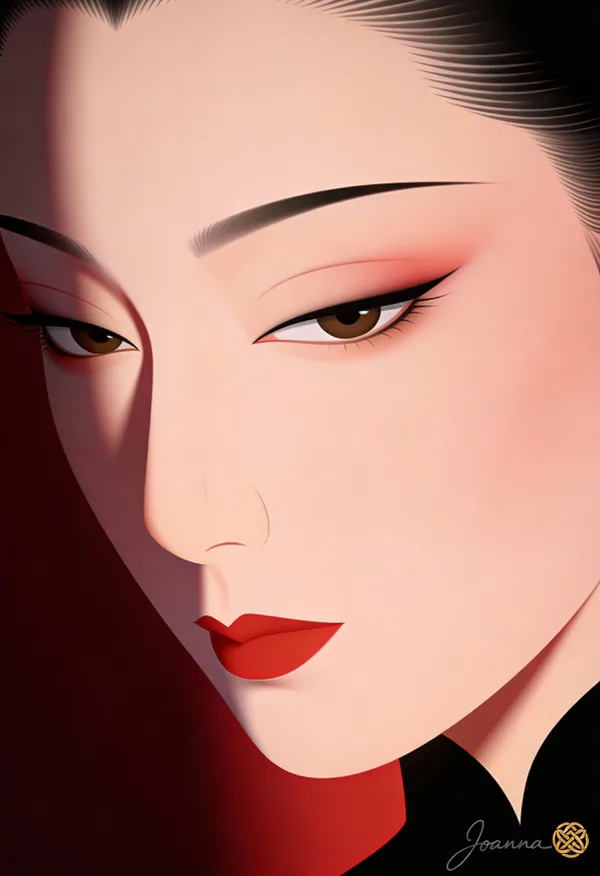
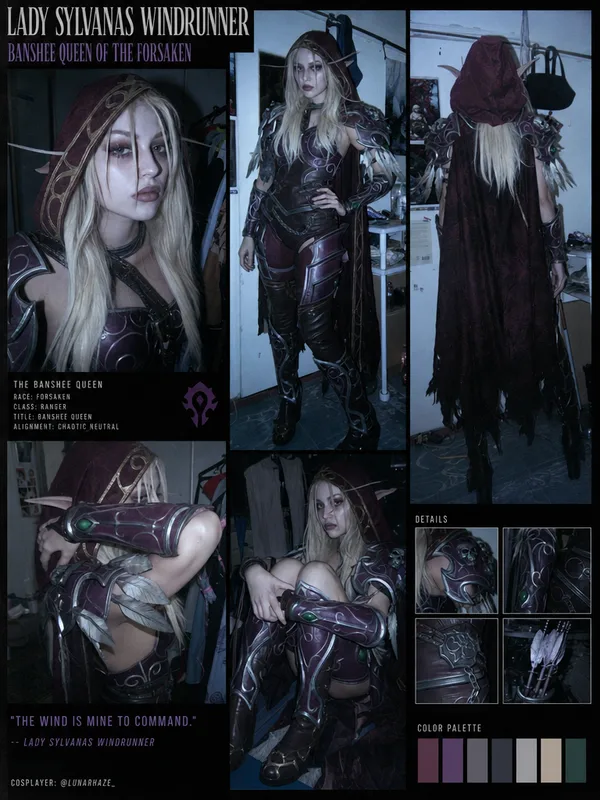
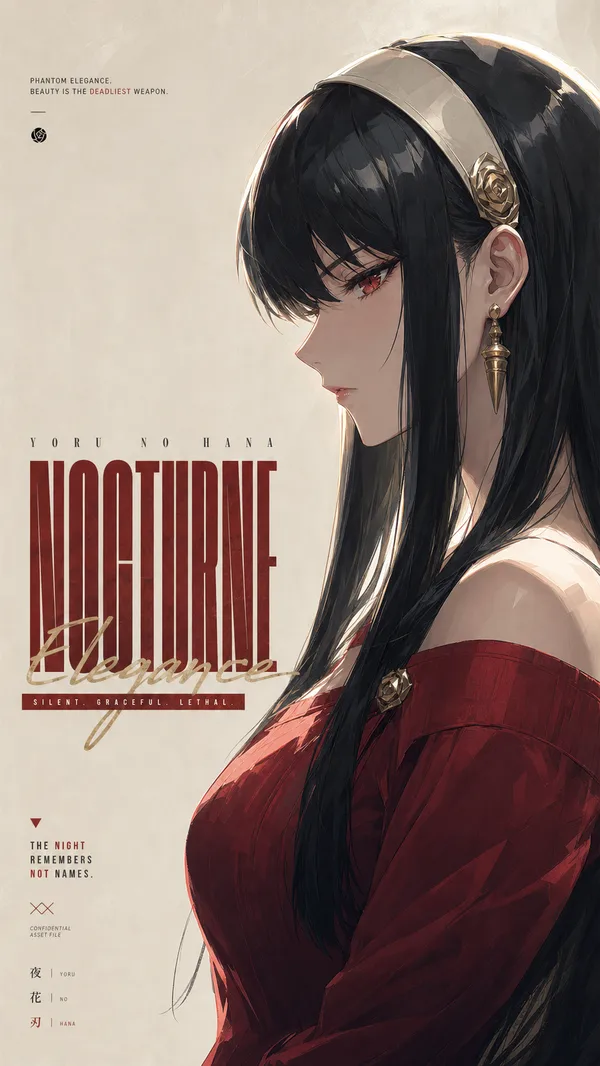
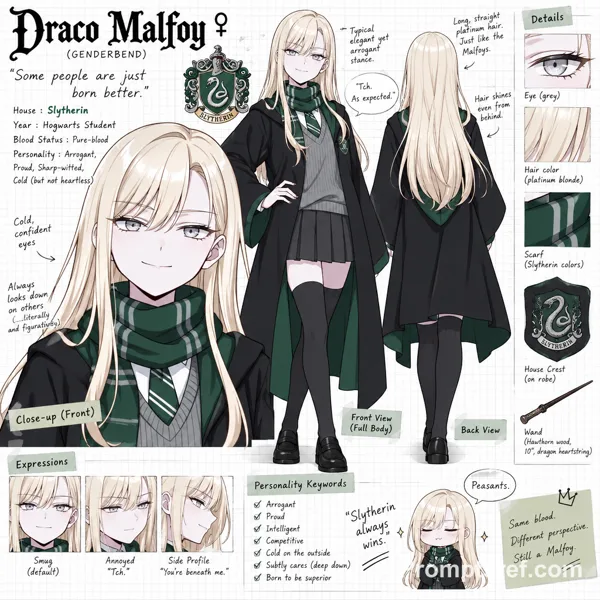
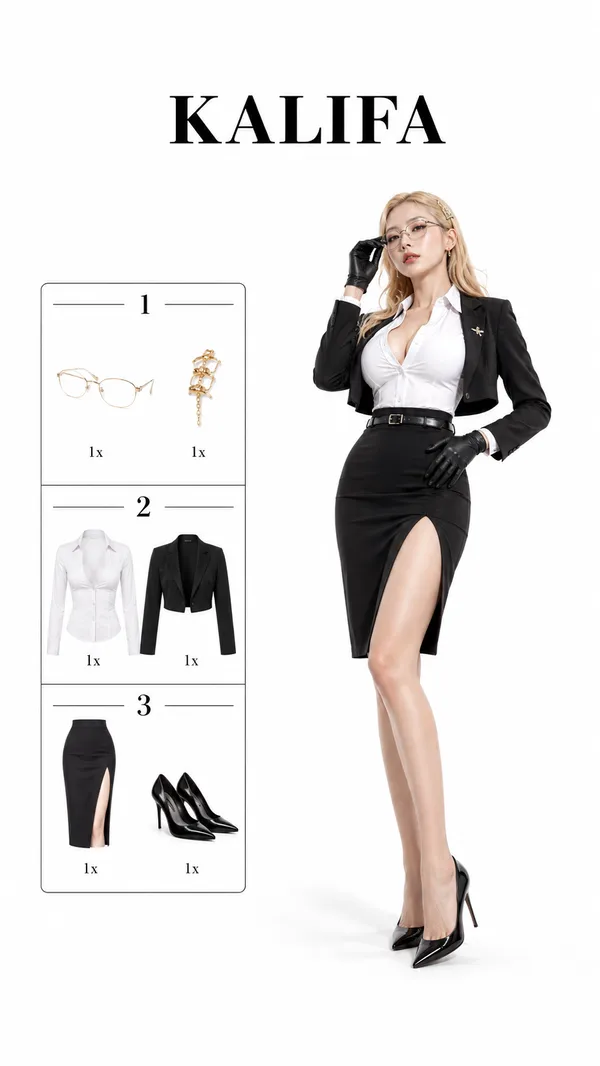
GPT Image 2.0 Prompt - Photorealistic Character Turnaround Sheet Template

- Model
- GPT Image 2.0
- Aspect ratio
- auto
- Quality
- 1k
Prompt
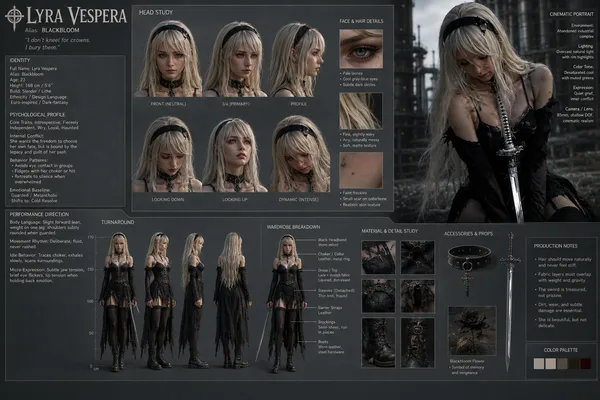
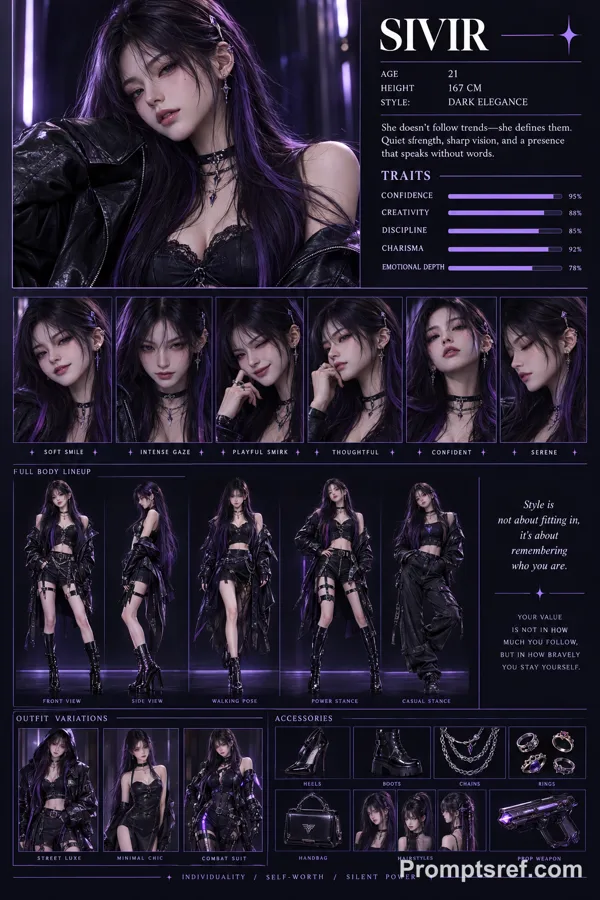
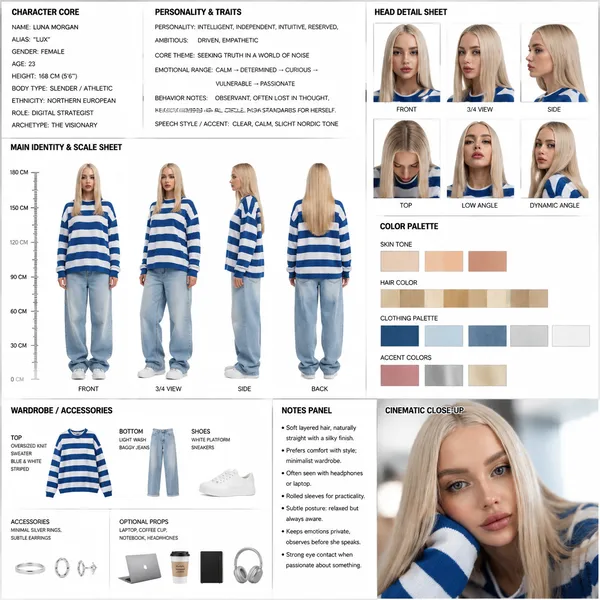
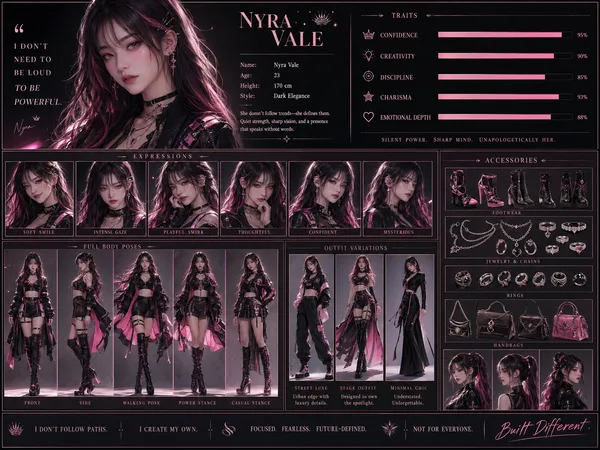
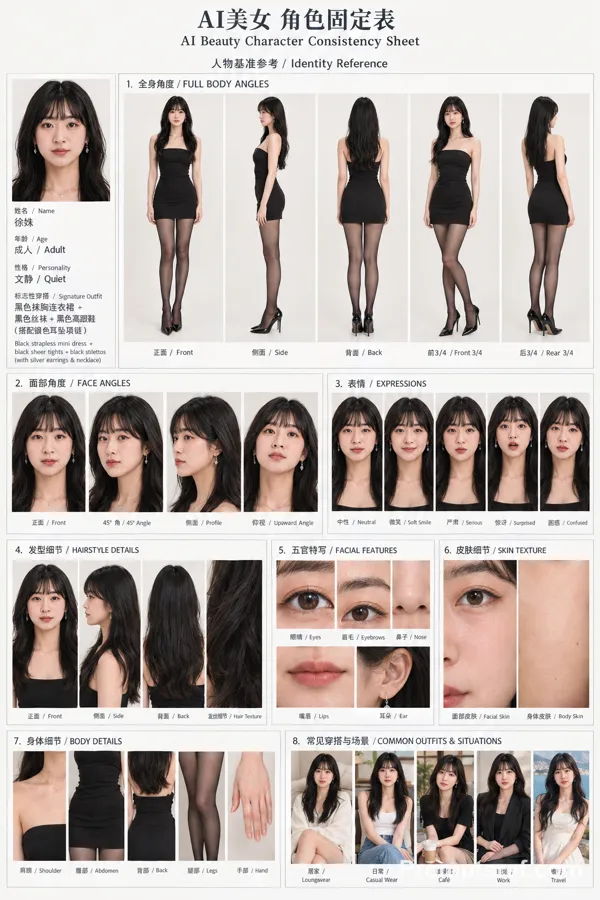
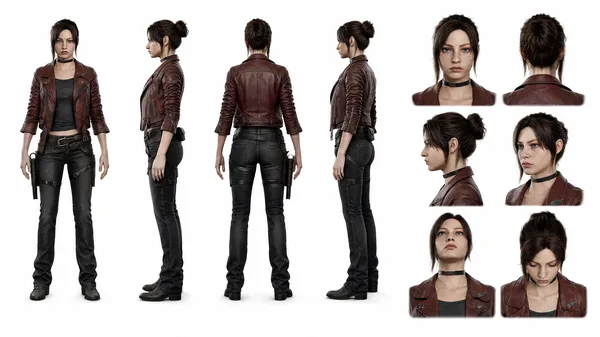
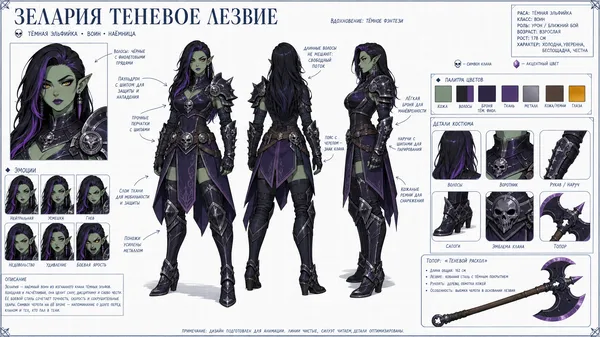
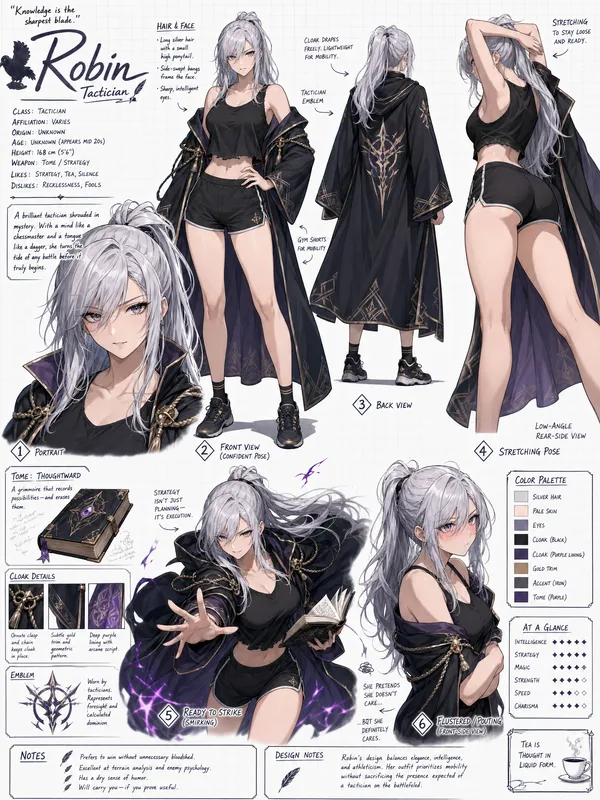
Cinematic Character Concept Art Sheet (Realistic / Photorealistic Character Turnaround Style)-WHITE BACKGROUND
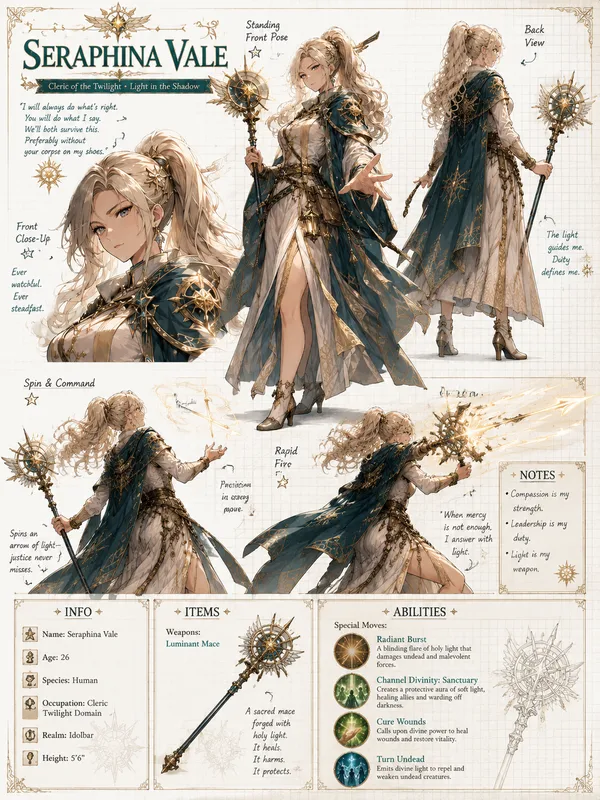
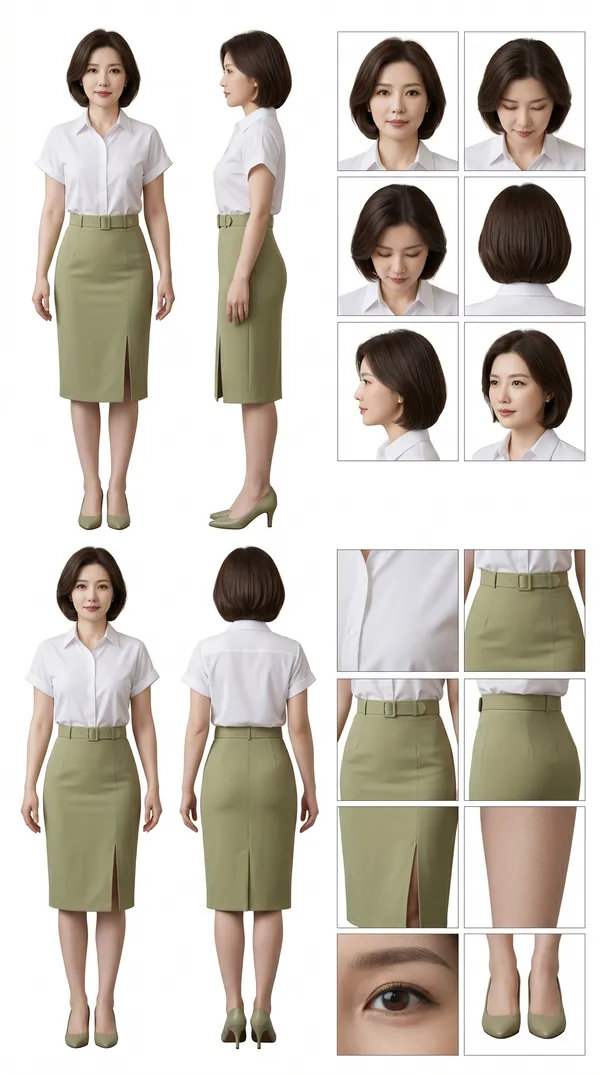
highly detailed, professional SHEET in a clean studio layout, similar to an animation/model sheet used in film or game production.
CHARACTER CORE:
- Name: {{character_name}}
- Alias: {{alias}}
- Gender: {{gender}}
- Age: {{age}}
- Height: {{height}}
- Body Type: {{body_type}}
- Ethnicity: {{ethnicity}}
- Role: {{role}}
- Archetype: {{archetype}}
PERSONALITY & TRAITS:
- Personality: {{personality_traits}}
- Core Theme: {{core_theme}}
- Emotional Range: {{emotional_range}}
- Behavior Notes: {{behavior_notes}}
- Speech Style / Accent: {{speech_style}}
---
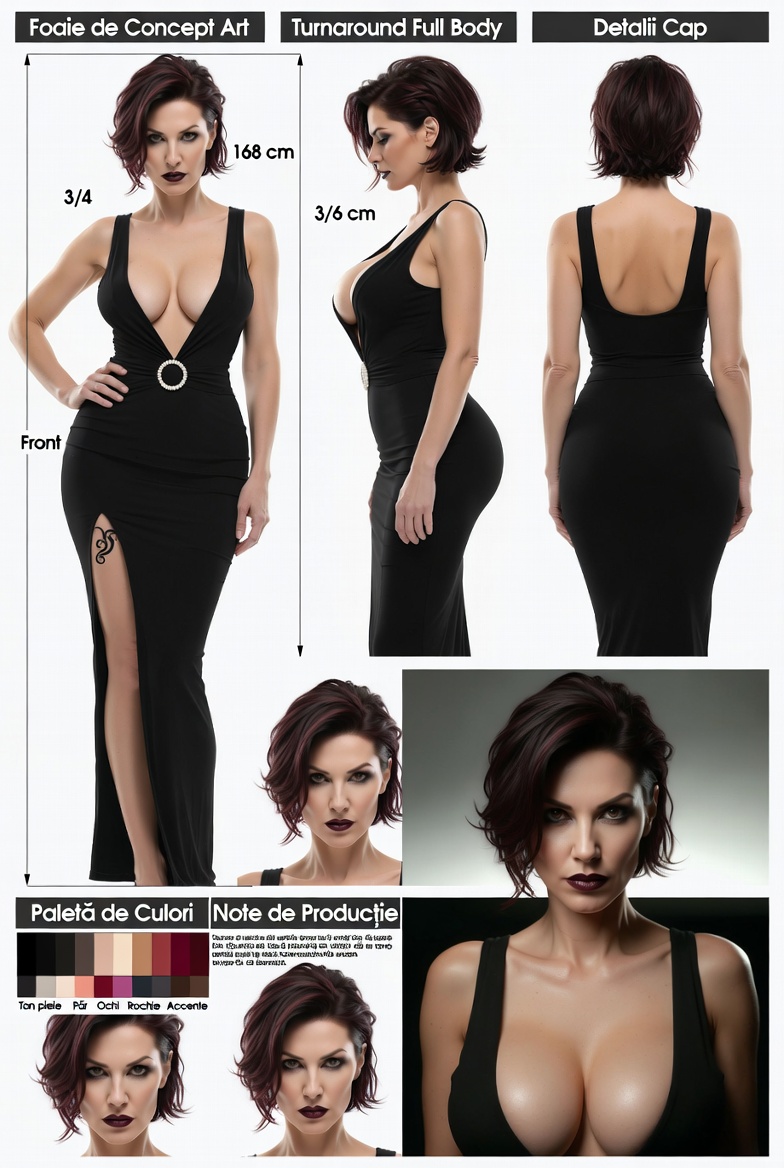
### đ§ MAIN IDENTITY & SCALE SHEET
Show full-body character turnaround:
- Front view
- 3/4 view
- Side view
- Back view
Character should wear:
{{default_outfit_description}}
Include:
- Neutral pose
- Consistent proportions
- Clean silhouette readability
Add a vertical height scale beside the character (in cm or ft).
---
### đ§ HEAD DETAIL SHEET
Show head from multiple angles:
- Front
- Side
- 3/4
- Top
- Low angle
- Dynamic angle
Focus on:
- Hair structure
- Face proportions
- Ear + jaw alignment
---
---
### đ¨ COLOR PALETTE
Show labeled swatches:
{{color_palette}}
Include:
- Skin tone
- Hair color
- Clothing palette
- Accent colors
---
### đ WARDROBE / ACCESSORIES
Break down clothing pieces:
- Top: {{top_description}}
- Bottom: {{bottom_description}}
- Shoes: {{shoes_description}}
- Accessories: {{accessories}}
Optional props:
{{#if props}}
- Props: {{props}}
{{/if}}
---
### 𧞠NOTES PANEL
Include small annotation text:
{{#each notes}}
- {{this}}
{{/each}}
(e.g., ârolled sleeves for practicalityâ, âsoft layered hairâ, âalways slightly slouched postureâ)
---
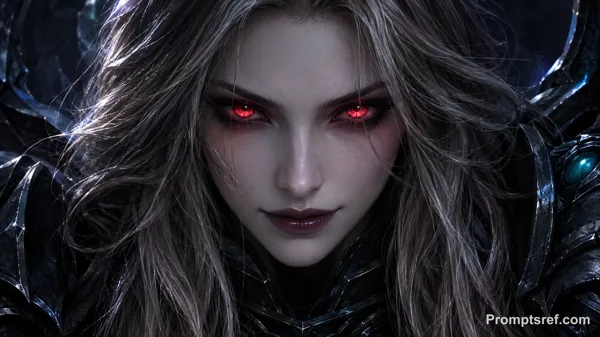
### đŹ CLOSE-UP POSE
Add one cinematic close-up of the character:
- Emotional moment
- Soft lighting
- Story hint
---
LAYOUT RULES:
- Clean grid composition
- Clear section headers
- Balanced spacing
- Minimal background noise
- Professional art sheet presentation
- Everything labeled and readable
Reference image
Remixes
RemixNo remixes yet. Be the first to make your own version.
Use this image prompt
- 01
Start with the prompt
Copy the prompt, or open it with the generate button.
- 02
Make your changes
Adjust the subject, setting, or details. Add reference media if needed.
- 03
Check before generating
Review the model and output settings. Results can vary between generations.