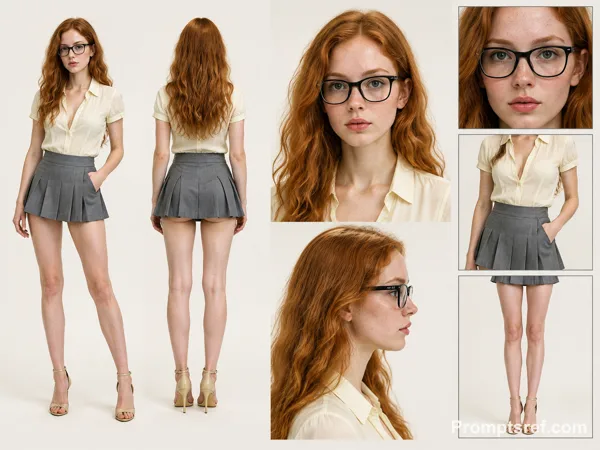
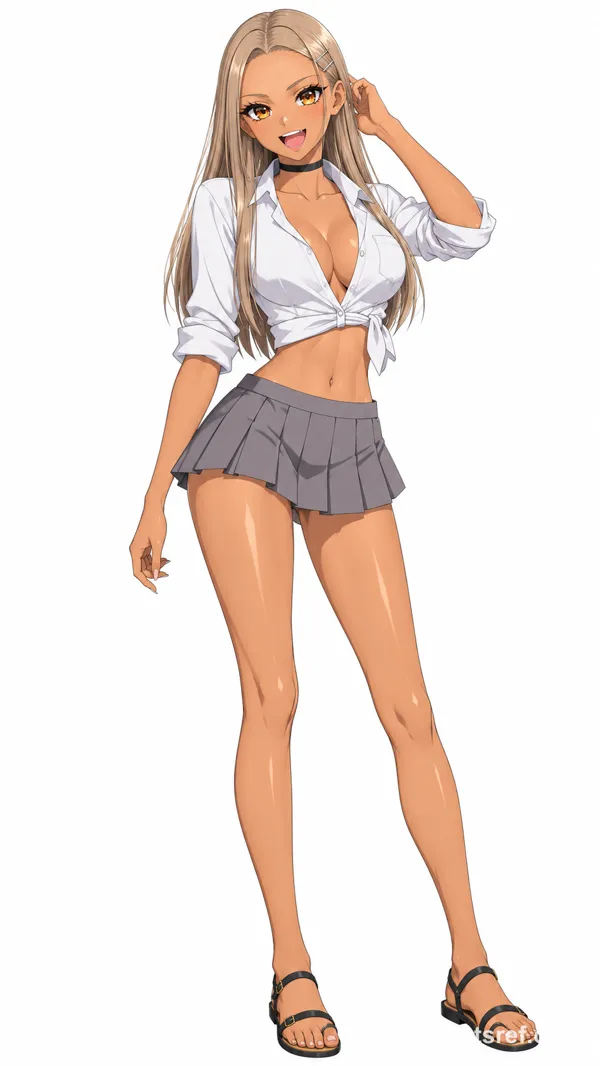
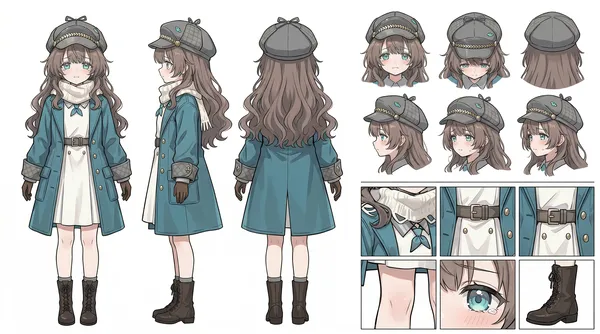
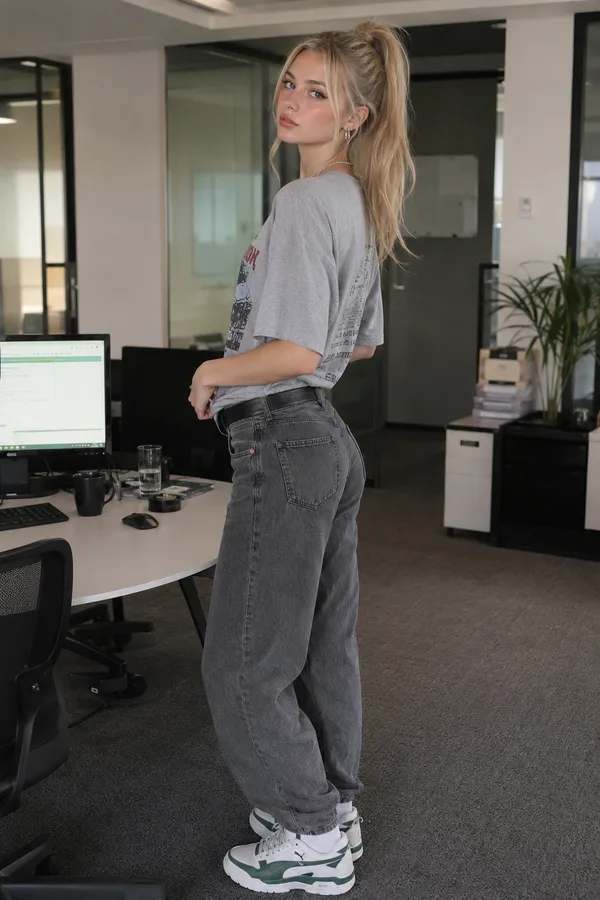
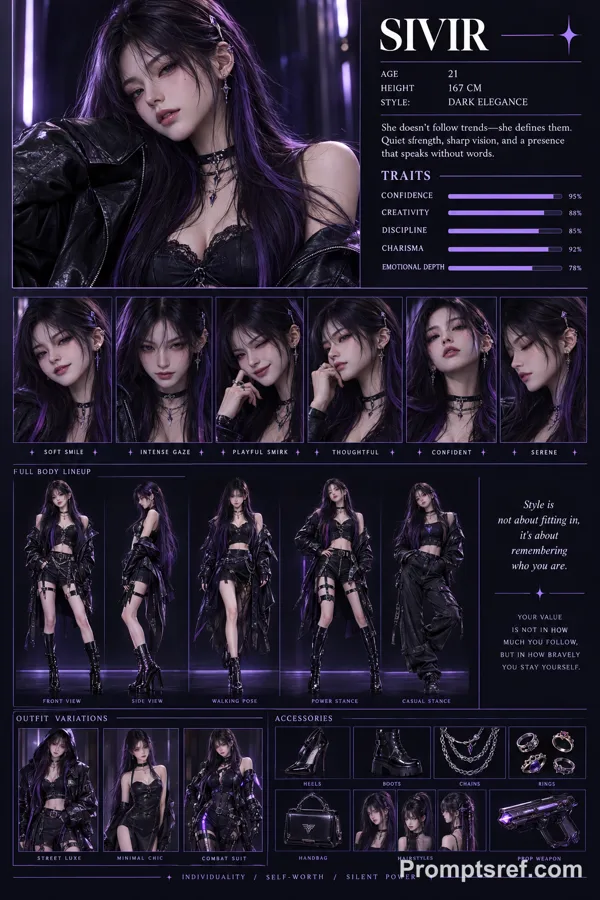
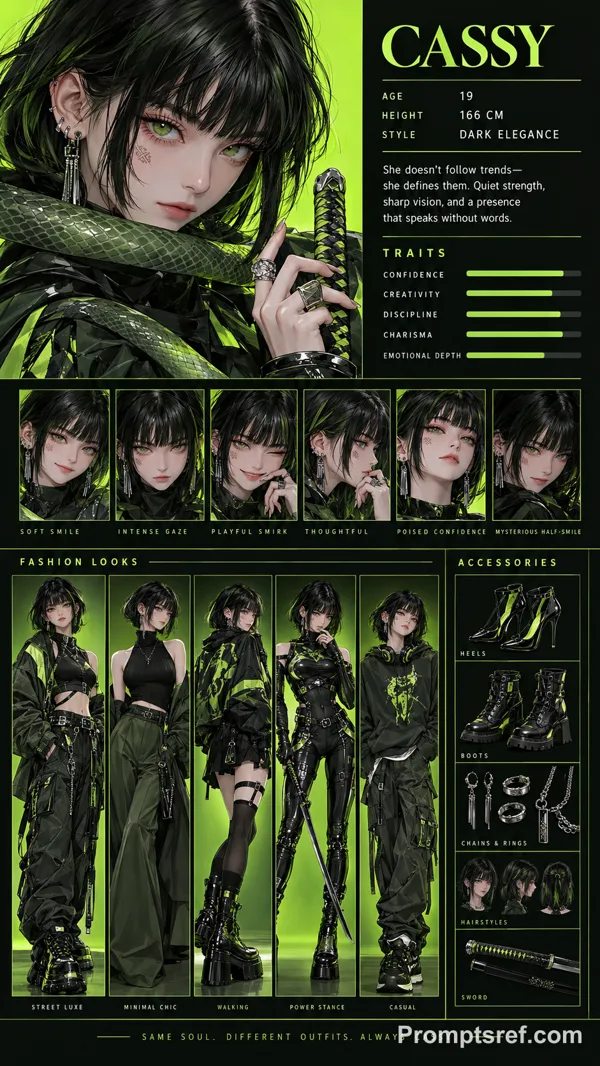
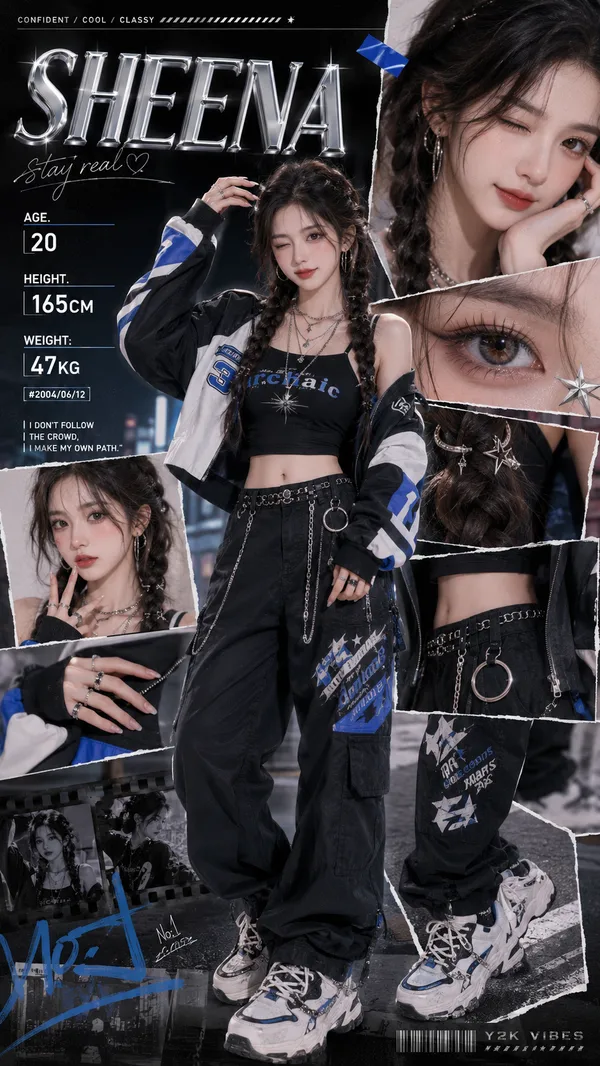
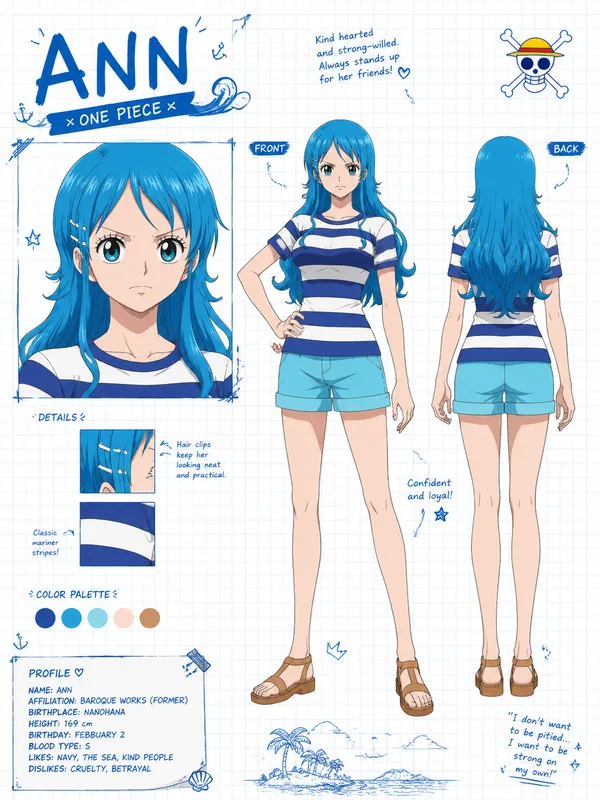
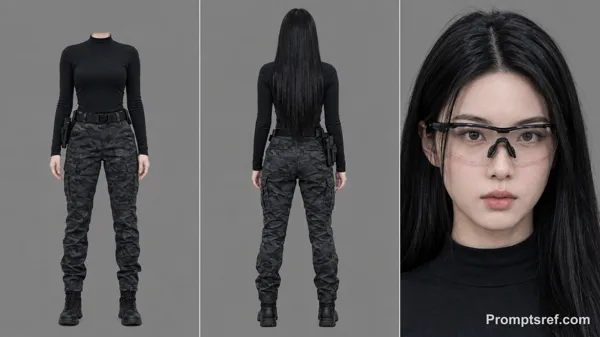
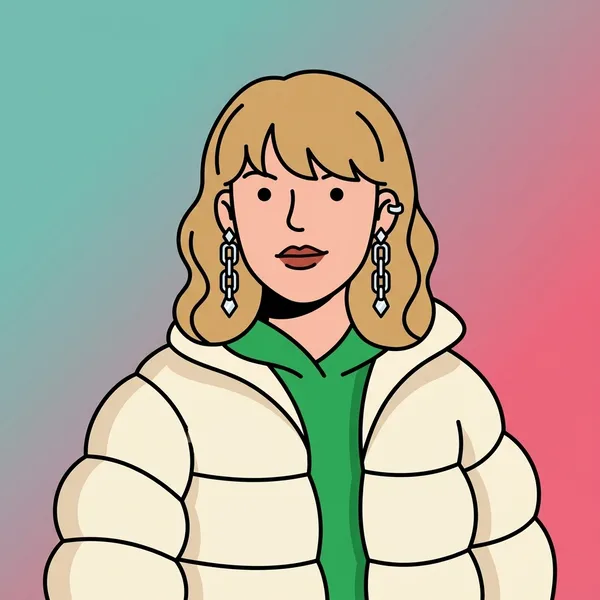
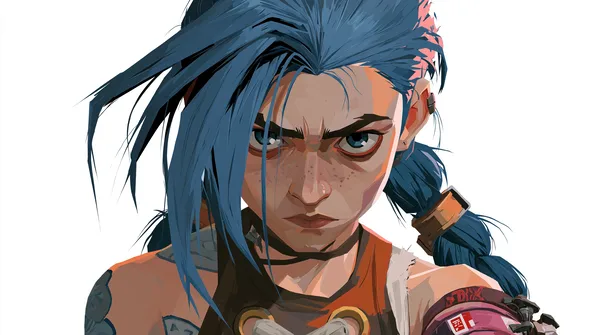
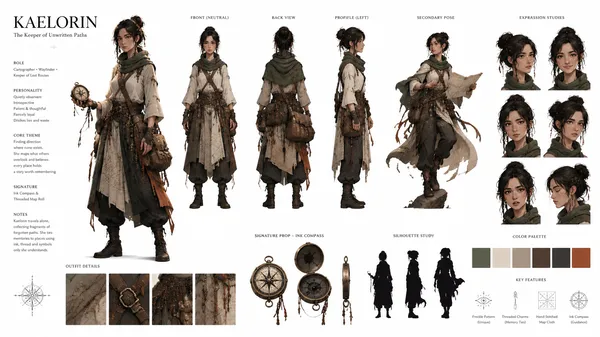
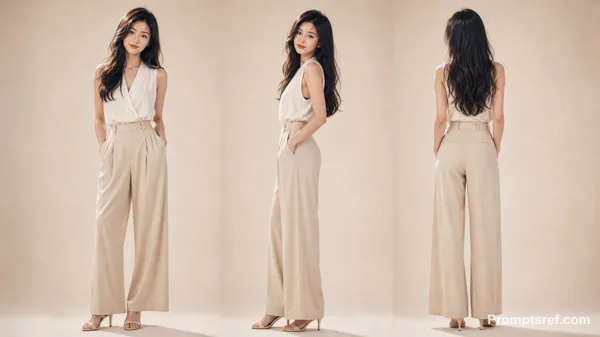
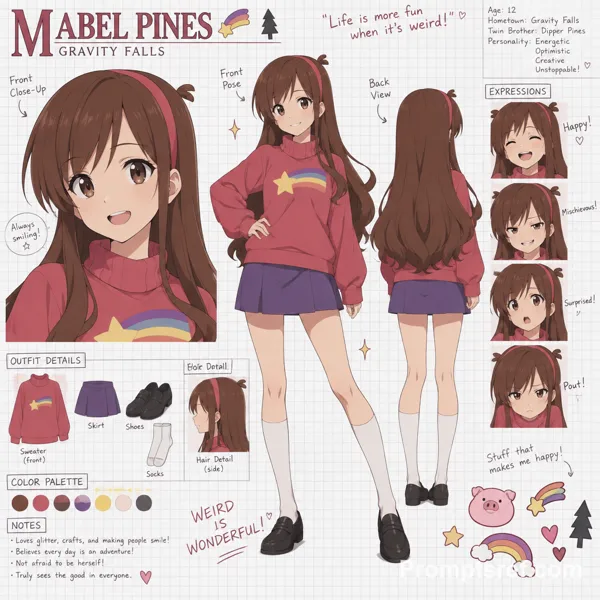
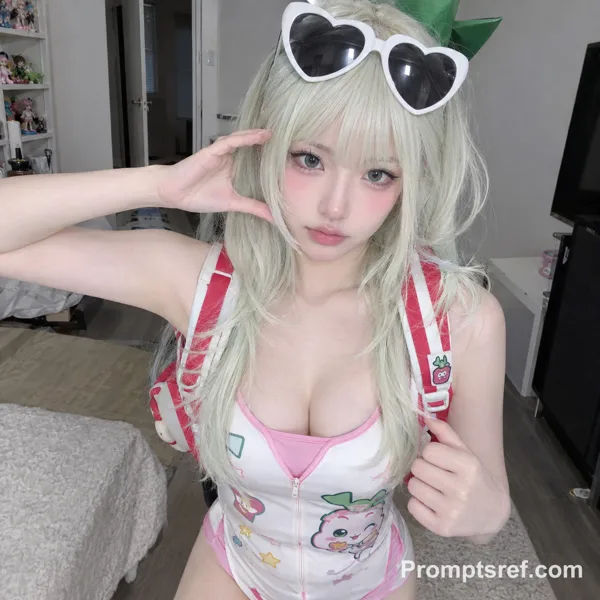
GPT Image 2.0 プロンプト - シネマティック・キャラクター設定表テンプレート

- アスペクト比
- auto
- 画質
- 1k
プロンプト
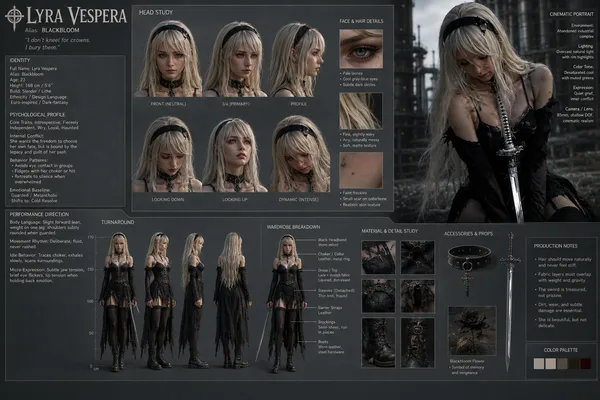
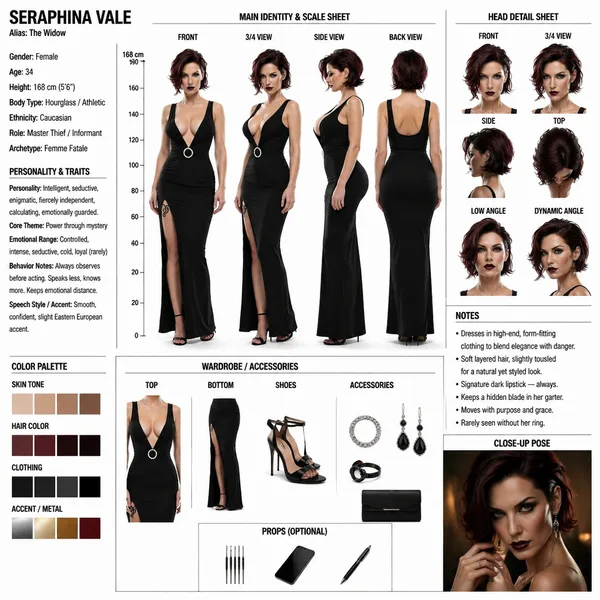
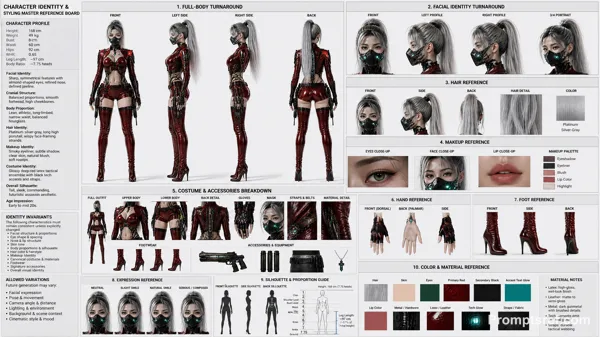
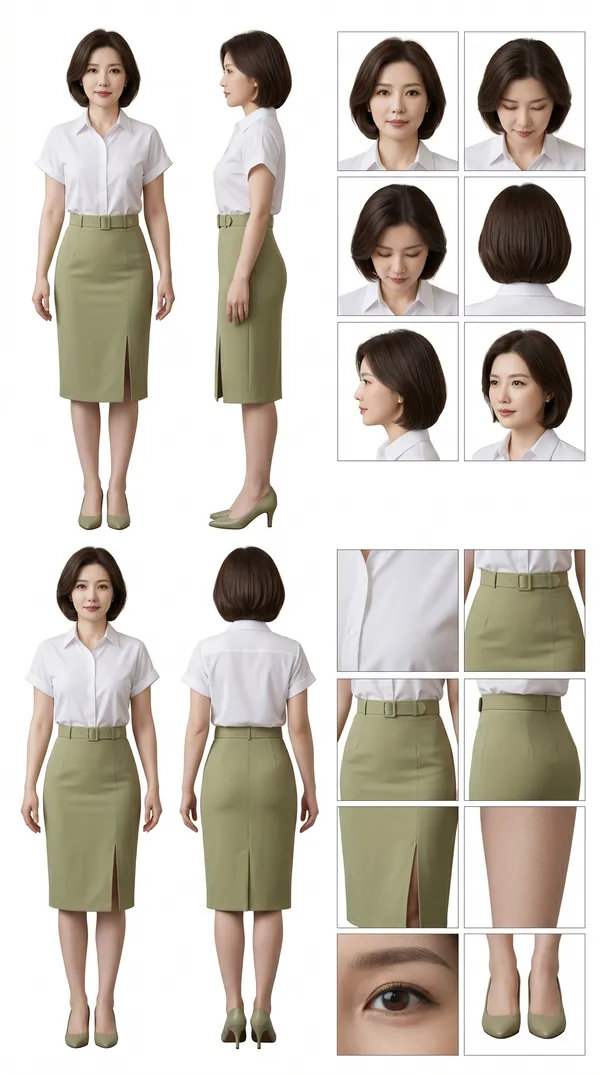
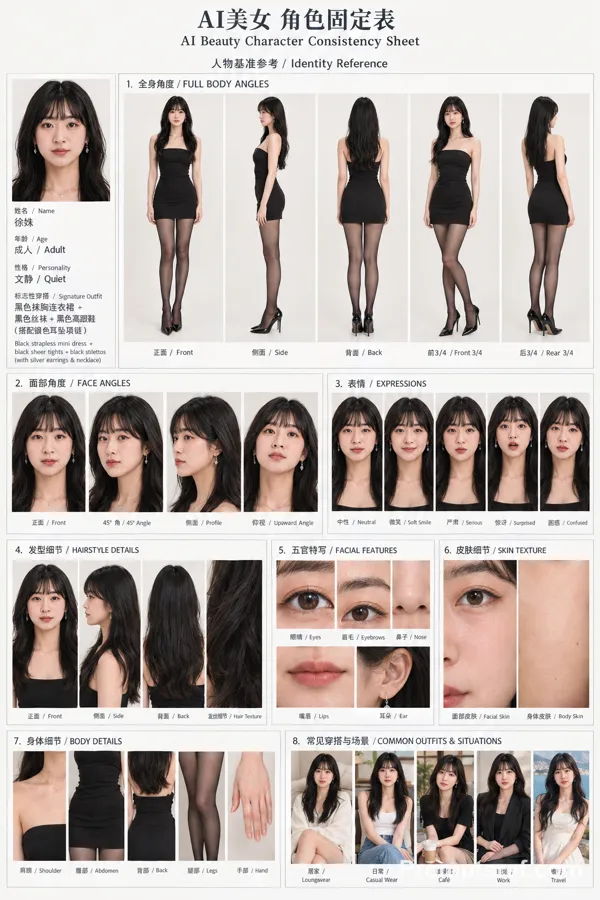
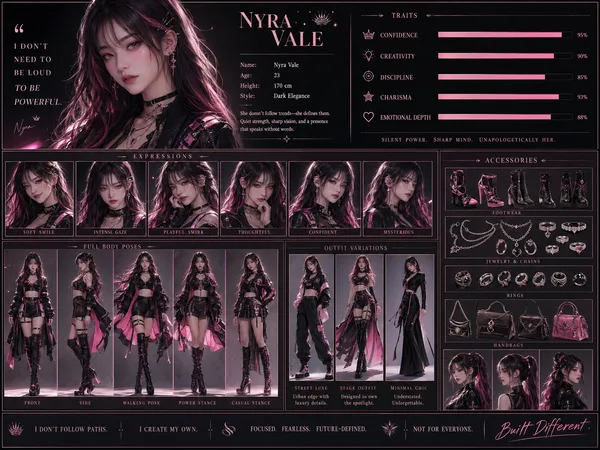
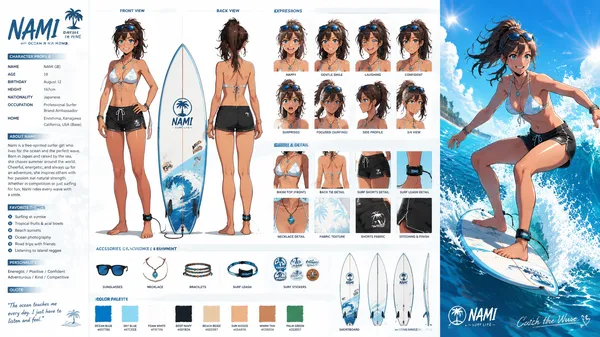
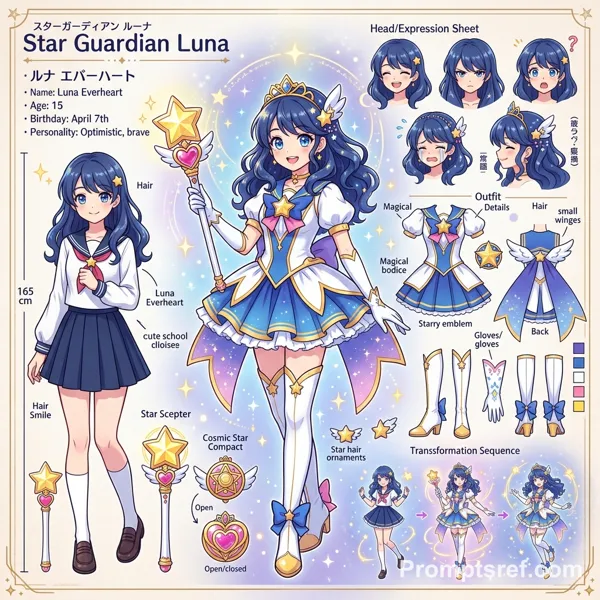
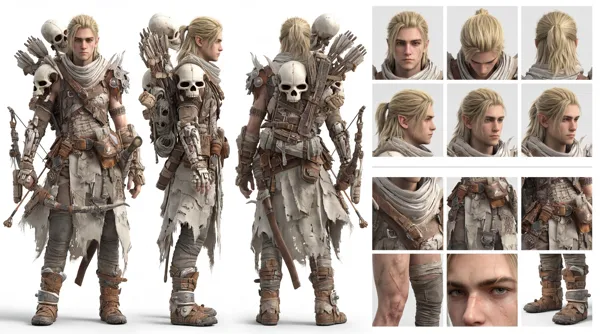
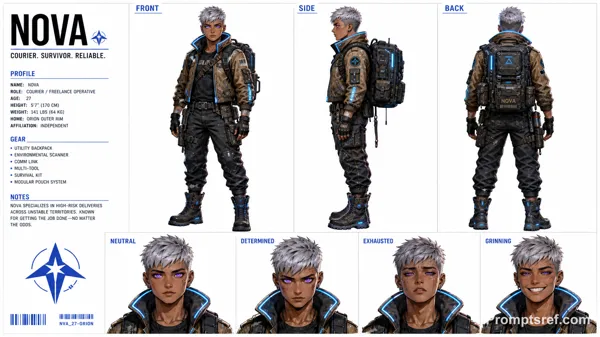
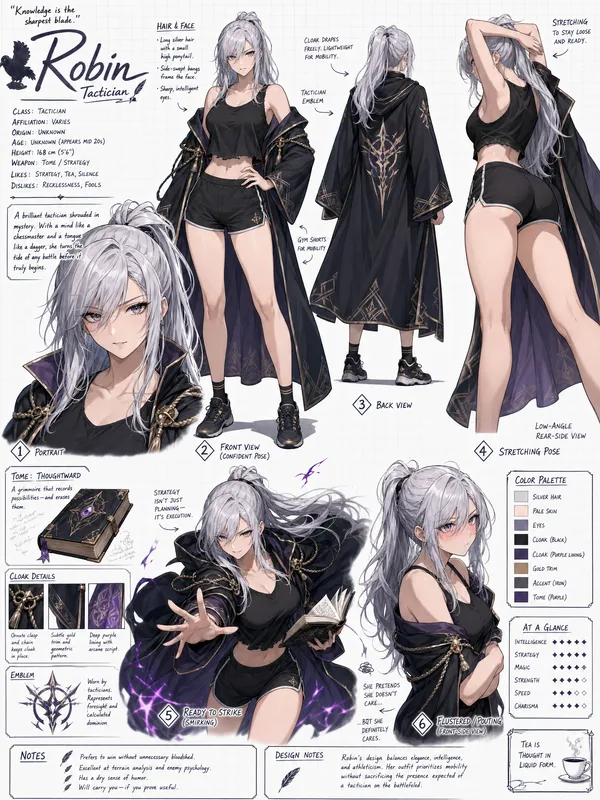
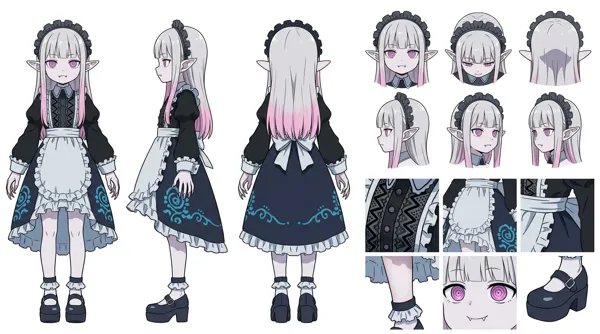
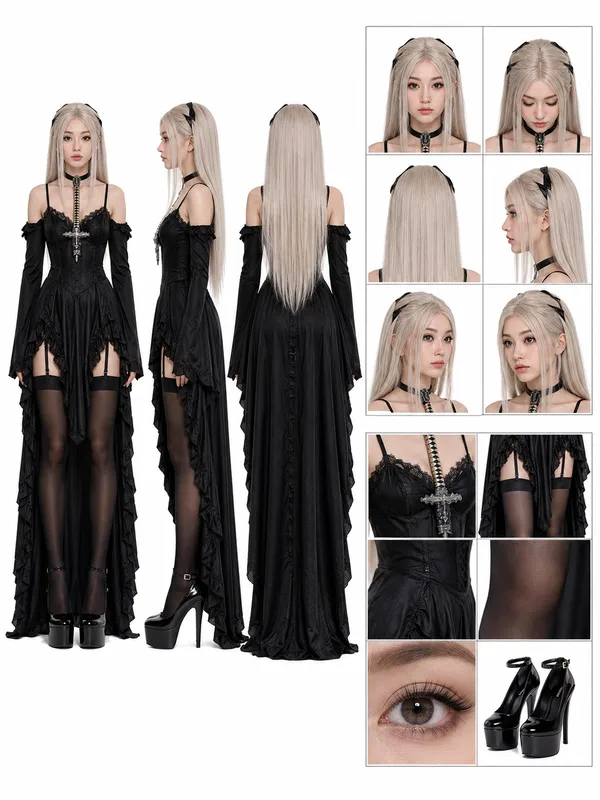
Generate image: Cinematic Character Concept Art Sheet (Realistic / hyper-Photorealistic Character Turnaround Style)-WHITE BACKGROUND highly detailed, professional SHEET in a clean studio layout, similar to an animation/model sheet used in film or game production. CHARACTER CORE:
Name: {{character_name}}
Alias: {{alias}}
Gender: {{gender}}
Age: {{age}}
Height: {{height}}
Body Type: {{body_type}}
Ethnicity: {{ethnicity}}
Role: {{role}}
Archetype: {{archetype}}
PERSONALITY & TRAITS:
Personality: {{personality_traits}}
Core Theme: {{core_theme}}
Emotional Range: {{emotional_range}}
Behavior Notes: {{behavior_notes}}
Speech Style / Accent: {{speech_style}}
đ§ MAIN IDENTITY & SCALE SHEET
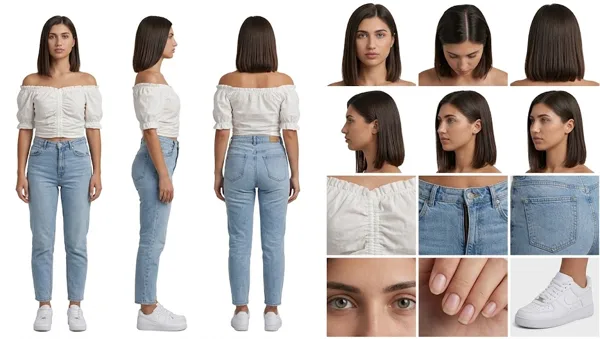
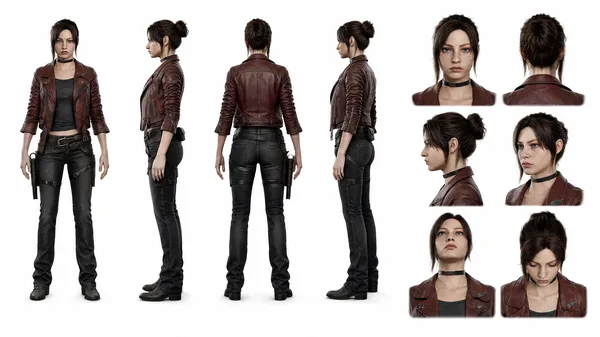
Show full-body character turnaround:
Front view
3/4 view
Side view
Back view
Character should wear: {{default_outfit_description}}
Include:
Neutral pose
Consistent proportions
Clean silhouette readability
Add a vertical height scale beside the character (in cm or ft).
đ§ HEAD DETAIL SHEET
Show head from multiple angles:
Front
Side
3/4
Top
Low angle
Dynamic angle
Focus on:
Hair structure
Face proportions
Ear + jaw alignment
đ¨ COLOR PALETTE
Show labeled swatches: {{color_palette}}
Include:
Skin tone
Hair color
Clothing palette
Accent colors
đ WARDROBE / ACCESSORIES
Break down clothing pieces:
Top: {{top_description}}
Bottom: {{bottom_description}}
Shoes: {{shoes_description}}
Accessories: {{accessories}}
Optional props: {{#if props}}
Props: {{props}} {{/if}}
𧞠NOTES PANEL
Include small annotation text: {{#each notes}}
{{this}} {{/each}}
(e.g., ârolled sleeves for practicalityâ, âsoft layered hairâ, âalways slightly slouched postureâ)
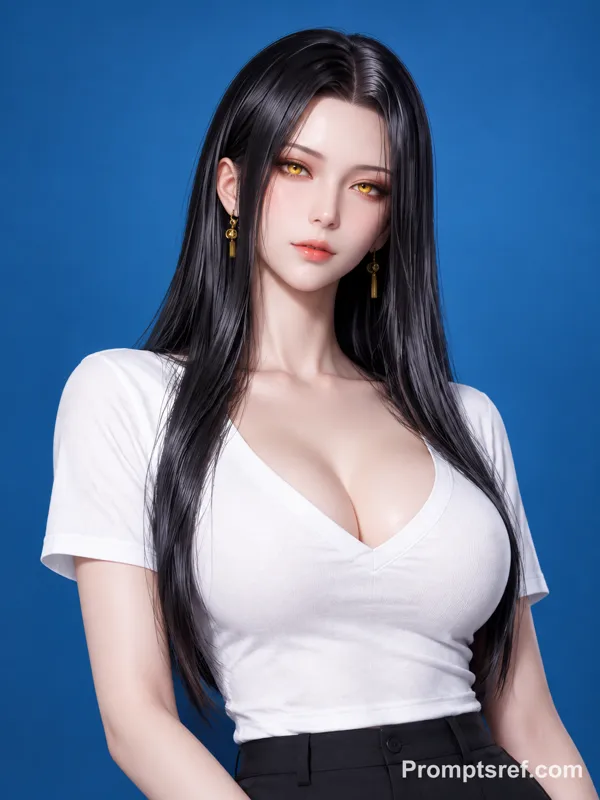
đŹ CLOSE-UP POSE
Add one cinematic close-up of the character:
Emotional moment
Soft lighting
Story hint
LAYOUT RULES:
Clean grid composition
Clear section headers
Balanced spacing
Minimal background noise
Professional art sheet presentation
Everything labeled and readable
参照画像
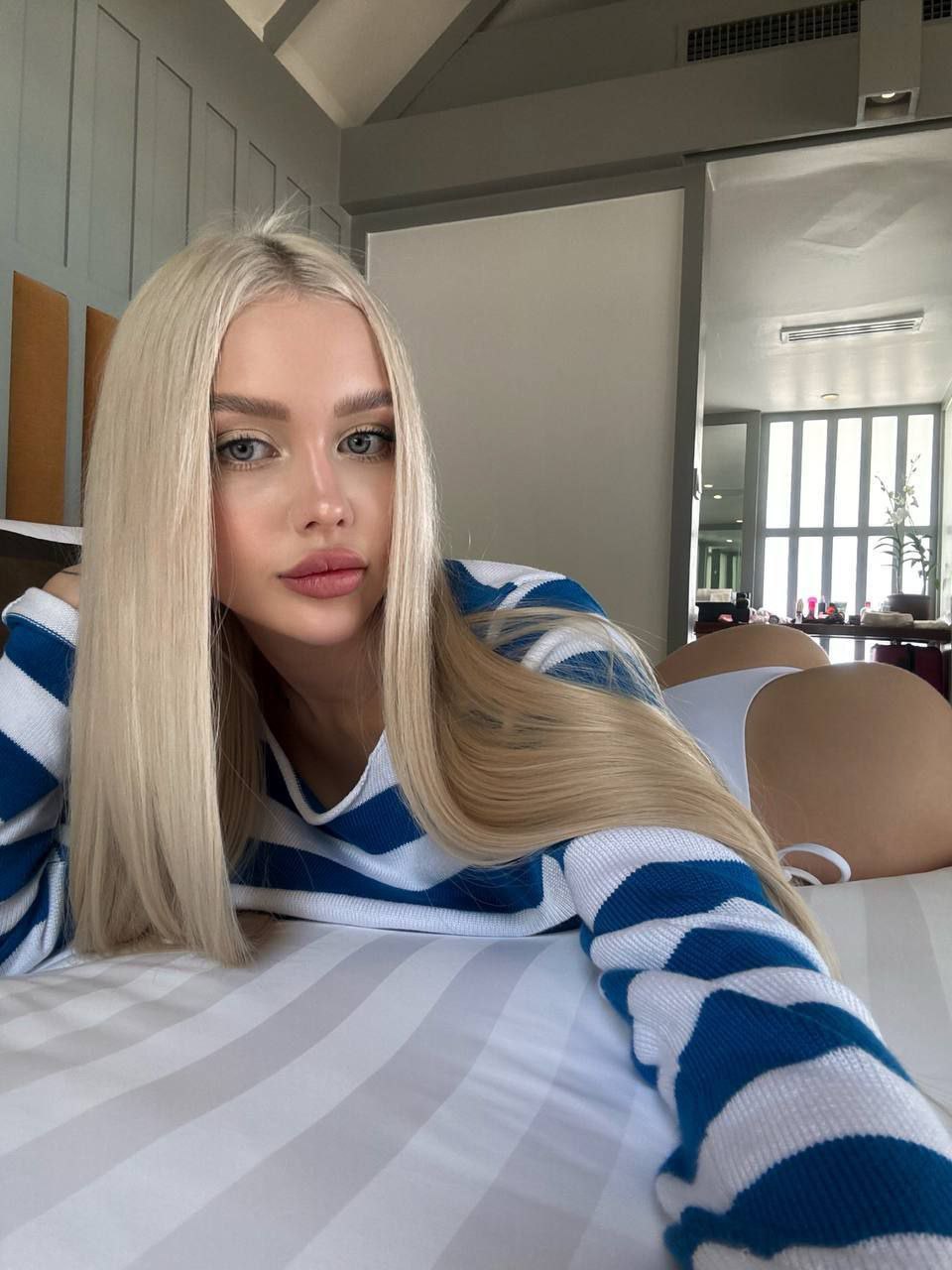
リミックス作品
リミックスまだリミックスはありません。最初のバージョンを作ってみましょう。
この画像プロンプトを使う
- 01
プロンプトから始める
プロンプトをコピーするか、生成ボタンで開きます。
- 02
自分のアイデアを加える
被写体や背景、細部を調整し、必要に応じて参考素材を追加します。
- 03
生成前に確認する
モデルと出力設定を確認してください。生成結果は毎回異なる場合があります。