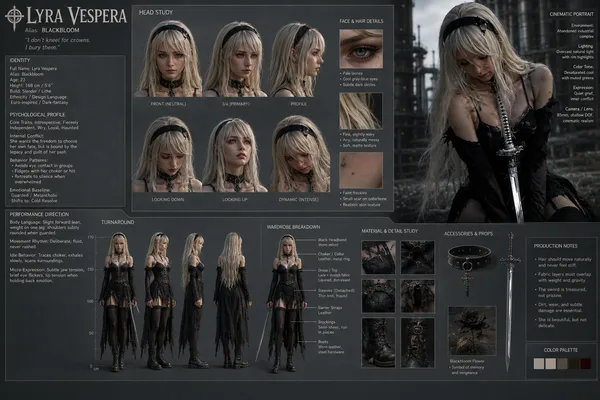
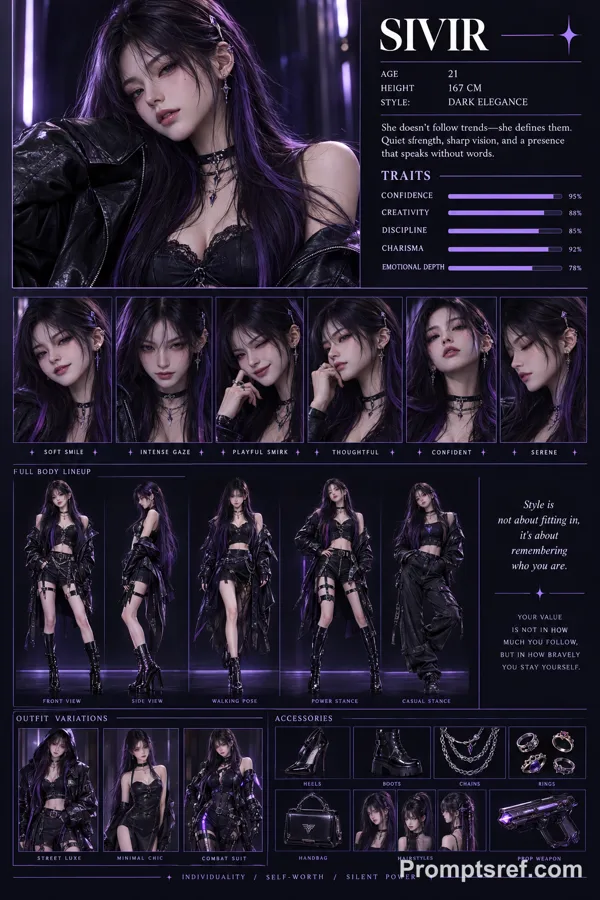
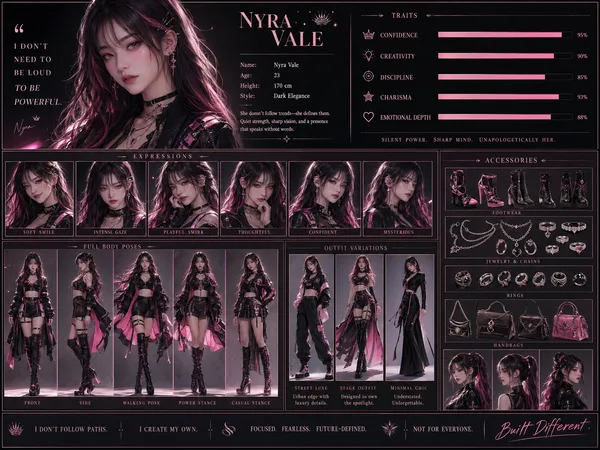
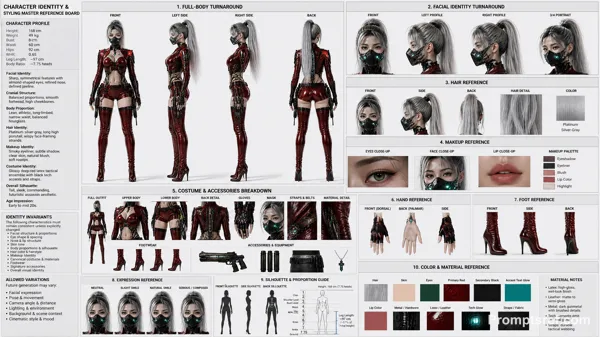
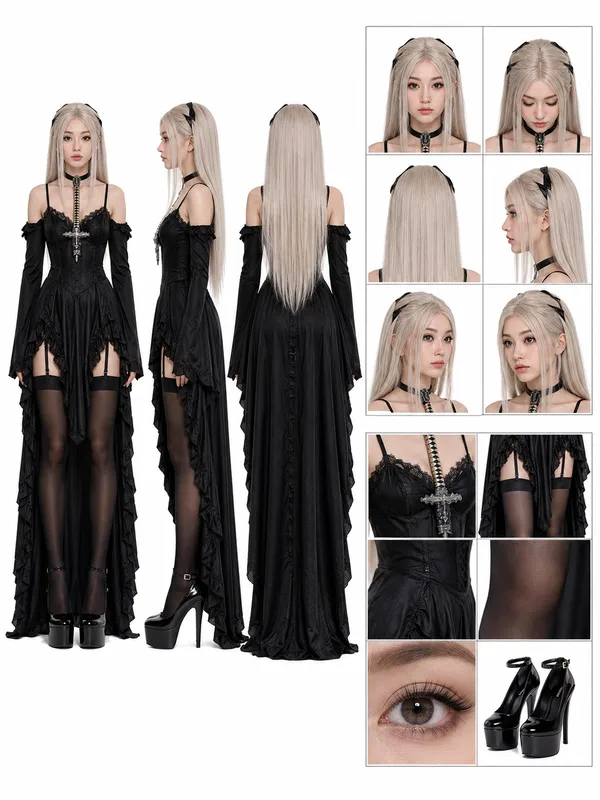
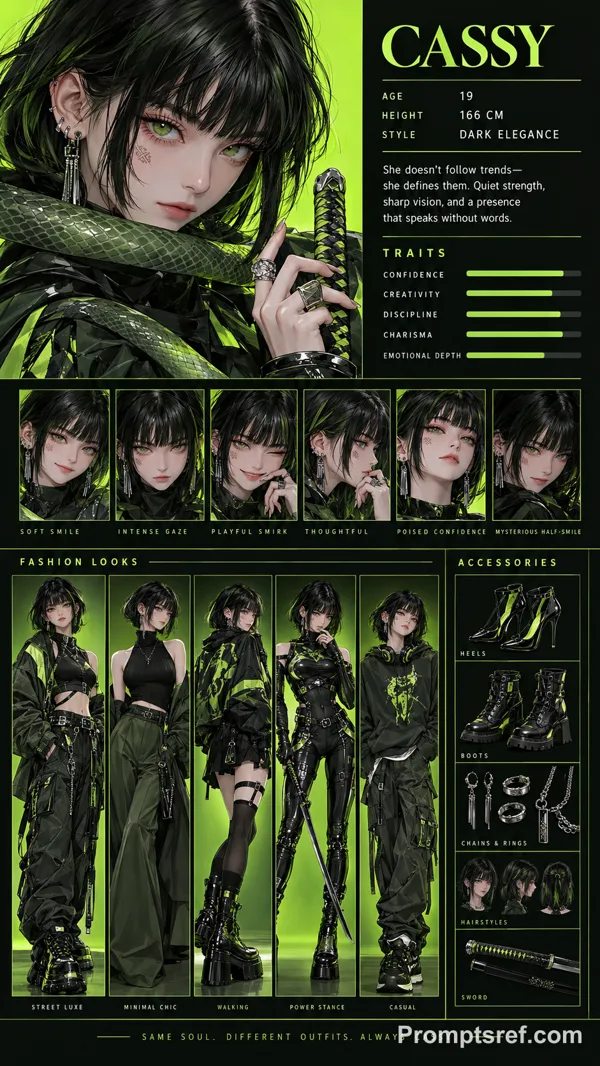
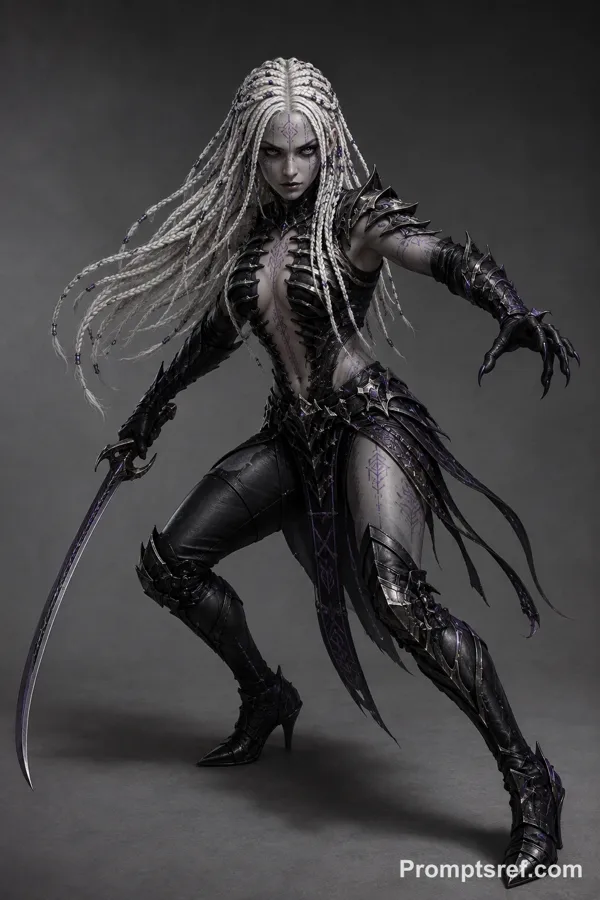
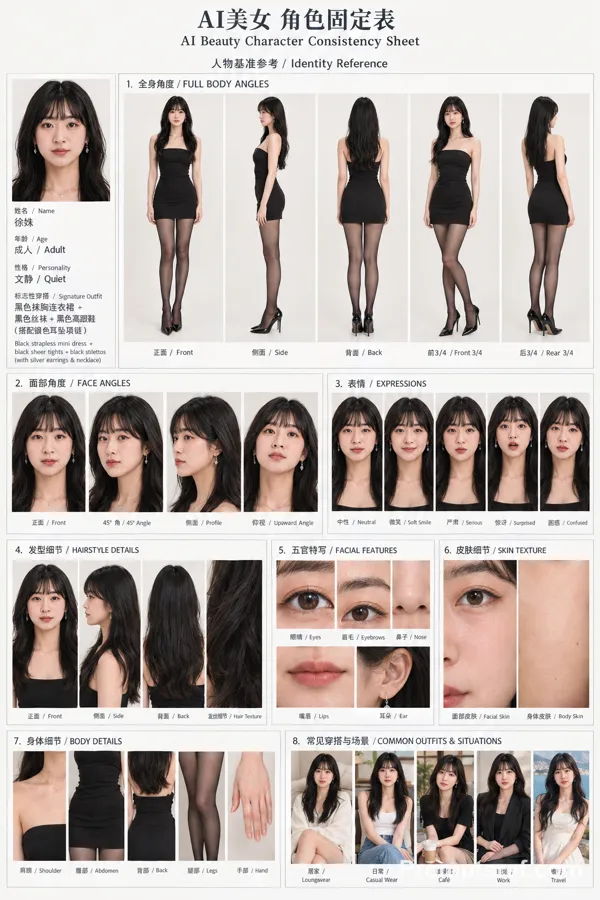
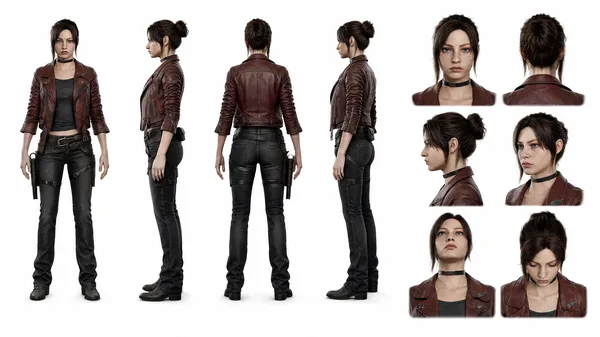
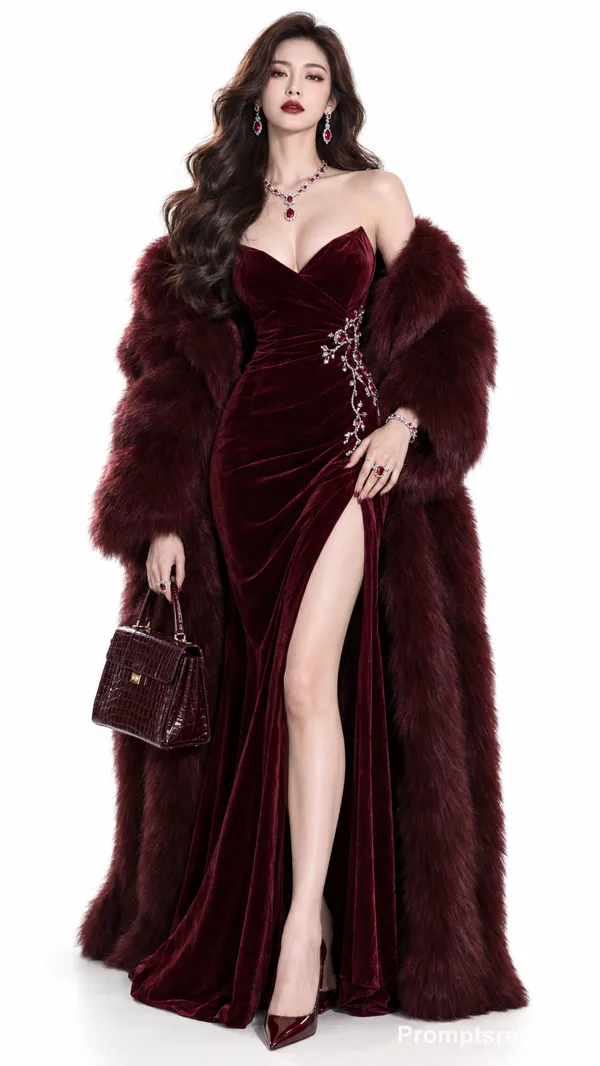
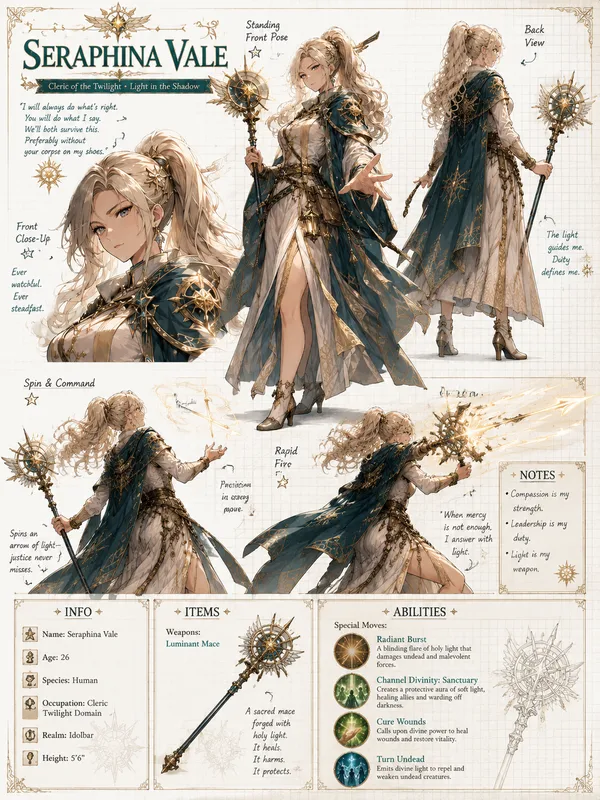
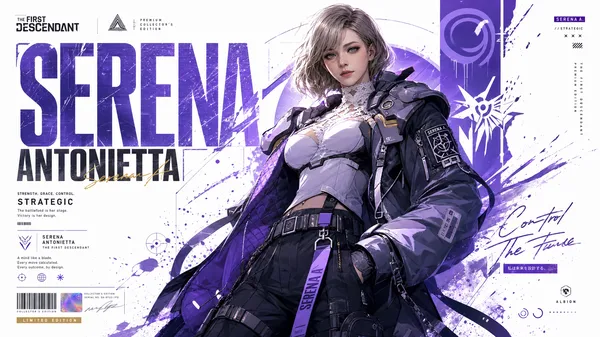
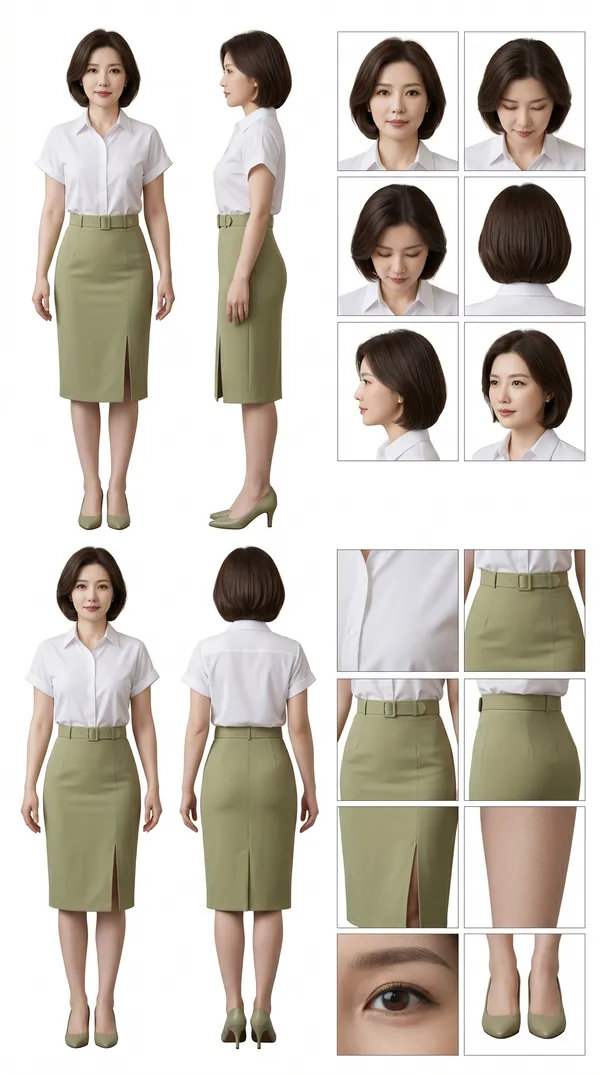
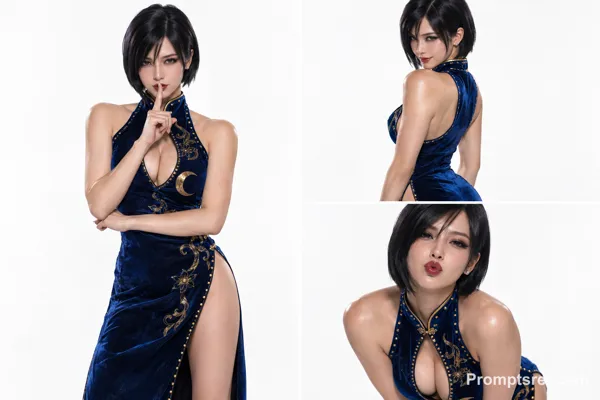
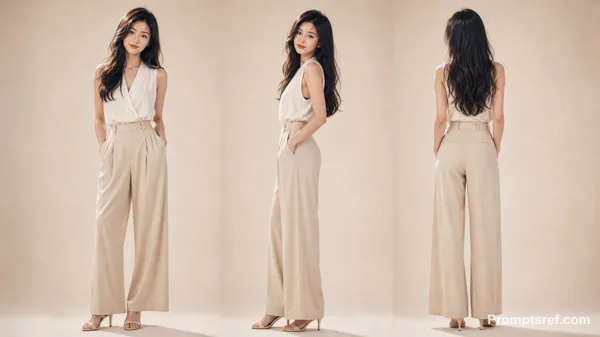
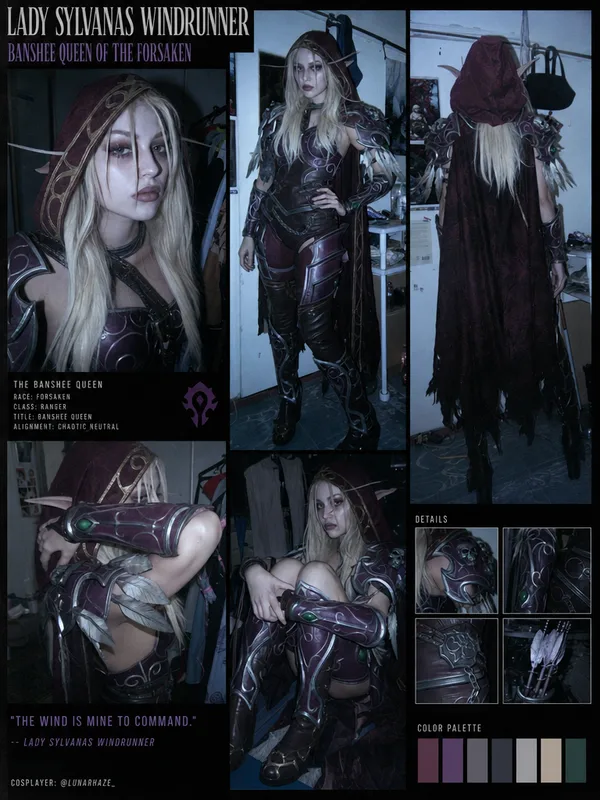
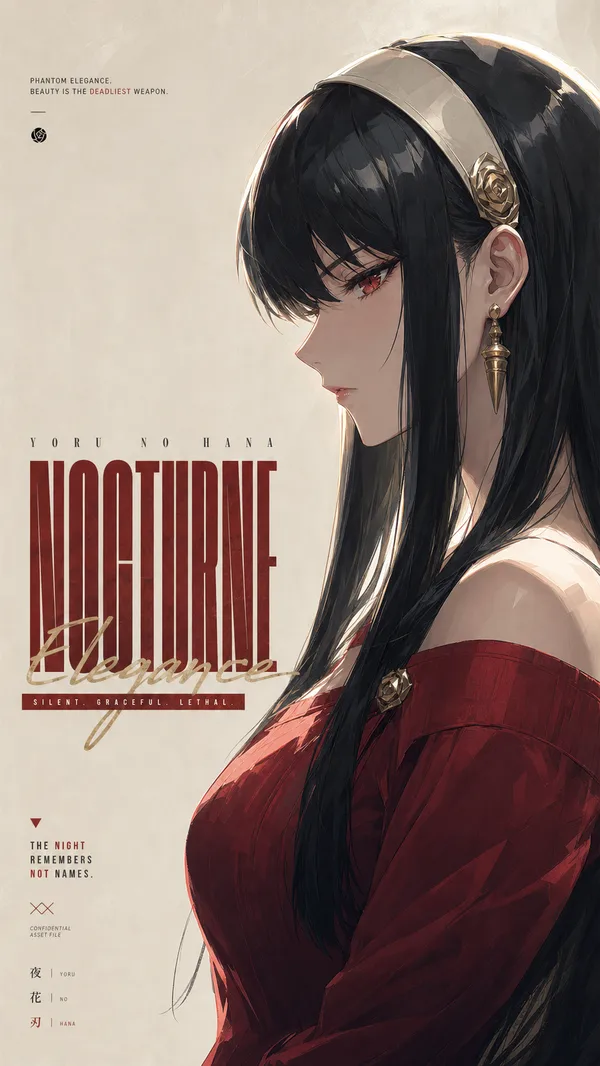
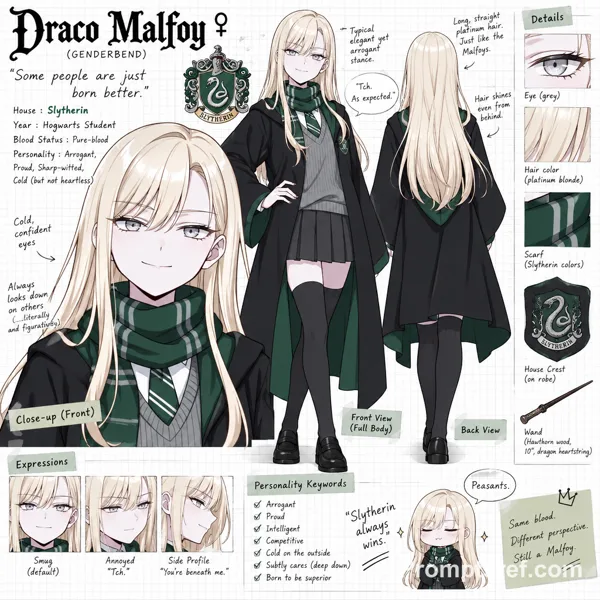
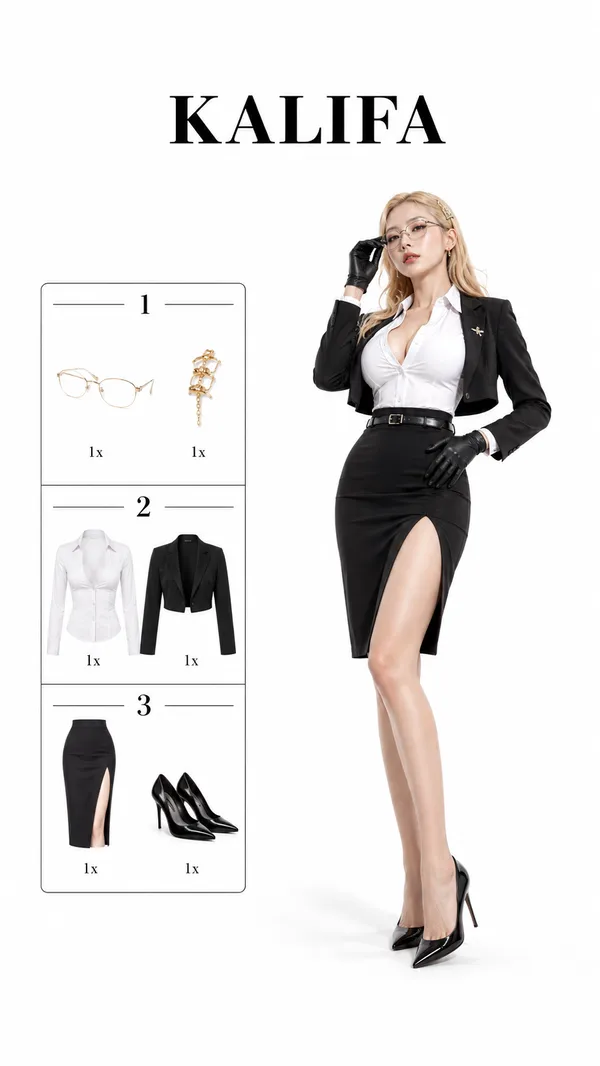
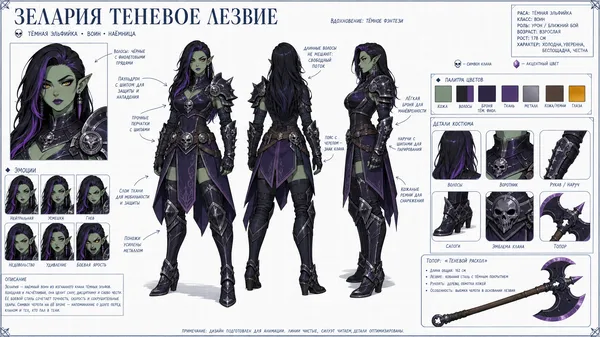
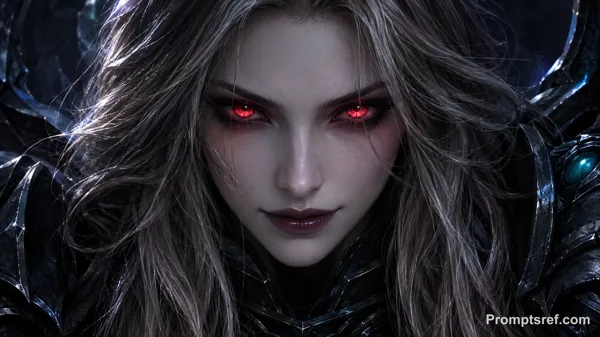
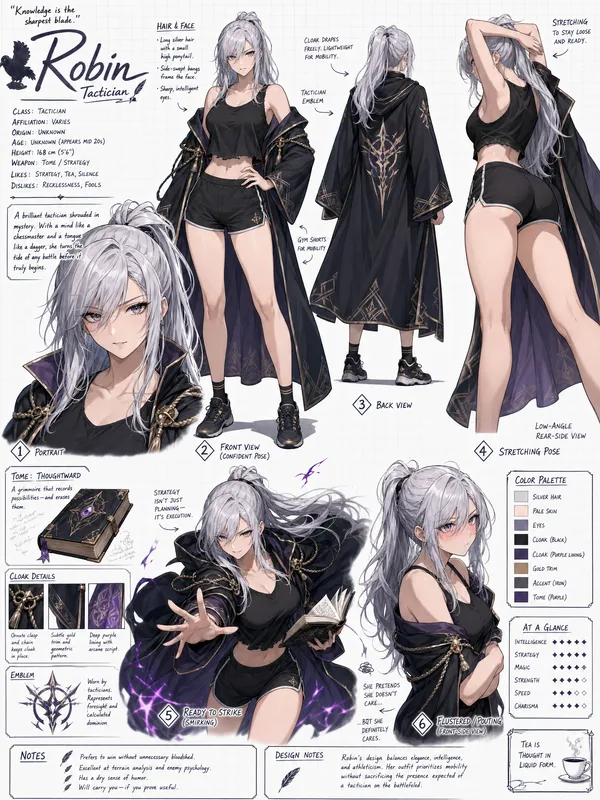
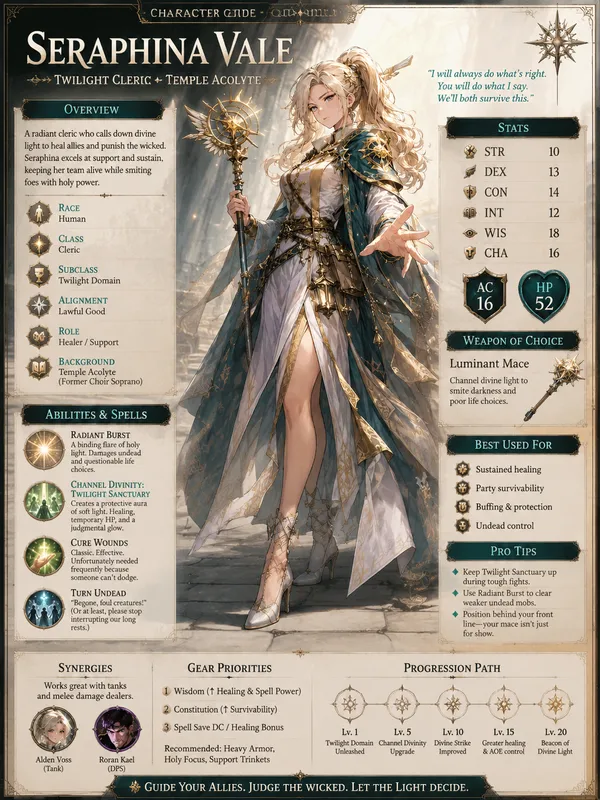
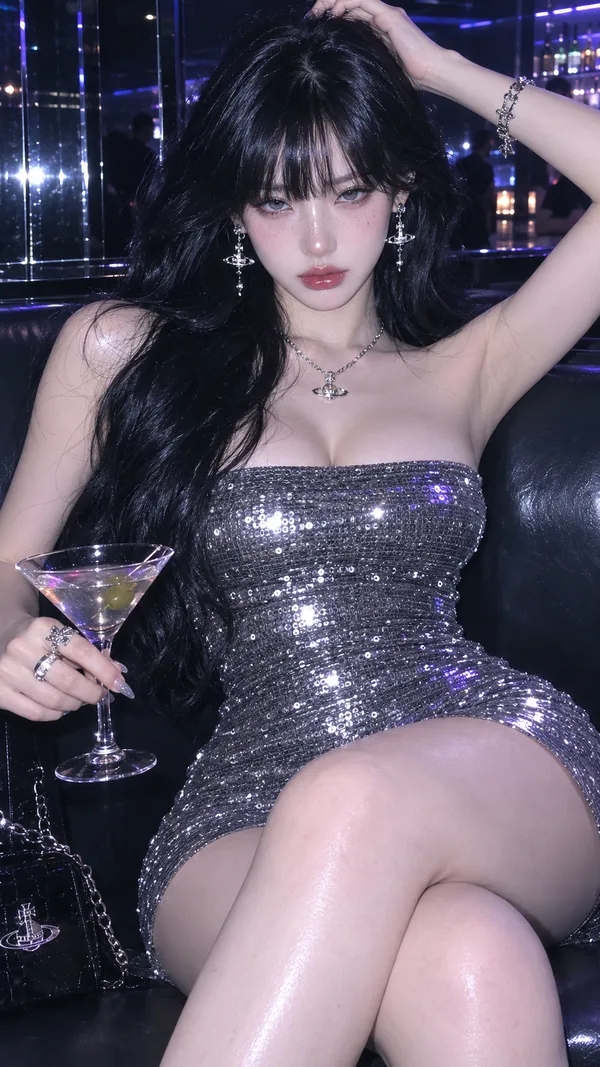
GPT Image 2.0 프롬프트 - 포토리얼 캐릭터 턴어라운드 시트 템플릿

- 화면 비율
- auto
- 화질
- 1k
프롬프트
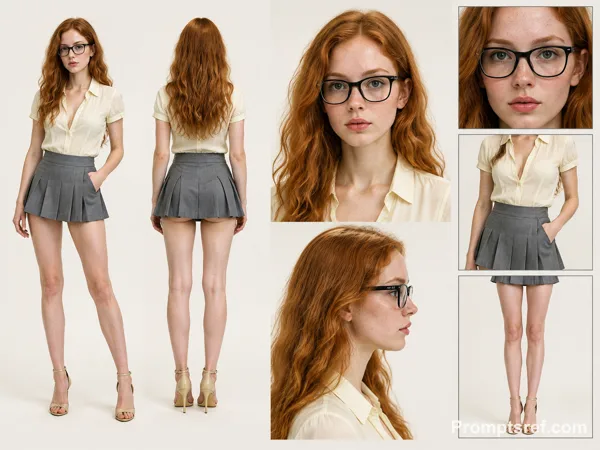
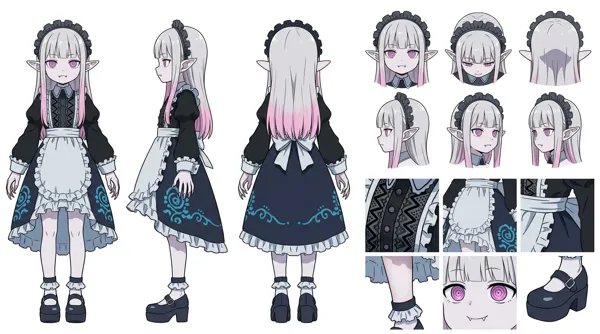
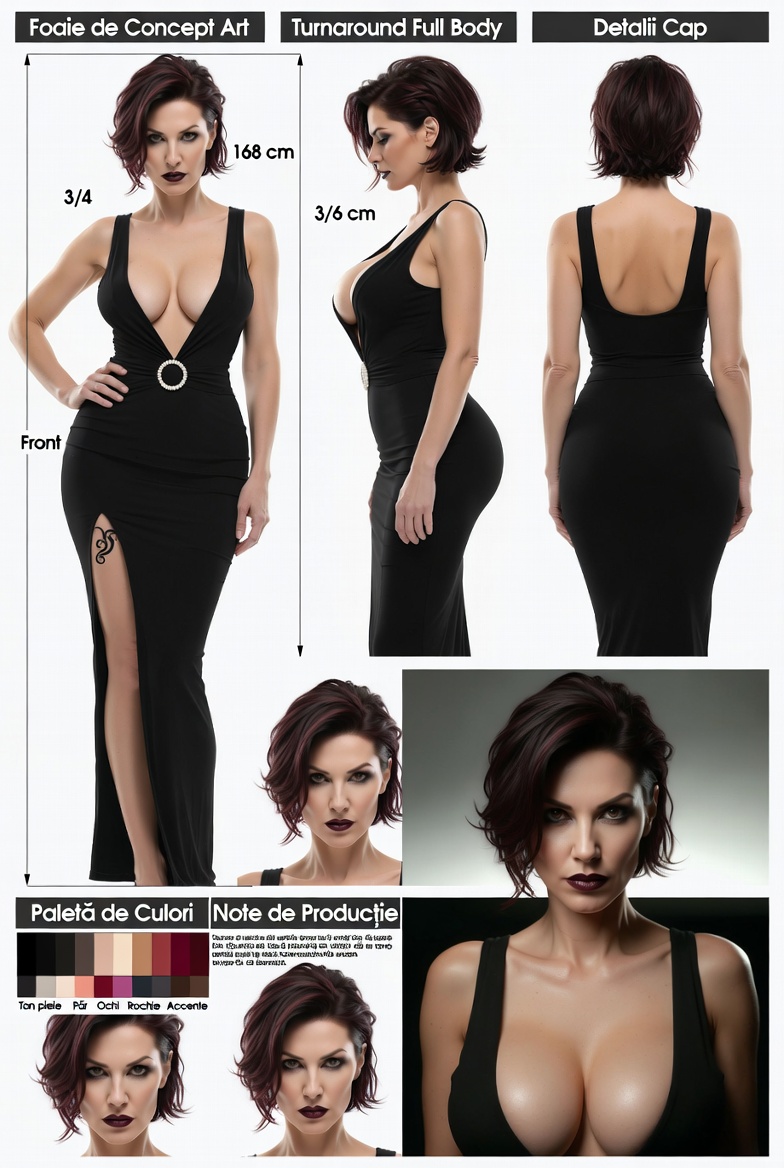
Cinematic Character Concept Art Sheet (Realistic / Photorealistic Character Turnaround Style)-WHITE BACKGROUND
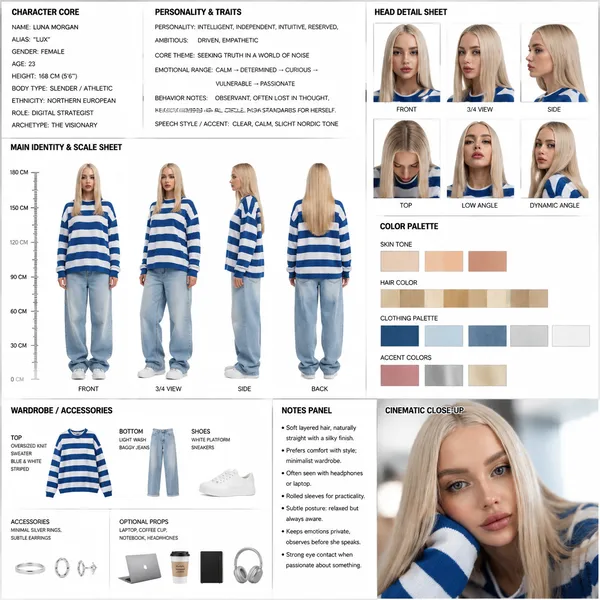
highly detailed, professional SHEET in a clean studio layout, similar to an animation/model sheet used in film or game production.
CHARACTER CORE:
- Name: {{character_name}}
- Alias: {{alias}}
- Gender: {{gender}}
- Age: {{age}}
- Height: {{height}}
- Body Type: {{body_type}}
- Ethnicity: {{ethnicity}}
- Role: {{role}}
- Archetype: {{archetype}}
PERSONALITY & TRAITS:
- Personality: {{personality_traits}}
- Core Theme: {{core_theme}}
- Emotional Range: {{emotional_range}}
- Behavior Notes: {{behavior_notes}}
- Speech Style / Accent: {{speech_style}}
---
### đ§ MAIN IDENTITY & SCALE SHEET
Show full-body character turnaround:
- Front view
- 3/4 view
- Side view
- Back view
Character should wear:
{{default_outfit_description}}
Include:
- Neutral pose
- Consistent proportions
- Clean silhouette readability
Add a vertical height scale beside the character (in cm or ft).
---
### đ§ HEAD DETAIL SHEET
Show head from multiple angles:
- Front
- Side
- 3/4
- Top
- Low angle
- Dynamic angle
Focus on:
- Hair structure
- Face proportions
- Ear + jaw alignment
---
---
### đ¨ COLOR PALETTE
Show labeled swatches:
{{color_palette}}
Include:
- Skin tone
- Hair color
- Clothing palette
- Accent colors
---
### đ WARDROBE / ACCESSORIES
Break down clothing pieces:
- Top: {{top_description}}
- Bottom: {{bottom_description}}
- Shoes: {{shoes_description}}
- Accessories: {{accessories}}
Optional props:
{{#if props}}
- Props: {{props}}
{{/if}}
---
### 𧞠NOTES PANEL
Include small annotation text:
{{#each notes}}
- {{this}}
{{/each}}
(e.g., ârolled sleeves for practicalityâ, âsoft layered hairâ, âalways slightly slouched postureâ)
---
### đŹ CLOSE-UP POSE
Add one cinematic close-up of the character:
- Emotional moment
- Soft lighting
- Story hint
---
LAYOUT RULES:
- Clean grid composition
- Clear section headers
- Balanced spacing
- Minimal background noise
- Professional art sheet presentation
- Everything labeled and readable
참조 이미지
리믹스 작품
리믹스아직 리믹스가 없어요. 첫 번째 버전을 만들어 보세요.
이 이미지 프롬프트 사용하기
- 01
프롬프트로 시작하기
프롬프트를 복사하거나 생성 버튼으로 여세요.
- 02
나만의 아이디어 더하기
주제, 배경, 세부 사항을 조정하고 필요하면 참고 자료를 추가하세요.
- 03
생성 전 확인하기
모델과 출력 설정을 확인하세요. 생성 결과는 매번 다를 수 있습니다.