GPT Image 2.0 Prompt - MacOS Portfolio Initialization Terminal

- Model
- GPT Image 2.0
- Aspect ratio
- auto
- Quality
- 1K
Prompt
Subject & Action
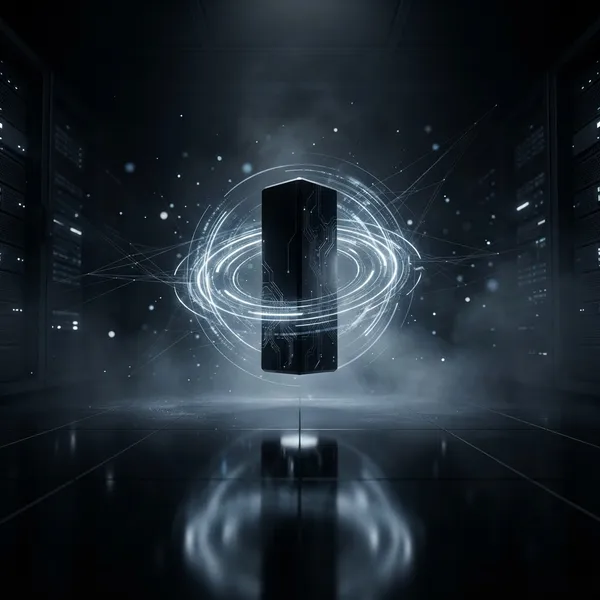
A sleek, modern MacOS terminal interface floating in a dark, minimalist space. The terminal window features dark, semi-transparent frosted glass material with soft rounded corners. On the screen, the command line reads sorena-net ~ % init portfolio followed by three distinct lines: Loading Web Developer..., Loading Programmer., and Loading Hardware Expert...
Composition & Framing
Eye-level perspective, centered composition, minimalist UI design. The terminal window occupies the central focus with a subtle glass-morphism effect, showcasing depth and layering.
Lighting & Atmosphere
Moody, high-end tech aesthetic with soft ambient occlusion shadows. Subtle blue-toned rim lighting highlighting the glass edges to emphasize transparency. The text glows with a crisp, high-legibility white, reminiscent of a high-end IDE.
Material & Texture
Frosted glass finish with realistic light refraction and blur. The texture is clean, refined, and premium. The font is a sharp, monospaced coding typeface like JetBrains Mono or Fira Code, characterized by high clarity and technical precision.
Visual Style
Clean UI design, Apple product aesthetic, high-fidelity digital rendering. The overall look is professional, sophisticated, and dark-themed.
Constraints
No distorted text, no pixelation, no watermarks, no logos, no plastic-looking surfaces, no oversaturated neon colors. The terminal window must be perfectly rectangular with smooth, consistent rounded corners. نو بگ گراند
Remixes
RemixNo remixes yet. Be the first to make your own version.
Use this image prompt
- 01
Start with the prompt
Copy the prompt, or open it with the generate button.
- 02
Make your changes
Adjust the subject, setting, or details. Add reference media if needed.
- 03
Check before generating
Review the model and output settings. Results can vary between generations.