GPT Image 2.0 Prompt - Infinite Design Canvas Hero

- Model
- GPT Image 2.0
- Aspect ratio
- auto
- Quality
- 1K
Prompt
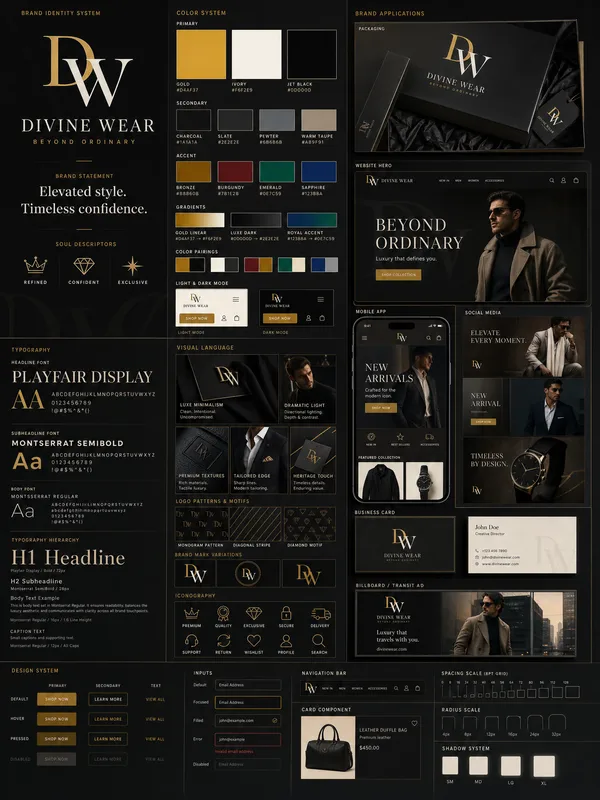
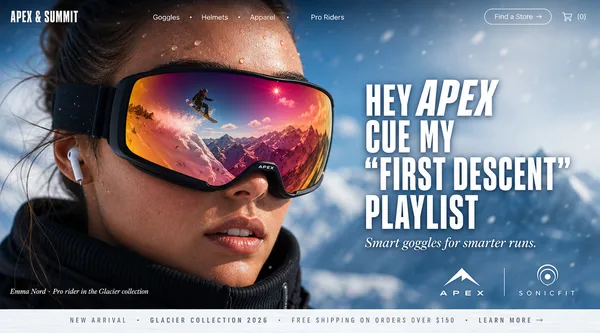
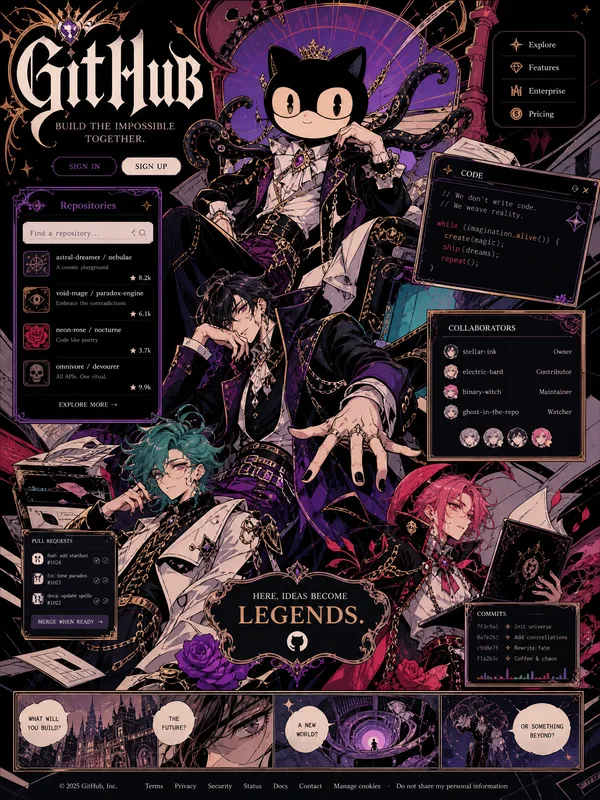
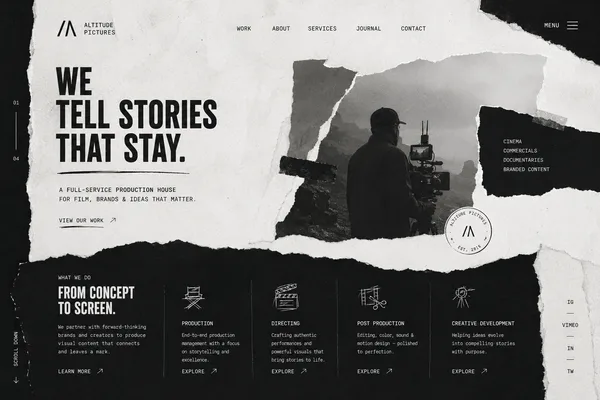
Design a hero section that feels like opening a giant infinite Figma canvas.Instead of a normal hero, create an interactive design board.The visitor lands inside an endless workspace.Include:Sticky notesWireframesMoodboardsDesign systemsUI componentsTypography samplesSketchesColor palettesMotion framesPrototype arrowsEverything should appear naturally scattered like a real designer's workspace.Center headline:Turning Ideas Into Beautiful Digital ExperiencesAs users move the mouse:Canvas shiftsCards floatConnections animatePrototype arrows glowBackground:Soft gridBlueprint paperSubtle noiseGlass overlaysUse premium typography.Minimal color palette:BlackWhitePurple accentElectric blue highlightsFeels like:Figma meets Notion meets Apple.
Remixes
RemixNo remixes yet. Be the first to make your own version.
Use this image prompt
- 01
Start with the prompt
Copy the prompt, or open it with the generate button.
- 02
Make your changes
Adjust the subject, setting, or details. Add reference media if needed.
- 03
Check before generating
Review the model and output settings. Results can vary between generations.