GPT Image 2.0 프롬프트 - MacOS 포트폴리오 초기화 터미널

- 화면 비율
- auto
- 화질
- 1K
프롬프트
Subject & Action
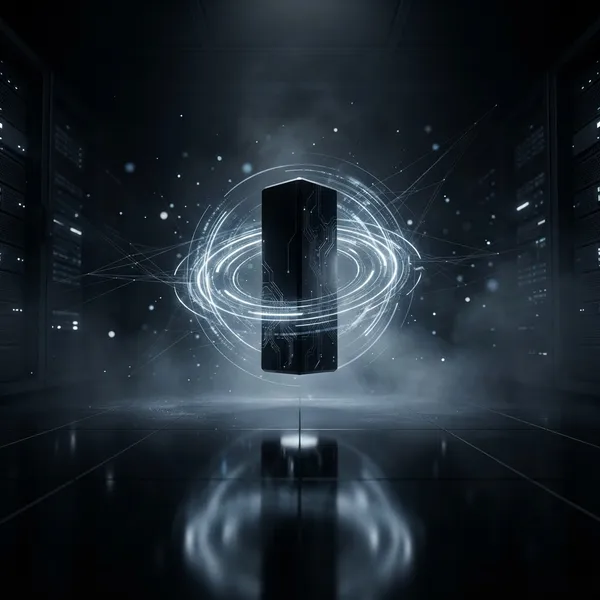
A sleek, modern MacOS terminal interface floating in a dark, minimalist space. The terminal window features dark, semi-transparent frosted glass material with soft rounded corners. On the screen, the command line reads sorena-net ~ % init portfolio followed by three distinct lines: Loading Web Developer..., Loading Programmer., and Loading Hardware Expert...
Composition & Framing
Eye-level perspective, centered composition, minimalist UI design. The terminal window occupies the central focus with a subtle glass-morphism effect, showcasing depth and layering.
Lighting & Atmosphere
Moody, high-end tech aesthetic with soft ambient occlusion shadows. Subtle blue-toned rim lighting highlighting the glass edges to emphasize transparency. The text glows with a crisp, high-legibility white, reminiscent of a high-end IDE.
Material & Texture
Frosted glass finish with realistic light refraction and blur. The texture is clean, refined, and premium. The font is a sharp, monospaced coding typeface like JetBrains Mono or Fira Code, characterized by high clarity and technical precision.
Visual Style
Clean UI design, Apple product aesthetic, high-fidelity digital rendering. The overall look is professional, sophisticated, and dark-themed.
Constraints
No distorted text, no pixelation, no watermarks, no logos, no plastic-looking surfaces, no oversaturated neon colors. The terminal window must be perfectly rectangular with smooth, consistent rounded corners. نو بگ گراند
리믹스 작품
리믹스아직 리믹스가 없어요. 첫 번째 버전을 만들어 보세요.
이 이미지 프롬프트 사용하기
- 01
프롬프트로 시작하기
프롬프트를 복사하거나 생성 버튼으로 여세요.
- 02
나만의 아이디어 더하기
주제, 배경, 세부 사항을 조정하고 필요하면 참고 자료를 추가하세요.
- 03
생성 전 확인하기
모델과 출력 설정을 확인하세요. 생성 결과는 매번 다를 수 있습니다.