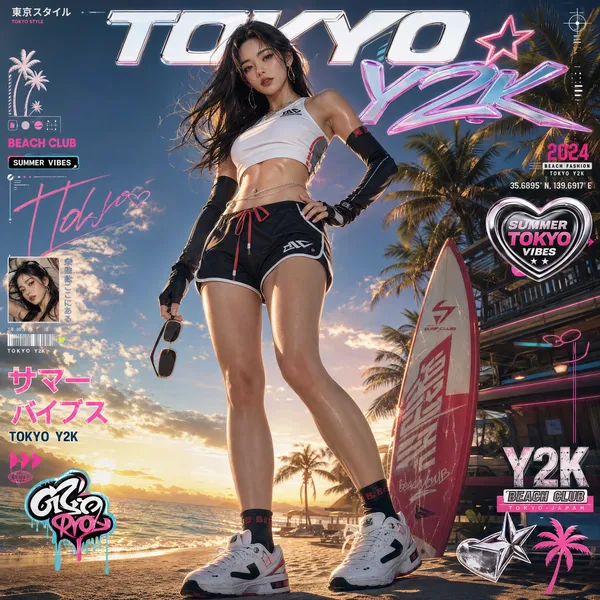
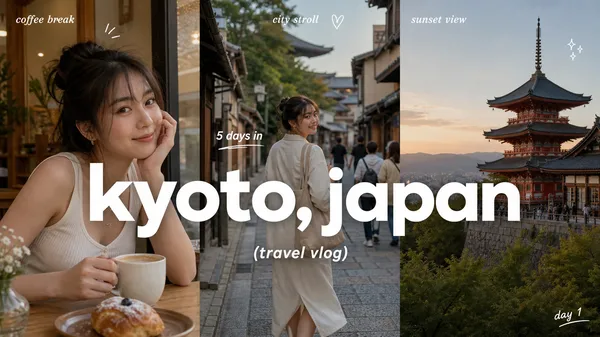
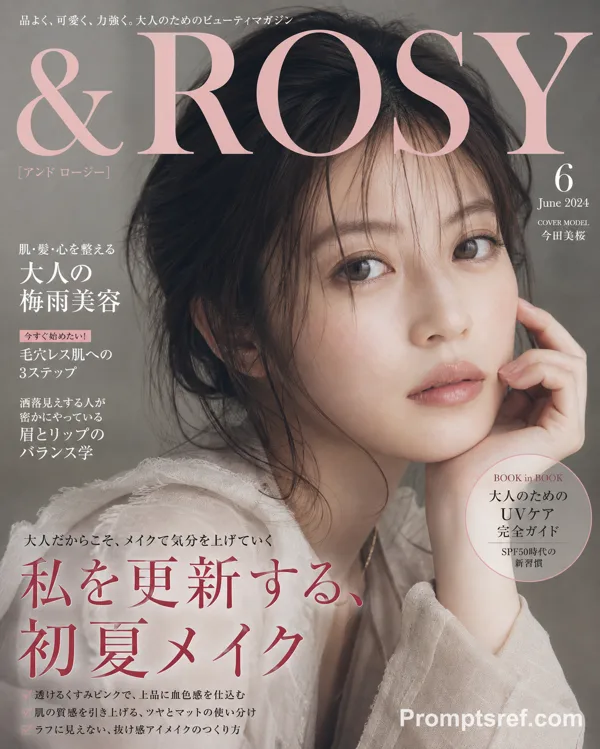
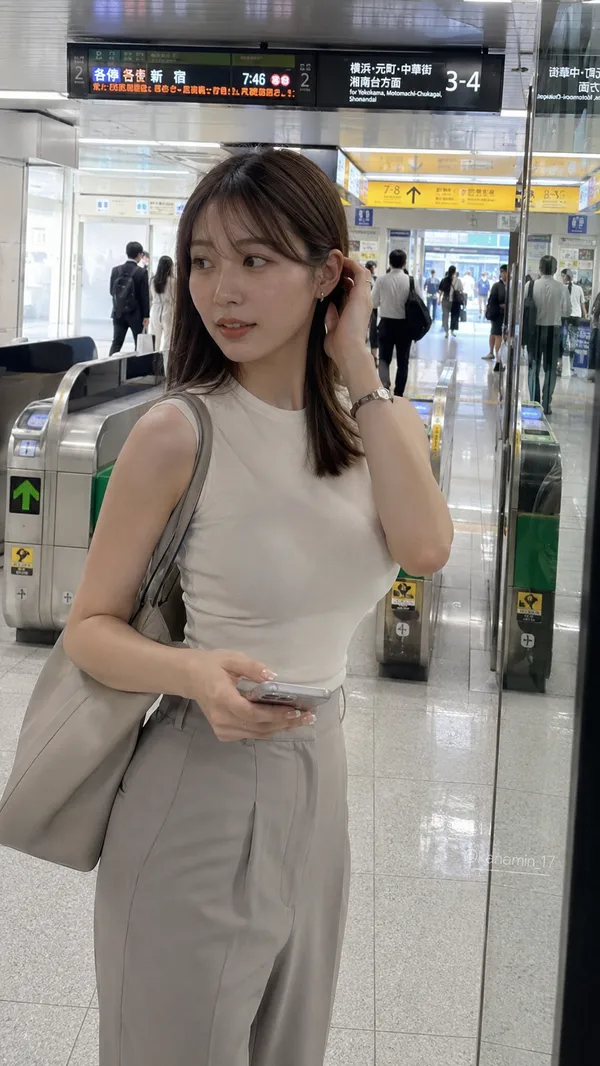
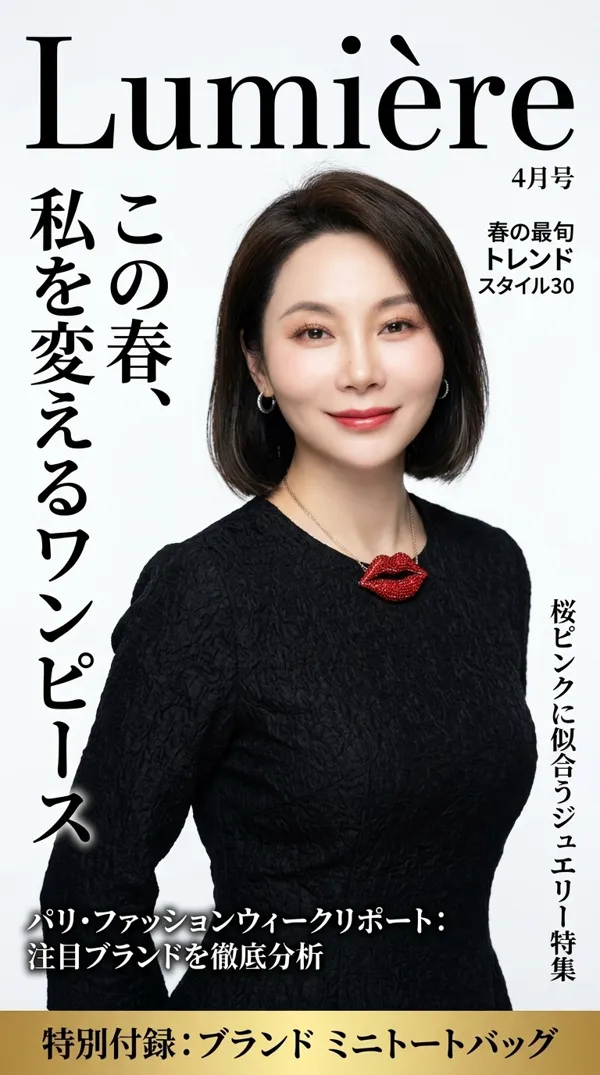
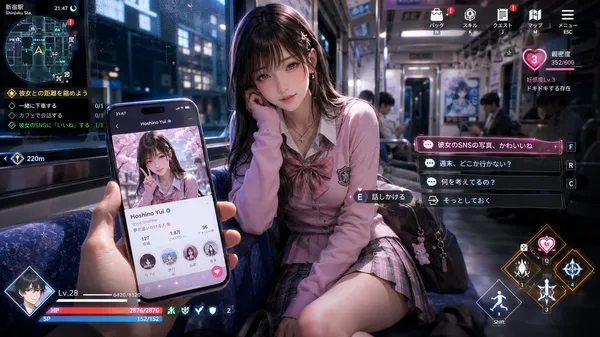
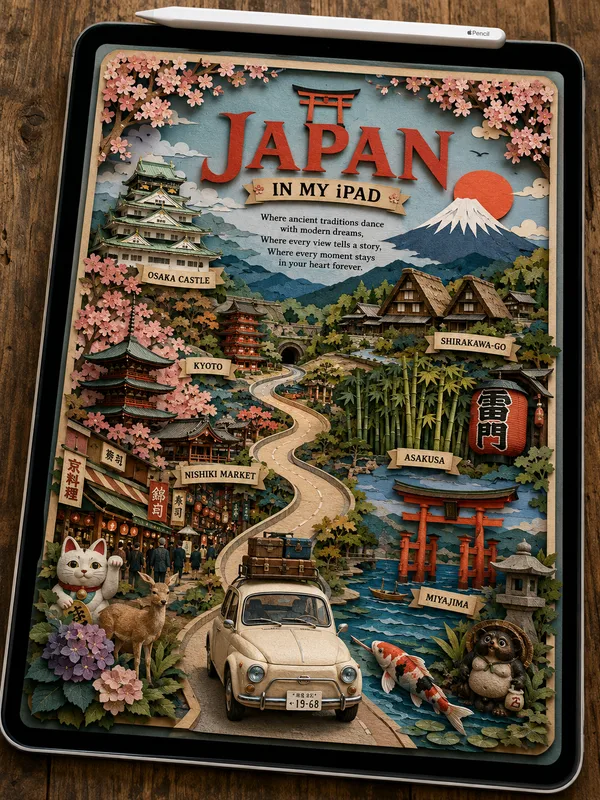
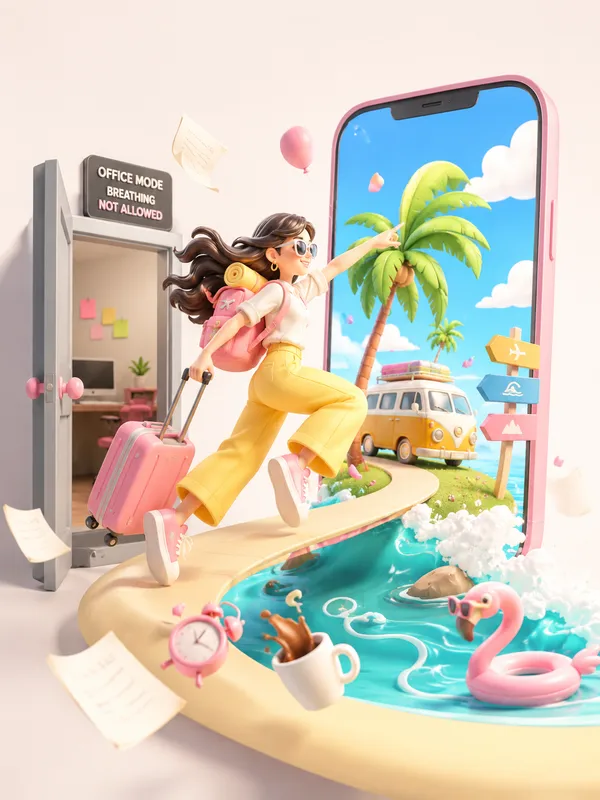
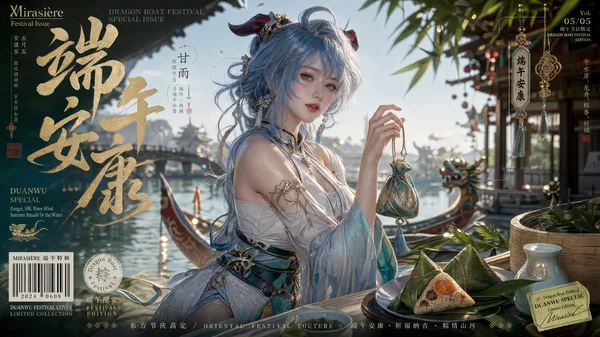
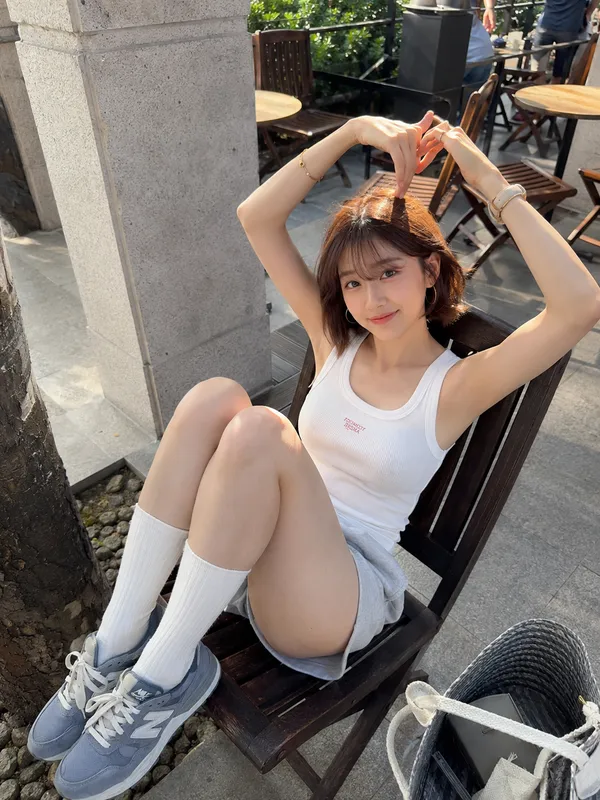
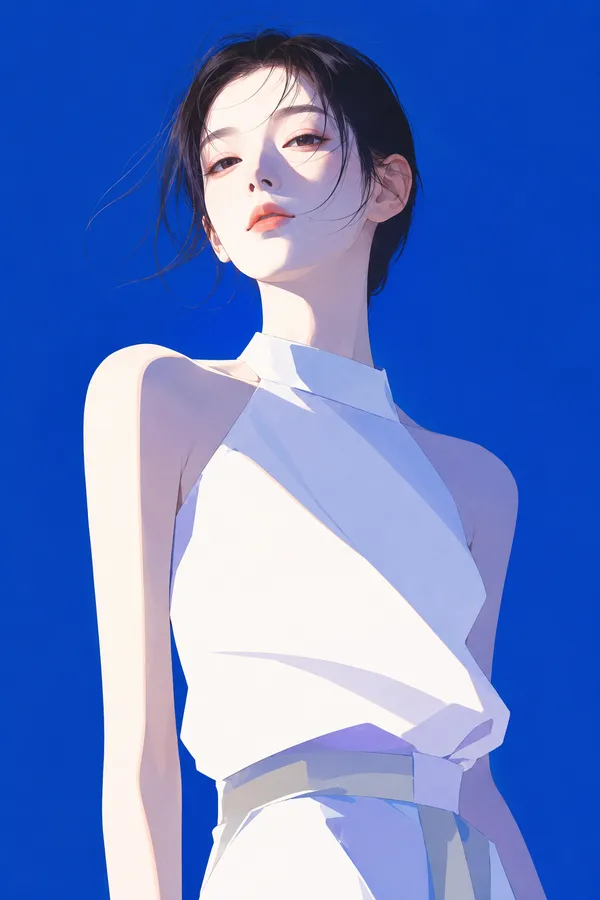
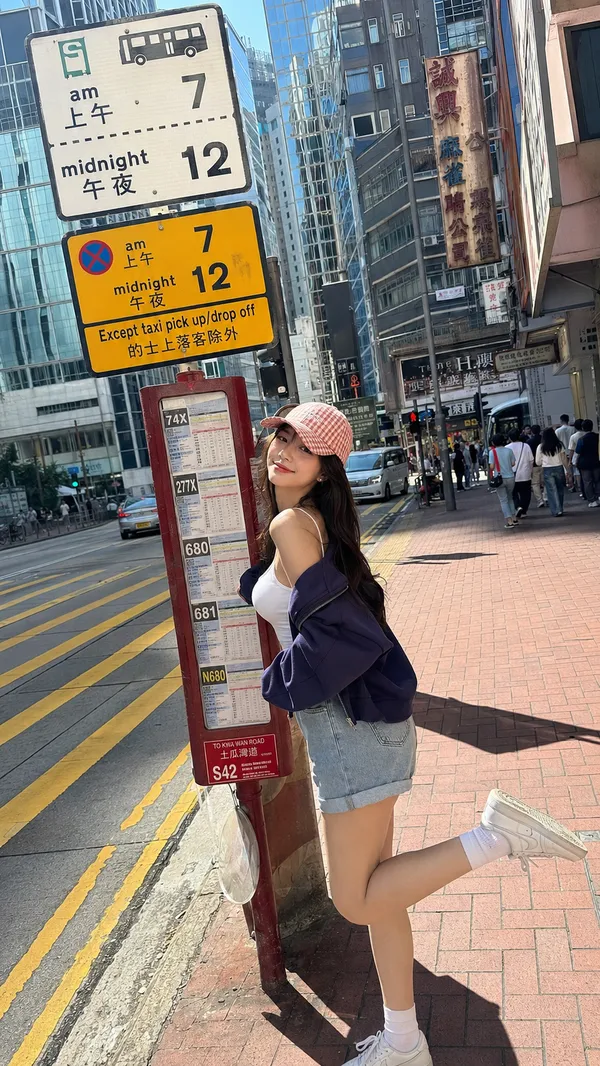
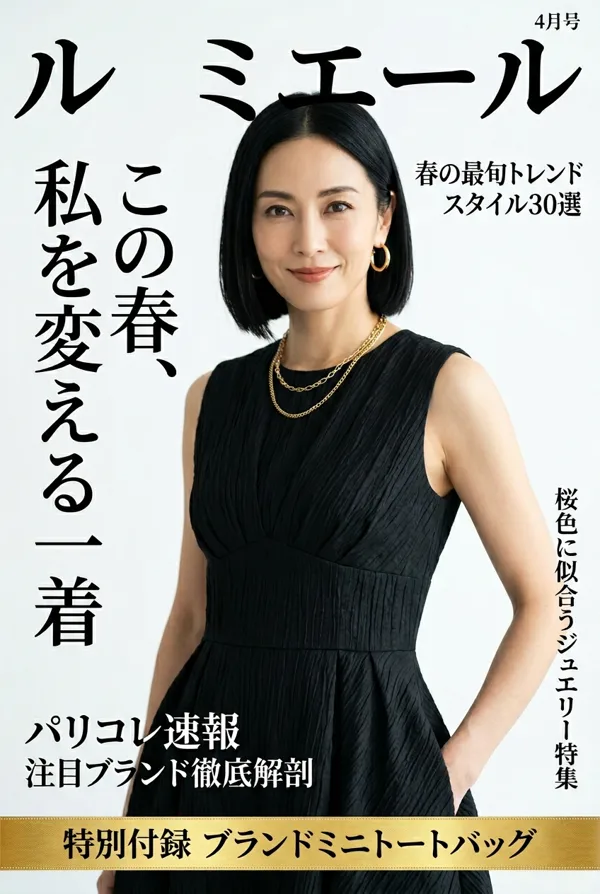
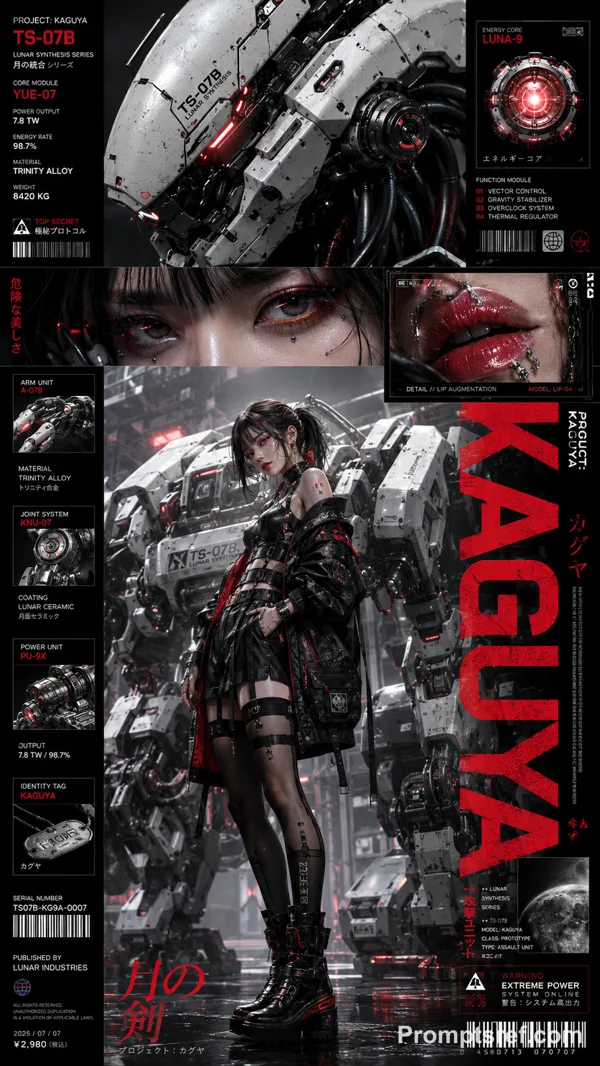
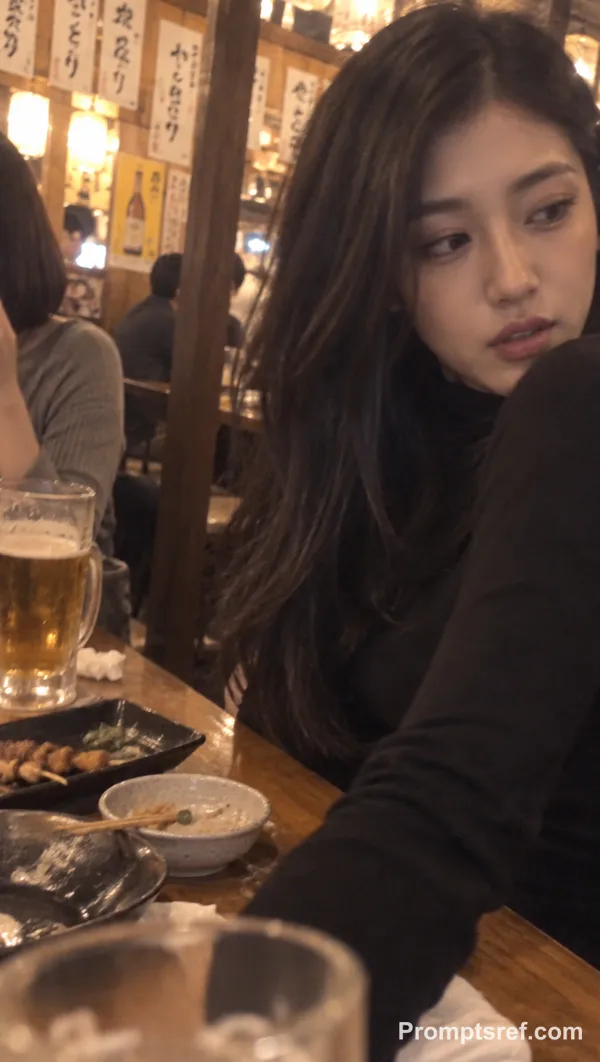
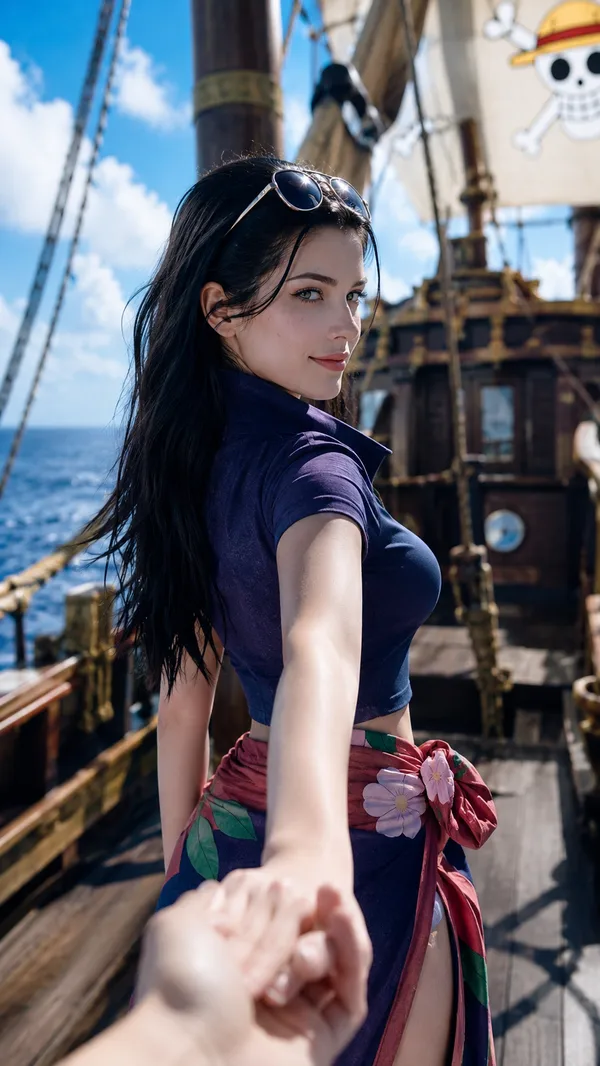
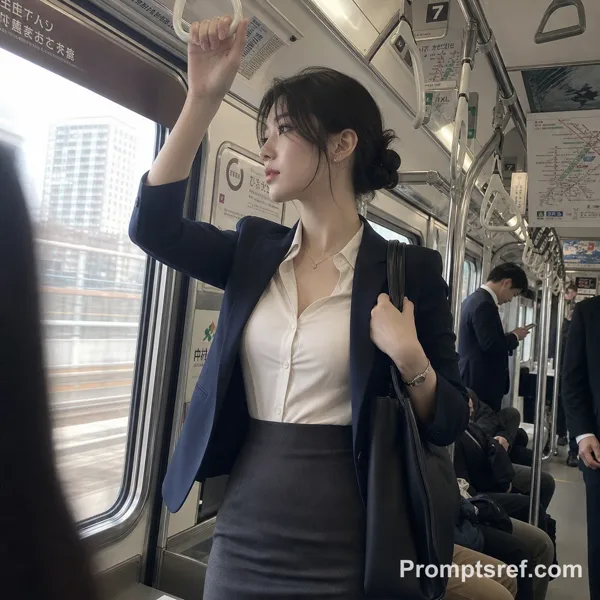
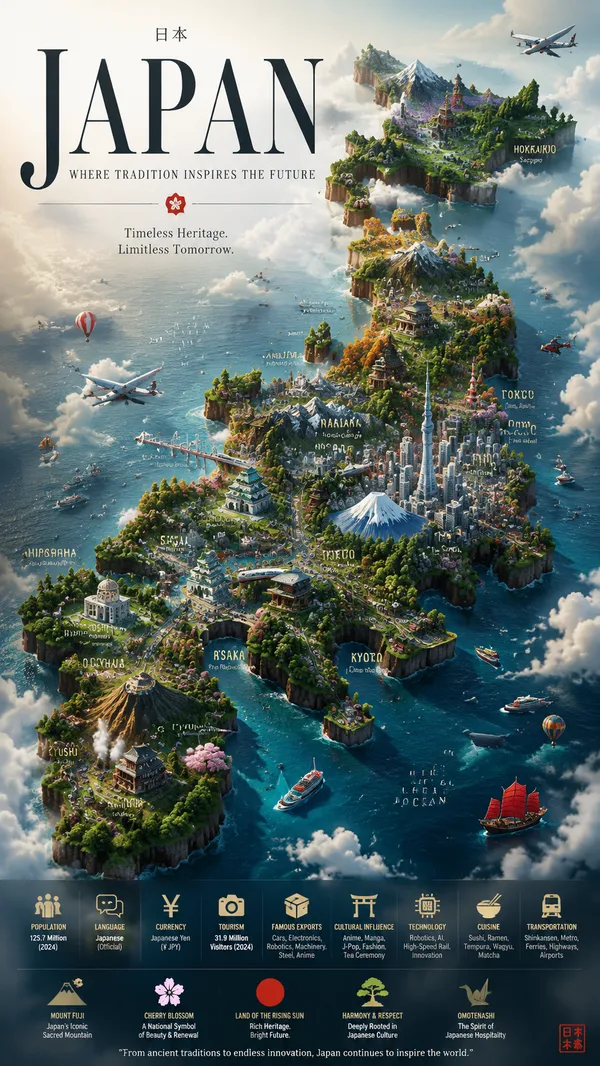
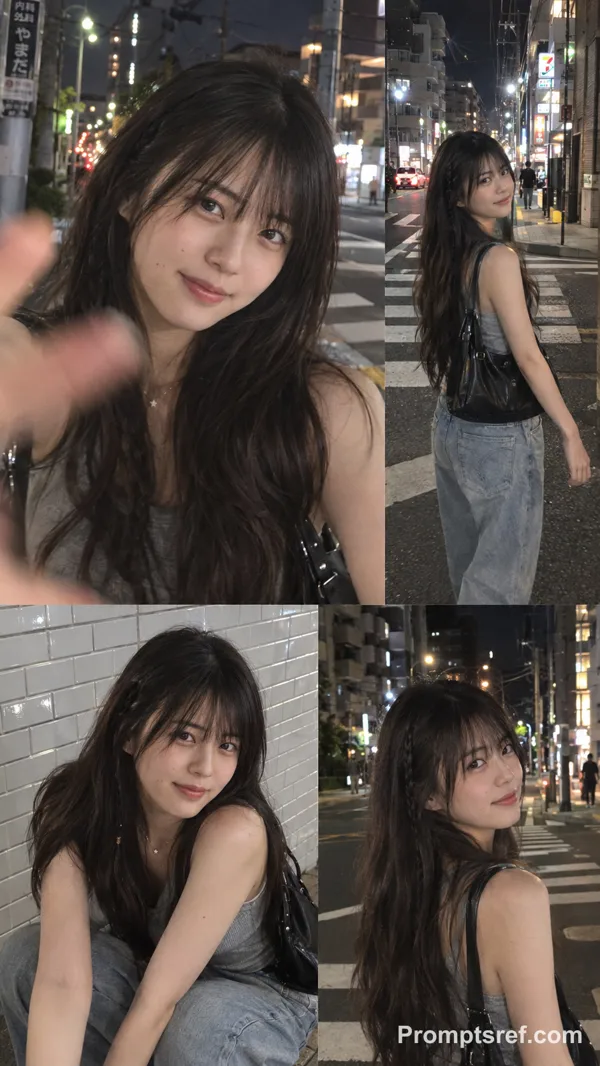
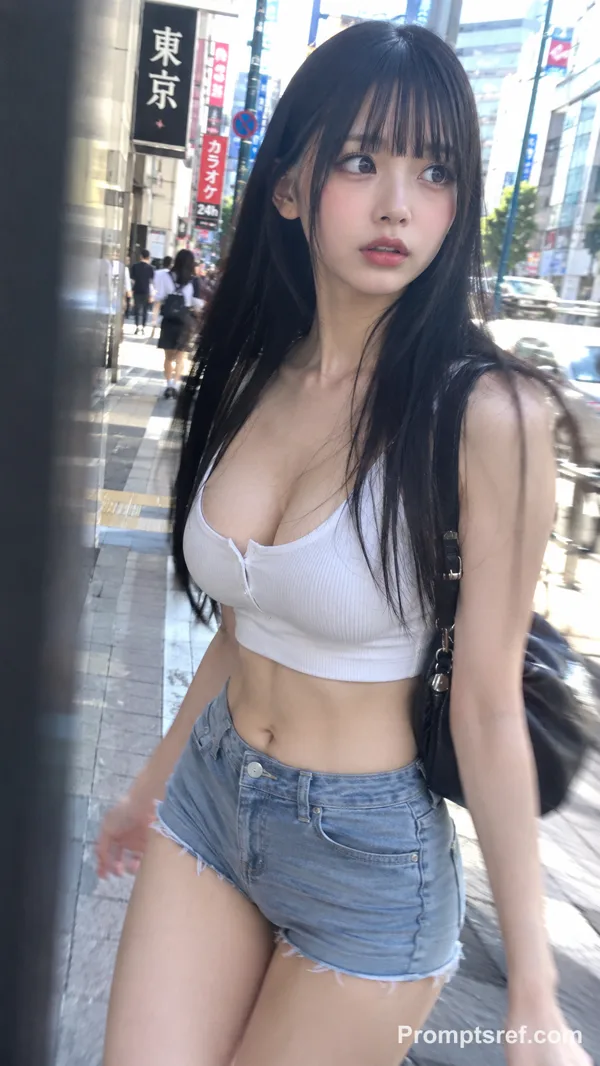
GPT Image 2.0 Prompt - Location-Based Women’s Travel Magazine Suite

- Model
- GPT Image 2.0
Prompt
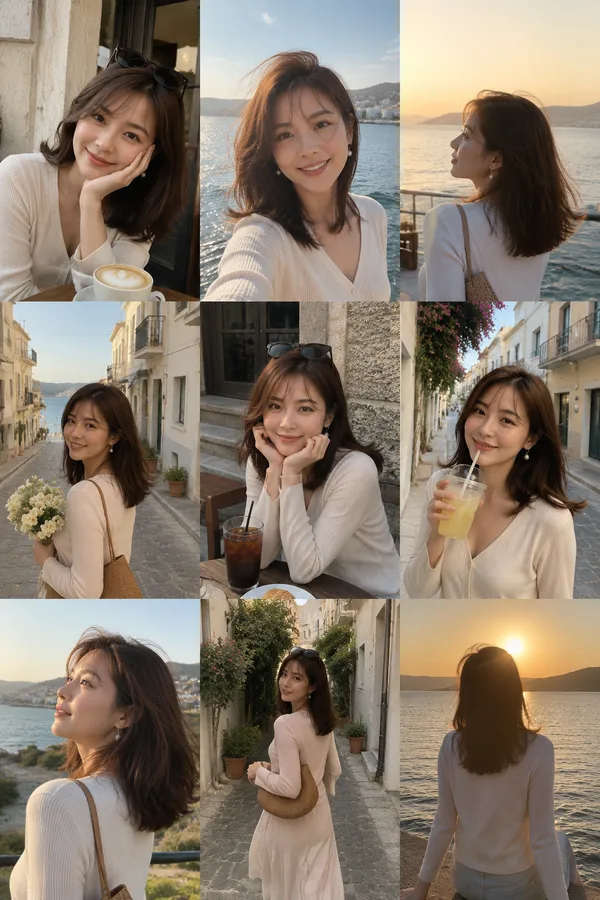
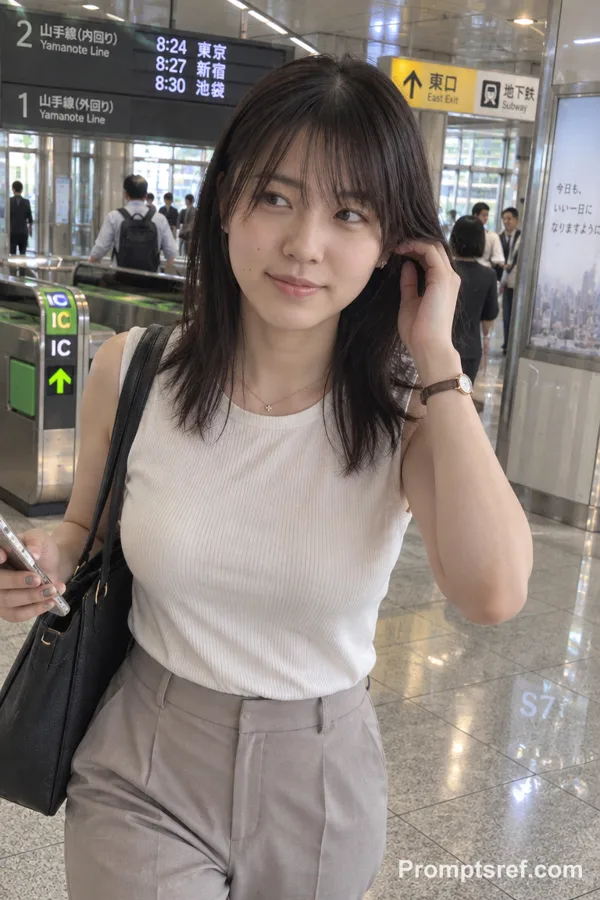
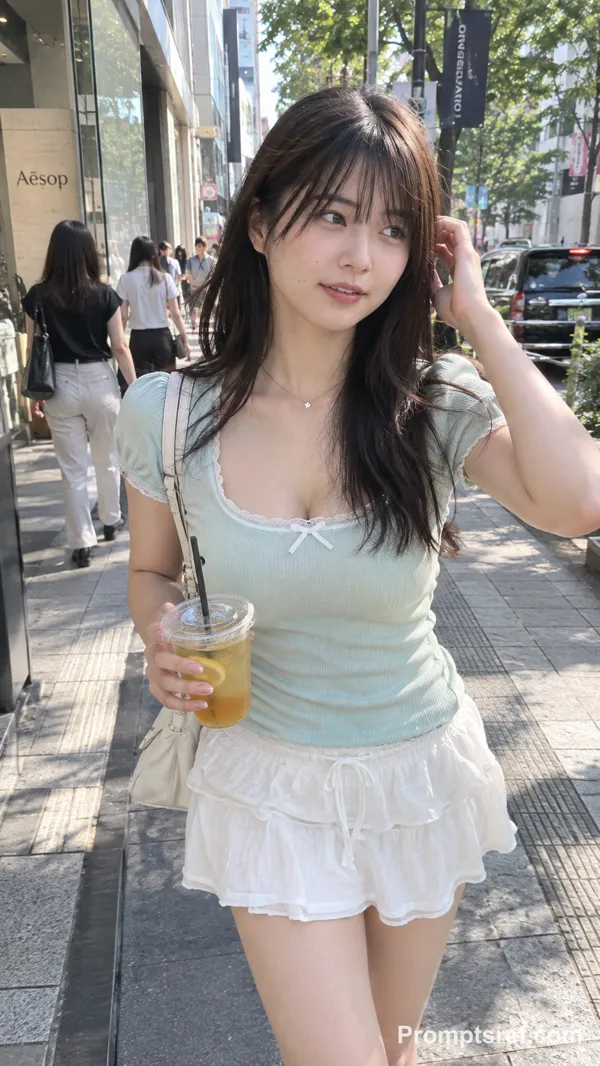
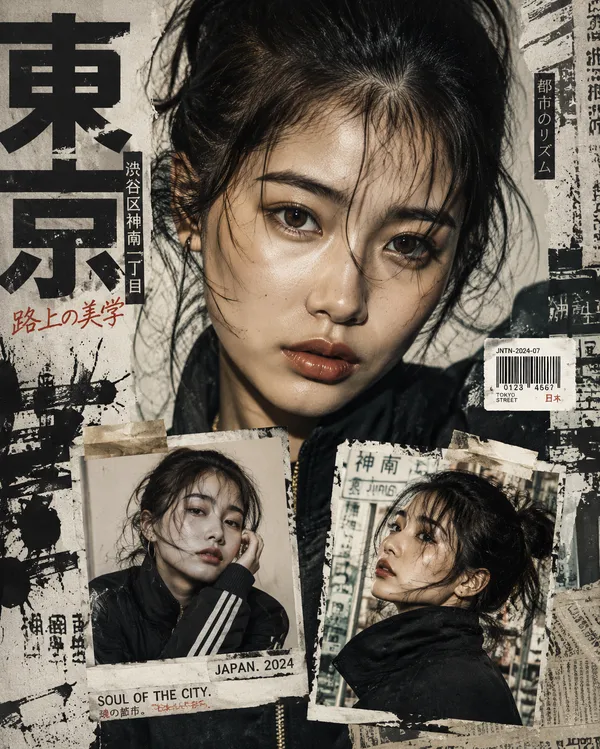
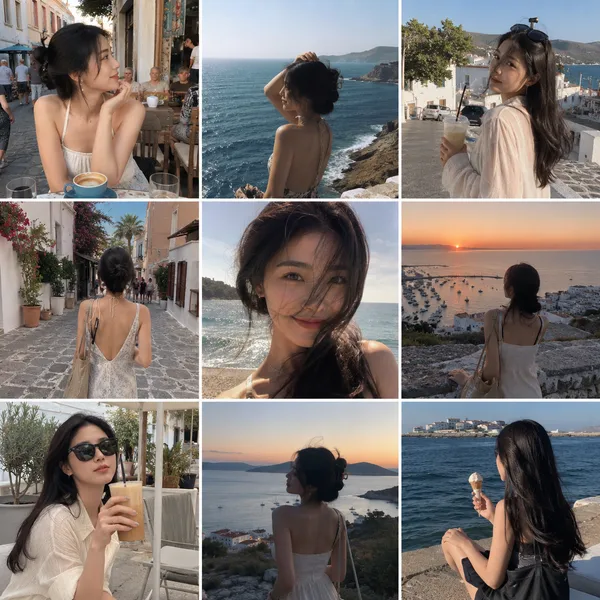
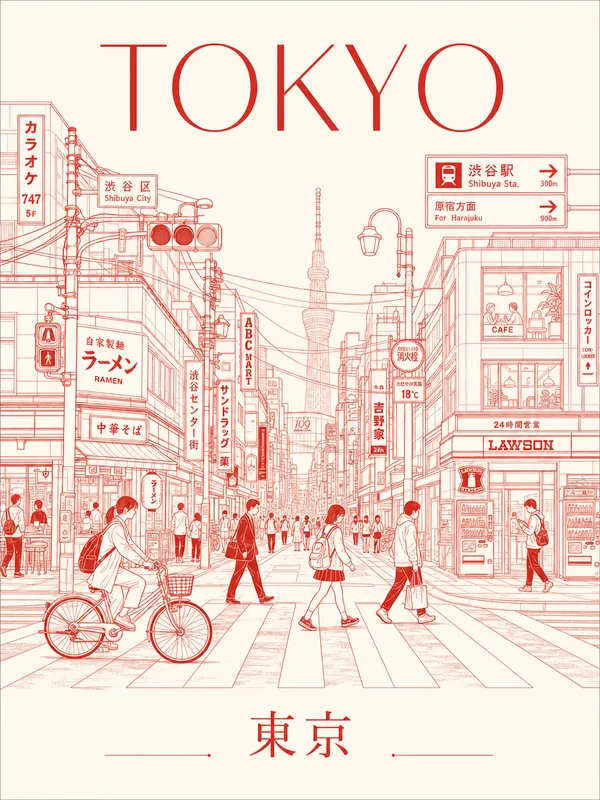
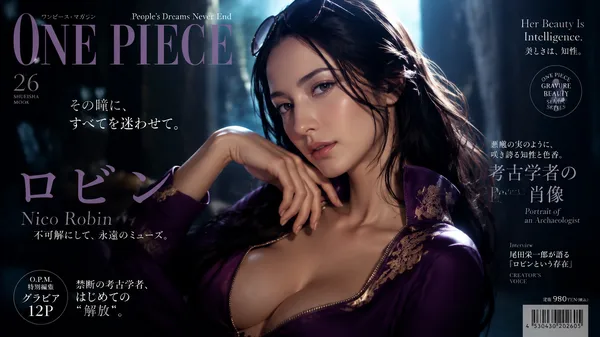
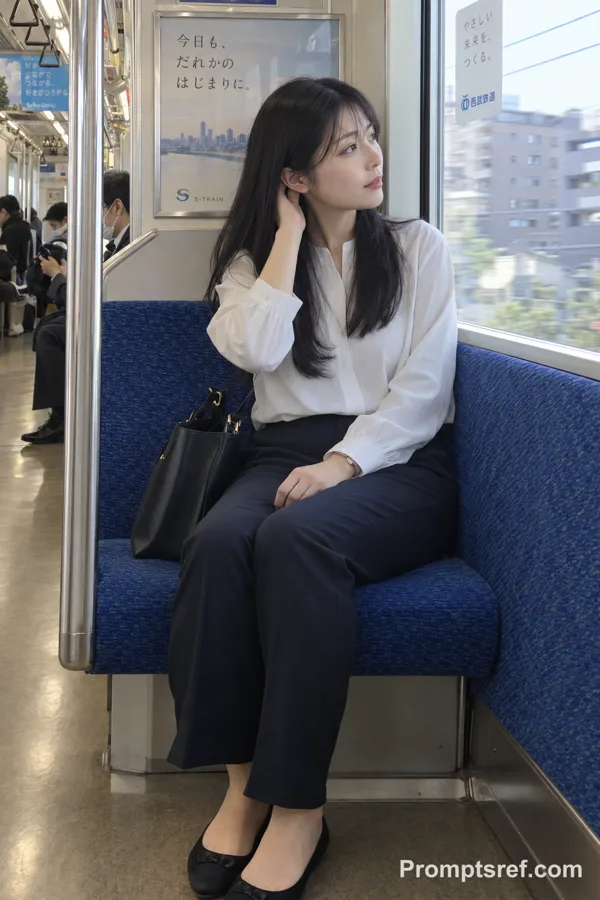
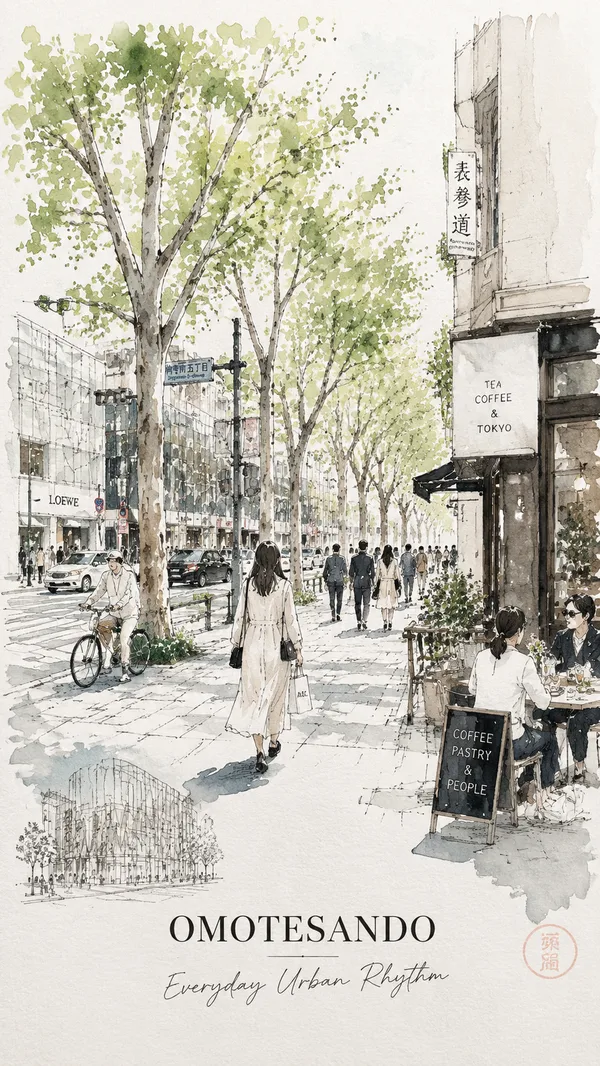
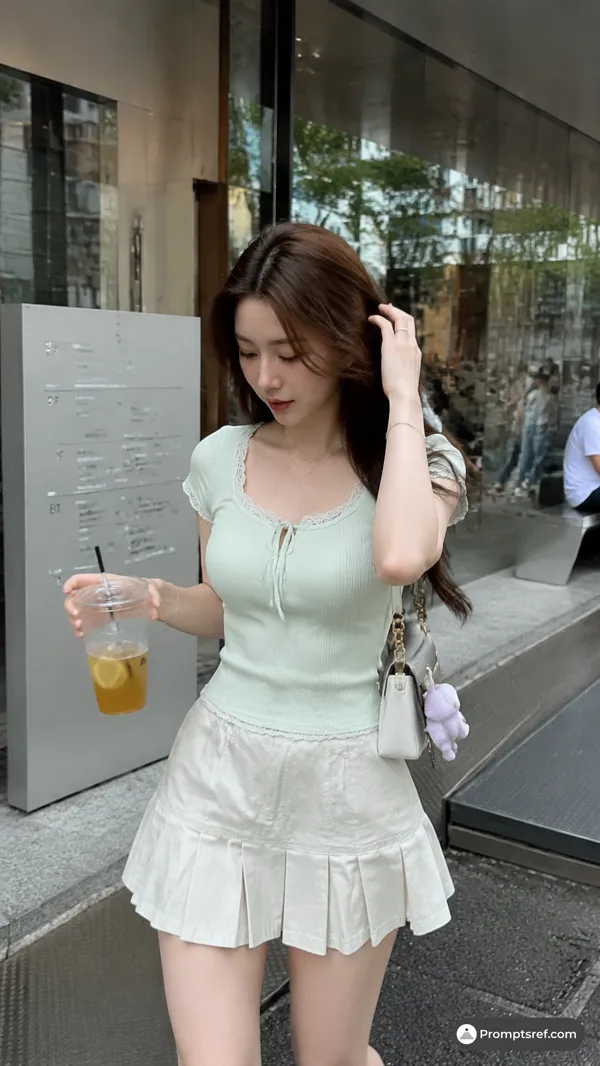
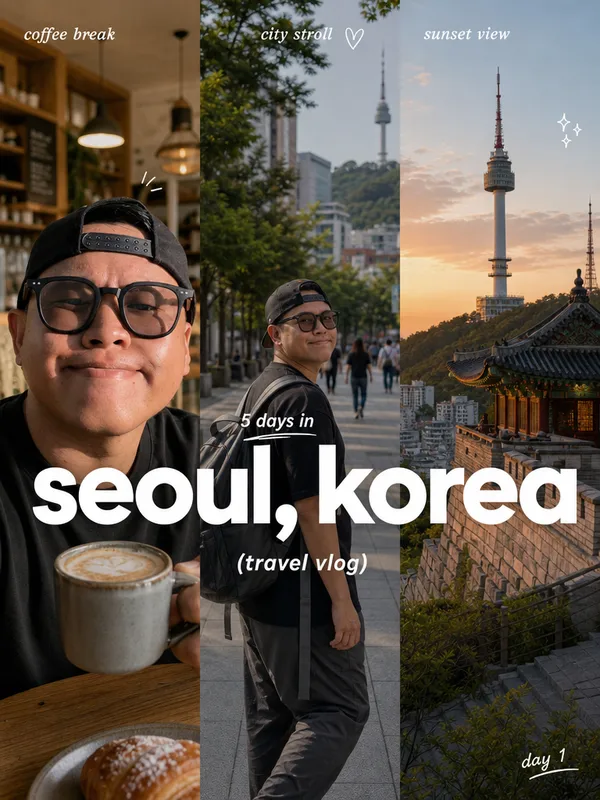
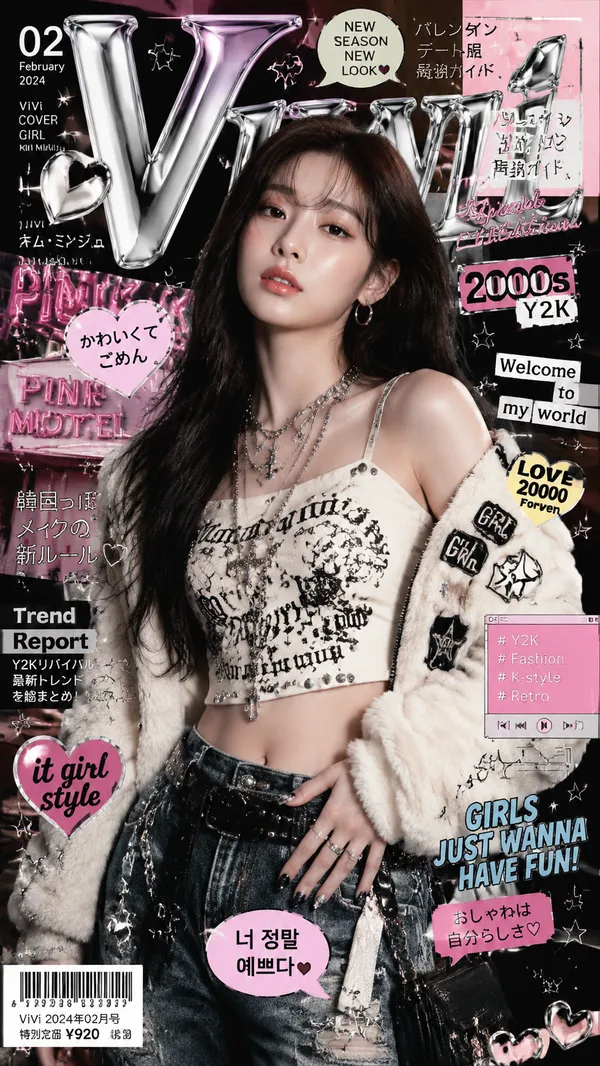
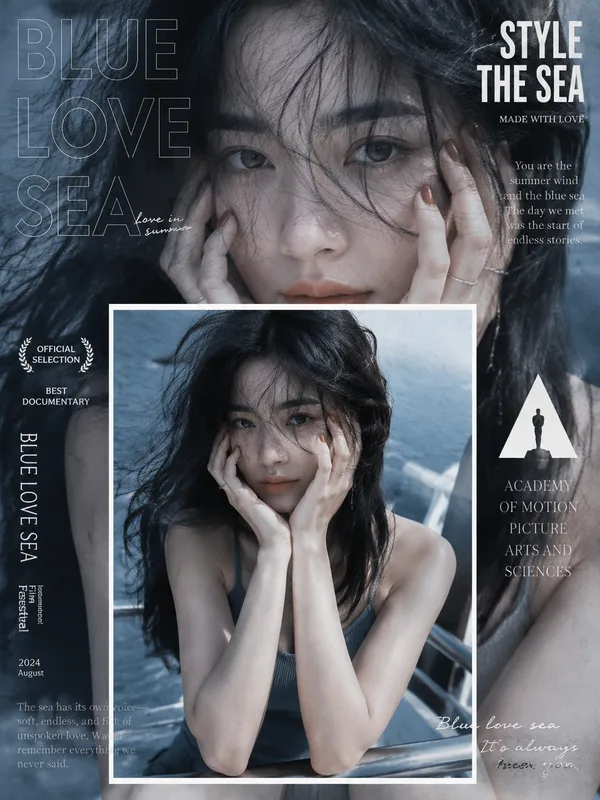
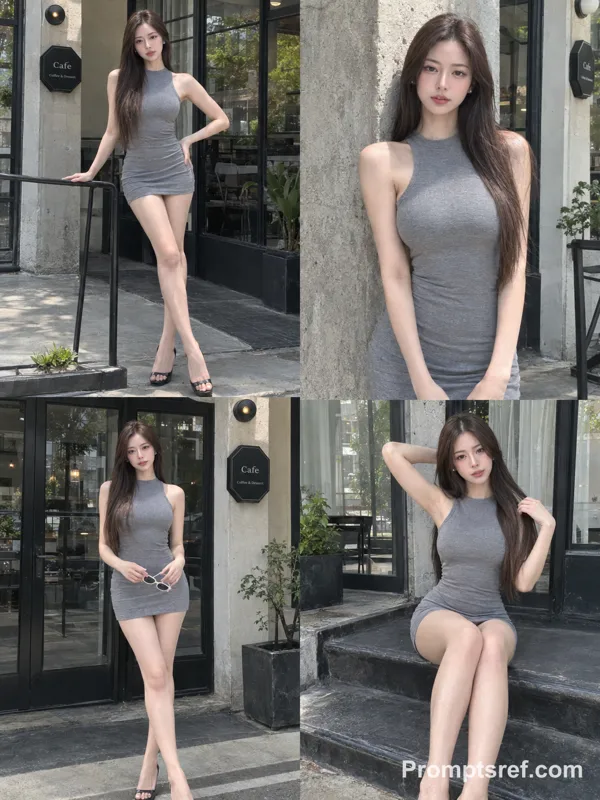
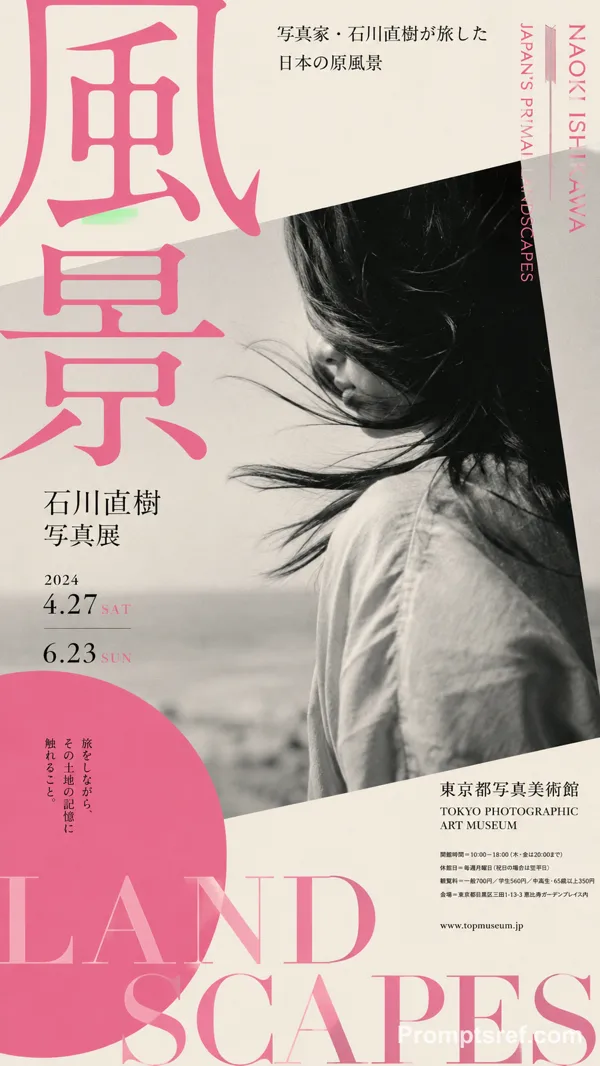
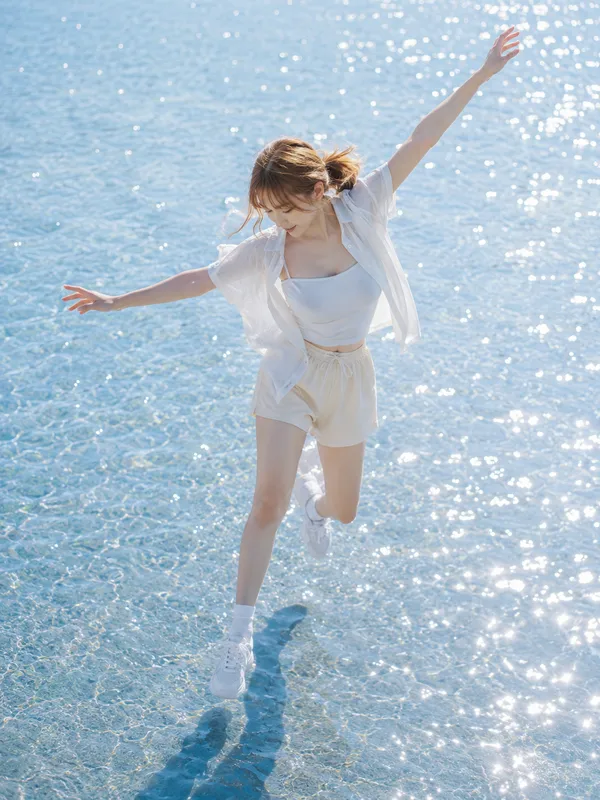
Please create a women's travel magazine (including the cover and a spread page) at latitude 35.31721720077321, longitude 139.5357227423284, as well as an LP page and a dedicated APP introducing the magazine. These contents should match the current time atmosphere and real-time weather of the location. Please integrate the specified character into it, making it look like she is traveling.
[Contents to be integrated]
・Main title/Slogan (Large and small headlines that attract readers' attention)
・Lead text (Introductory text that concisely conveys the theme or charm of the feature)
・Key visual (Large symbolic photo occupying the entire spread or a single page)
・Auxiliary photo group (Detailed shots such as close-ups of food, spatial atmosphere, product details)
・Highlights/Points of interest (Summarizing the biggest selling points of the location or thing into about 3 topics)
・Basic information data (Specifications such as address, business hours, regular holidays, fees, transportation, contact information)
・Surrounding map/Map (Location map showing the positional relationship between the destination and the nearest station or landmark)
・Trivia/Tips (Small columns such as useful information or historical background)
・Reviews/Word-of-mouth (Recommended comments from visitors, professionals, and editors)
・Layout composition (Focus on visual guidance using the Z-pattern or F-pattern and the use of white space)
・Typography/Fonts (Differentiated use of decorative fonts for titles and highly readable fonts for body text)
・Color scheme/Color palette (Unification of base colors and accent colors matching the theme)
・Decoration/Embellishment (Visual emphasis elements such as speech bubbles, icons, postmark-style badges)
[NG]
・Do not change the fashion style of the reference character.
・Do not directly use the expressions or poses of the reference character, but adjust them.
・Do not use the same poses or angles in the magazine, APP, and LP.
Remixes
RemixNo remixes yet. Be the first to make your own version.
Use this image prompt
- 01
Start with the prompt
Copy the prompt, or open it with the generate button.
- 02
Make your changes
Adjust the subject, setting, or details. Add reference media if needed.
- 03
Check before generating
Review the model and output settings. Results can vary between generations.