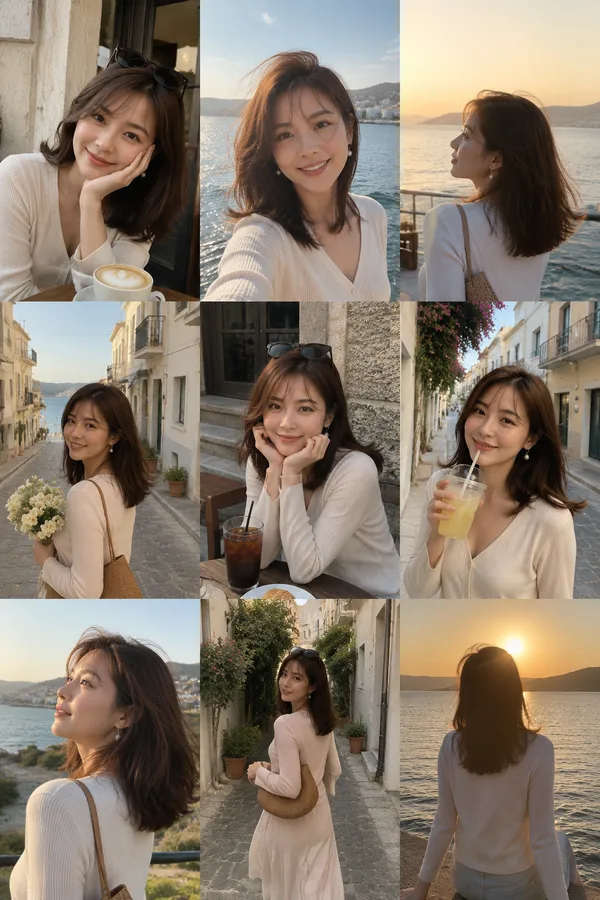
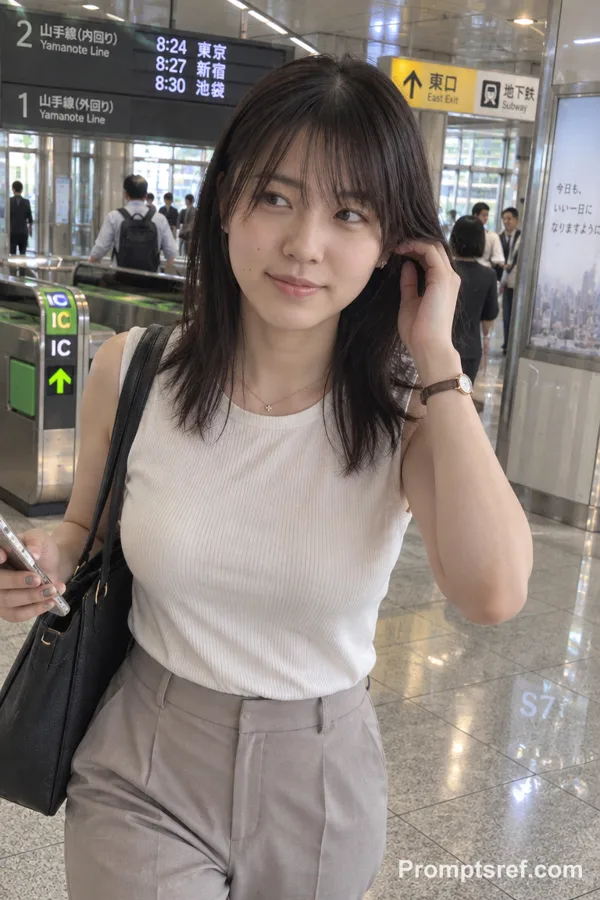
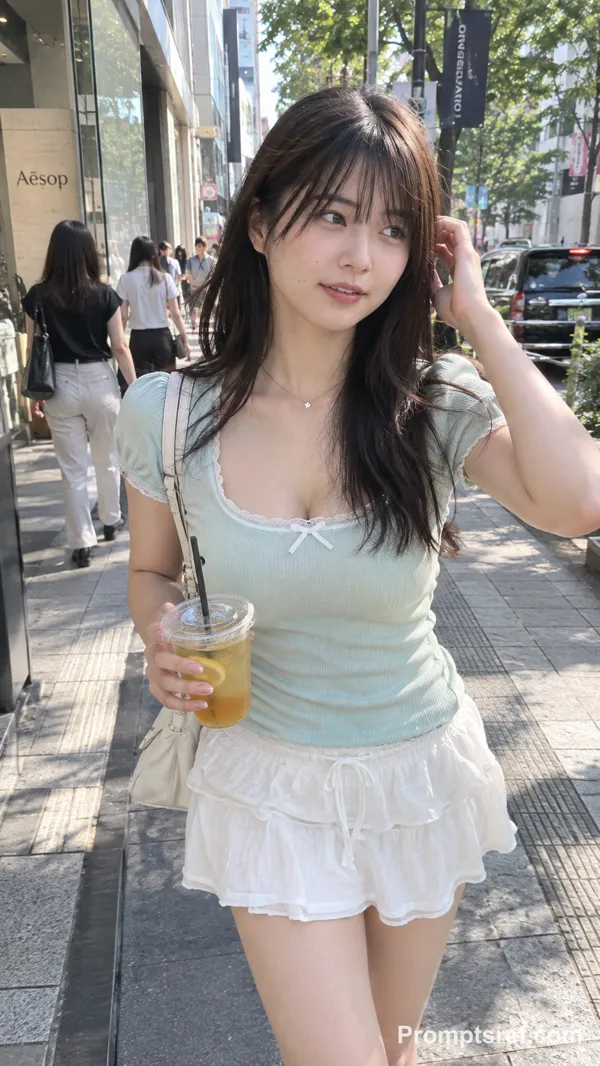
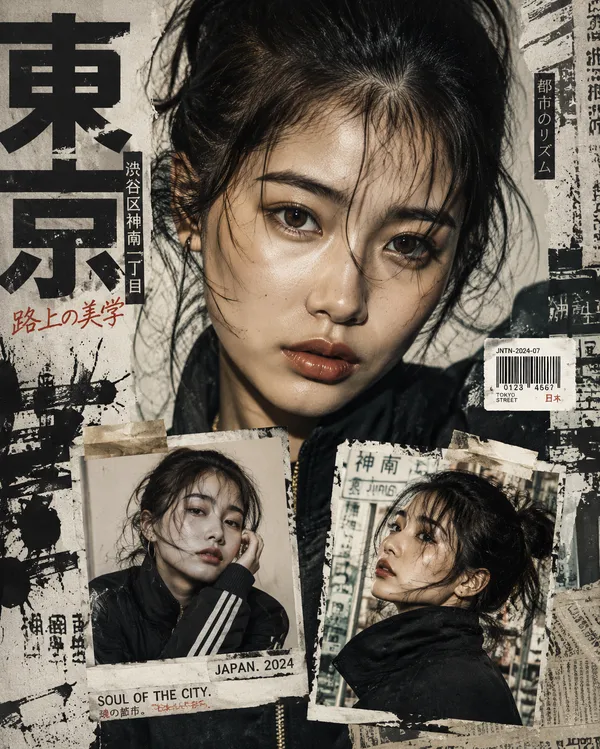
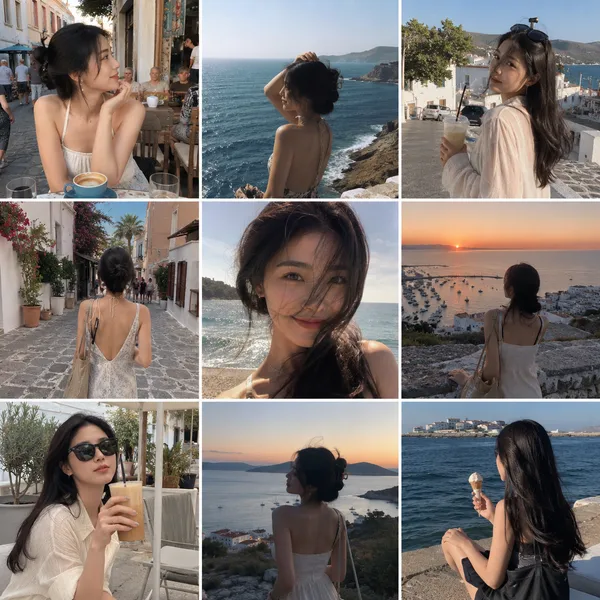
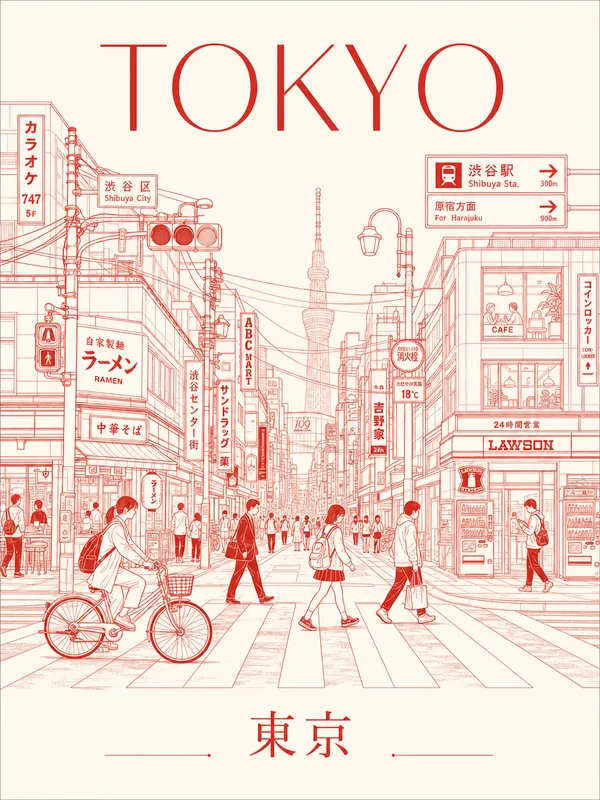
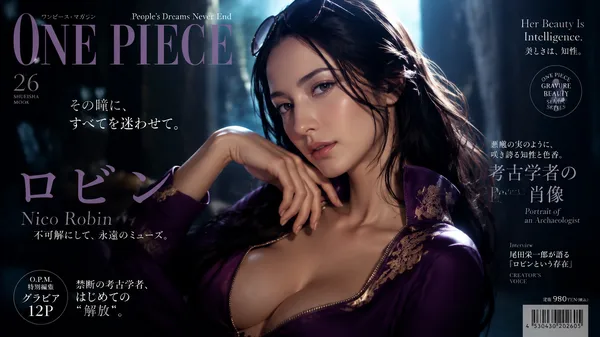
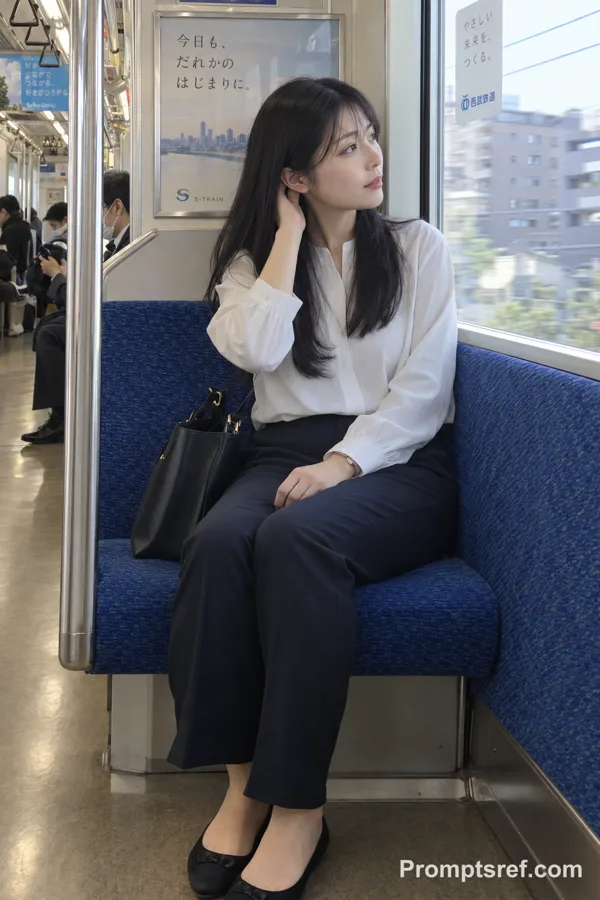
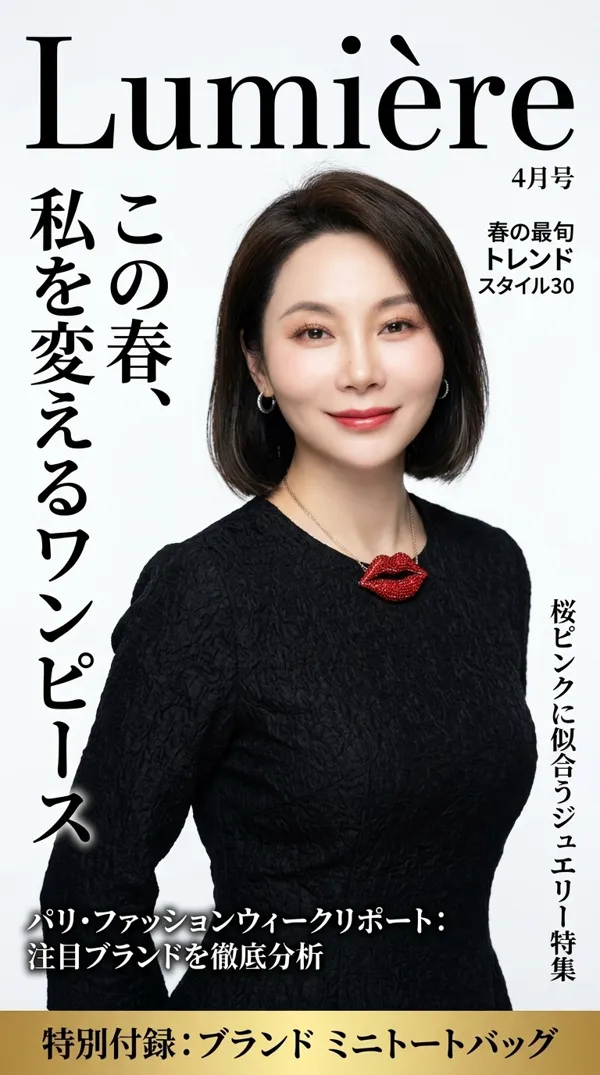
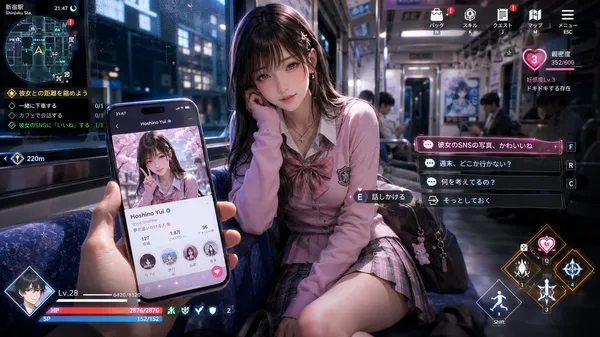
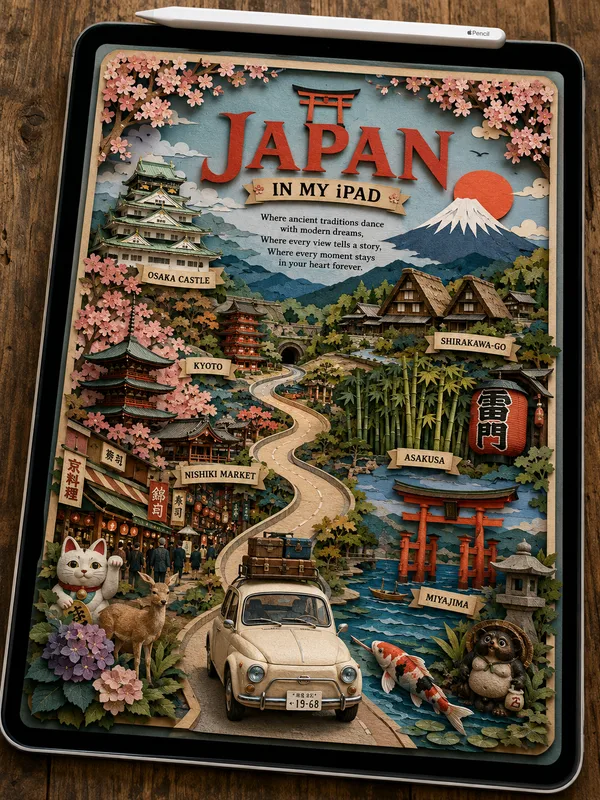
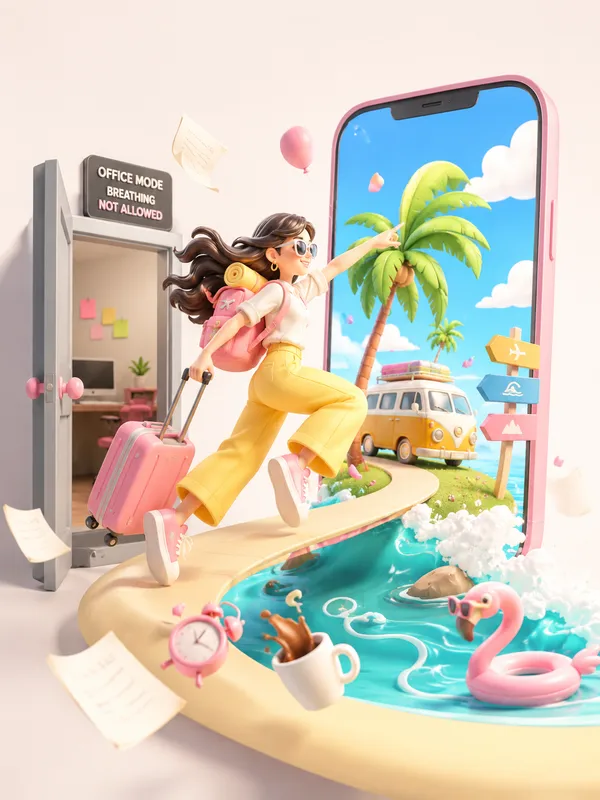
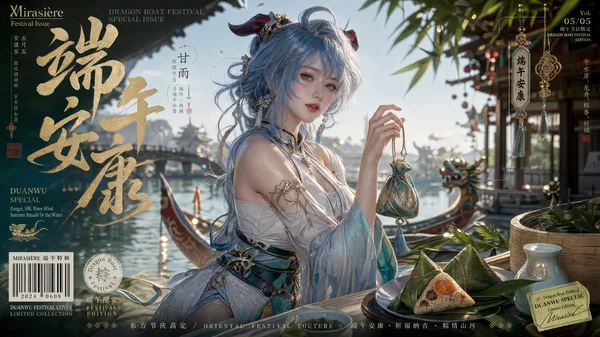
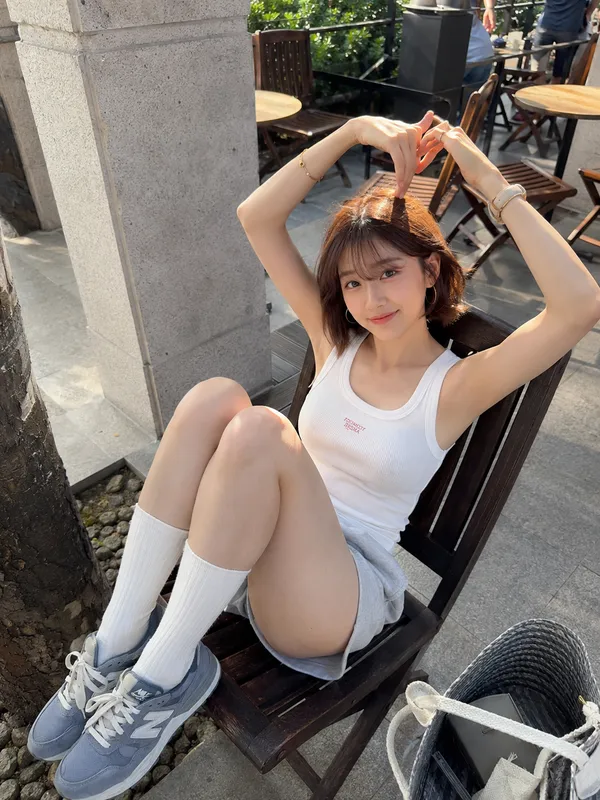
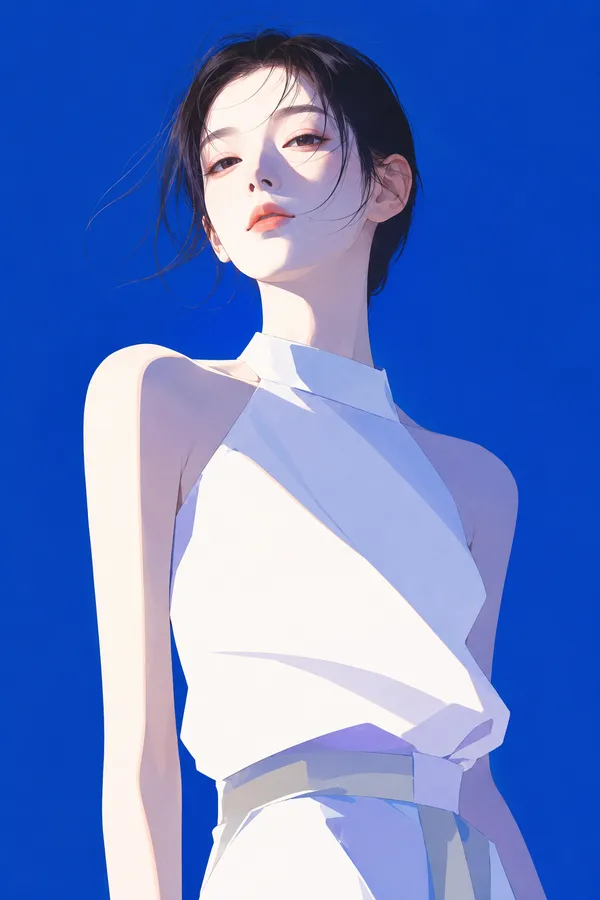
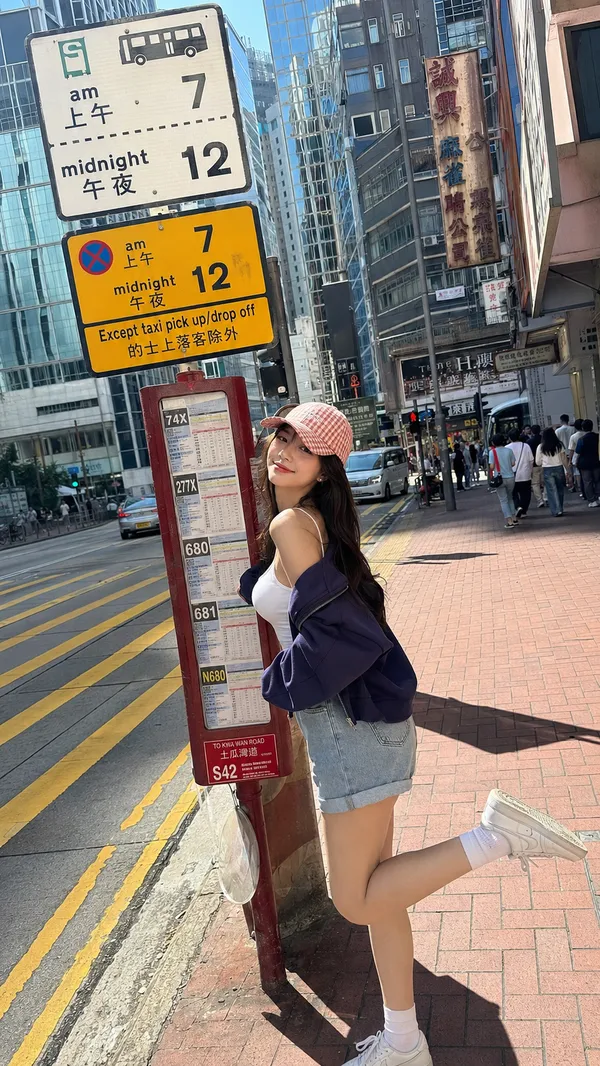
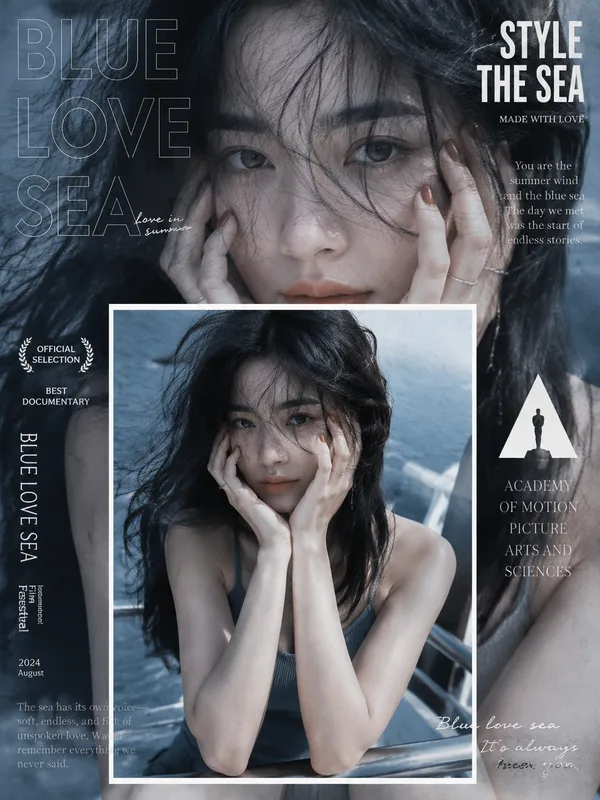
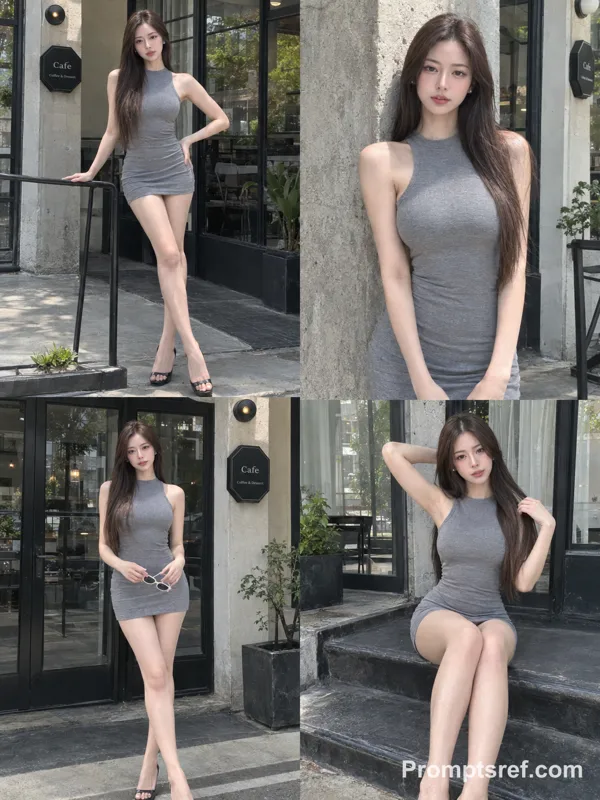
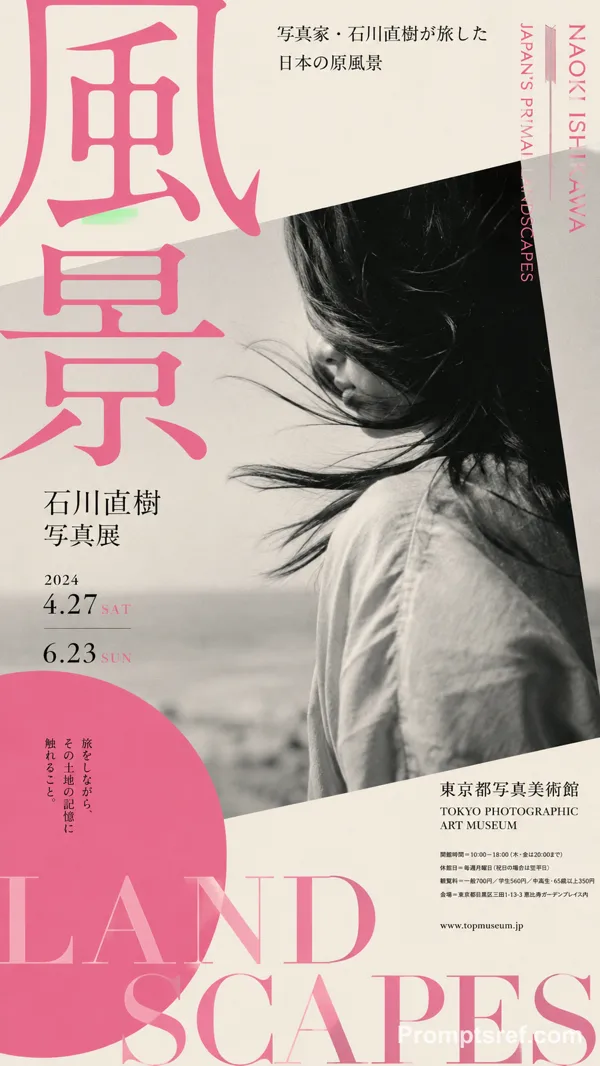
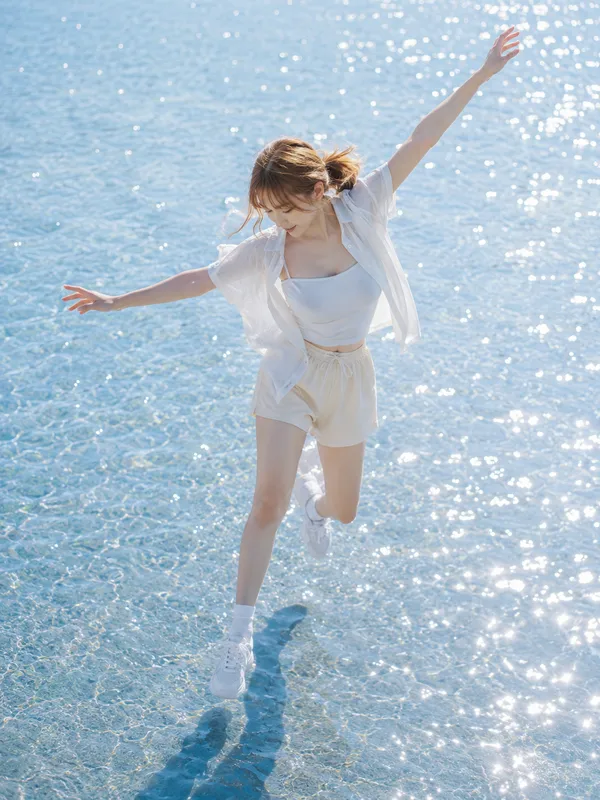
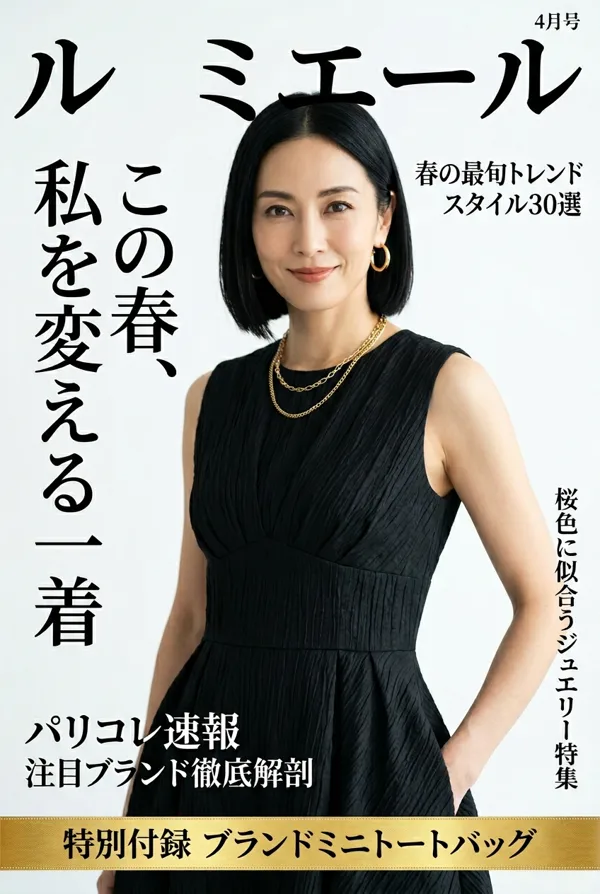
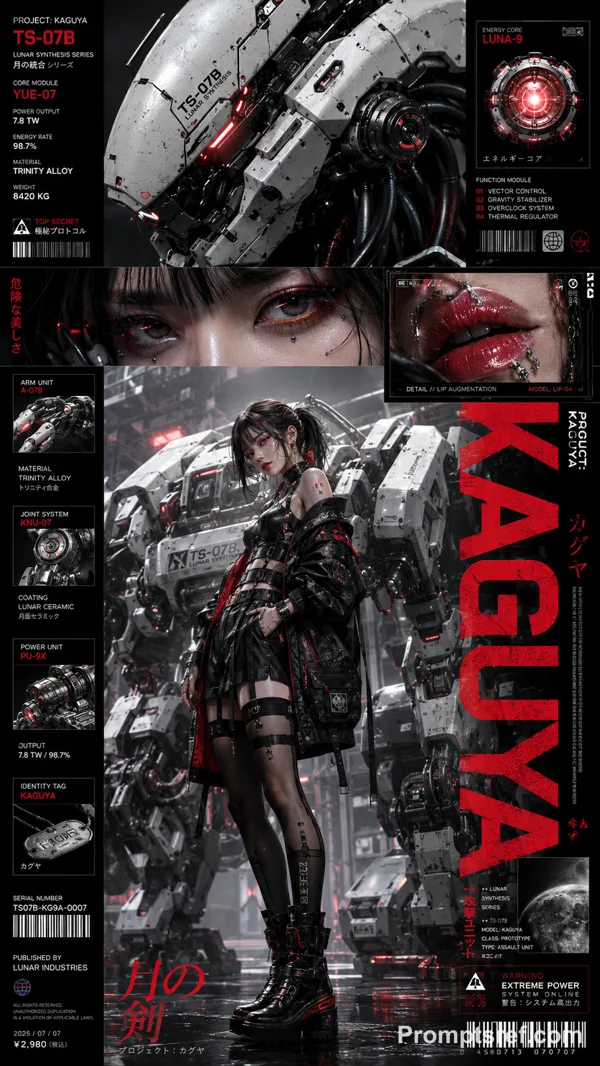
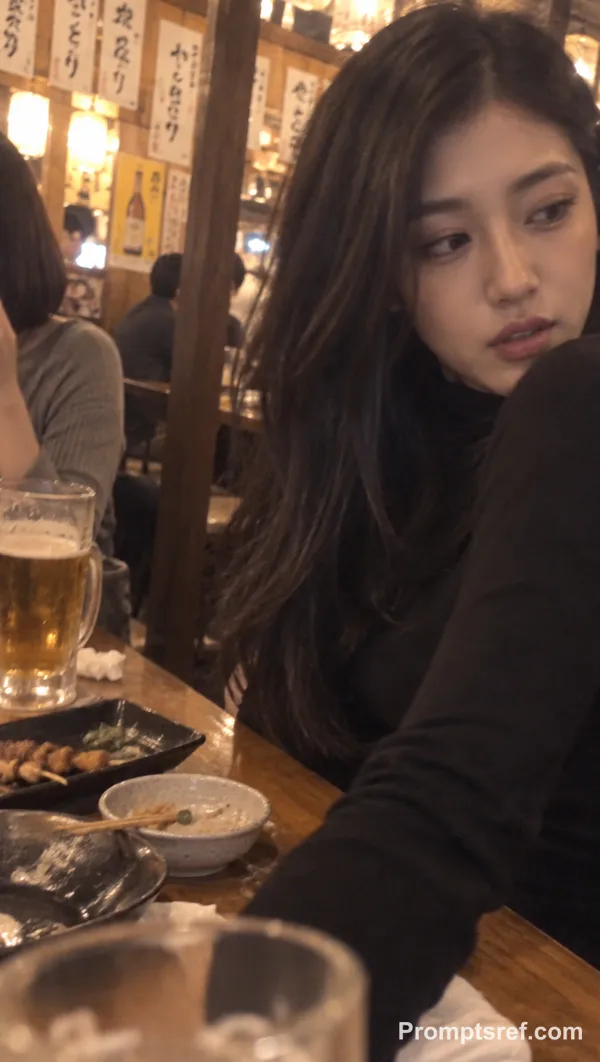
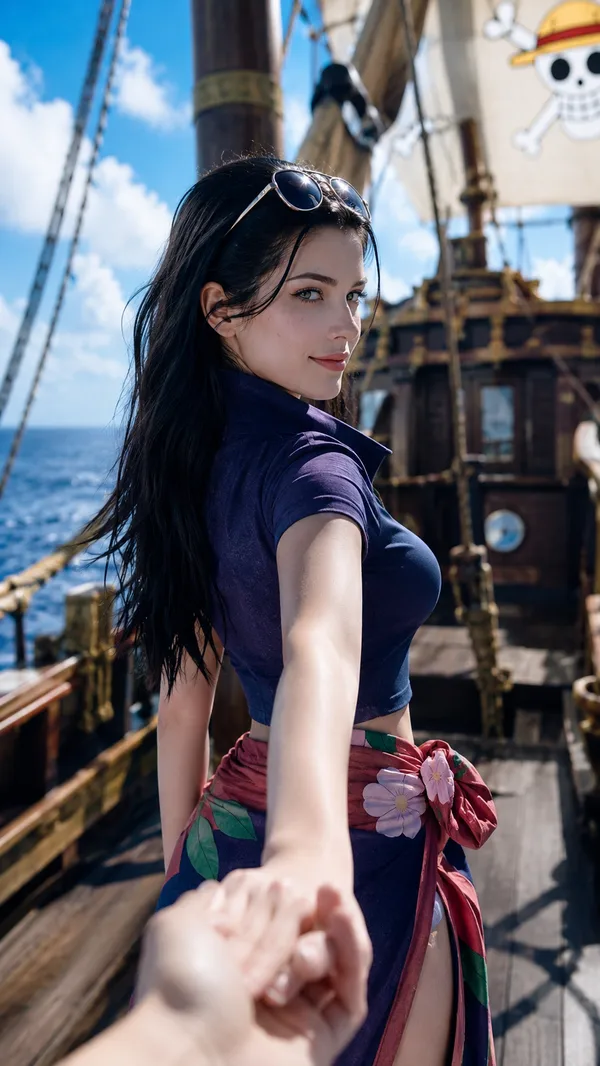
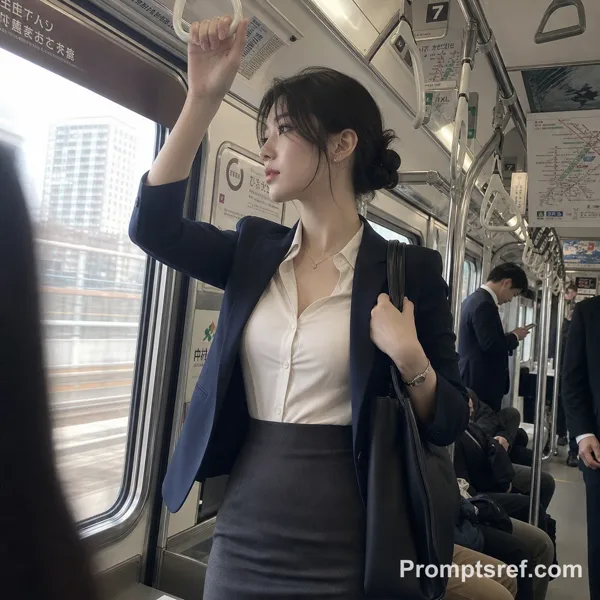
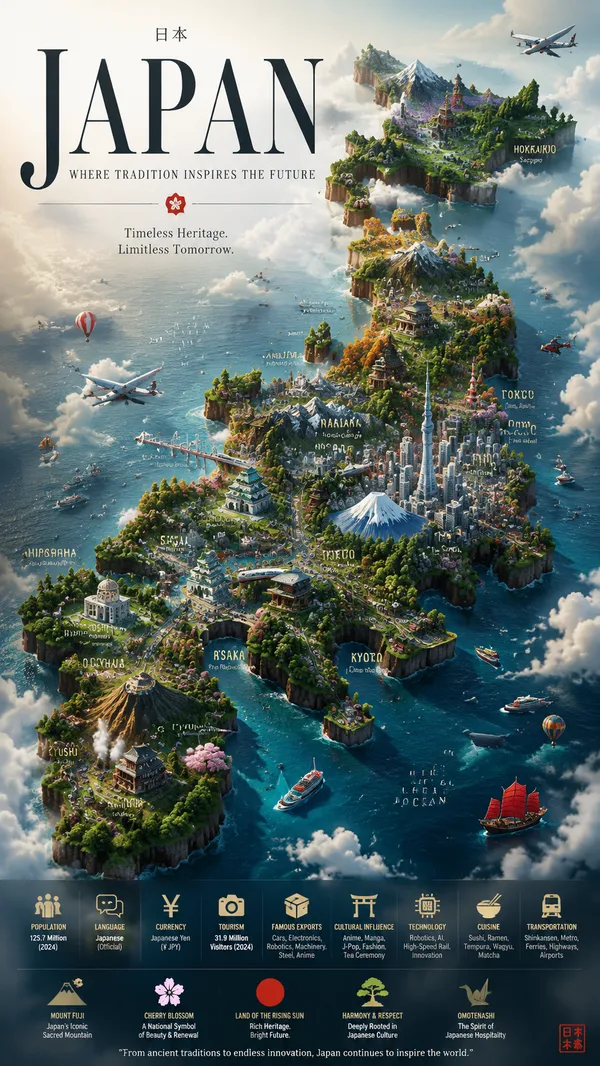
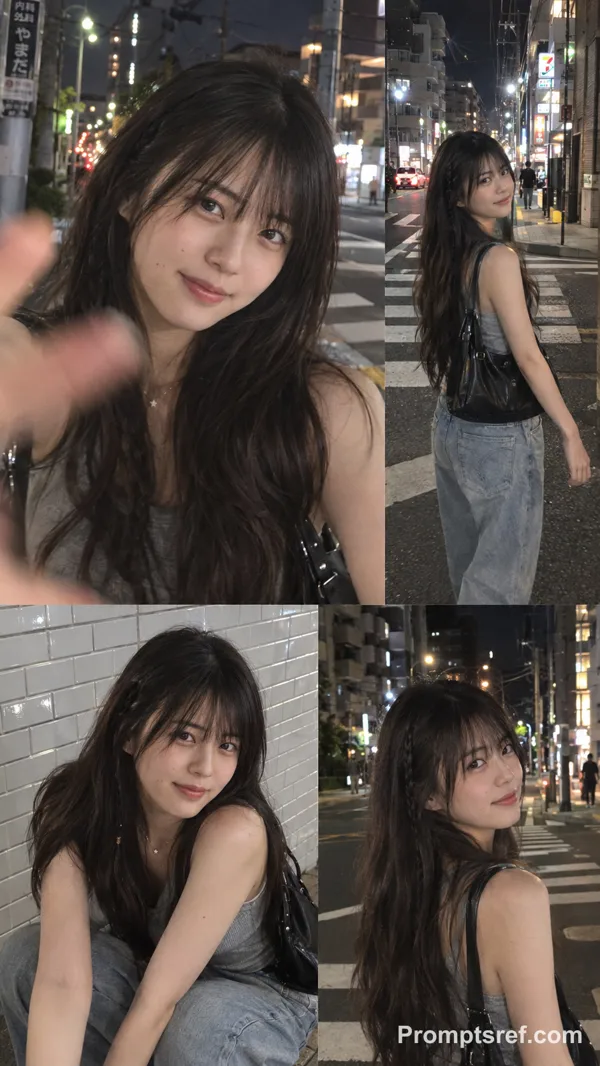
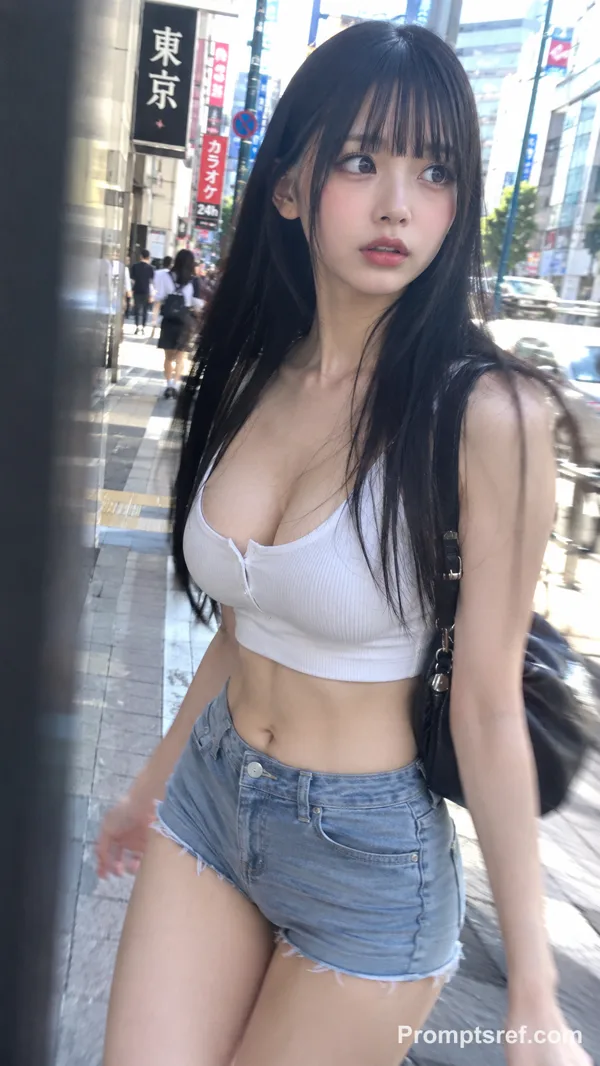
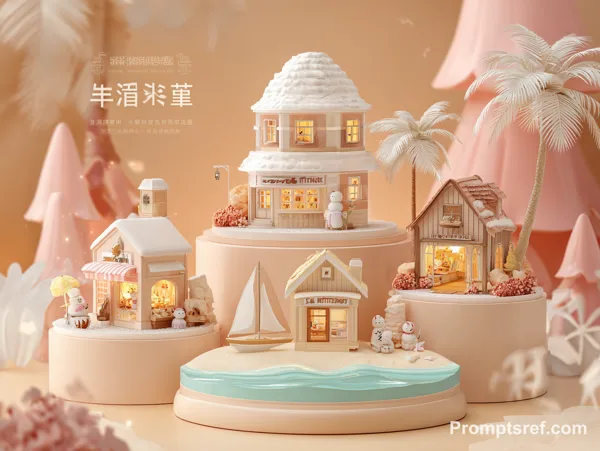
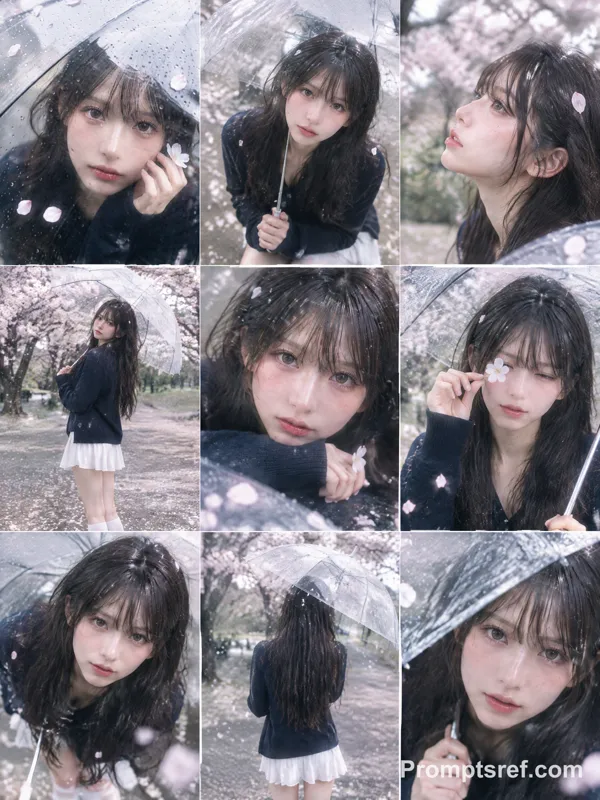
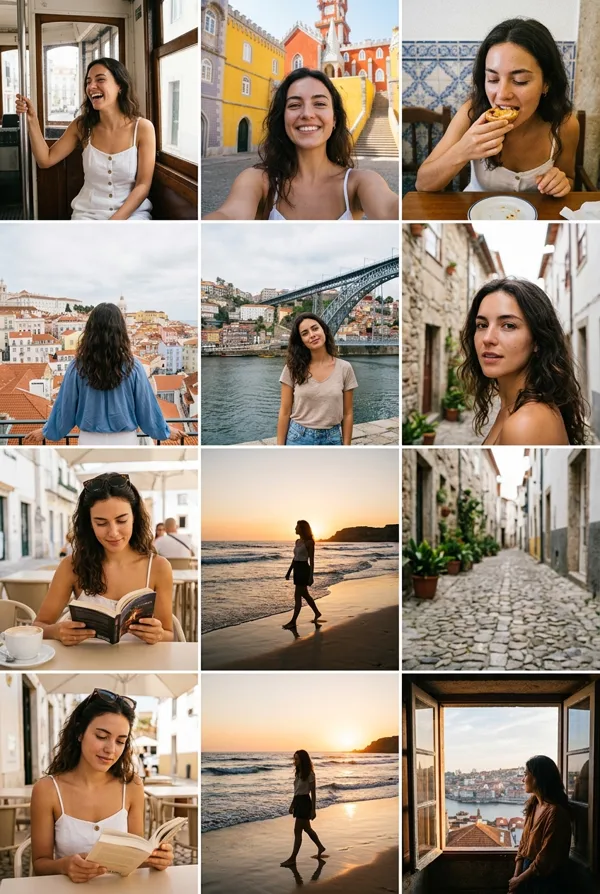
GPT Image 2.0 프롬프트 - 위치 기반 여성 여행 매거진 패키지

프롬프트
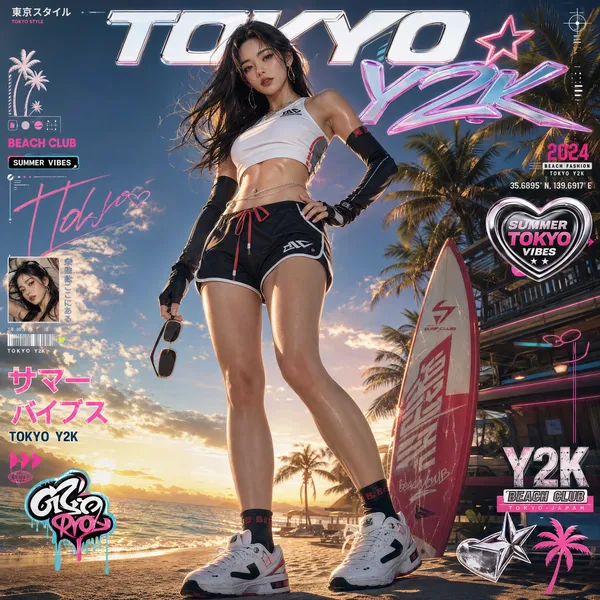
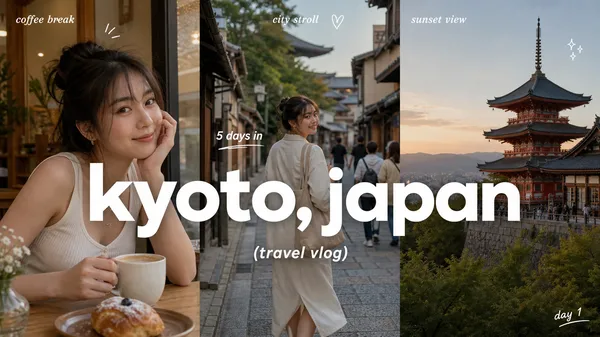
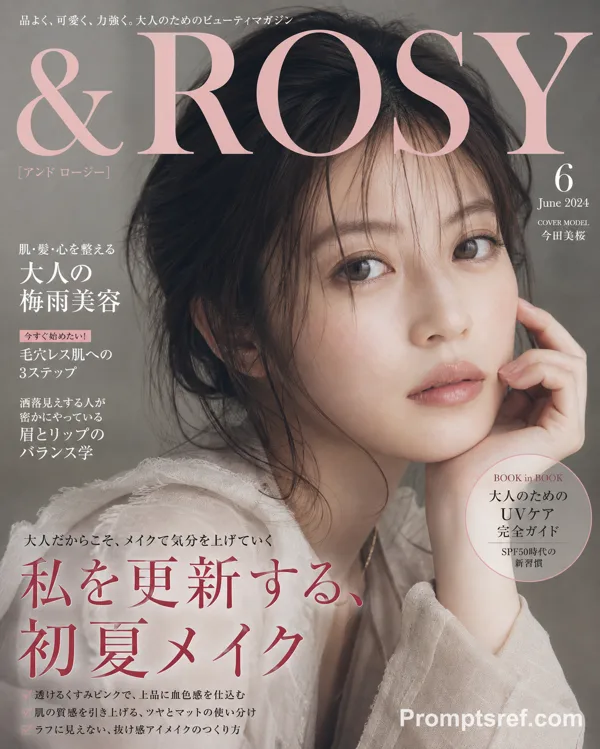
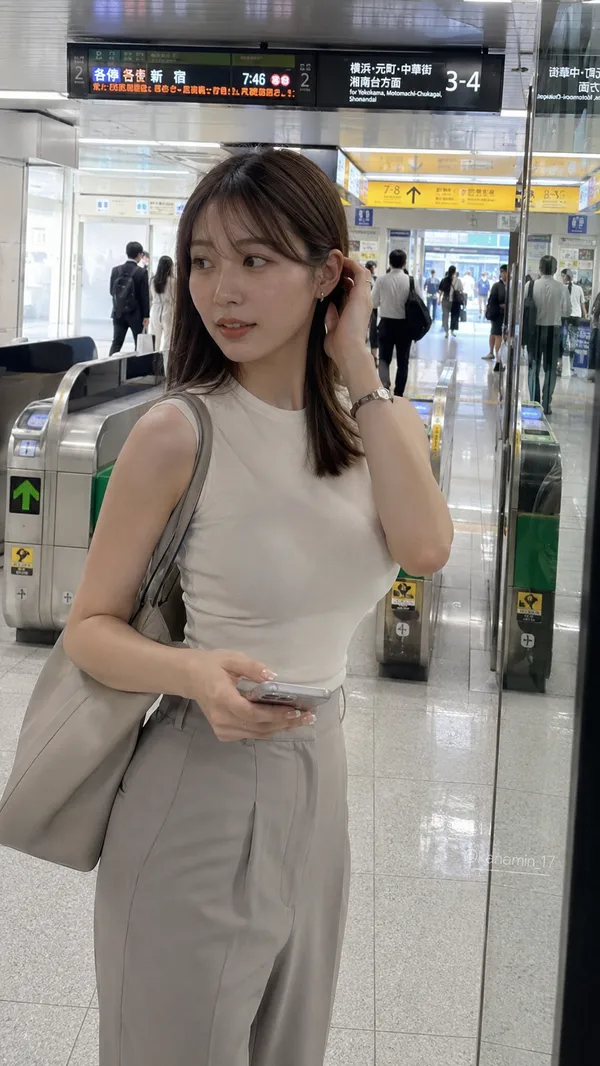
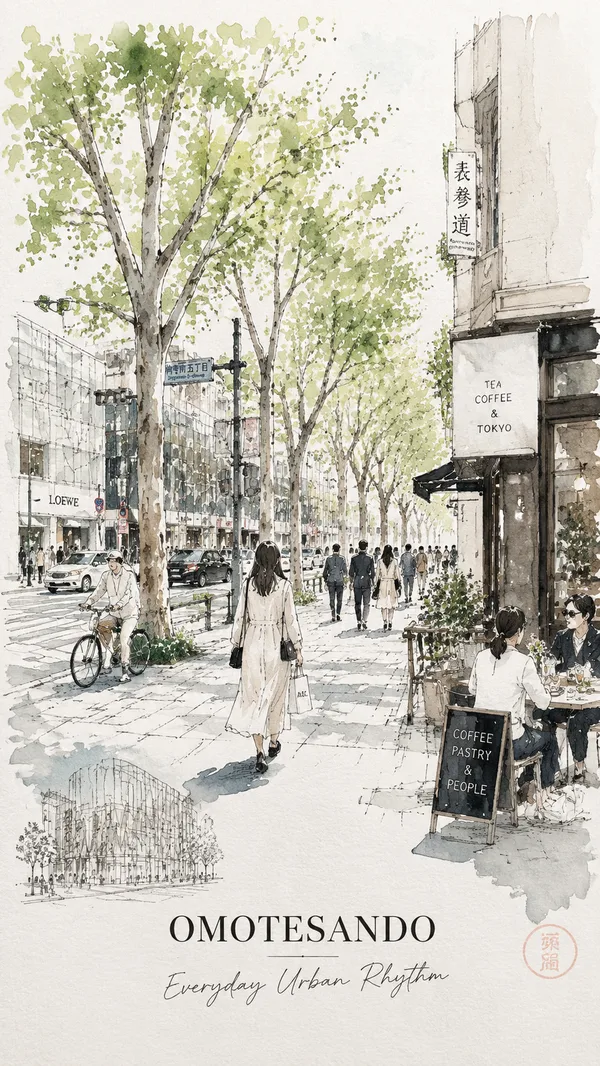
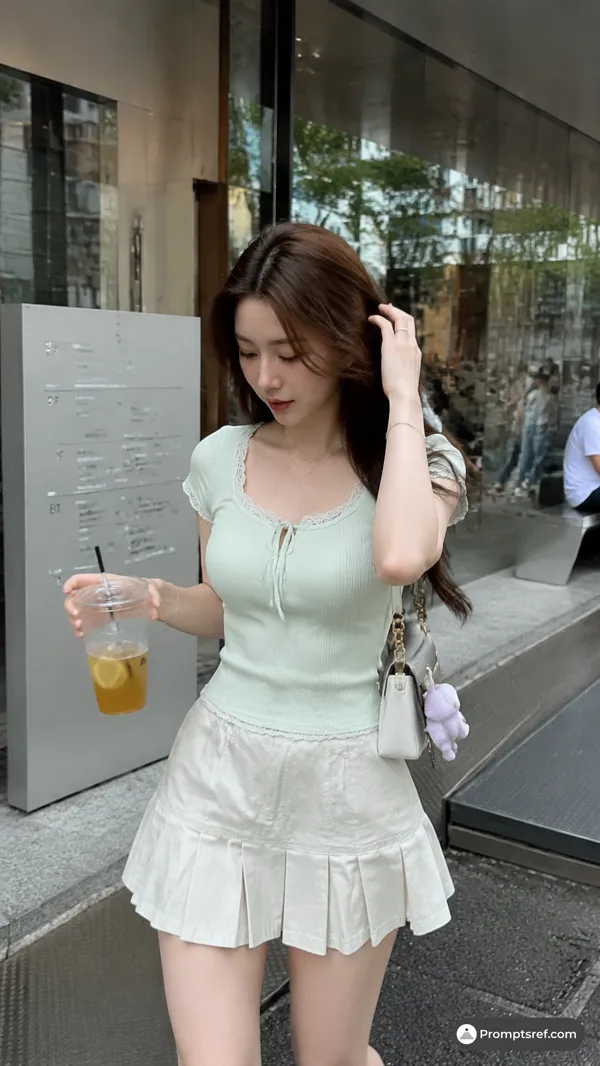
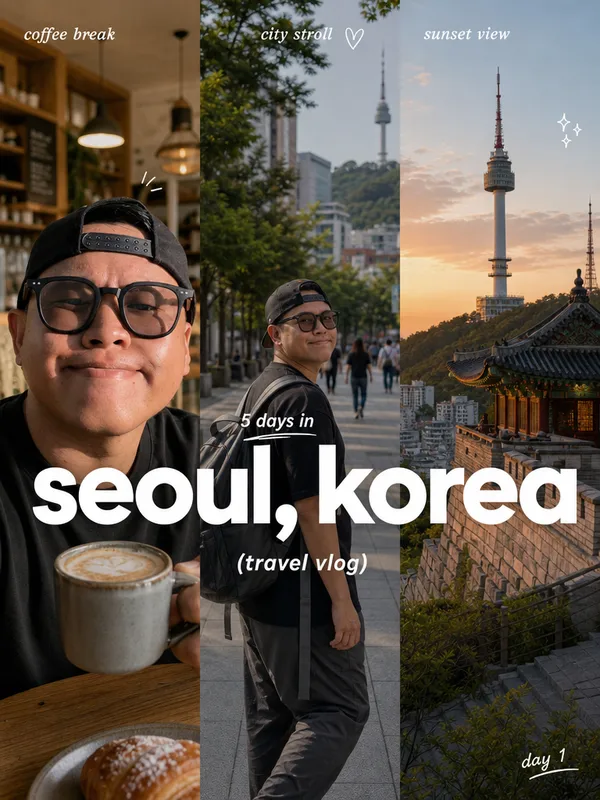
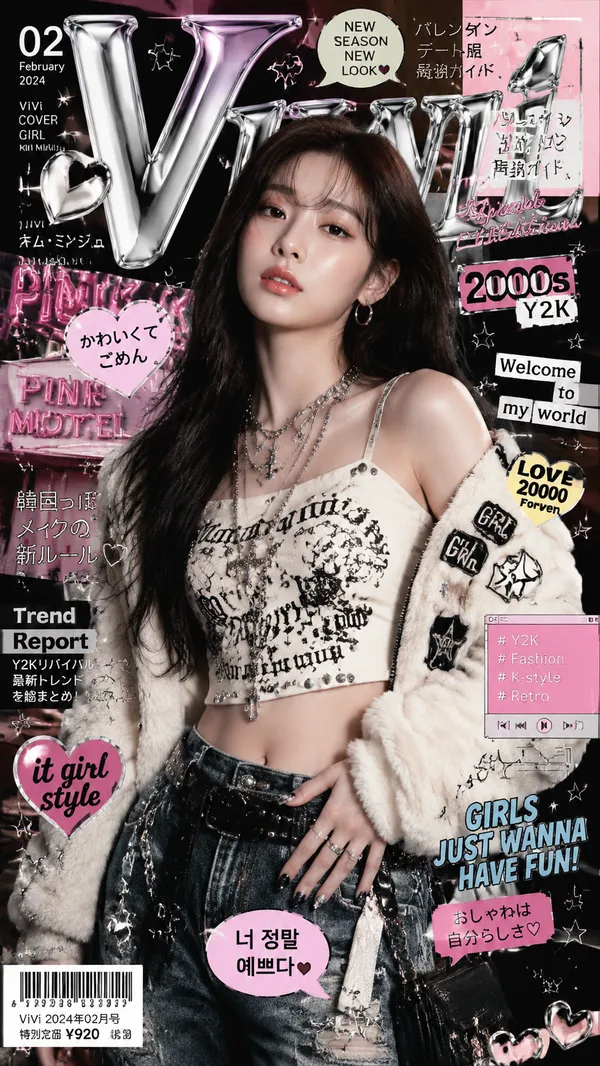
Please create a women's travel magazine (including the cover and a spread page) at latitude 35.31721720077321, longitude 139.5357227423284, as well as an LP page and a dedicated APP introducing the magazine. These contents should match the current time atmosphere and real-time weather of the location. Please integrate the specified character into it, making it look like she is traveling.
[Contents to be integrated]
・Main title/Slogan (Large and small headlines that attract readers' attention)
・Lead text (Introductory text that concisely conveys the theme or charm of the feature)
・Key visual (Large symbolic photo occupying the entire spread or a single page)
・Auxiliary photo group (Detailed shots such as close-ups of food, spatial atmosphere, product details)
・Highlights/Points of interest (Summarizing the biggest selling points of the location or thing into about 3 topics)
・Basic information data (Specifications such as address, business hours, regular holidays, fees, transportation, contact information)
・Surrounding map/Map (Location map showing the positional relationship between the destination and the nearest station or landmark)
・Trivia/Tips (Small columns such as useful information or historical background)
・Reviews/Word-of-mouth (Recommended comments from visitors, professionals, and editors)
・Layout composition (Focus on visual guidance using the Z-pattern or F-pattern and the use of white space)
・Typography/Fonts (Differentiated use of decorative fonts for titles and highly readable fonts for body text)
・Color scheme/Color palette (Unification of base colors and accent colors matching the theme)
・Decoration/Embellishment (Visual emphasis elements such as speech bubbles, icons, postmark-style badges)
[NG]
・Do not change the fashion style of the reference character.
・Do not directly use the expressions or poses of the reference character, but adjust them.
・Do not use the same poses or angles in the magazine, APP, and LP.
리믹스 작품
리믹스아직 리믹스가 없어요. 첫 번째 버전을 만들어 보세요.
이 이미지 프롬프트 사용하기
- 01
프롬프트로 시작하기
프롬프트를 복사하거나 생성 버튼으로 여세요.
- 02
나만의 아이디어 더하기
주제, 배경, 세부 사항을 조정하고 필요하면 참고 자료를 추가하세요.
- 03
생성 전 확인하기
모델과 출력 설정을 확인하세요. 생성 결과는 매번 다를 수 있습니다.