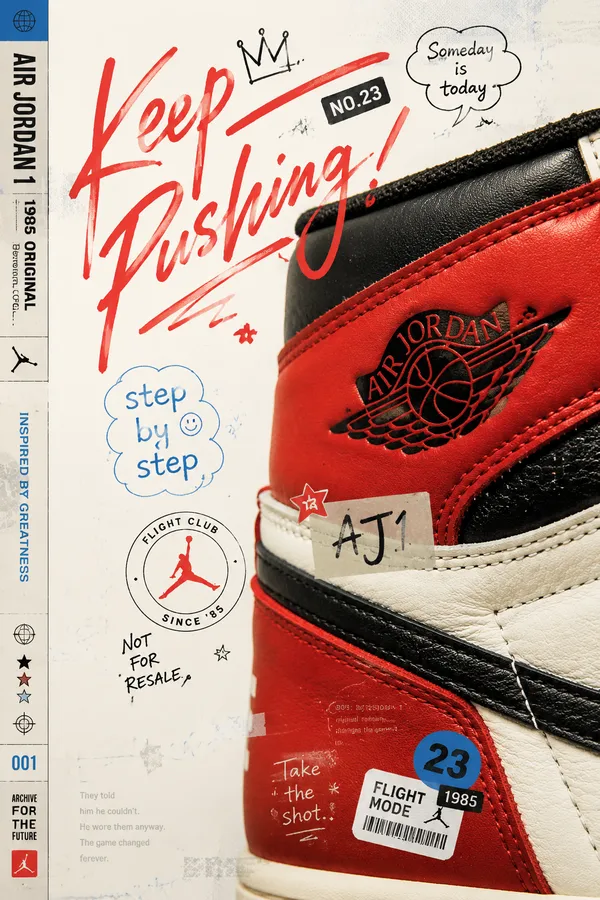
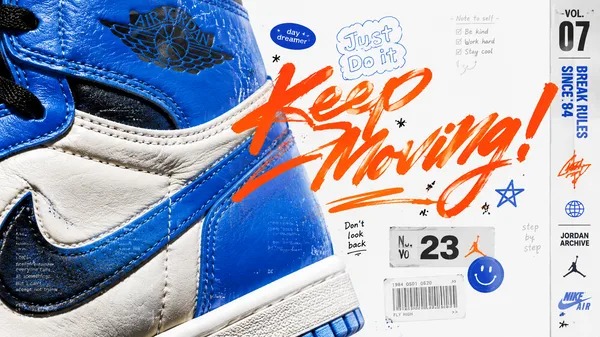
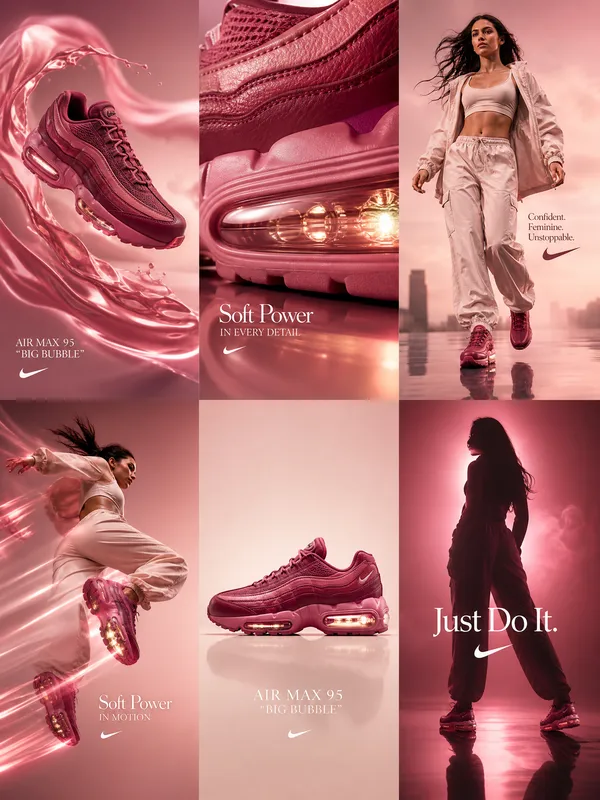
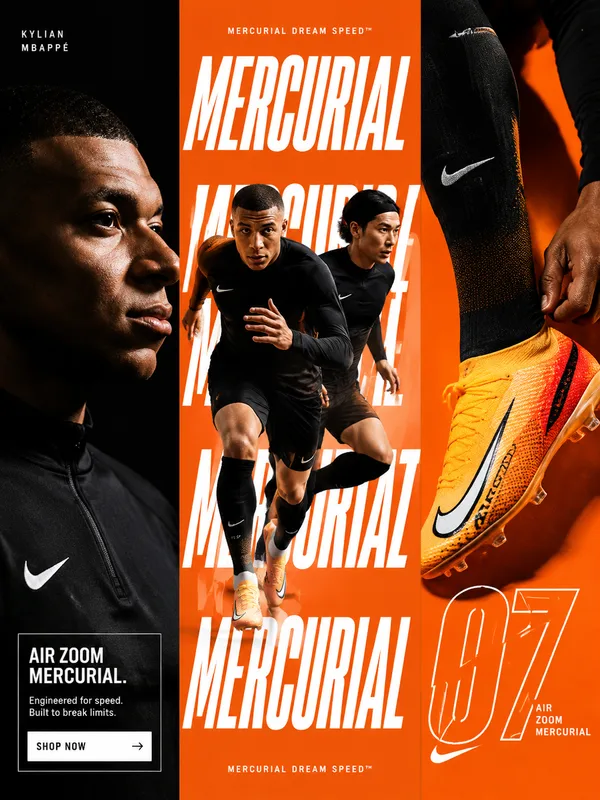
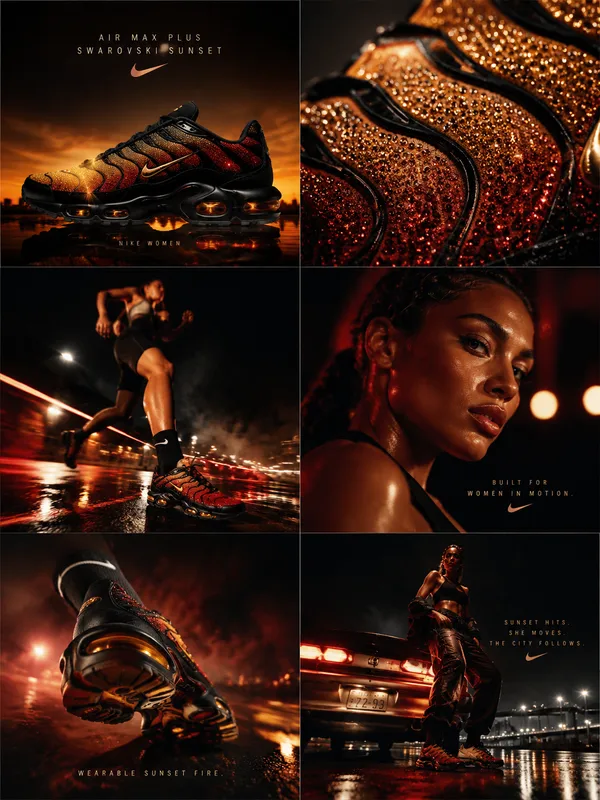
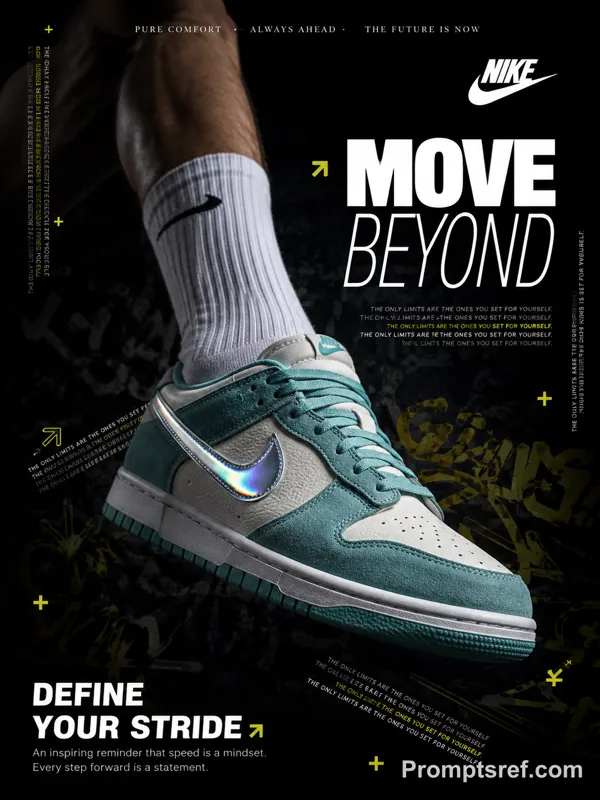
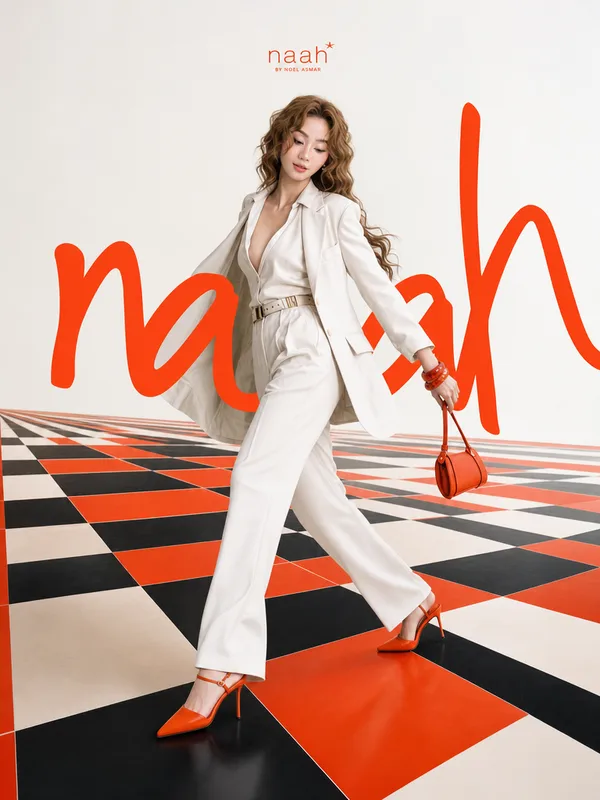
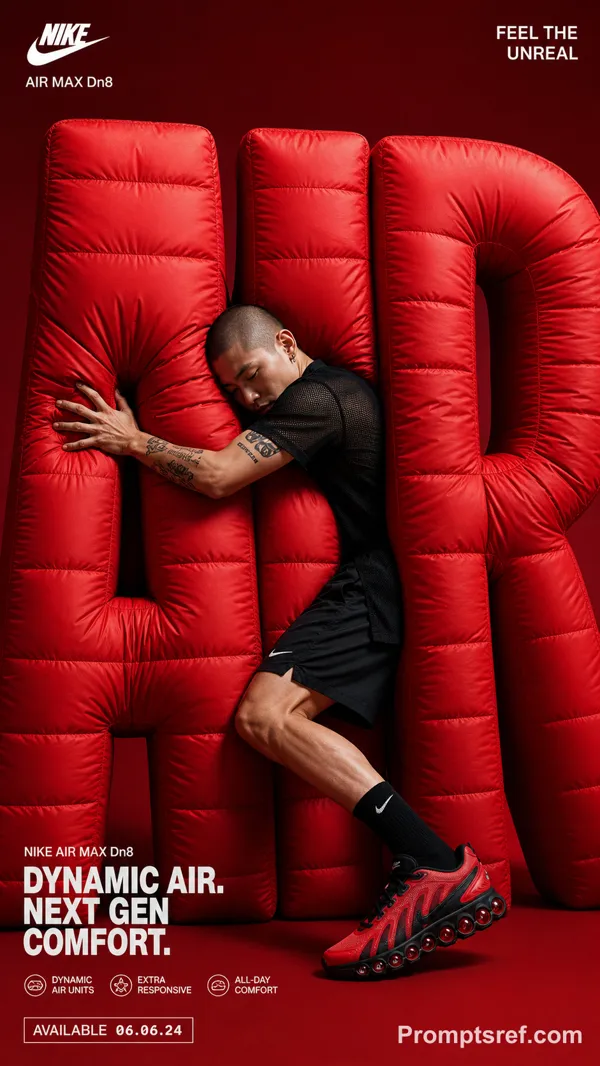
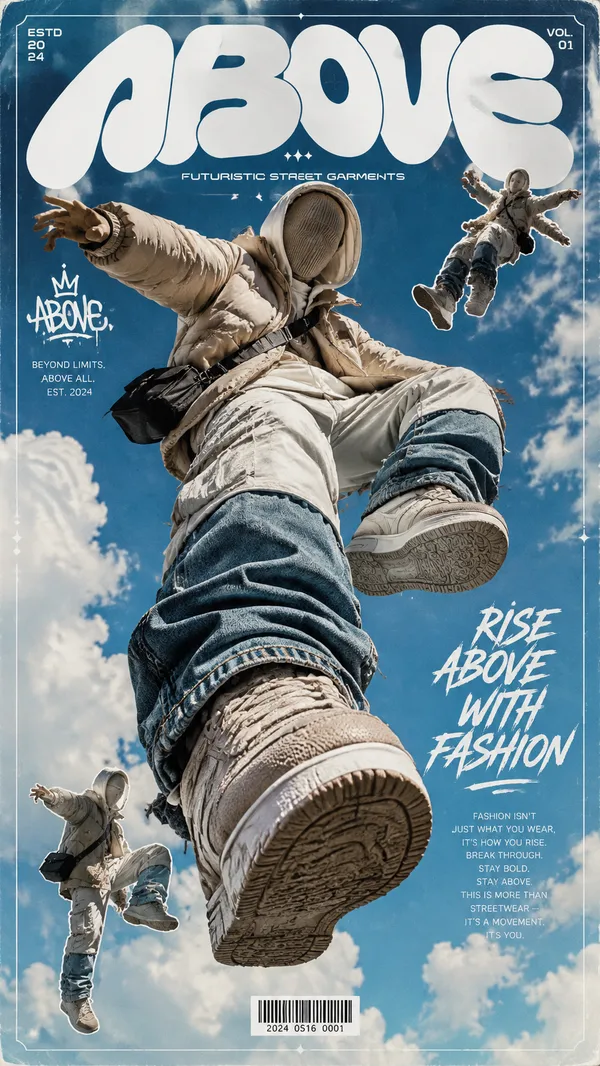
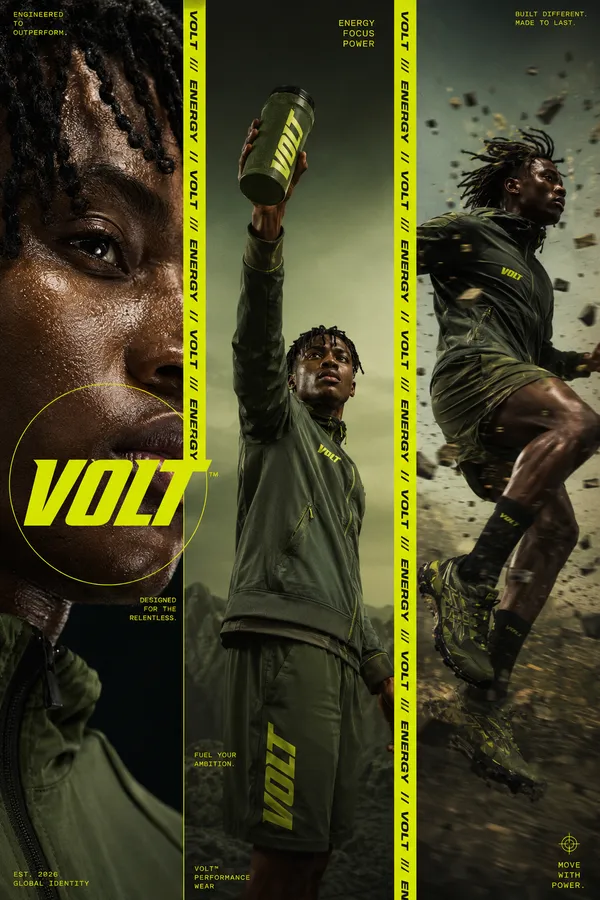
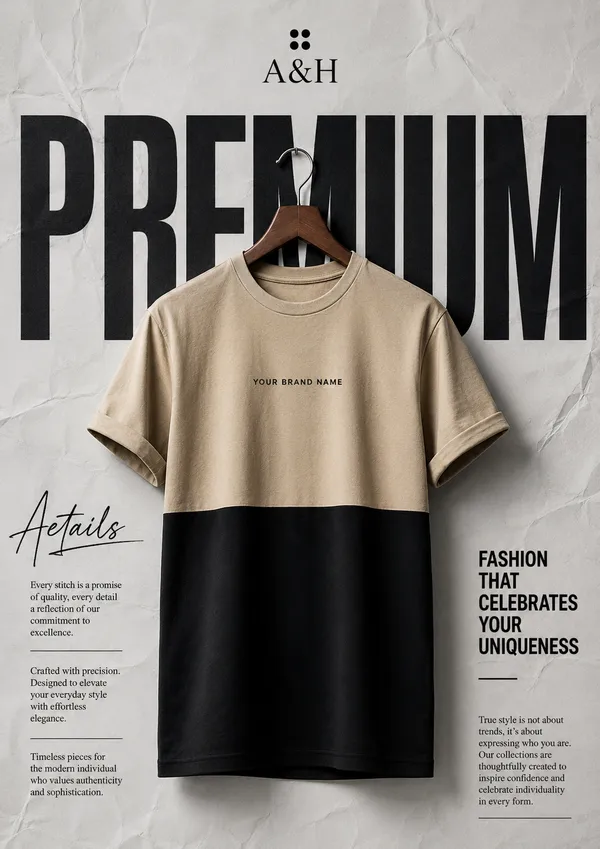
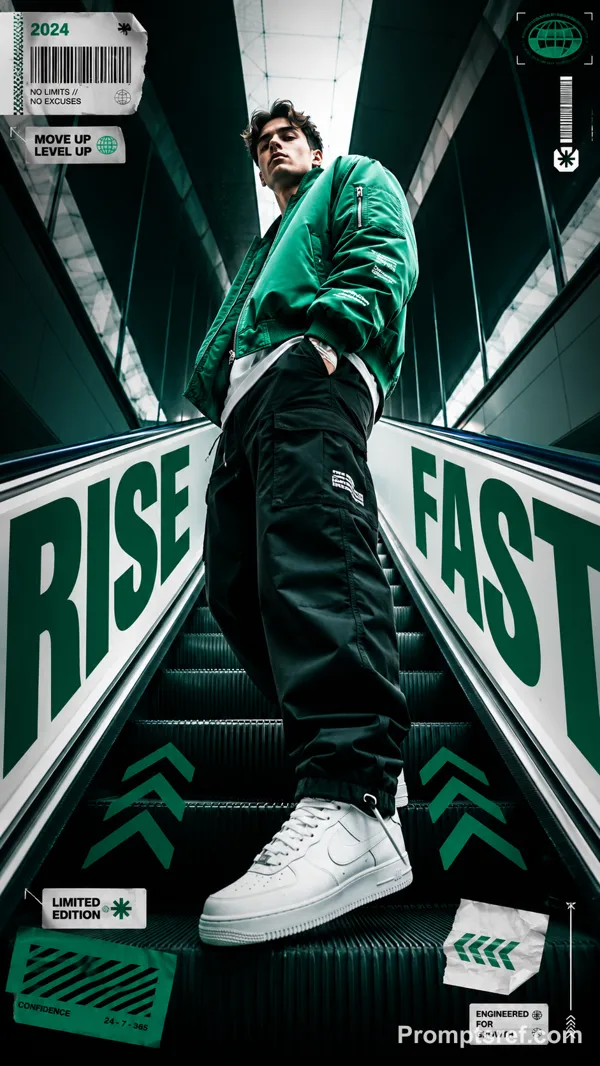
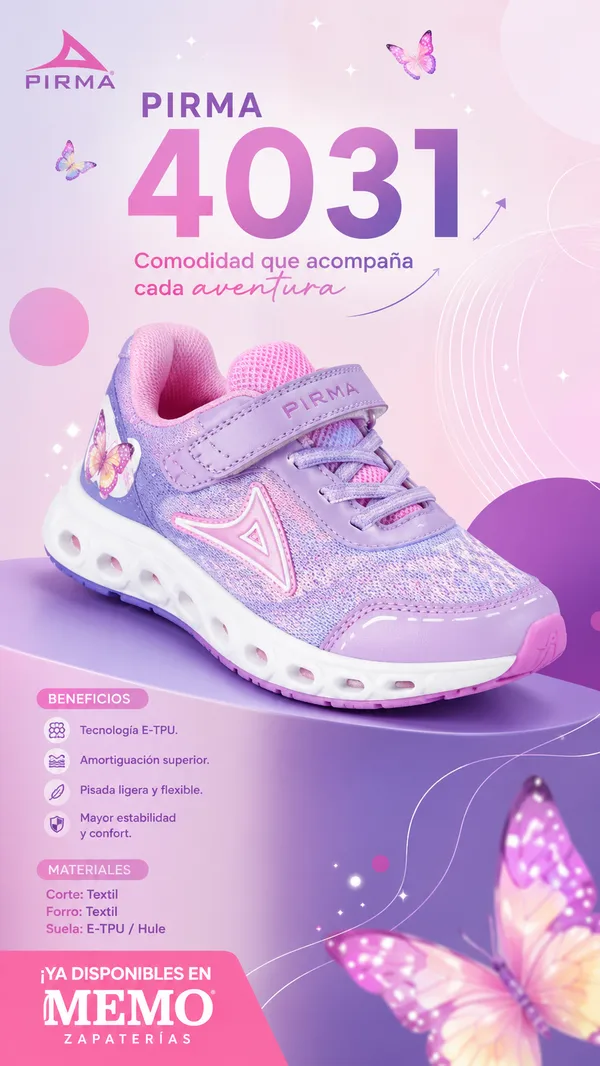
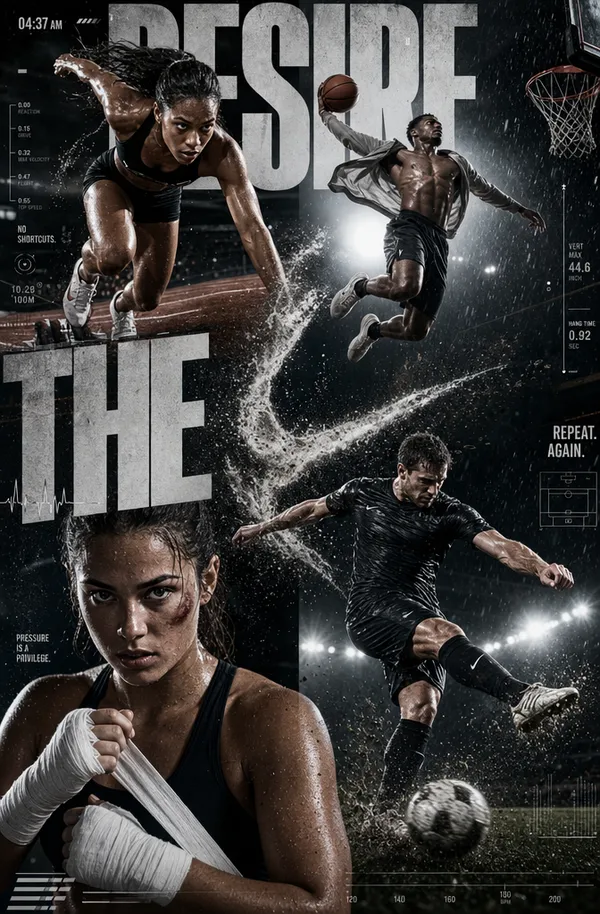
GPT Image 2.0 프롬프트 - 겹겹의 제품 패널 에디토리얼 포스터

- 화면 비율
- auto
- 화질
- 1K
프롬프트
Theme: {theme}
Brand: {brand}
Product: {product}
Core word: {keyword}
Panel content: {5–7 related visual chapters}
Colors: {palette}
Aspect ratio: 9:16
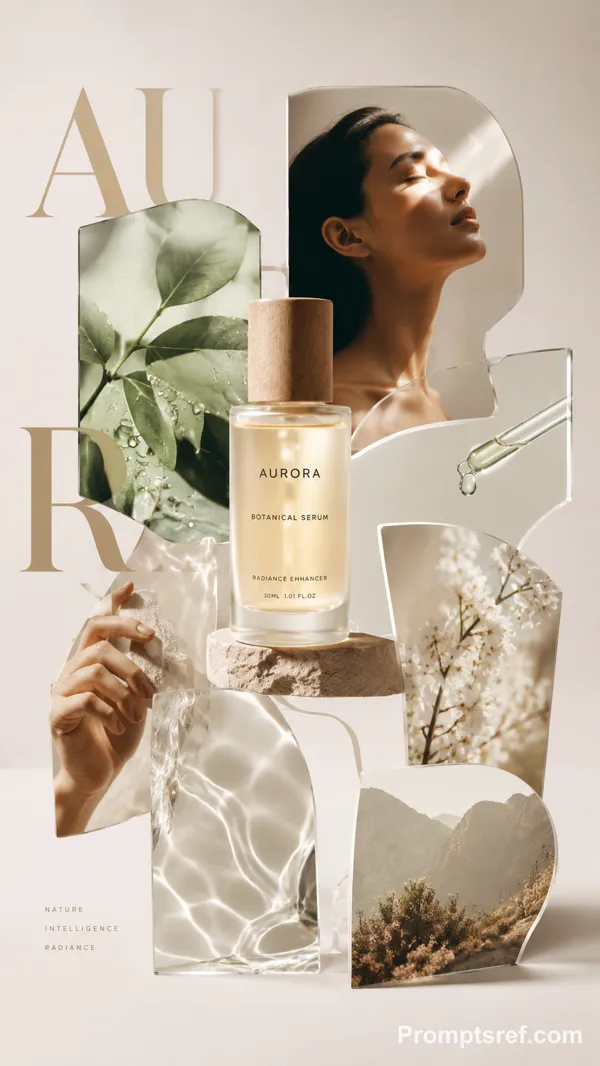
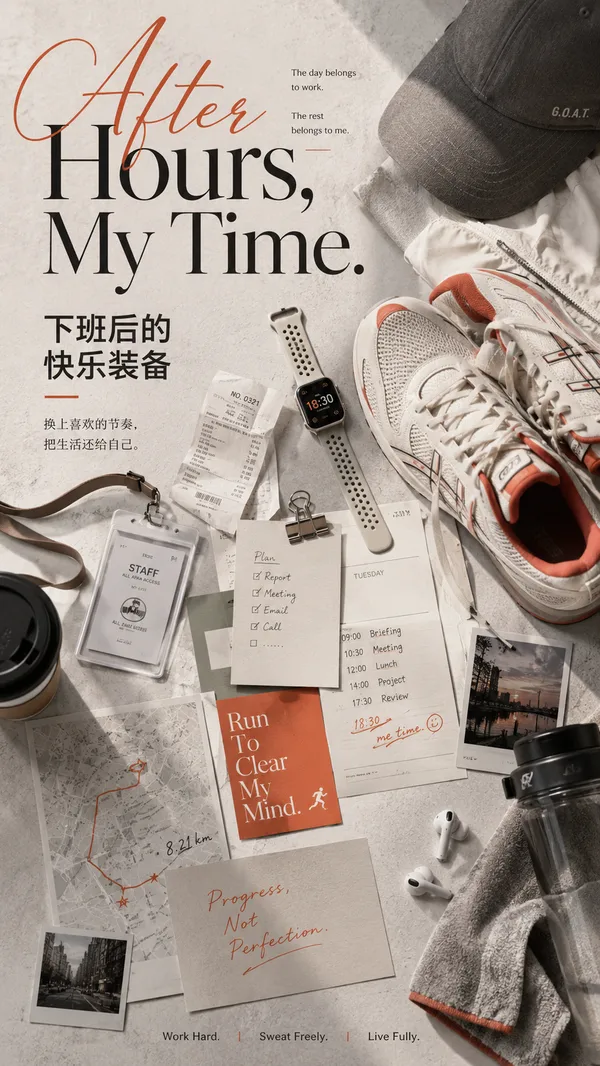
Create a premium spatial editorial poster using 5–7 freestanding visual panels with varied heights, widths, irregular silhouettes, and selected transparent materials.
Each panel should contain a meaningful part of the same theme: product, people, process, materials, environment, close-up details, or emotional imagery.
Arrange them with foreground, midground, and background depth, natural overlaps, realistic thickness, clean edges, and soft contact shadows.
Place one clear hero subject near the center. Integrate oversized {CORE WORD} typography behind and between the panels so it becomes part of the composition.
Use a clean light background, generous negative space, cohesive colors, realistic photography, and minimal editorial text.
Premium editorial design × spatial graphic design × product photography.
Avoid identical rectangular boards, rigid grids, miniature scenes, excessive props, clutter, random imagery, and cheap 3D mockup aesthetics.
리믹스 작품
리믹스아직 리믹스가 없어요. 첫 번째 버전을 만들어 보세요.
이 이미지 프롬프트 사용하기
- 01
프롬프트로 시작하기
프롬프트를 복사하거나 생성 버튼으로 여세요.
- 02
나만의 아이디어 더하기
주제, 배경, 세부 사항을 조정하고 필요하면 참고 자료를 추가하세요.
- 03
생성 전 확인하기
모델과 출력 설정을 확인하세요. 생성 결과는 매번 다를 수 있습니다.