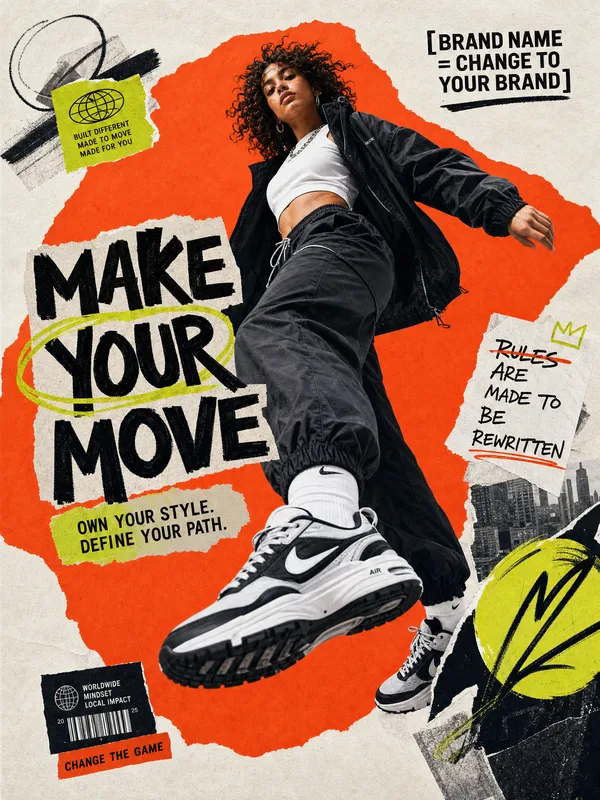
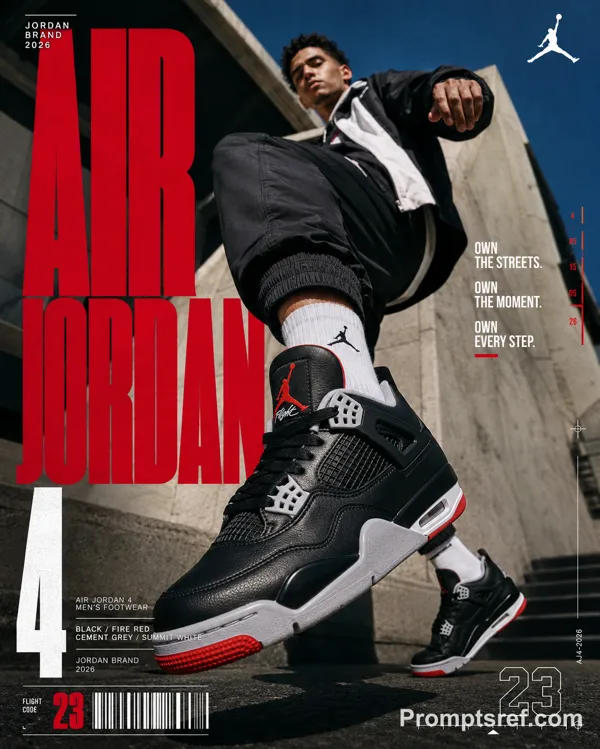
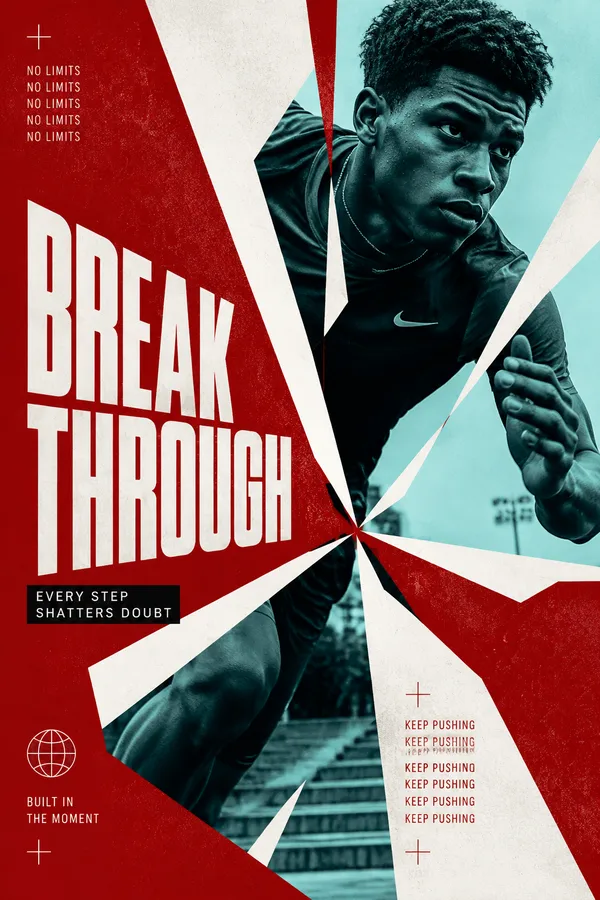
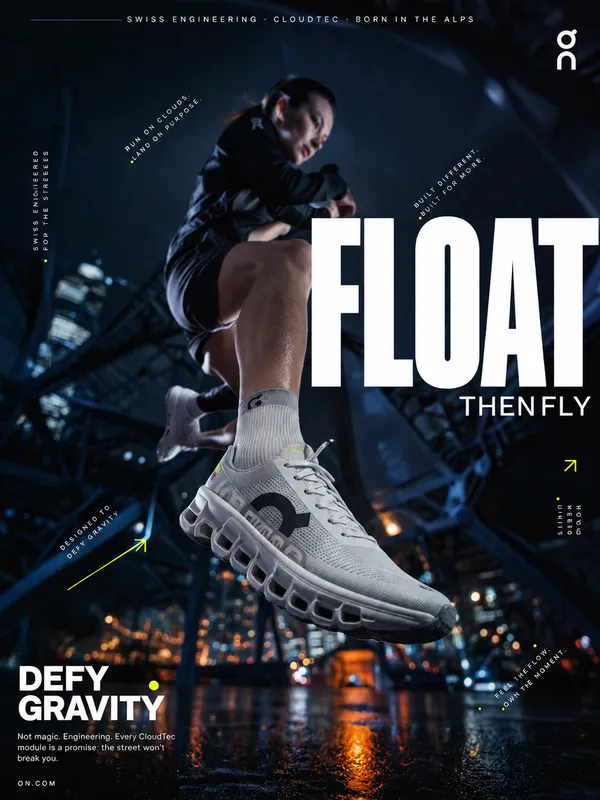
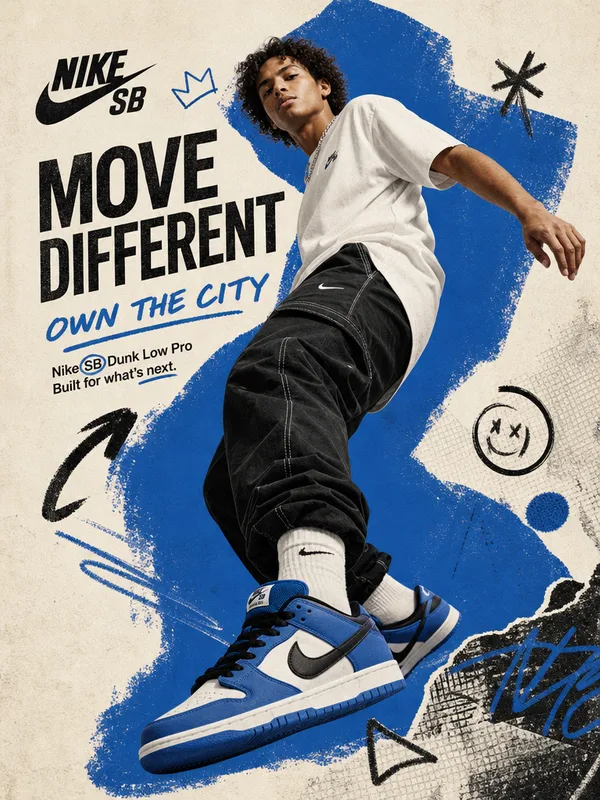
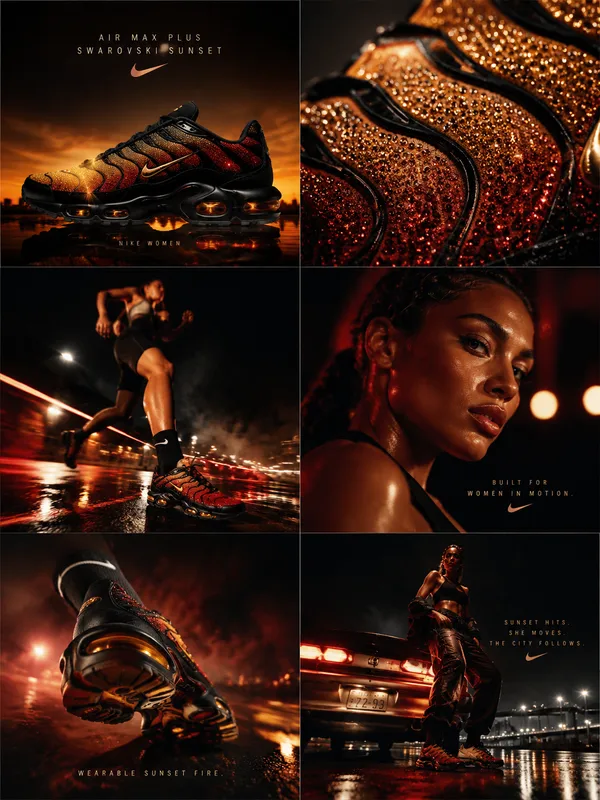
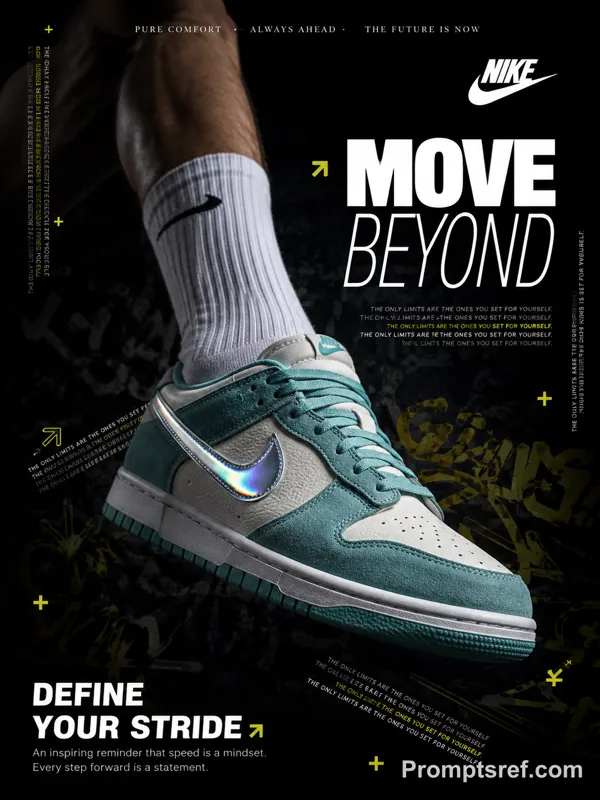
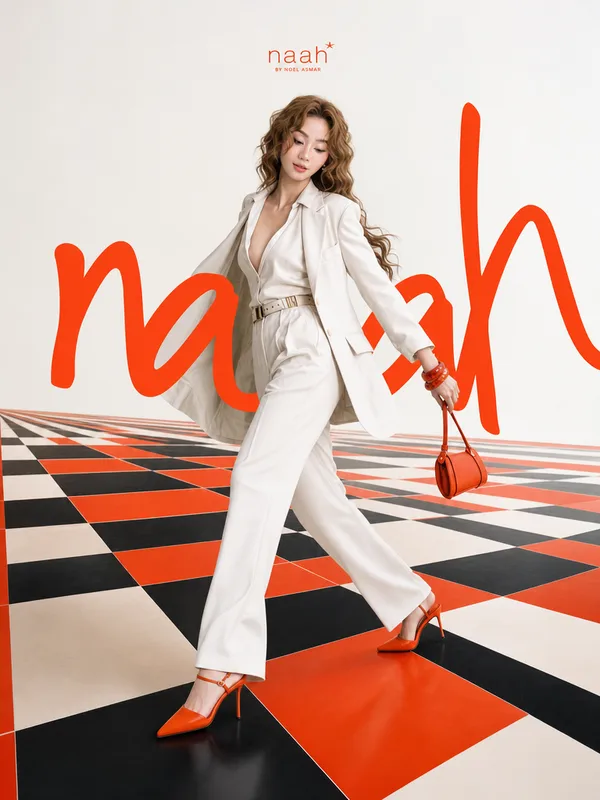
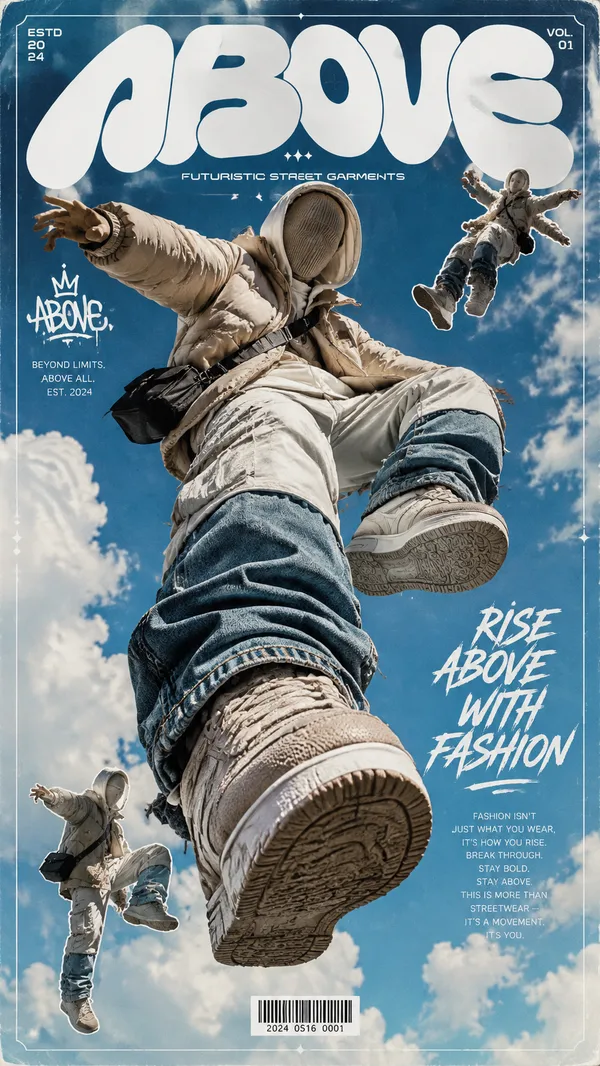
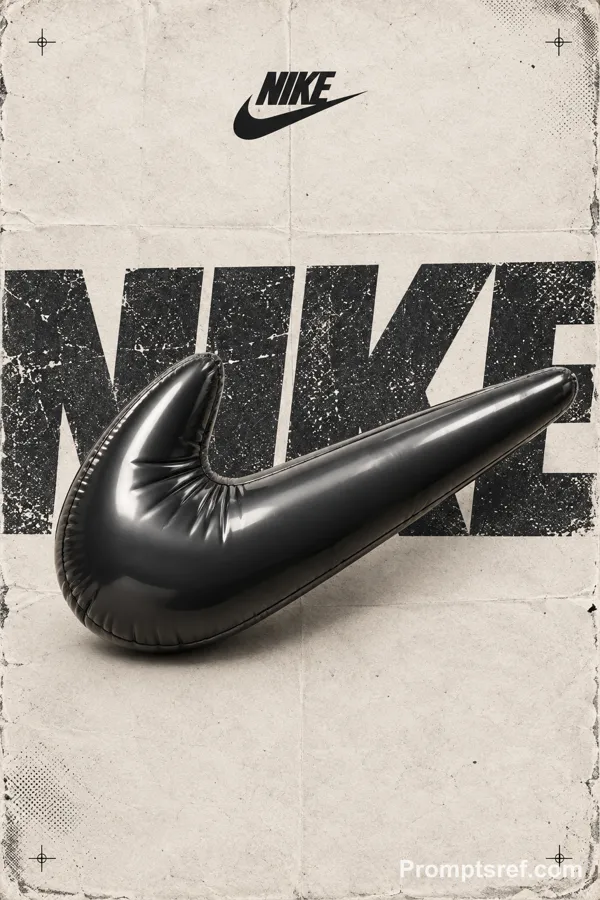
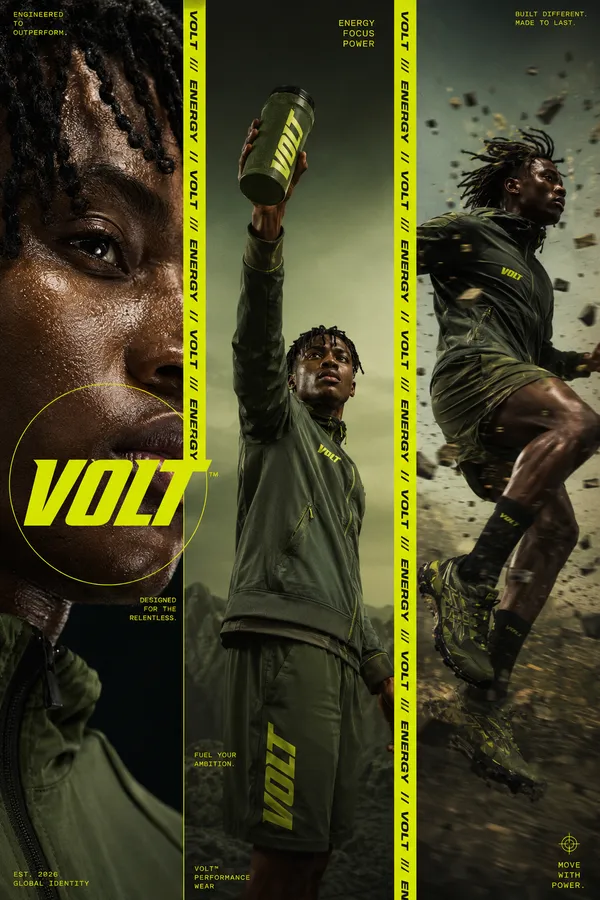
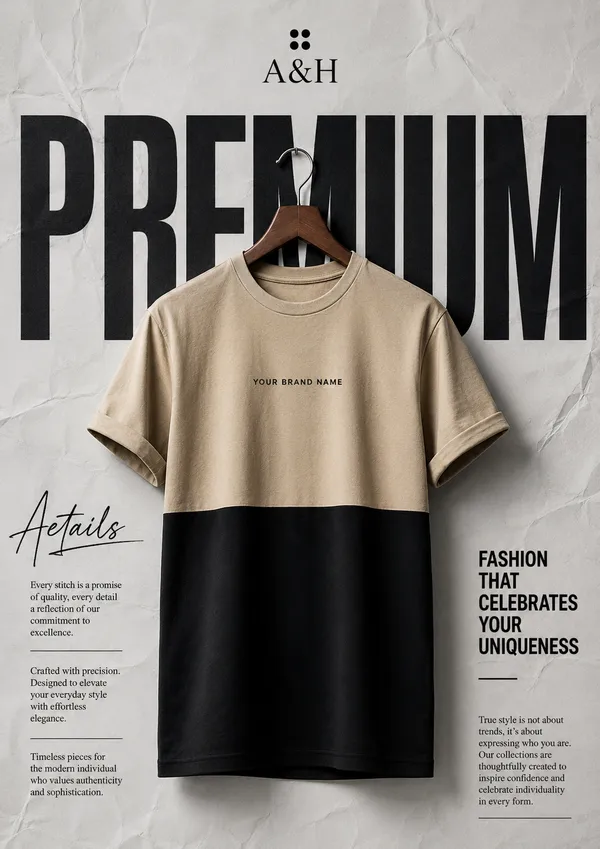
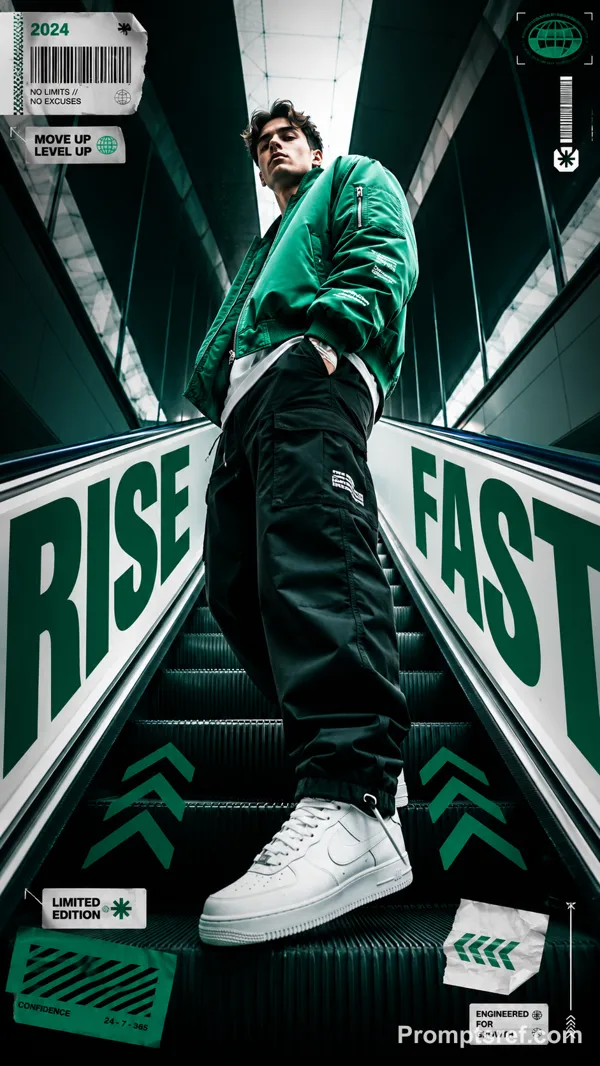
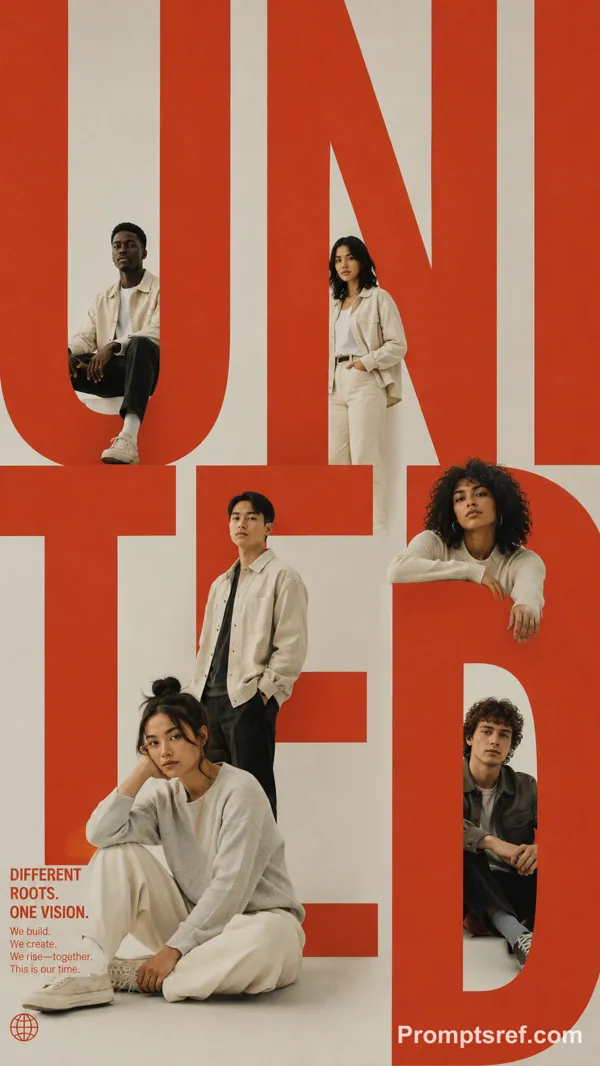
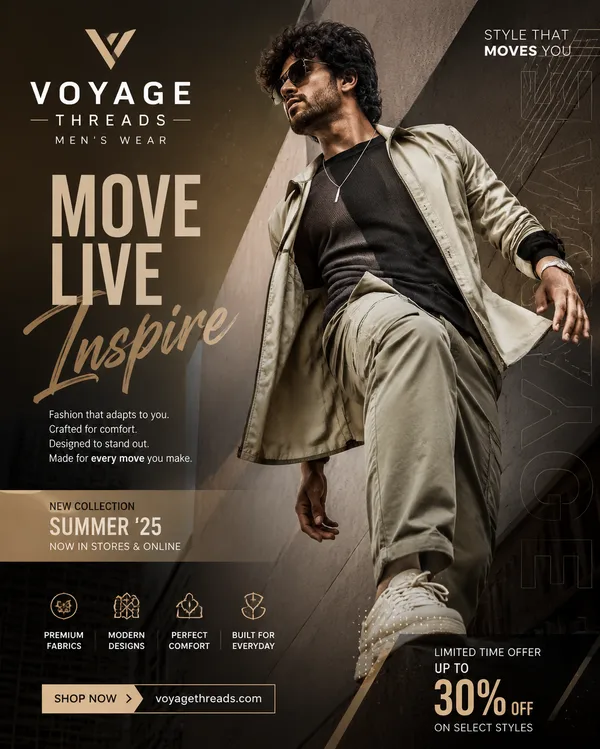
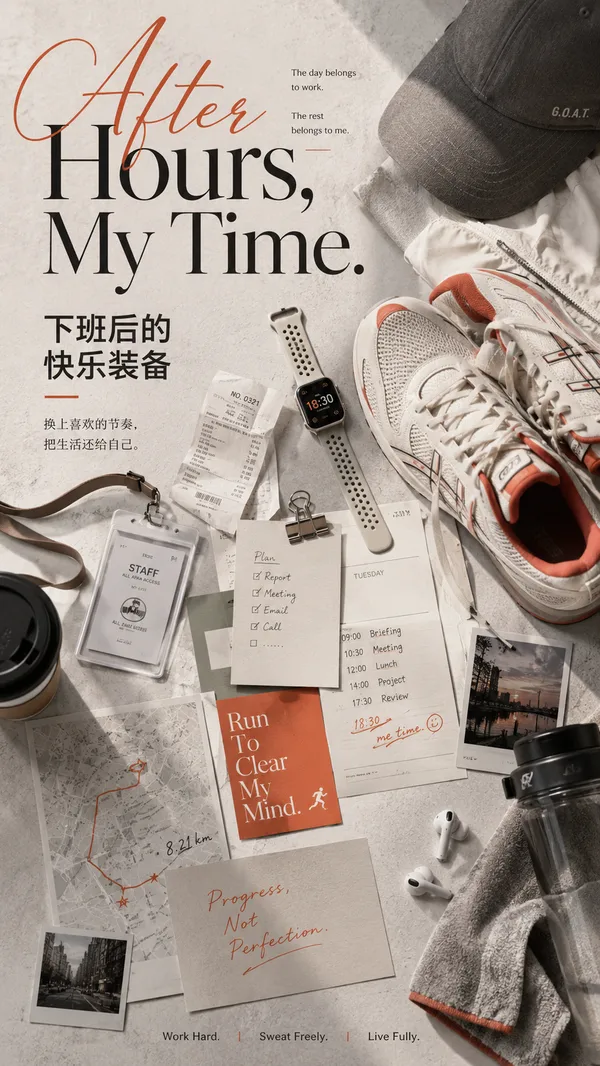
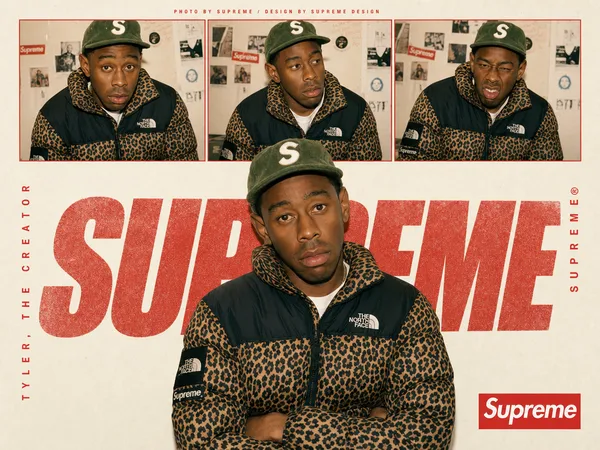
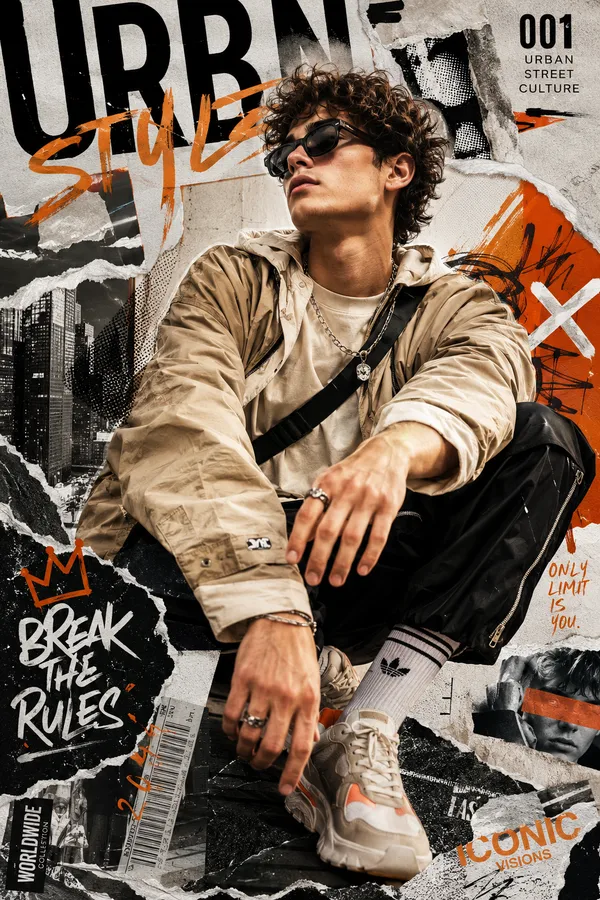
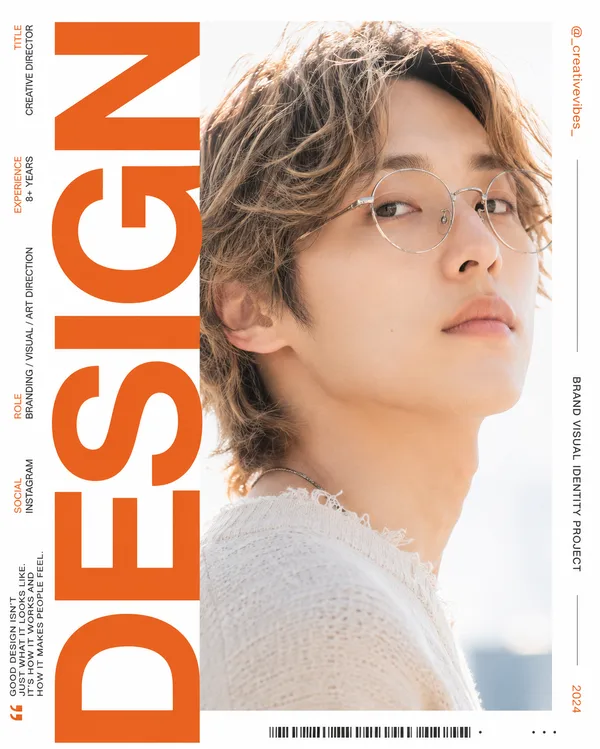
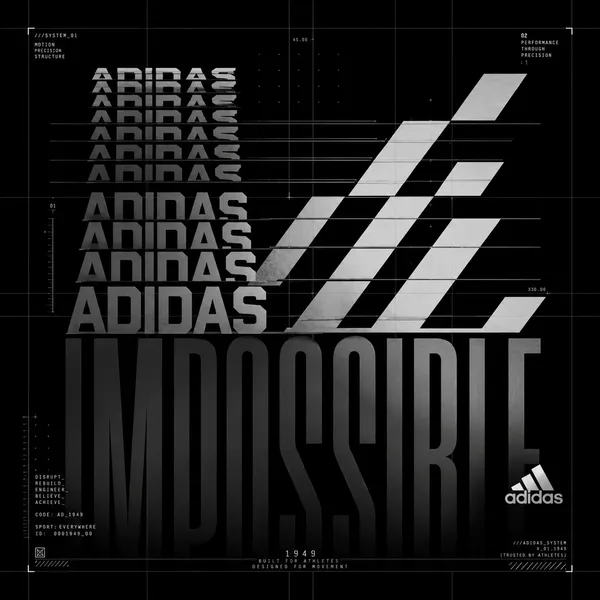
GPT Image 2.0 Prompt - Editoriales Produktposter mit Schichttafeln

- Modell
- GPT Image 2.0
- Seitenverhältnis
- auto
- Qualität
- 1K
Prompt
Theme: {theme}
Brand: {brand}
Product: {product}
Core word: {keyword}
Panel content: {5–7 related visual chapters}
Colors: {palette}
Aspect ratio: 9:16
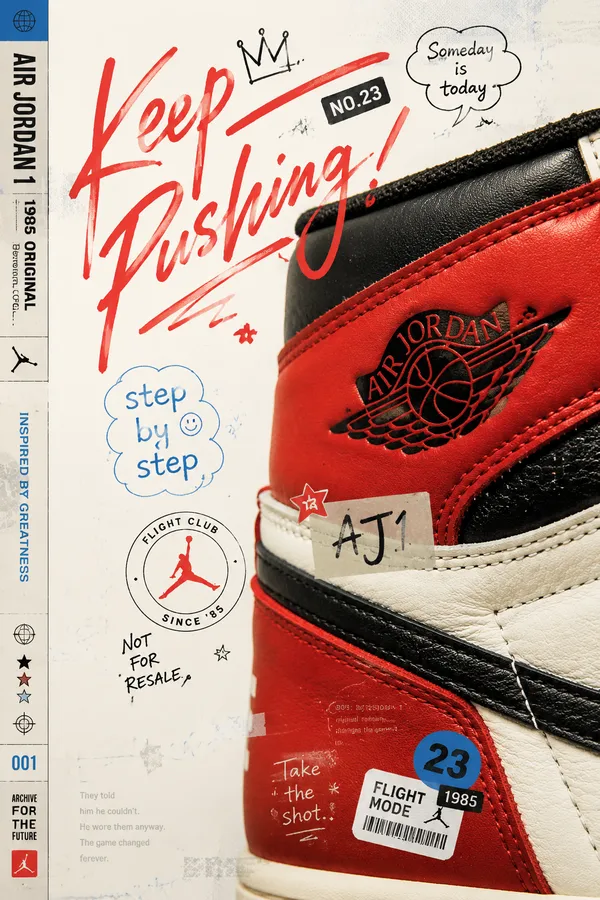
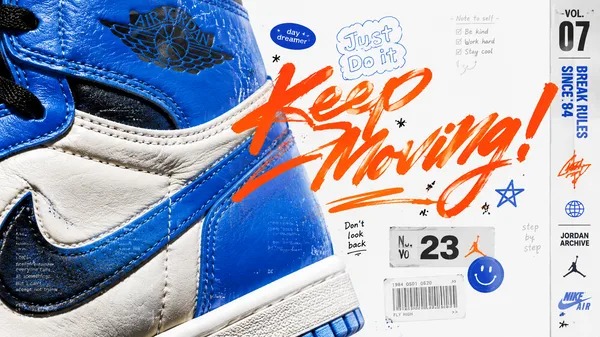
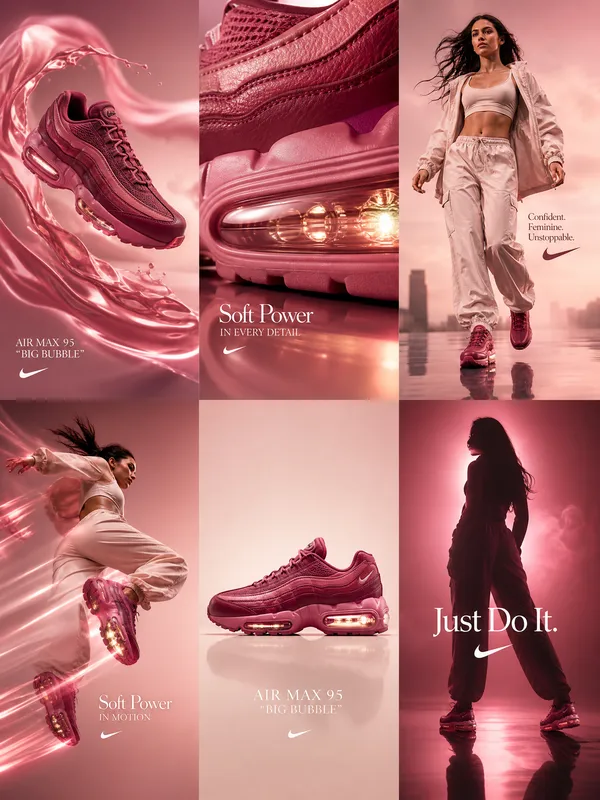
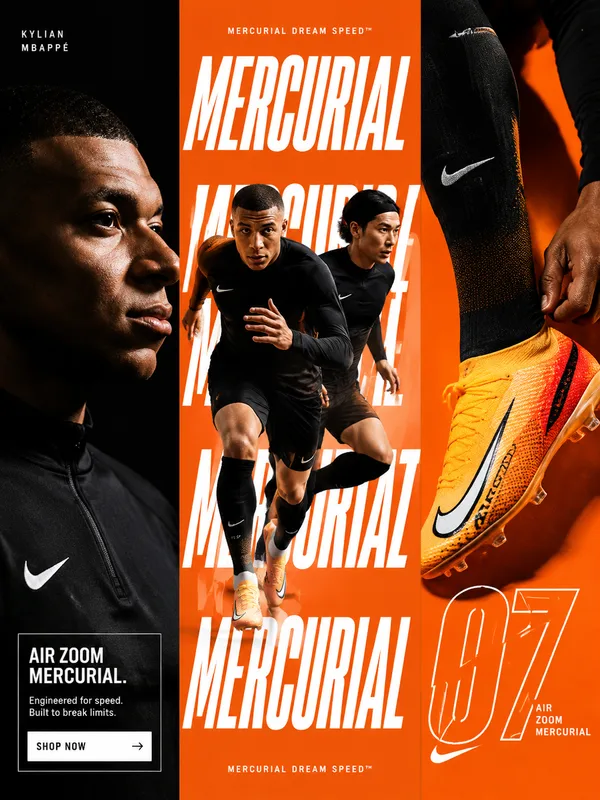
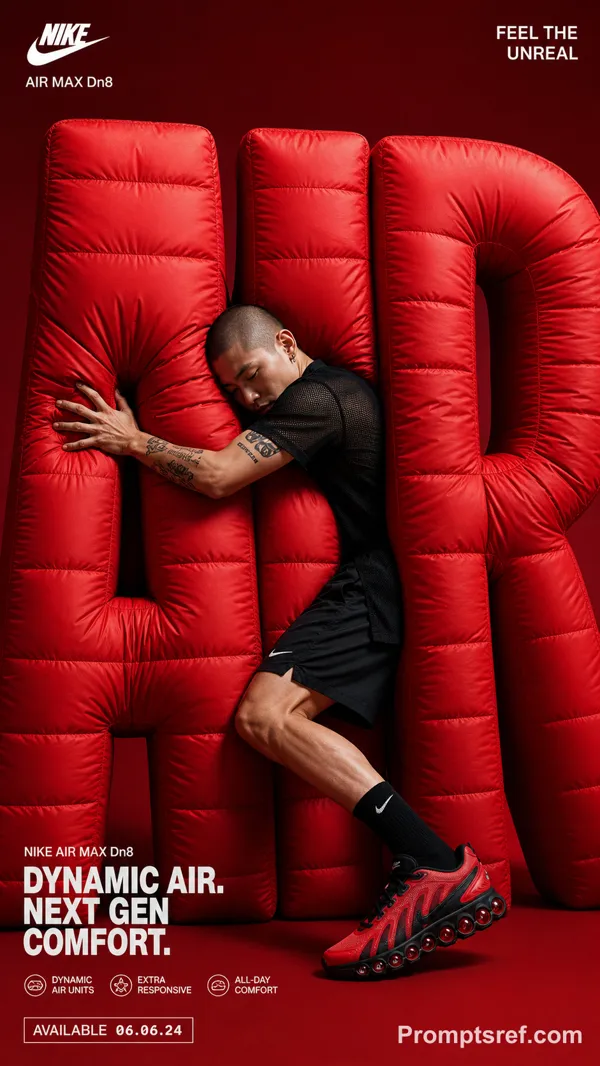
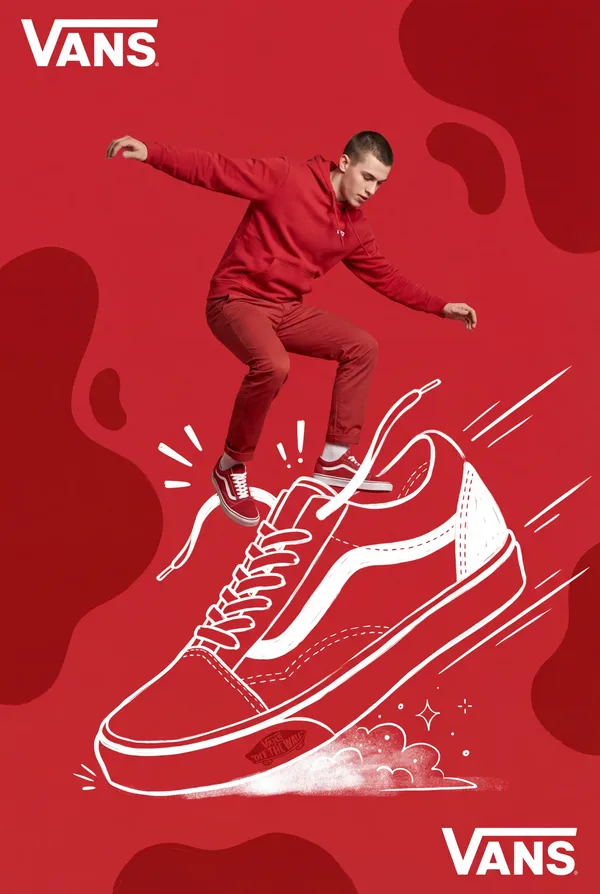
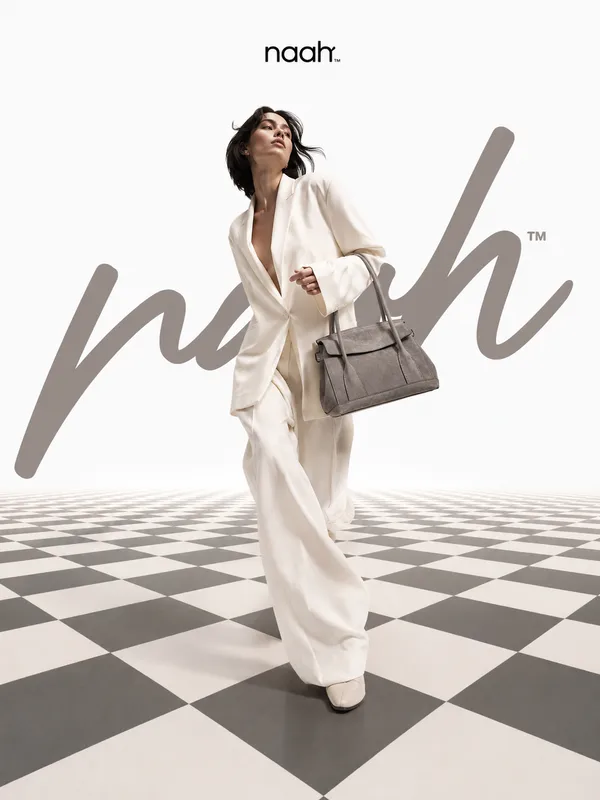
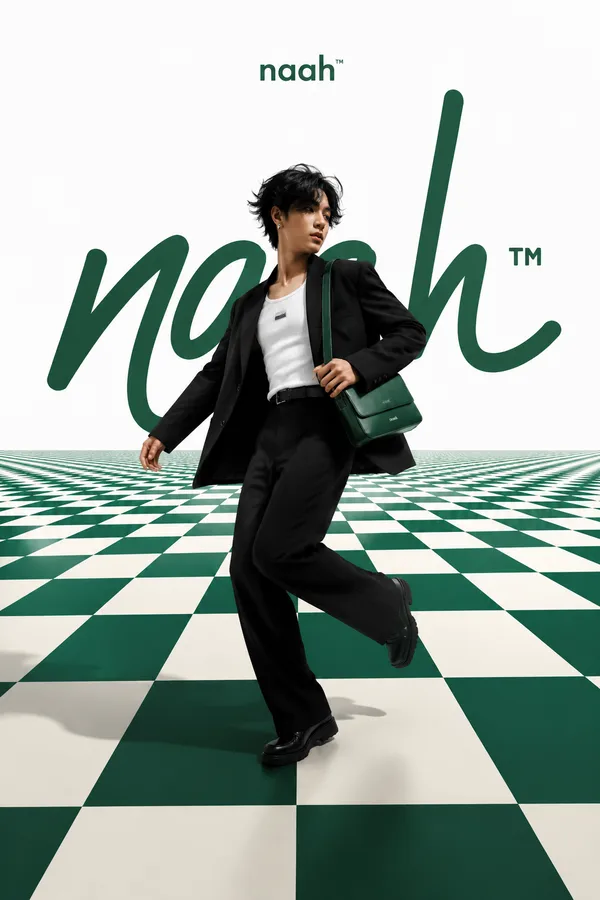
Create a premium spatial editorial poster using 5–7 freestanding visual panels with varied heights, widths, irregular silhouettes, and selected transparent materials.
Each panel should contain a meaningful part of the same theme: product, people, process, materials, environment, close-up details, or emotional imagery.
Arrange them with foreground, midground, and background depth, natural overlaps, realistic thickness, clean edges, and soft contact shadows.
Place one clear hero subject near the center. Integrate oversized {CORE WORD} typography behind and between the panels so it becomes part of the composition.
Use a clean light background, generous negative space, cohesive colors, realistic photography, and minimal editorial text.
Premium editorial design × spatial graphic design × product photography.
Avoid identical rectangular boards, rigid grids, miniature scenes, excessive props, clutter, random imagery, and cheap 3D mockup aesthetics.
Remixe
RemixNoch keine Remixe. Erstelle die erste Version.
Diesen Bild-Prompt verwenden
- 01
Mit dem Prompt starten
Kopiere den Prompt oder öffne ihn über die Schaltfläche zum Generieren.
- 02
Eigene Änderungen vornehmen
Passe Motiv, Umgebung oder Details an. Füge bei Bedarf Referenzen hinzu.
- 03
Vor dem Generieren prüfen
Prüfe Modell und Ausgabeeinstellungen. Die Ergebnisse können variieren.