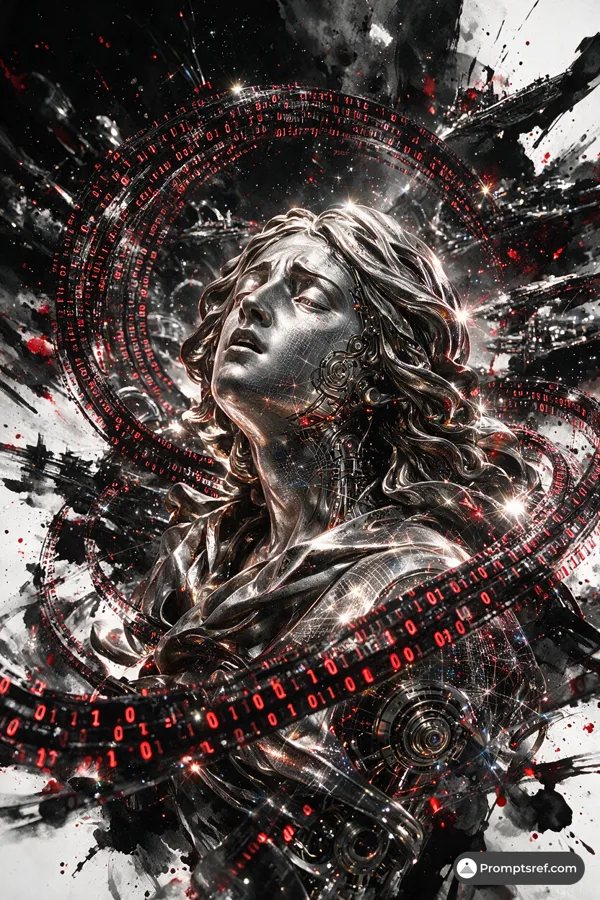
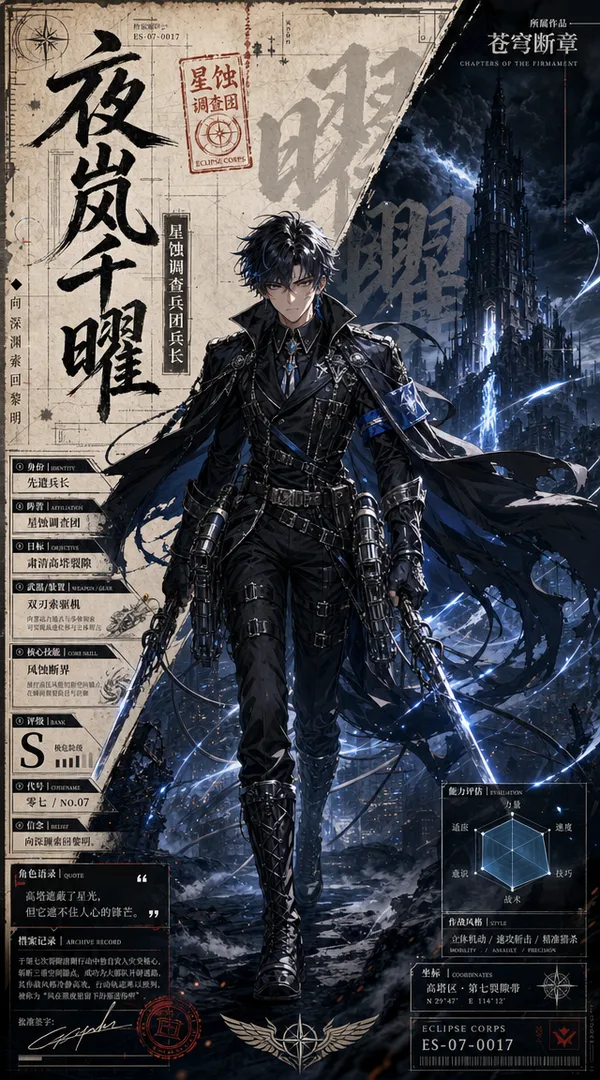
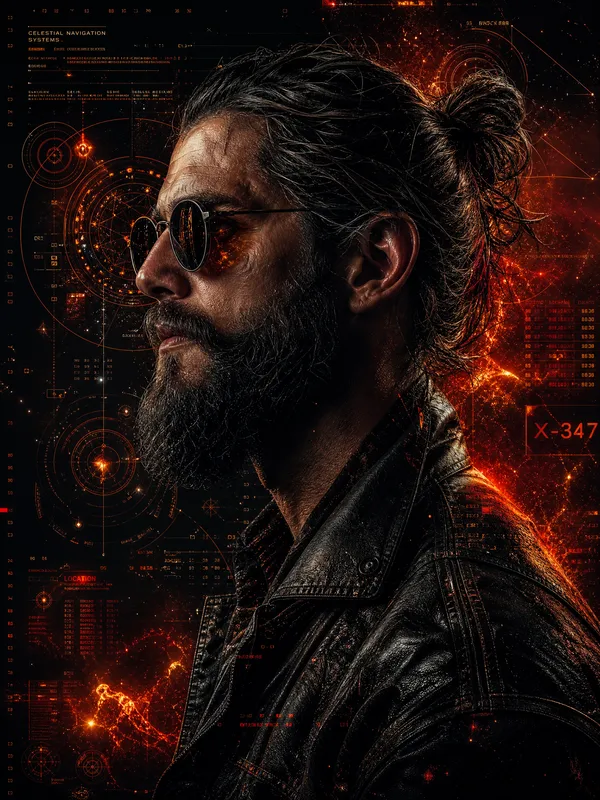
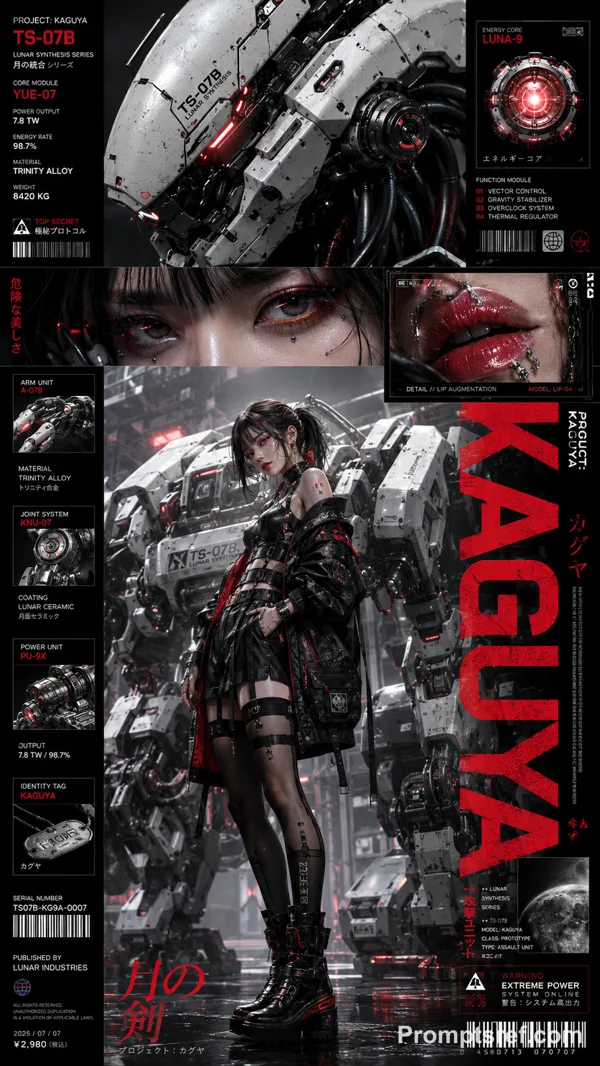
GPT Image 2.0 Prompt - Retro-Future Chrome Portrait Dossier

- Model
- GPT Image 2.0
- Aspect ratio
- auto
- Quality
- 1K
Prompt
This system keeps the archive grid, technical diagrams, chrome ribbons, print texture and palette logic consistent.
Change the subject, mission, title, specimen and data modules to rebuild the entire series.
Full JSON ↓
{
"style_name": "Retro Future Chrome Portrait Dossier",
"style_slug": "retro-future-chrome-portrait-dossier",
"style_version": "2.1.0",
"style_summary": "A retro-futurist editorial portrait system built from an asymmetric technical dossier sidebar, an edge-cropped posterized face, liquid-chrome interruptions, modular grid lines, optical diagrams, and coarse halftone print grain in midnight indigo, warm cream, hot magenta, cobalt, and coral.",
"environment_variables": {
"SUBJECT": "The new portrait subject or character archetype",
"SUBJECT_ACTION": "The subtle action, gaze, or expressive beat",
"PRODUCT_OR_PROP": "The new prop, instrument, specimen, tool, or object integrated into the portrait",
"LOCATION": "The abstract editorial setting or implied environment",
"BACKGROUND_ELEMENTS": "Technical diagrams, optical motifs, maps, grids, or data-panel details",
"MAIN_TEXT": "A short original italic display headline",
"SECONDARY_TEXT": "Original compact dossier labels and supporting microcopy",
"ACCENT_SYMBOL": "A simple original star, crosshair, spark, orbit, or locator symbol",
"WARDROBE_STYLE": "The new wardrobe, makeup, accessories, or styling direction",
"STYLE_FIDELITY_ANCHORS": "Observable visual traits that must remain visible",
"SOURCE_CONTENT_TO_AVOID": "Literal source content and identity marks that generated samples must not recreate",
"ASPECT_RATIO": "4:5 or 5:4"
},
Remixes
RemixNo remixes yet. Be the first to make your own version.
Use this image prompt
- 01
Start with the prompt
Copy the prompt, or open it with the generate button.
- 02
Make your changes
Adjust the subject, setting, or details. Add reference media if needed.
- 03
Check before generating
Review the model and output settings. Results can vary between generations.