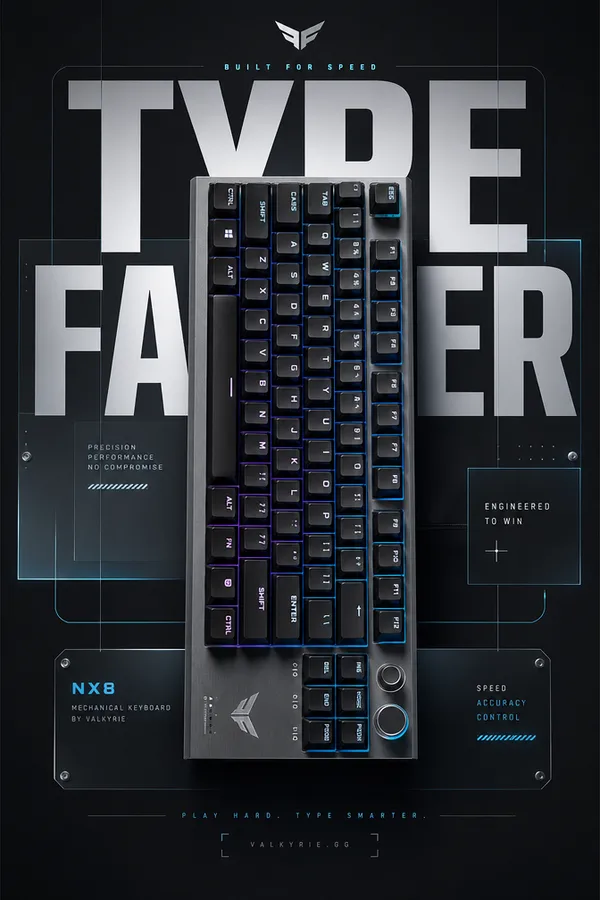
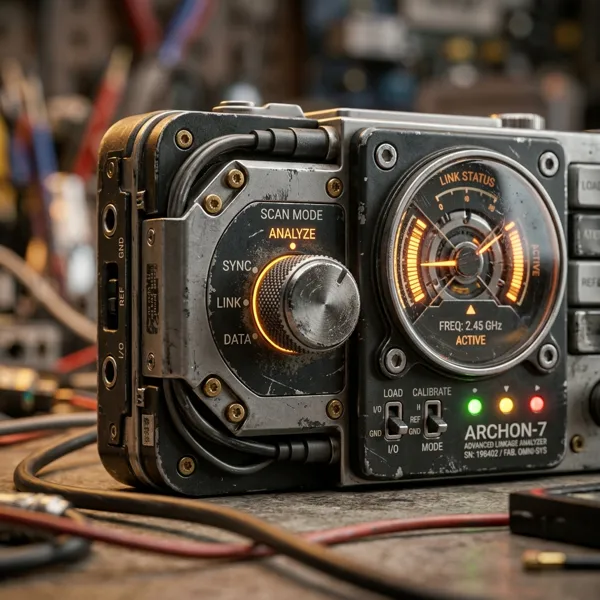
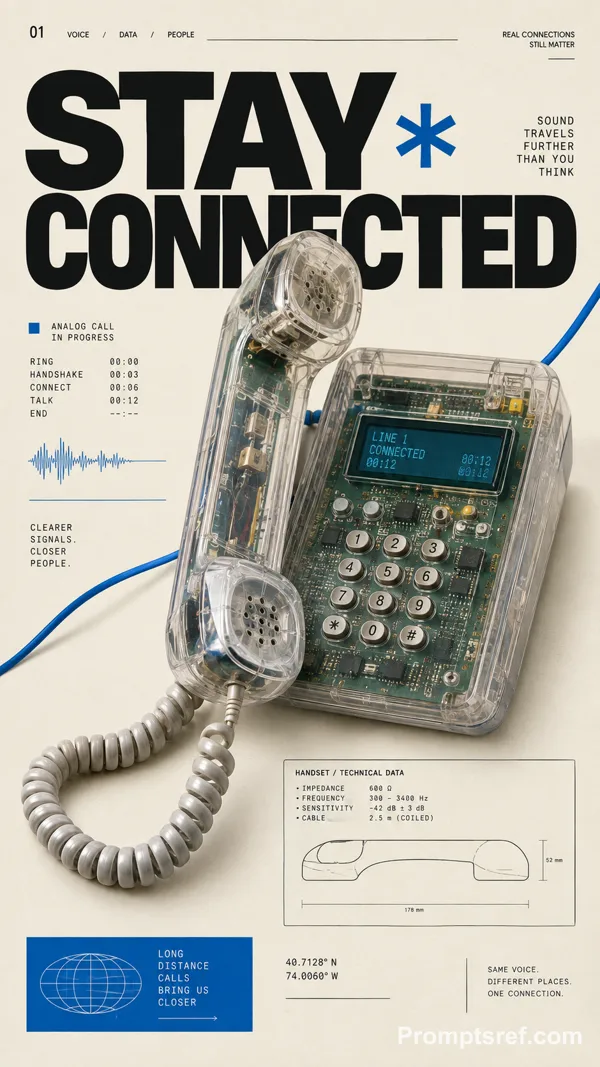
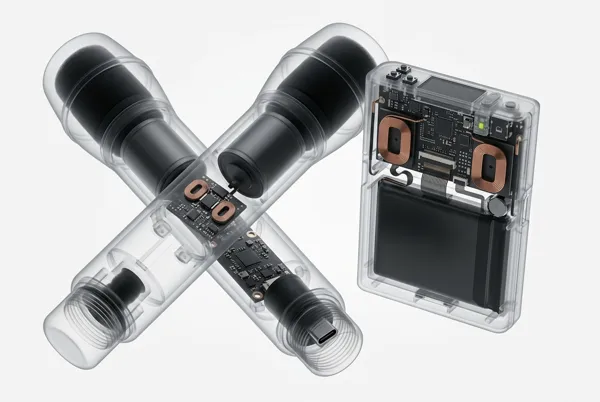
GPT Image 2.0 Prompt - Pixel-Art Hardware Catalog Poster Series

- Model
- GPT Image 2.0
- Aspect ratio
- auto
- Quality
- 1K
Prompt
{
"style_rules": {
"background": "aged cream paper with subtle grain",
"hero_object": "one hardware device in crisp pixel art, 3/4 view, floating with hard-edged solid black flat shadow — every button, knob and port snapped to the pixel grid; device overlaps and cuts into the red title letters",
"object_palette": "white/cream body + red + blue + lime green + orange accents + black details",
"title": "giant red pixel 2-word title full width at top",
"left_column": "category label + barcode + short body copy + realistic spec table",
"right_sidebar": "vertical stack: unit code / type / mode / rev",
"corner_index": "ISSUE + archive code",
"secondary_slogan": "pixel-font phrase bottom right",
"format": "16:9 horizontal"
},
"negative": "photorealistic, smooth anti-alias, soft shadows, melted buttons, more than 5 accent colors",
"variables": {
"set": [
"KEY GRID | 75% mechanical keyboard + OLED knob | INPUT RIG / DESK LAB | GATERON / 0.8ms | SNAP CLICK",
"HEAT MAP | handheld thermal camera | THERMAL SCAN / FIELD TEST 03 | 256x192 / 25Hz | SEE HEAT",
"TAPE DECK | portable cassette recorder | FIELD AUDIO / UNIT 12 | 1 7/8 IPS / 70µs | HOLD TONE",
"WAVE SCOPE | dual-channel oscilloscope | SIGNAL LAB / BENCH UNIT | 100MHz / 1GSa/s | CATCH EDGE"
]
}
}
Remixes
RemixNo remixes yet. Be the first to make your own version.
Use this image prompt
- 01
Start with the prompt
Copy the prompt, or open it with the generate button.
- 02
Make your changes
Adjust the subject, setting, or details. Add reference media if needed.
- 03
Check before generating
Review the model and output settings. Results can vary between generations.