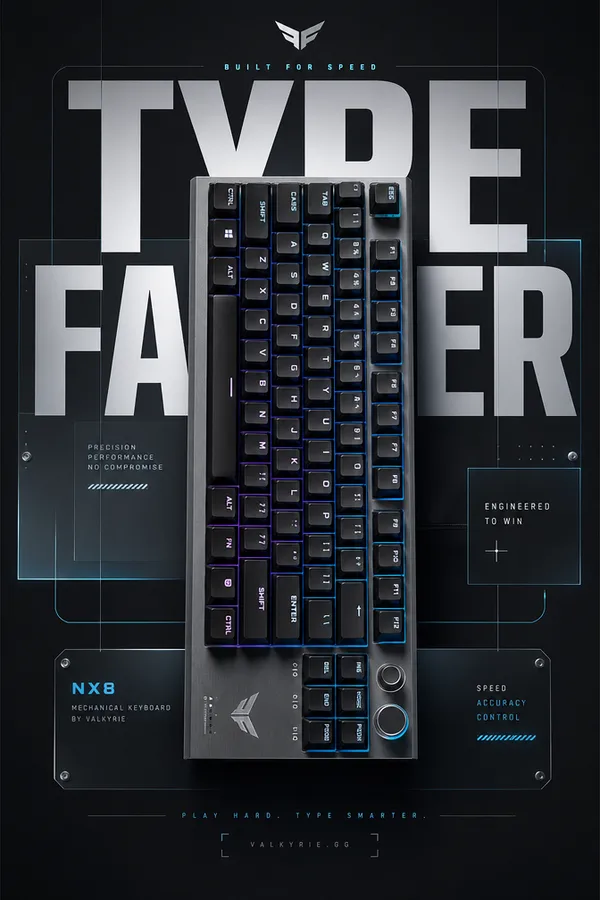
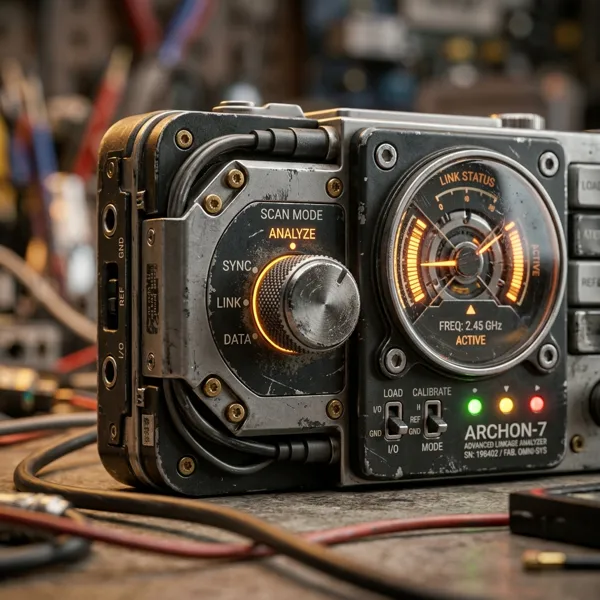
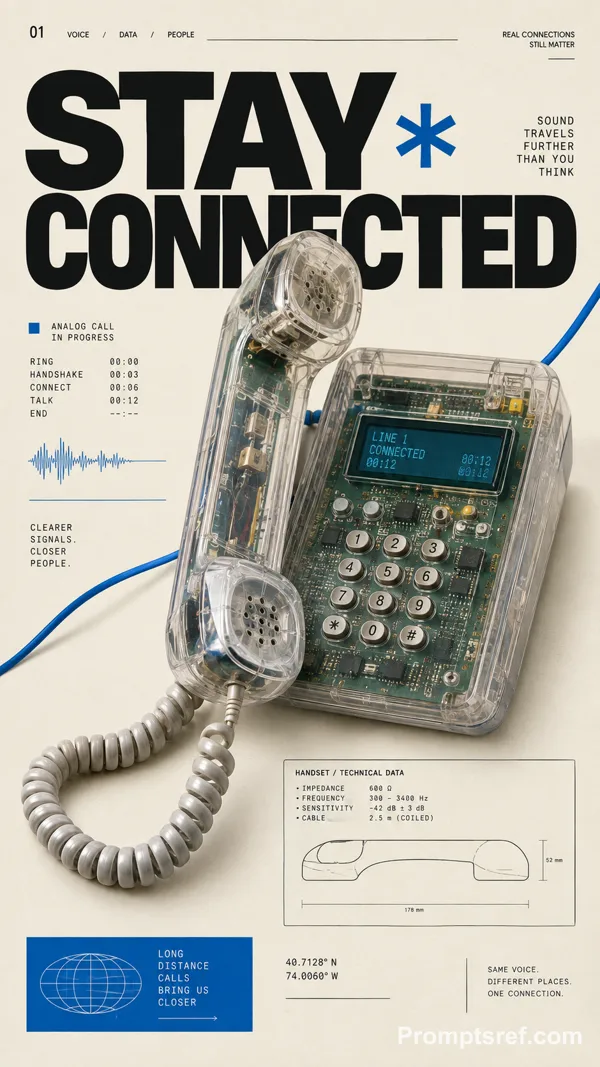
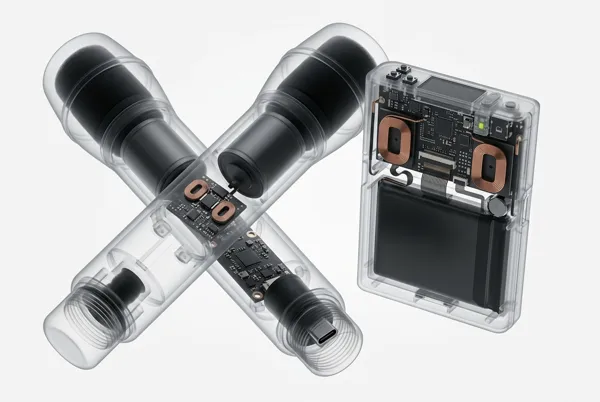
GPT Image 2.0 프롬프트 - 픽셀 아트 하드웨어 카탈로그 포스터 시리즈

- 화면 비율
- auto
- 화질
- 1K
프롬프트
{
"style_rules": {
"background": "aged cream paper with subtle grain",
"hero_object": "one hardware device in crisp pixel art, 3/4 view, floating with hard-edged solid black flat shadow — every button, knob and port snapped to the pixel grid; device overlaps and cuts into the red title letters",
"object_palette": "white/cream body + red + blue + lime green + orange accents + black details",
"title": "giant red pixel 2-word title full width at top",
"left_column": "category label + barcode + short body copy + realistic spec table",
"right_sidebar": "vertical stack: unit code / type / mode / rev",
"corner_index": "ISSUE + archive code",
"secondary_slogan": "pixel-font phrase bottom right",
"format": "16:9 horizontal"
},
"negative": "photorealistic, smooth anti-alias, soft shadows, melted buttons, more than 5 accent colors",
"variables": {
"set": [
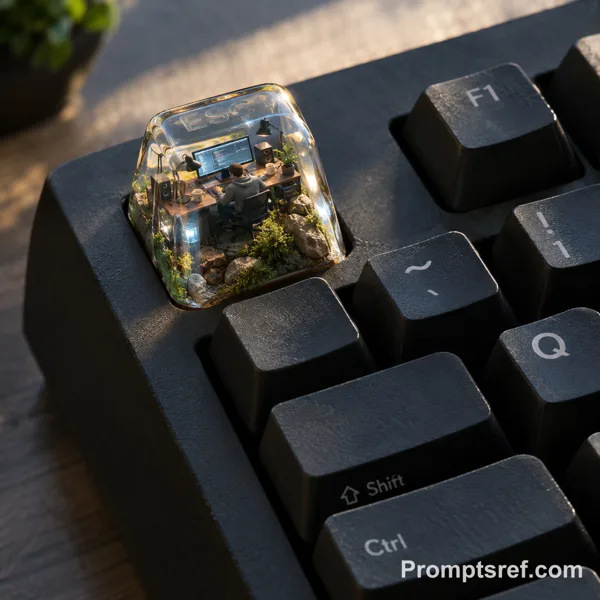
"KEY GRID | 75% mechanical keyboard + OLED knob | INPUT RIG / DESK LAB | GATERON / 0.8ms | SNAP CLICK",
"HEAT MAP | handheld thermal camera | THERMAL SCAN / FIELD TEST 03 | 256x192 / 25Hz | SEE HEAT",
"TAPE DECK | portable cassette recorder | FIELD AUDIO / UNIT 12 | 1 7/8 IPS / 70µs | HOLD TONE",
"WAVE SCOPE | dual-channel oscilloscope | SIGNAL LAB / BENCH UNIT | 100MHz / 1GSa/s | CATCH EDGE"
]
}
}
리믹스 작품
리믹스아직 리믹스가 없어요. 첫 번째 버전을 만들어 보세요.
이 이미지 프롬프트 사용하기
- 01
프롬프트로 시작하기
프롬프트를 복사하거나 생성 버튼으로 여세요.
- 02
나만의 아이디어 더하기
주제, 배경, 세부 사항을 조정하고 필요하면 참고 자료를 추가하세요.
- 03
생성 전 확인하기
모델과 출력 설정을 확인하세요. 생성 결과는 매번 다를 수 있습니다.