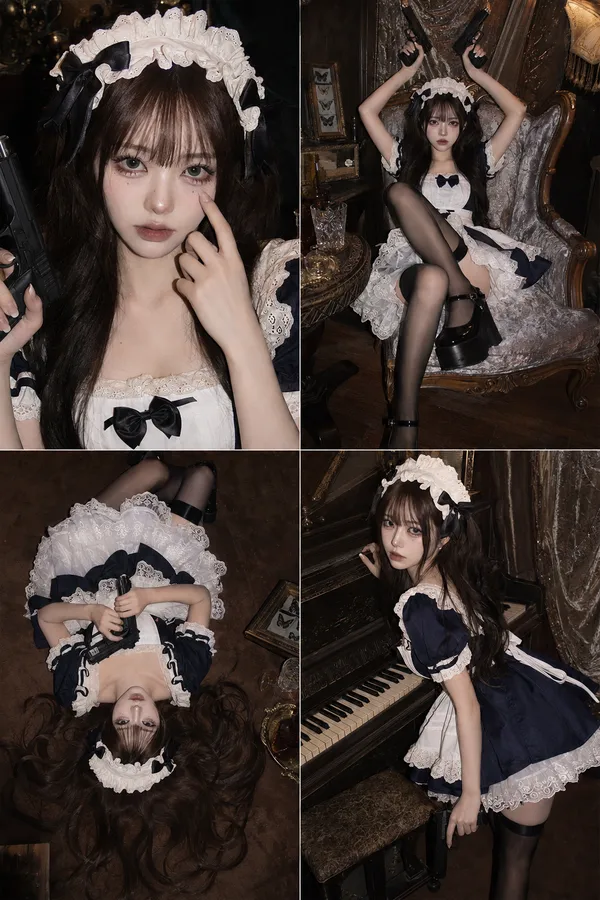
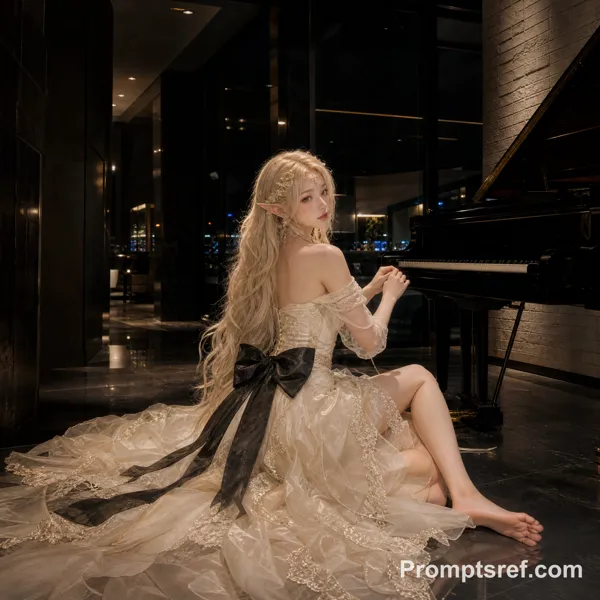
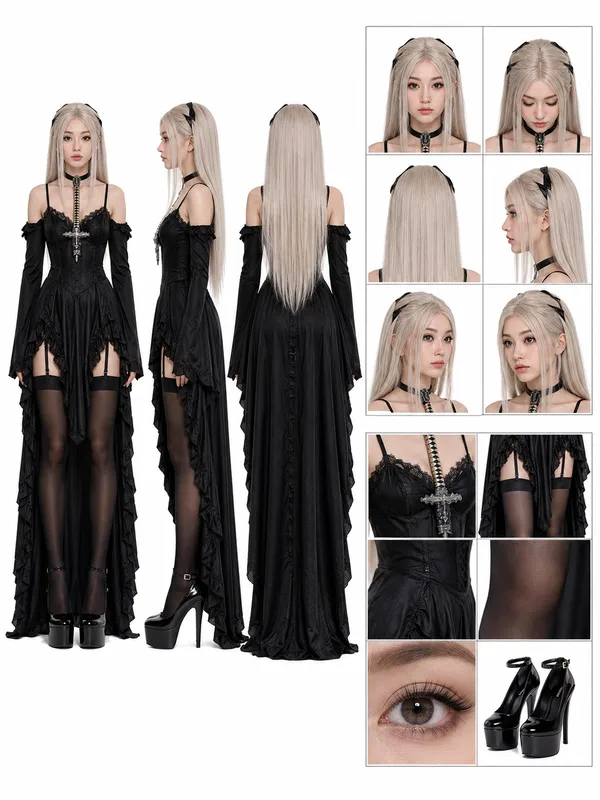
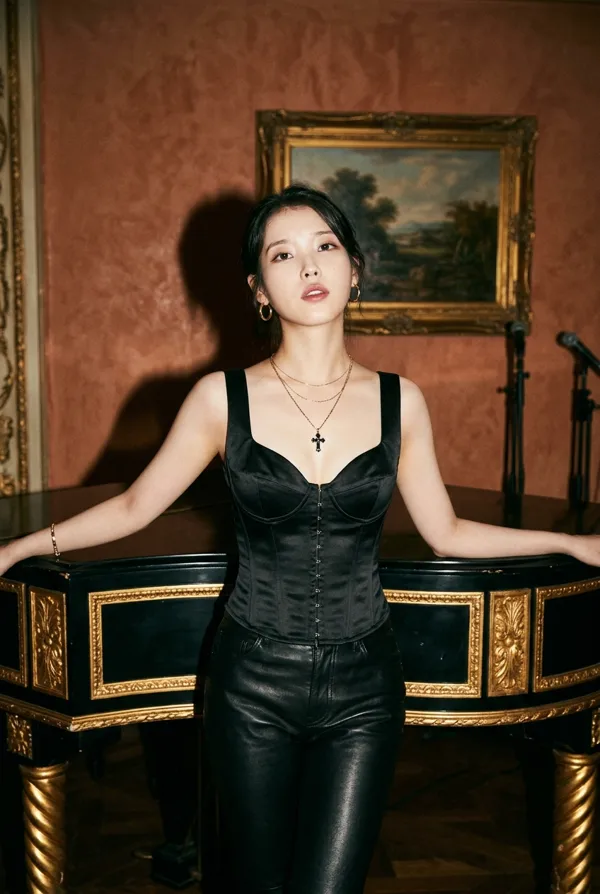
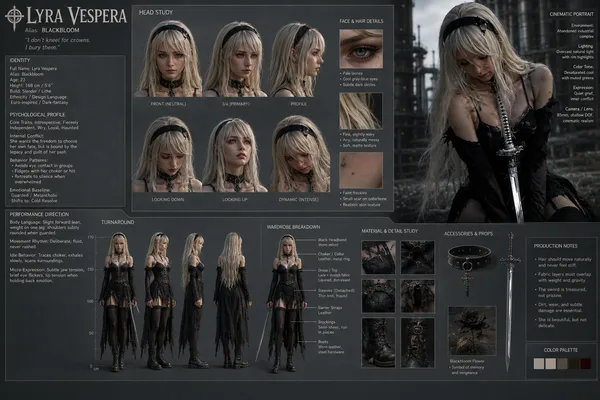
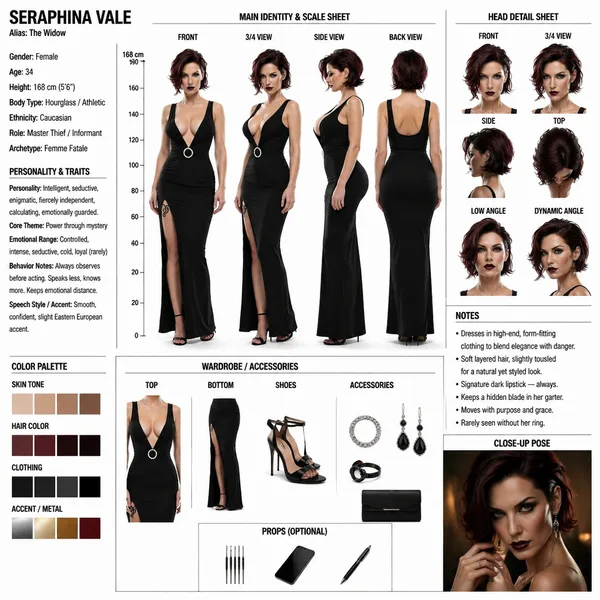
GPT Image 2.0 Prompt - Piano Performance MV Production Storyboard Blueprint

- Model
- GPT Image 2.0
- Aspect ratio
- 4:3
- Quality
- 2K
Prompt
{
"type": "制作设计与分镜蓝图",
"header": {
"title": "{argument name=\"project title\" default=\"MV 钢琴演奏场景 镜头构成与运镜设计图\"}",
"subtitles": ["角色设定", "美术设定"]
},
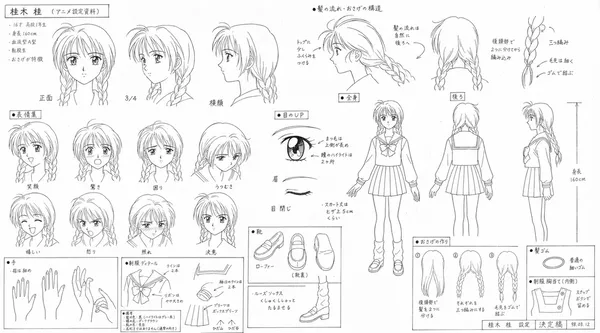
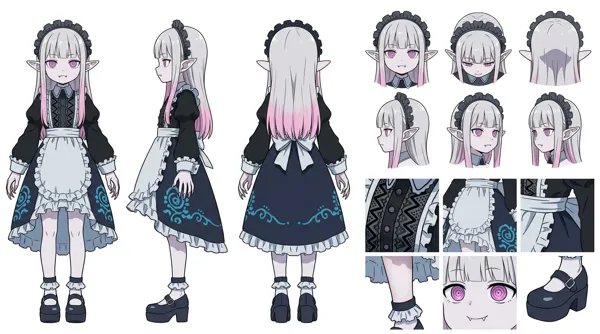
"character_reference": {
"title": "角色参考 (COSTUME DESIGN DIAGRAM)",
"description": "{argument name=\"character description\" default=\"长发黑发年轻女性,身穿白色衬衫、黑色丝带、格子裙\"}",
"views_count": 6,
"labels": ["正面", "侧面", "背面", "正面特写", "侧面特写", "背面特写"]
},
"art_setting": {
"title": "美术设定参考",
"setting": "{argument name=\"scene setting\" default=\"带有彩色玻璃和吊灯的古典西式沙龙\"}",
"diagrams_count": 4,
"diagram_types": ["带有摄像机节点的俯视平面图", "北立面图", "东立面图", "剖面图"],
"text_boxes": ["摄像机位置", "环境特征"]
},
"storyboard": {
"title": "镜头构成分镜脚本",
"action": "{argument name=\"action\" default=\"演奏大钢琴\"}",
"panels_count": 3,
"panels": [
{"cut": "镜头 1", "description": "侧面中景至背面环绕", "elements": ["主图", "描述文本", "摄像机设置框", "小图示"]},
{"cut": "镜头 2", "description": "钢琴手部特写", "elements": ["主图", "描述文本", "摄像机设置框", "小图示"]},
{"cut": "镜头 3", "description": "对角线特写", "elements": ["主图", "描述文本", "摄像机设置框", "小图示"]}
]
},
"camera_workflow": {
"title": "运镜流程 (概念图)",
"steps_count": 4,
"descriptions": ["侧面中景", "背面机位", "手部特写", "对角线特写"]
},
"lighting_reference": {
"title": "灯光印象 (参考)",
"images_count": 4,
"labels": ["自然光", "吊灯", "壁灯", "台灯"]
},
"notes": {
"boxes_count": 2,
"labels": ["导演要点", "推荐镜头与色调"]
}
}
Remixes
RemixNo remixes yet. Be the first to make your own version.
Use this image prompt
- 01
Start with the prompt
Copy the prompt, or open it with the generate button.
- 02
Make your changes
Adjust the subject, setting, or details. Add reference media if needed.
- 03
Check before generating
Review the model and output settings. Results can vary between generations.