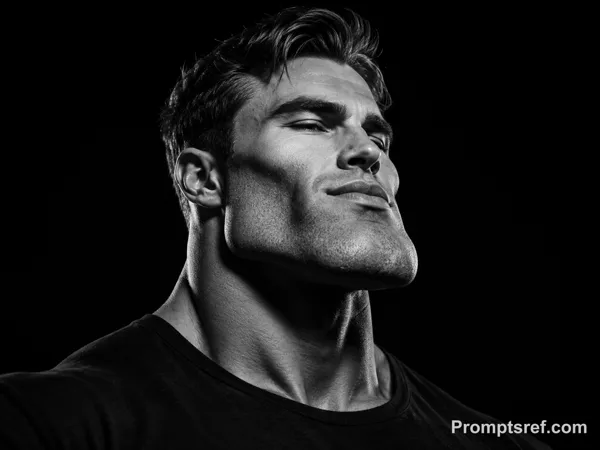
GPT Image 2.0 Prompt - Photorealistic Character Sheet in Soft Studio Light

- Model
- GPT Image 2.0
- Aspect ratio
- 4:3
- Quality
- 1K
Prompt
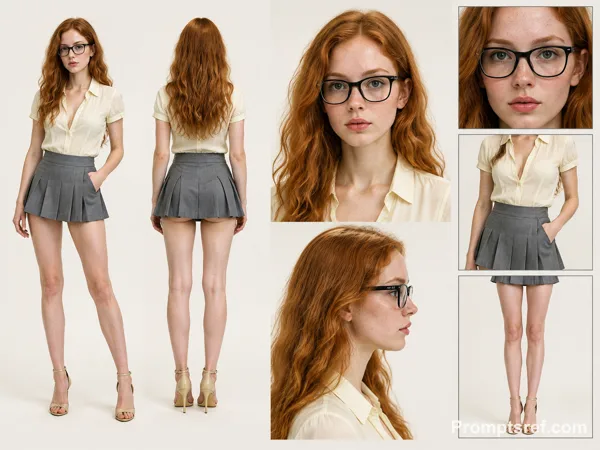
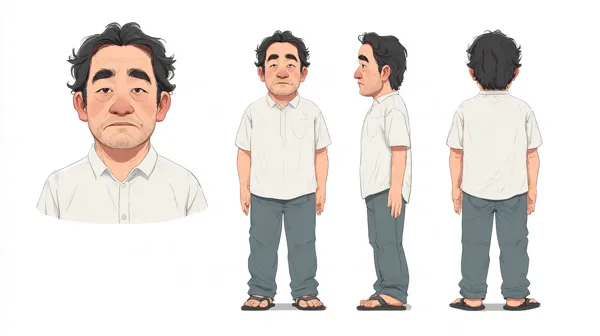
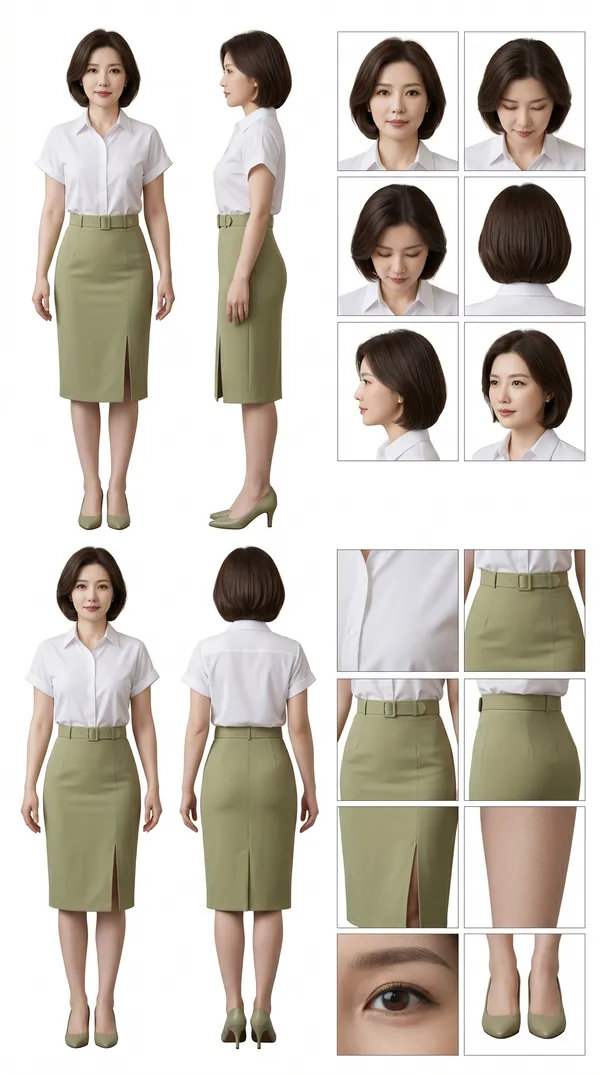
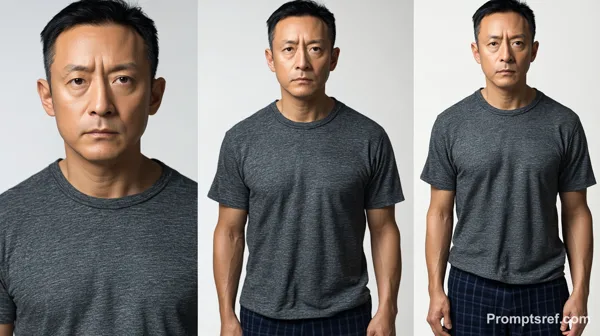
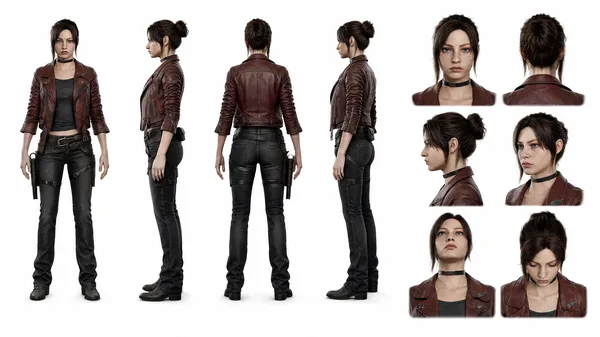
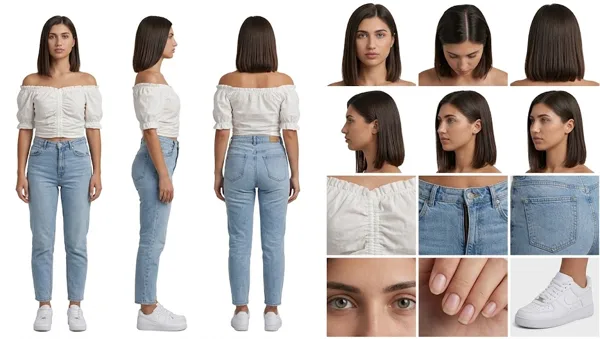
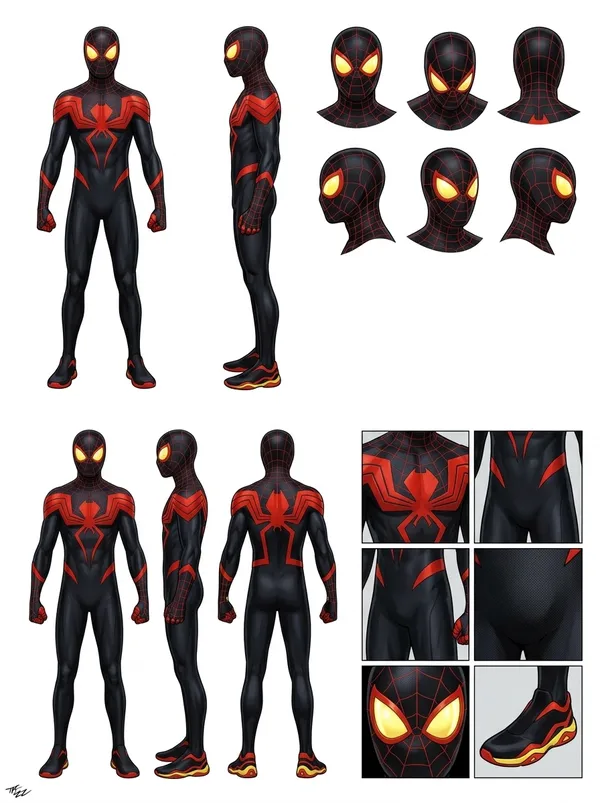
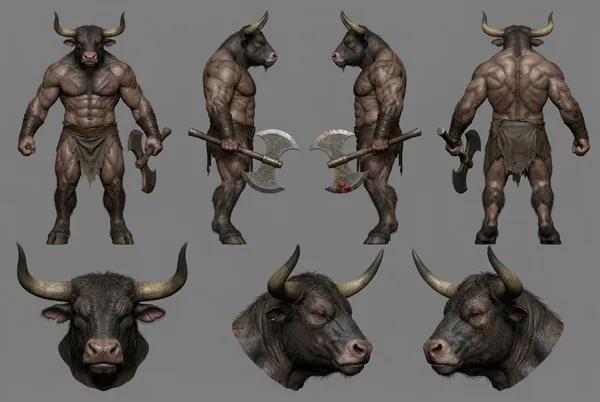
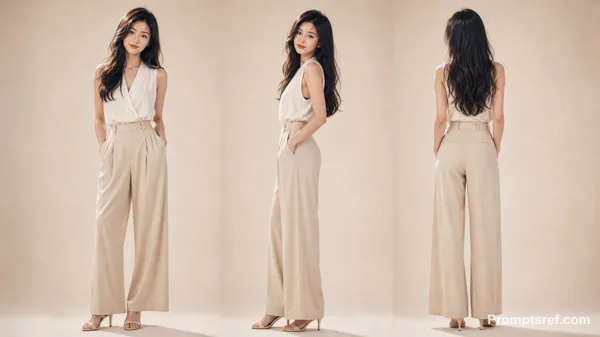
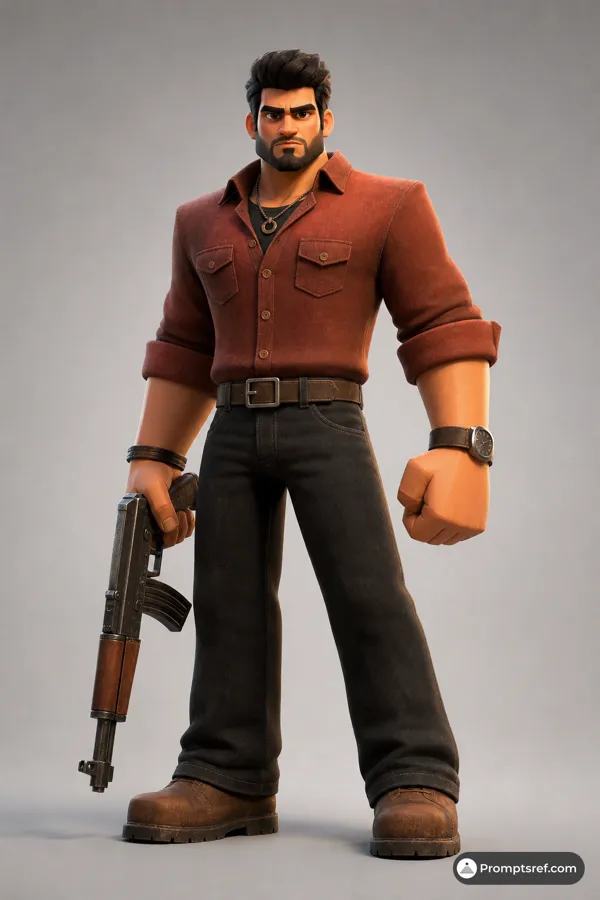
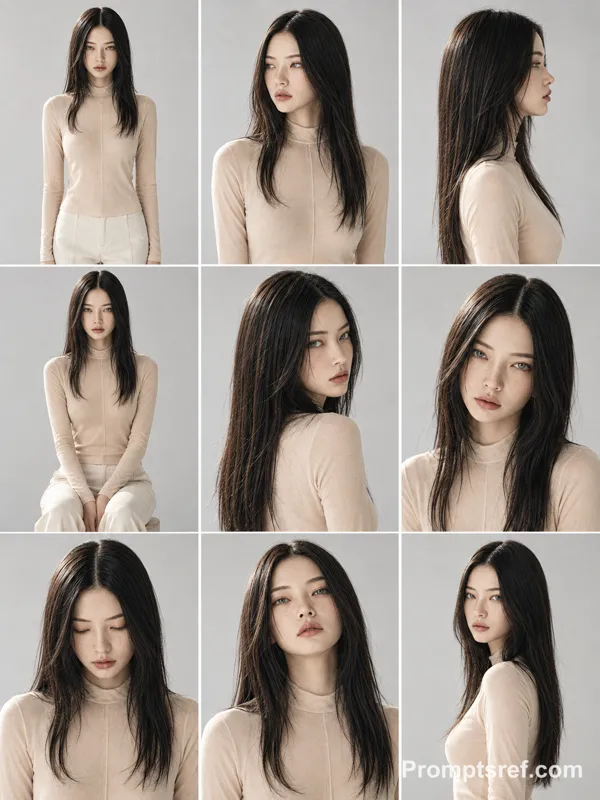
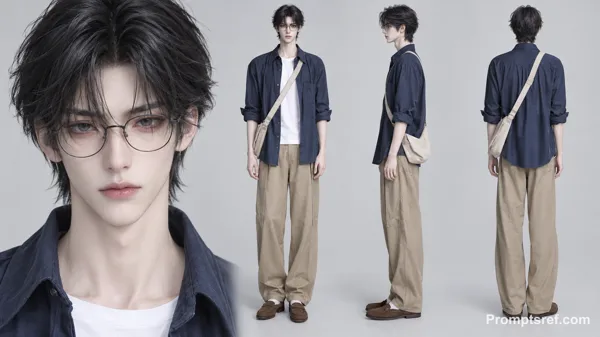
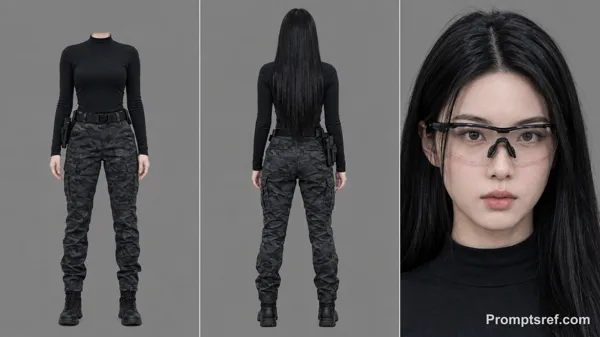
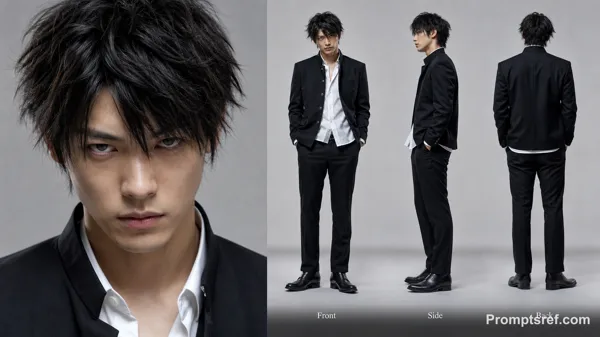
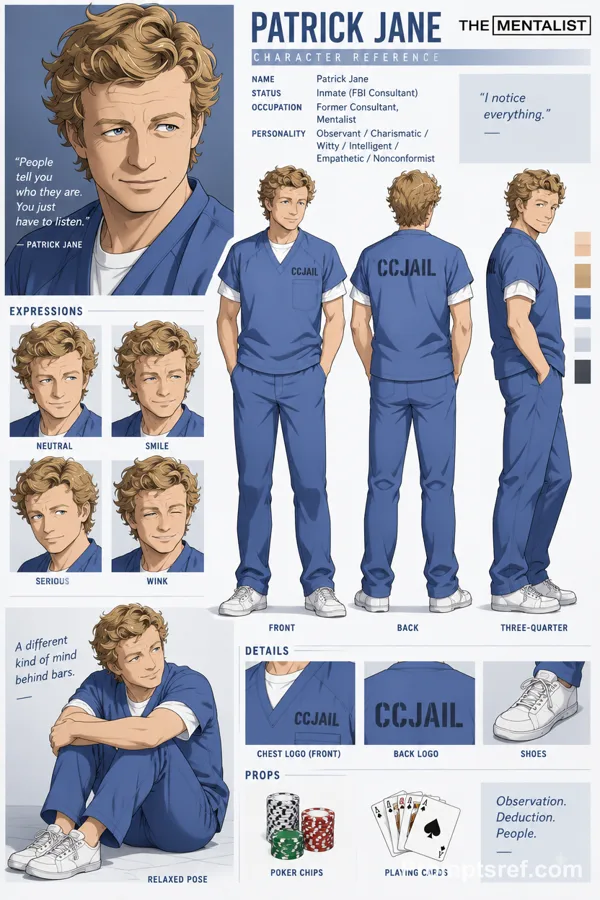
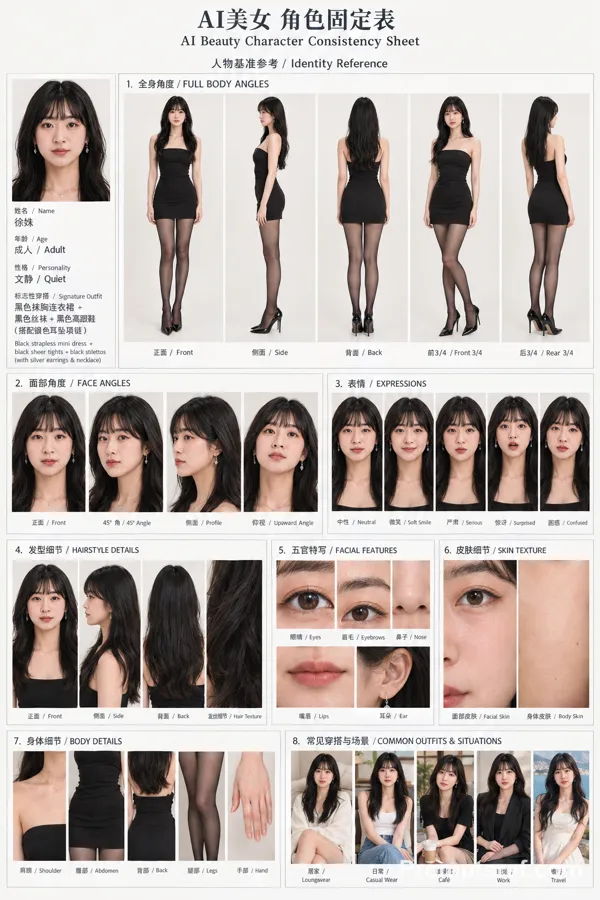
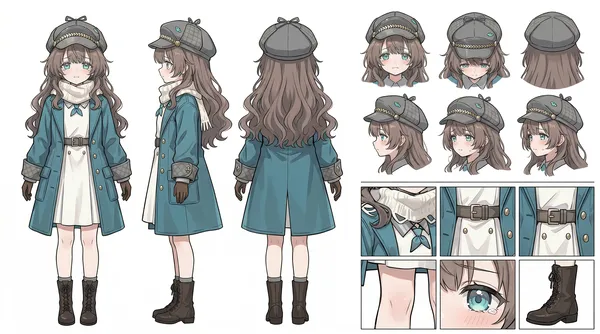
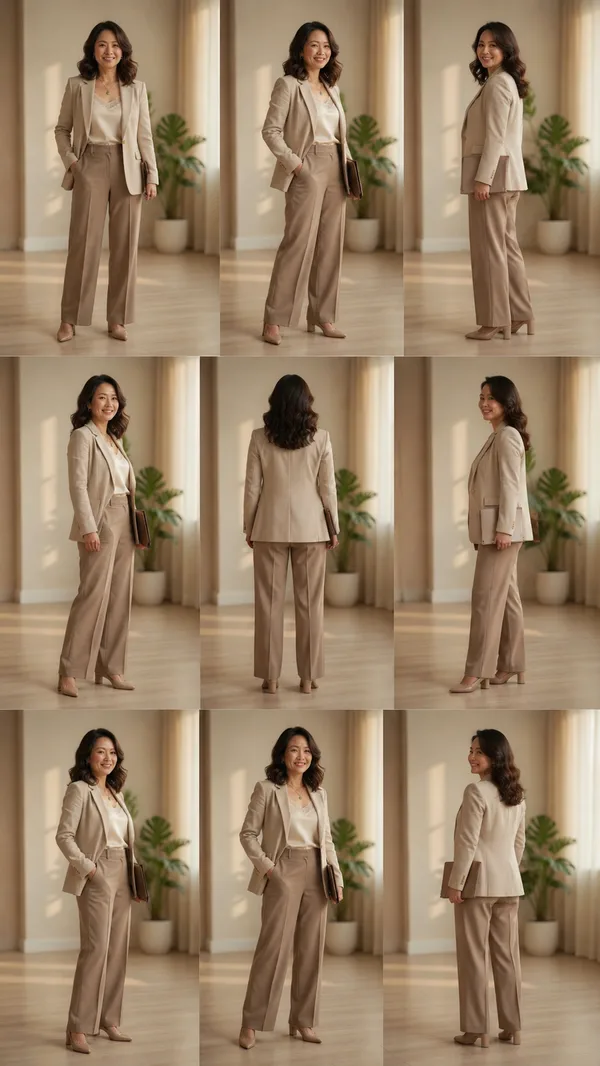
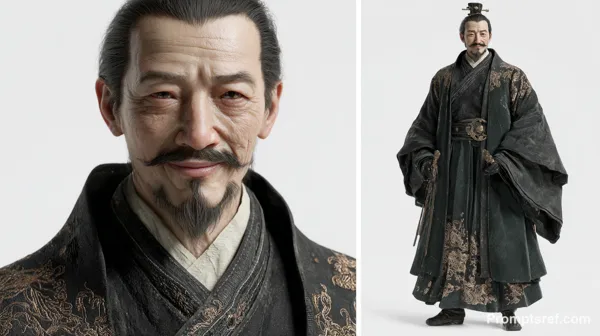
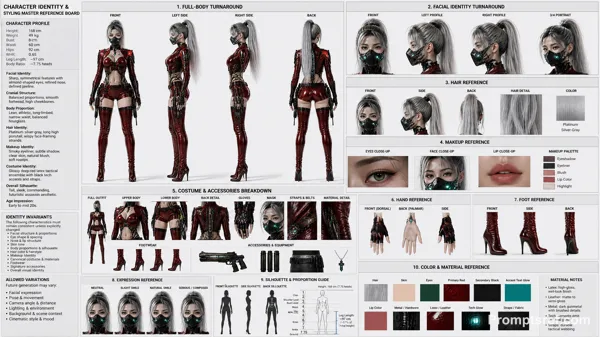
Create a photorealistic, professional character reference sheet featuring the character from the reference image on a seamless warm-white studio background. Use a wide 16:9 landscape canvas with generous negative space and a clean editorial layout.
Character: use the character from the reference image and maintain strict consistency across every panel.
Layout:
1. Left section, about 36% of the canvas: two full-body turnaround views placed side by side. Show a relaxed front three-quarter standing view with one hand in a pocket, then a clean rear standing view. Both figures must be visible from head to shoes.
2. Center section, about 42% of the canvas: two large stacked portrait panels without visible borders. The upper panel is a straight-on head-and-shoulders beauty portrait with a calm neutral expression. The lower panel is a precise right-facing side-profile head-and-shoulders portrait.
3. Right section, about 22% of the canvas: a vertical column of three evenly spaced rectangular detail panels with thin dark-gray borders. The top panel is a tight straight-on facial close-up. The middle panel isolates the upper-body clothing and waist styling. The bottom panel isolates the lower-body clothing and footwear from waist to floor.
Visual direction: high-end casting and wardrobe reference photography, soft diffused studio lighting, natural skin texture, realistic fabric detail, subtle soft shadows, neutral color grading, crisp focus, and consistent camera height and scale. Keep every panel aligned and evenly spaced. Do not add text, labels, captions, logos, watermarks, decorative graphics, extra people, duplicated limbs, cropped feet in the full-body views, or changes in identity or wardrobe.
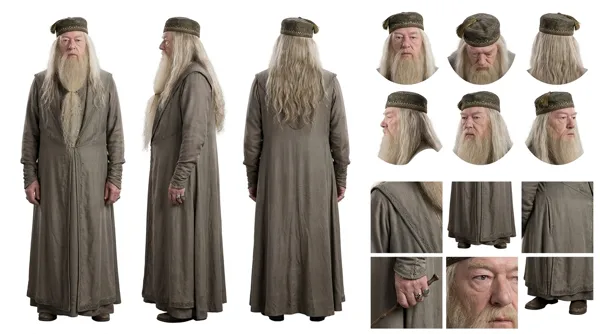
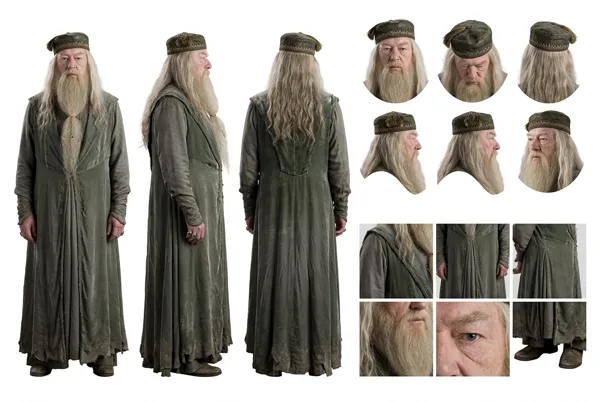
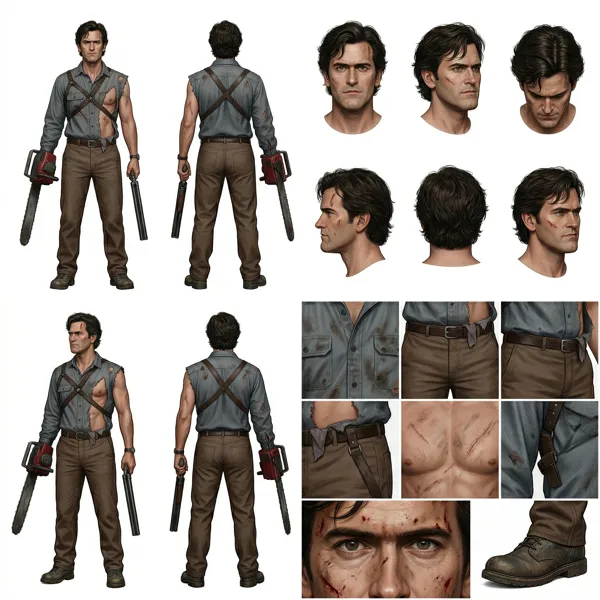
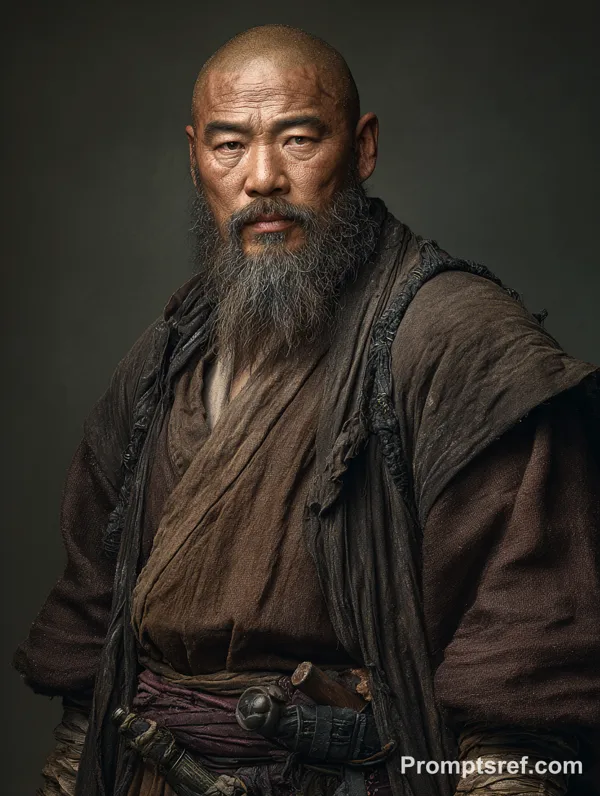
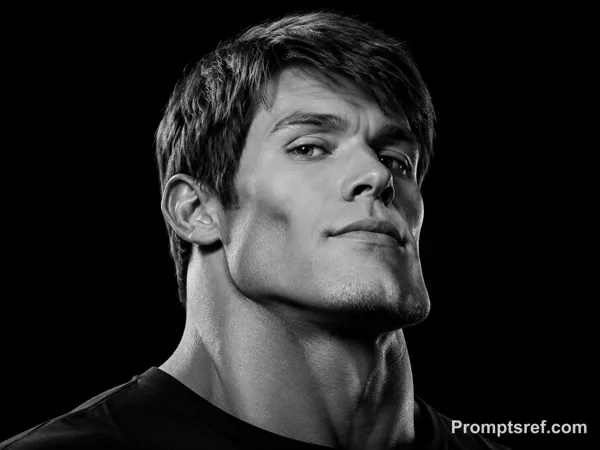
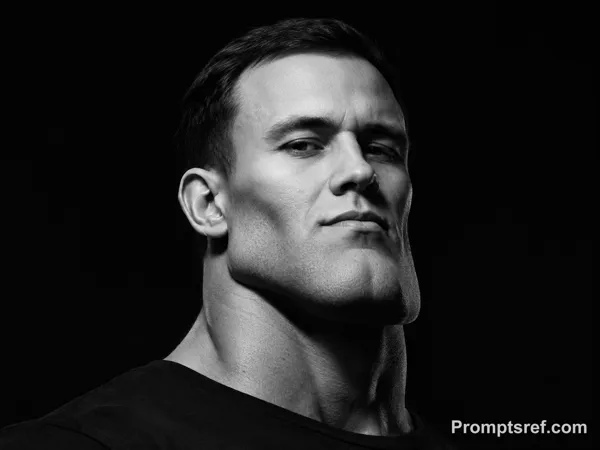
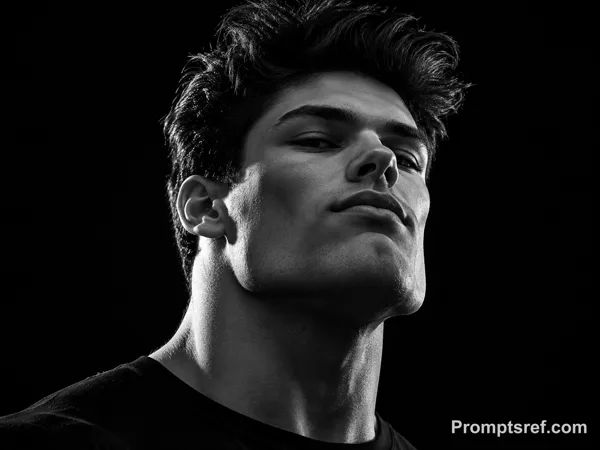
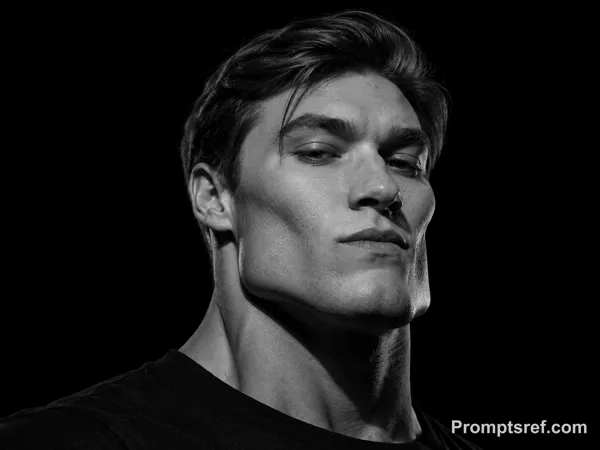
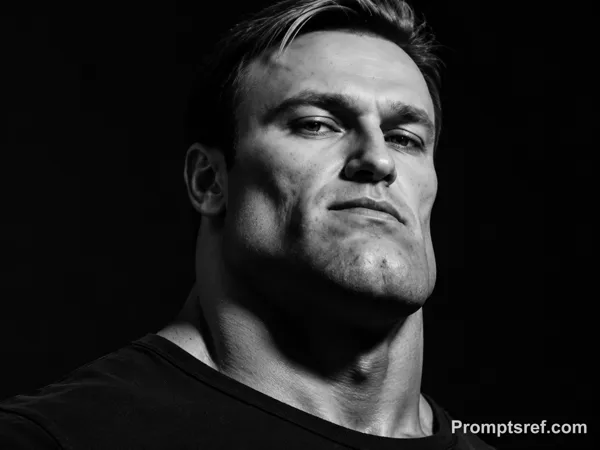
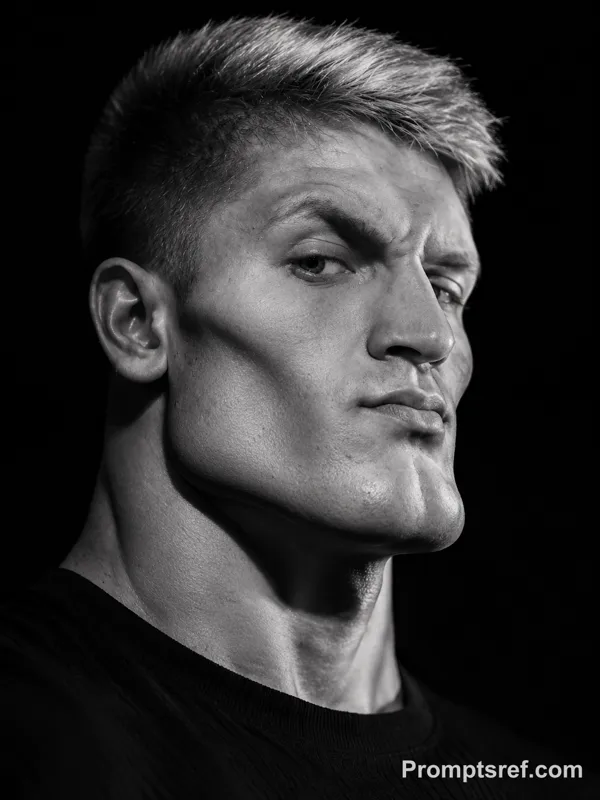
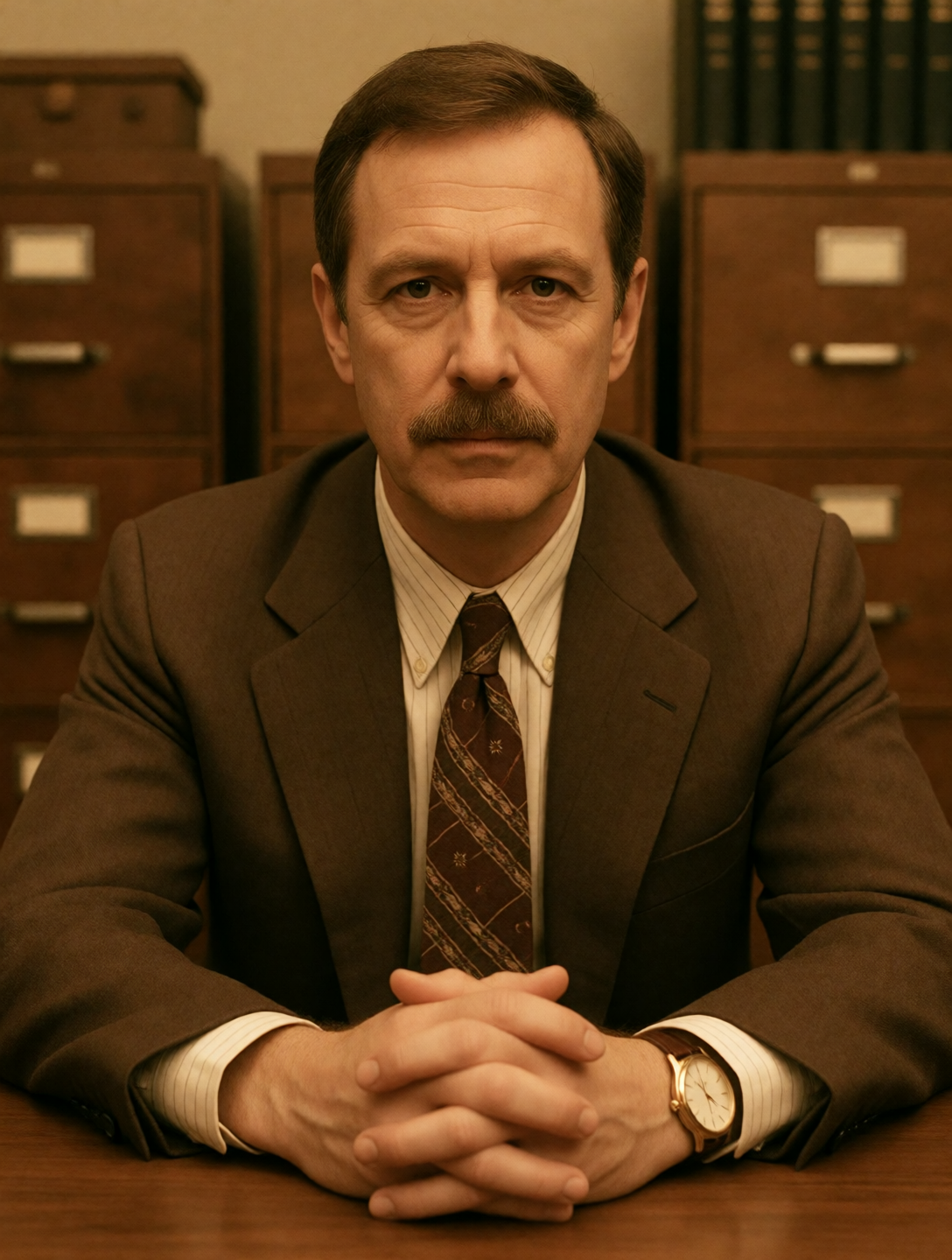
Reference image
Remixes
RemixNo remixes yet. Be the first to make your own version.
Use this image prompt
- 01
Start with the prompt
Copy the prompt, or open it with the generate button.
- 02
Make your changes
Adjust the subject, setting, or details. Add reference media if needed.
- 03
Check before generating
Review the model and output settings. Results can vary between generations.