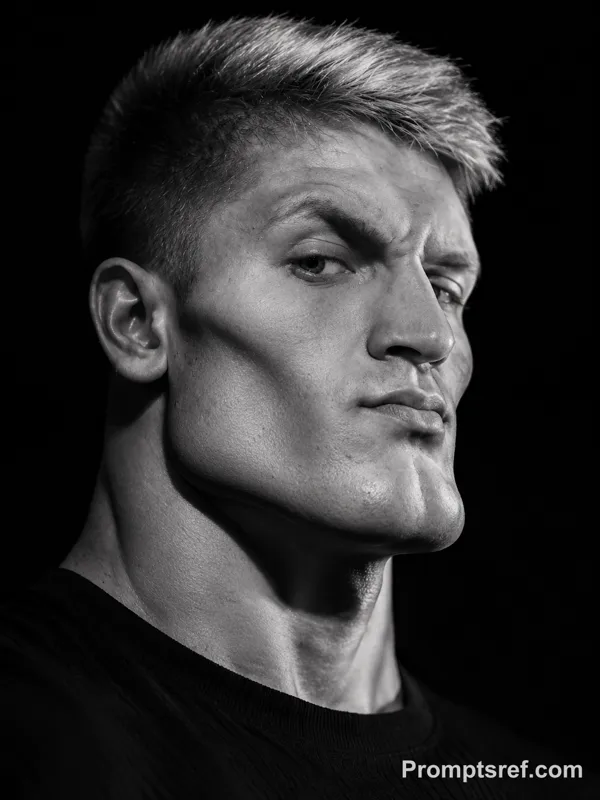
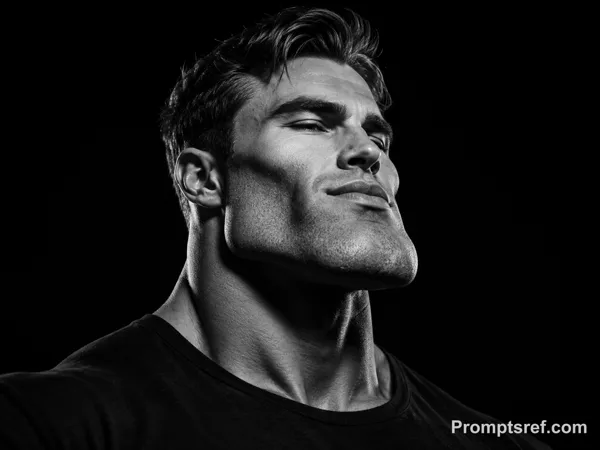
GPT Image 2.0 Prompt - Planche de personnage photoréaliste sous lumière studio diffuse

- Modèle
- GPT Image 2.0
- Format
- 4:3
- Qualité
- 1K
Prompt
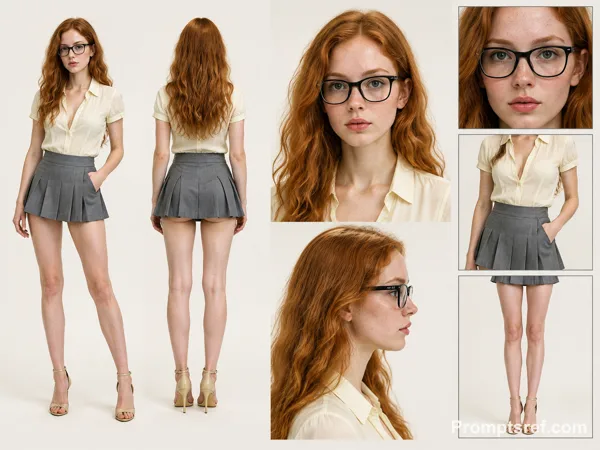
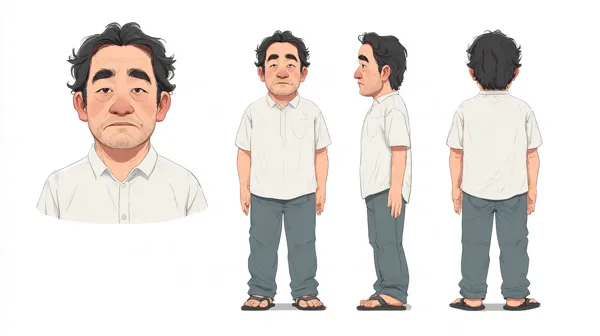
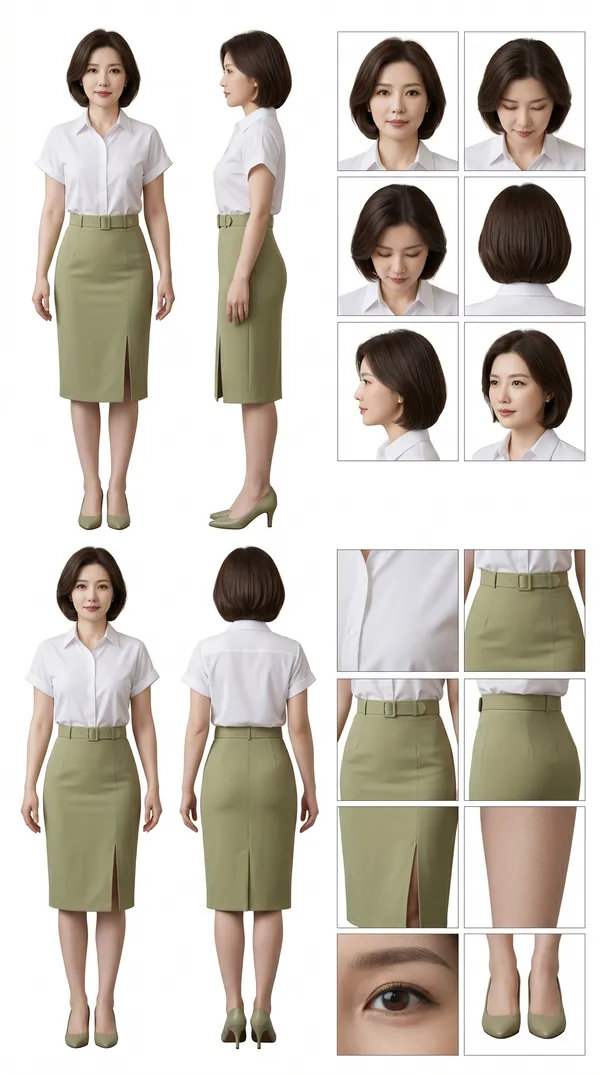
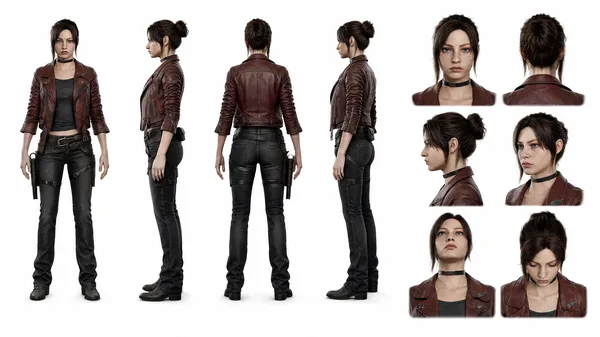
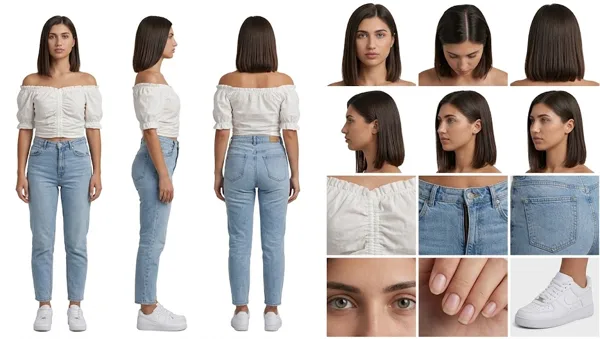
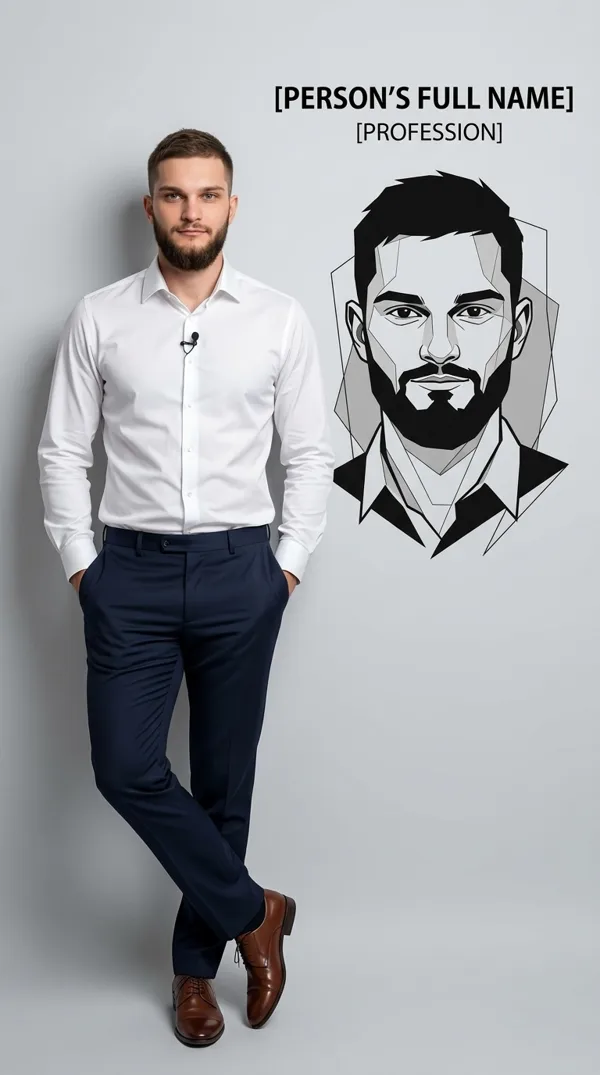
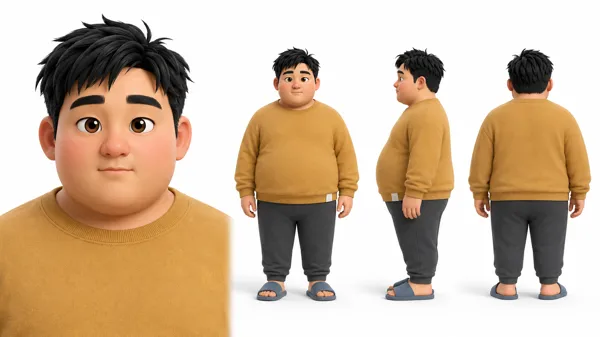
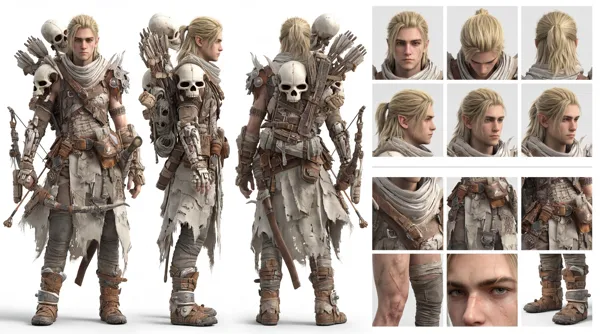
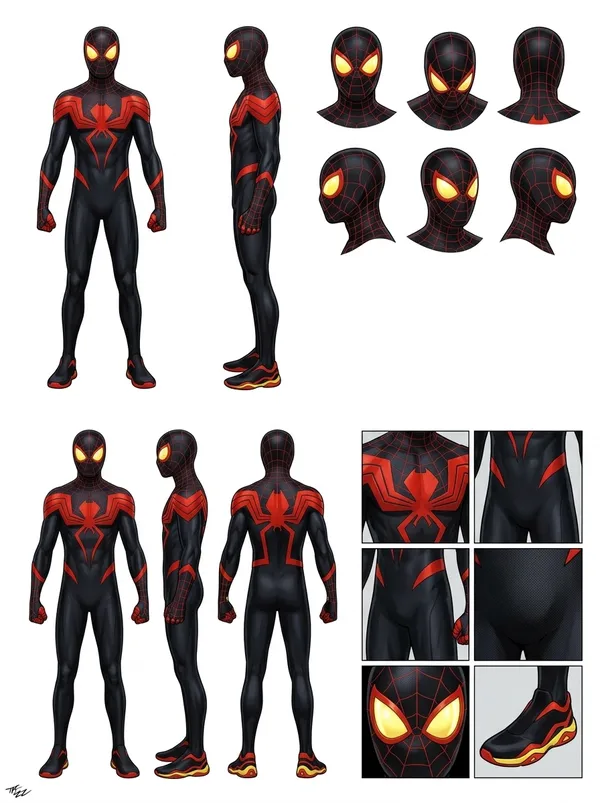
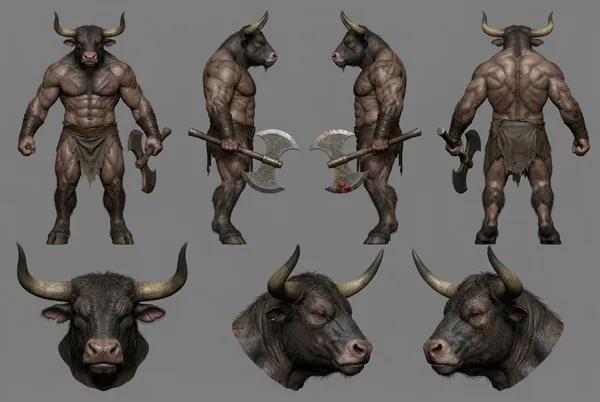
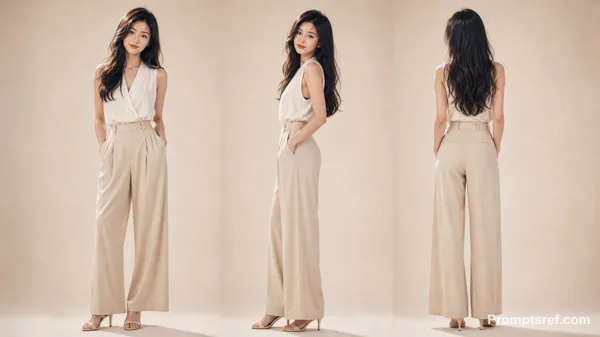
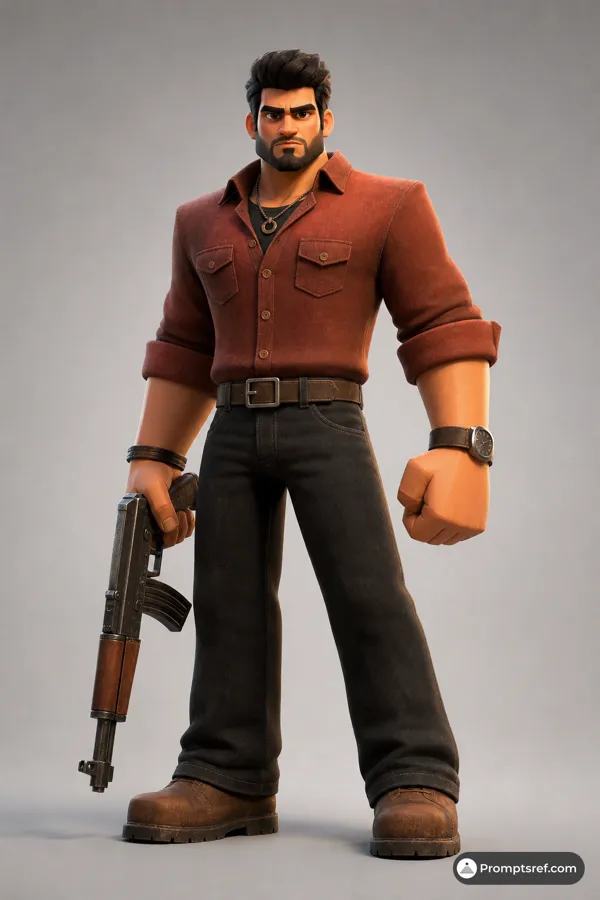
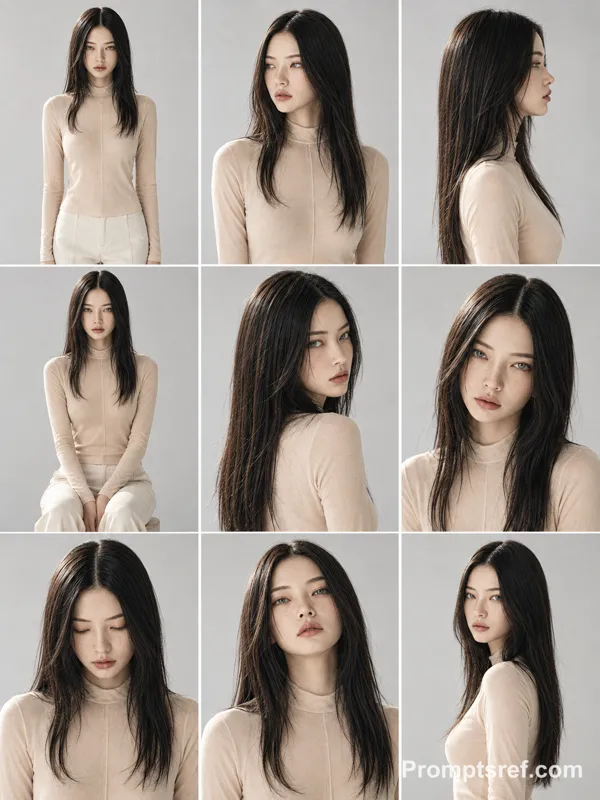
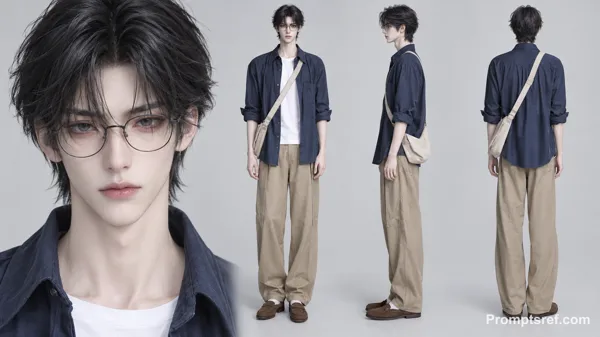
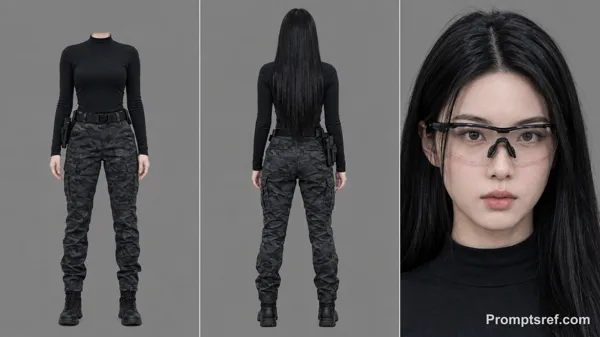
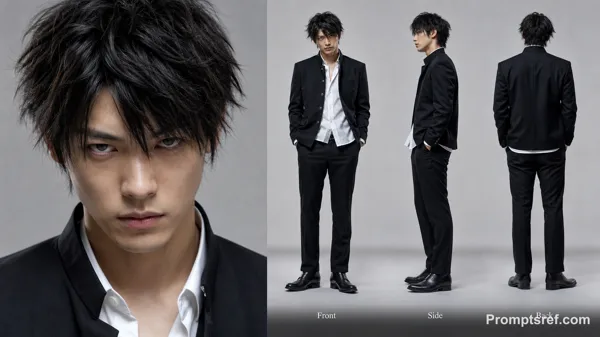
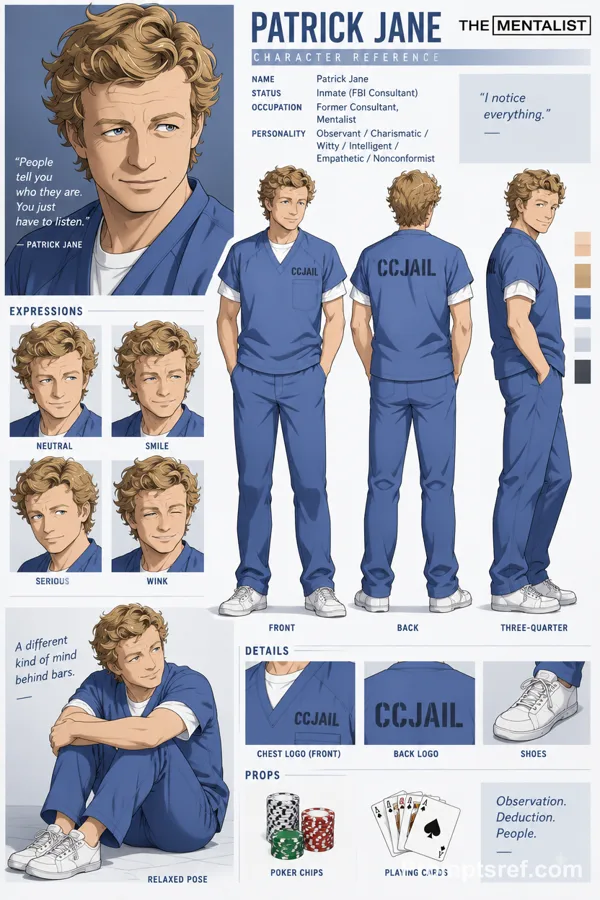
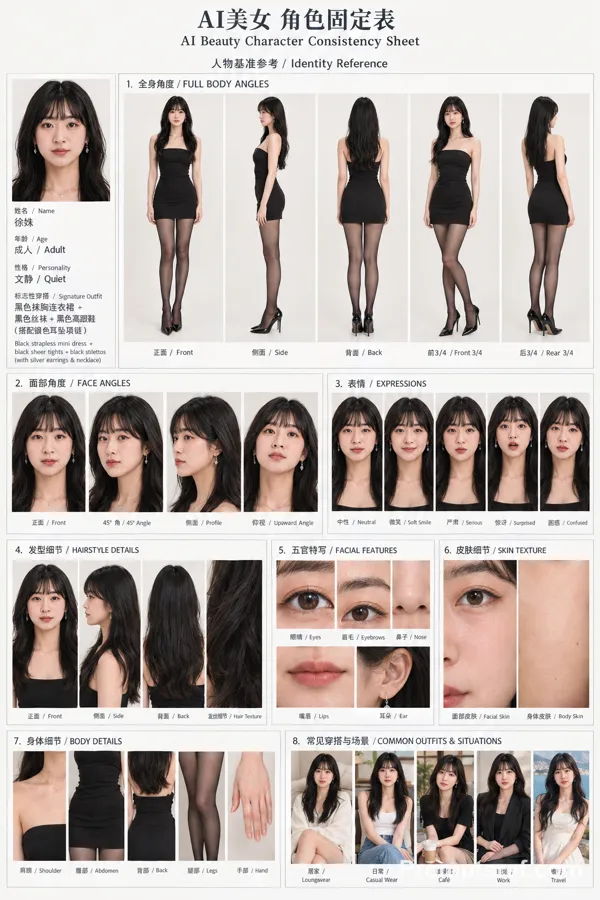
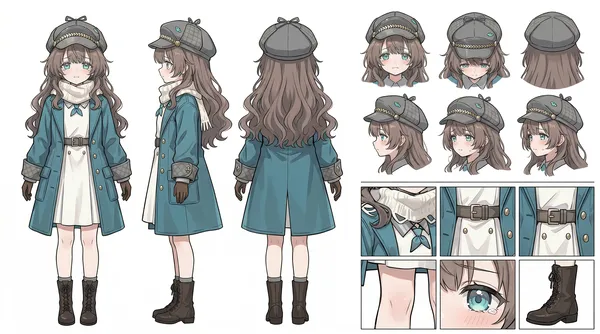
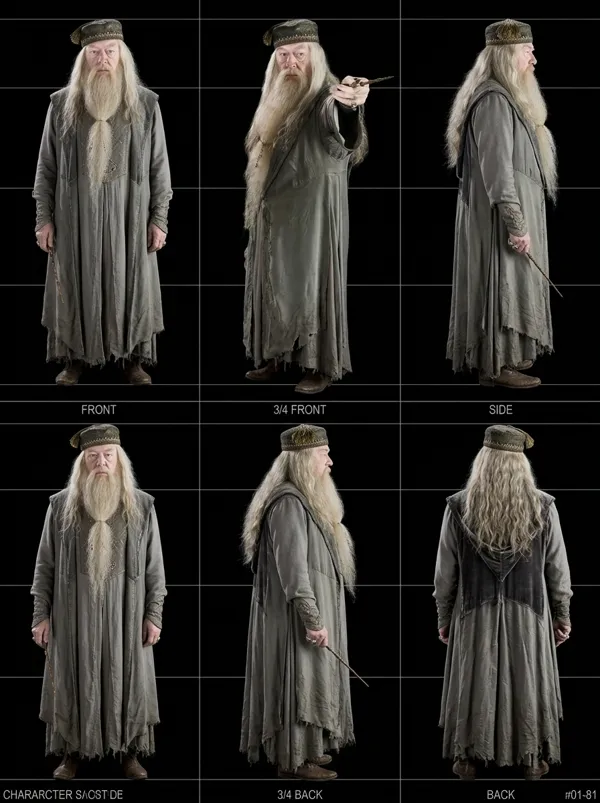
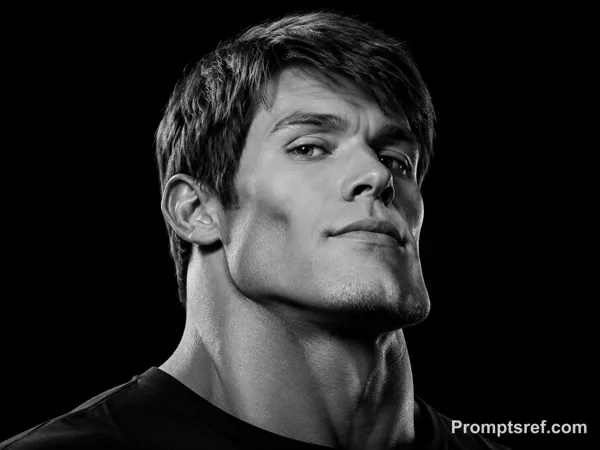
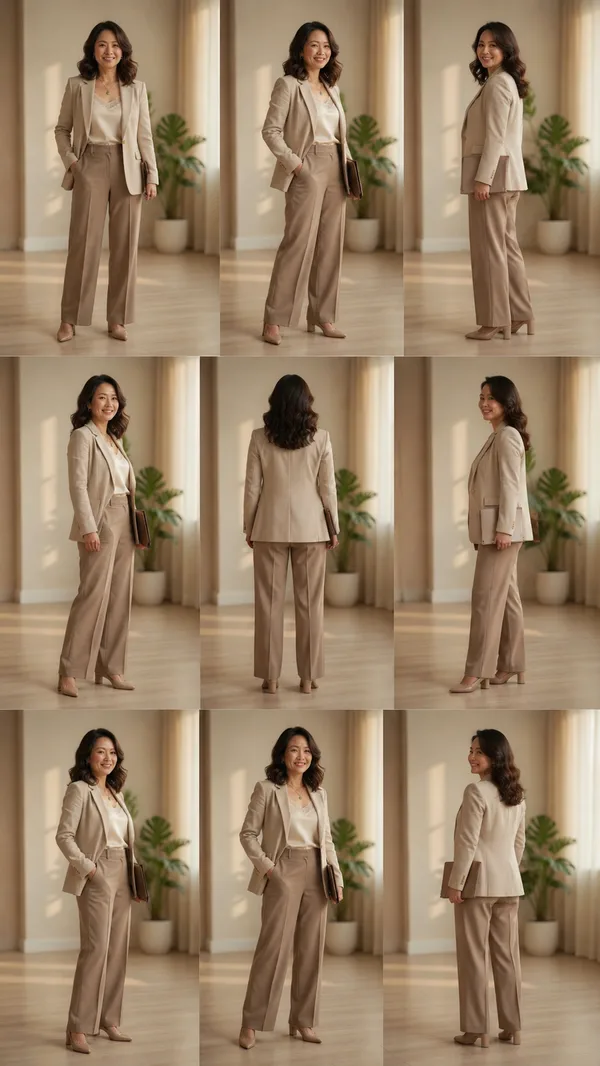
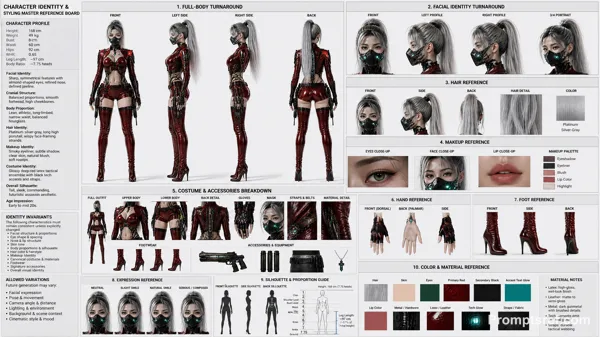
Create a photorealistic, professional character reference sheet featuring the character from the reference image on a seamless warm-white studio background. Use a wide 16:9 landscape canvas with generous negative space and a clean editorial layout.
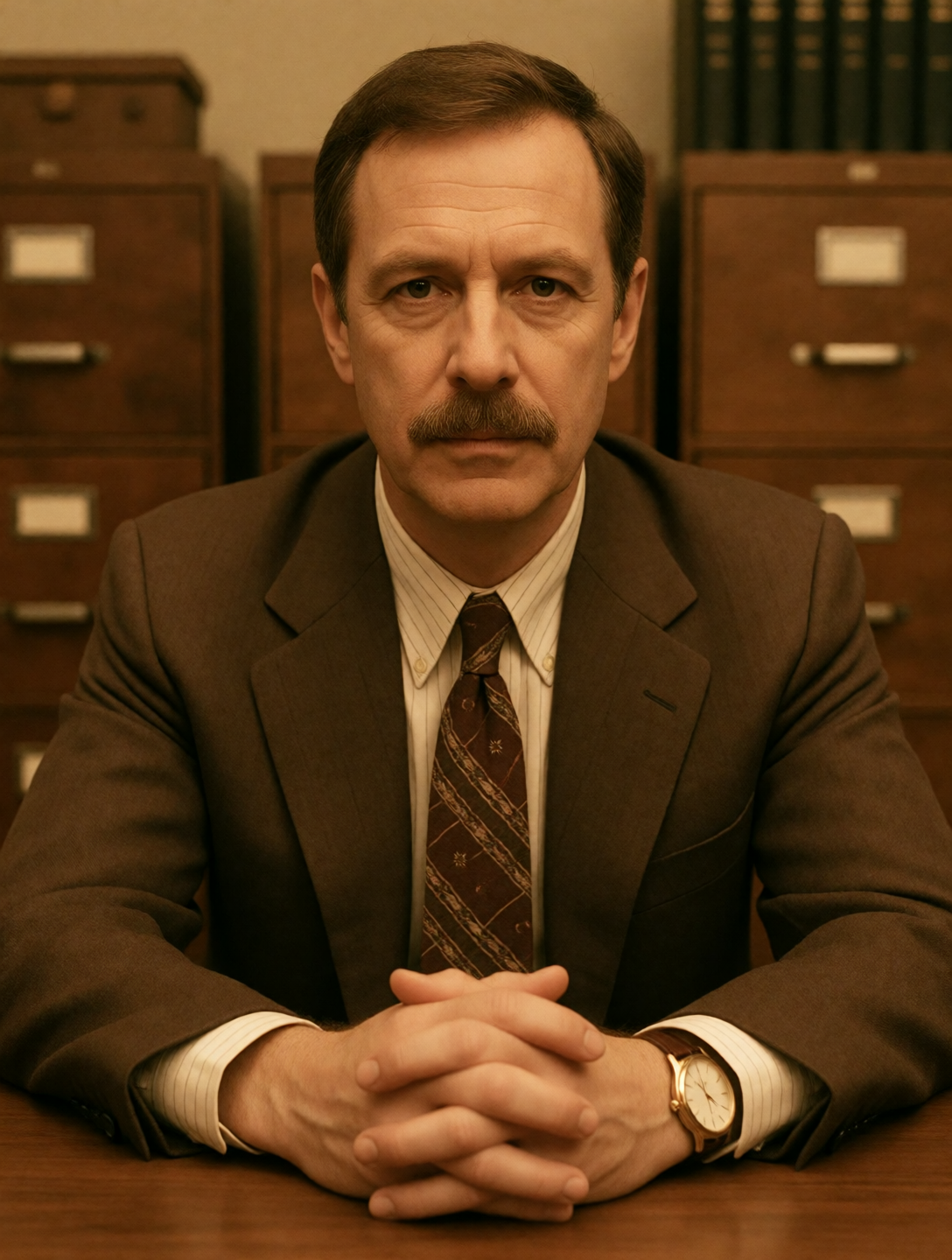
Character: use the character from the reference image and maintain strict consistency across every panel.
Layout:
1. Left section, about 36% of the canvas: two full-body turnaround views placed side by side. Show a relaxed front three-quarter standing view with one hand in a pocket, then a clean rear standing view. Both figures must be visible from head to shoes.
2. Center section, about 42% of the canvas: two large stacked portrait panels without visible borders. The upper panel is a straight-on head-and-shoulders beauty portrait with a calm neutral expression. The lower panel is a precise right-facing side-profile head-and-shoulders portrait.
3. Right section, about 22% of the canvas: a vertical column of three evenly spaced rectangular detail panels with thin dark-gray borders. The top panel is a tight straight-on facial close-up. The middle panel isolates the upper-body clothing and waist styling. The bottom panel isolates the lower-body clothing and footwear from waist to floor.
Visual direction: high-end casting and wardrobe reference photography, soft diffused studio lighting, natural skin texture, realistic fabric detail, subtle soft shadows, neutral color grading, crisp focus, and consistent camera height and scale. Keep every panel aligned and evenly spaced. Do not add text, labels, captions, logos, watermarks, decorative graphics, extra people, duplicated limbs, cropped feet in the full-body views, or changes in identity or wardrobe.
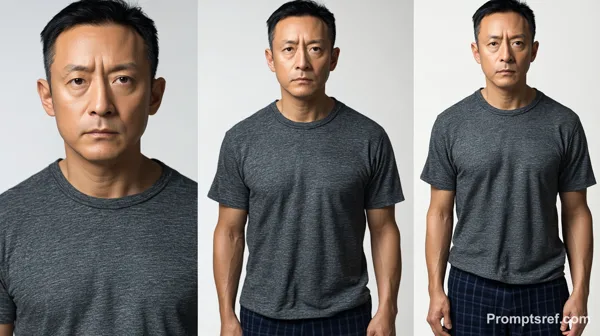
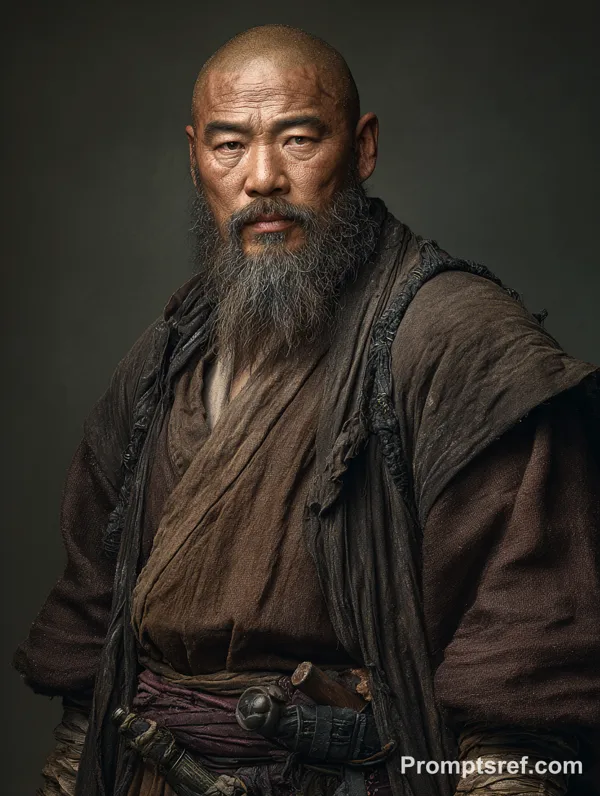
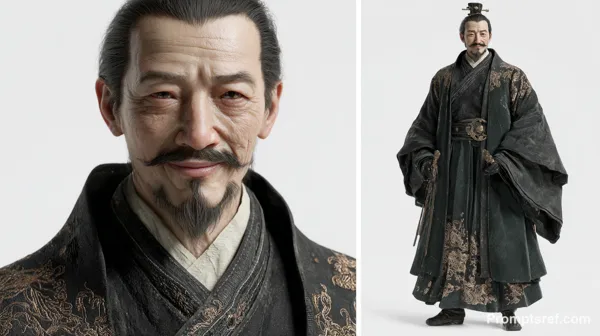
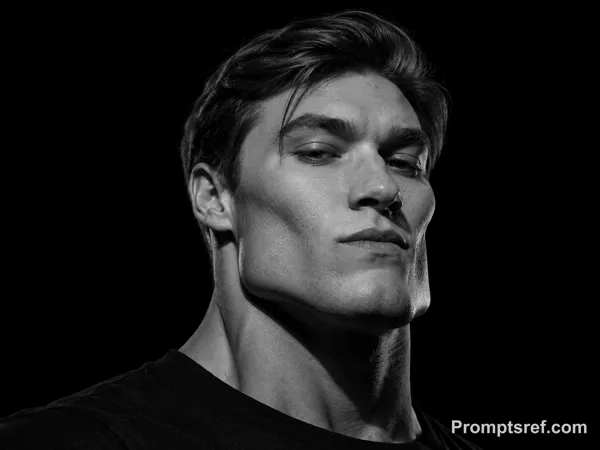
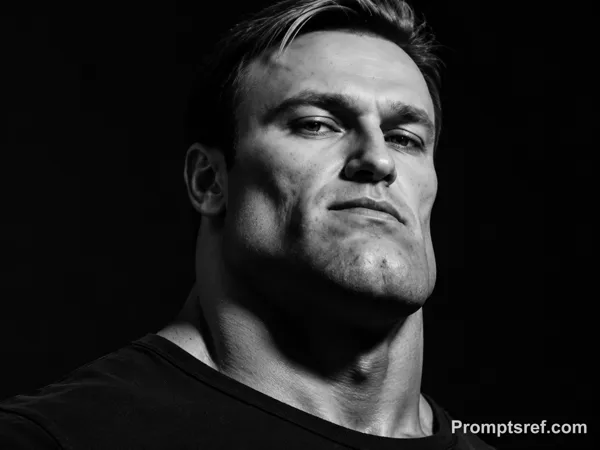
Image de référence
Remix
RemixPas encore de remix. Créez la première version.
Utiliser ce prompt d’image
- 01
Commencer avec le prompt
Copiez le prompt ou ouvrez-le avec le bouton de génération.
- 02
Apporter vos modifications
Adaptez le sujet, le décor ou les détails. Ajoutez des références si nécessaire.
- 03
Vérifier avant de générer
Vérifiez le modèle et les paramètres de sortie. Les résultats peuvent varier.