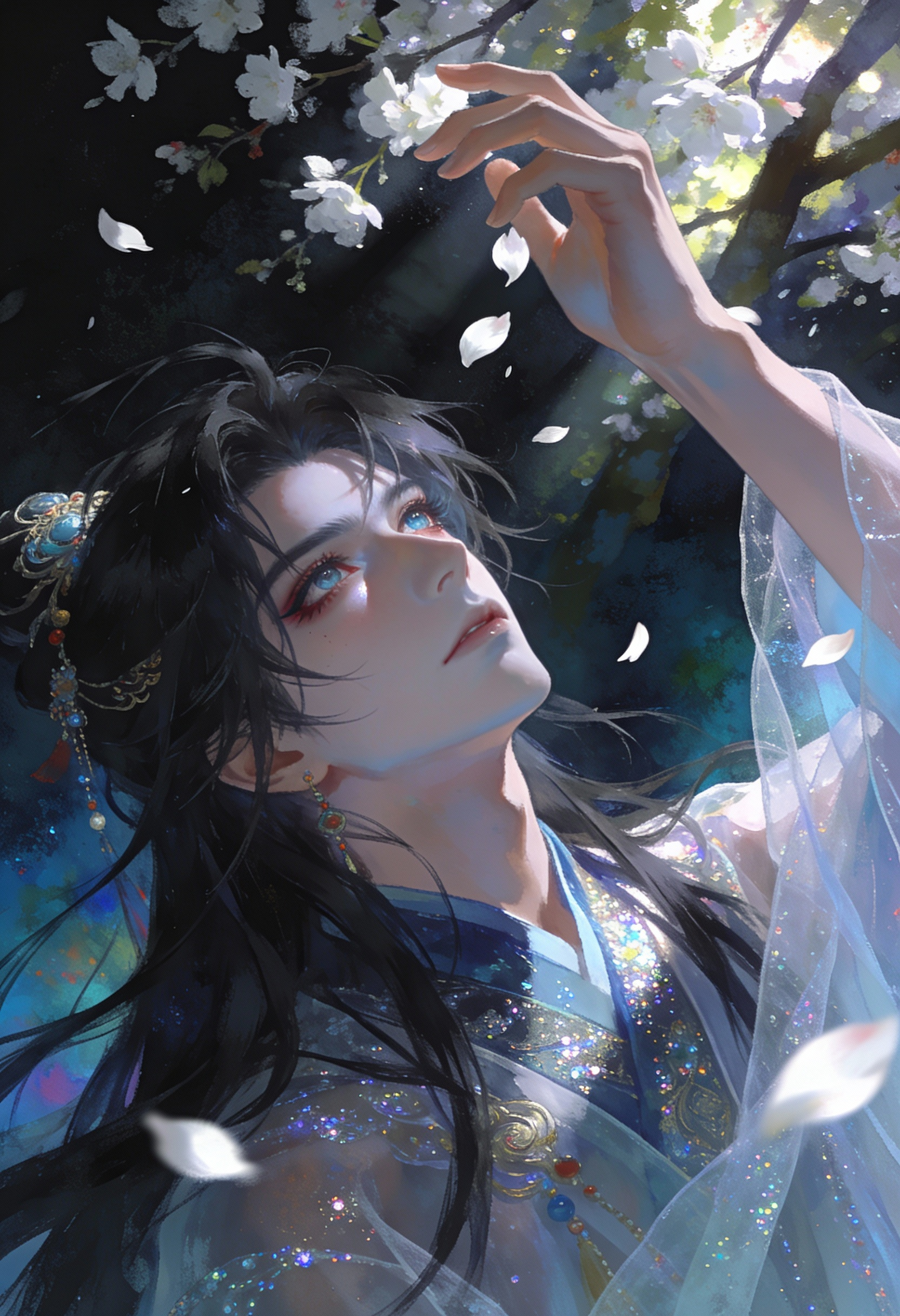
seedream/4.5-text-to-image Prompt - Melancholic Long-Haired Youth Catching White Petals

- Model
- seedream/4.5-text-to-image
Prompt
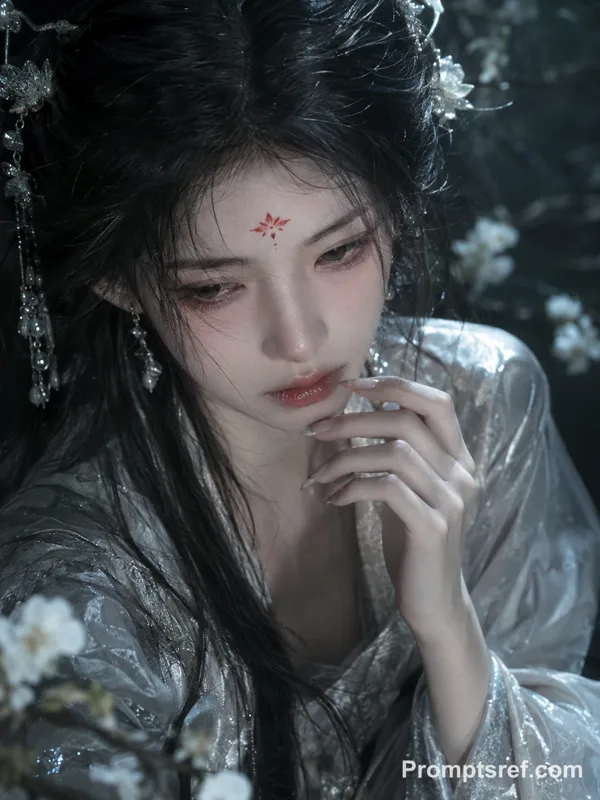
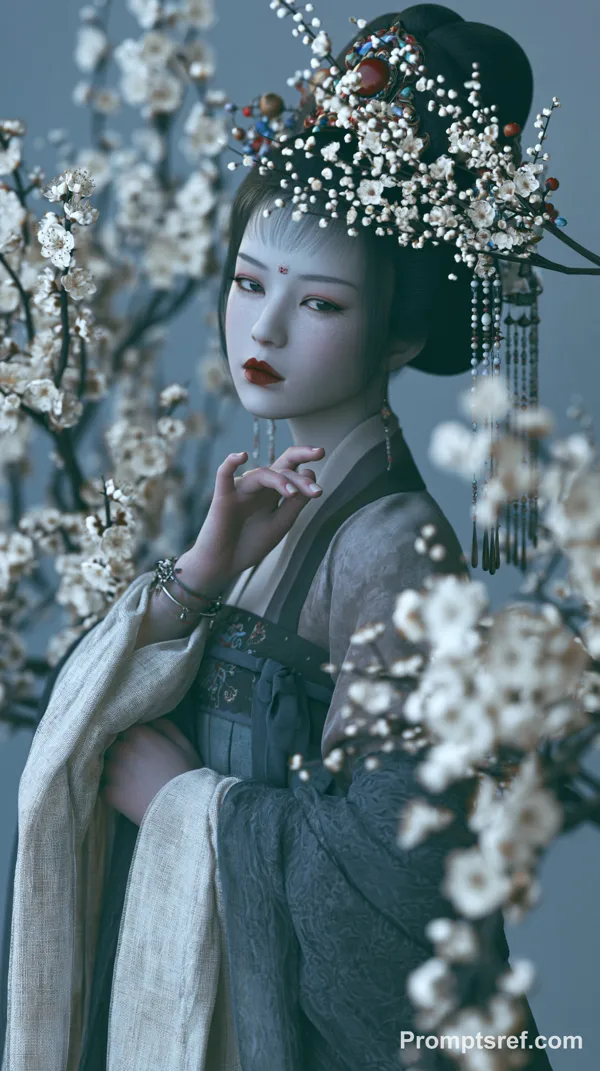
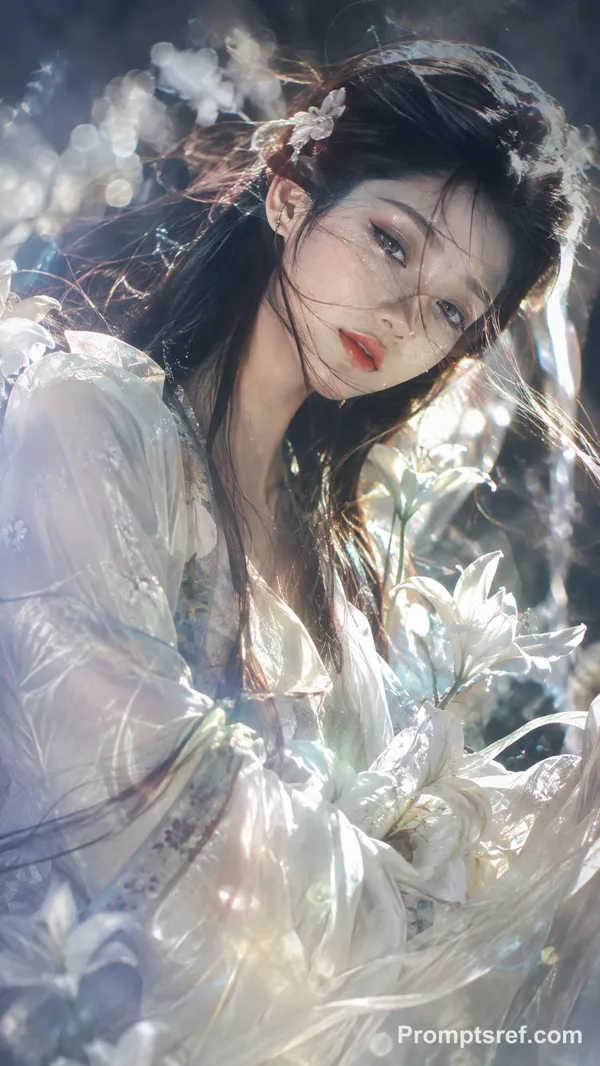
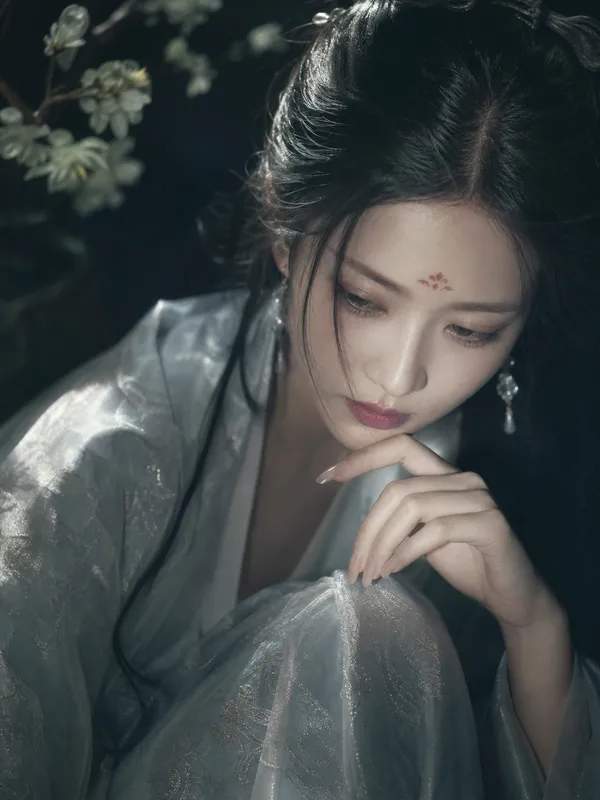
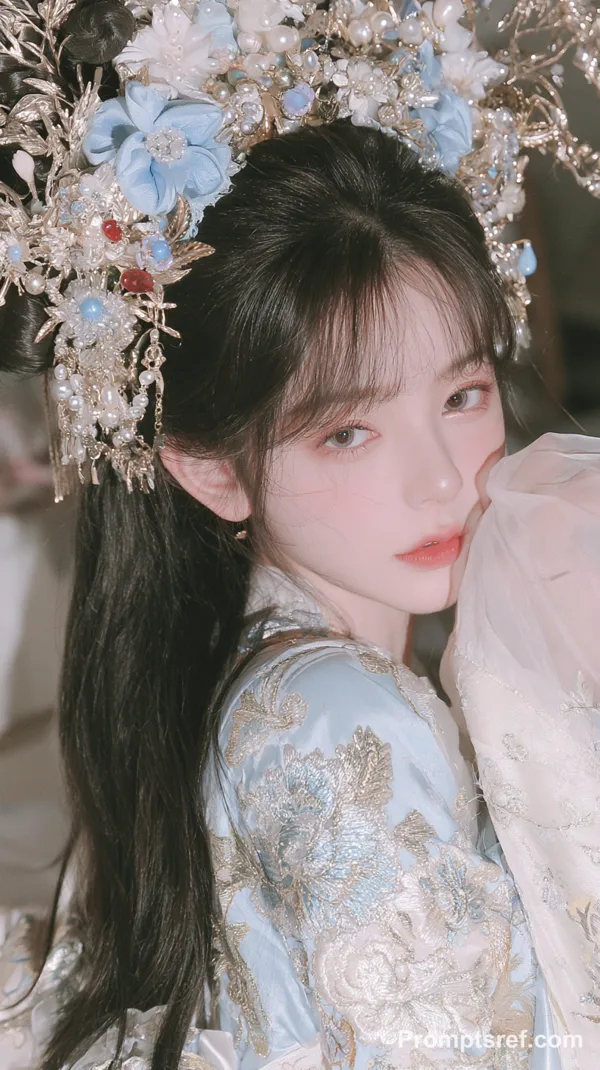
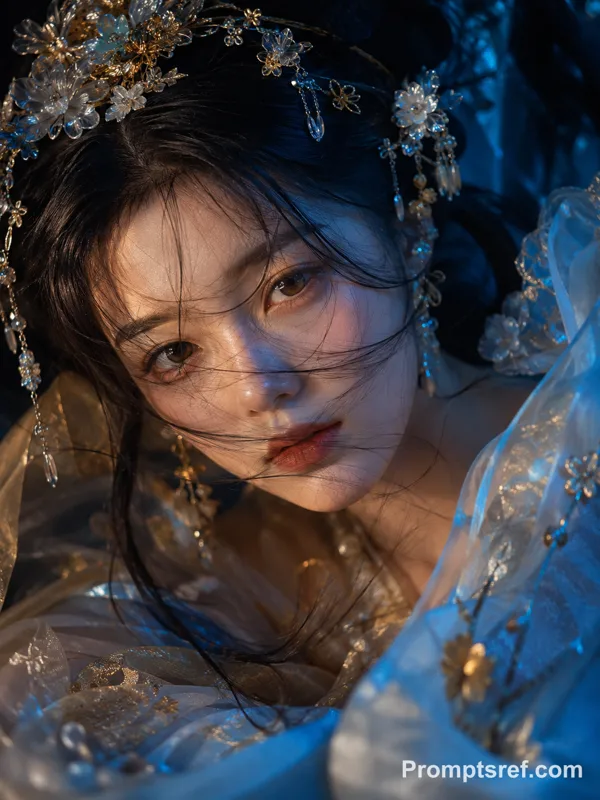
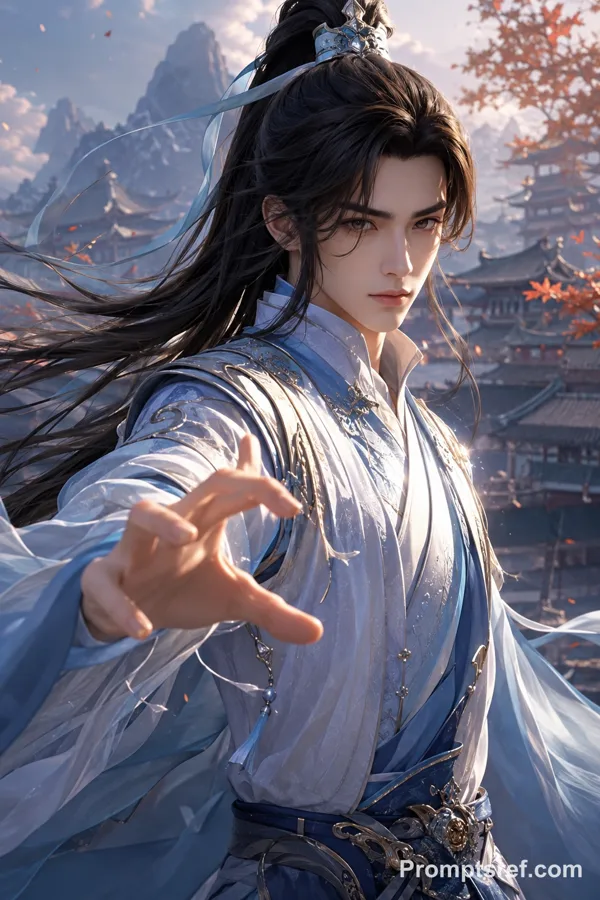
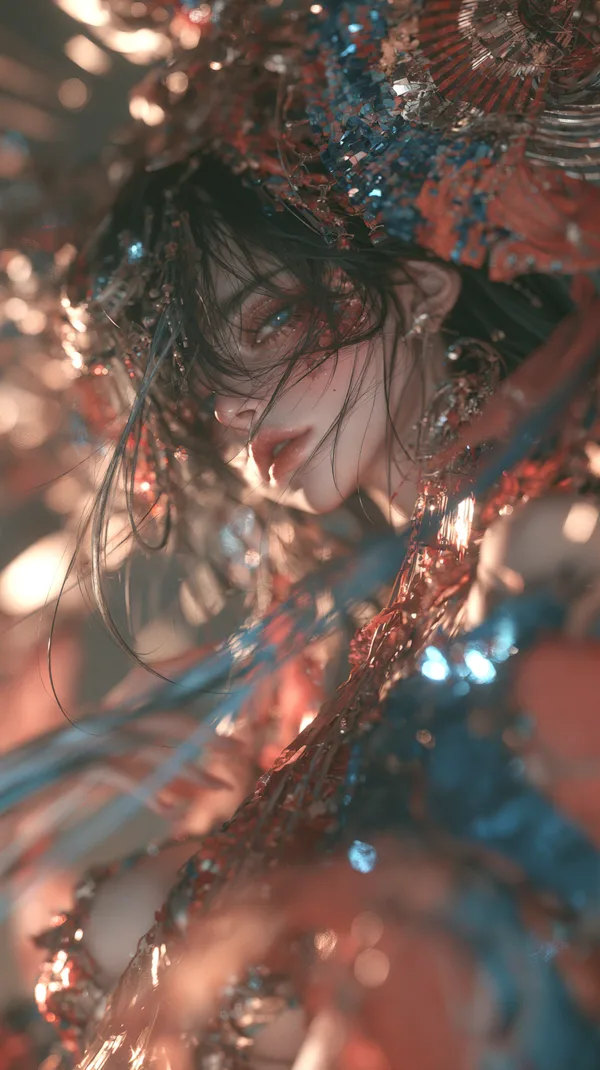
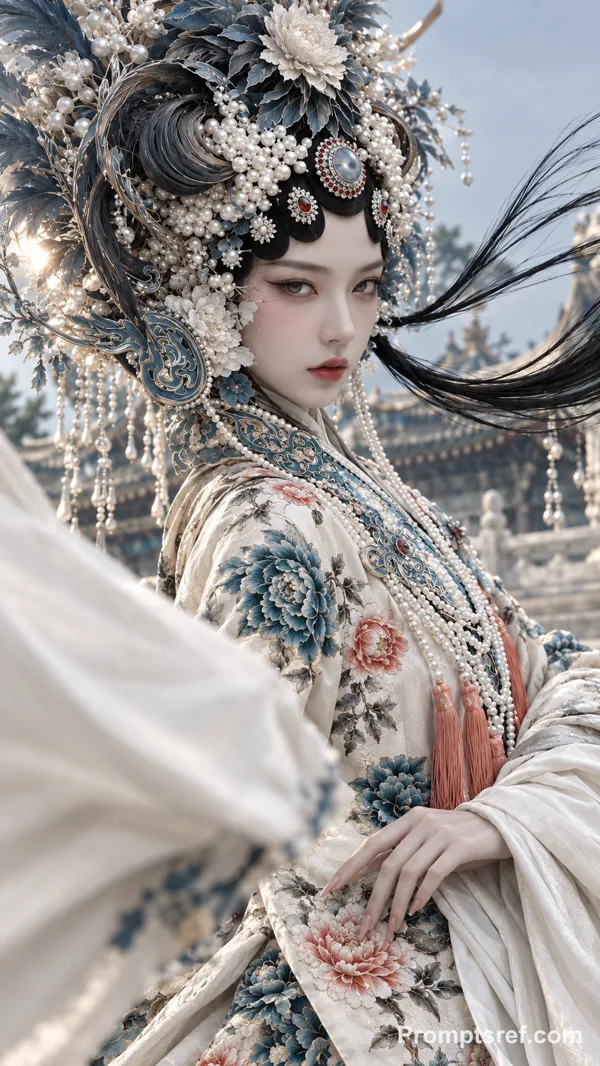
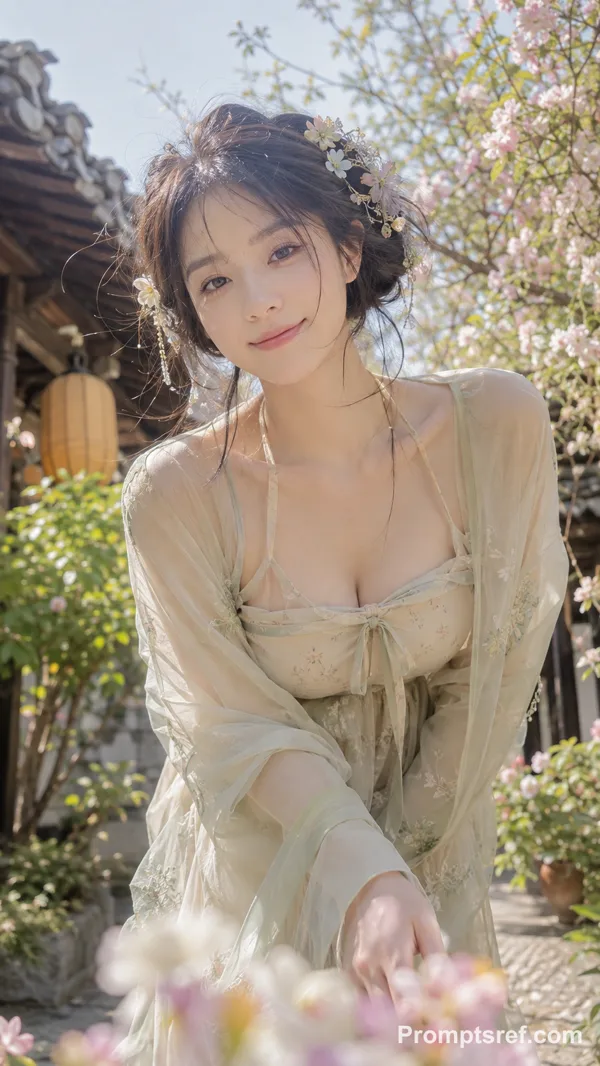
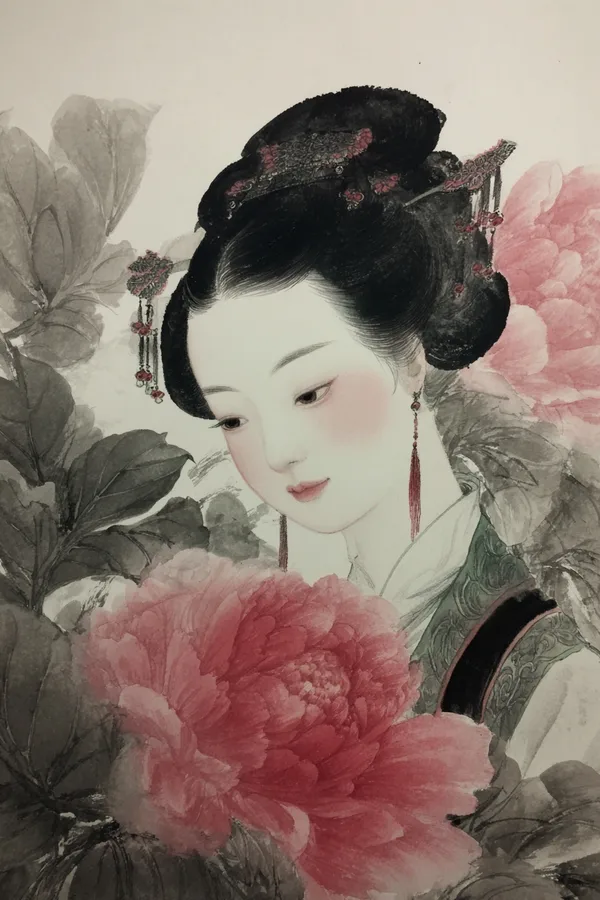
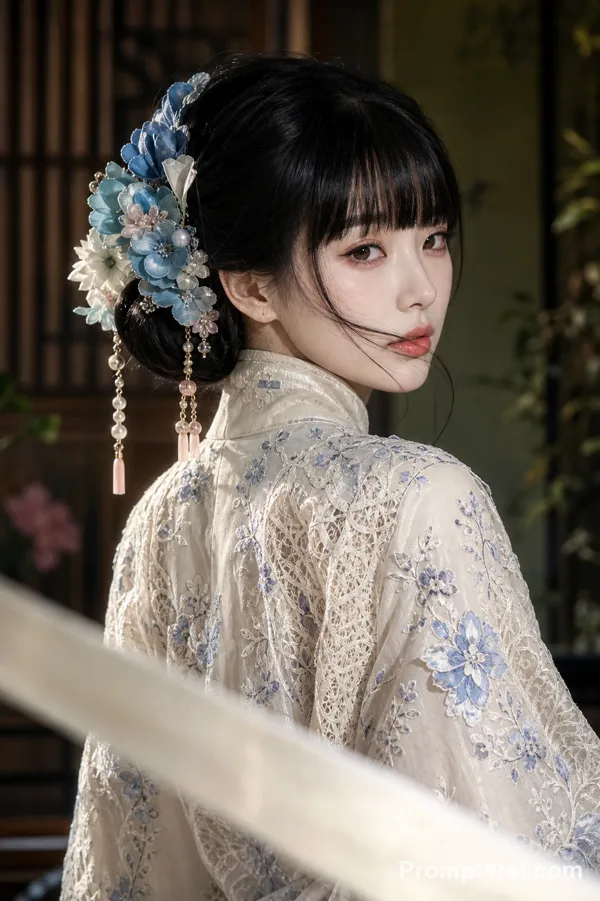
The image style is portrait, with textured lighting, natural light, and a strong photographic feel. The generated image is a semi-thick paint style, a close-up of a captivating young man's head. The boy has pale skin, a cool and melancholic expression, long, messy black hair reaching his waist, and wears a gauze dress. His hair flows in the wind, his makeup is exquisite, his face is highlighted, and his eyes are bright and expressive. The spring background features dappled sunlight filtering through the trees, creating an abstract and impressionistic atmosphere with strong color contrasts. White petals flutter in the air, and the boy reaches out to catch them, creating an elegant and beautiful scene with a soft, diffused effect. The image style is portrait, with a 9:16 aspect ratio. It uses a 3D thick paint technique to enhance the artistic atmosphere, featuring a close-up of the character, a two-dimensional face, a dynamic perspective, intricate gauze clothing, and elaborate accessories. The hairstyle is emphasized, with strong perspective, rich details, Rembrandt lighting, and strong contrast between light and shadow. The thick paint technique combined with a matte finish emphasizes the character's outline, presenting a dreamlike and cinematic aesthetic. Background: A vibrant, ancient-style scene, rich in color, creating a captivating and story-filled atmosphere. Utilizing a dynamic perspective, the image is based on a dark, cool color palette, composed of intricate and complex lines, each line brimming with detail and variation. Long, flowing hair, oriental-style clothing, and glittery shimmer create a hazy, dreamlike effect. The CG watercolor style, achieved through thick, blended washes, combines soft lighting with dreamy, cool light to create a mysterious and melancholic ambiance.
Reference image
Remixes
RemixNo remixes yet. Be the first to make your own version.
Use this image prompt
- 01
Start with the prompt
Copy the prompt, or open it with the generate button.
- 02
Make your changes
Adjust the subject, setting, or details. Add reference media if needed.
- 03
Check before generating
Review the model and output settings. Results can vary between generations.