seedream/4.5-text-to-image プロンプト - 白い花びらを受け止める憂いの長髪青年

- モデル
- seedream/4.5-text-to-image
プロンプト
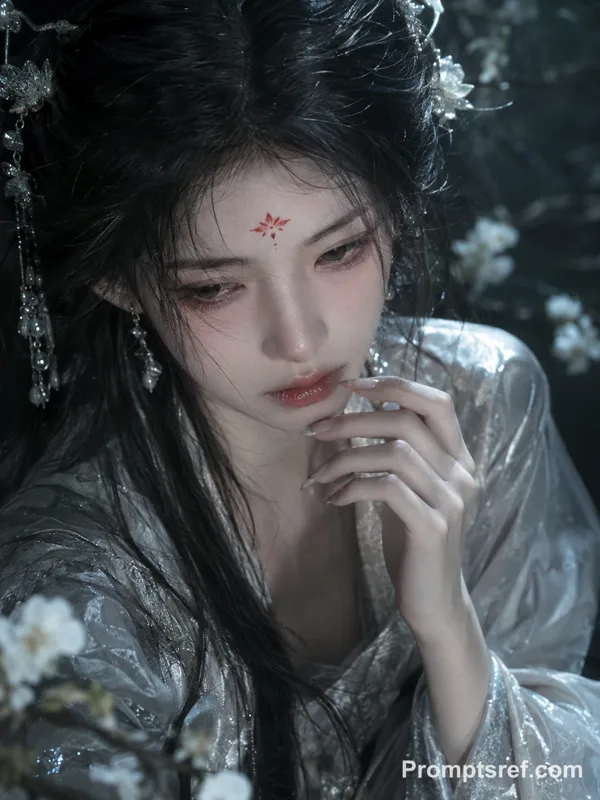
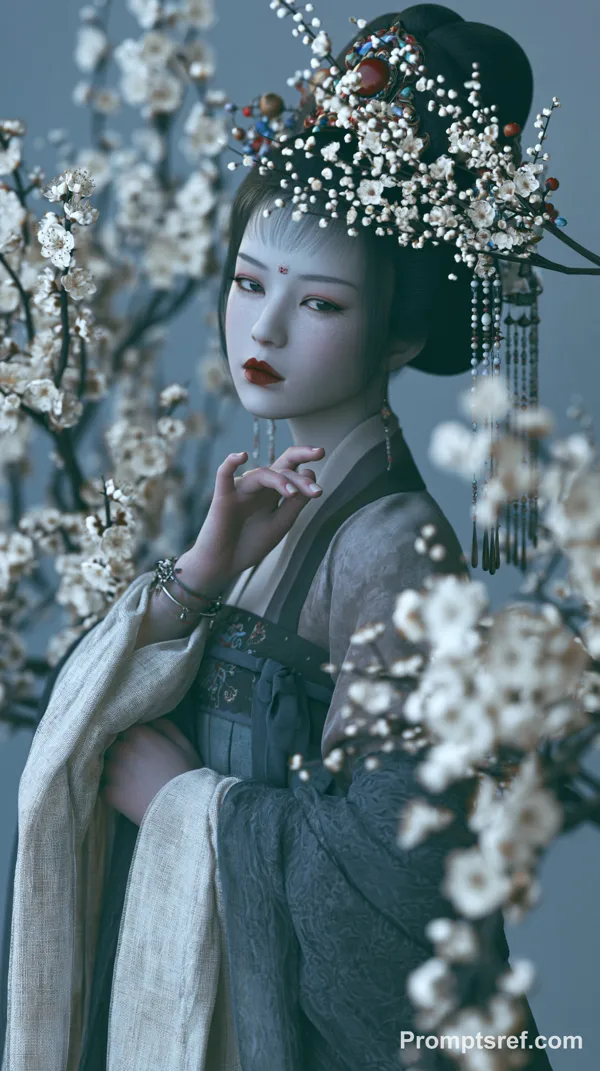
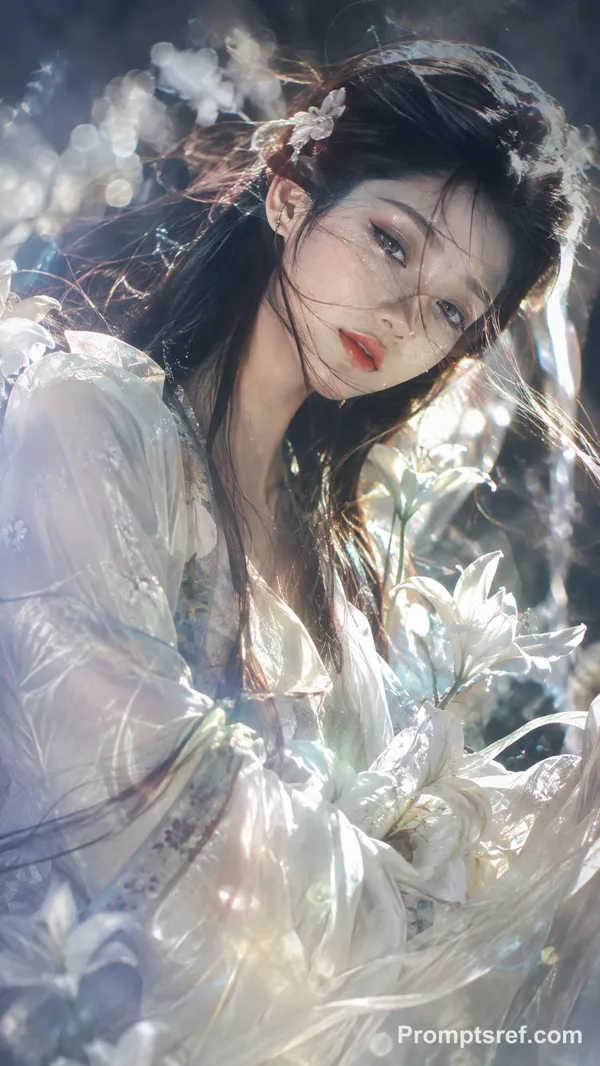
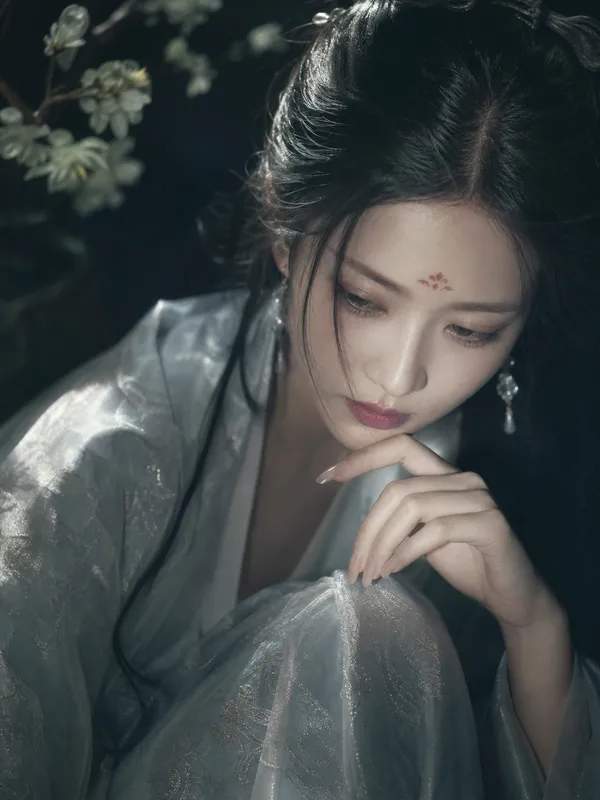
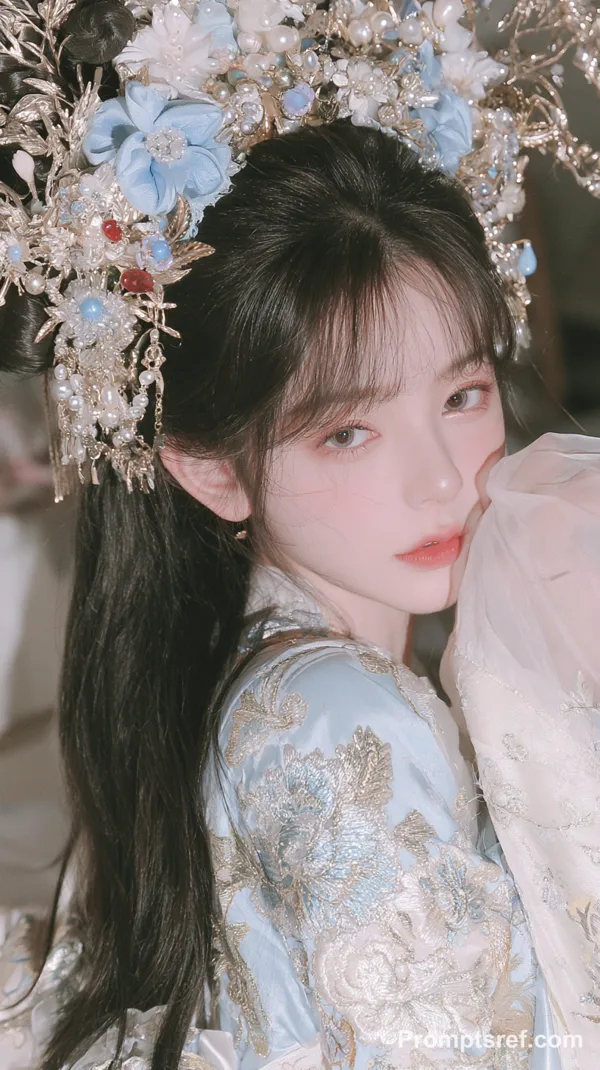
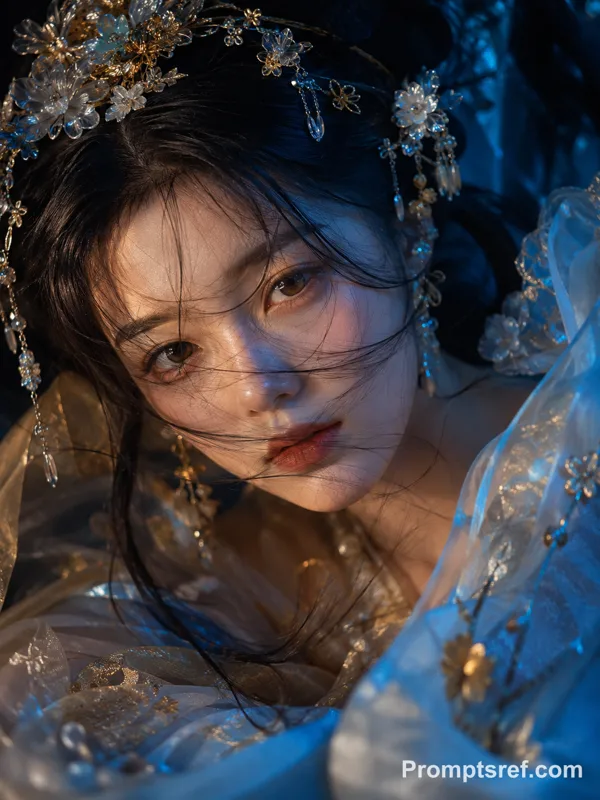
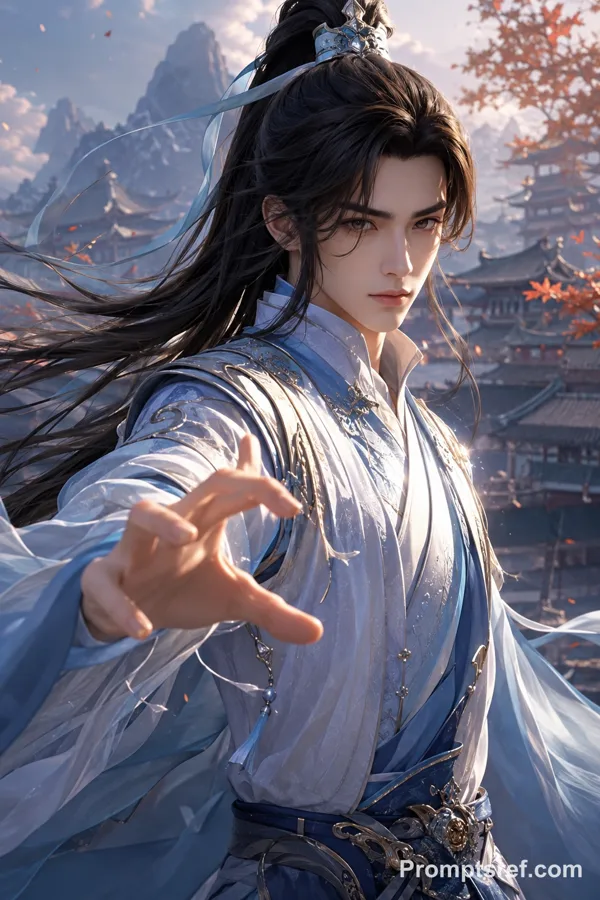
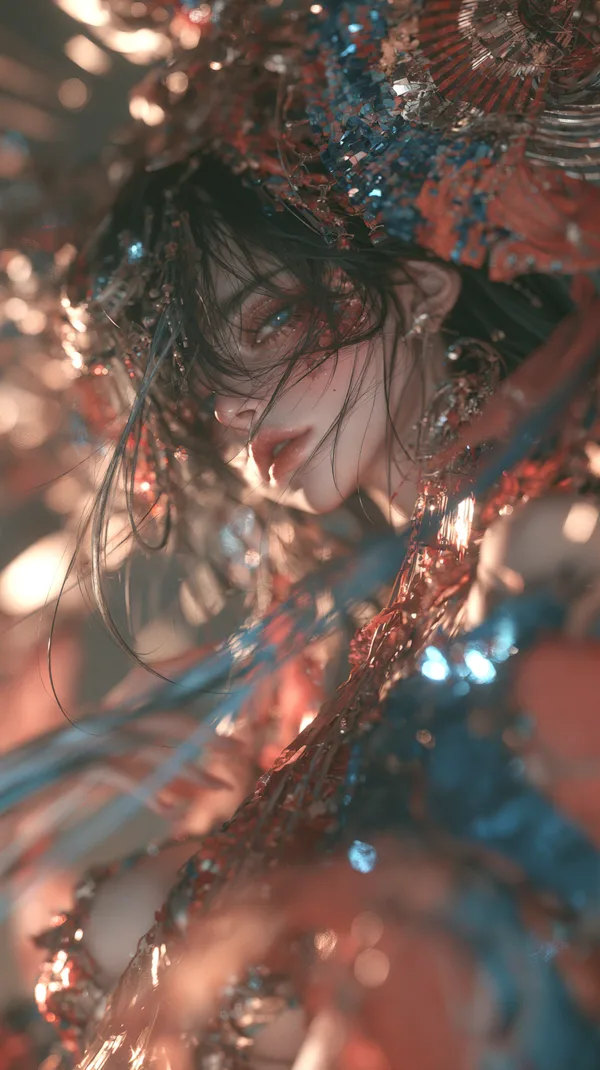
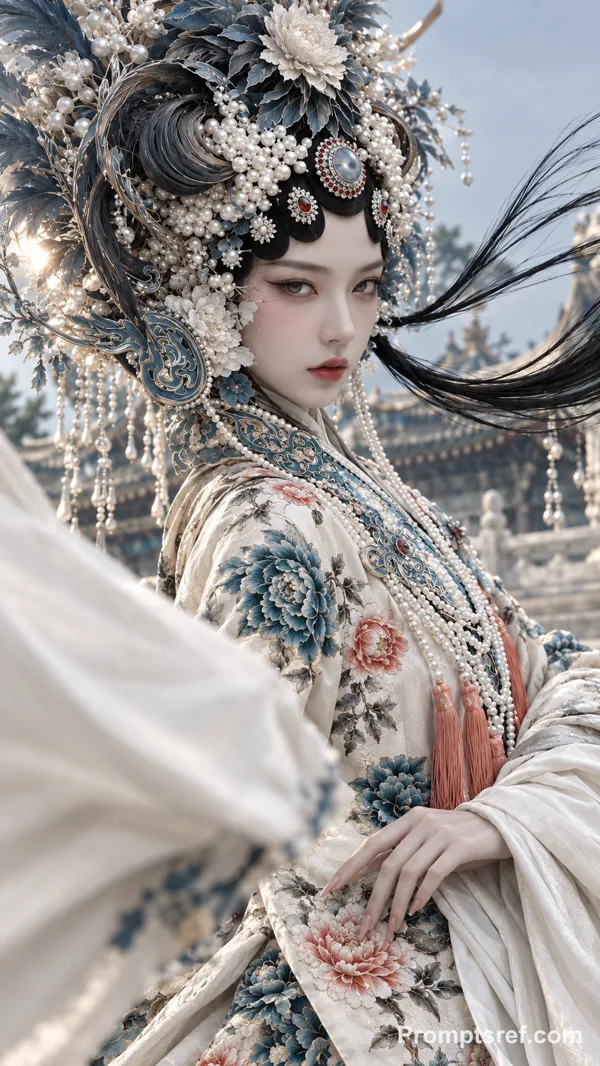
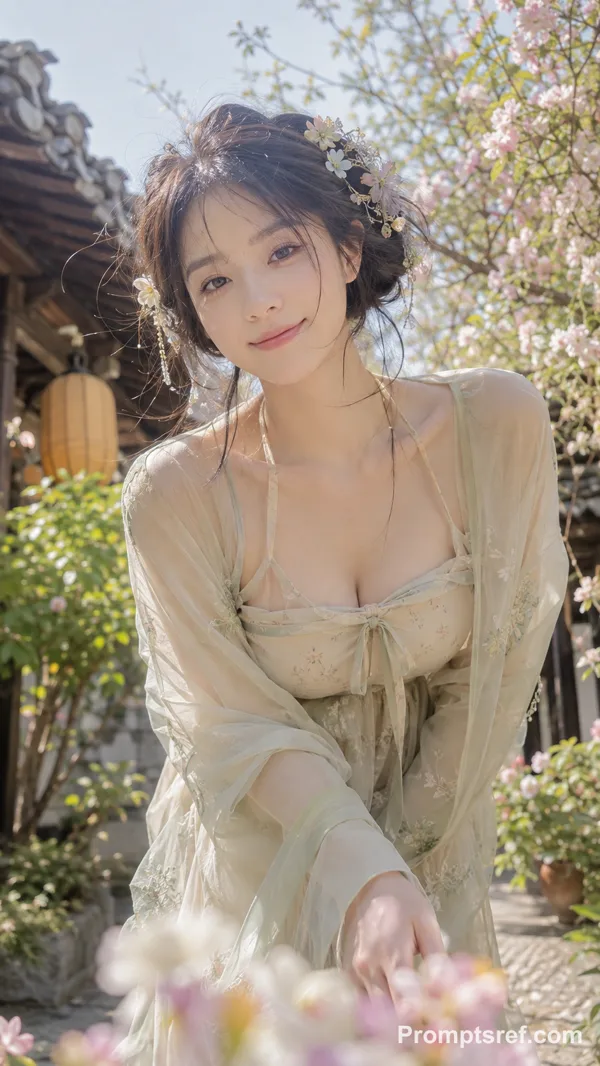
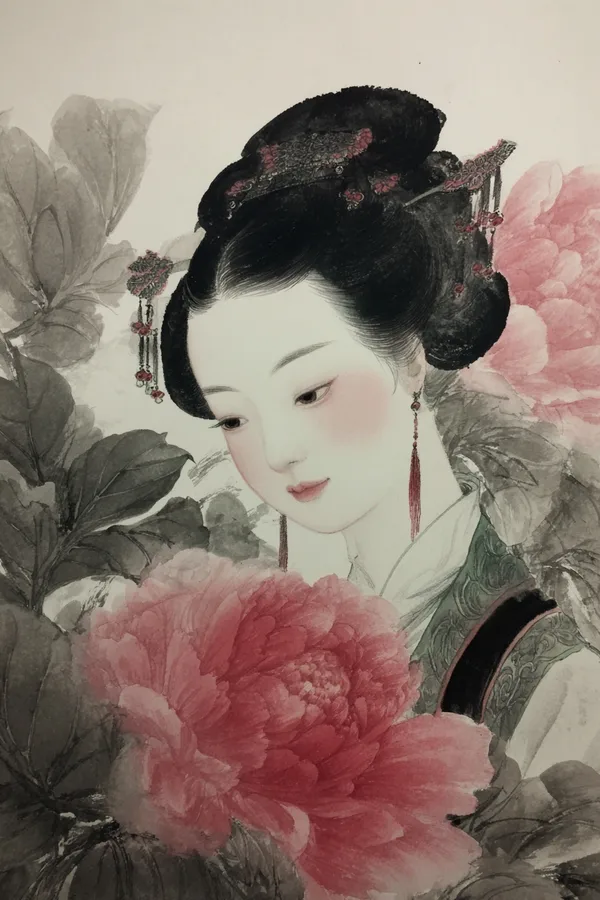
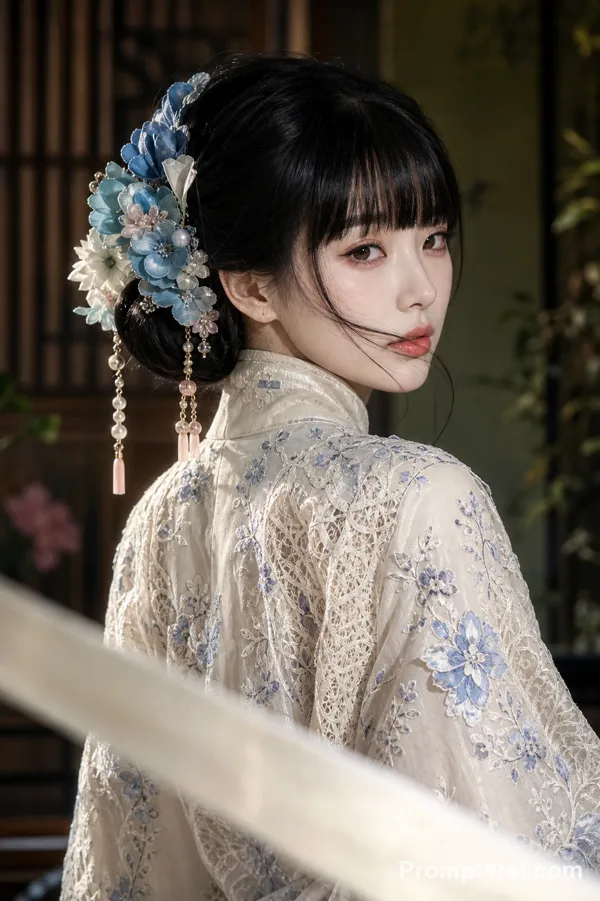
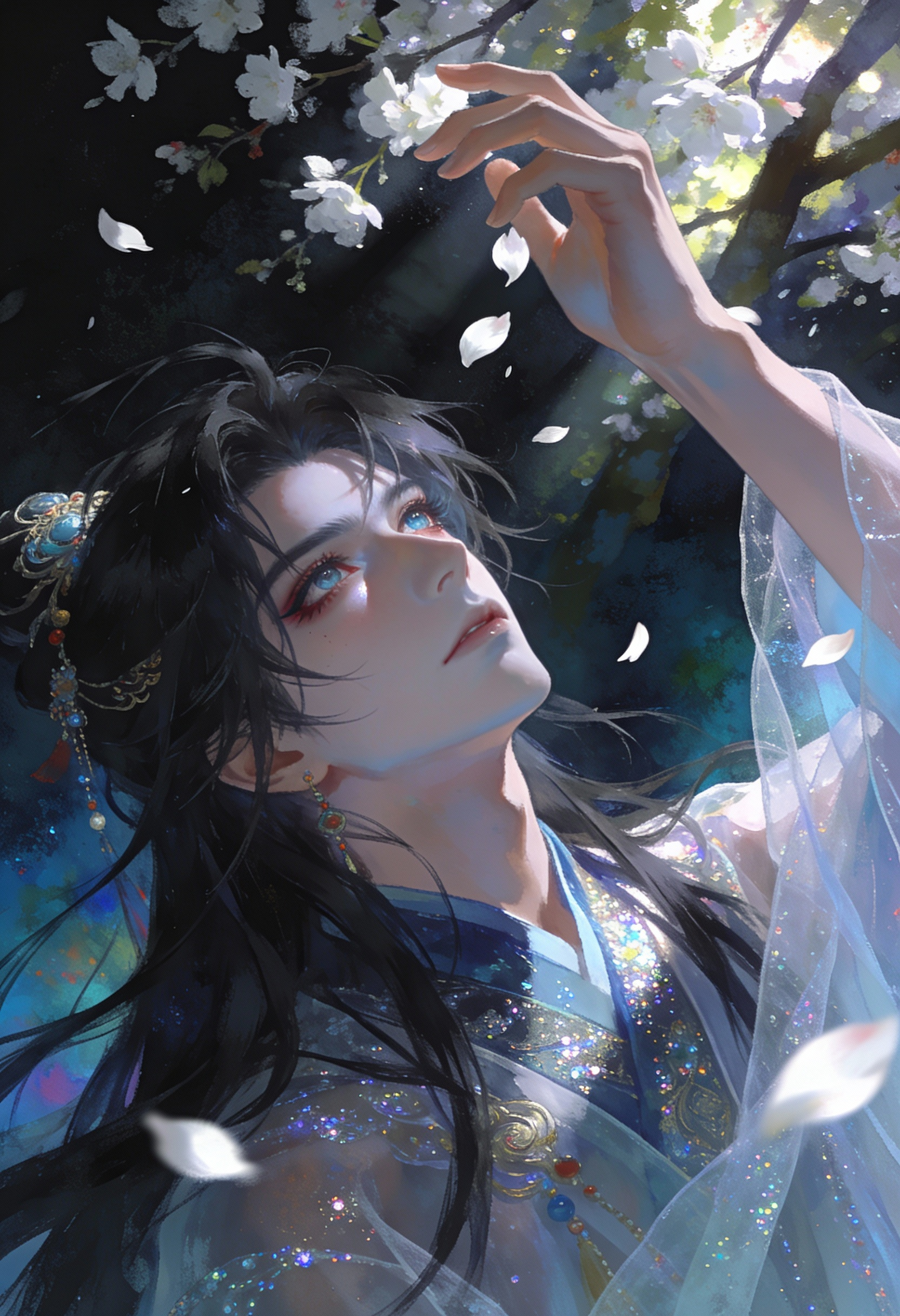
The image style is portrait, with textured lighting, natural light, and a strong photographic feel. The generated image is a semi-thick paint style, a close-up of a captivating young man's head. The boy has pale skin, a cool and melancholic expression, long, messy black hair reaching his waist, and wears a gauze dress. His hair flows in the wind, his makeup is exquisite, his face is highlighted, and his eyes are bright and expressive. The spring background features dappled sunlight filtering through the trees, creating an abstract and impressionistic atmosphere with strong color contrasts. White petals flutter in the air, and the boy reaches out to catch them, creating an elegant and beautiful scene with a soft, diffused effect. The image style is portrait, with a 9:16 aspect ratio. It uses a 3D thick paint technique to enhance the artistic atmosphere, featuring a close-up of the character, a two-dimensional face, a dynamic perspective, intricate gauze clothing, and elaborate accessories. The hairstyle is emphasized, with strong perspective, rich details, Rembrandt lighting, and strong contrast between light and shadow. The thick paint technique combined with a matte finish emphasizes the character's outline, presenting a dreamlike and cinematic aesthetic. Background: A vibrant, ancient-style scene, rich in color, creating a captivating and story-filled atmosphere. Utilizing a dynamic perspective, the image is based on a dark, cool color palette, composed of intricate and complex lines, each line brimming with detail and variation. Long, flowing hair, oriental-style clothing, and glittery shimmer create a hazy, dreamlike effect. The CG watercolor style, achieved through thick, blended washes, combines soft lighting with dreamy, cool light to create a mysterious and melancholic ambiance.
参照画像
リミックス作品
リミックスまだリミックスはありません。最初のバージョンを作ってみましょう。
この画像プロンプトを使う
- 01
プロンプトから始める
プロンプトをコピーするか、生成ボタンで開きます。
- 02
自分のアイデアを加える
被写体や背景、細部を調整し、必要に応じて参考素材を追加します。
- 03
生成前に確認する
モデルと出力設定を確認してください。生成結果は毎回異なる場合があります。