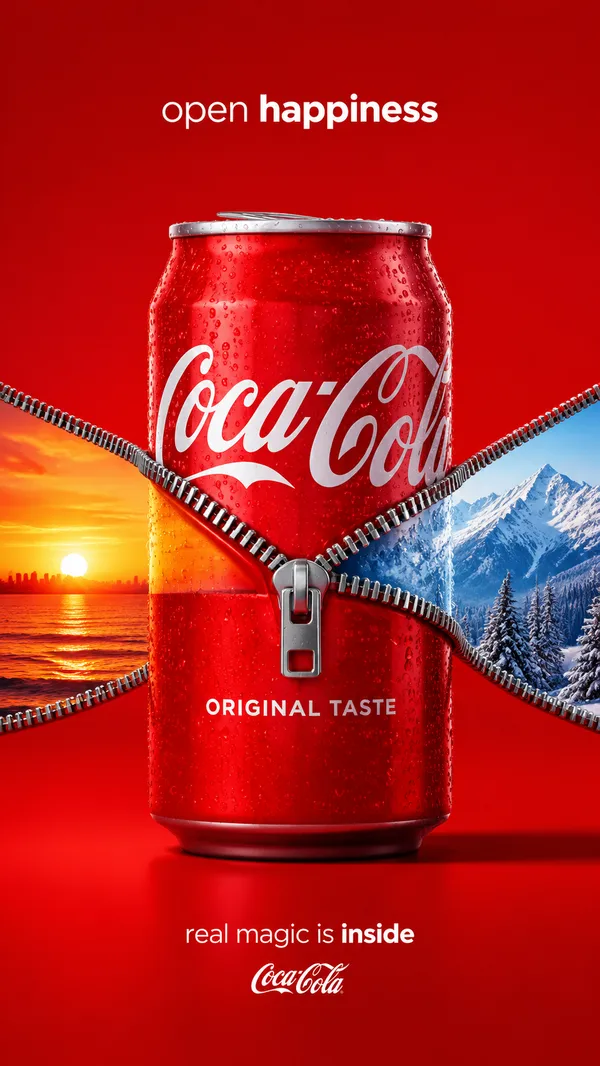
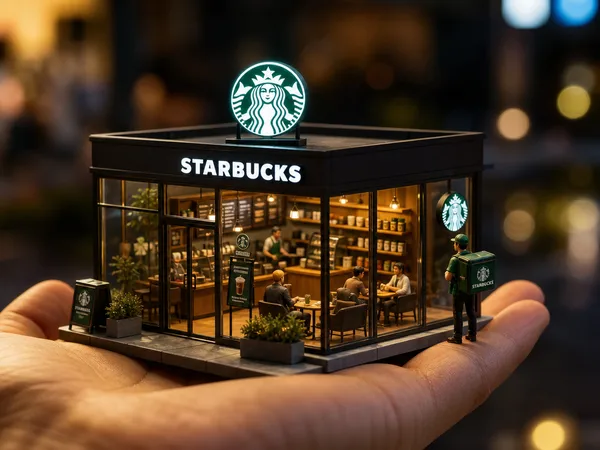
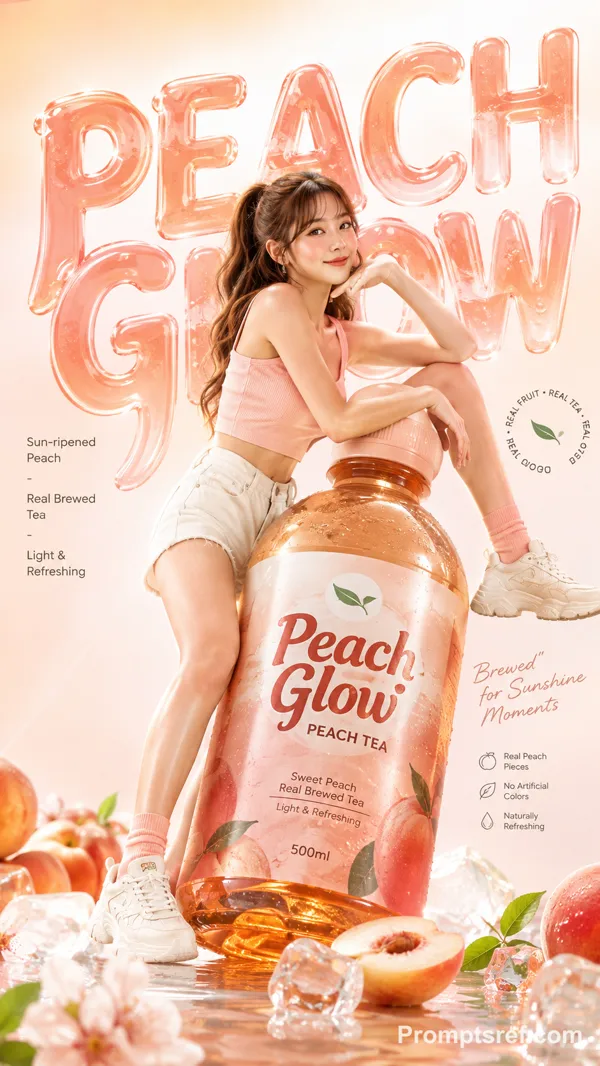
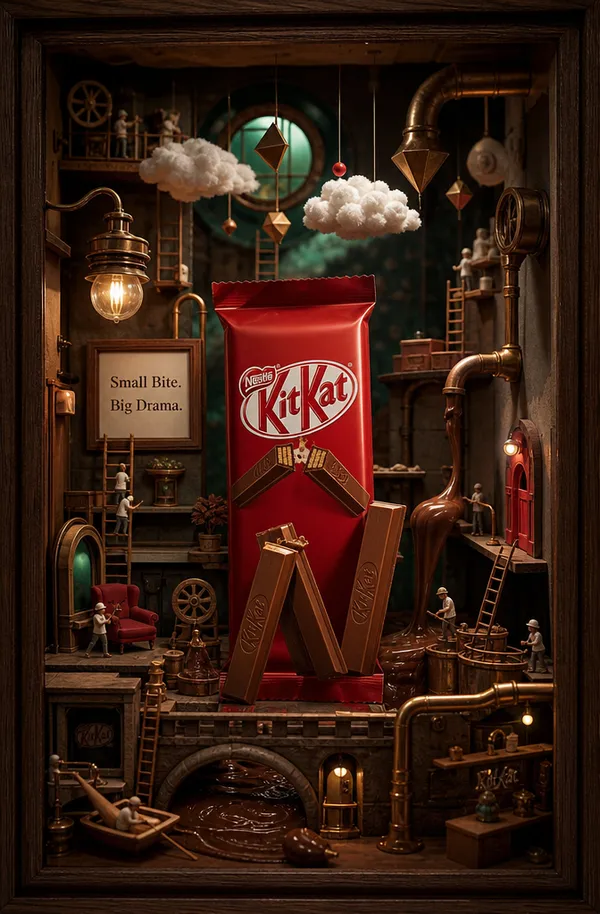
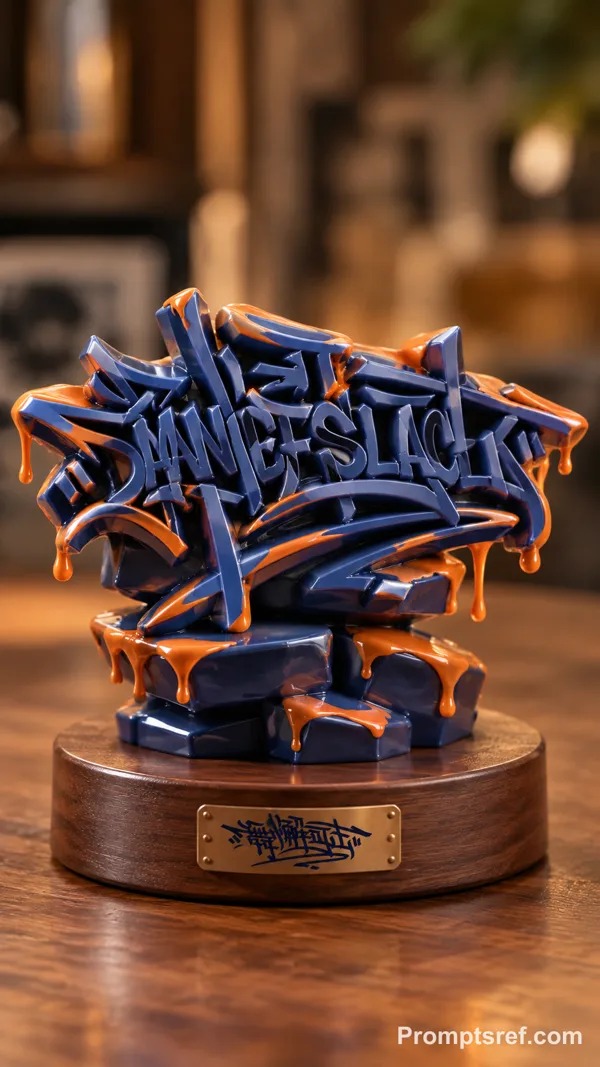
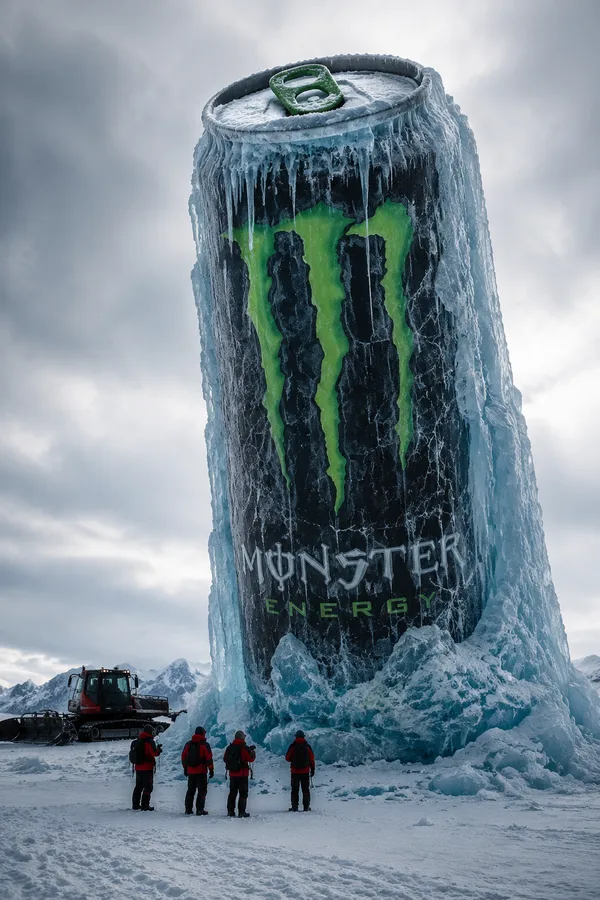
GPT Image 2.0 Prompt - Danceslack Cup Miniature World

- Model
- GPT Image 2.0
- Aspect ratio
- 9:16
- Quality
- 2K
Prompt
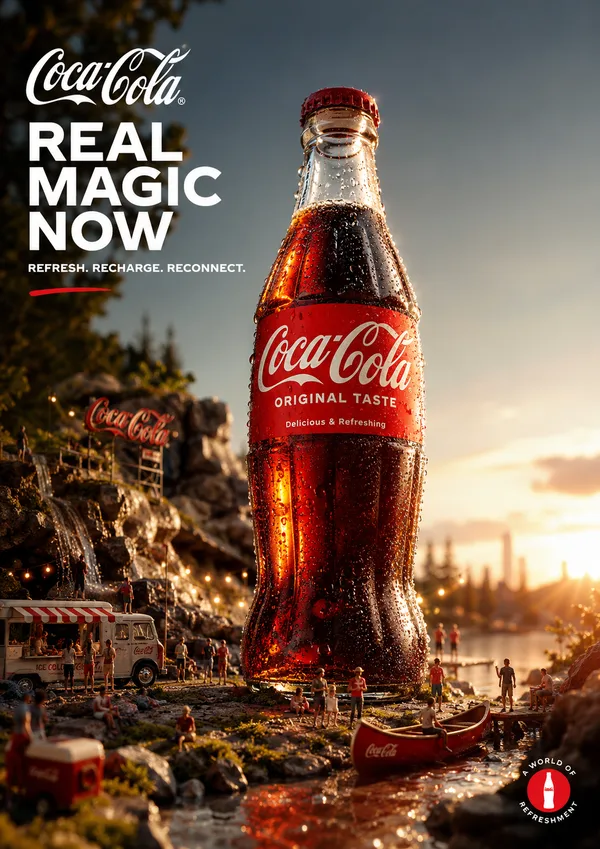
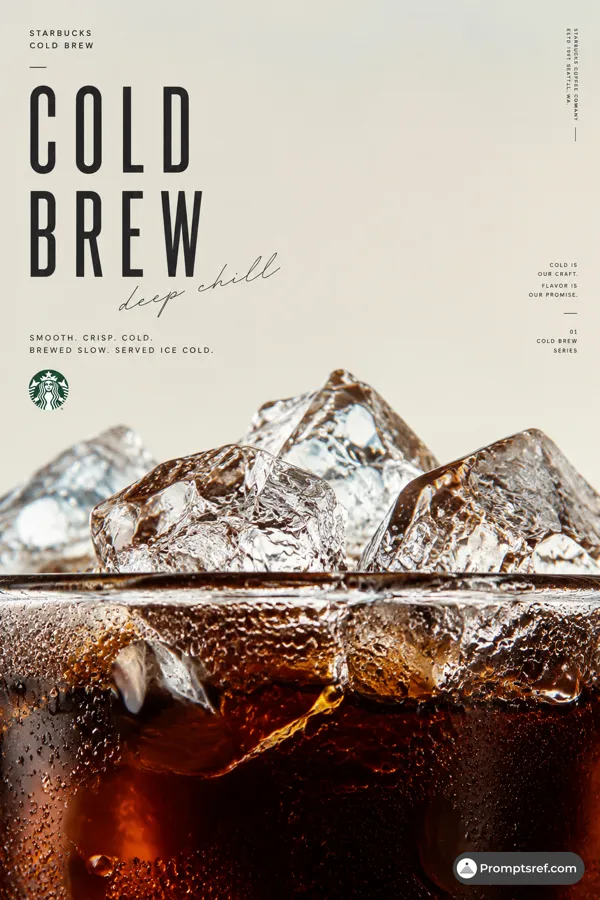
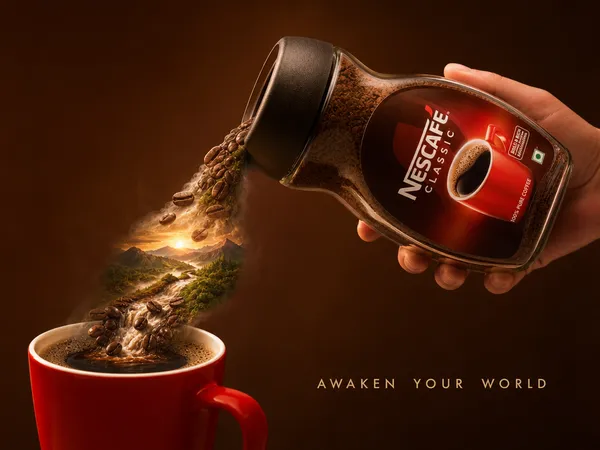
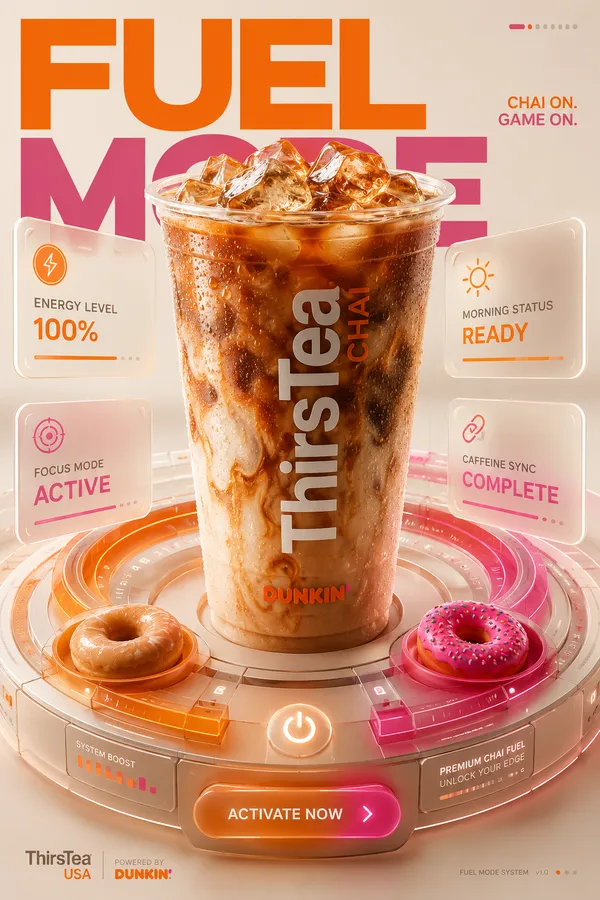
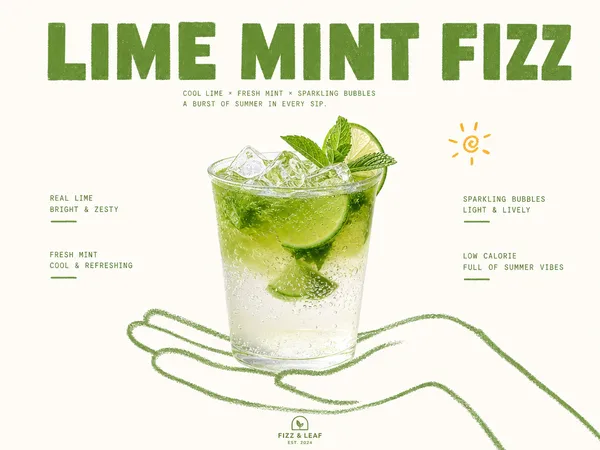
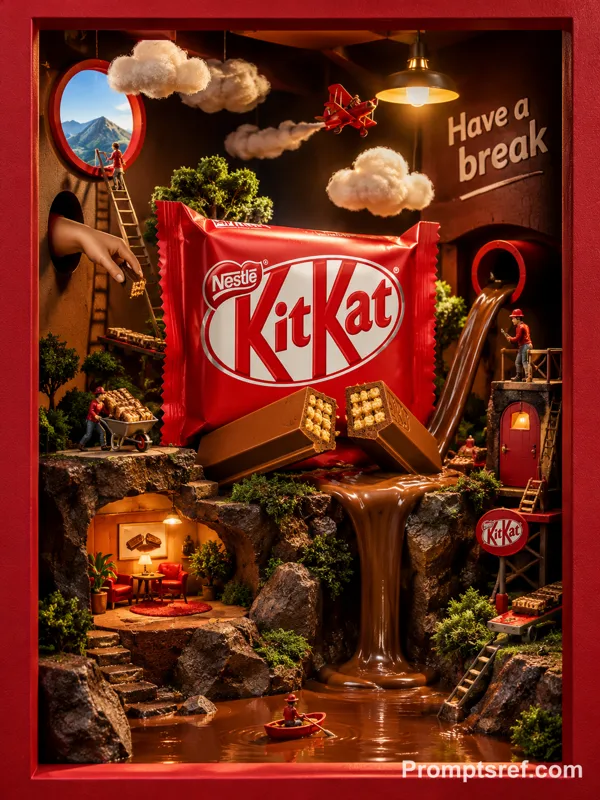
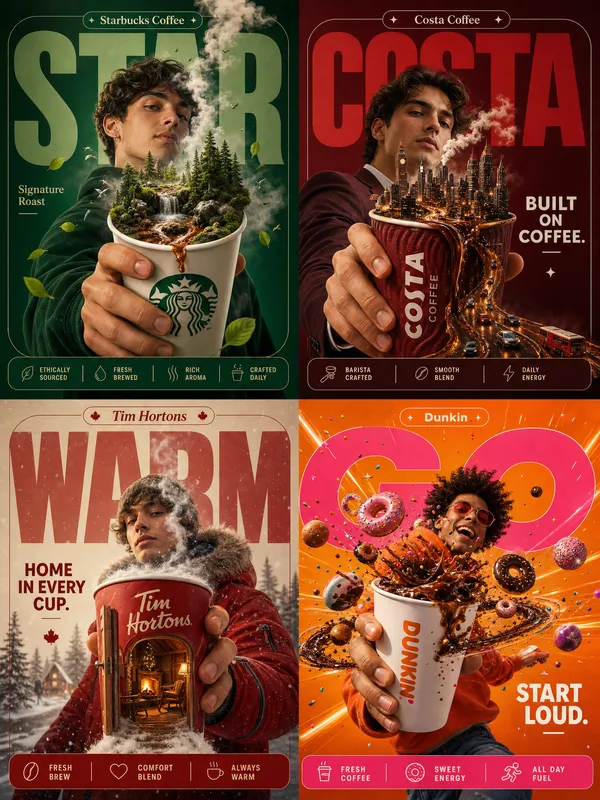
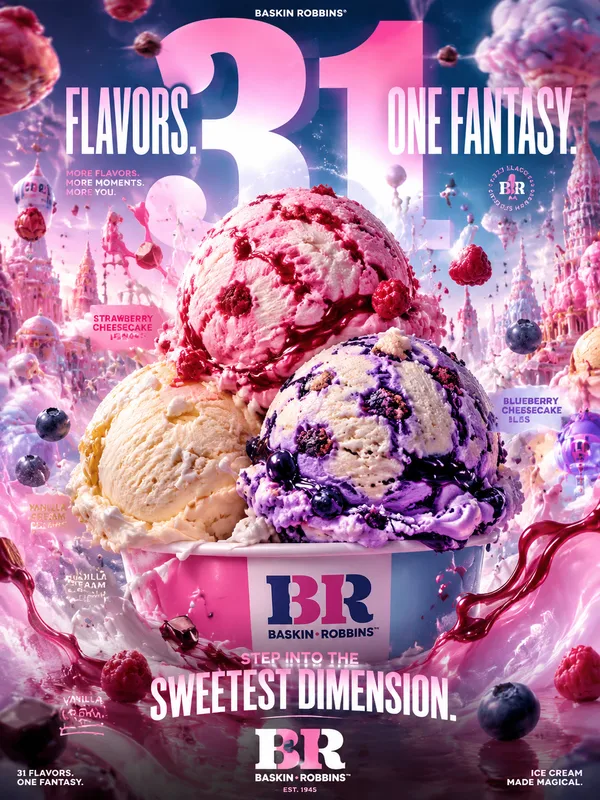
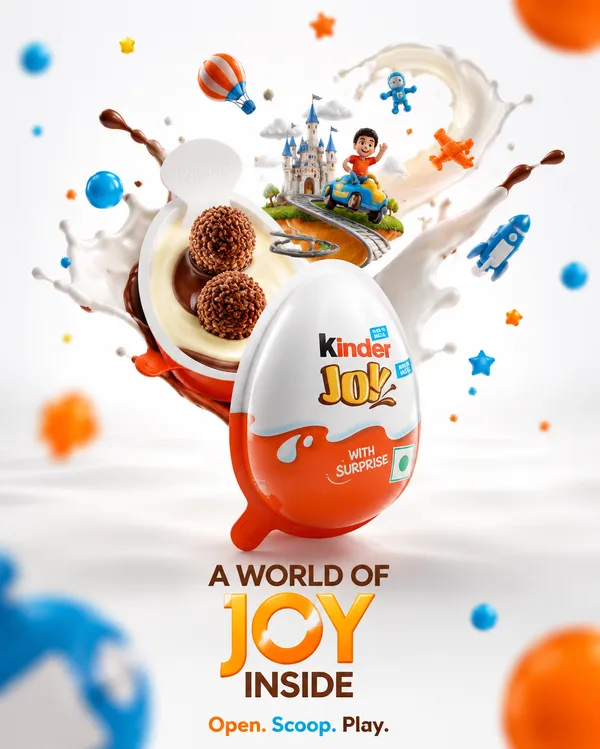
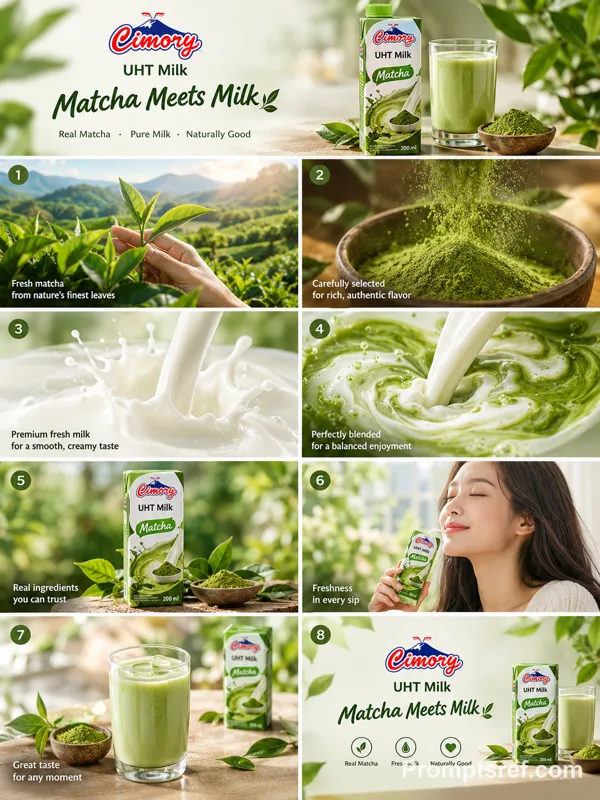
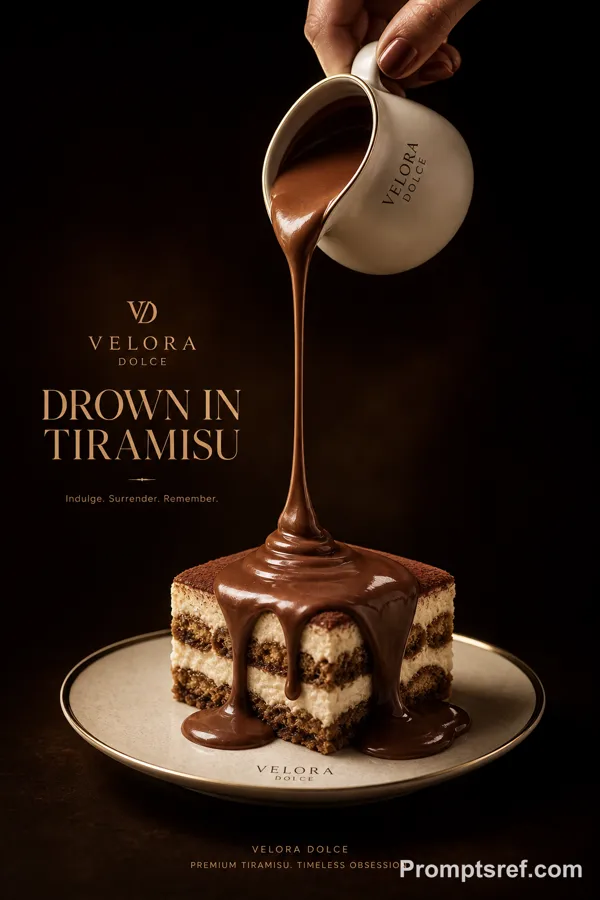
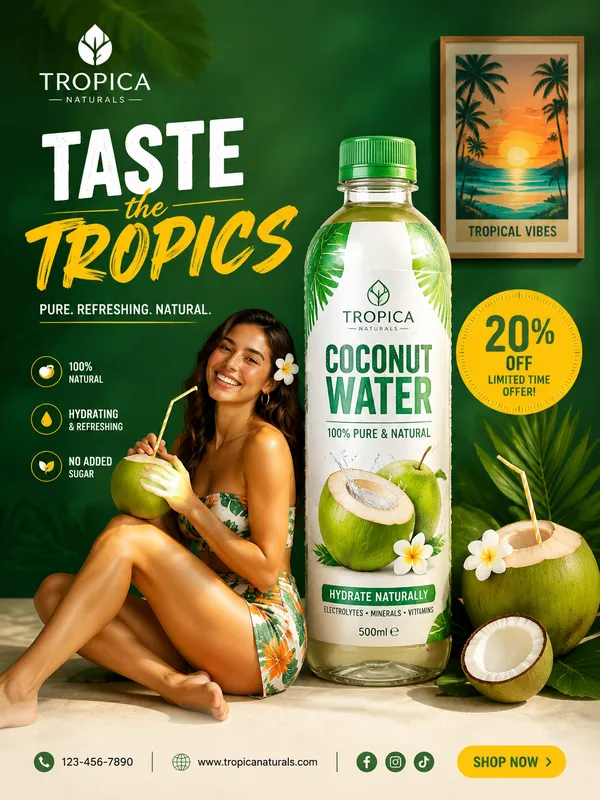
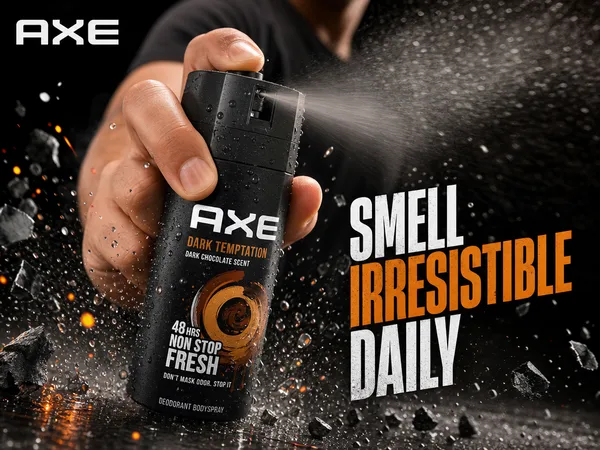
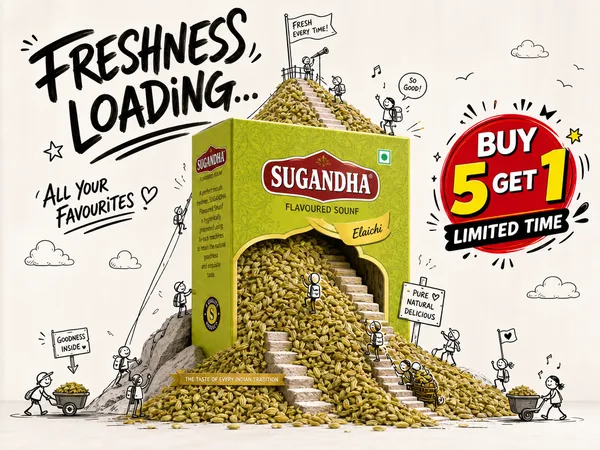
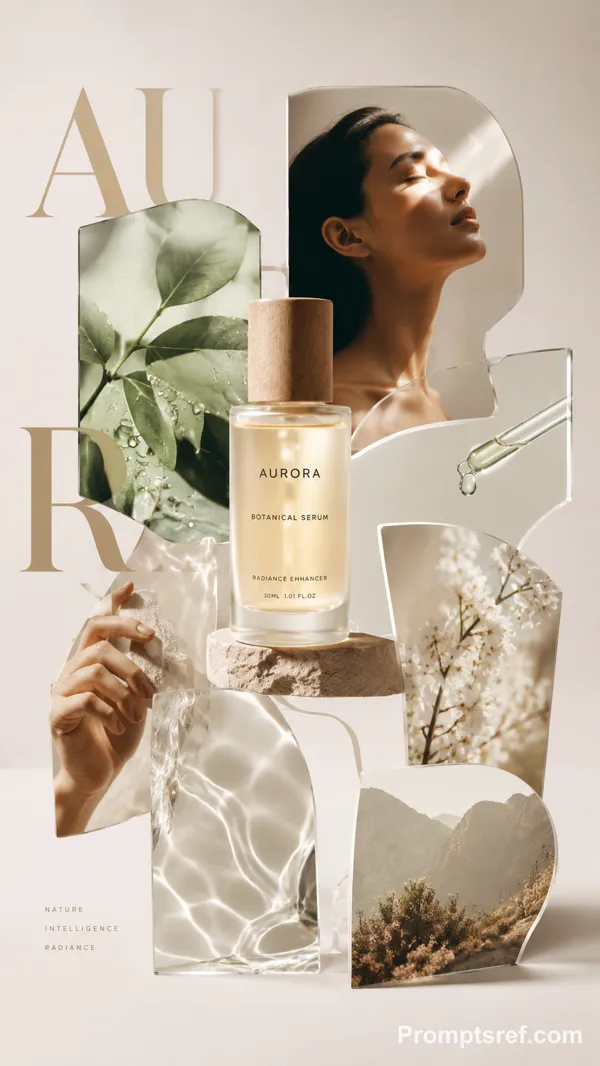
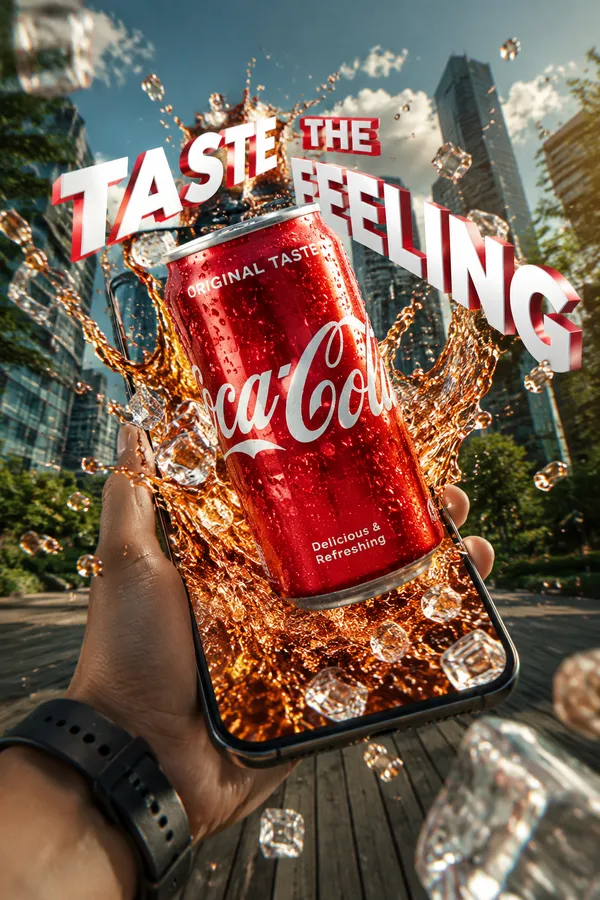
Design a high-end advertising poster for [BRAND] to highlight [PRODUCT].
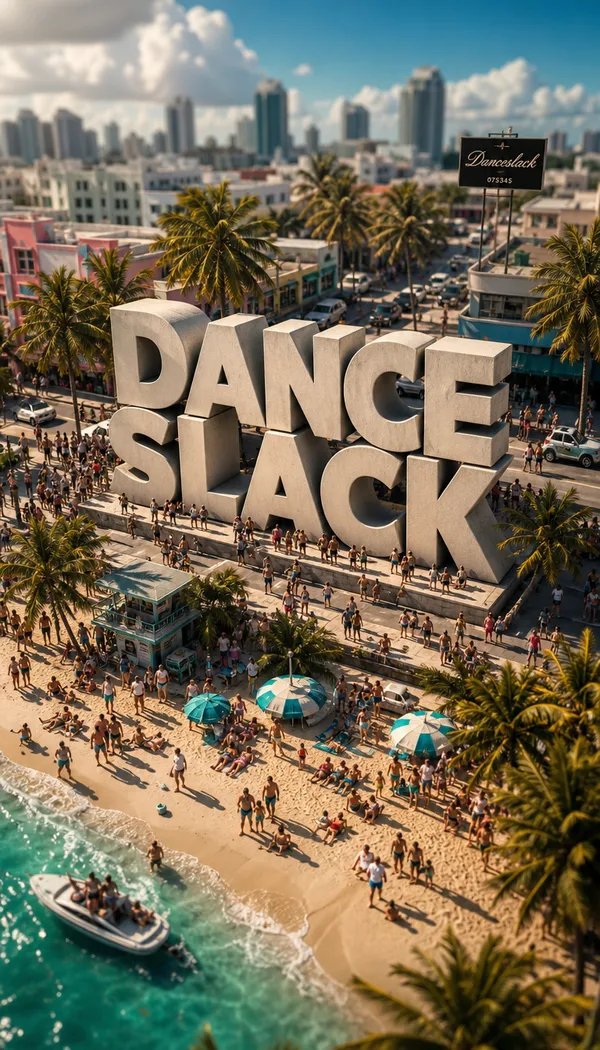
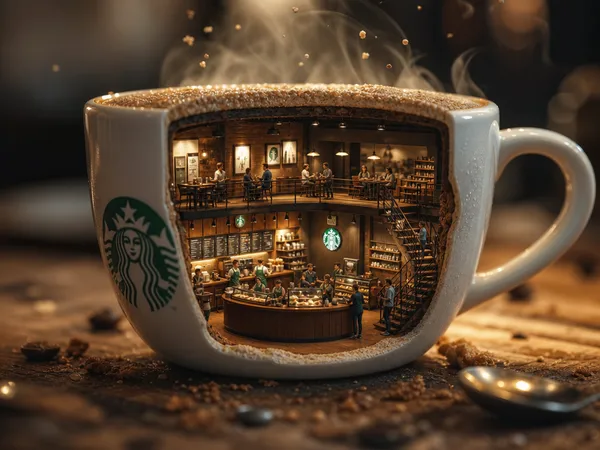
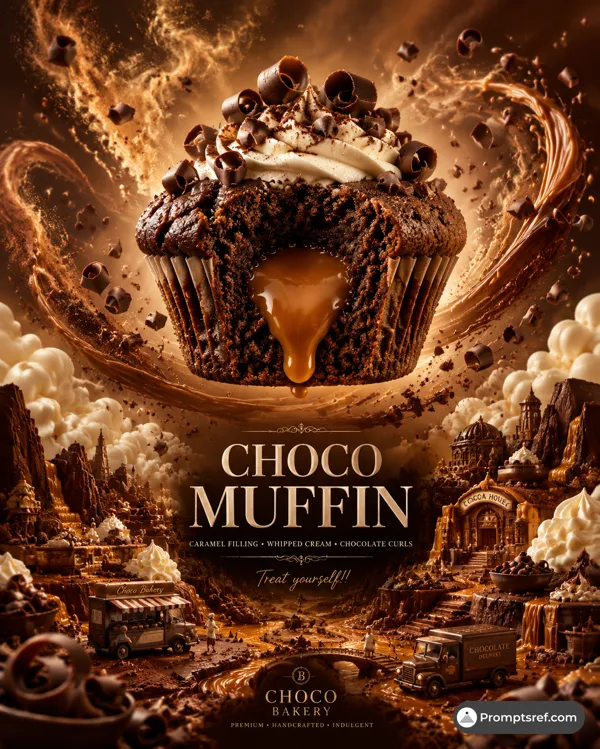
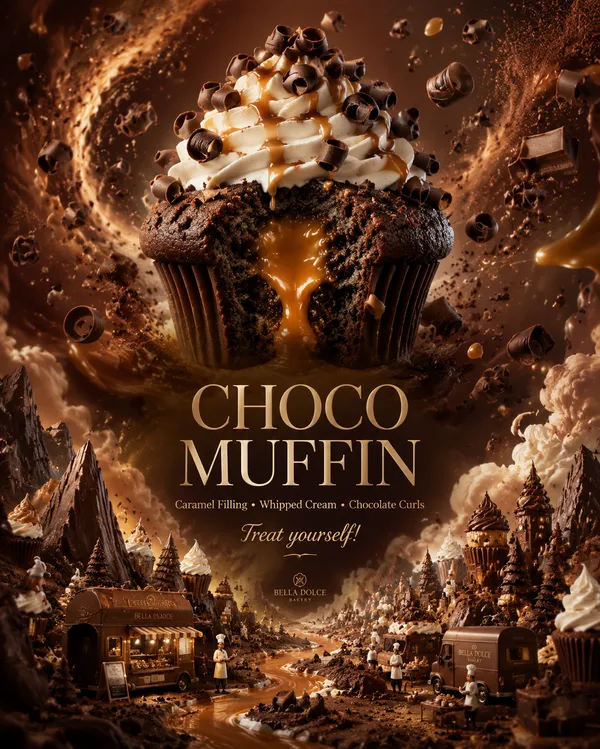
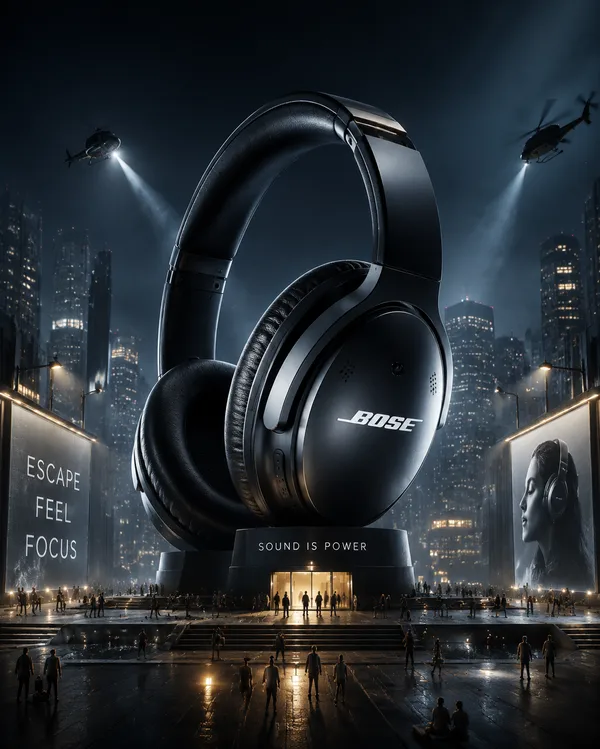
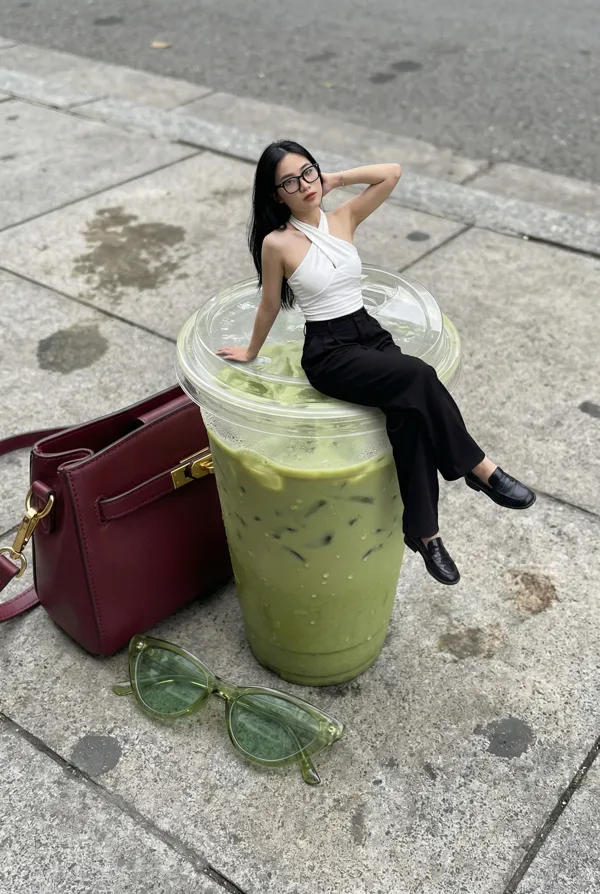
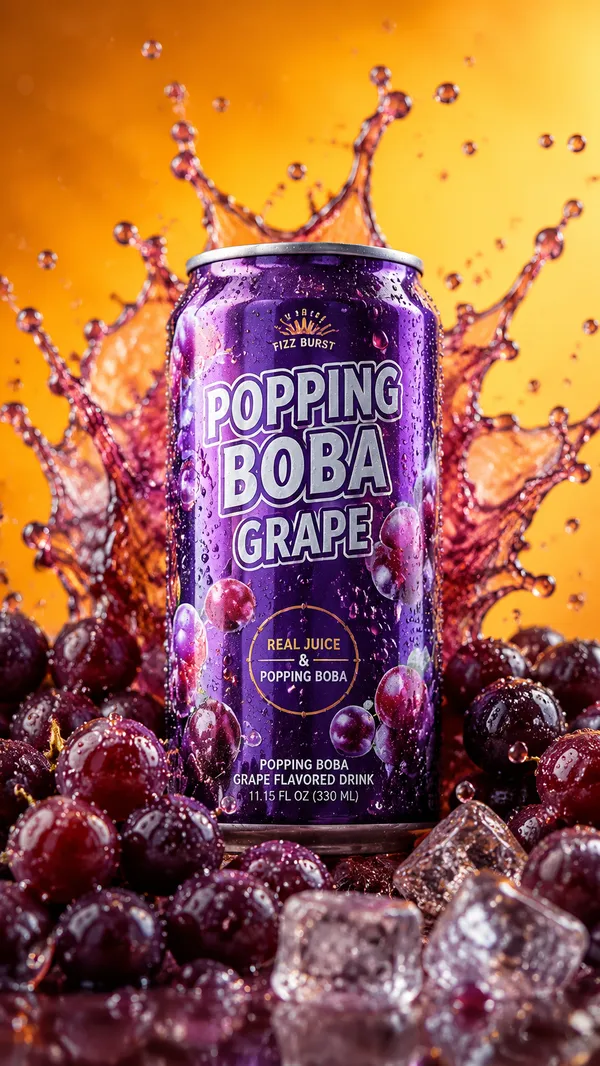
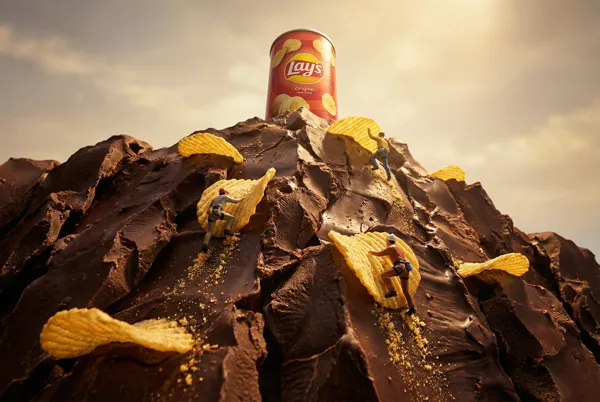
Make the product the center of a cinematic miniature world, inspired by its brand DNA, category, function, texture, flavor, material, emotional commitment, and cultural energy.
The product must remain clear, accurate, easily recognizable, and dominate the visual aspect.
Build a unique little world around the product:
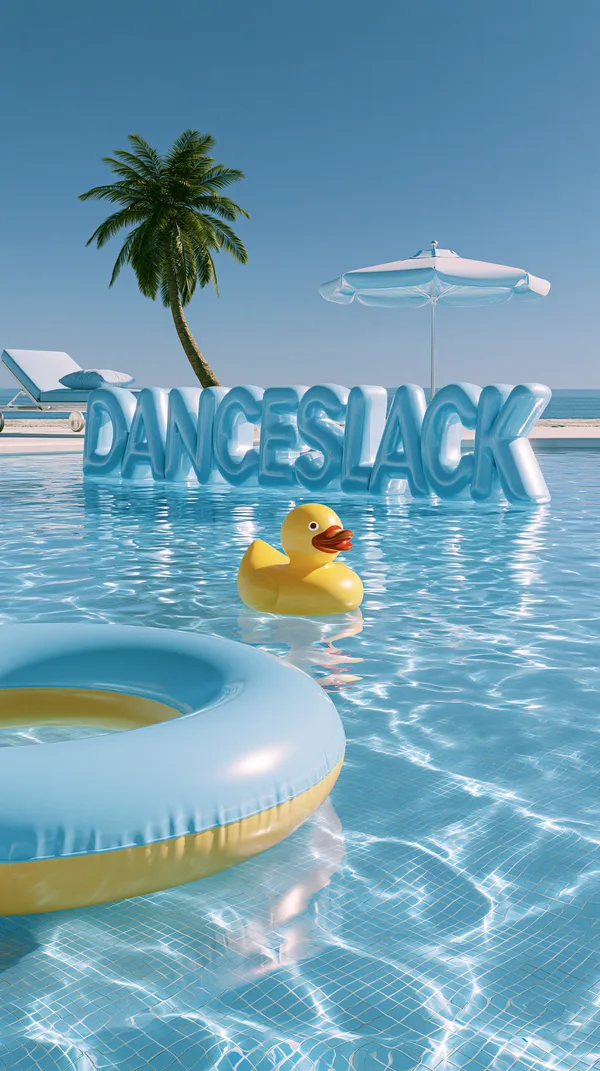
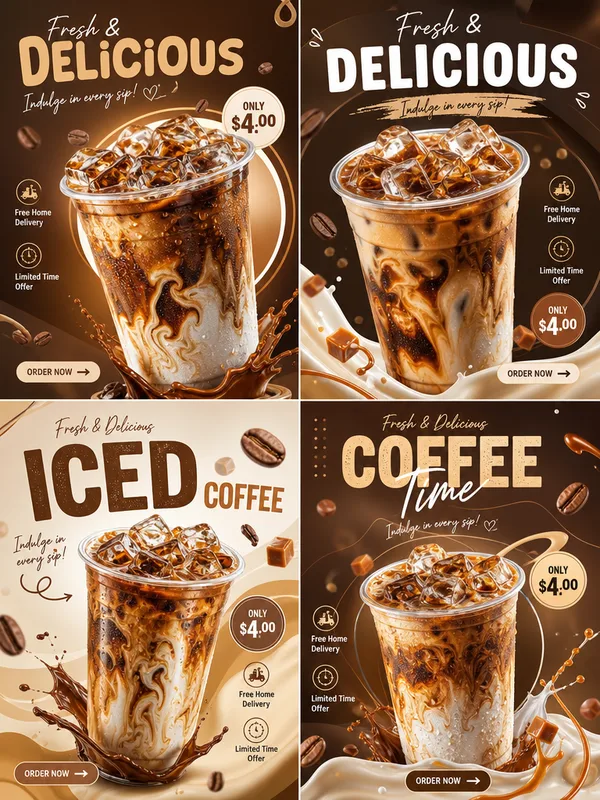
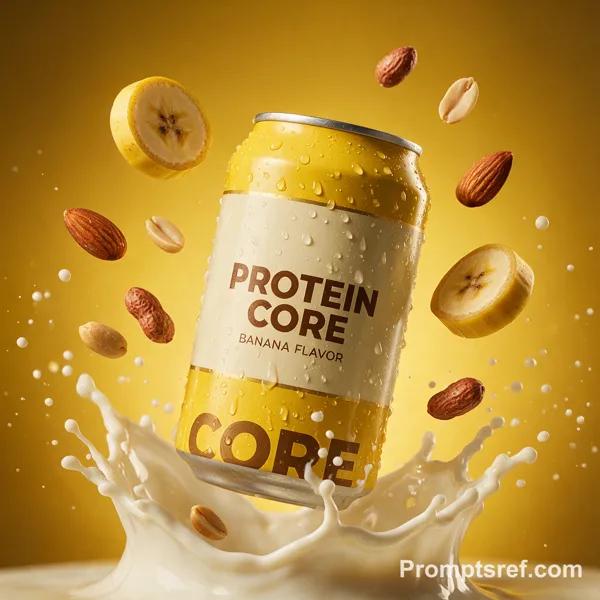
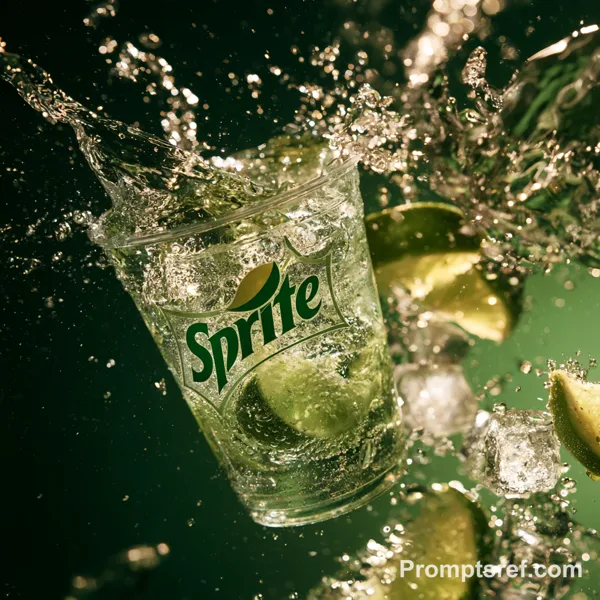
- A cup: The cup is labeled with the letters "DANCESLACK". Create a world featuring refreshing liquids, ice cubes, milk tea, dew, splashes or flavor dominance;
Use miniature figures, small props, environmental narration, scale contrast, movie-level lighting, high-end commercial photography, shallow depth of field, clear product details, exquisite shadows, strong visual hierarchy, and excellent advertising-level post-processing.
The poster should be iconic, eye-catching, high-end, creative, and have commercial influence.
Unless the brand requires a playful style, do not make it look childish or like a toy. Maintain elegance, consciousness, and individuality.
Add an elegant poster font design, inspired by the brand's visual language, and a concise three-word slogan that fits the overall concept.
Avoid copying any existing advertising campaigns. Create a new and original visual world for the brand and the product.
Movie-level lighting, clean style, smooth shadows, soft lighting, proper detail control, minimalist texture, high definition, exquisite edges, smooth gradients, clean picture, fine details without being excessive, refined texture, balanced light contrast, soft and uniform lighting, clear but natural picture quality - no noise, graininess, flaws, high-frequency details, dirty textures, over-sharpening, mottled texture, chaotic details, rough edges, messy patterns, excessive texture, visual chaos.
Aspect ratio: 9:16
Remixes
RemixNo remixes yet. Be the first to make your own version.
Use this image prompt
- 01
Start with the prompt
Copy the prompt, or open it with the generate button.
- 02
Make your changes
Adjust the subject, setting, or details. Add reference media if needed.
- 03
Check before generating
Review the model and output settings. Results can vary between generations.