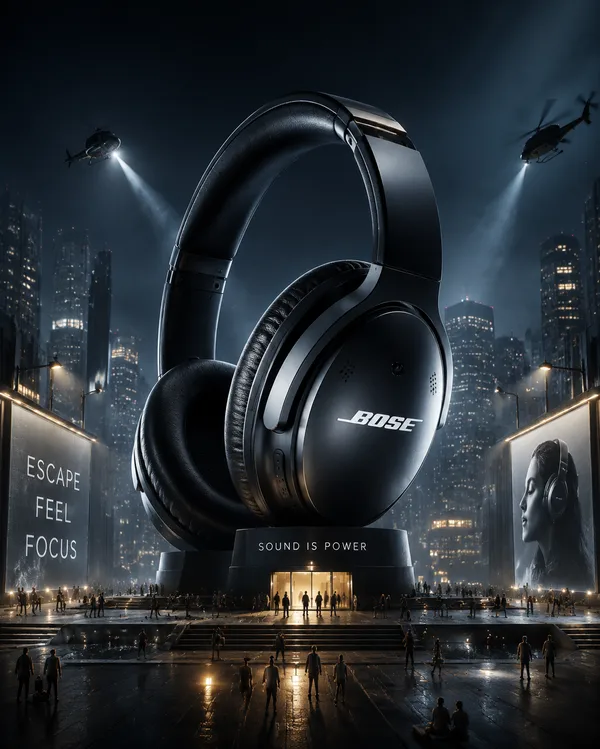
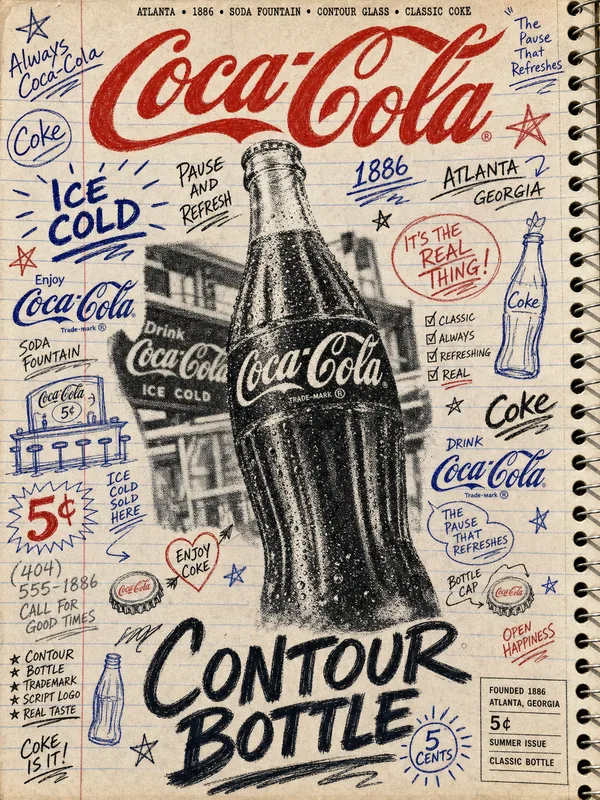
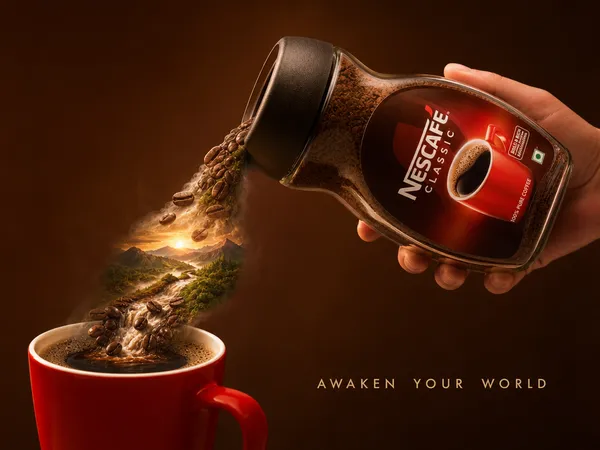
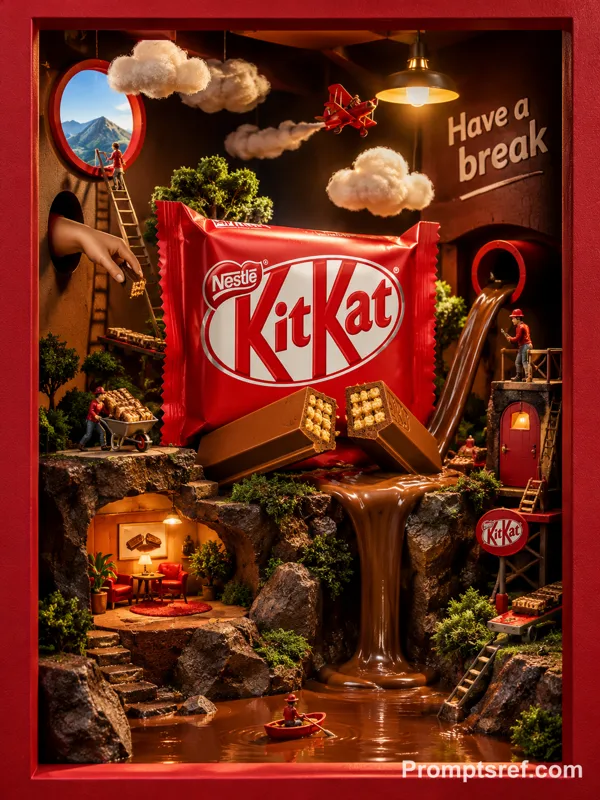
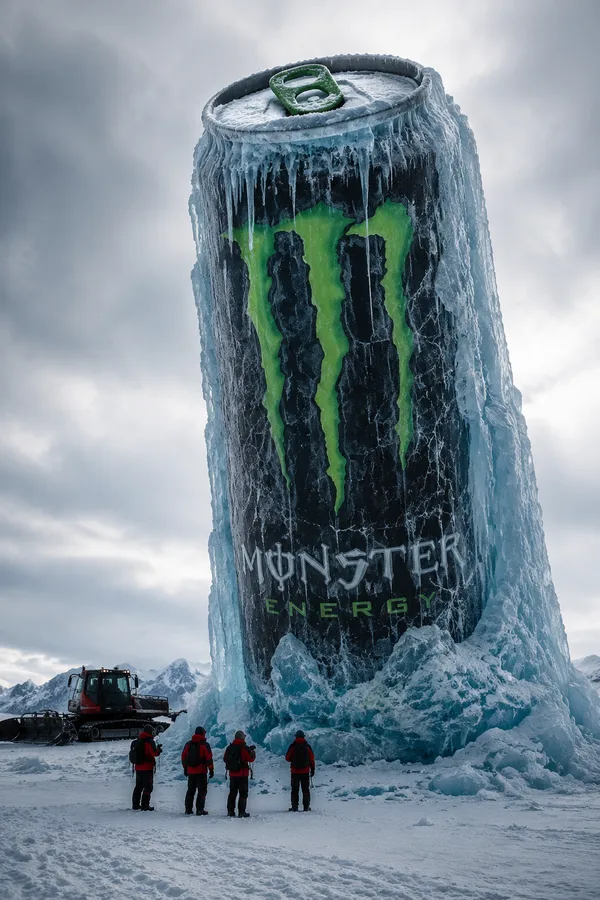
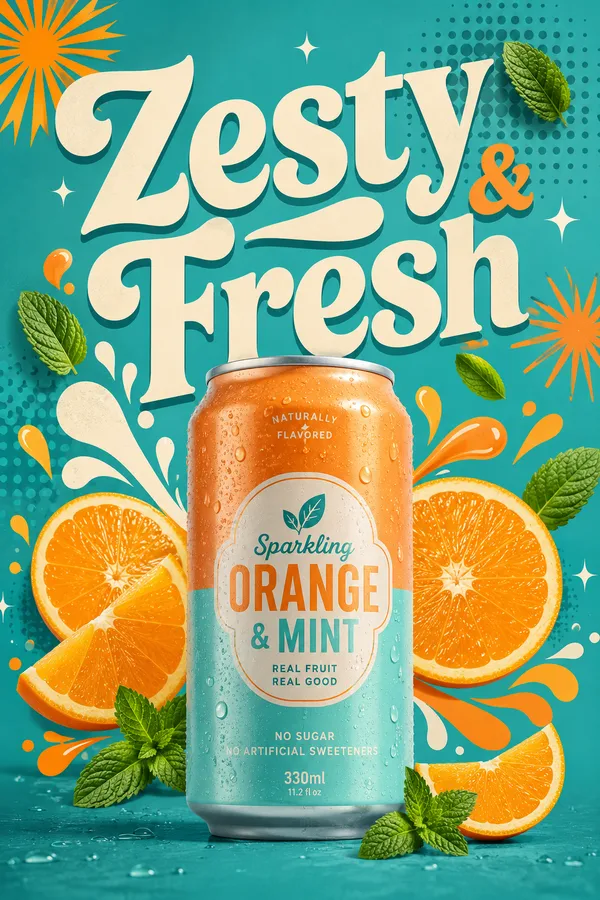
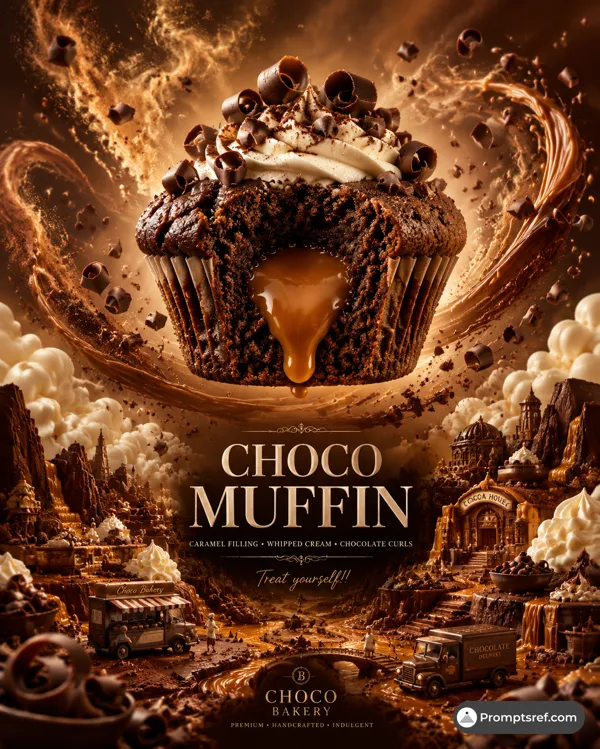
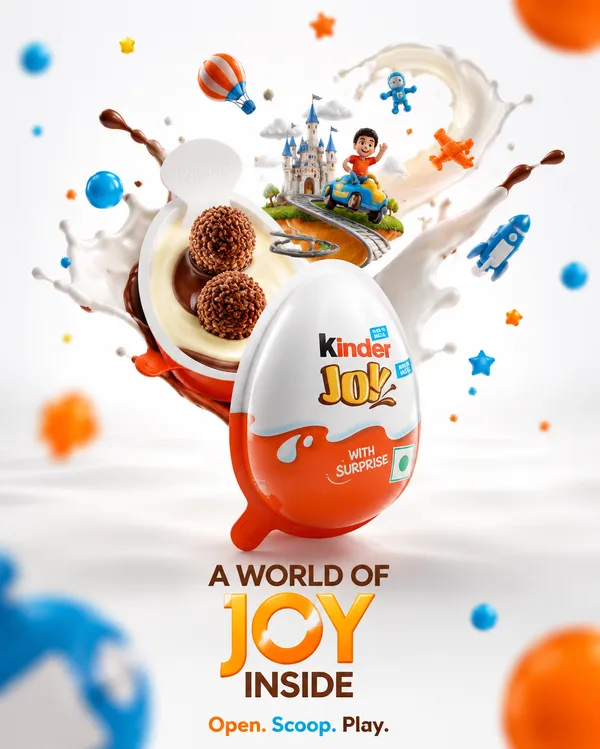
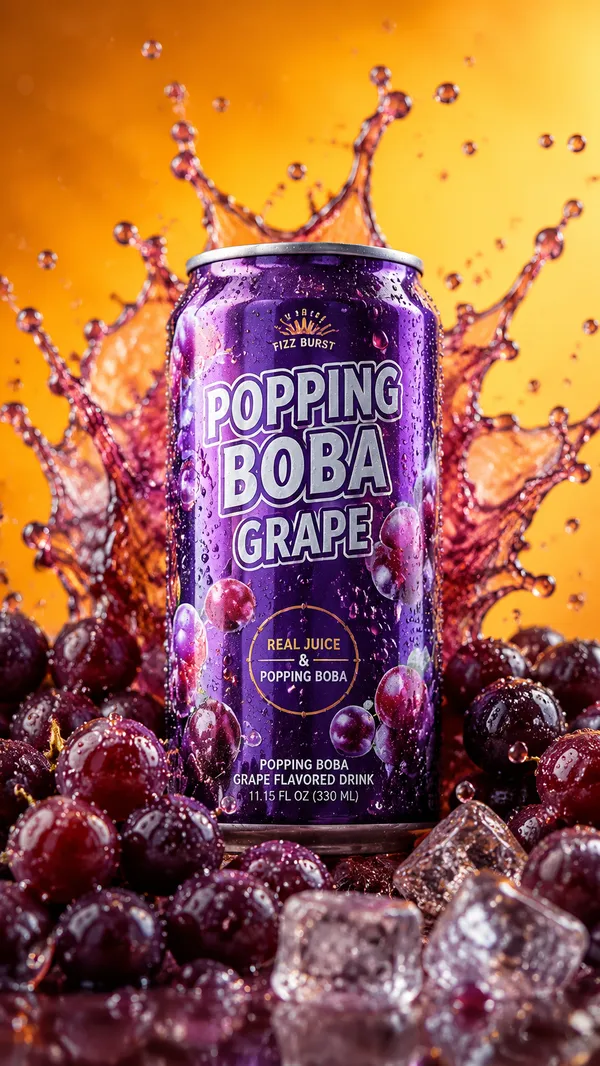
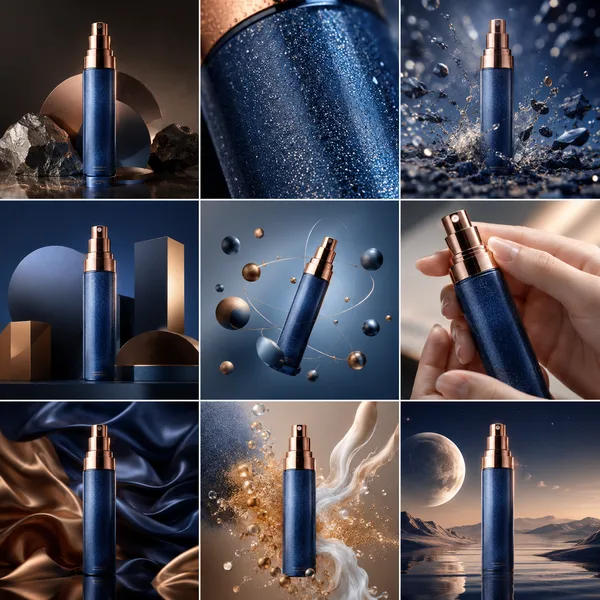
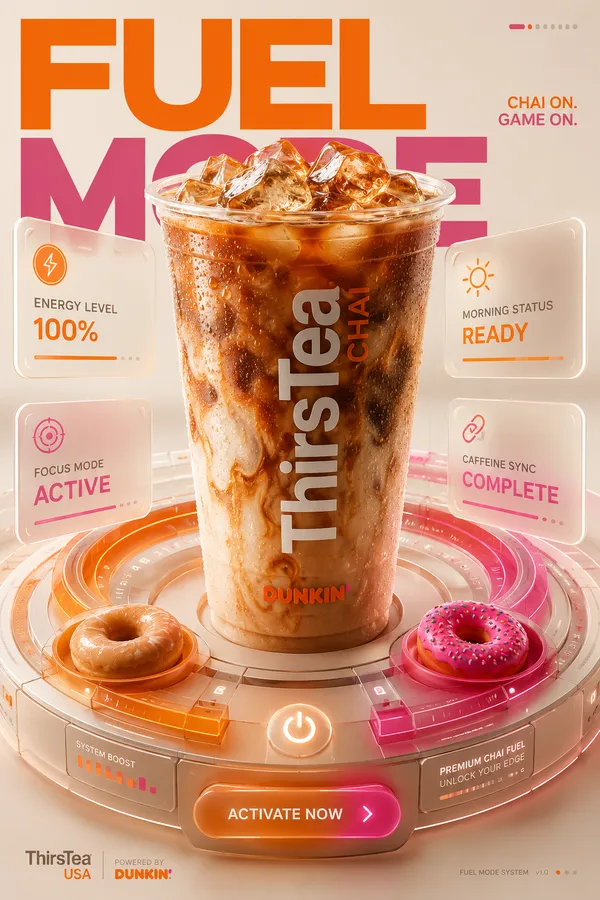
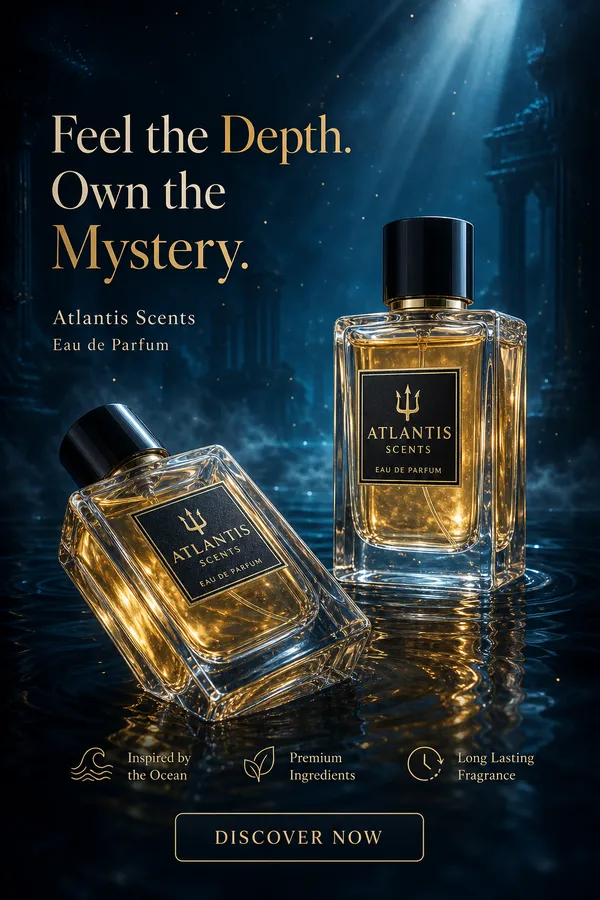
GPT Image 2.0 Prompt - Cinematic Miniature Product World Template

- Model
- GPT Image 2.0
- Aspect ratio
- auto
- Quality
- 1K
Prompt
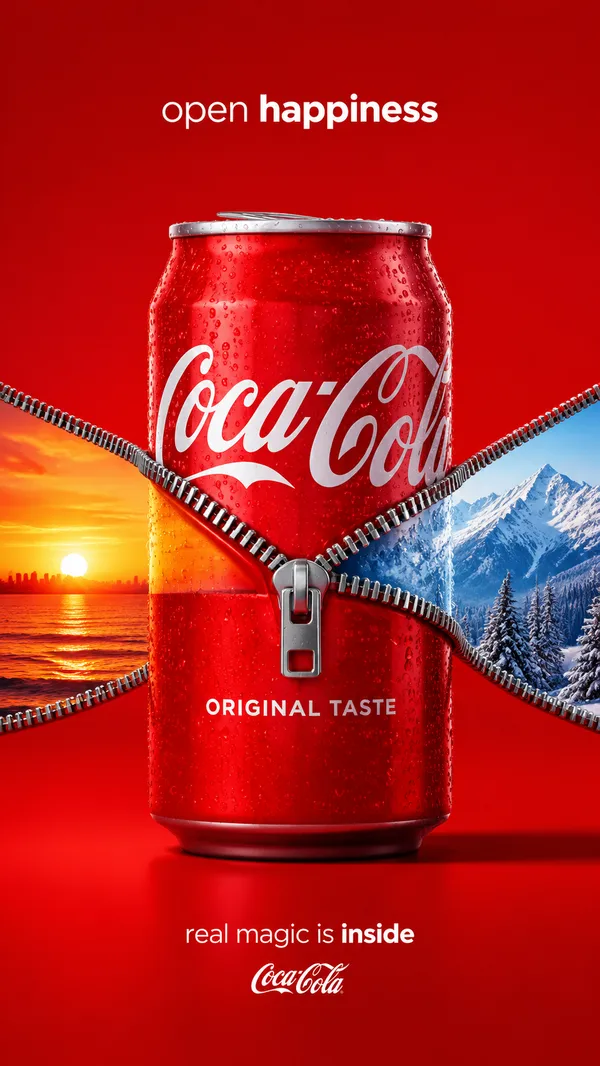
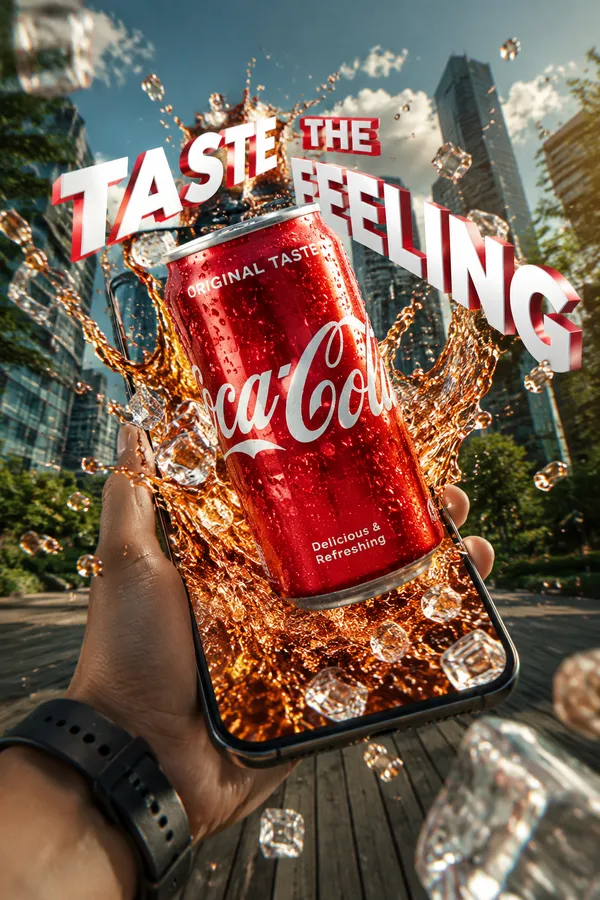
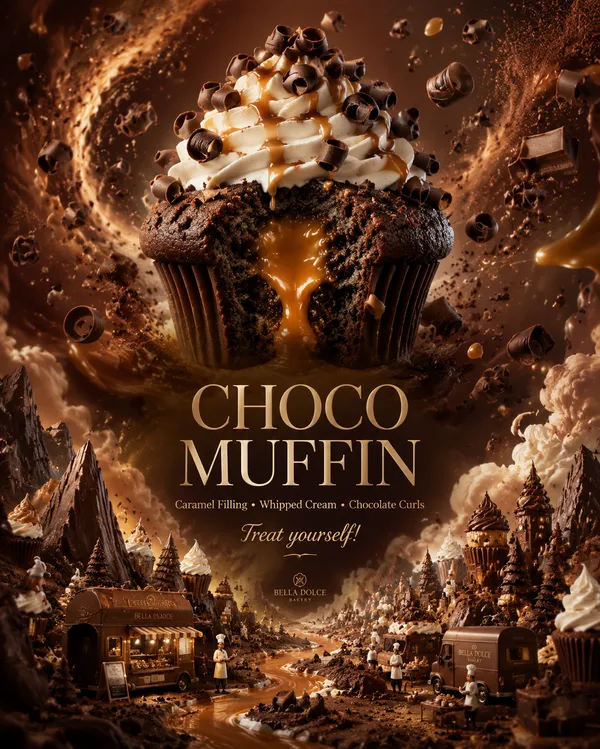
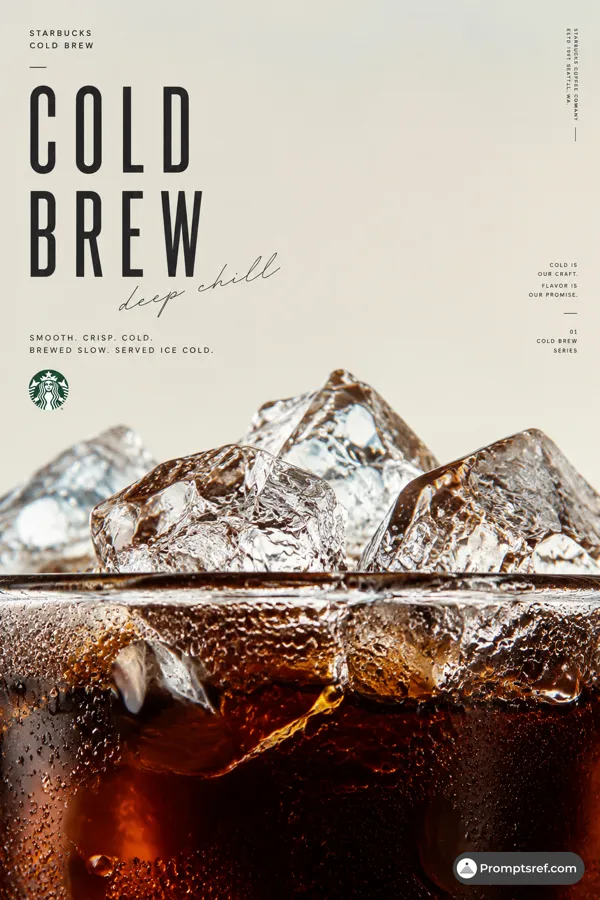
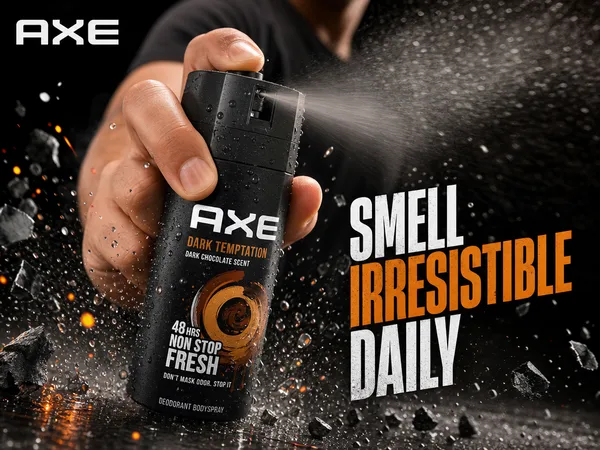
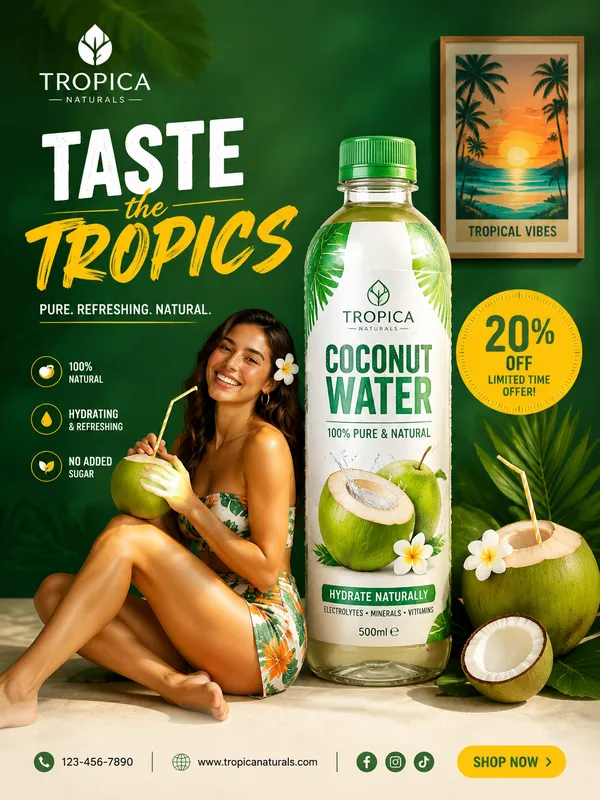
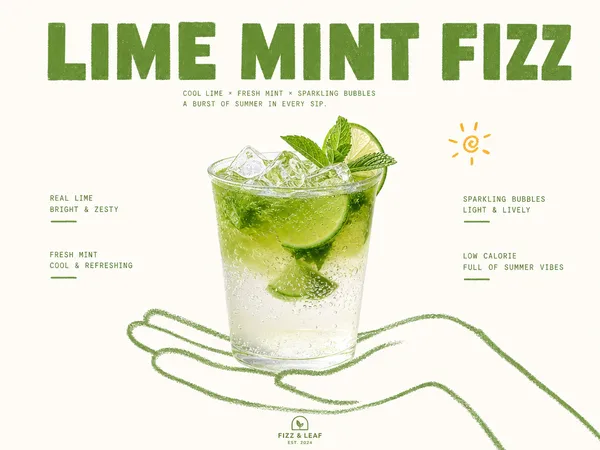
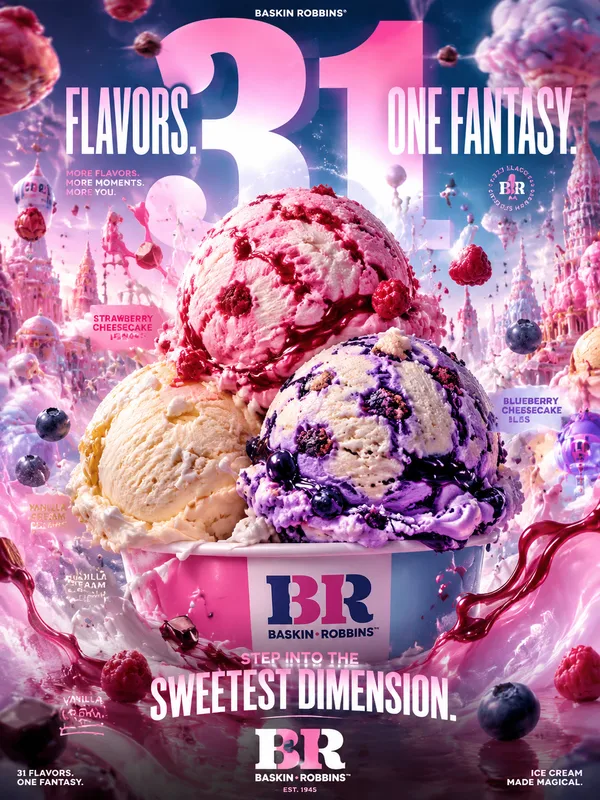
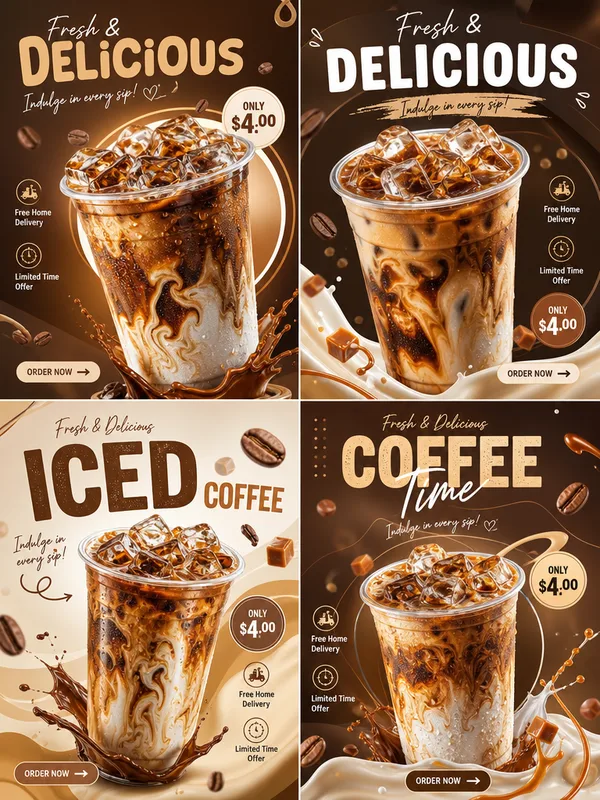
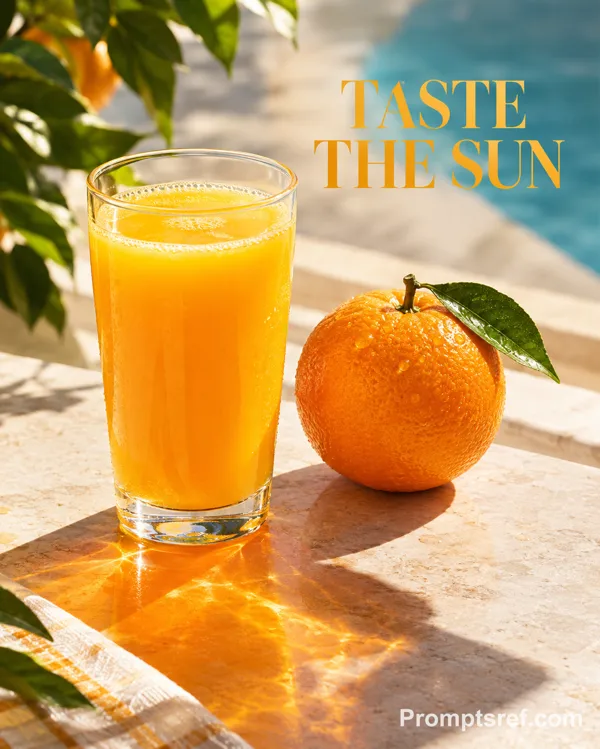
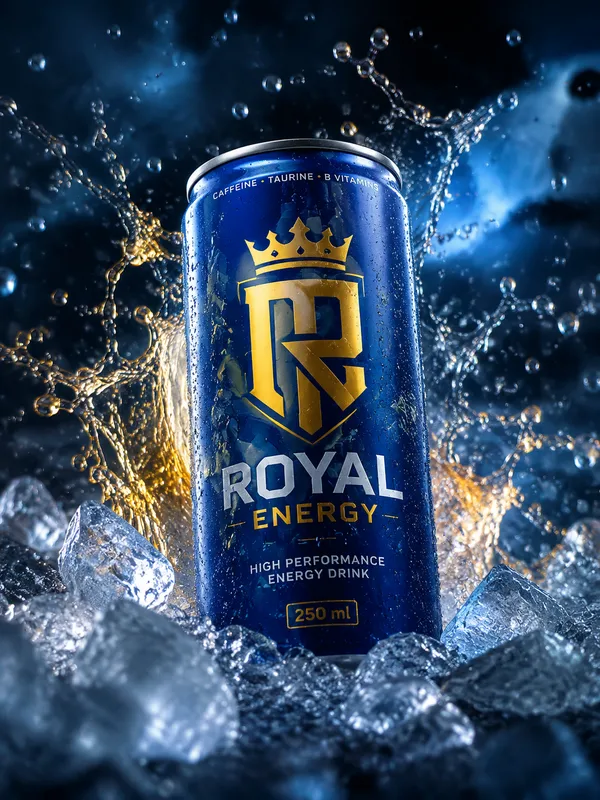
Create a premium advertising poster for [BRAND] featuring [PRODUCT].
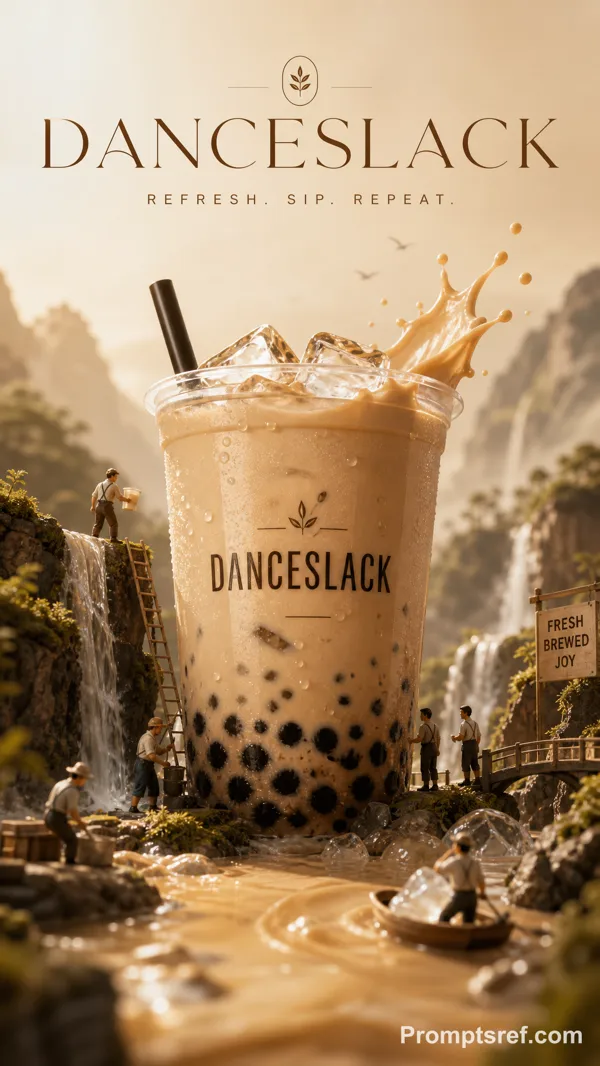
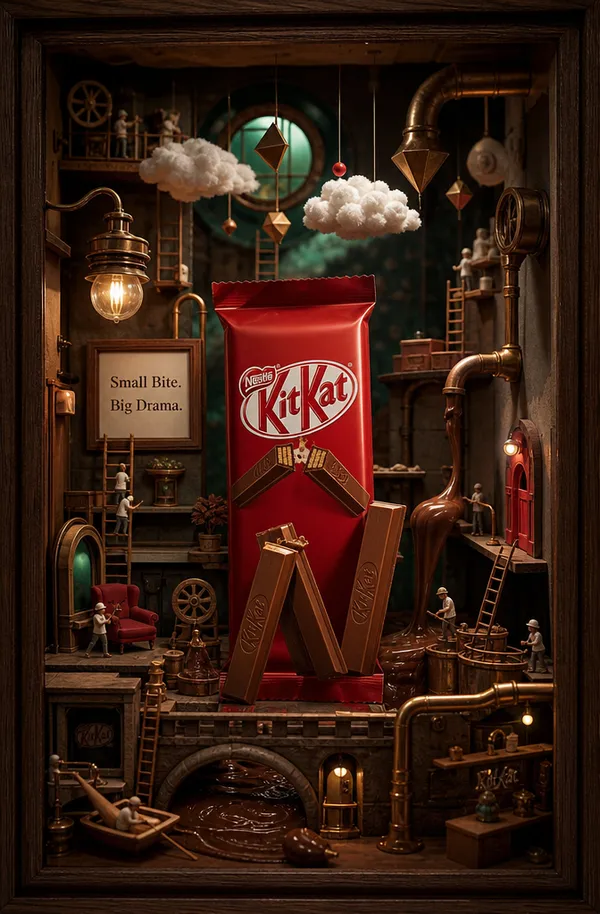
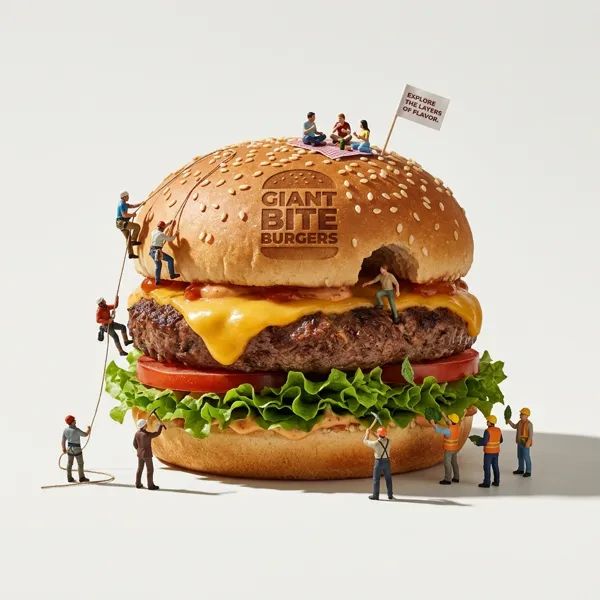
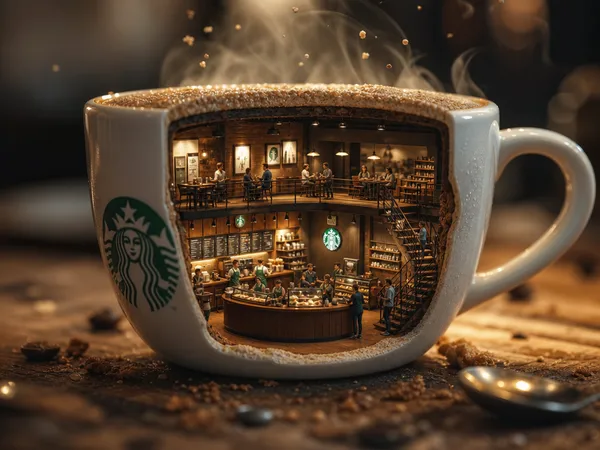
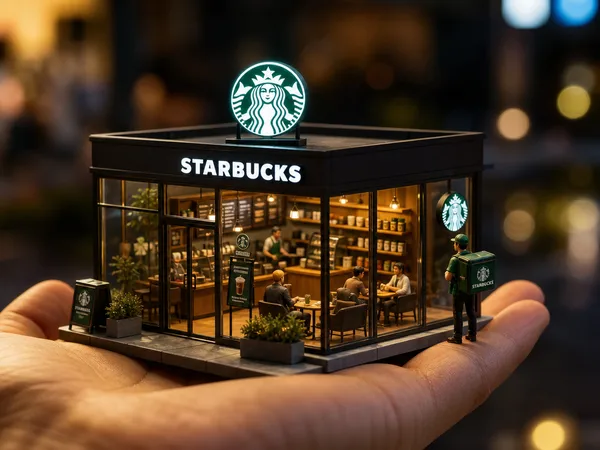
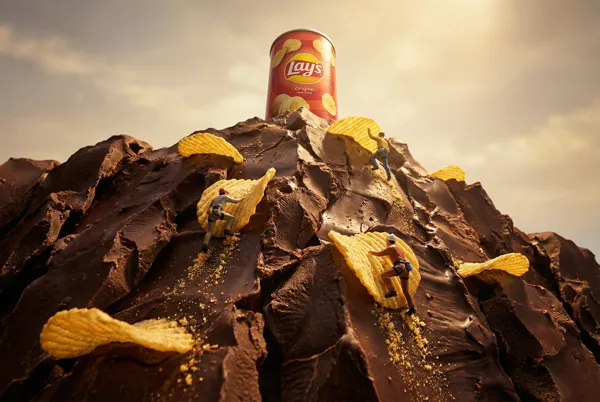
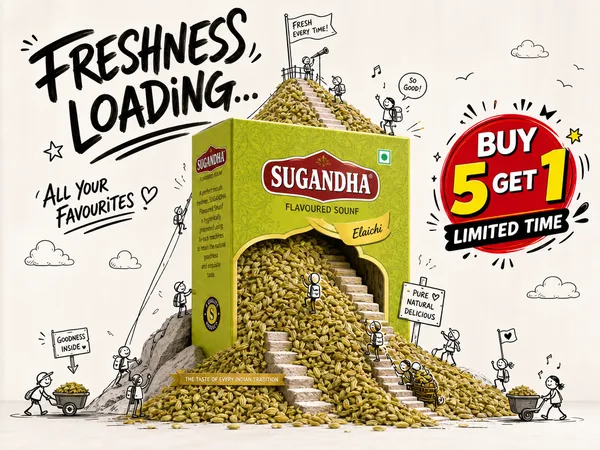
Transform the product into the center of a cinematic miniature world inspired by its brand DNA, category, function, texture, flavor, material, emotional promise, and cultural energy.
The product must remain the clear hero, accurate, recognizable, and visually dominant.
Build a tiny world around it that feels specific to the product:
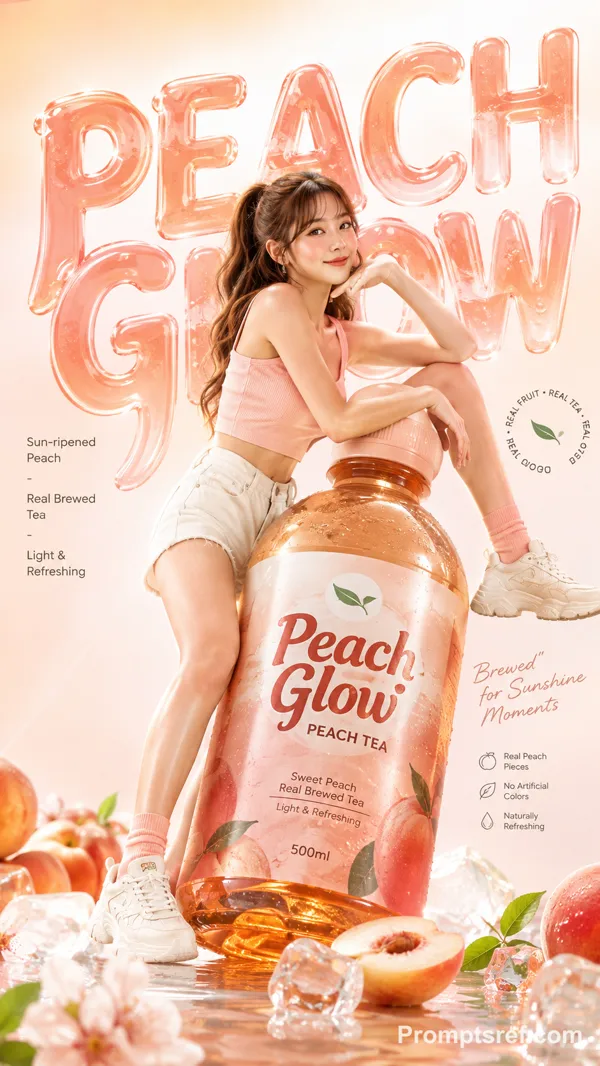
- if it is a beverage, create a refreshing liquid, ice, fruit, condensation, splash, or flavor-driven world
- if it is food, create an appetizing world of crumbs, cream, chocolate, steam, fruit, texture, or indulgence
- if it is tech, create a precise futuristic world of light, glass, reflections, interfaces, particles, and engineered calm
- if it is fashion, create an editorial world of motion, fabric, attitude, street energy, or luxury styling
- if it is beauty or fragrance, create a sensual world of mist, petals, liquid, skin glow, glass, and refined materials
- if it is home or lifestyle, create a clean aspirational world connected to comfort, performance, or everyday elevation
Use miniature people, tiny props, environmental storytelling, scale contrast, cinematic lighting, premium commercial photography, shallow depth of field, crisp product detail, refined shadows, strong visual hierarchy, and polished campaign-level finishing.
The poster should feel iconic, scroll-stopping, premium, imaginative, and commercially powerful.
Do not make it look childish or toy-like unless the brand calls for playfulness. Keep it elegant, intentional, and agency-grade.
Add tasteful poster typography inspired by the brand’s visual language, with a short 3-word slogan that fits the concept.
Avoid copying any existing campaign. Create a fresh original visual universe for this exact brand and product.
Aspect ratio: [RATIO]
Remixes
RemixNo remixes yet. Be the first to make your own version.
Use this image prompt
- 01
Start with the prompt
Copy the prompt, or open it with the generate button.
- 02
Make your changes
Adjust the subject, setting, or details. Add reference media if needed.
- 03
Check before generating
Review the model and output settings. Results can vary between generations.