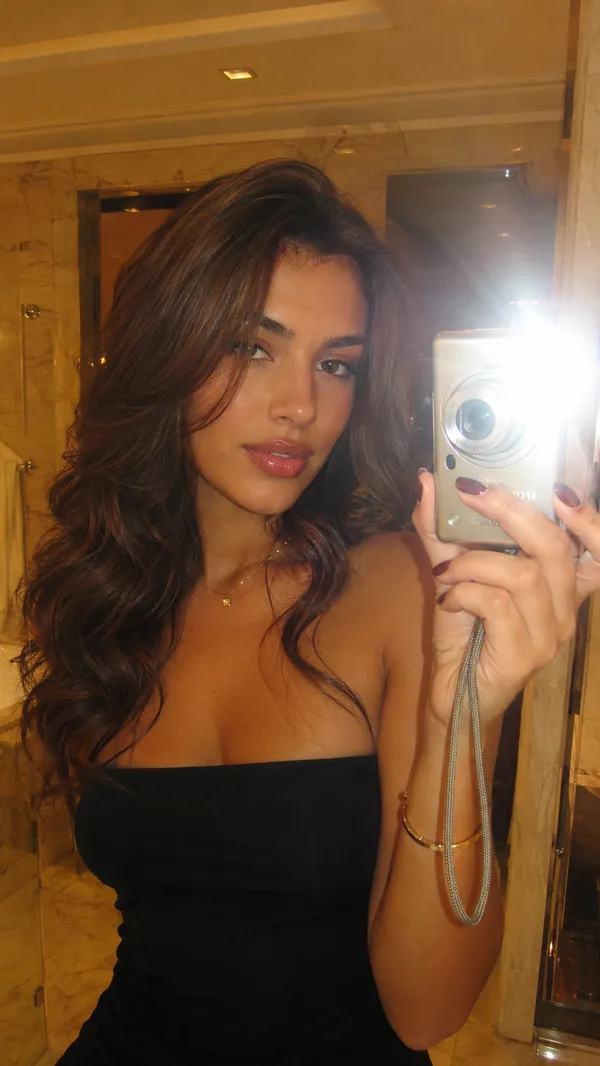
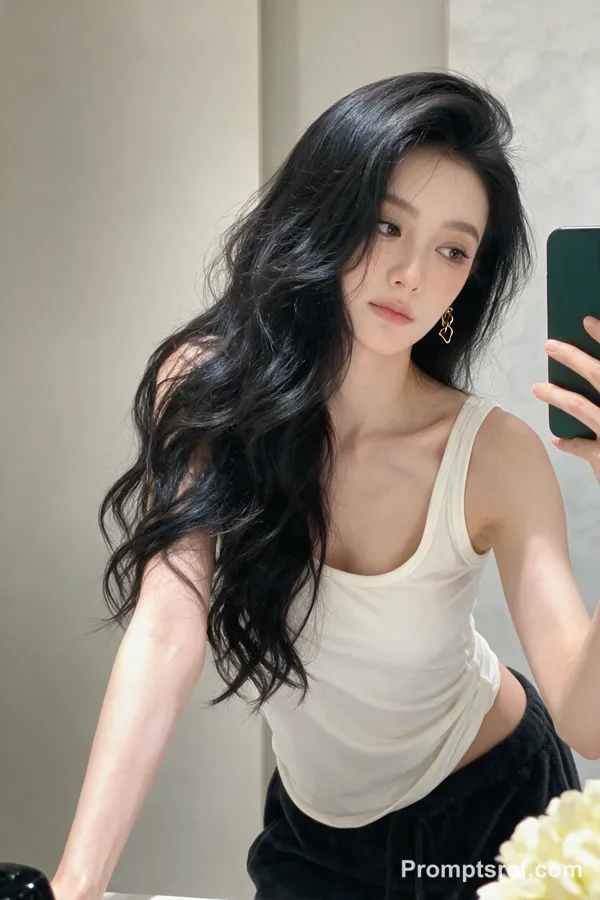
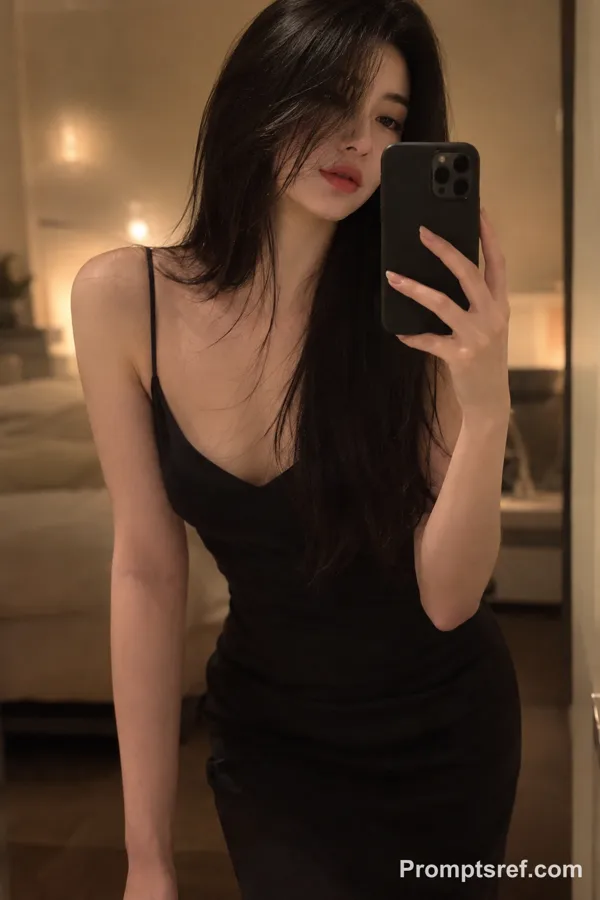
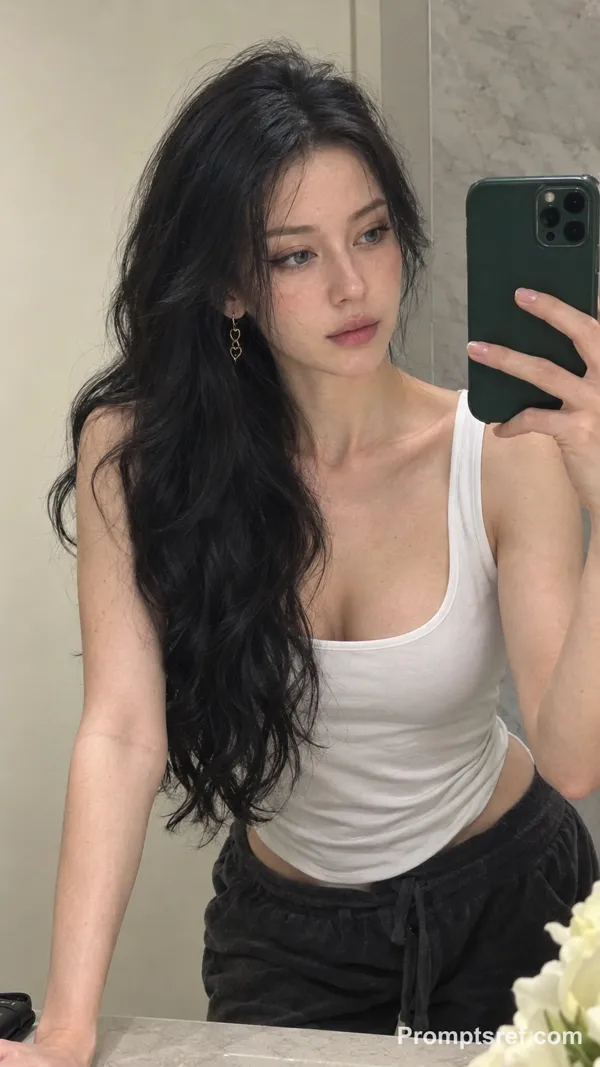
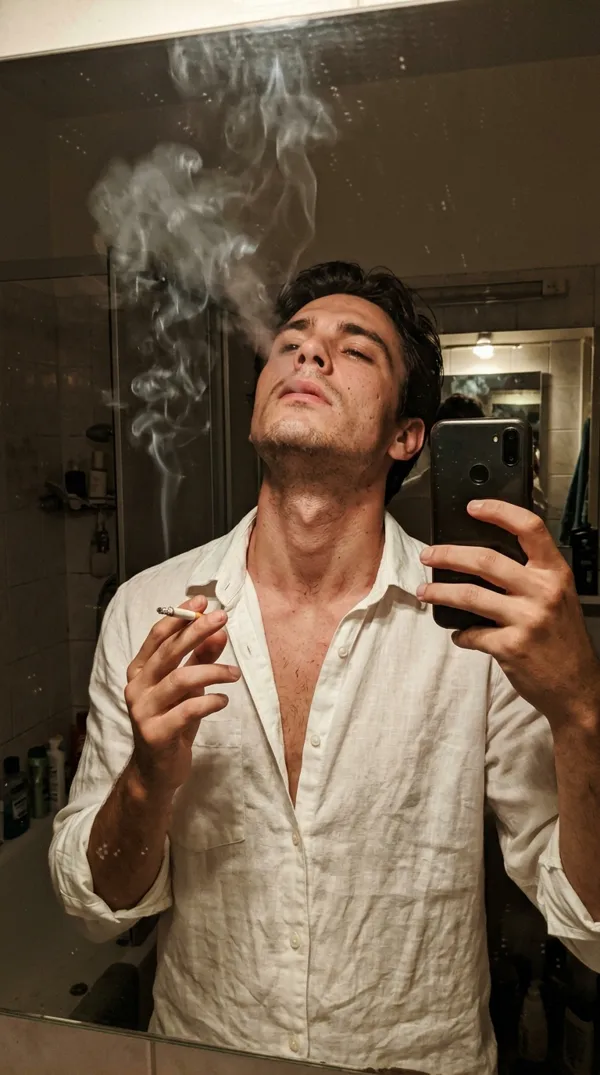
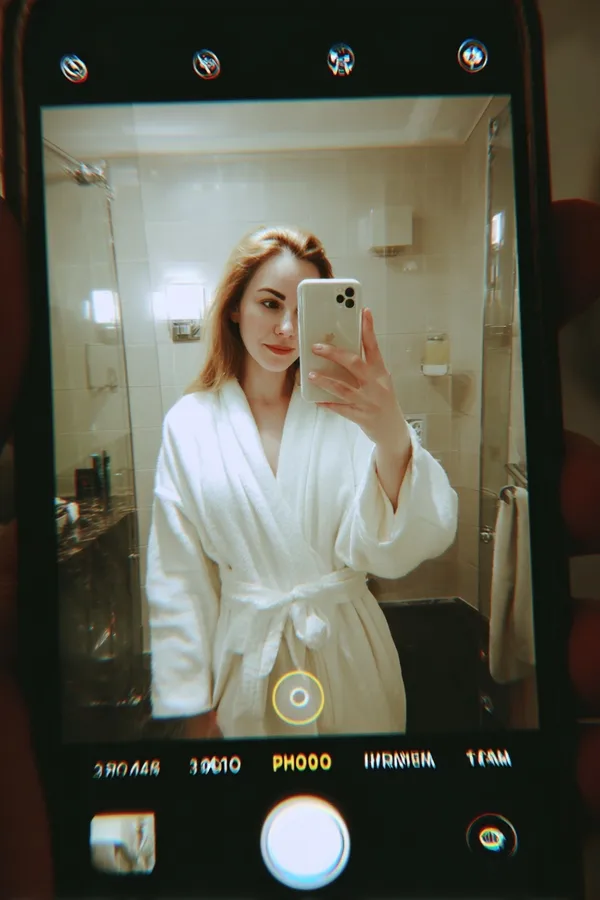
GPT Image 2.0 Prompt - 2000s Flash Mirror Selfie in Luxury Bath

- Model
- GPT Image 2.0
- Aspect ratio
- auto
- Quality
- 1K
Prompt
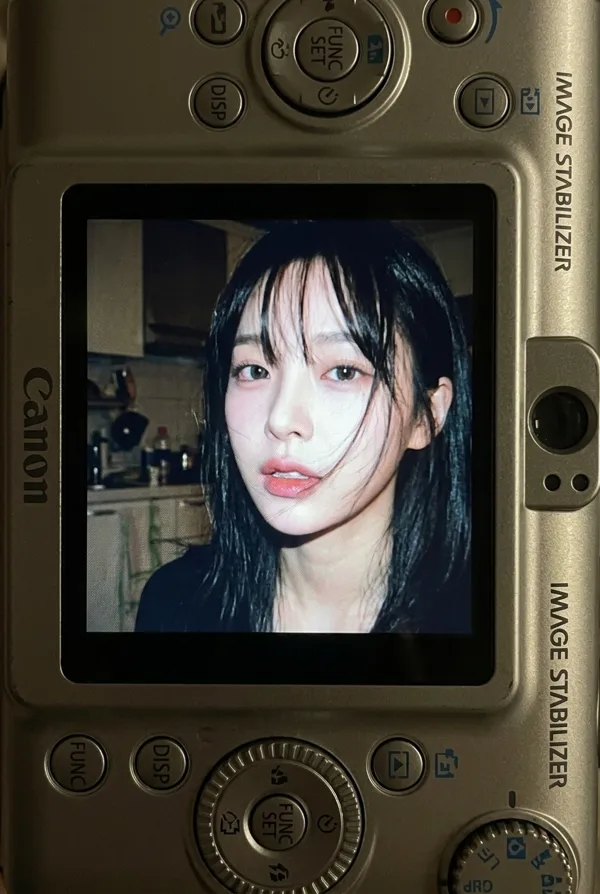
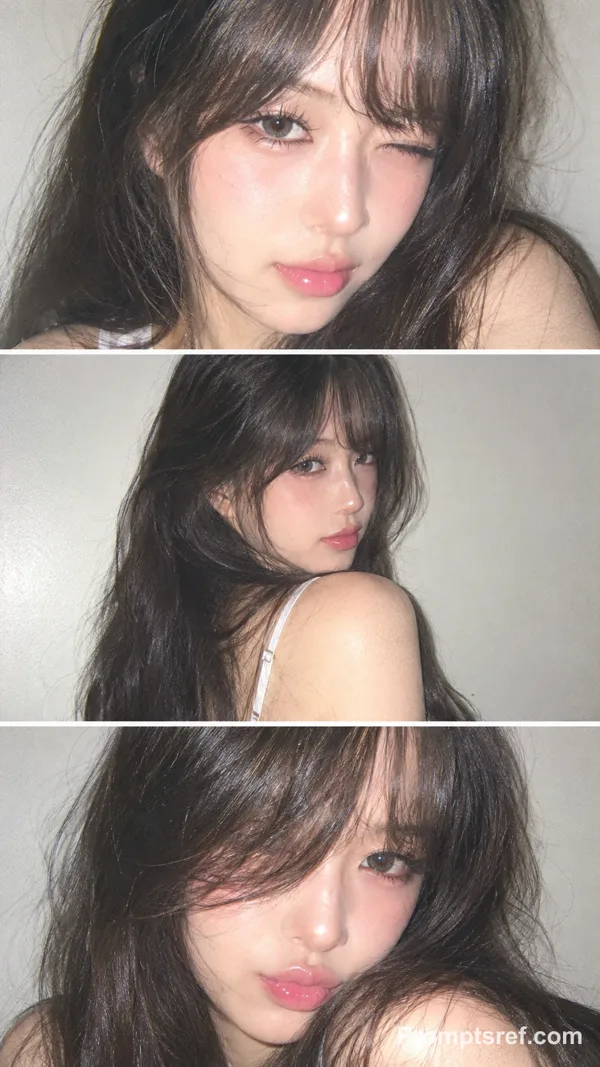
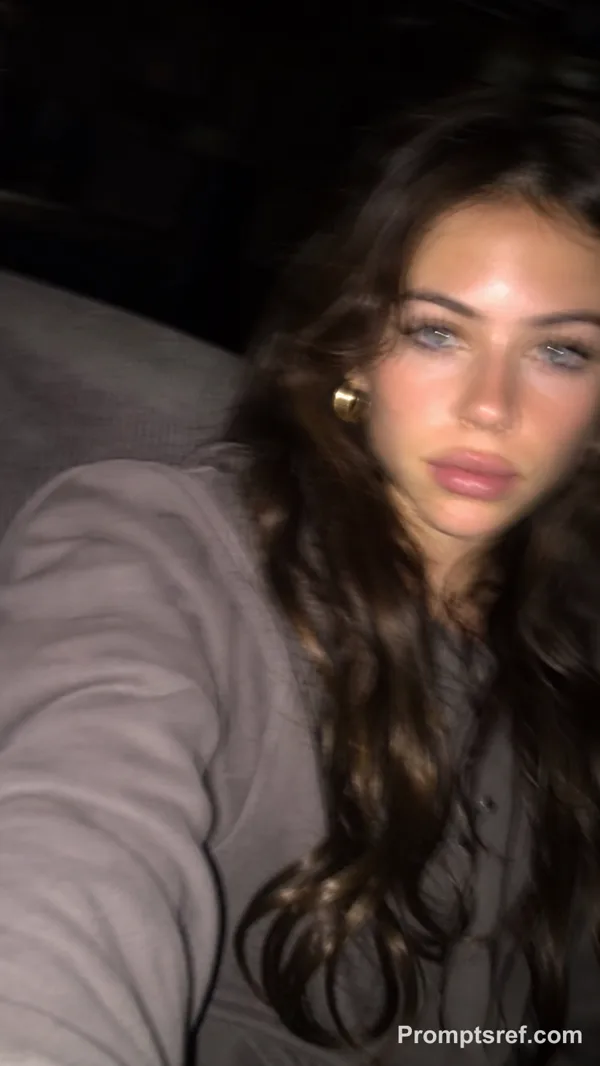
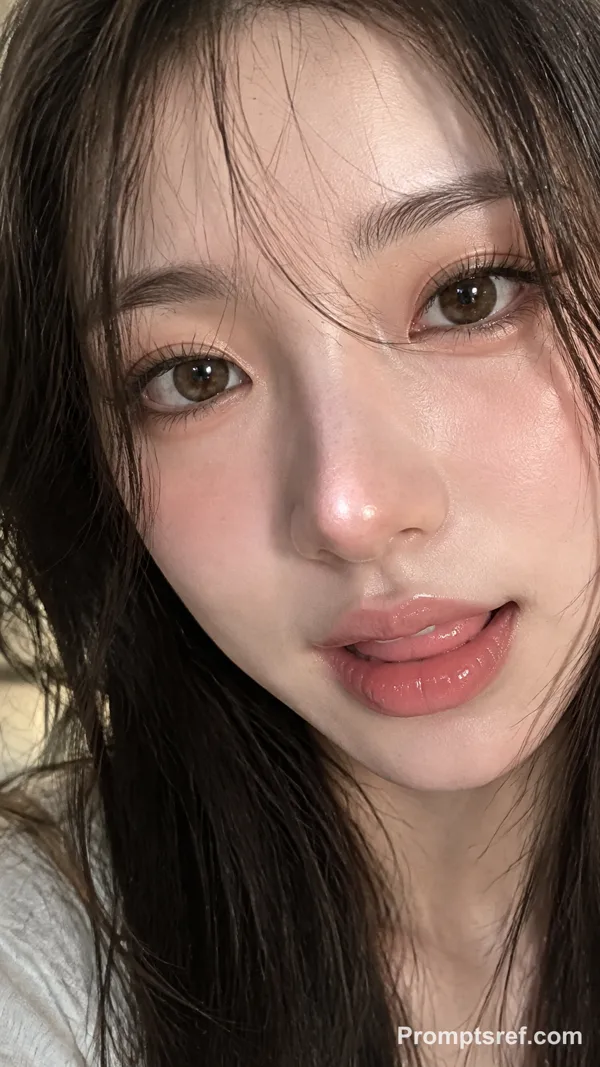
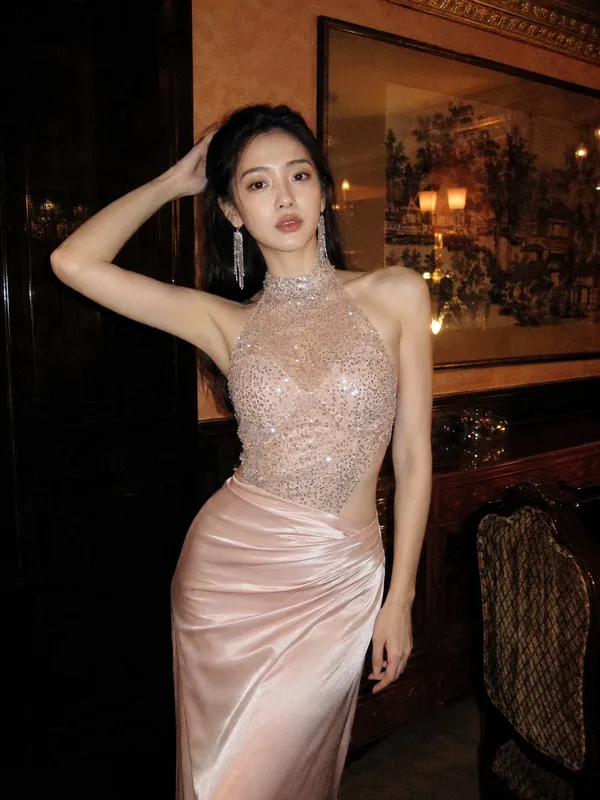
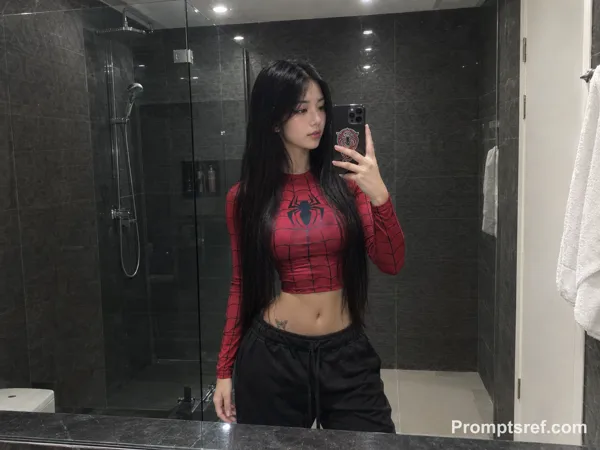
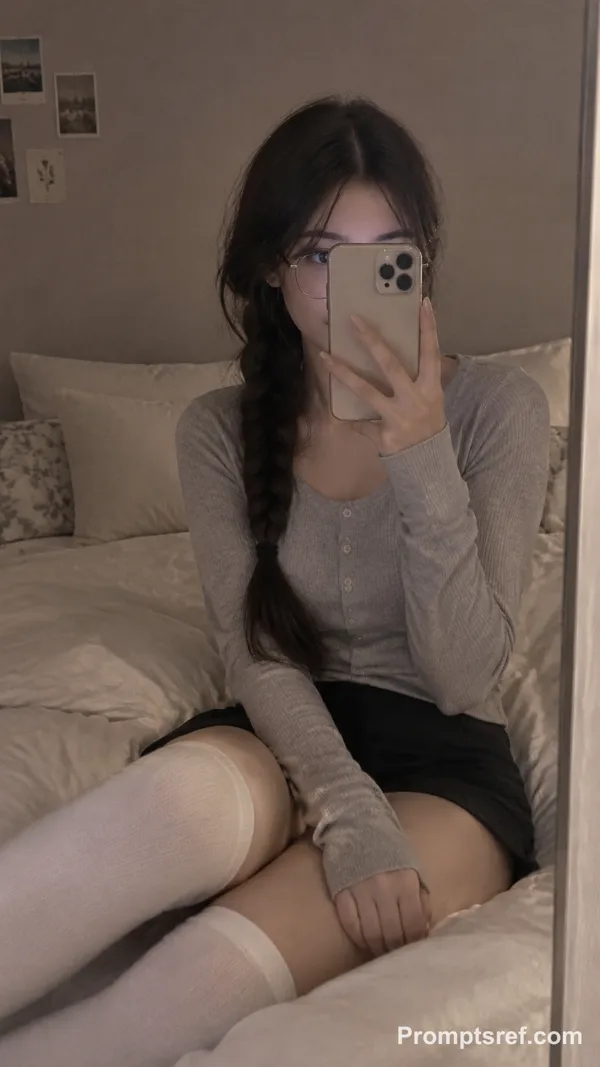
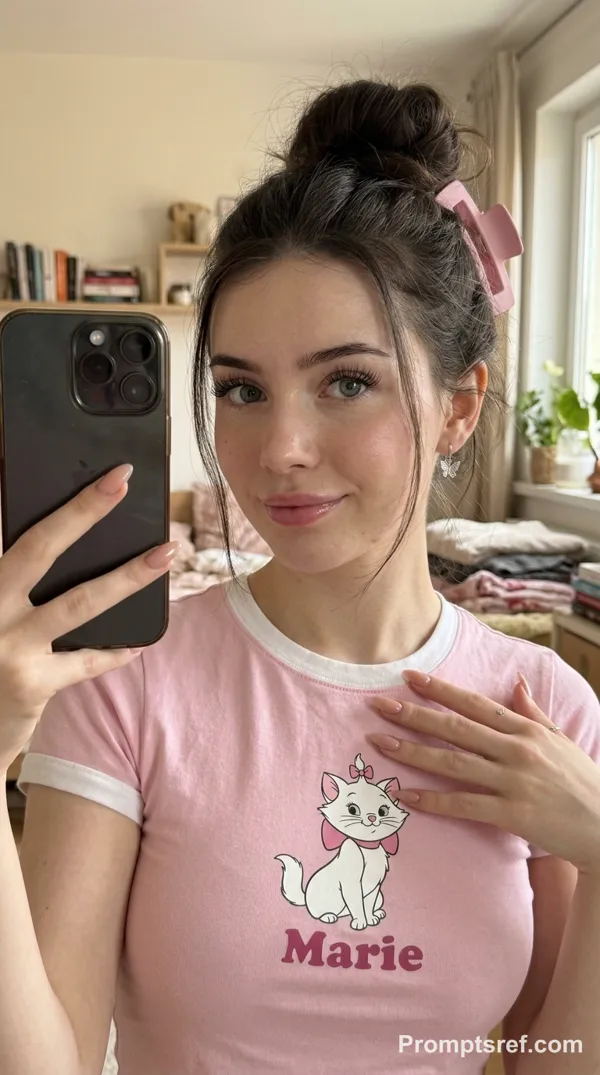
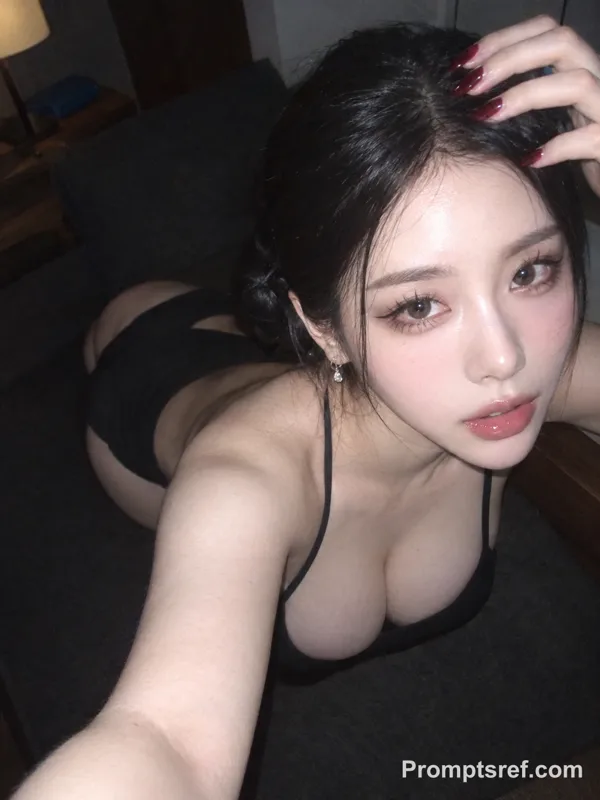
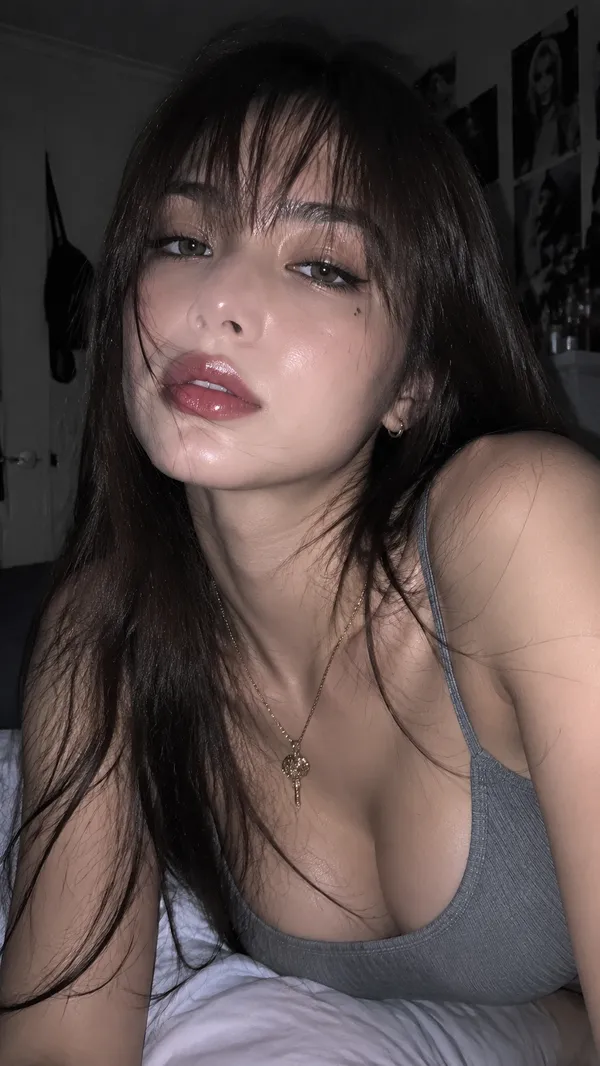
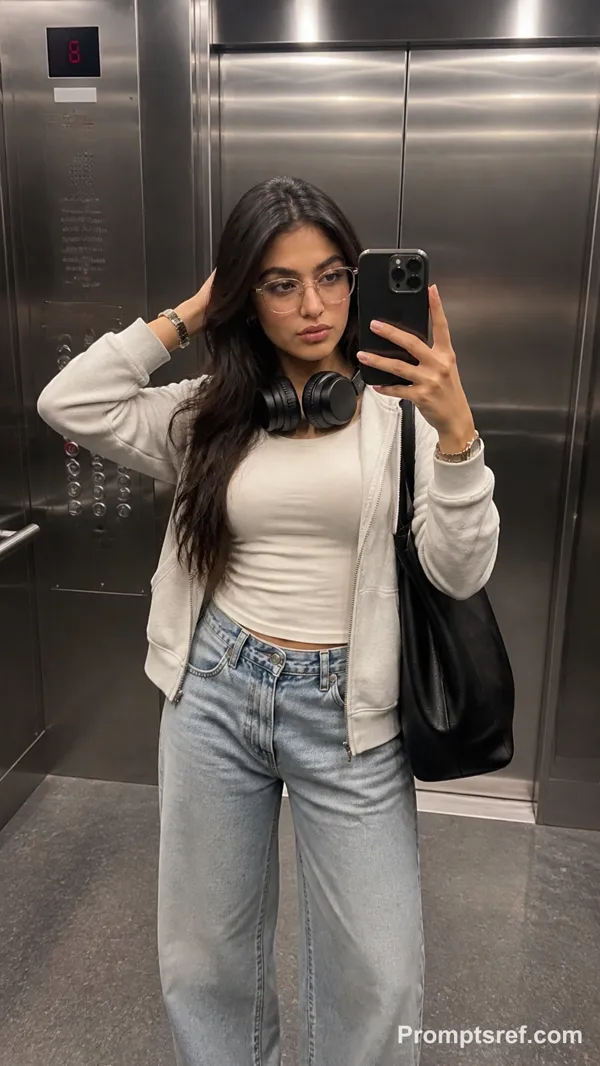
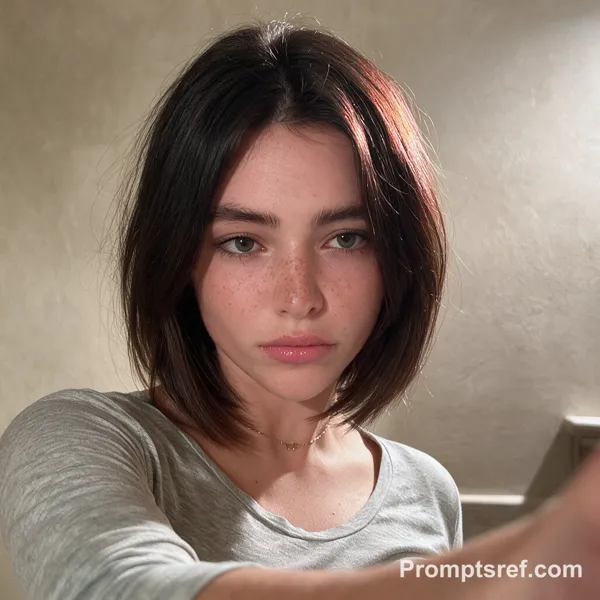
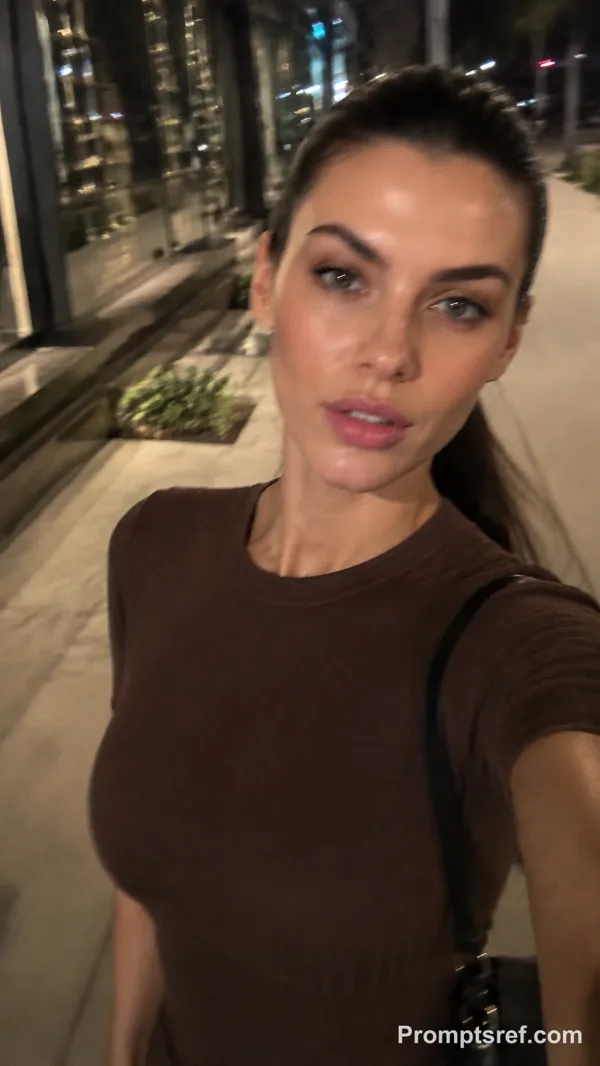
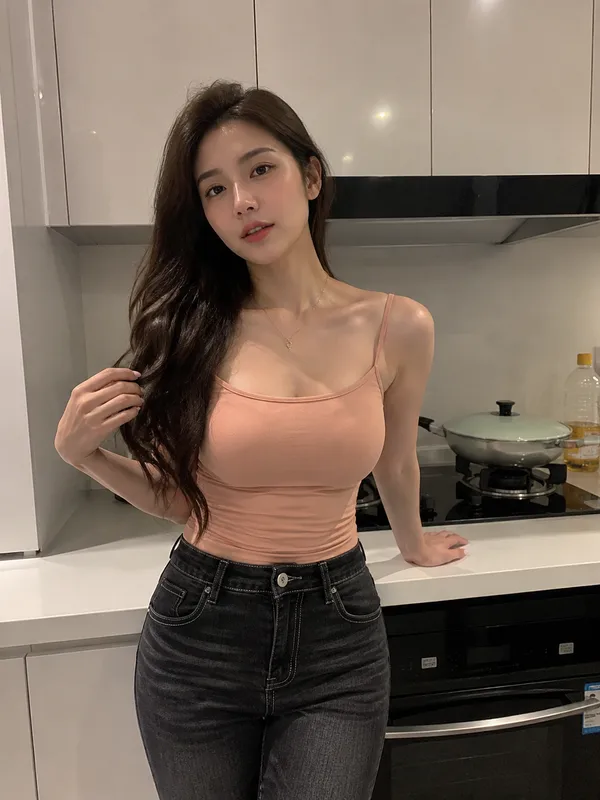
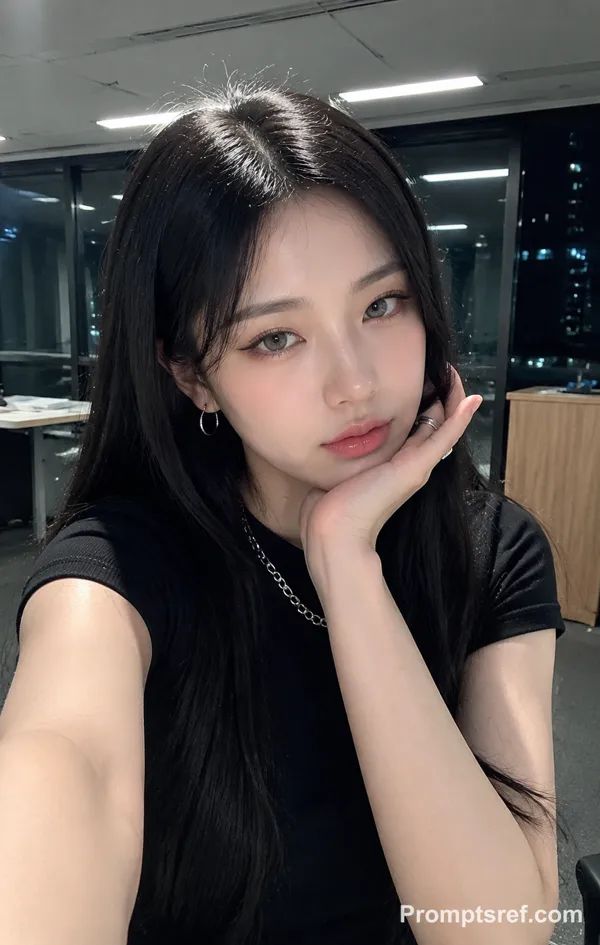
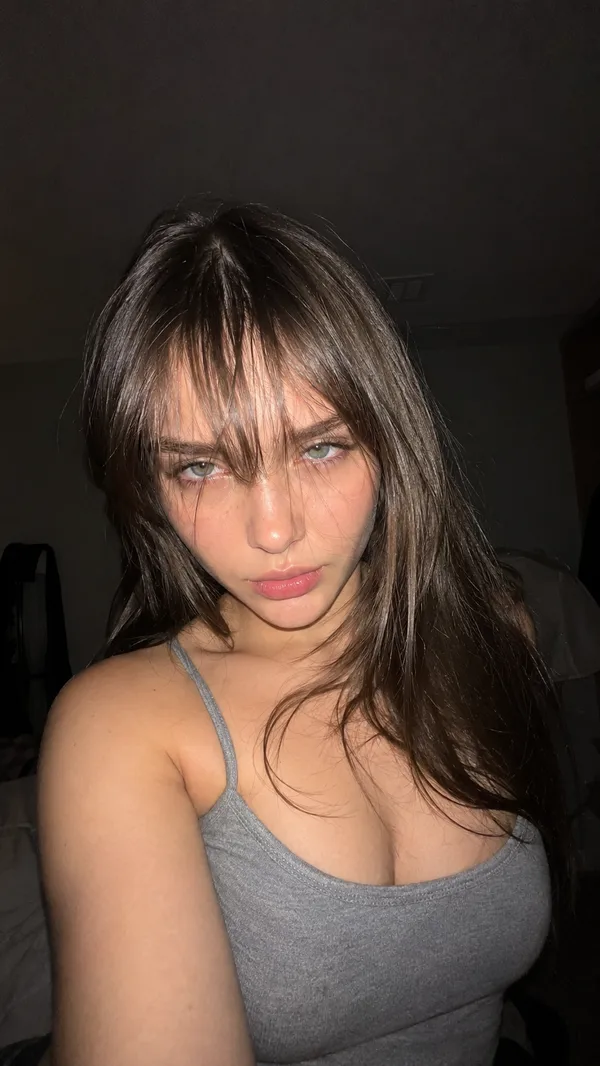
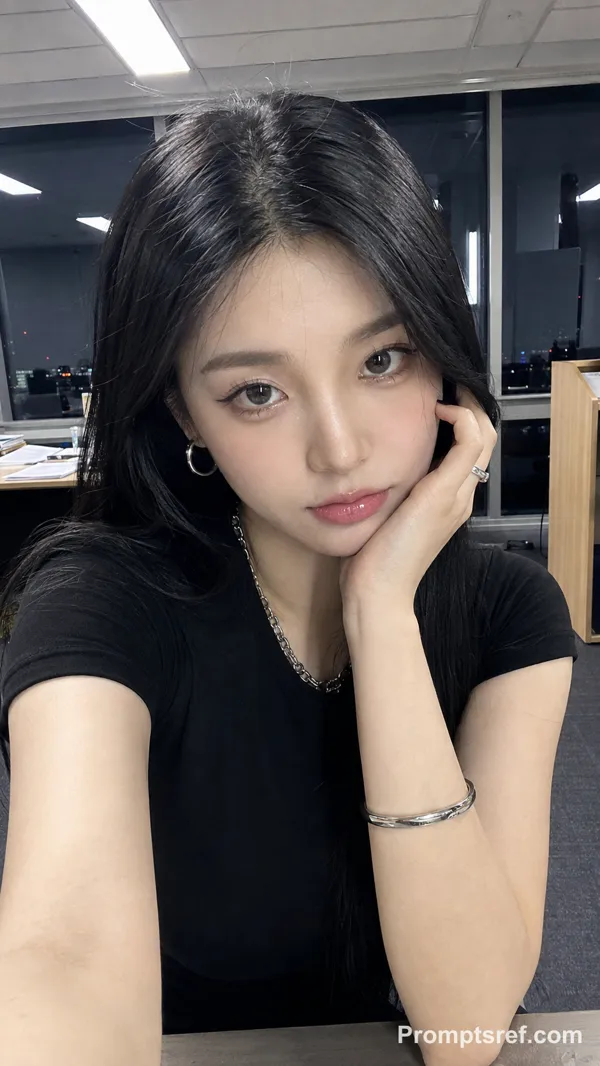
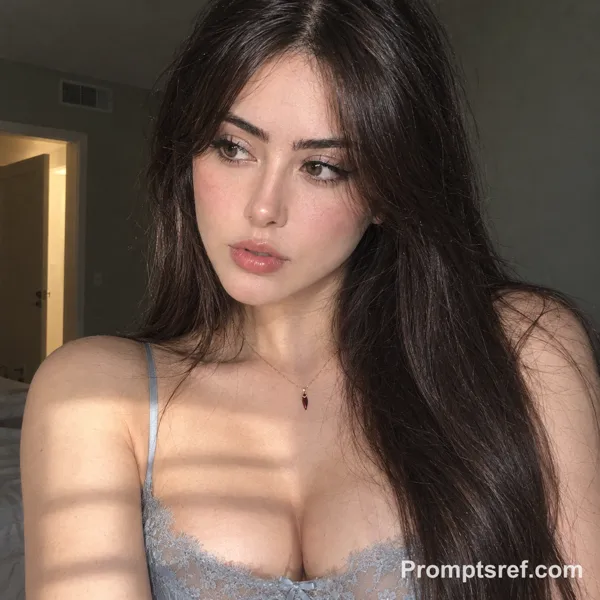
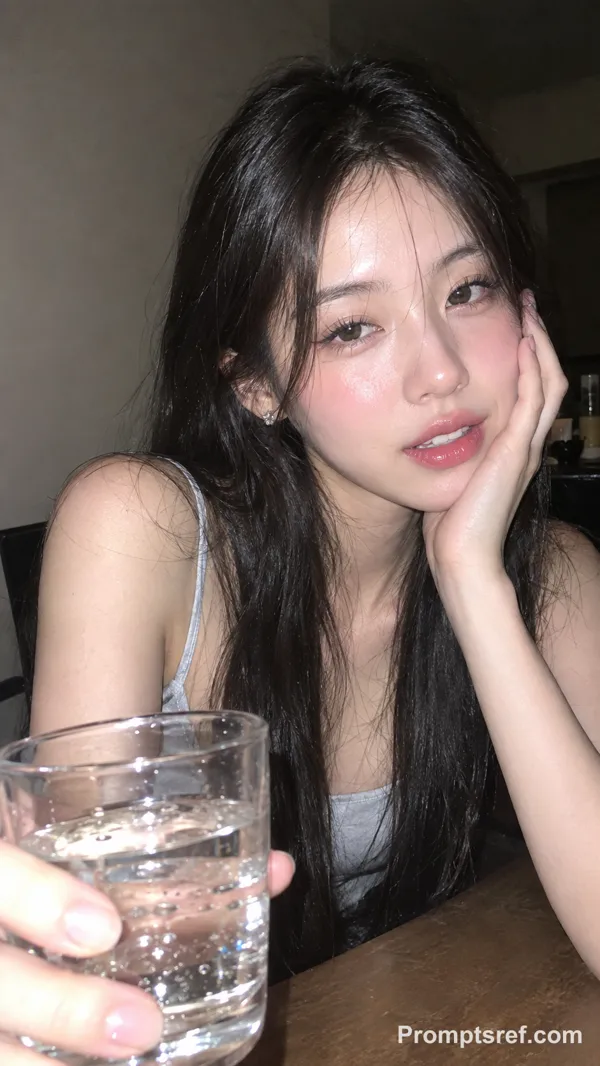
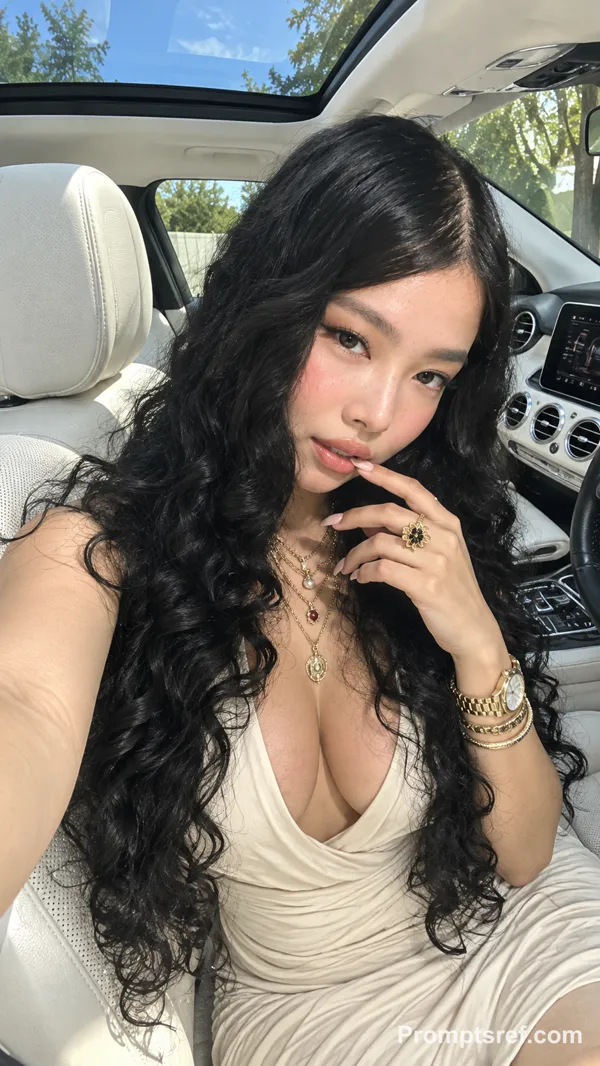
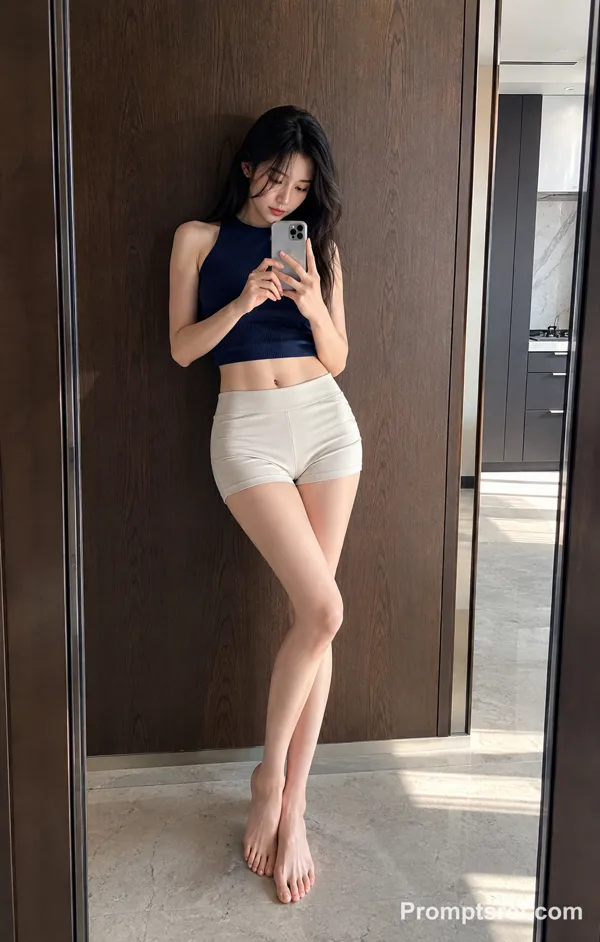
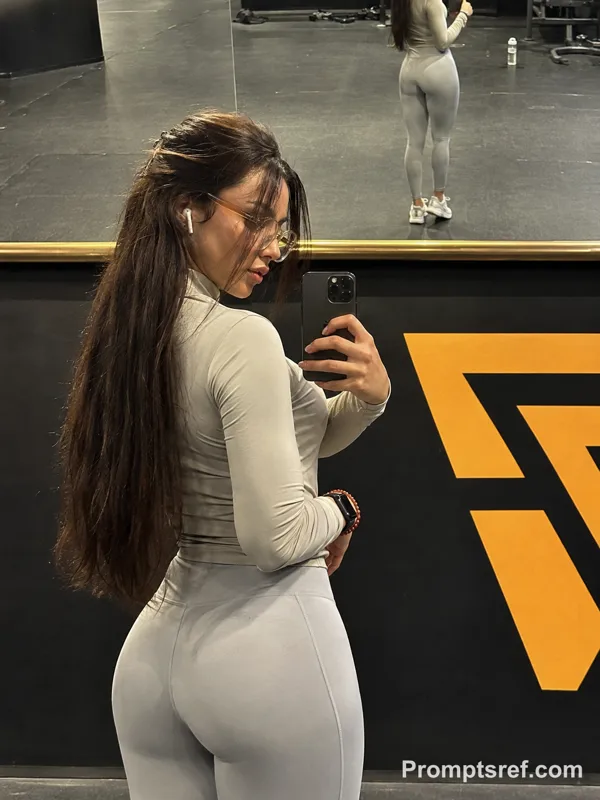
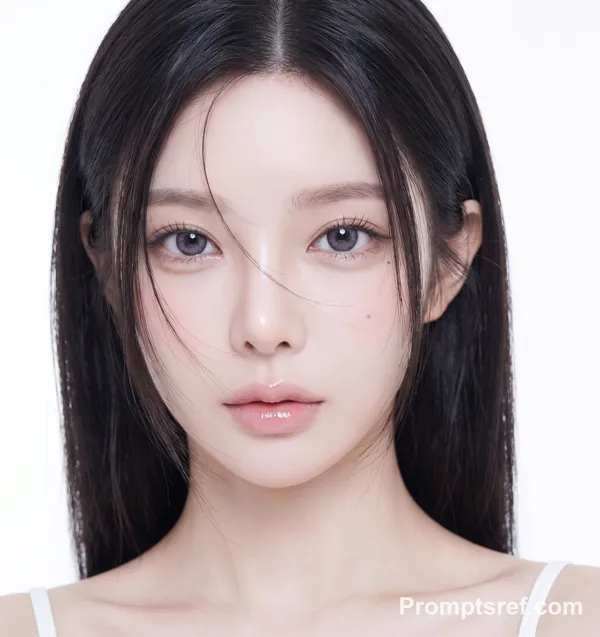
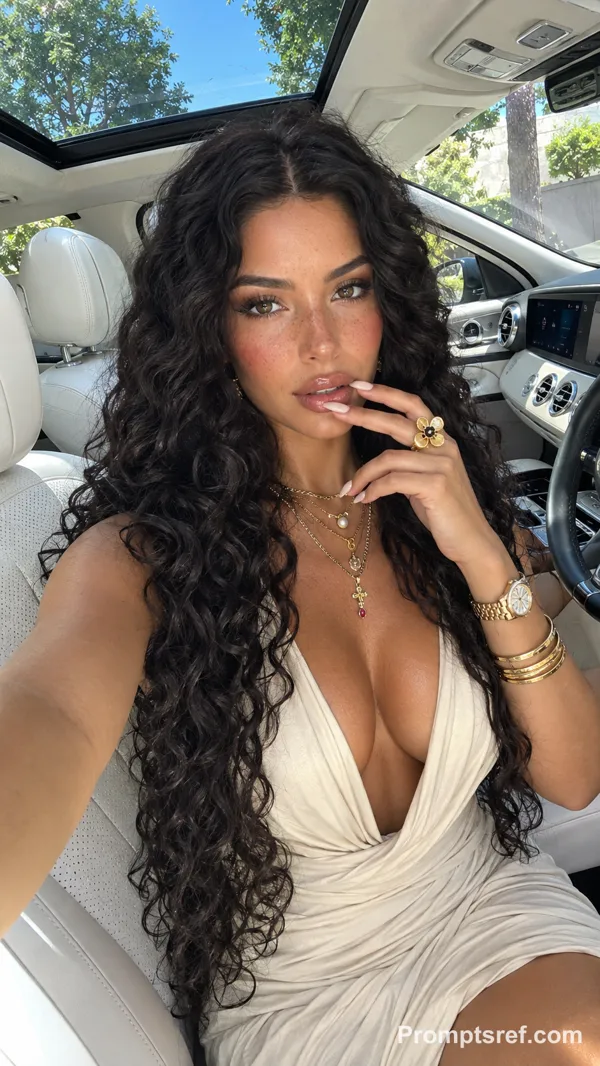
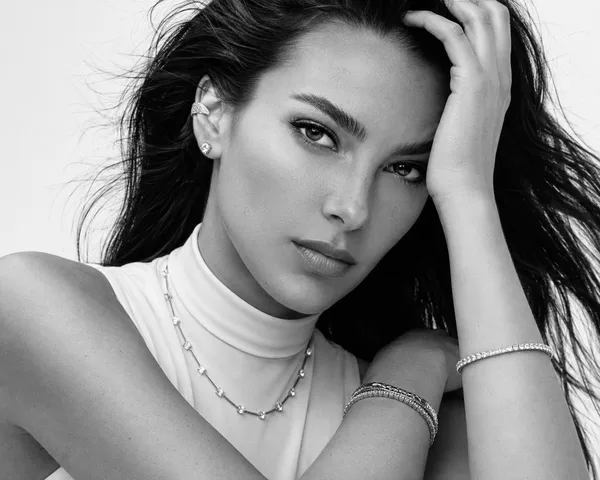
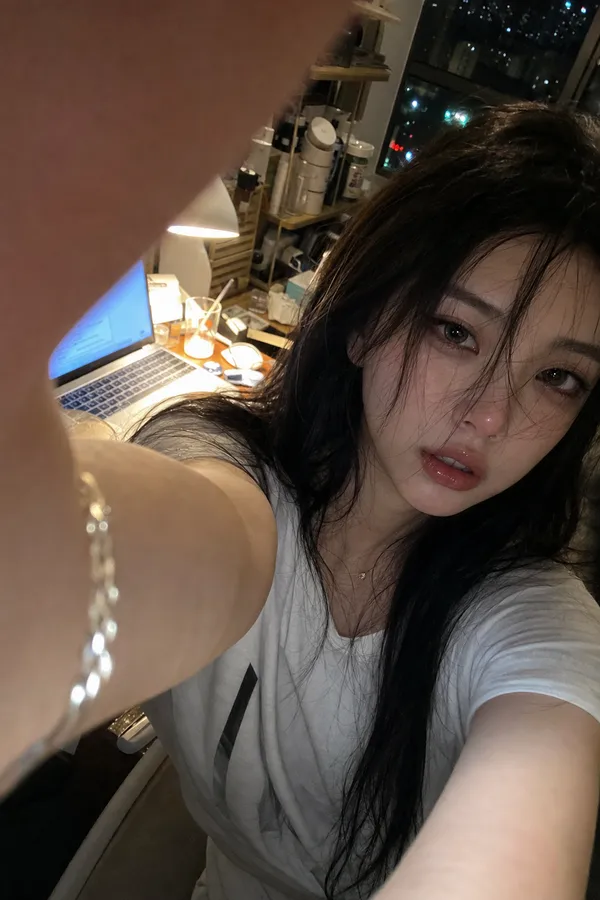
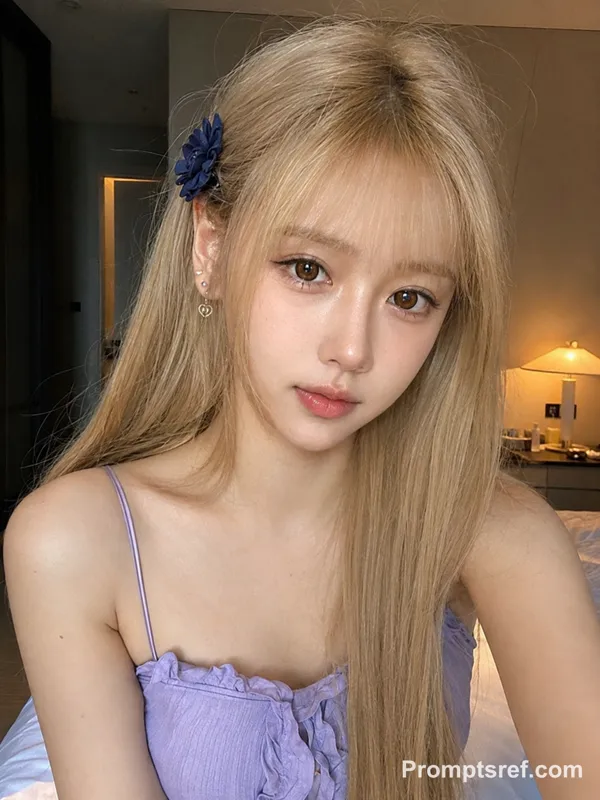
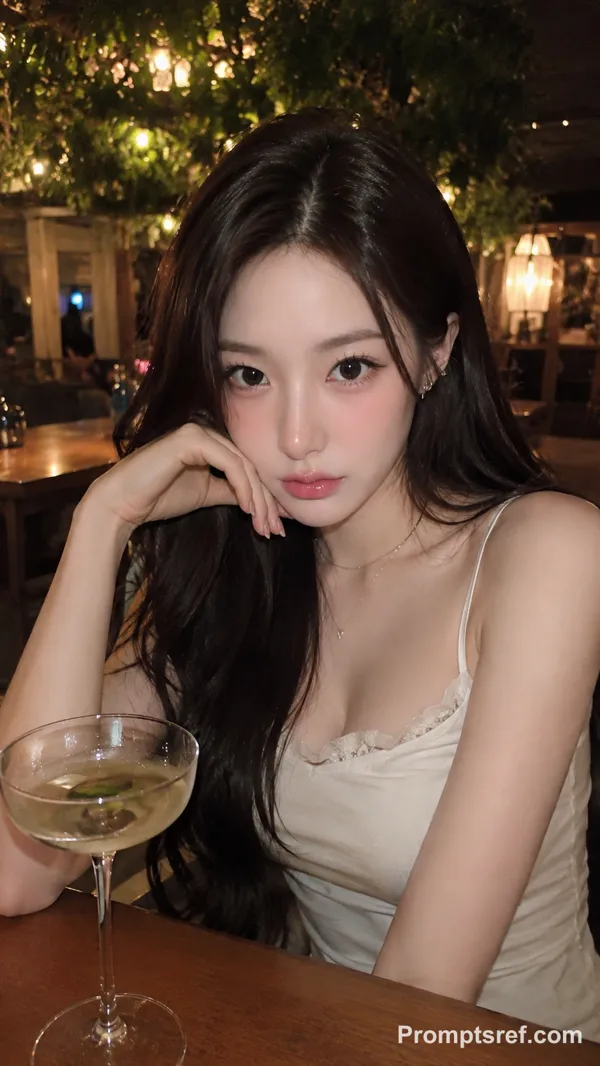
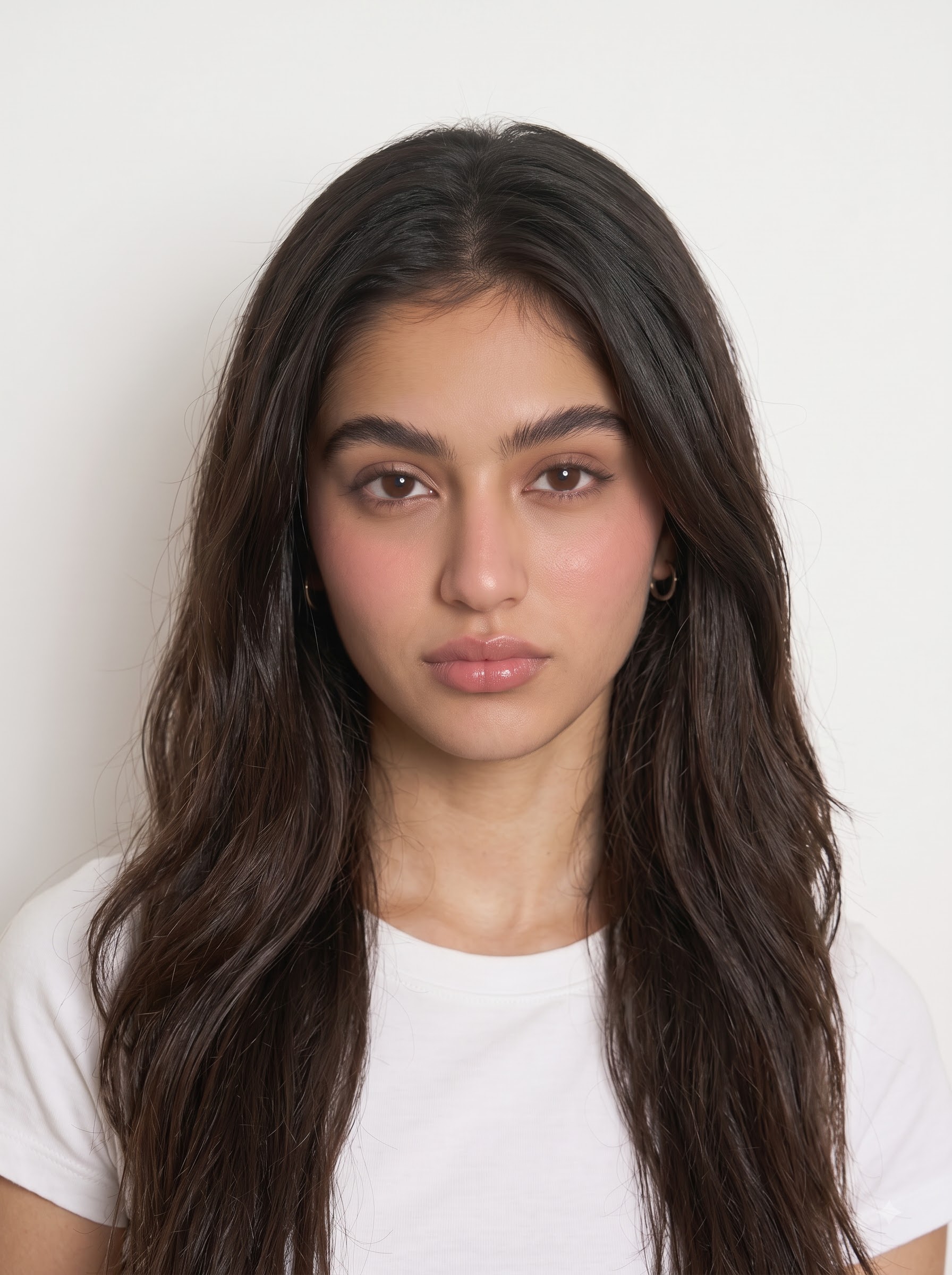
Create a highly realistic candid mirror-selfie photograph of the person from the uploaded photo, using the uploaded photo strictly as the facial identity reference. Preserve the person's real facial identity, facial proportions, skin tone, eye shape, nose, lips, jawline, cheek structure, and other distinctive facial characteristics. Do not beautify, redesign, or replace the person's identity. Create a vertical mirror selfie portrait of a beautiful young woman in a warm luxury bathroom. She is holding a small silver compact digital camera close to the mirror, taking a flash photo. The camera flash is bright and slightly blown out, creating a realistic lens flare and strong reflection on the right side of the frame. She has voluminous chestnut-brown wavy hair, soft glamorous makeup, glossy nude-pink lips, defined eyebrows, warm brown eyes, smooth natural skin texture, and a confident calm expression. She wears a simple black strapless top, delicate necklace, bracelet, and dark burgundy manicured nails. Background: softly blurred marble bathroom interior, warm yellow ceiling lights, beige stone walls, elegant hotel-bathroom atmosphere, mirror reflection, subtle depth of field. Style: early-2000s digital camera selfie aesthetic, luxury bathroom mirror selfie, soft flash photography, warm indoor lighting, slight overexposure from camera flash, glossy beauty look, realistic skin texture, high-fashion casual portrait, cinematic but candid, Instagram-style personal photo, vertical 9:16 composition. Camera / lighting details: compact point-and-shoot camera, direct on-camera flash, warm ambient bathroom lights, soft shadows, slight lens flare, natural reflection, realistic handheld framing.
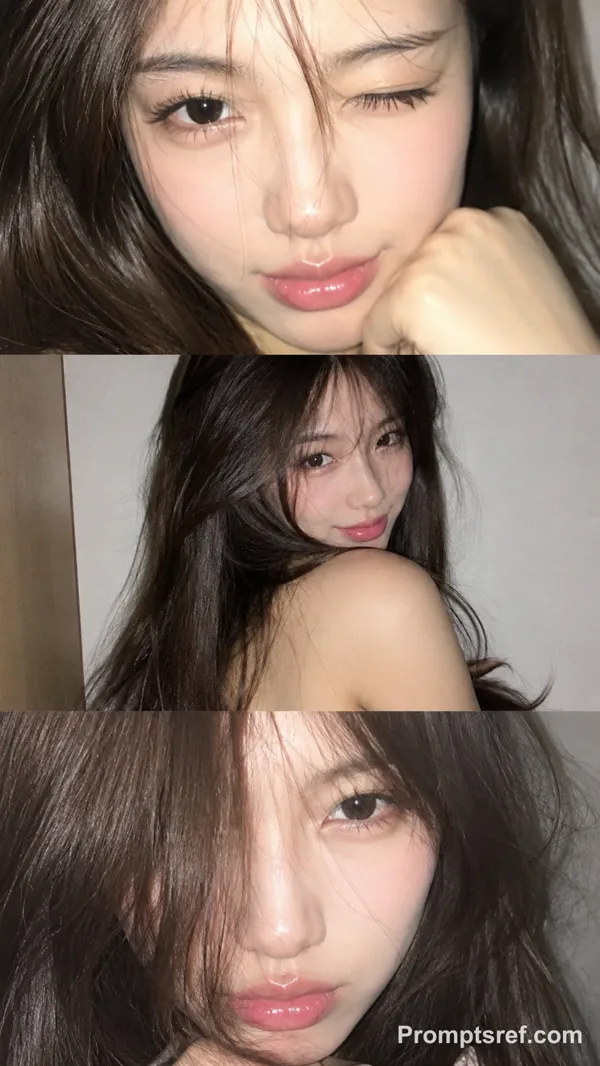
Reference image
Remixes
RemixNo remixes yet. Be the first to make your own version.
Use this image prompt
- 01
Start with the prompt
Copy the prompt, or open it with the generate button.
- 02
Make your changes
Adjust the subject, setting, or details. Add reference media if needed.
- 03
Check before generating
Review the model and output settings. Results can vary between generations.