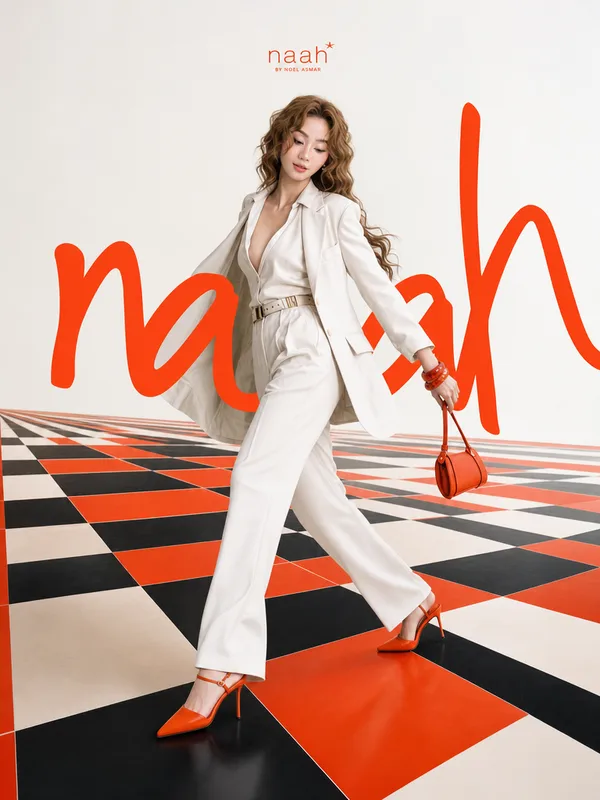
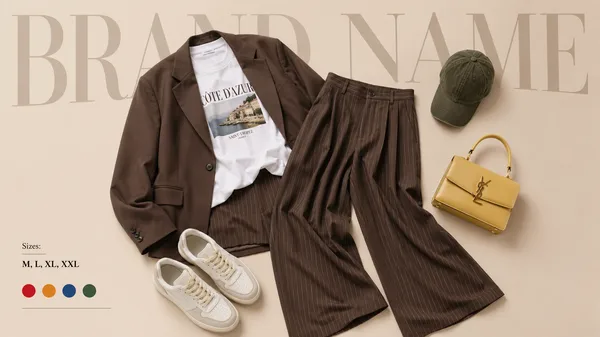
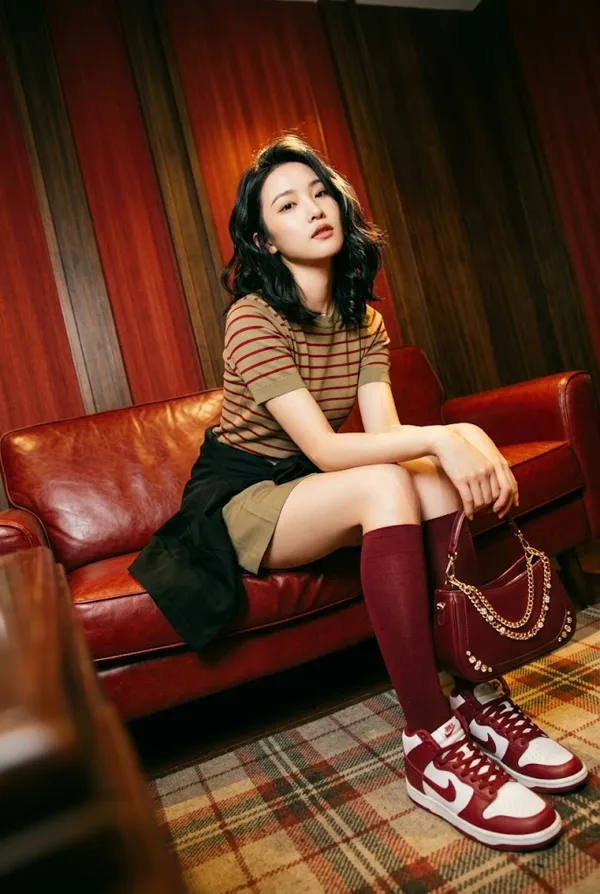
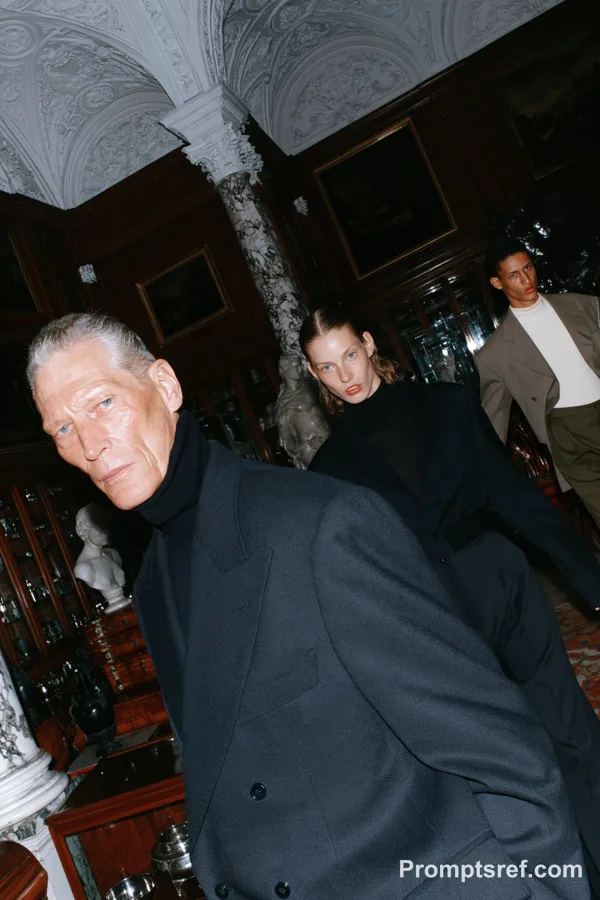
Nano Banana 2 Prompt - Two-Scene Color-Block Avant-Garde Fashion

- Model
- Nano Banana 2
Prompt
{
"A cinematic high-fashion sequence transitioning between two editorial scenes with strong color blocking and minimalism.\n\nScene 1: A full-body, centered female model stands motionless in a surreal outdoor setting where the ground is a vivid textured red and the sky is a flat, deep blue with no visible horizon. She wears an oversized muted olive-brown checkered suit with loose tailoring, a structured straw hat with a red band, and bold red ankle boots. In one hand she holds a chunky woven yellow handbag. Her short dark curly hair frames a neutral, distant expression with red lipstick. The composition is symmetrical and slightly uncanny, with hard natural sunlight casting sharp shadows and emphasizing texture in the ground and fabric.\n\nScene transition: A clean hard cut or subtle crossfade maintaining color continuity.\n\nScene 2: A studio portrait of a young male model seated on a simple textured green cube against a matte deep blue backdrop. He wears an oversized bright red double-breasted suit with a relaxed fit and a subtle blue inner shirt. A small green flower is pinned to the blazer. His blonde hair is slightly tousled, and he stares directly into the camera with a calm, detached expression. His posture is slightly slouched with hands resting loosely between his knees. Soft studio lighting creates controlled shadows and a clean editorial finish.\n\nThe overall tone is avant-garde fashion, minimal, surreal, and highly intentional, with strong contrast between primary colors and realistic textures. Maintain natural skin detail, avoid over-smoothing, preserve fabric imperfections and subtle grain.",
"style": "cinematic fashion editorial, surreal minimalism, color blocking, avant-garde",
"camera": {
"scene_1": {
"type": "medium format film",
"lens": "80mm",
"angle": "eye-level, straight-on",
"framing": "full-body centered",
"aperture": "f/8"
},
"scene_2": {
"type": "medium format digital",
"lens": "85mm",
"angle": "eye-level",
"framing": "medium shot seated",
"aperture": "f/5.6"
}
},
"lighting": {
"scene_1": "hard natural sunlight, high contrast, crisp shadows",
"scene_2": "soft studio light, controlled shadows, medium contrast"
},
"color": {
"palette": ["deep blue", "vivid red", "mustard yellow", "muted olive", "accent green"],
"treatment": "rich but controlled saturation, film-like grading"
},
"texture": {
"skin": "natural skin texture, no plastic smoothing",
"fabric": "visible weave and wrinkles",
"environment": "grainy ground, matte backdrop"
},
"mood": "detached, composed, artistic tension",
"motion": "very subtle—slight wind in clothing in scene 1, minimal body movement in scene 2, slow cinematic pacing",
"post_processing": {
"grain": "subtle film grain",
"sharpness": "balanced, not overly crisp",
"retouching": "minimal editorial"
}
}
Remixes
RemixNo remixes yet. Be the first to make your own version.
Use this image prompt
- 01
Start with the prompt
Copy the prompt, or open it with the generate button.
- 02
Make your changes
Adjust the subject, setting, or details. Add reference media if needed.
- 03
Check before generating
Review the model and output settings. Results can vary between generations.