GPT Image 2.0 Prompt - Soft-Lit East Asian Cat-Eyed Portrait

- Model
- GPT Image 2.0
- Aspect ratio
- auto
- Quality
- 1K
Prompt
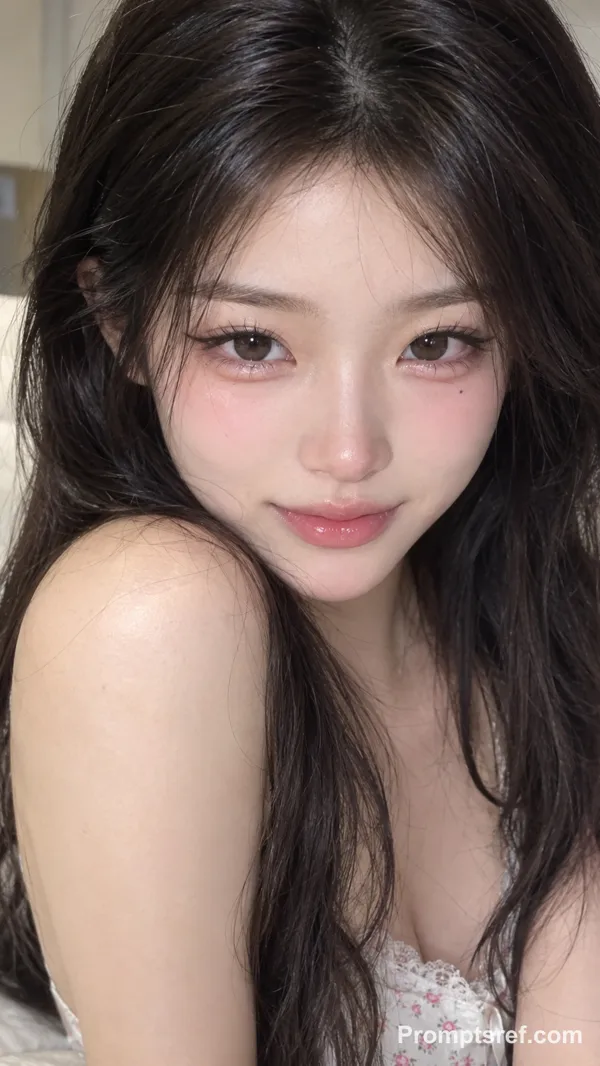
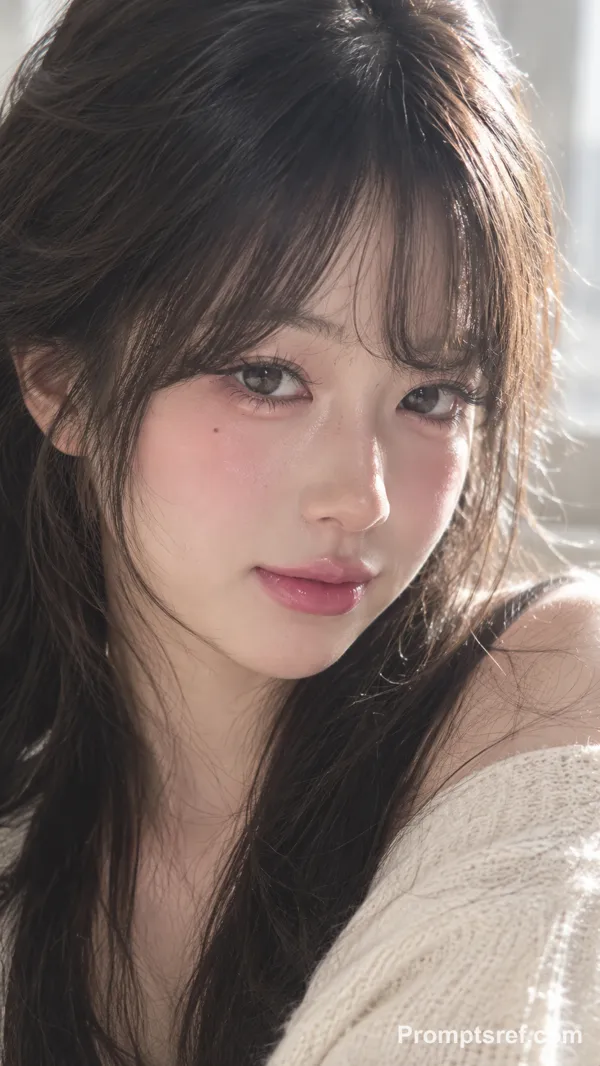
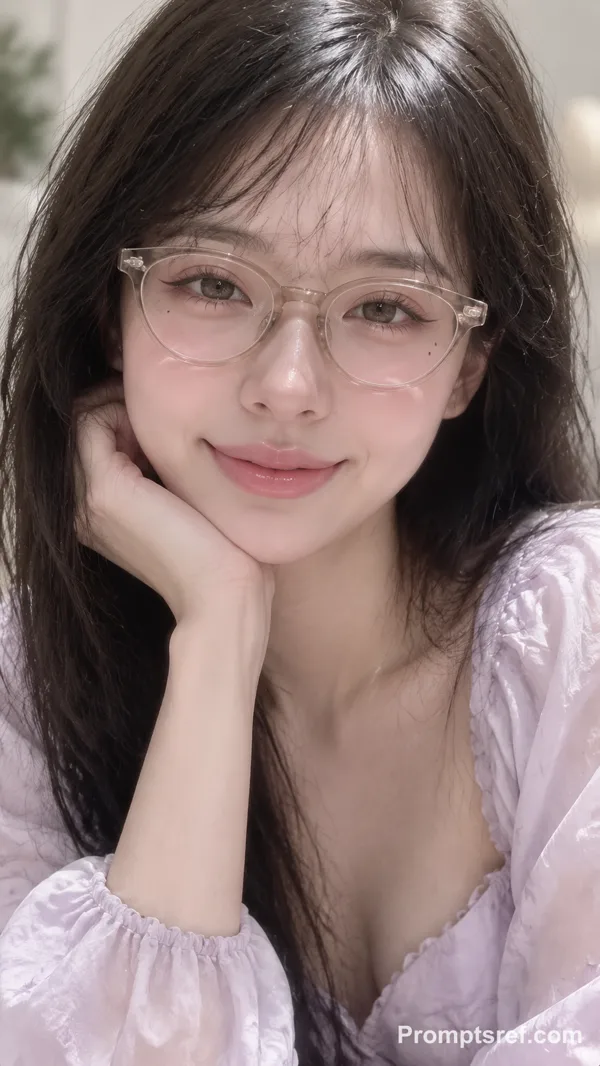
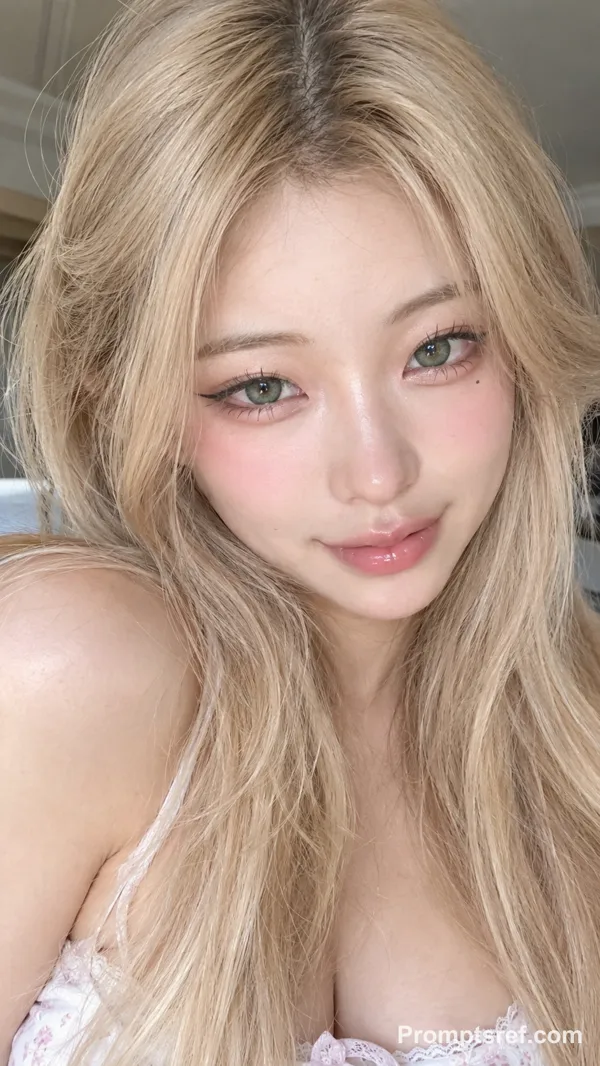
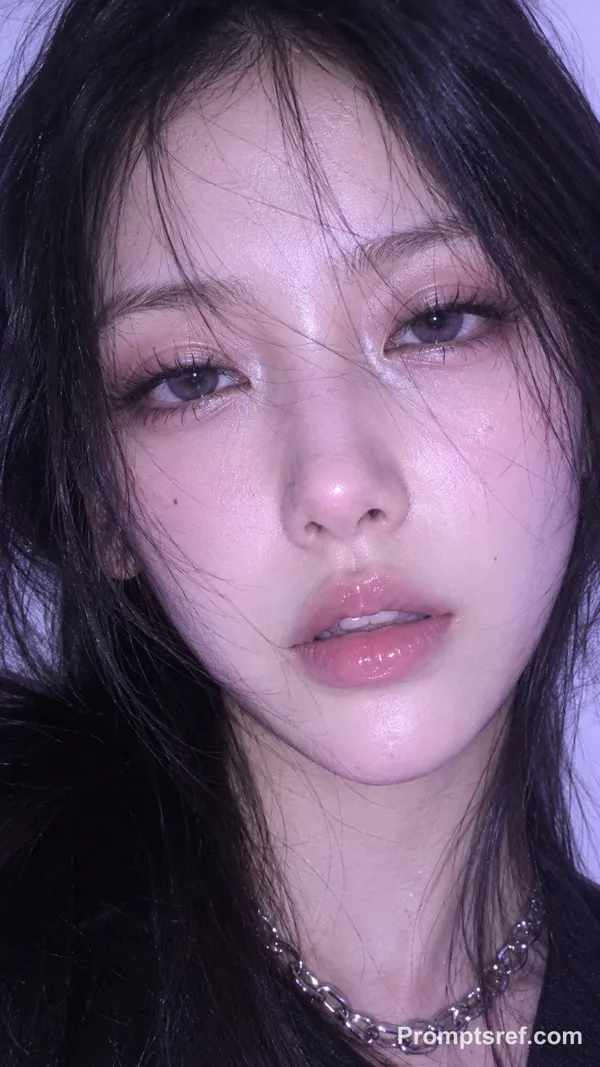
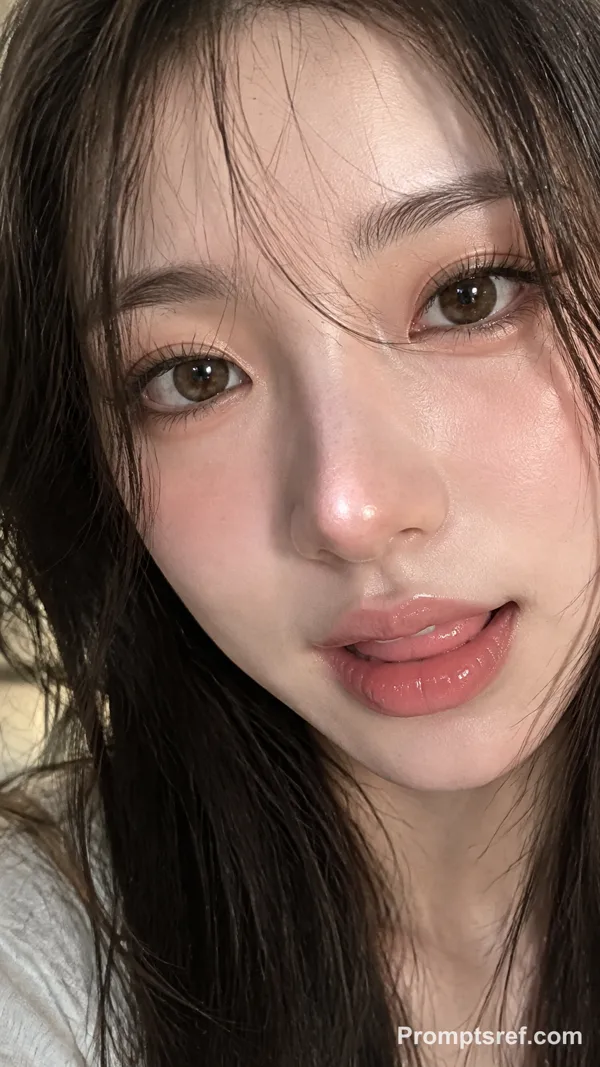
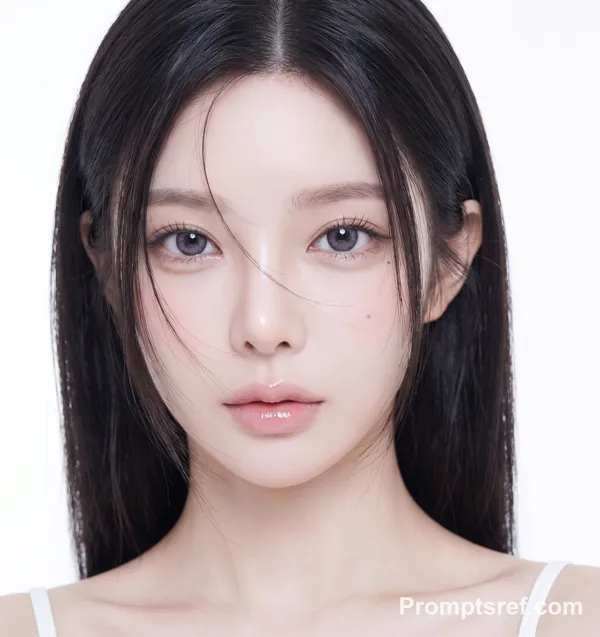
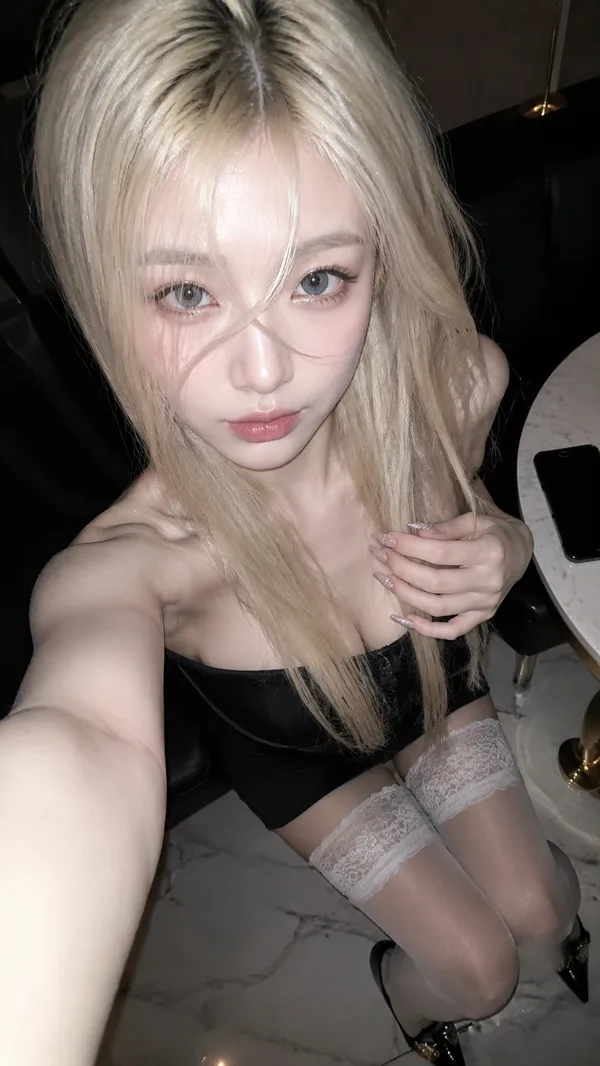
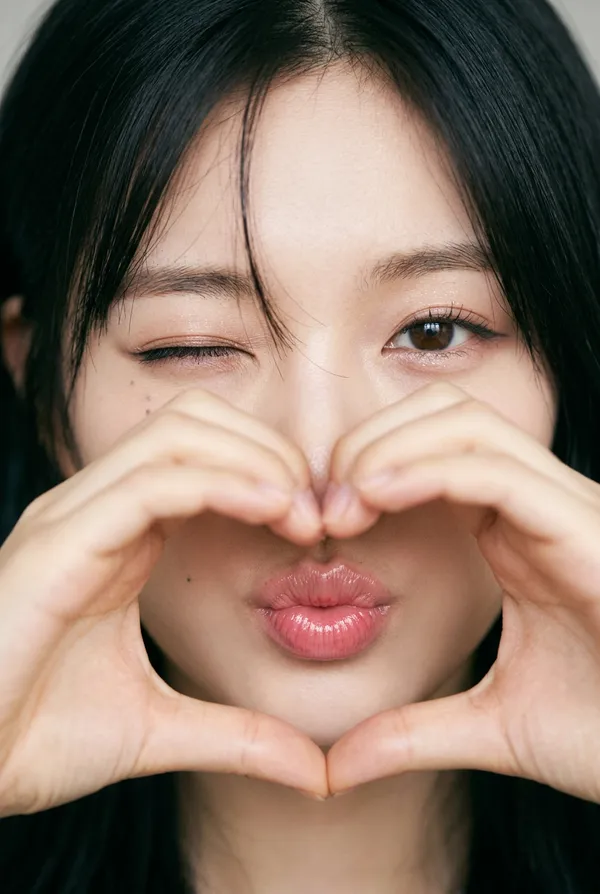
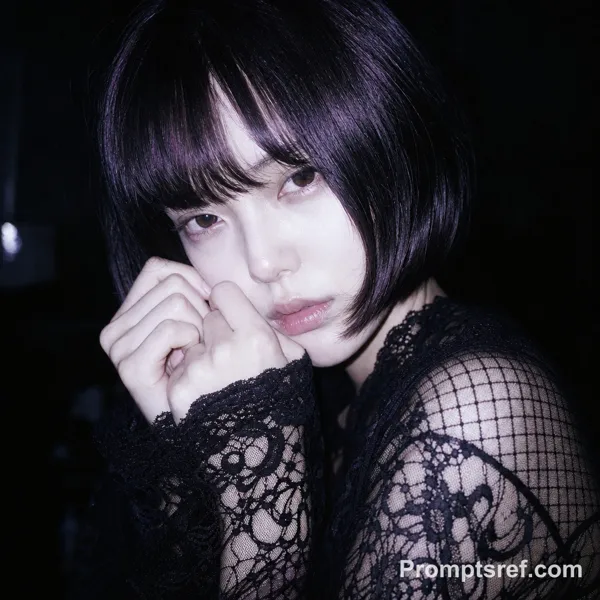
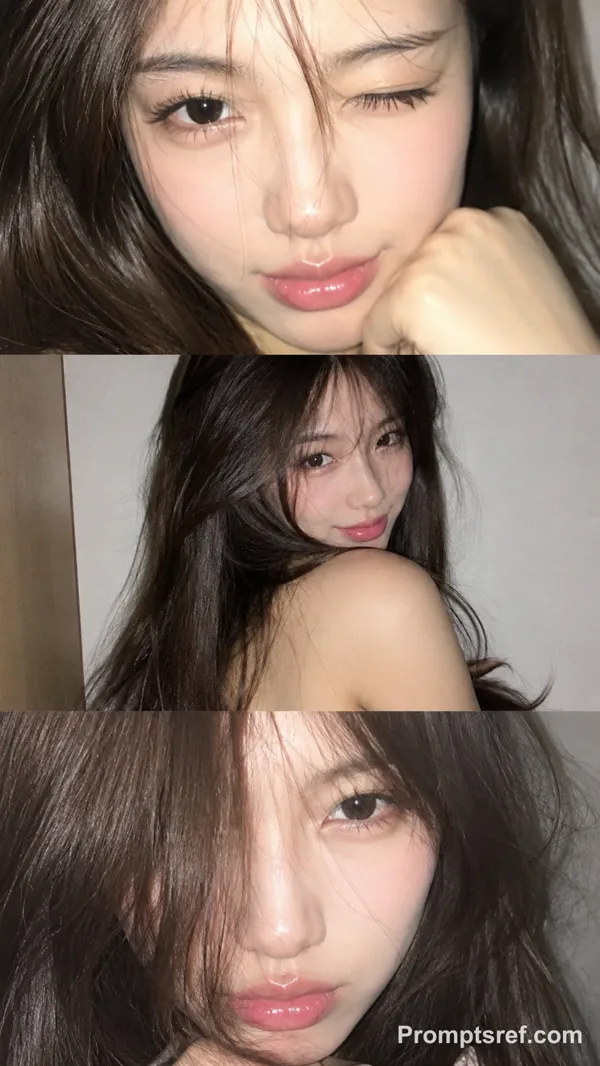
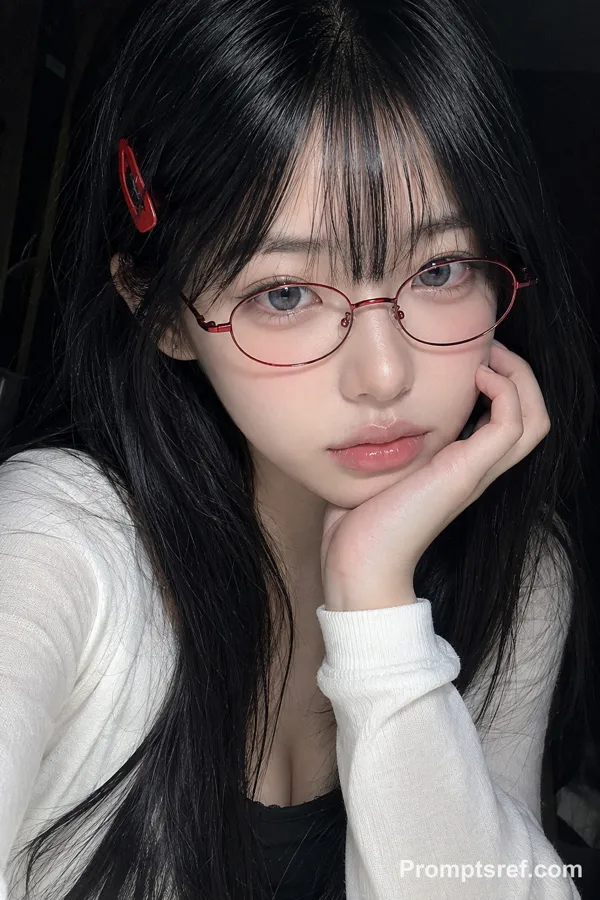
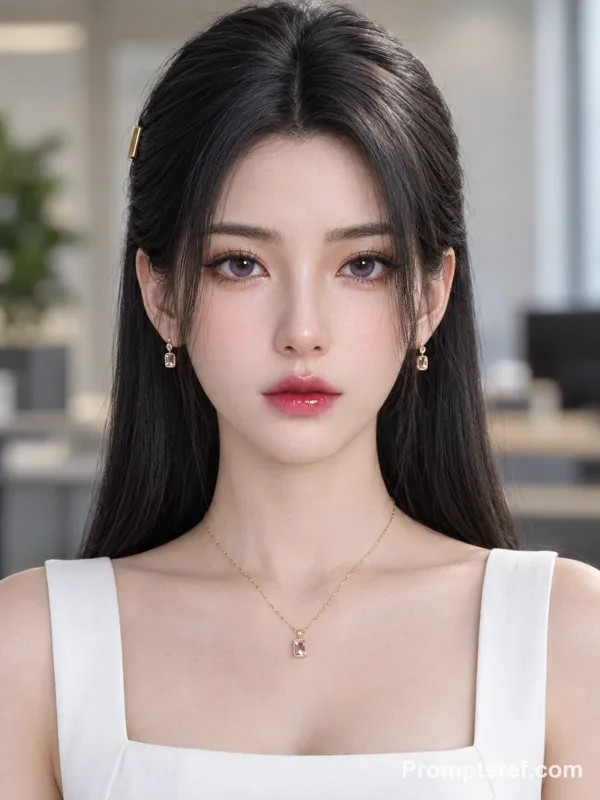
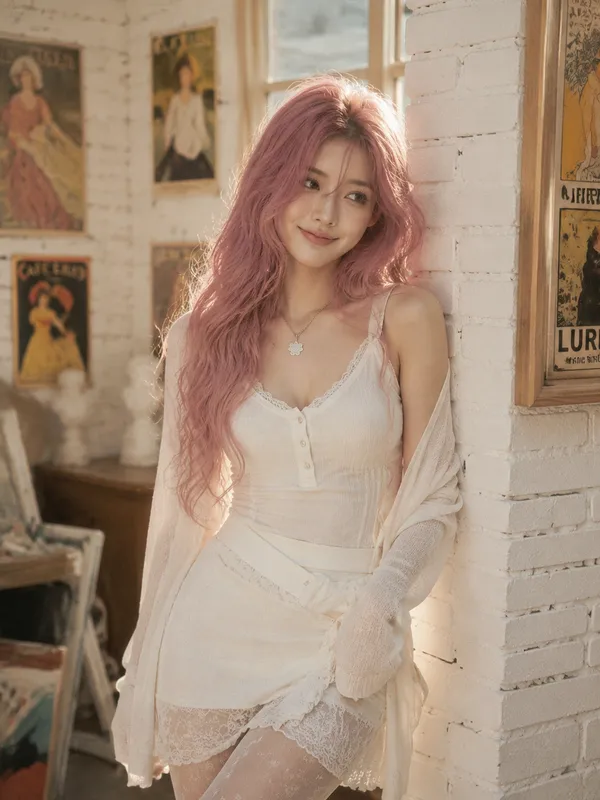
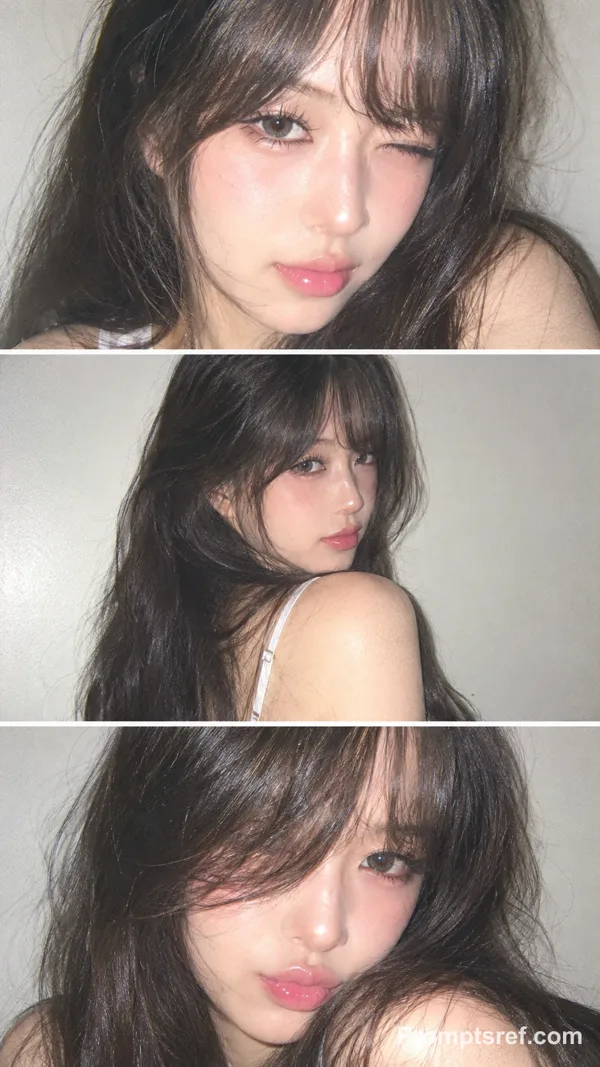
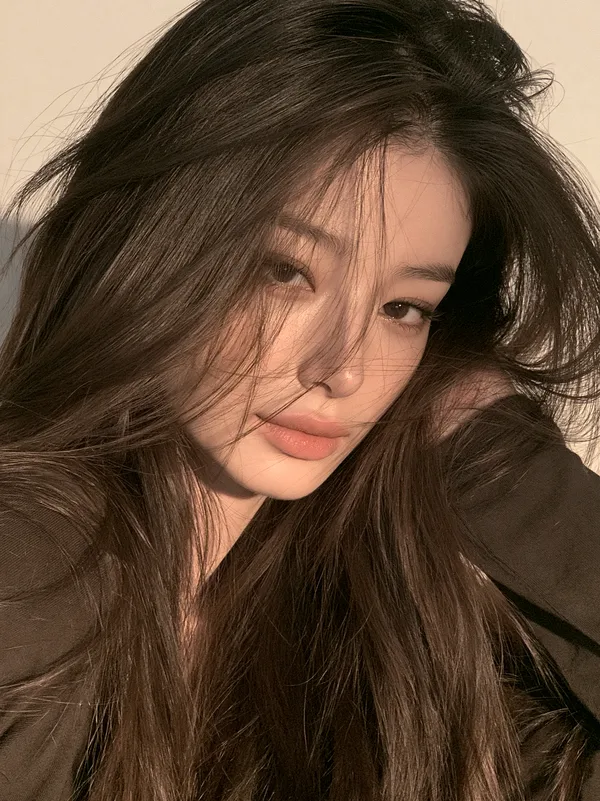
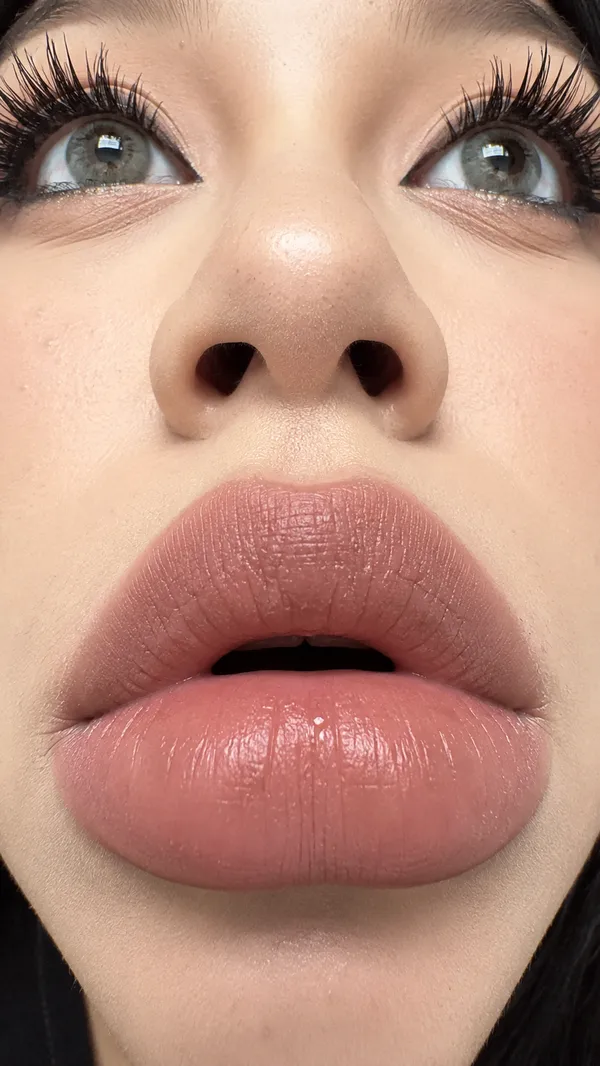
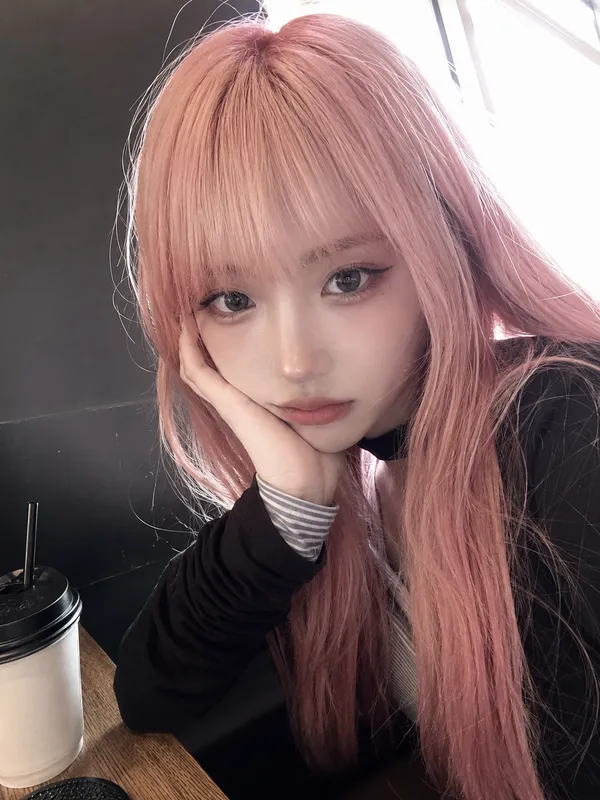
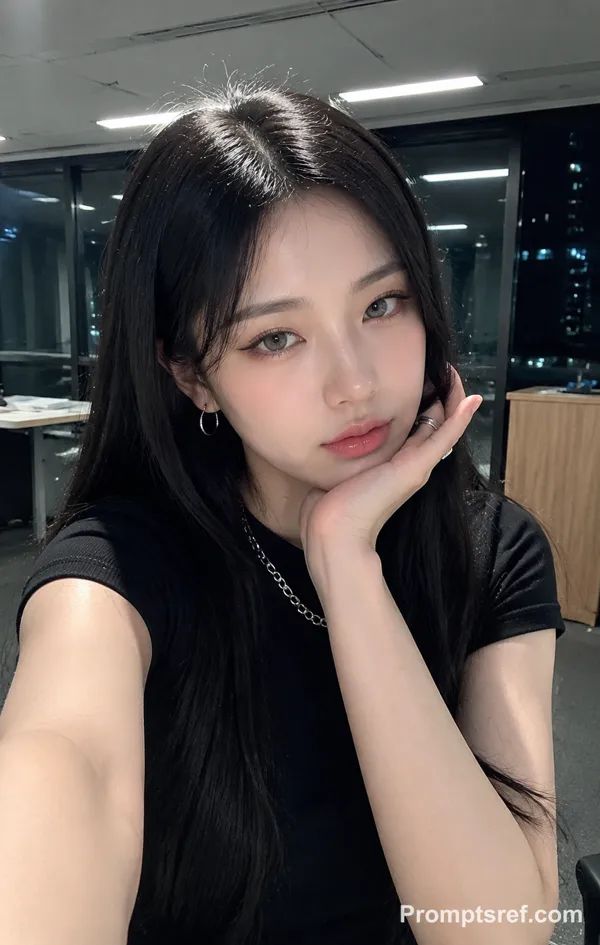
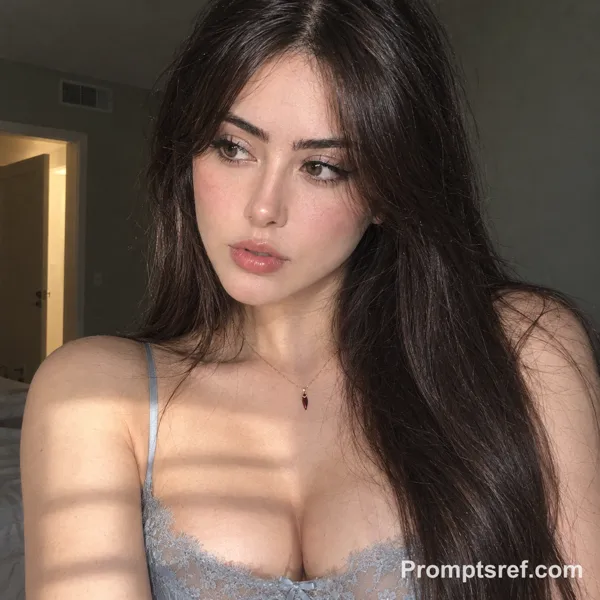
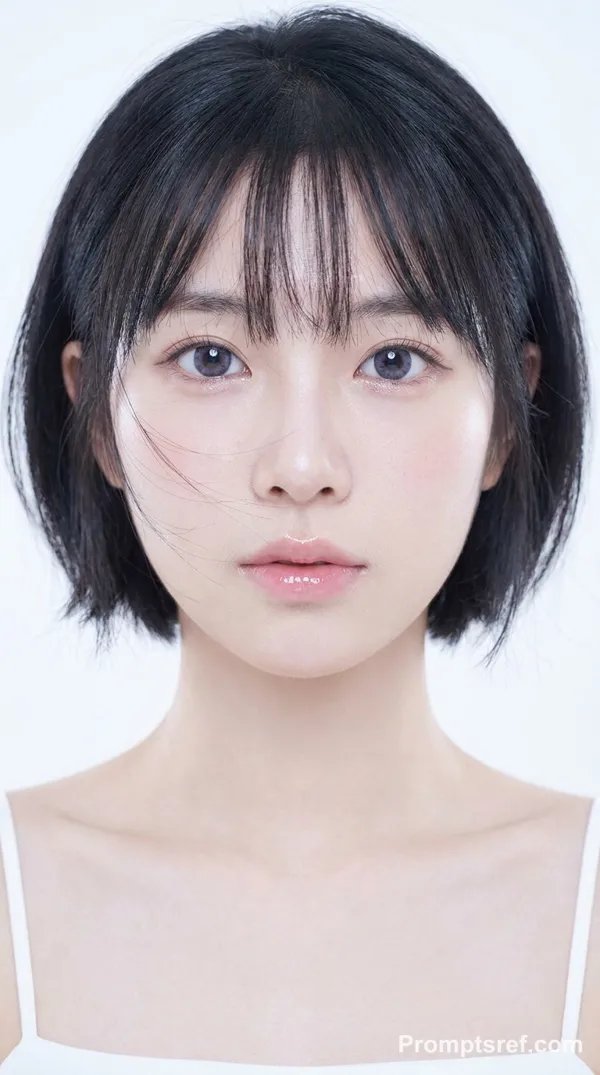
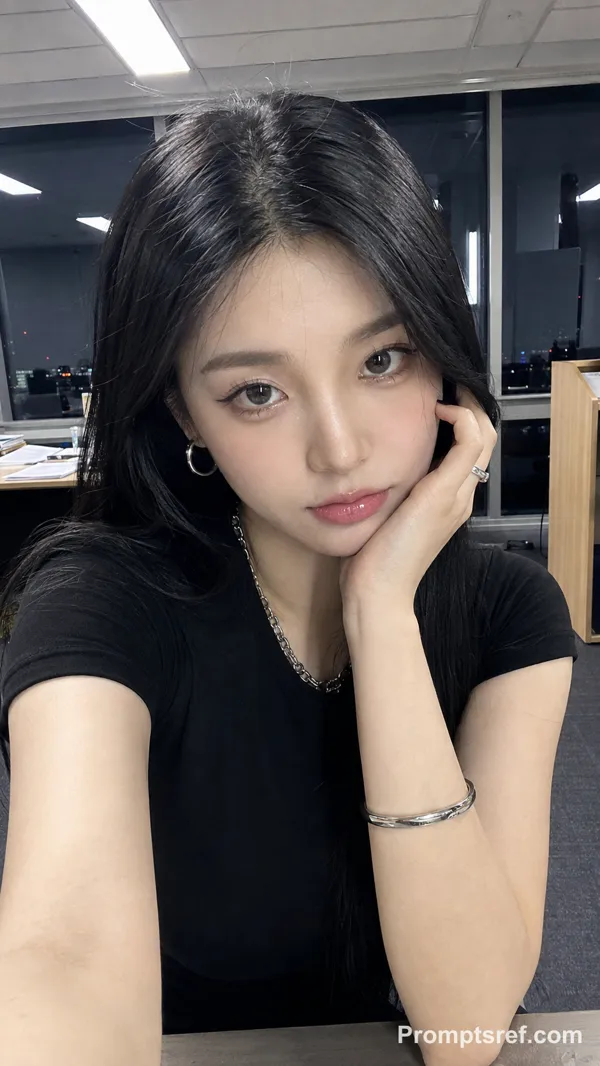
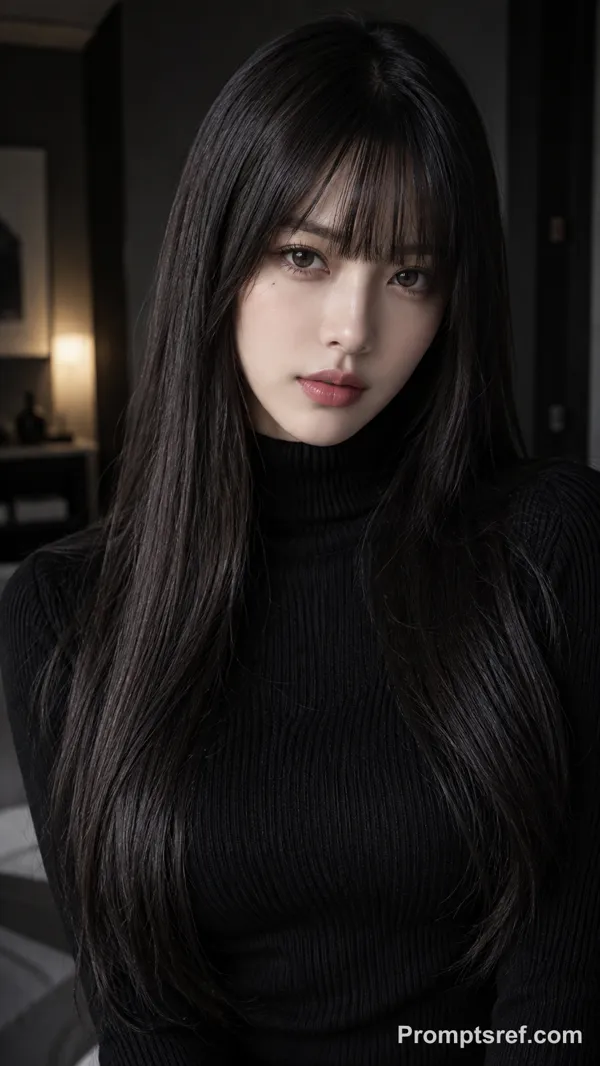
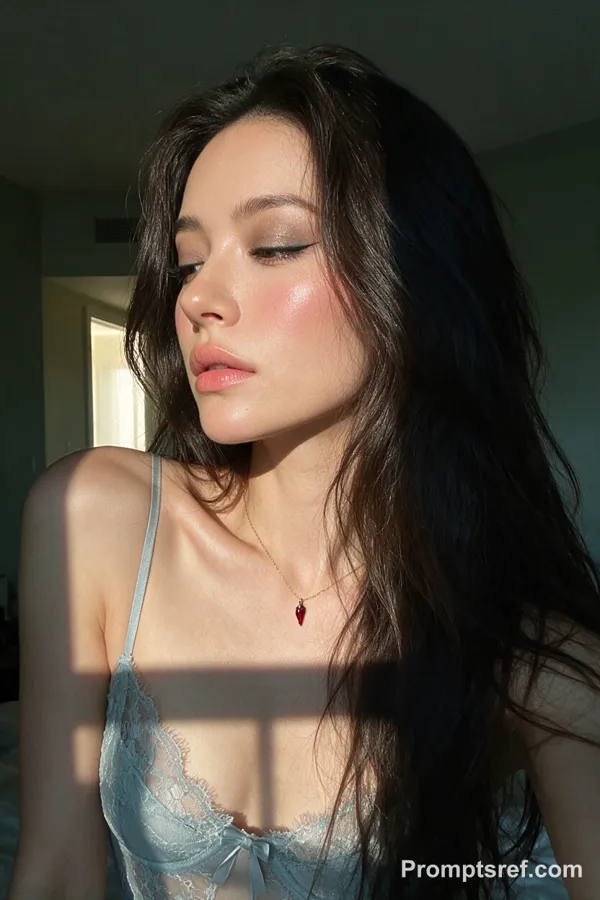
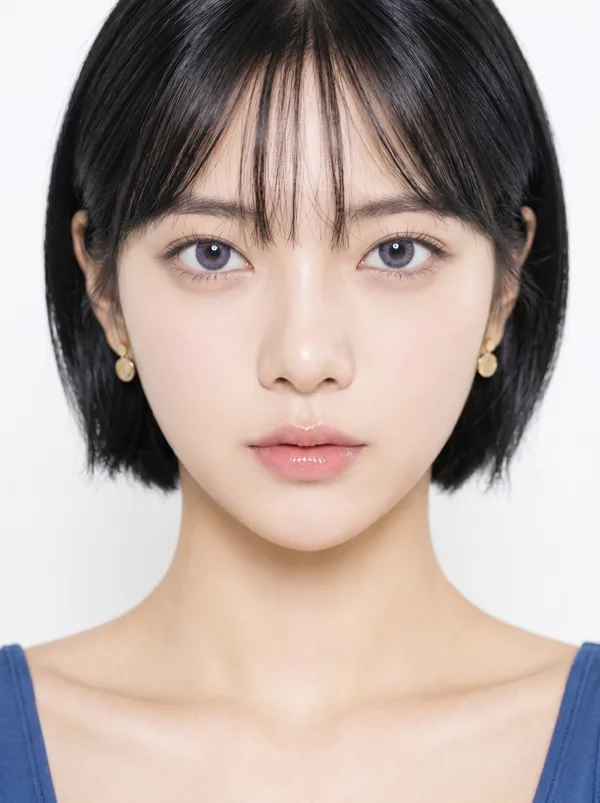
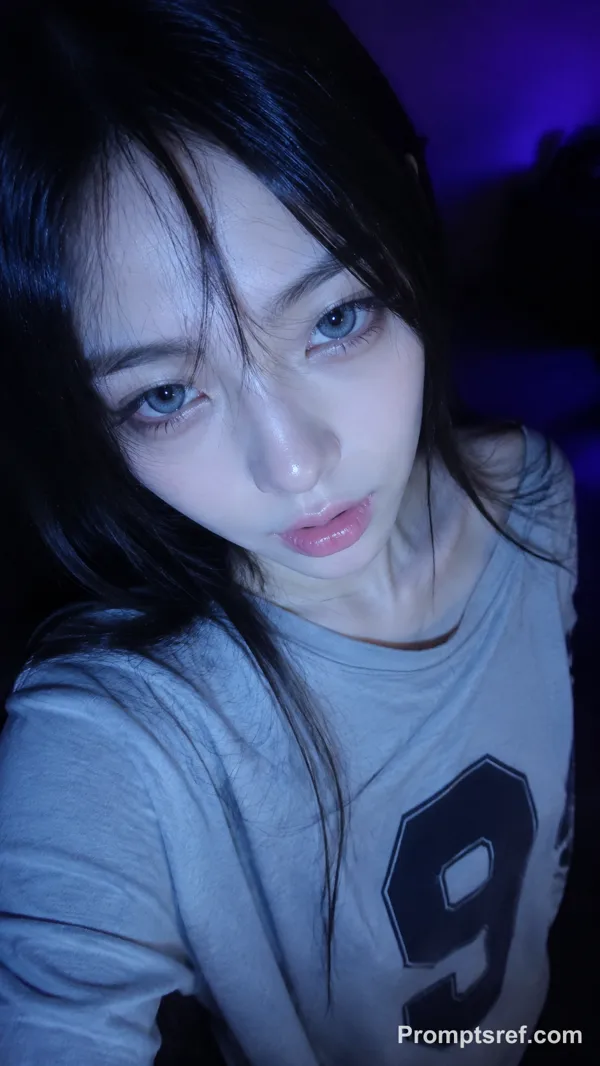
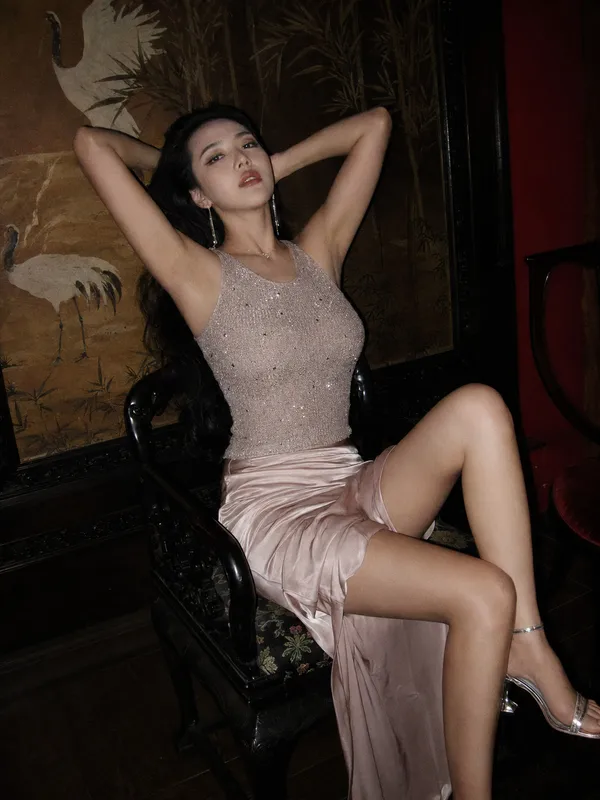
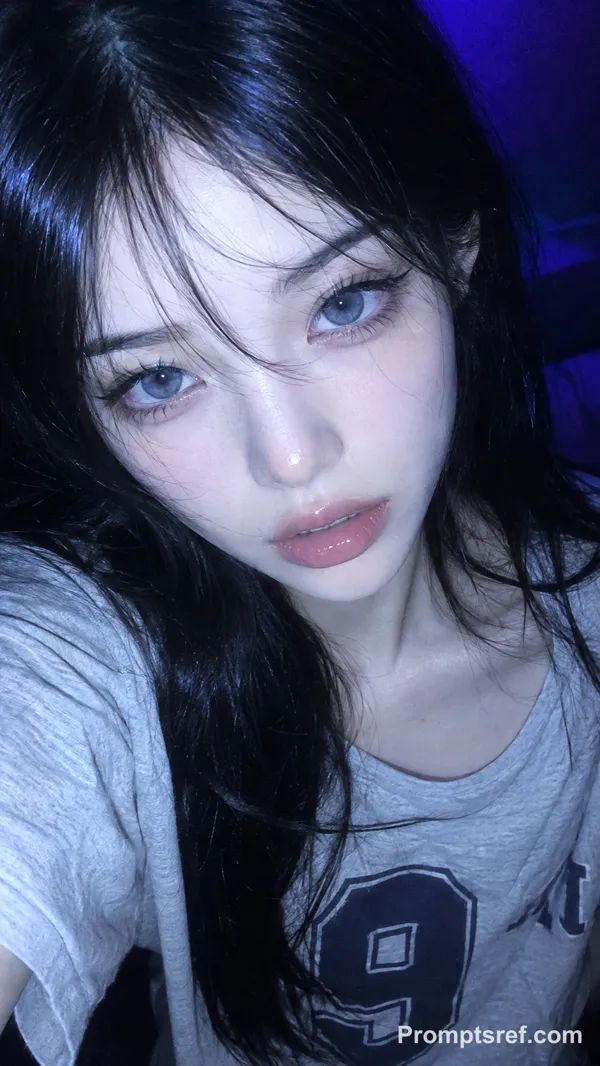
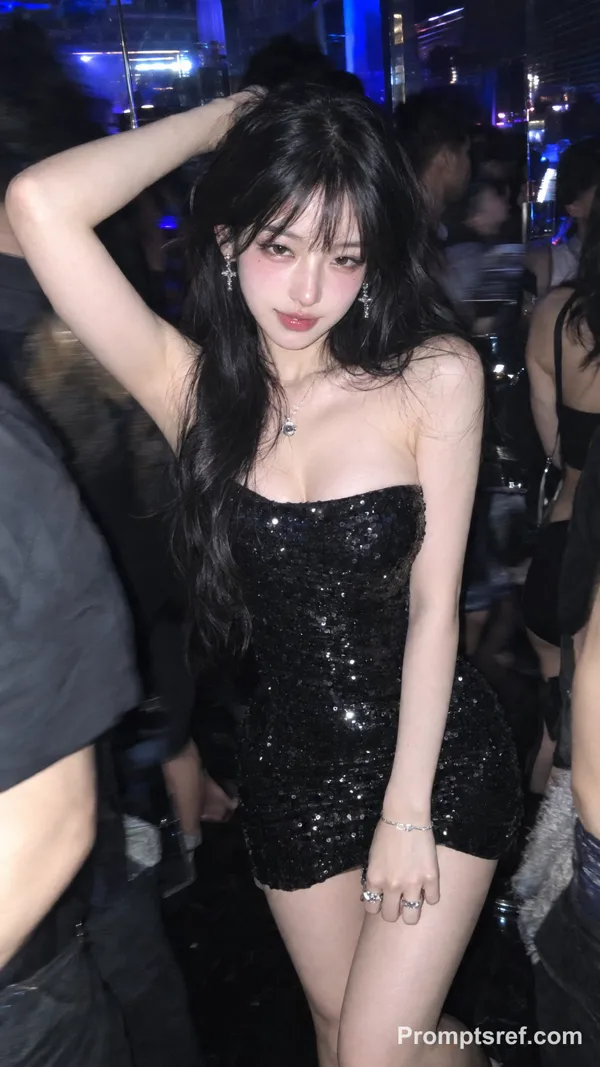
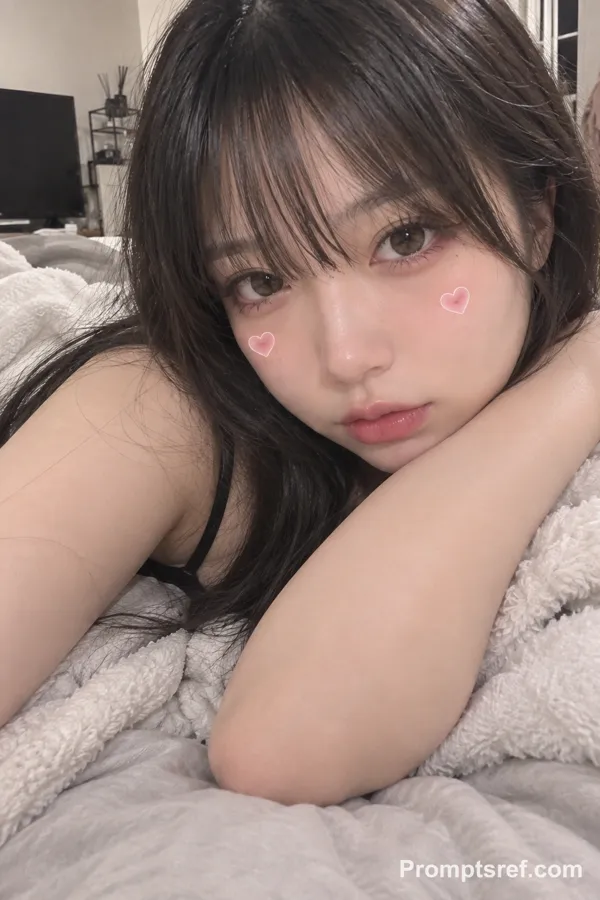
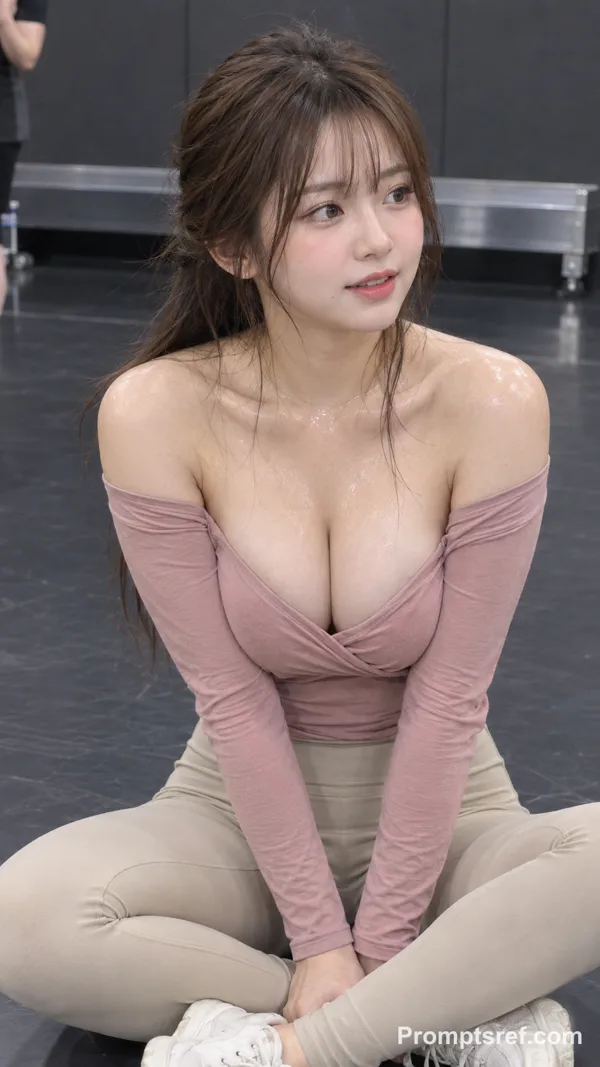
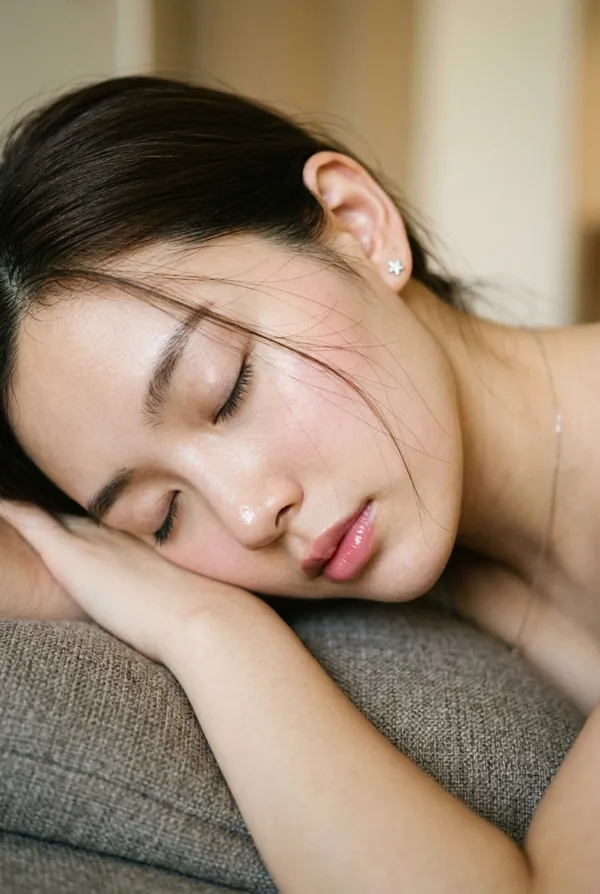
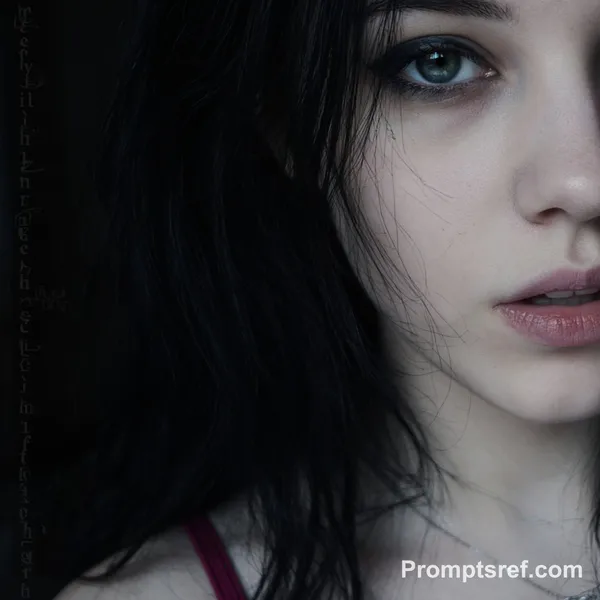
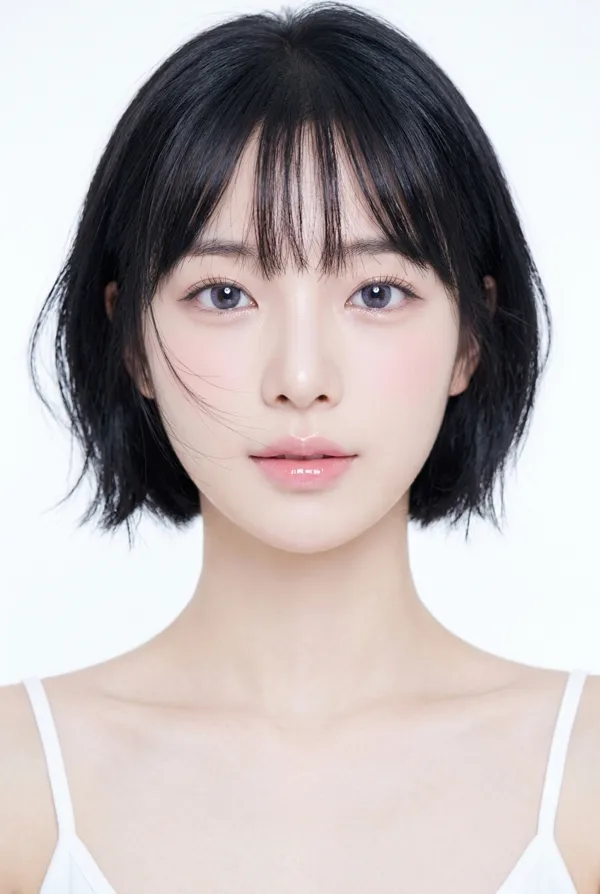
9:16 vertical, photorealistic beauty portrait, close-up composition, soft elegant lighting, high-detail skin texture, subtle glow, clean blurred background, intimate and slightly seductive mood.
A clearly adult young East Asian woman with a distinctive cat-like face: a small soft-oval face, slightly rounded cheekbones, a tapered but not overly sharp jawline, elongated cat-shaped eyes with subtly lifted outer corners, narrow natural double eyelids, a faint hint of lower sclera, deep dark-brown irises, slightly arched delicate brows, a slim straight nose with a softly rounded tip, a defined cupid’s bow, a fuller lower lip, and naturally upturned mouth corners. Subtle facial asymmetry, a tiny beauty mark beneath one eye, distinctive rather than conventionally perfect.
Her expression feels teasing, mischievous, and slightly dangerous, with a faint almost-smile and relaxed half-lidded eyes. She looks directly at the camera with a cool, sleepy, feline gaze.
Makeup: cold pink cat-eye makeup, soft cool-pink blush swept across the cheeks and slightly under the eyes, pale dusty-rose and muted mauve eyeshadow, elongated eyeliner with a subtly lifted outer wing, delicate lower lash definition, softly highlighted inner corners, fine separated lashes, naturally groomed brows, luminous porcelain skin, and glossy rose-pink lips with a soft gradient finish. The makeup should feel fresh, pretty, and refined, while still keeping a slightly dangerous cat-like charm.
Long dark hair with a soft natural texture, slightly tousled, framing the face. Styling is elegant and feminine with a cool-toned, polished East Asian beauty aesthetic. The overall feeling is cold pink, soft, alluring, high-end, and subtly bad-girl.
Remixes
RemixNo remixes yet. Be the first to make your own version.
Use this image prompt
- 01
Start with the prompt
Copy the prompt, or open it with the generate button.
- 02
Make your changes
Adjust the subject, setting, or details. Add reference media if needed.
- 03
Check before generating
Review the model and output settings. Results can vary between generations.