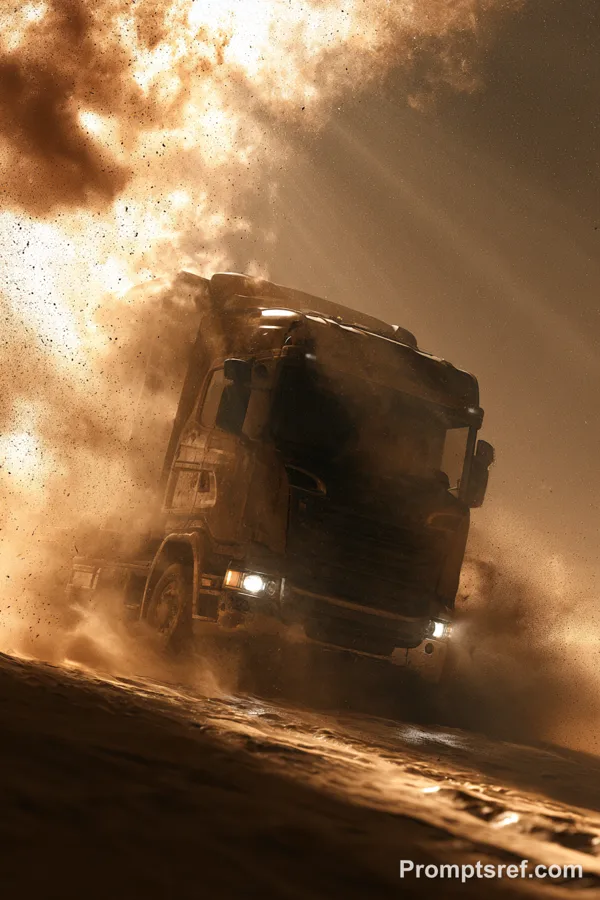
GPT Image 2.0 Prompt - Rough-Road Truck Scene Enhancement

- Model
- GPT Image 2.0
- Aspect ratio
- 4:3
- Quality
- 2K
Prompt
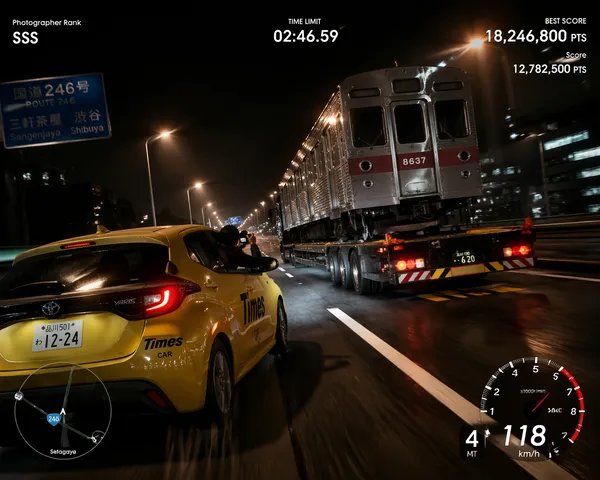
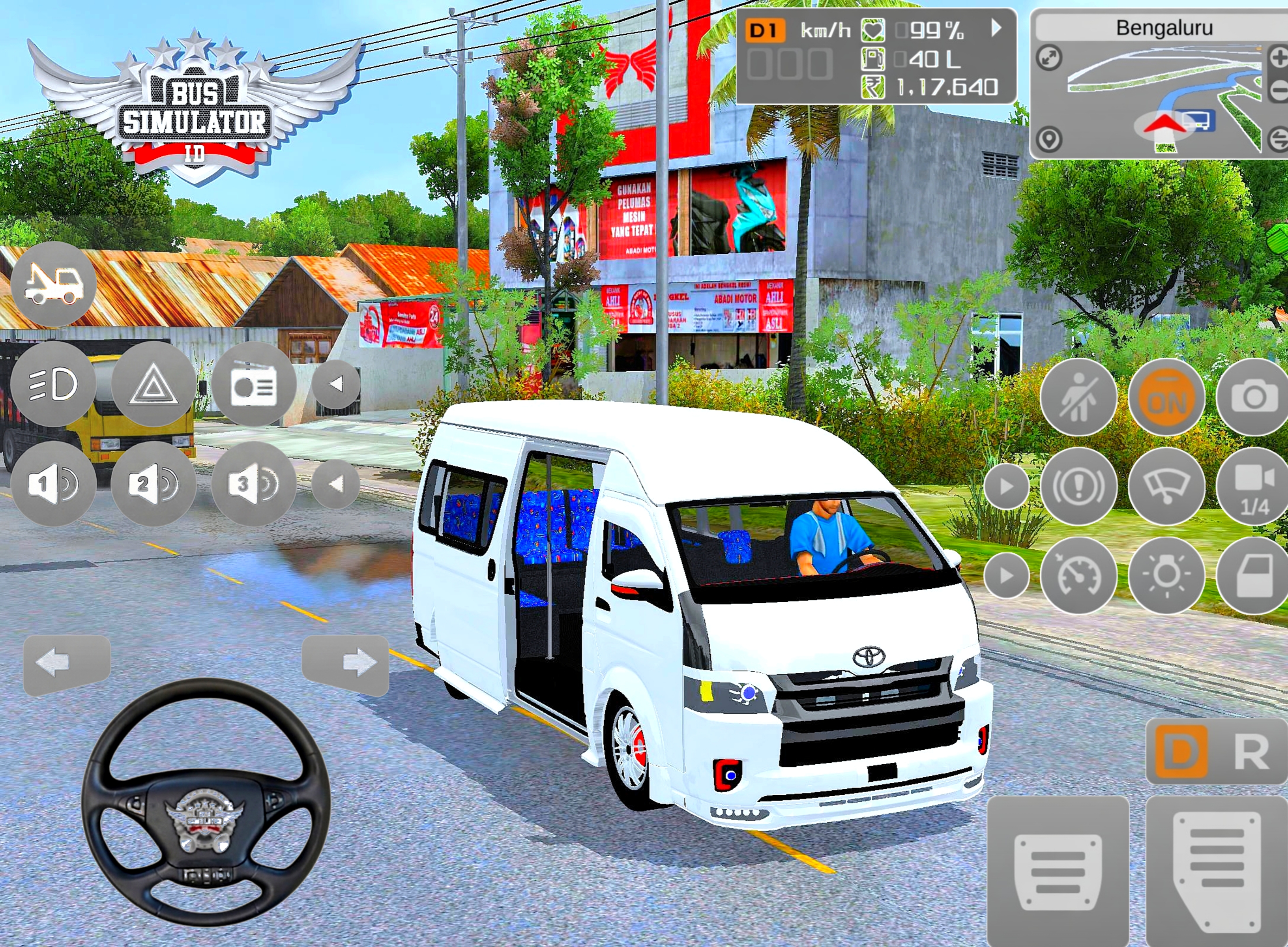
Enhance this image to 4K ultra-realistic quality with sharp fine details, natural textures, improved lighting, and realistic color grading. Keep the truck, trailer, road scene, mountains, poles, and overall composition exactly the same. Replace the current smooth road surface with a realistic rough, uneven road that has visible texture, worn asphalt, small cracks, subtle bumps, patches, grit, and natural weathering. Make the road look authentic and physically believable while matching the perspective, shadows, and lighting of the original scene. Preserve the truck’s design, colors, decals, and branding, and keep the environment coherent with a photorealistic roadside setting. Do not add new objects, do not change the truck position, and do not alter the background layout. The final result should look like a professional high-resolution real-world photograph, not a game render. Don't change anything including the stickers
Reference image
Remixes
RemixNo remixes yet. Be the first to make your own version.
Use this image prompt
- 01
Start with the prompt
Copy the prompt, or open it with the generate button.
- 02
Make your changes
Adjust the subject, setting, or details. Add reference media if needed.
- 03
Check before generating
Review the model and output settings. Results can vary between generations.