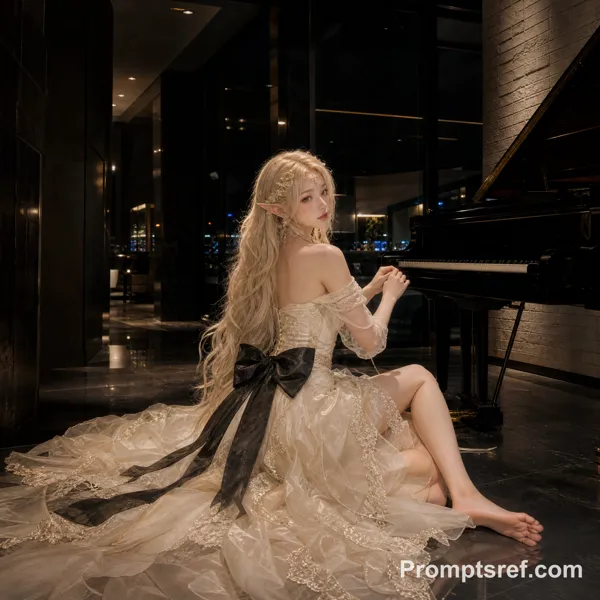
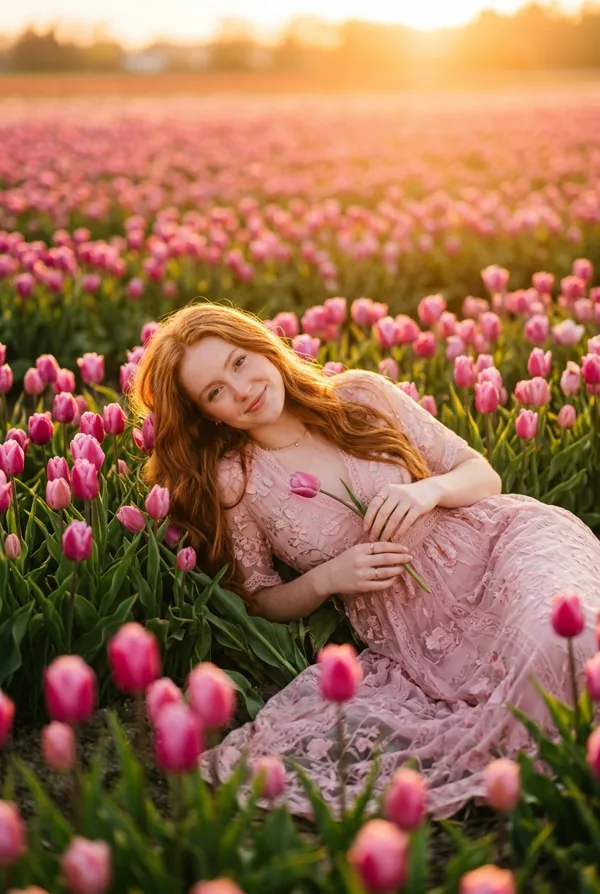
GPT Image 2.5 Sunburst Prompt - Red-Haired Swordswoman on a Muddy Forest Table

- Aspect ratio
- 2:3
- Quality
- 1K
Prompt
Görselin ChatGPT (DALL-E 3 veya GPT-4V) için optimize edilmiş İngilizce promptu:
> "A cinematic and fine-art photography style outdoor scene illuminated by soft, natural forest light.
> **Setting:** In the center, there is a rustic, elevated wooden table covered with a dirty gray tarp, heavily littered with soil, mud, dry leaves, twigs, and forest berries. In the background, there is a lush, dense forest texture and a thick fallen tree branch, blurred with a shallow depth of field (bokeh effect).
> **Main Character:** A young woman is lying prone on the table, propped up on her elbows. She has long, wavy auburn-red hair falling over her shoulders. She has a fair complexion and is looking directly at the camera with an intense, captivating gaze. She is wearing a draped, backless, cream-beige textured dress. Her legs are bent at the knees and raised in the air; from the knees down, she is wearing skin-toned tights embellished with sparkling rhinestones, and her bare feet are visible.
> **Accessories and Secondary Details:** The woman is holding an ornate sword in its sheath vertically with both hands, featuring silver and wood details on the hilt. Just behind her to the left, collapsed face-down on the table, is a faintly visible second male figure with dark curly hair wearing a blue sleeve; his face is entirely hidden from view.
> **Technical Details:** The shot should be composed at eye level as a medium-close-up. The main character, the sword, and the dirty textures on the table must be highly sharp and photorealistic, while the background should be cinematically blurred."2:3
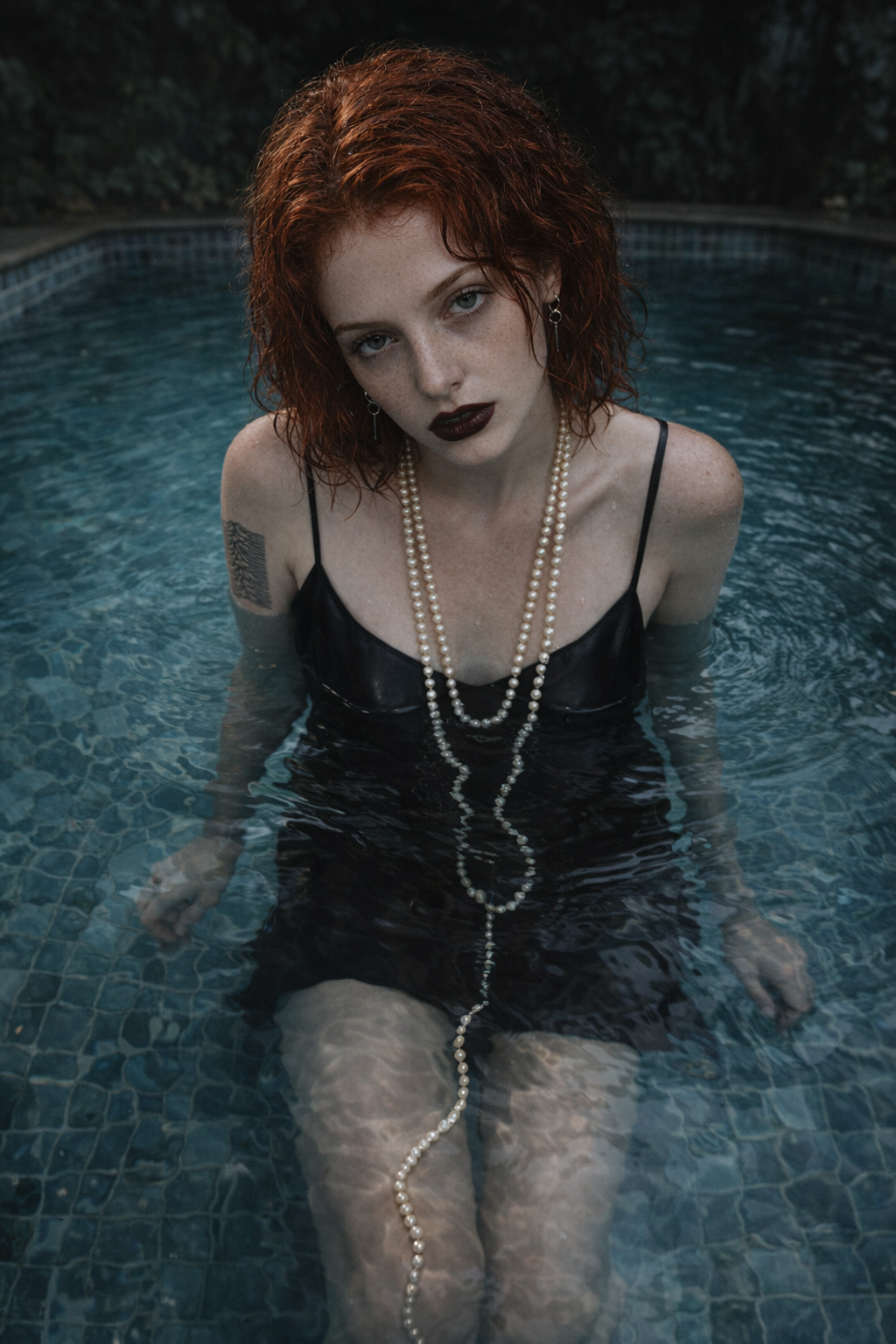
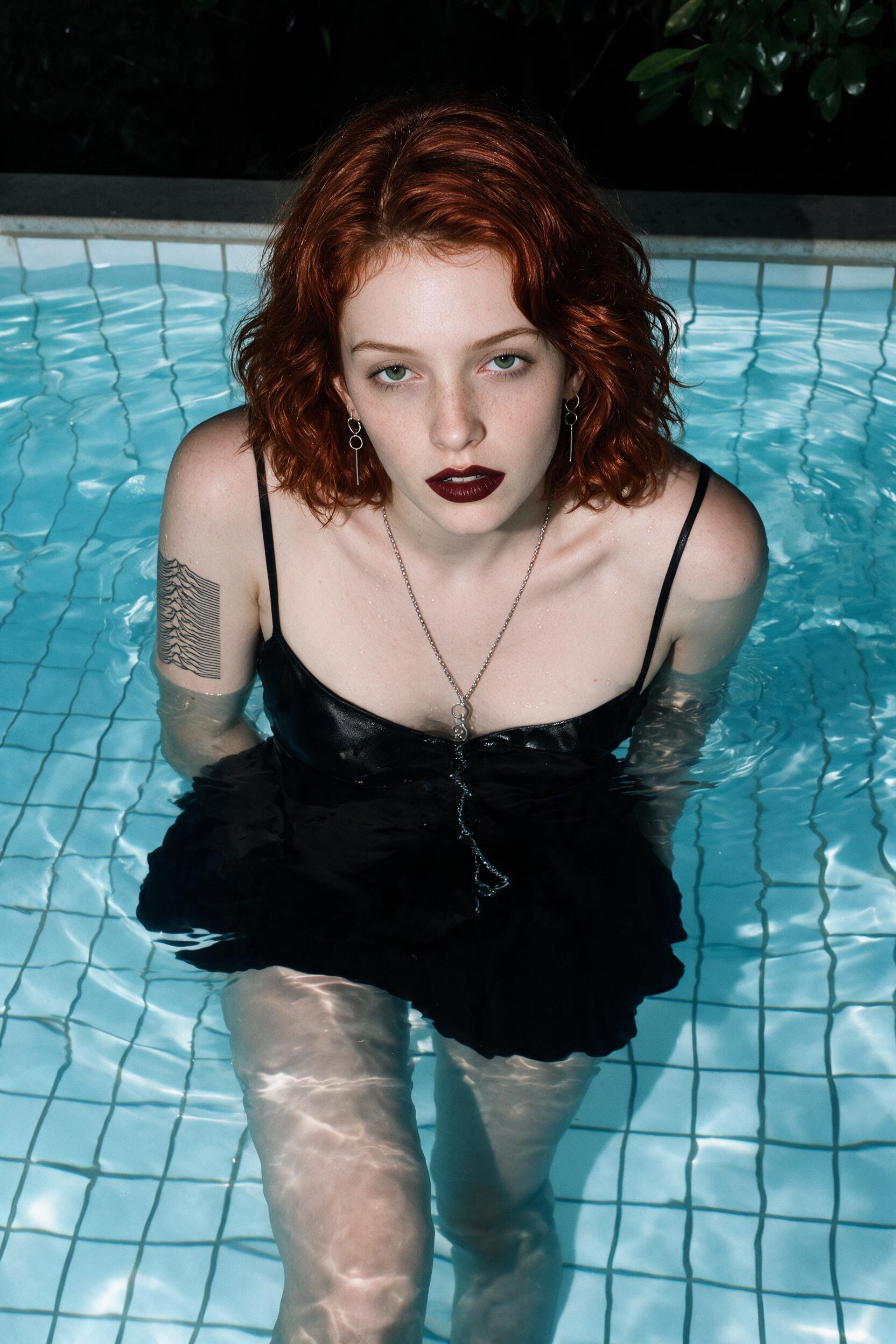
Reference image
Remixes
RemixNo remixes yet. Be the first to make your own version.
Use this image prompt
- 01
Start with the prompt
Copy the prompt, or open it with the generate button.
- 02
Make your changes
Adjust the subject, setting, or details. Add reference media if needed.
- 03
Check before generating
Review the model and output settings. Results can vary between generations.