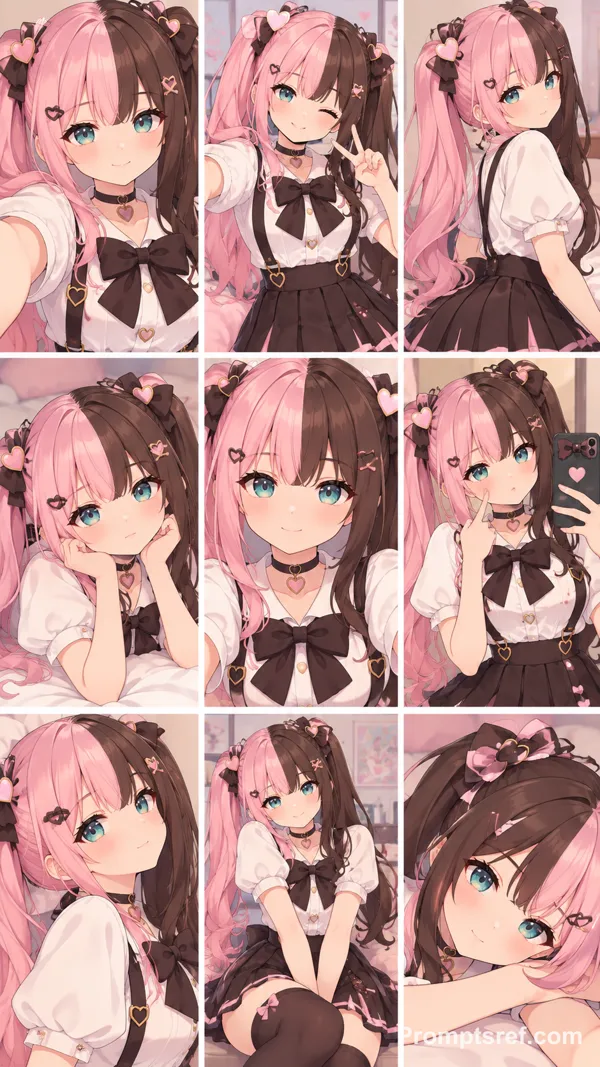
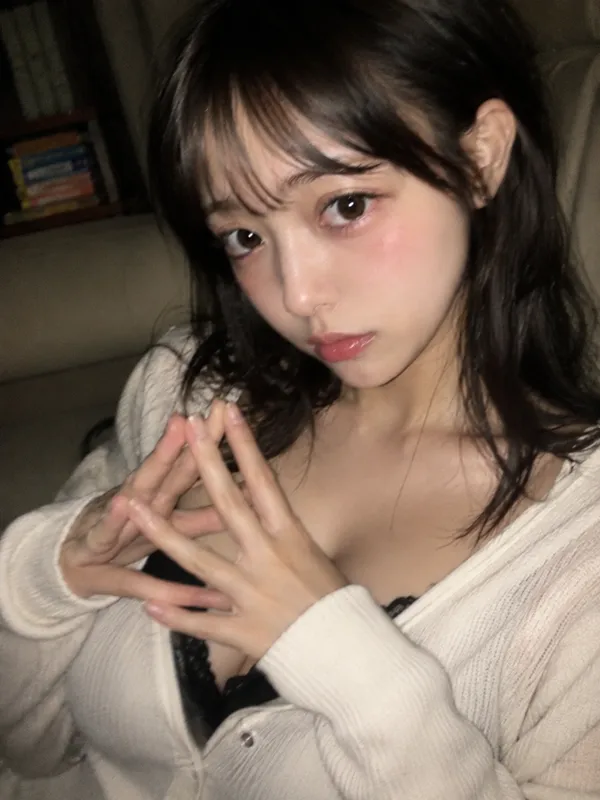
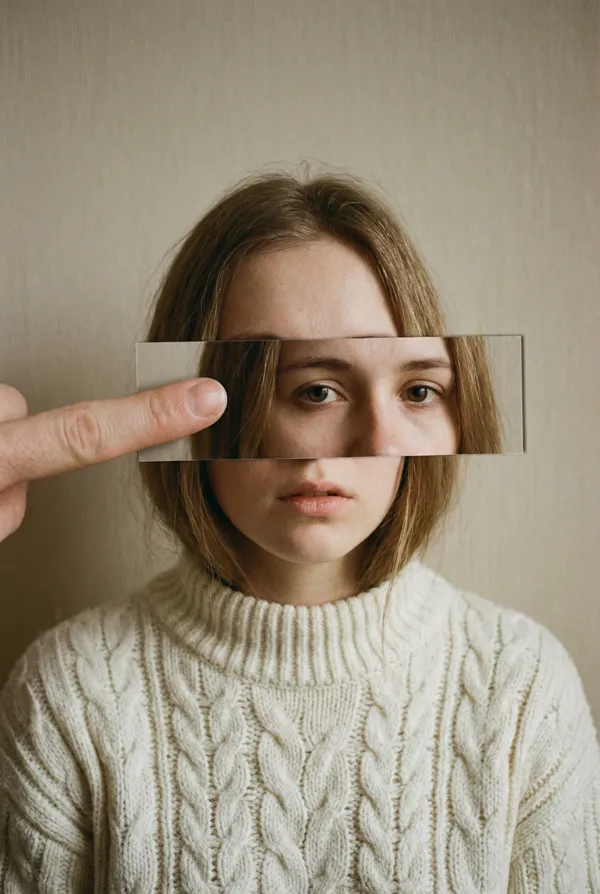
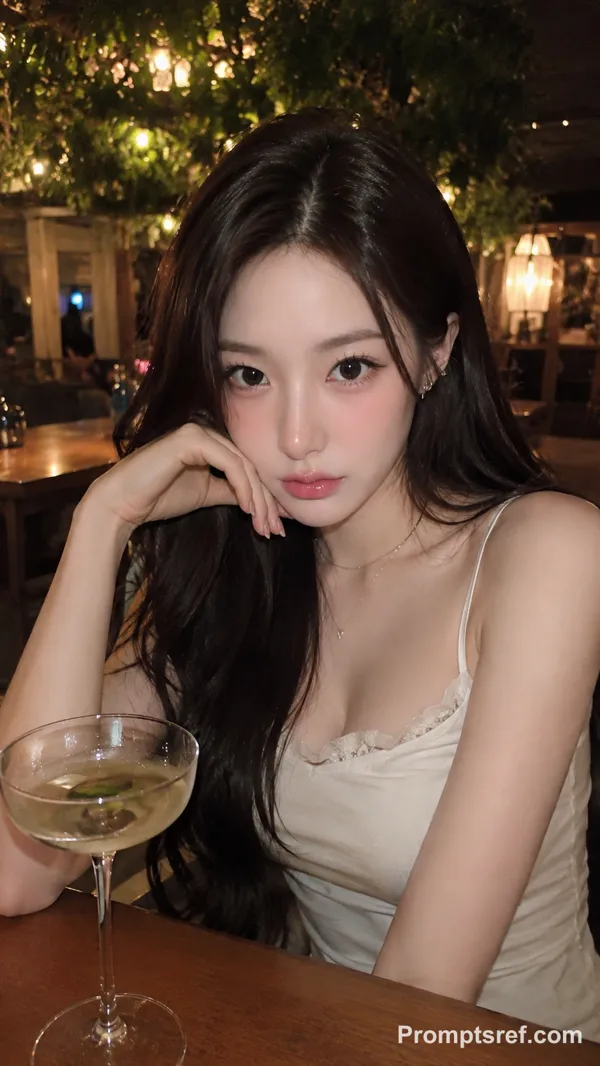
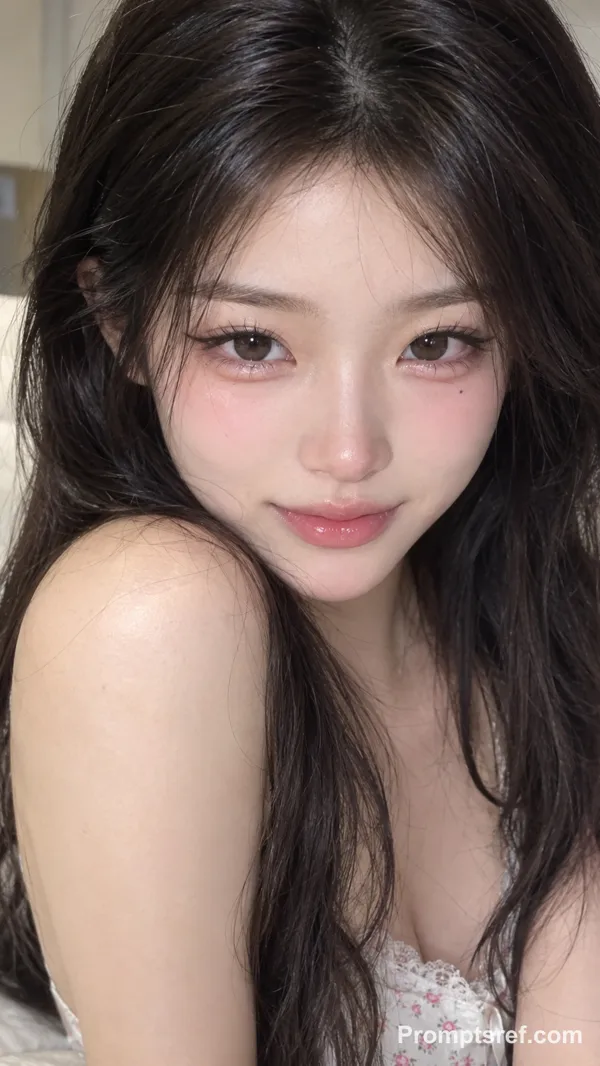
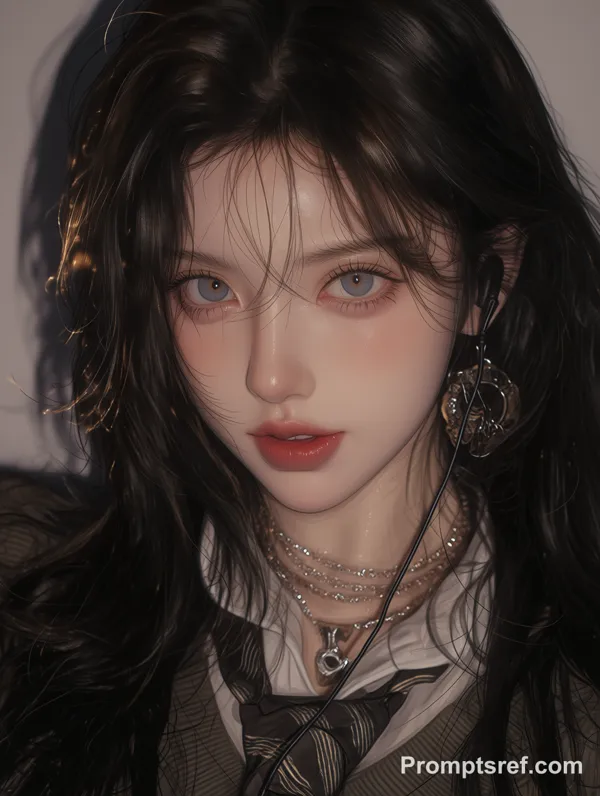
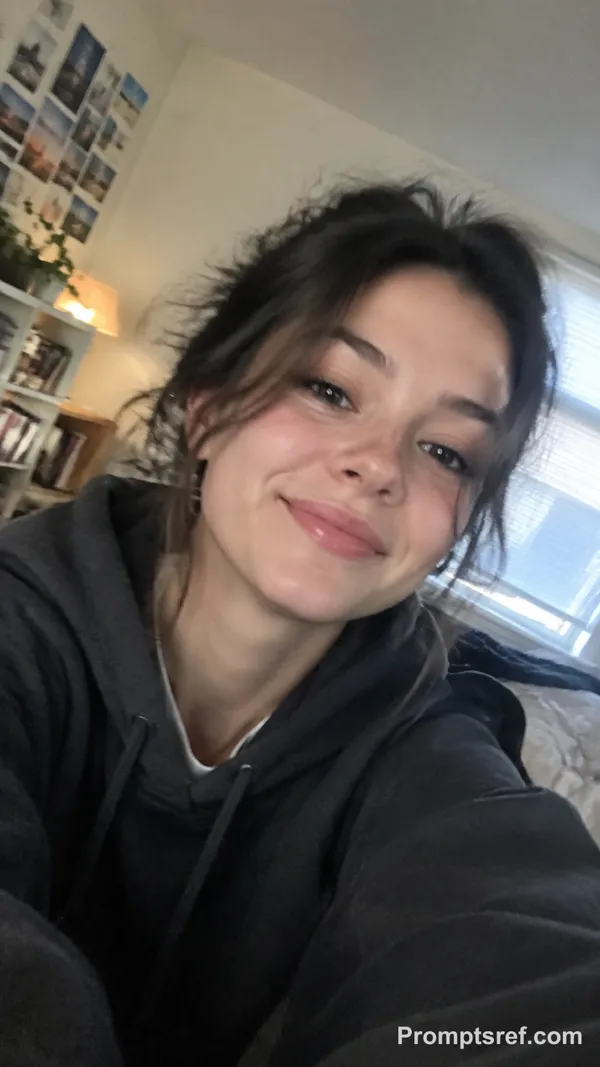
Nano Banana 2 Prompt - Realistic-and-Cartoon Split Portrait Template

- Model
- Nano Banana 2
- Aspect ratio
- 2:3
- Quality
- 1K
Prompt
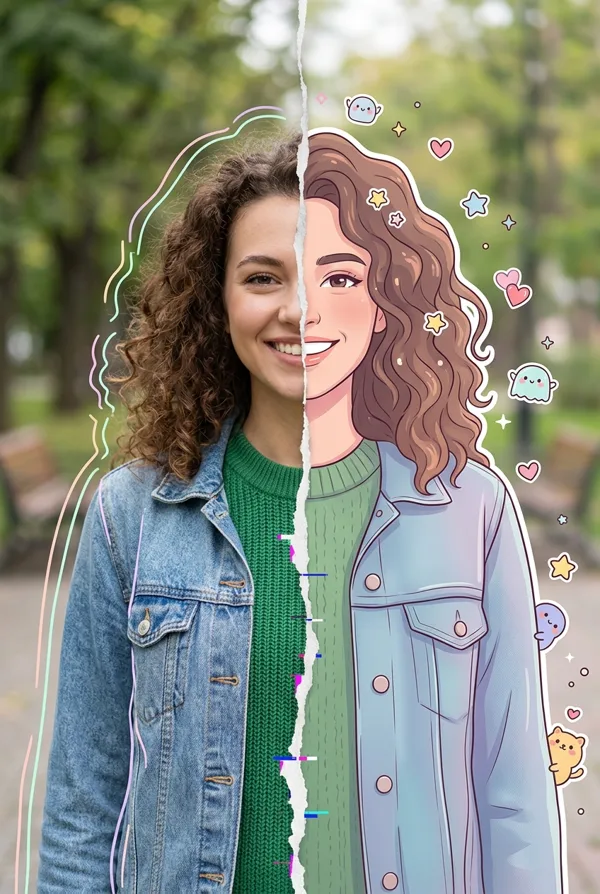
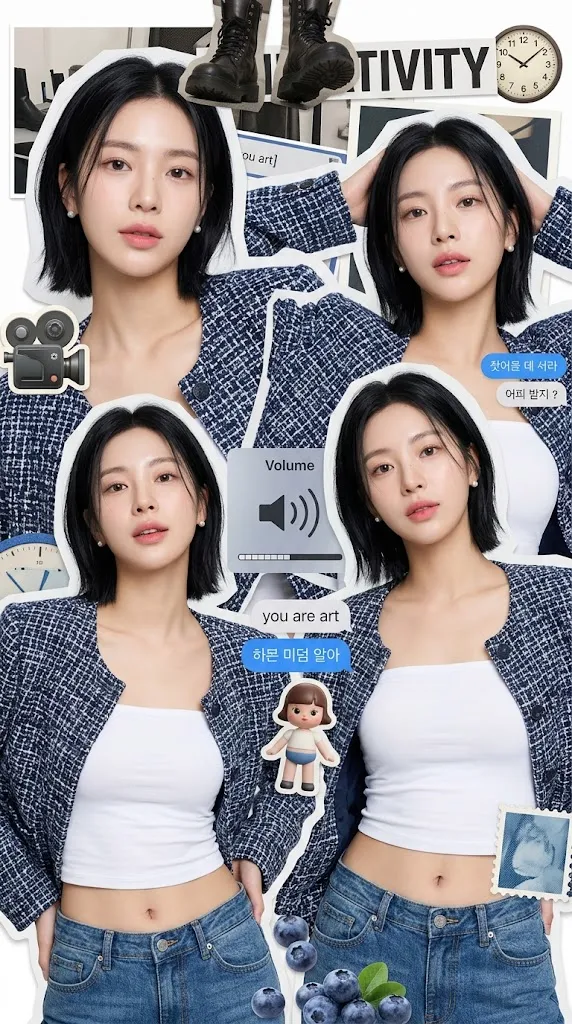
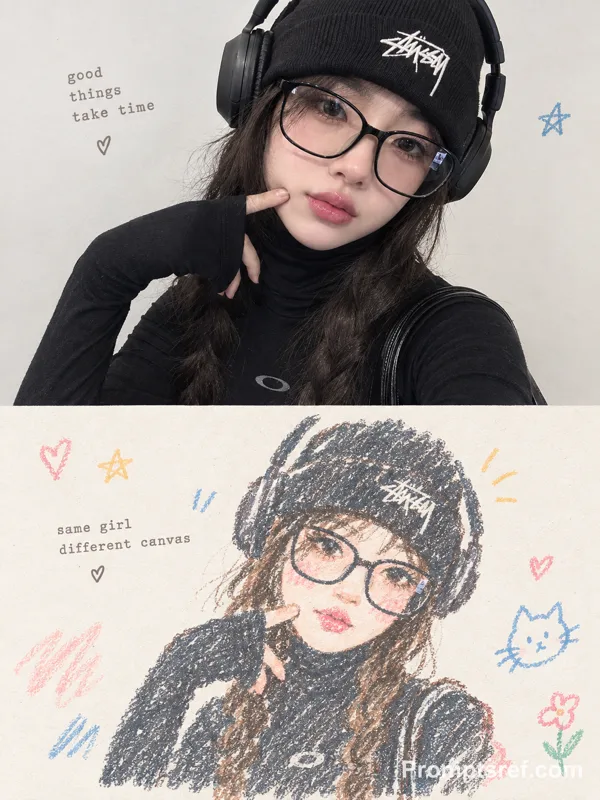
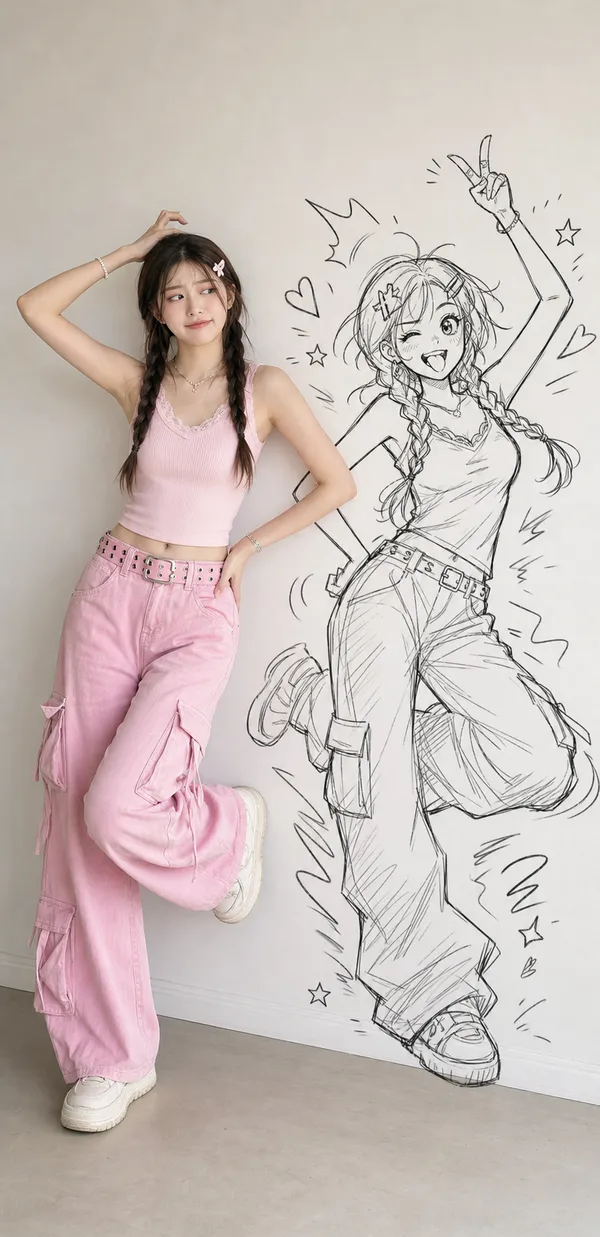
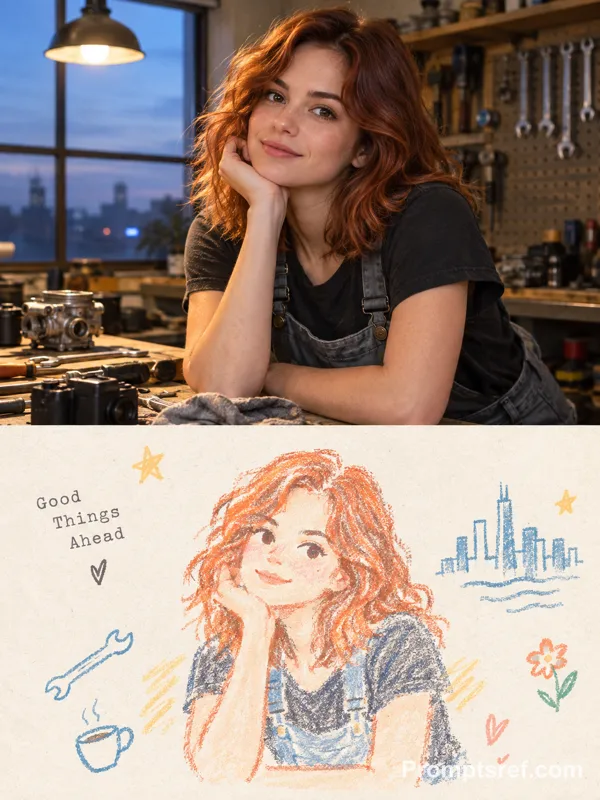
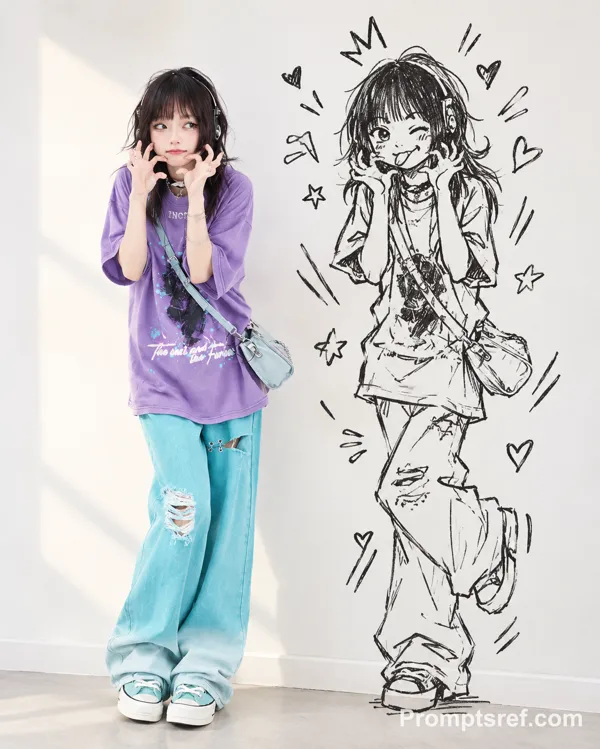
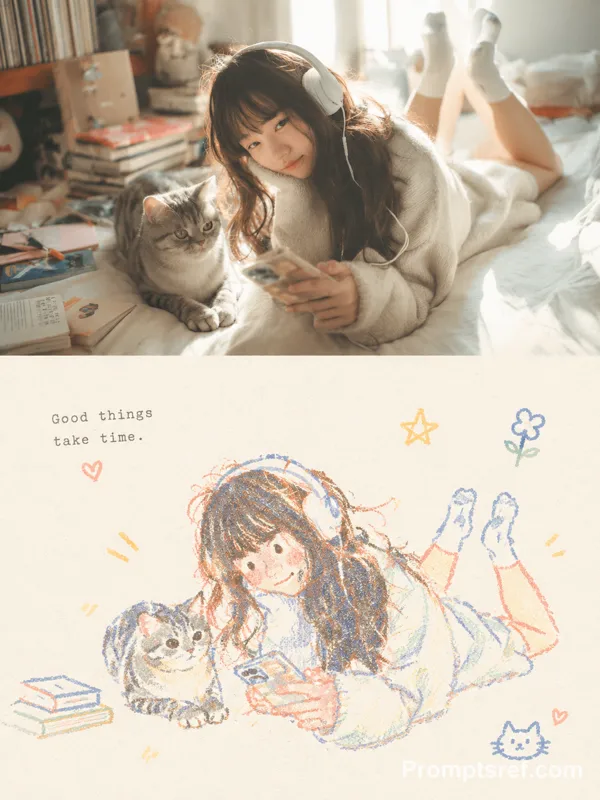
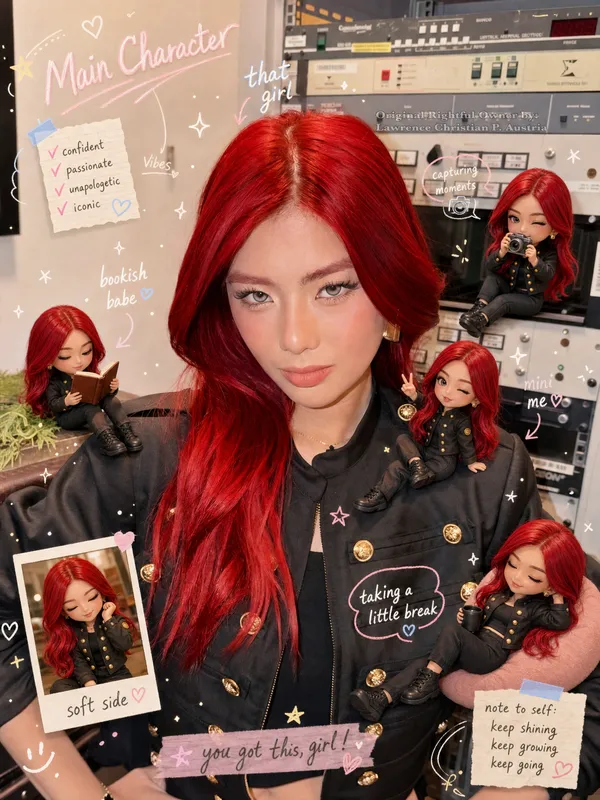
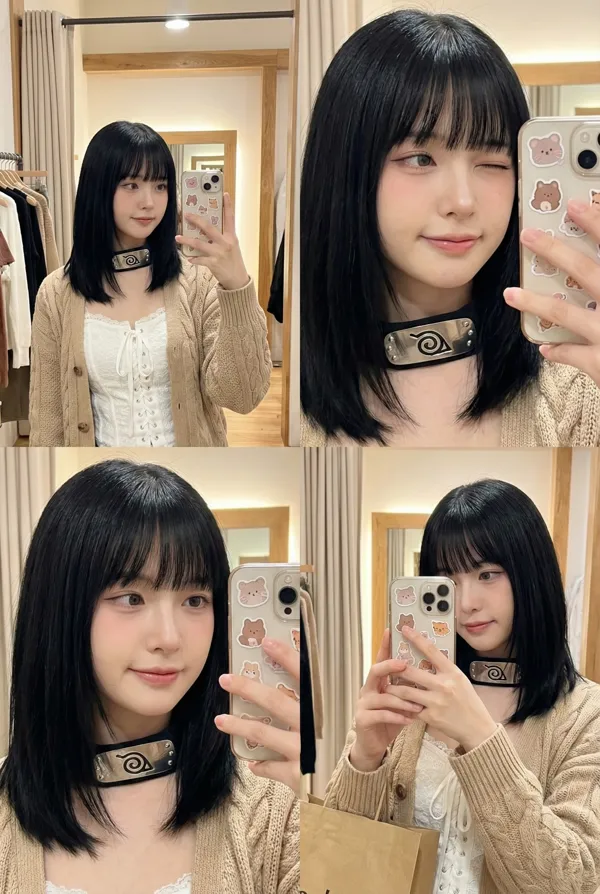
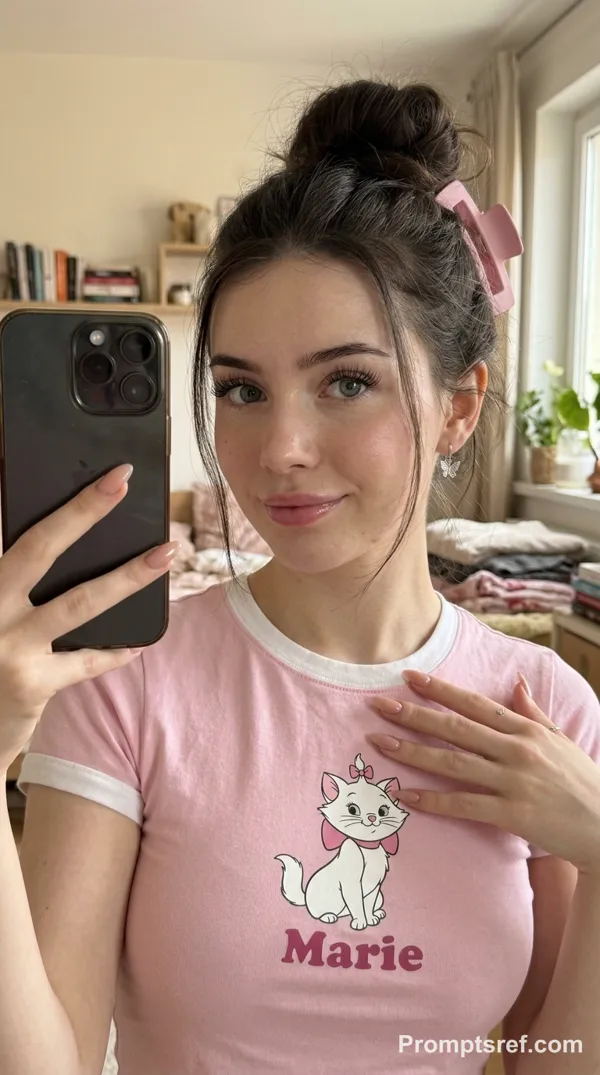
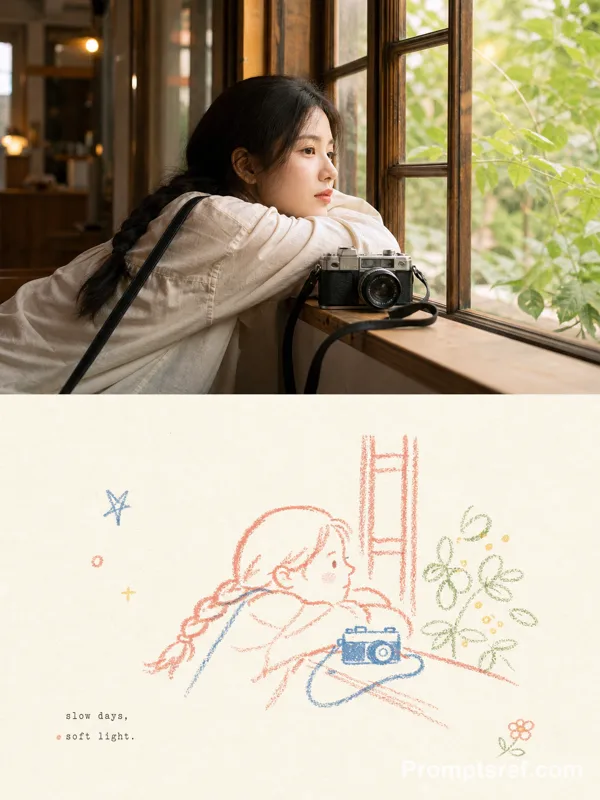
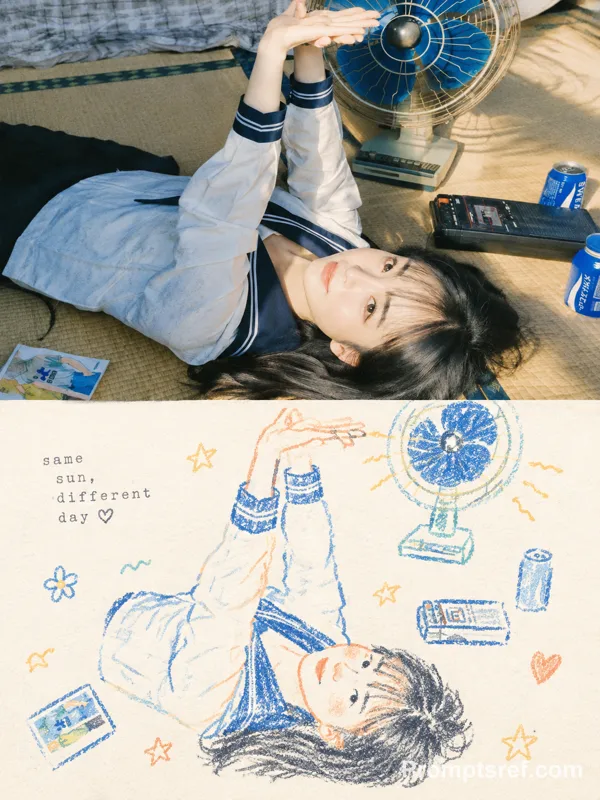
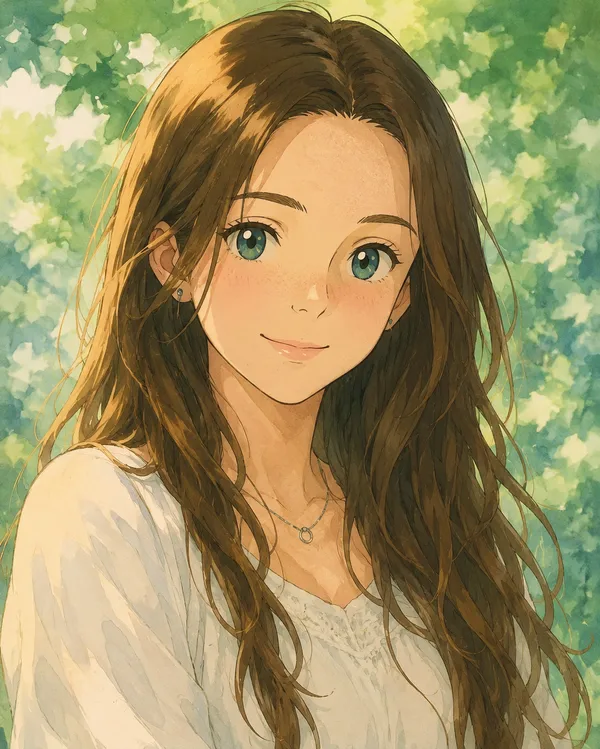
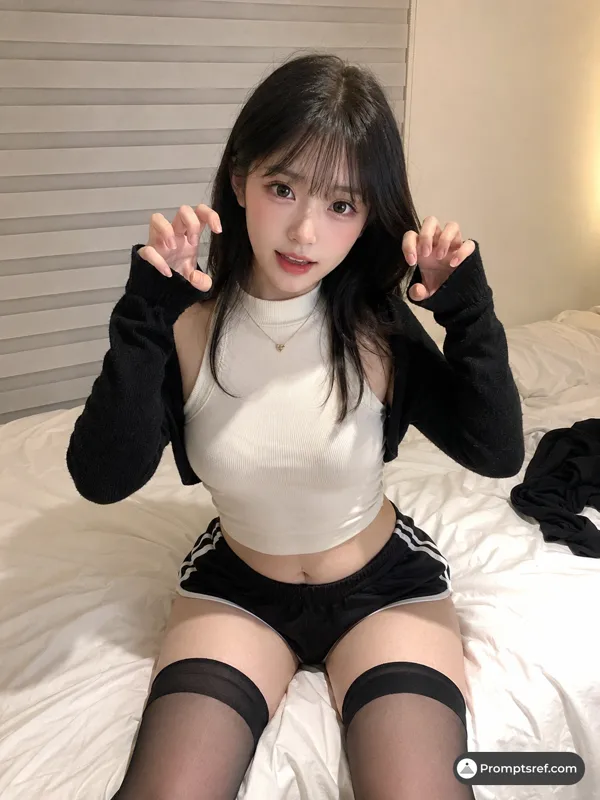
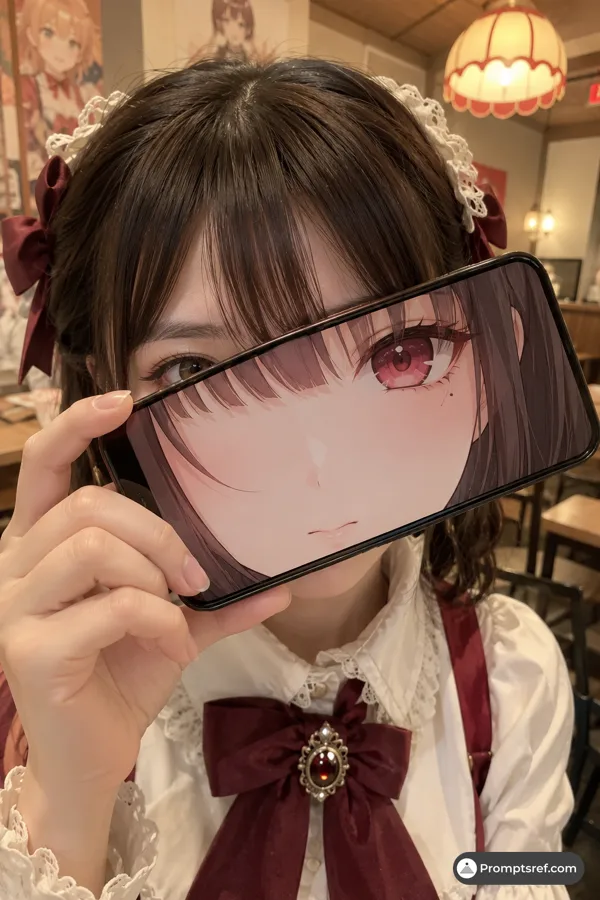
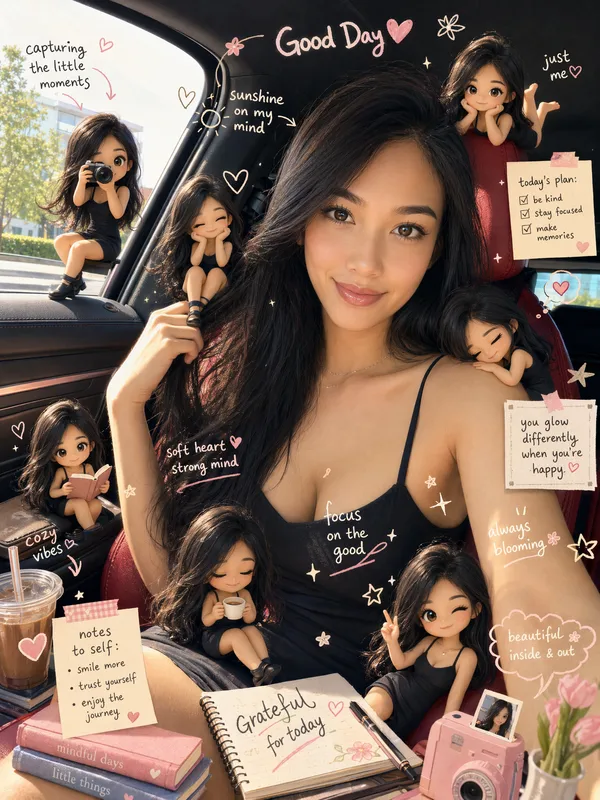
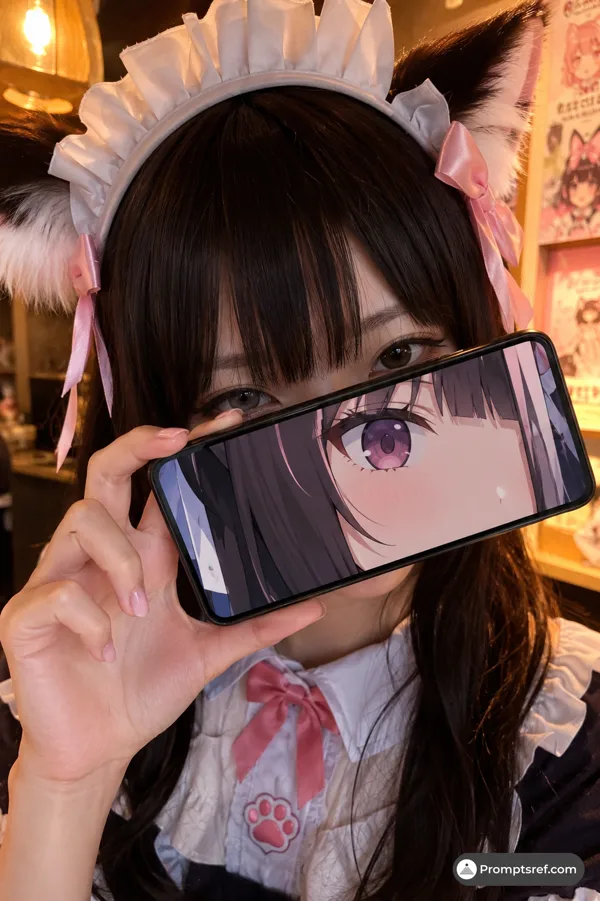
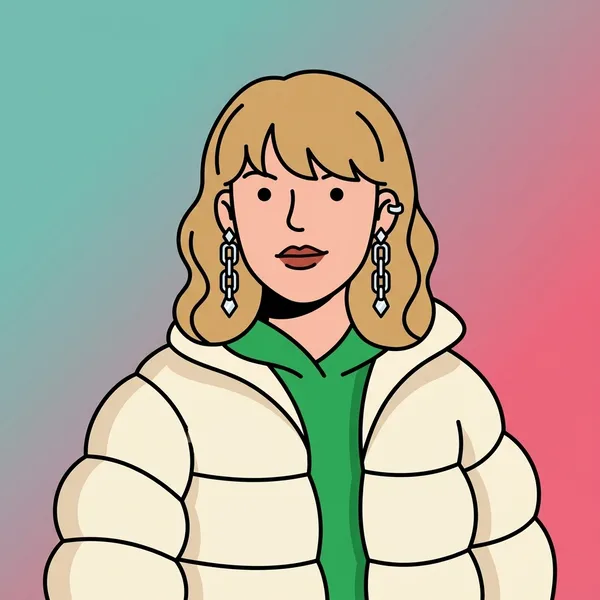
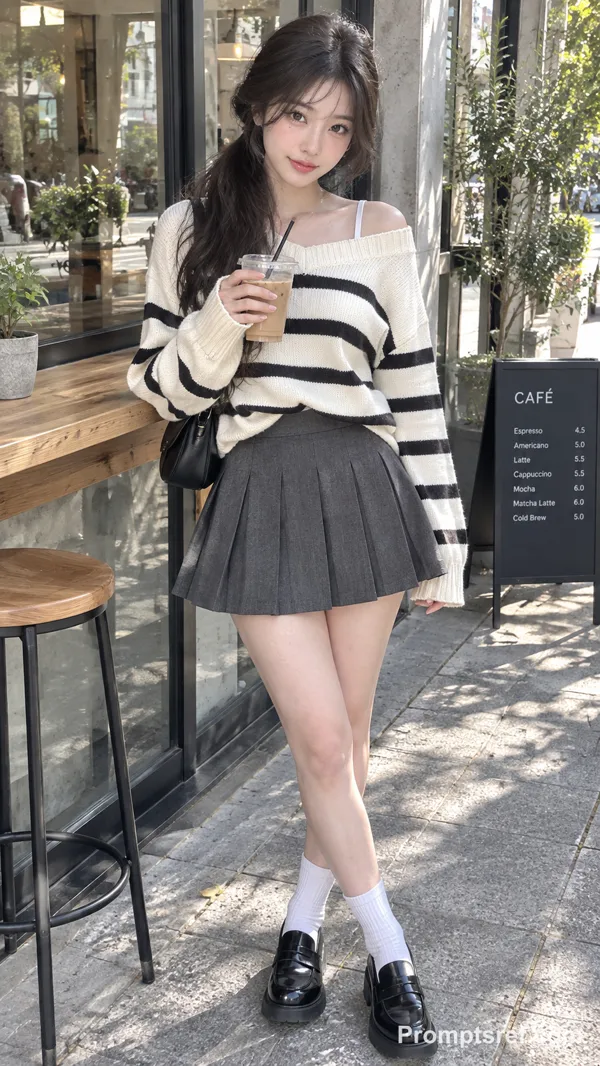
High-detail 8K split-style composition where the subject is divided vertically into two halves.
LEFT SIDE:
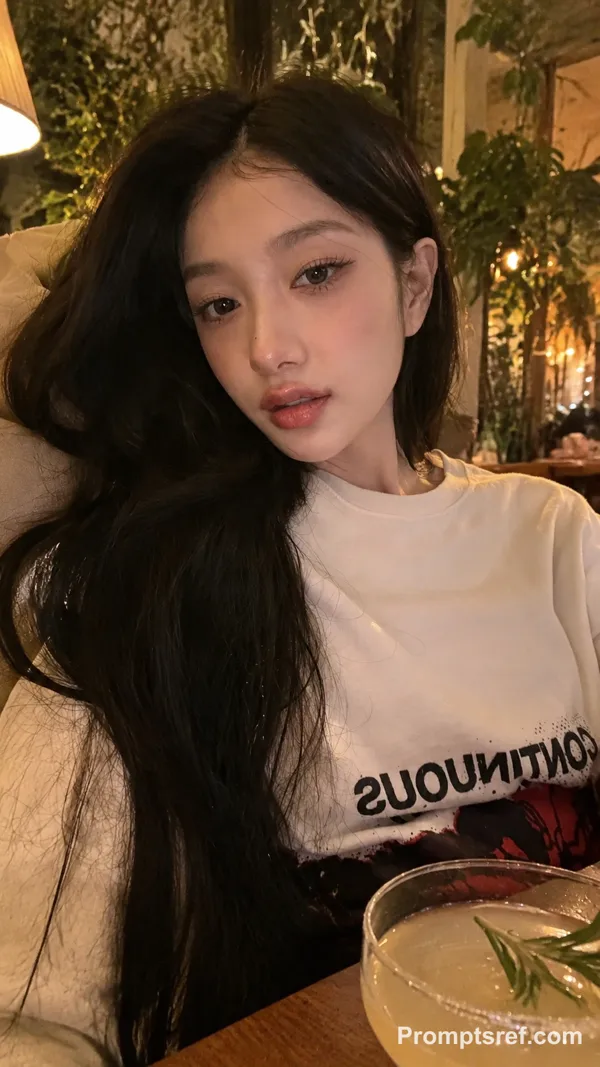
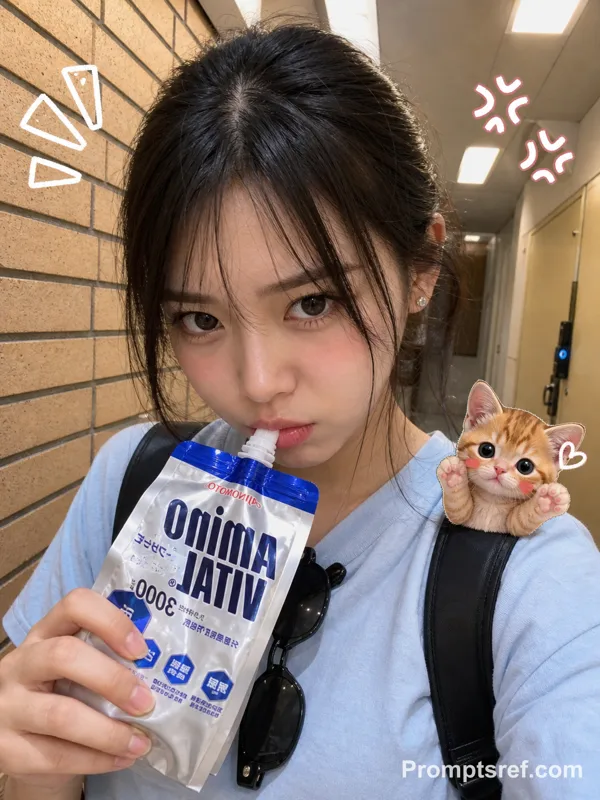
Keep the original photo fully realistic. Preserve natural lighting, textures, and fine details. Slightly enhance sharpness and clarity. Add subtle hand-drawn doodle outlines (soft pastel or neon lines) around the subject for a creative aura.
RIGHT SIDE:
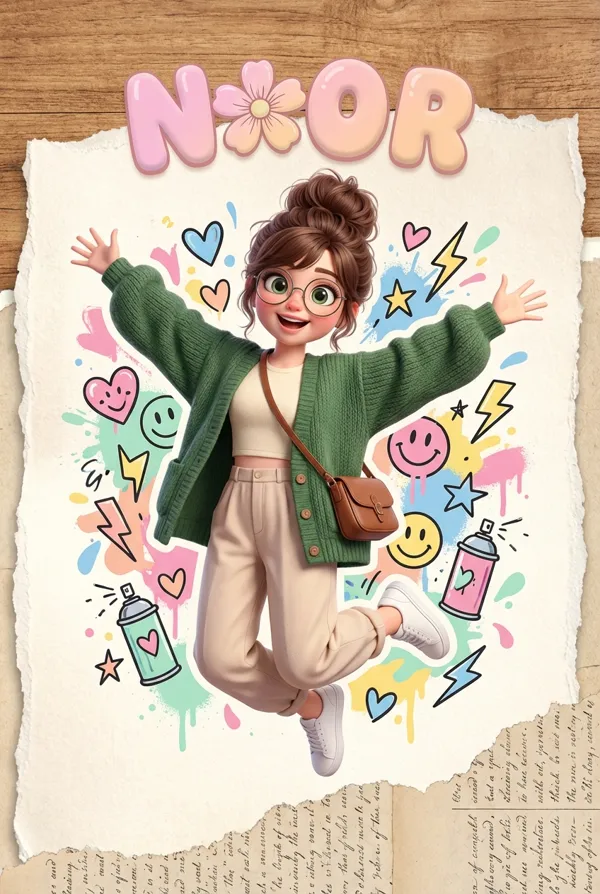
Transform the same subject into a stylized cartoon/digital illustration. Maintain the exact same pose, angle, and facial expression. Use clean lineart, soft shading, and pastel or vibrant colors in a modern cute style (chibi / semi-realistic). Add small decorative elements like sticker-style doodles, cute icons, or mini characters floating around.
BACKGROUND (IMPORTANT):
Keep the ORIGINAL background unchanged on BOTH sides. Do not replace, redraw, or stylize the background. Maintain consistency across the entire image.
CENTER DIVISION:
Add a vertical torn-paper or glitch-style transition separating the realistic and illustrated halves.
STYLE:
modern digital art, clean composition, soft lighting, aesthetically pleasing, social media style
QUALITY: 8K resolution, ultra-detailed.
Remixes
RemixNo remixes yet. Be the first to make your own version.
Use this image prompt
- 01
Start with the prompt
Copy the prompt, or open it with the generate button.
- 02
Make your changes
Adjust the subject, setting, or details. Add reference media if needed.
- 03
Check before generating
Review the model and output settings. Results can vary between generations.