GPT Image 2.0 Prompt - Porsche 911 GT3 RS Luxury Editorial

- Model
- GPT Image 2.0
- Aspect ratio
- auto
- Quality
- 1K
Prompt
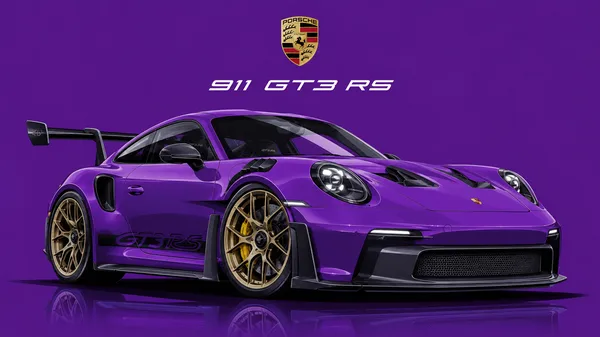
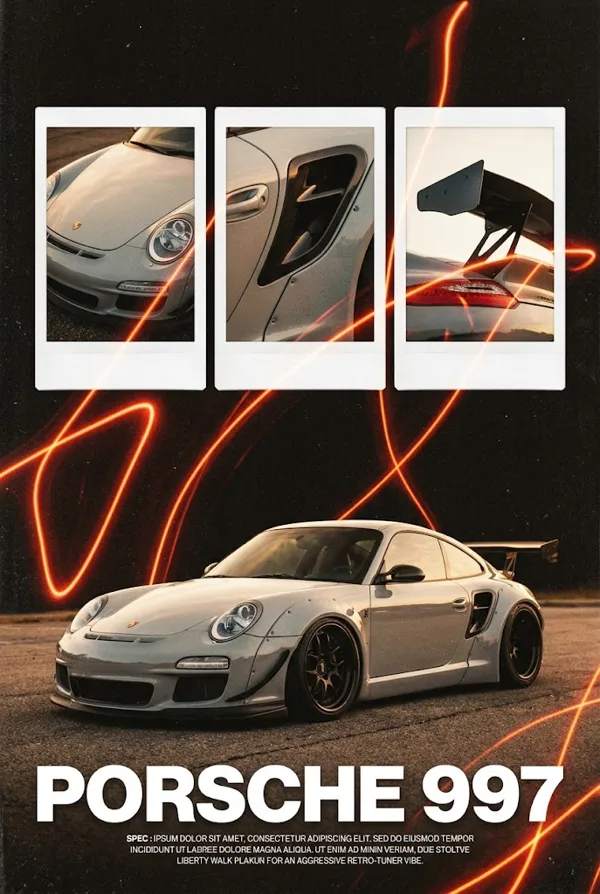
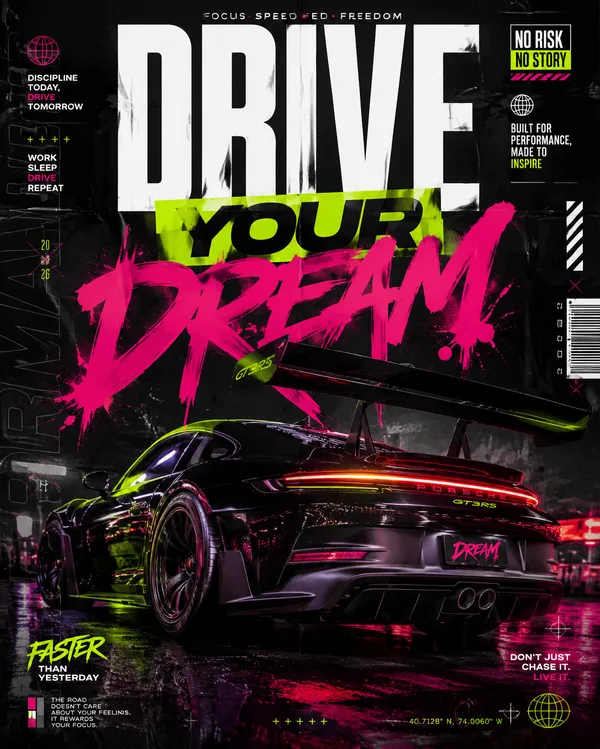
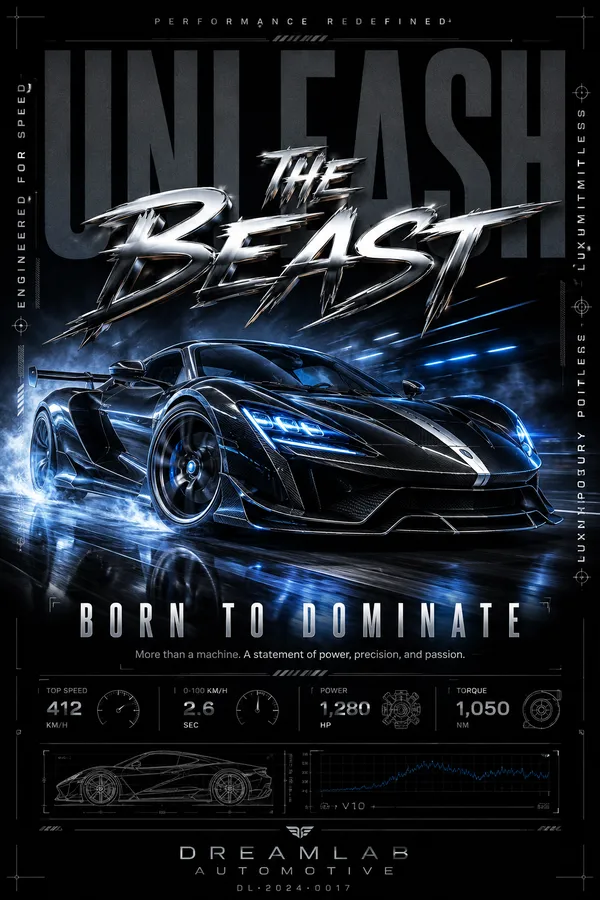
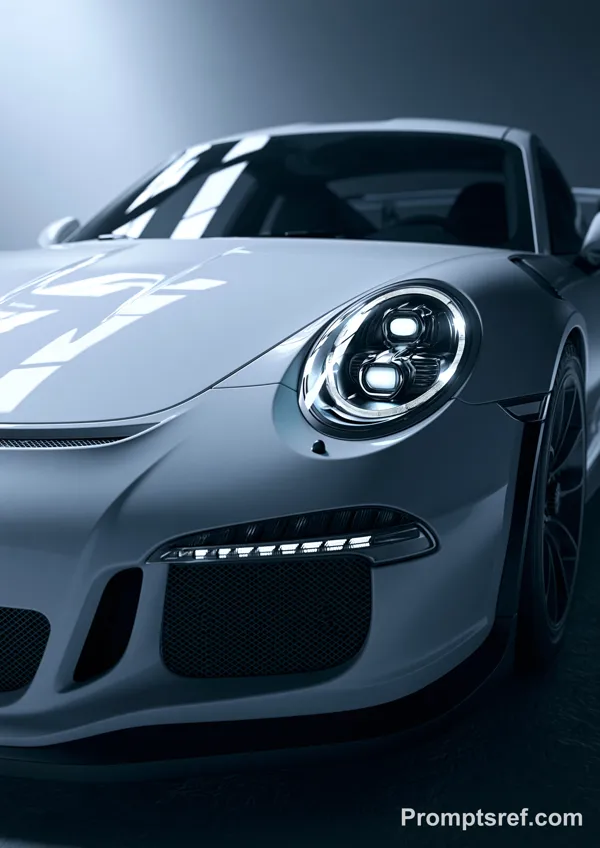
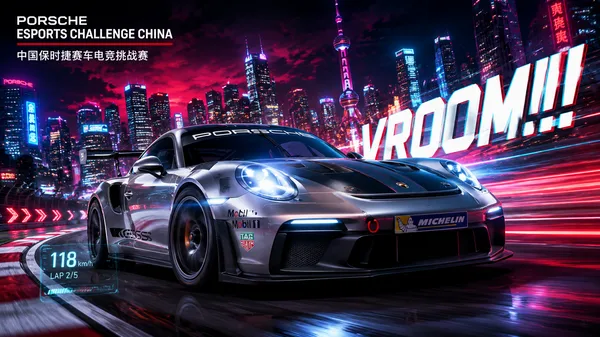
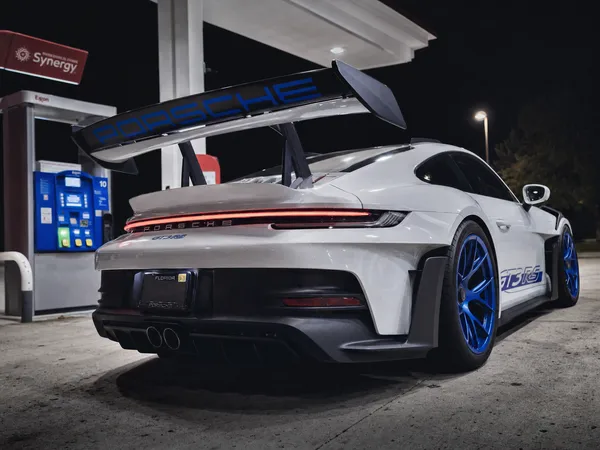
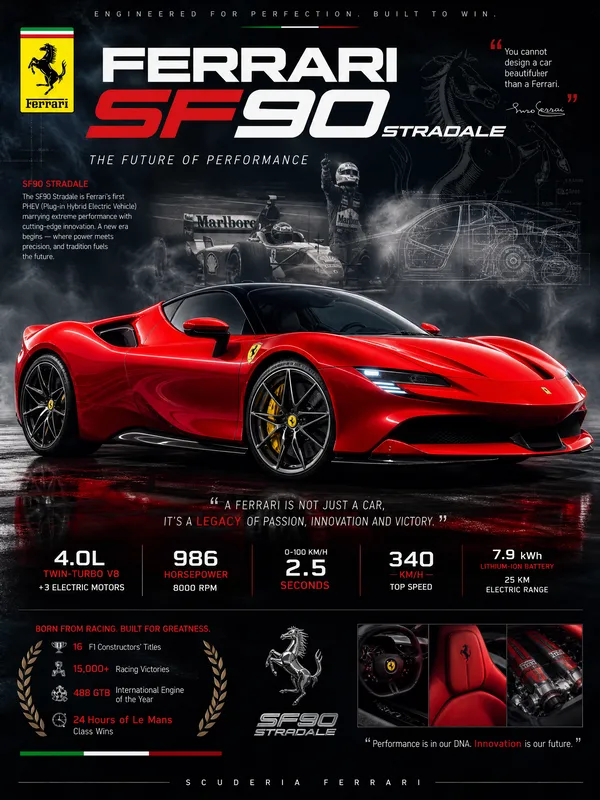
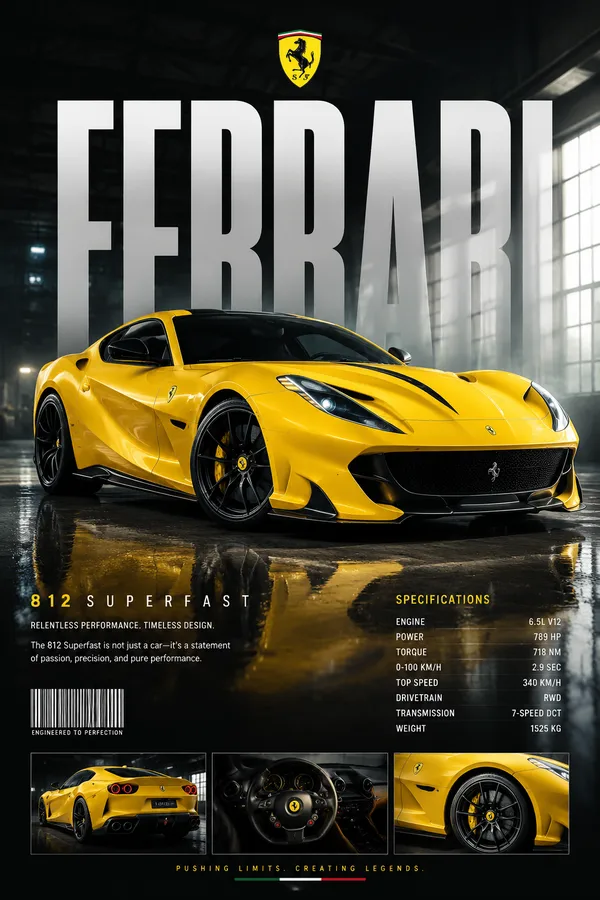
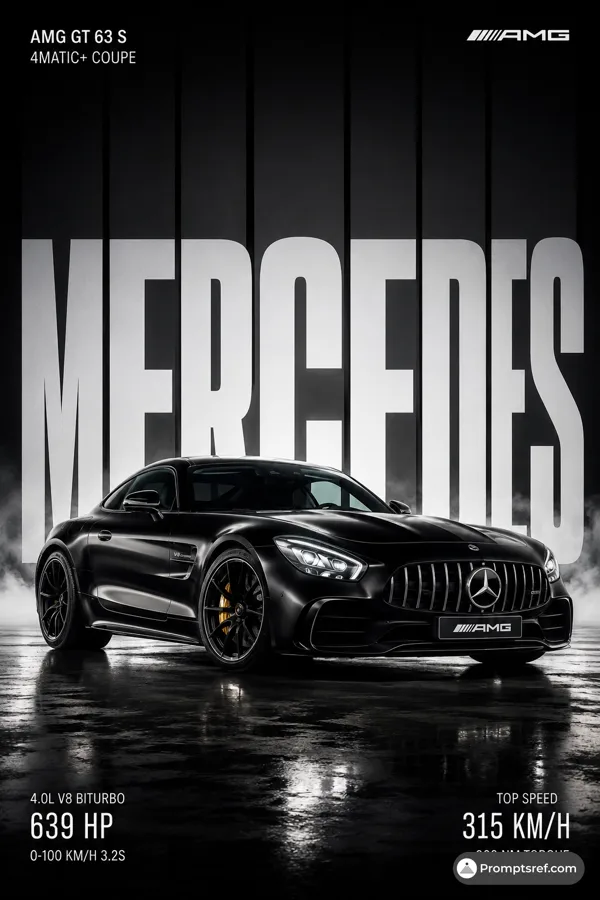
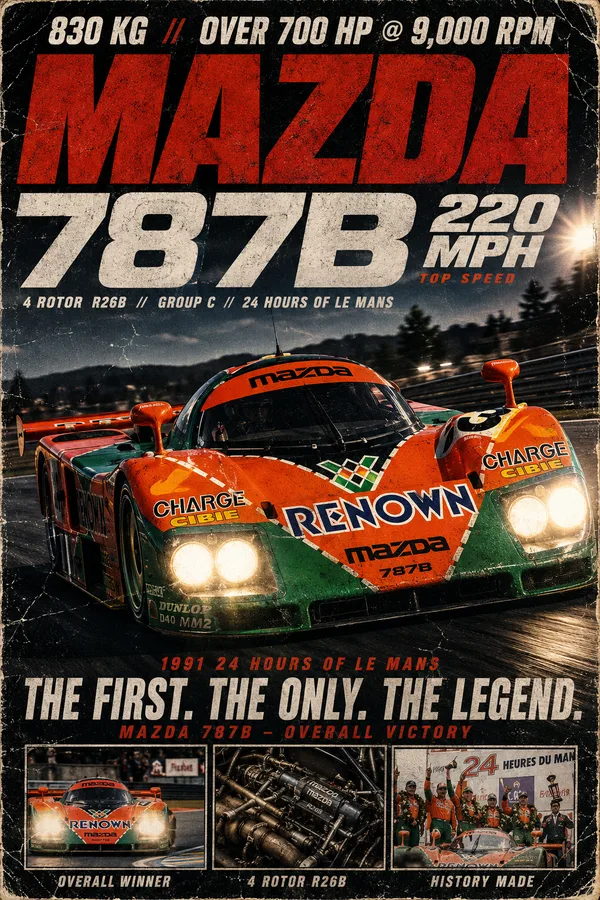
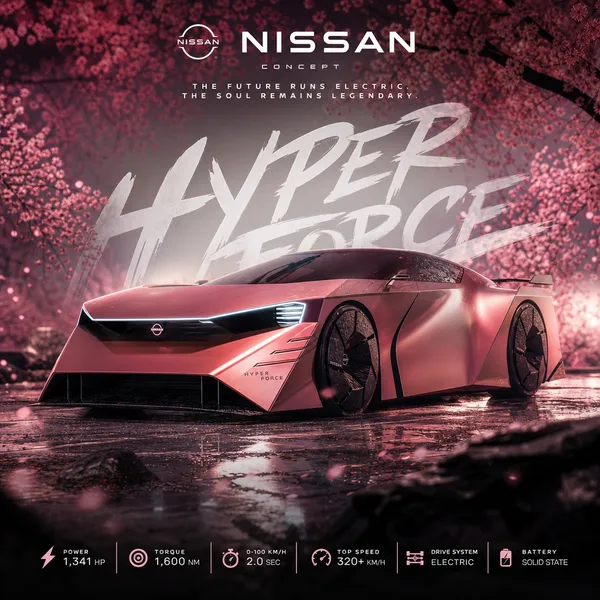
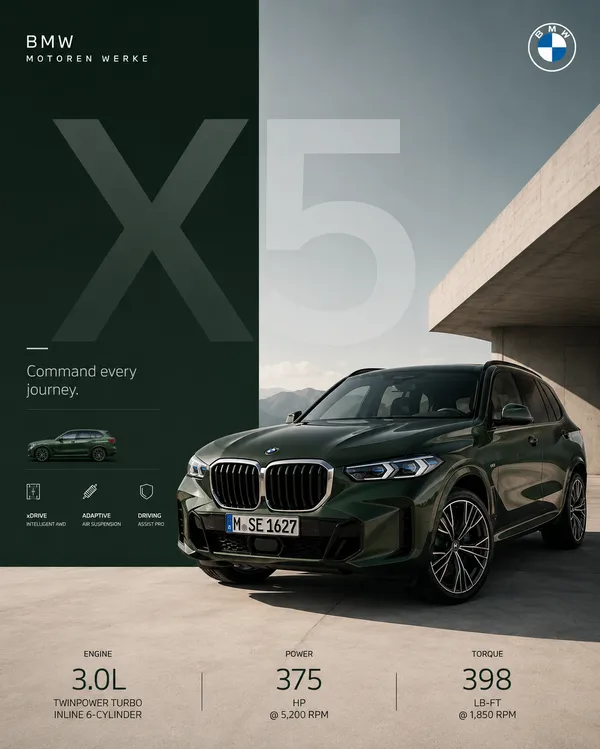
Ultra-premium automotive advertisement poster featuring a Porsche 911 GT3 RS in a luxury editorial layout. A three-panel composition occupies the upper half: left panel shows a dramatic front three-quarter close-up of the white Porsche 911 with aggressive LED headlights and aerodynamic bumper; center panel displays an ultra-macro shot of the Porsche crest badge with shallow depth of field, crisp metallic texture and premium reflections; right panel presents the rear three-quarter view emphasizing the massive swan-neck rear wing, diffuser, and taillights.Across the middle, a full side profile of a dark metallic teal Porsche 911 GT3 RS dominates the composition, lowered stance, forged black wheels, red brake calipers, carbon fiber aero package, realistic reflections, intricate Japanese-inspired floral decals along the doors and rear fender, perfectly centered on a clean studio background.Large luxury typography reading "PORSCHE 911" in elegant geometric sans-serif lettering with "GT3 RS" highlighted in red. Below, premium automotive brochure design including a Porsche crest, detailed technical specifications paragraph, performance metrics (0–100 km/h, horsepower, top speed), minimalist icons, symmetrical spacing, modern Swiss grid layout, luxury branding aesthetic.Studio lighting, soft warm highlights, premium product photography, ultra-clean composition, matte cream background, dark emerald lower section, photorealistic rendering, Octane Render quality, ray tracing, HDR lighting, global illumination, cinematic reflections, razor-sharp focus, luxury magazine cover, automotive catalog design, hyperrealistic, 8K, award-winning graphic design, balanced negative space, premium typography hierarchy.
Remixes
RemixNo remixes yet. Be the first to make your own version.
Use this image prompt
- 01
Start with the prompt
Copy the prompt, or open it with the generate button.
- 02
Make your changes
Adjust the subject, setting, or details. Add reference media if needed.
- 03
Check before generating
Review the model and output settings. Results can vary between generations.