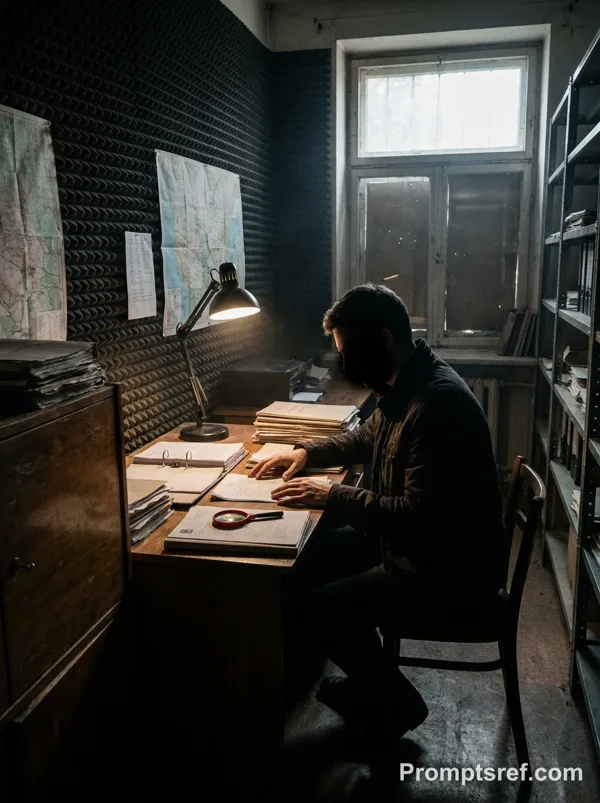
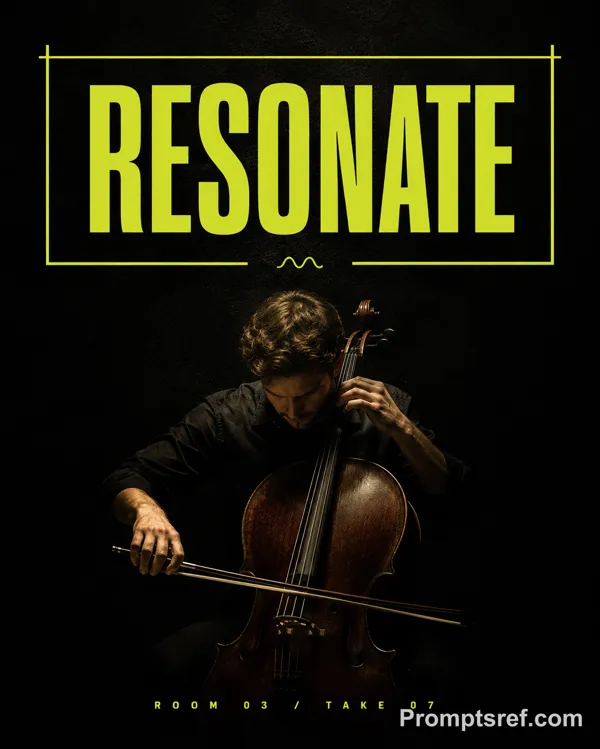
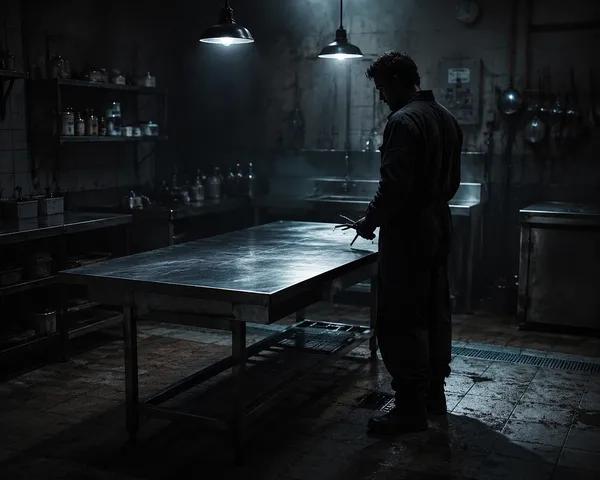
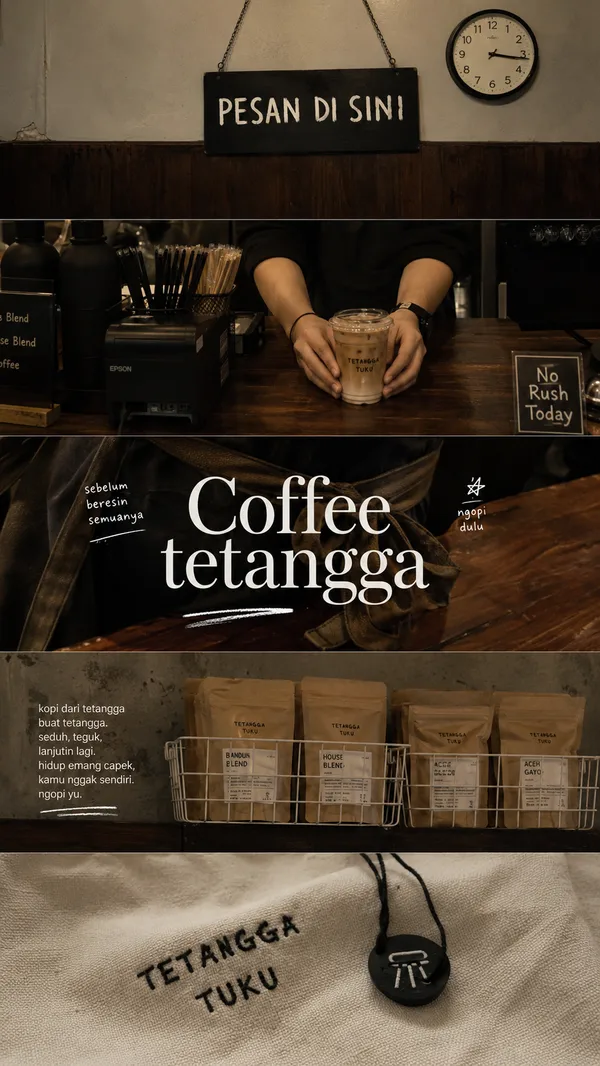
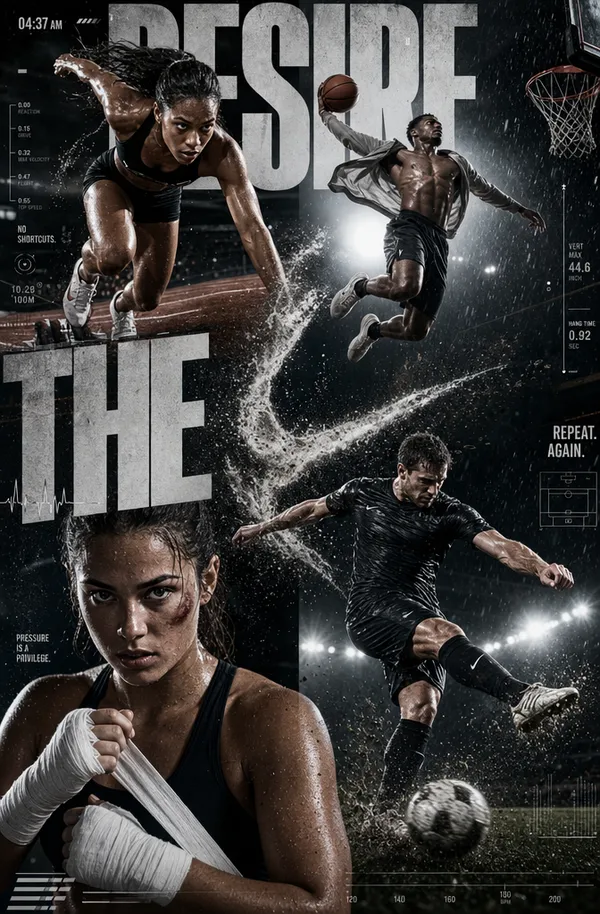
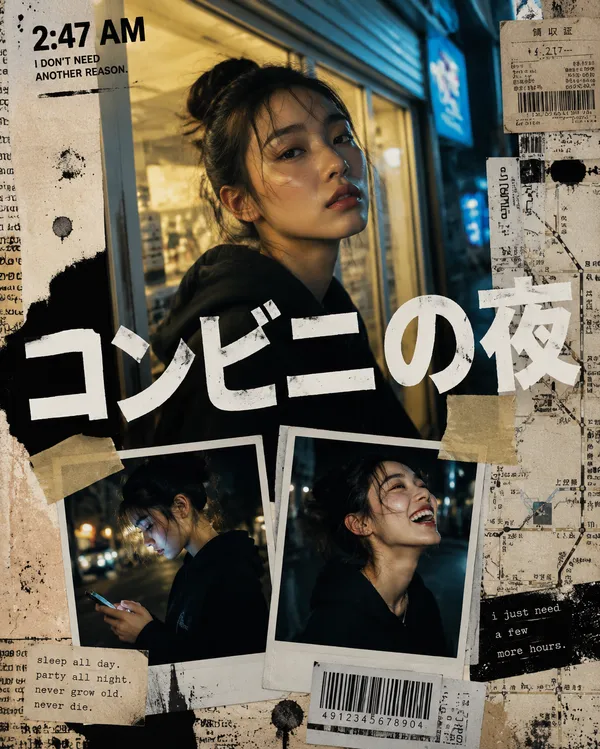
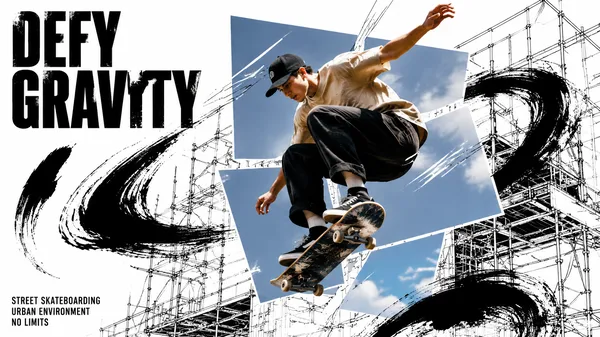
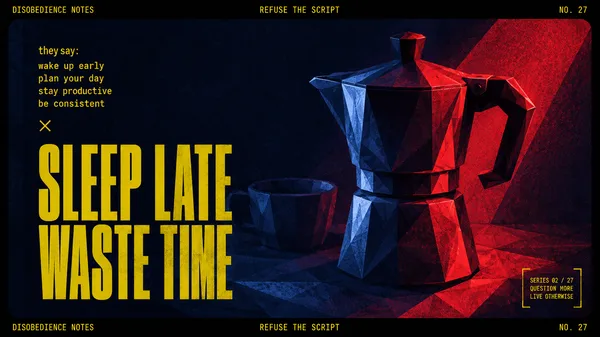
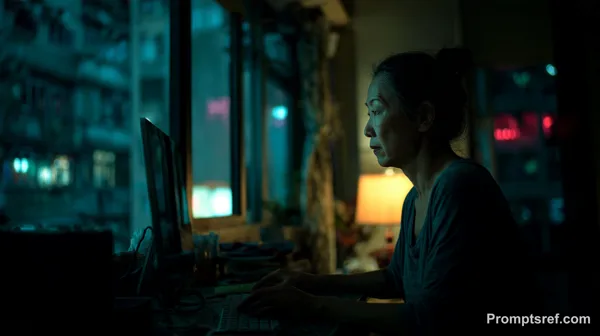
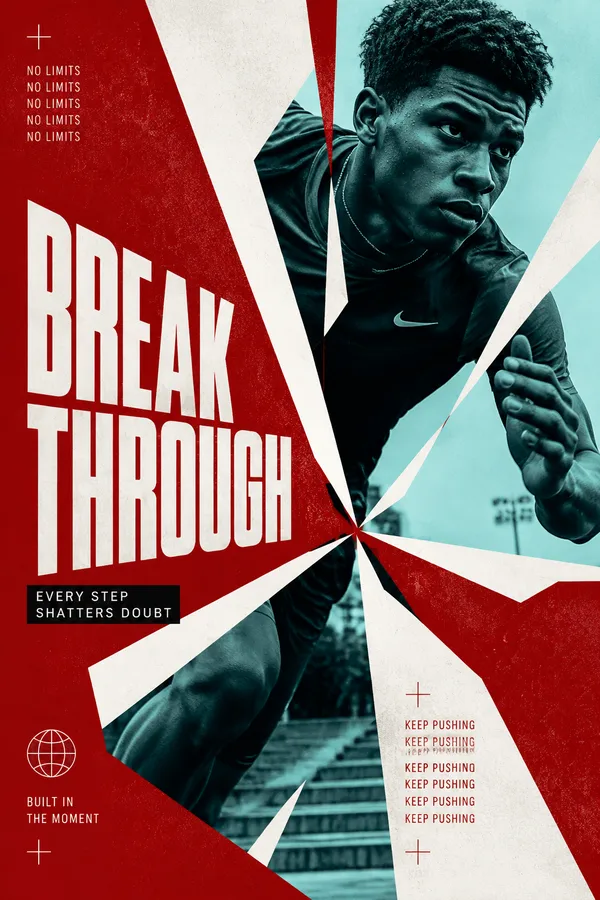
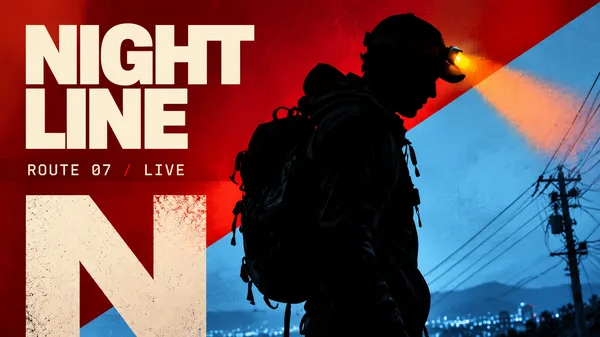
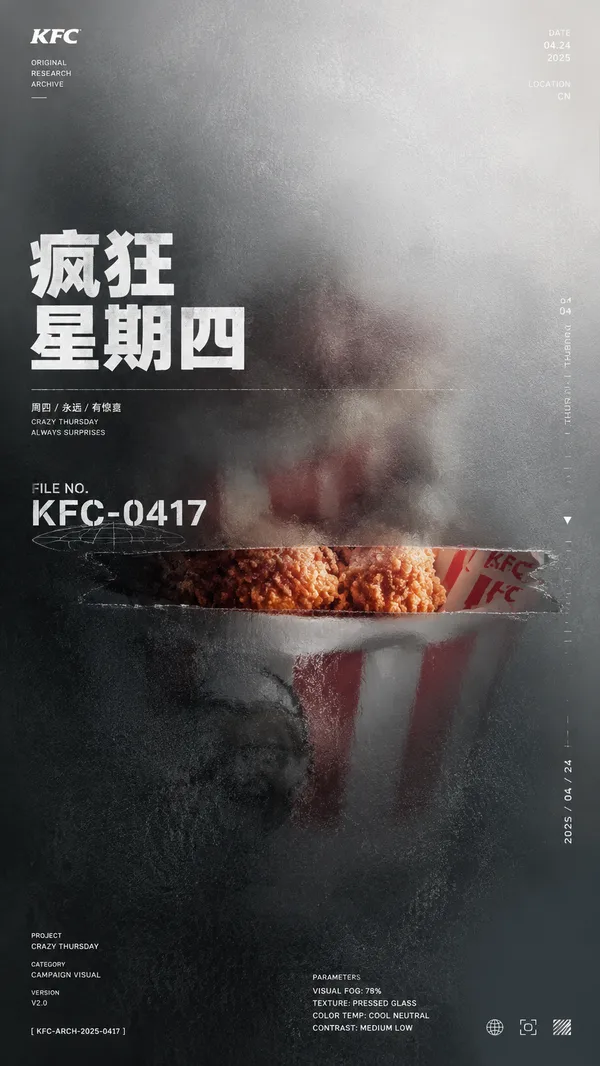
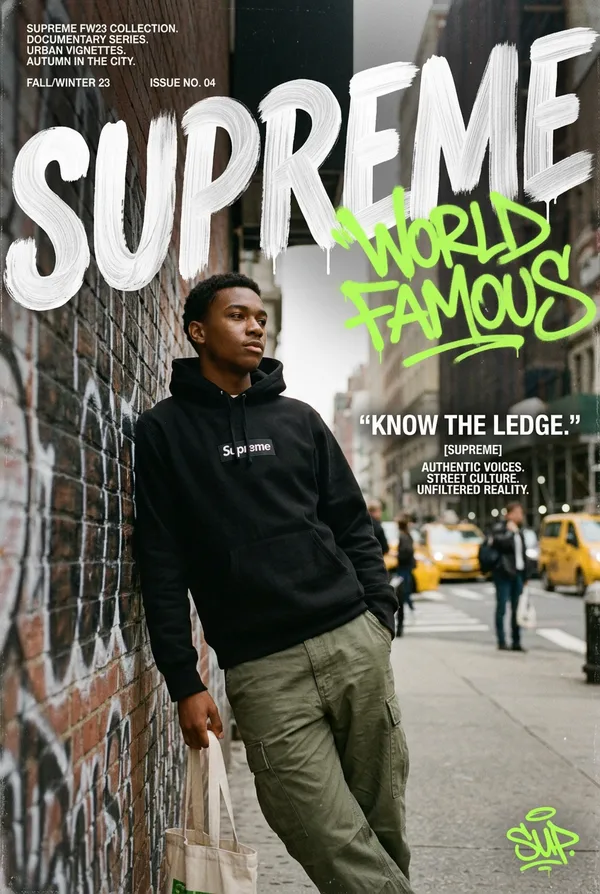
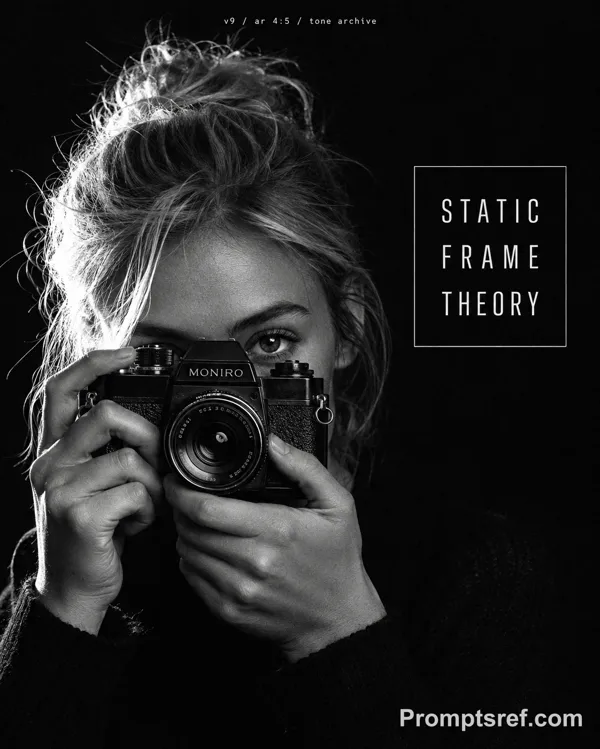
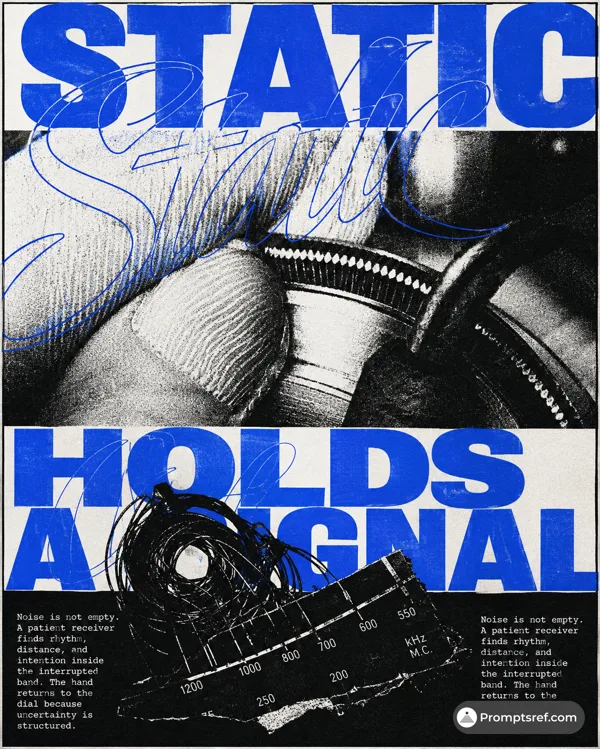
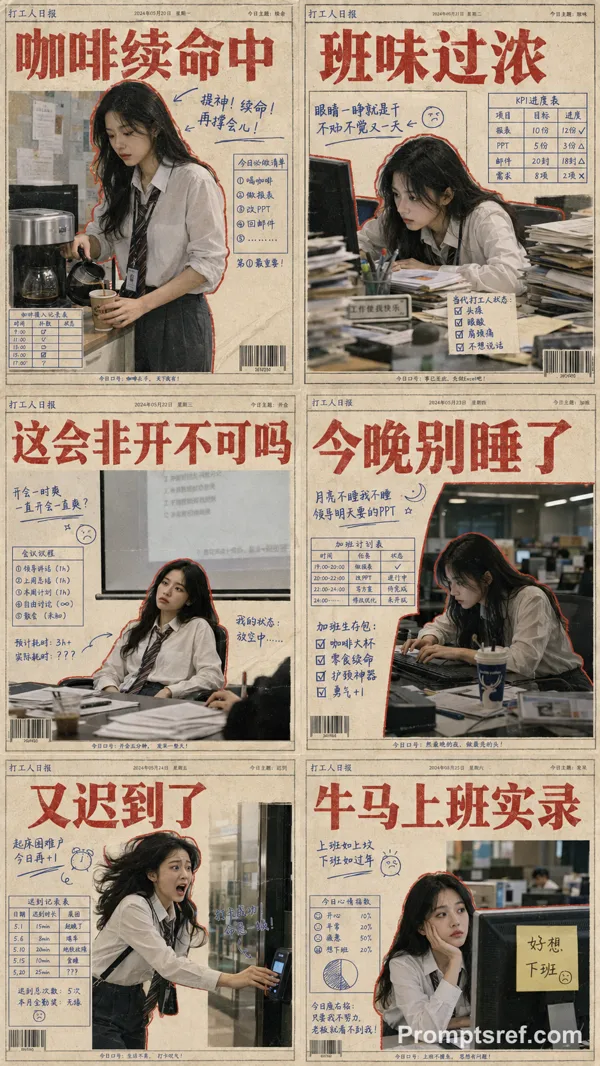
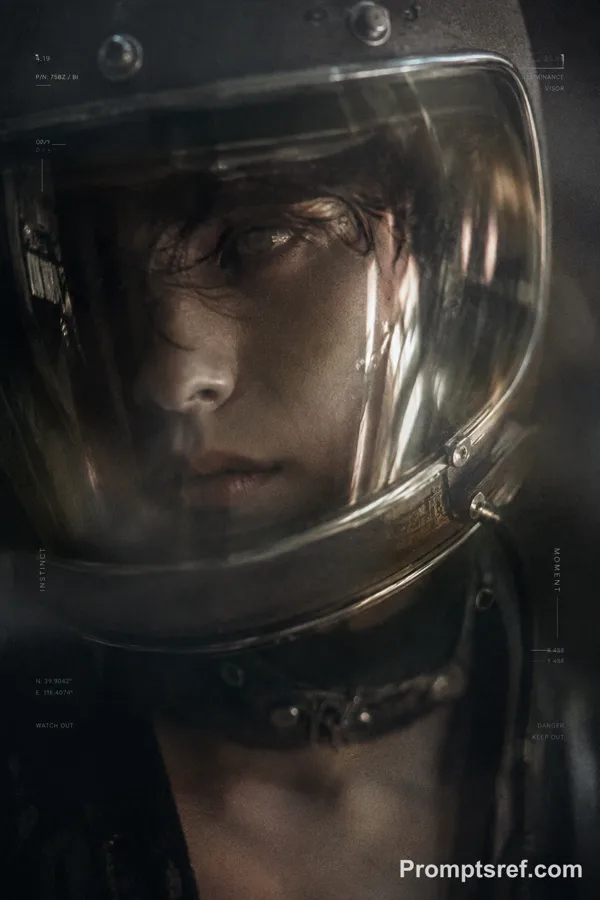
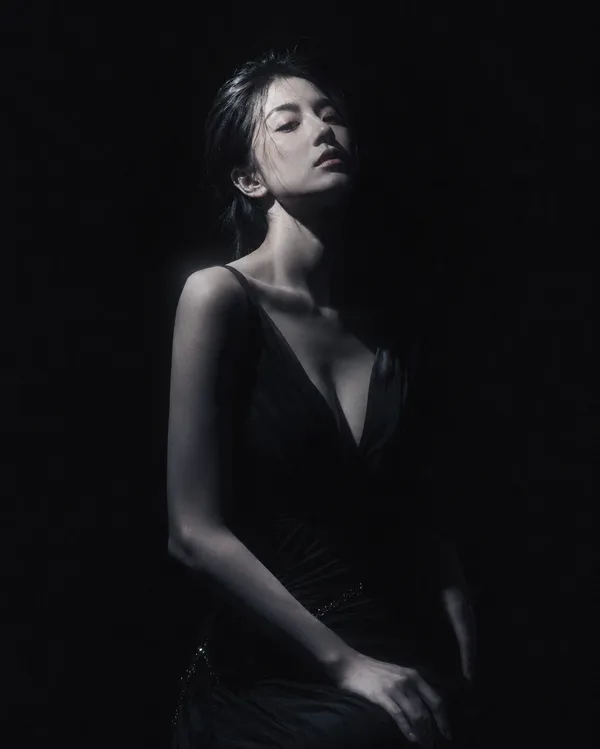
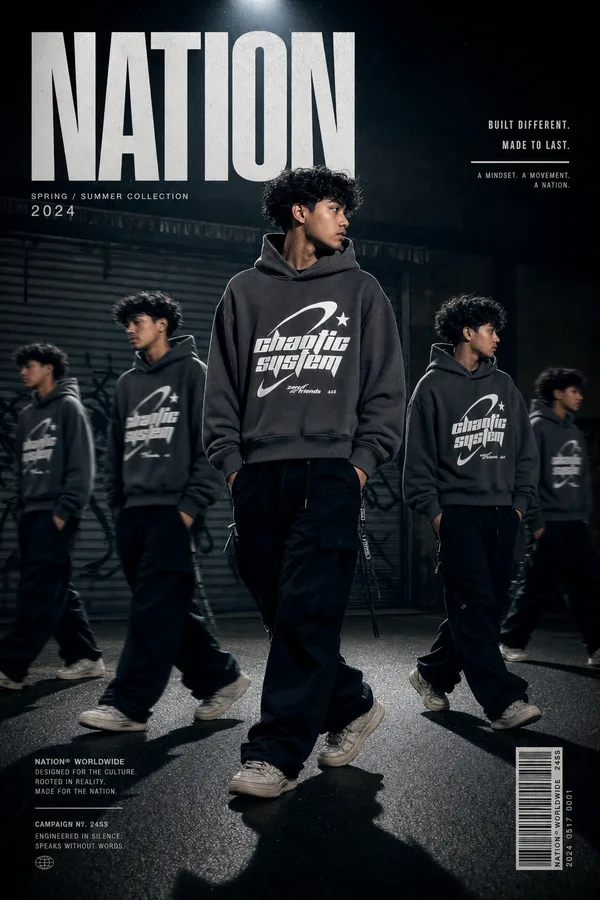
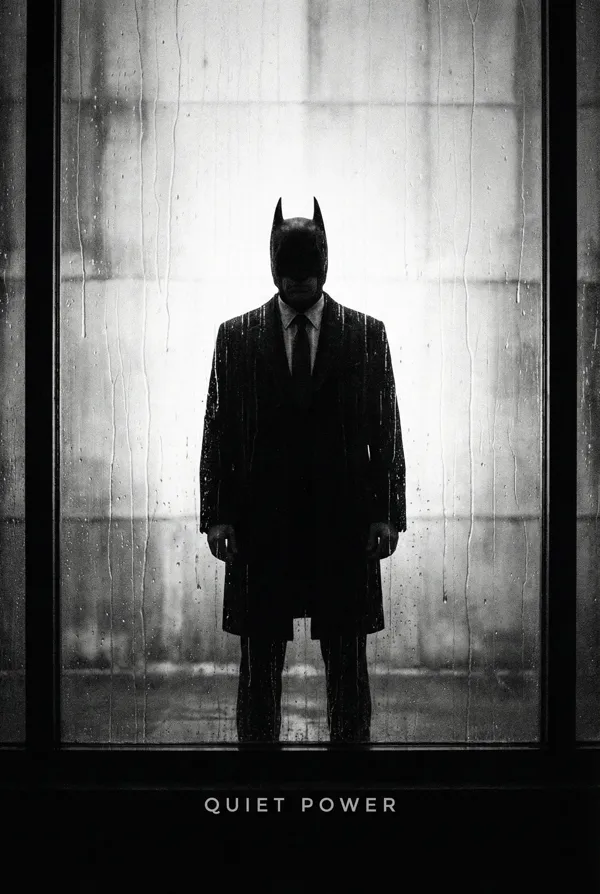
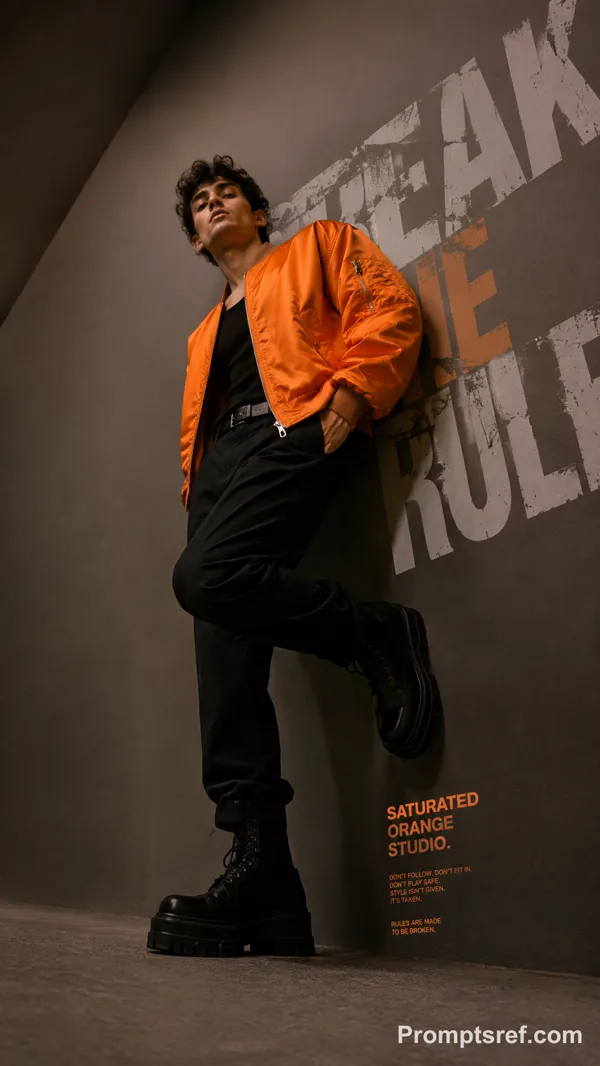
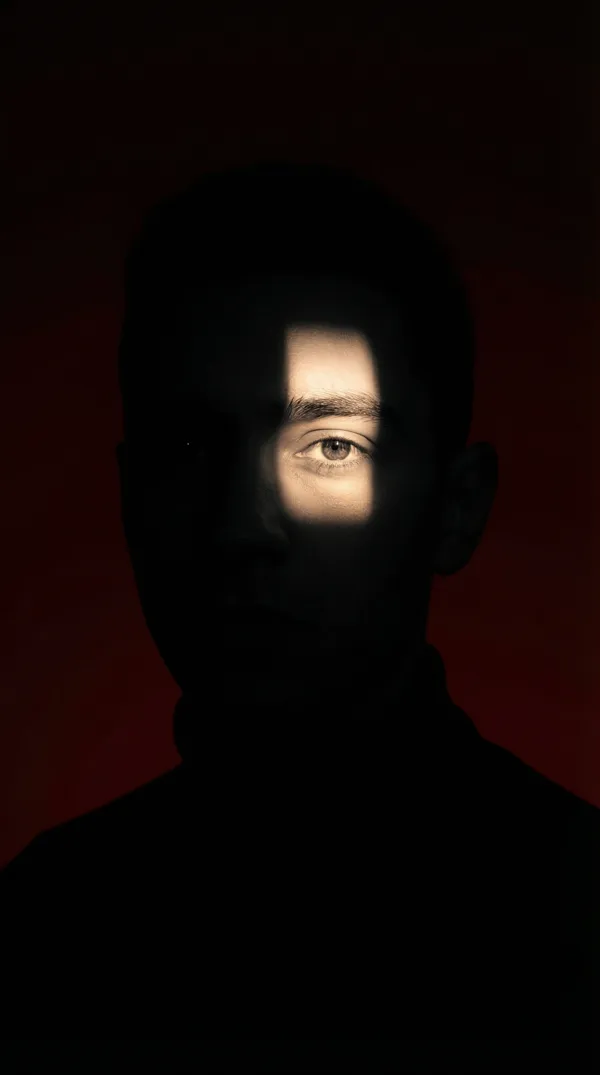
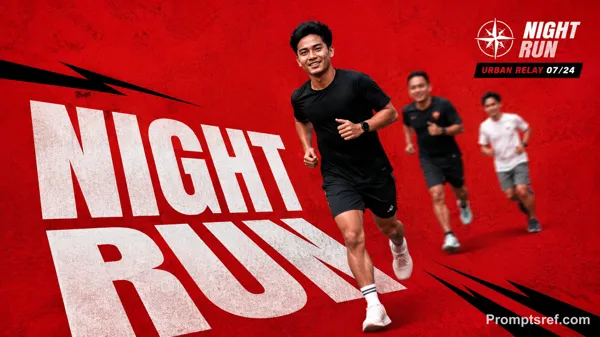
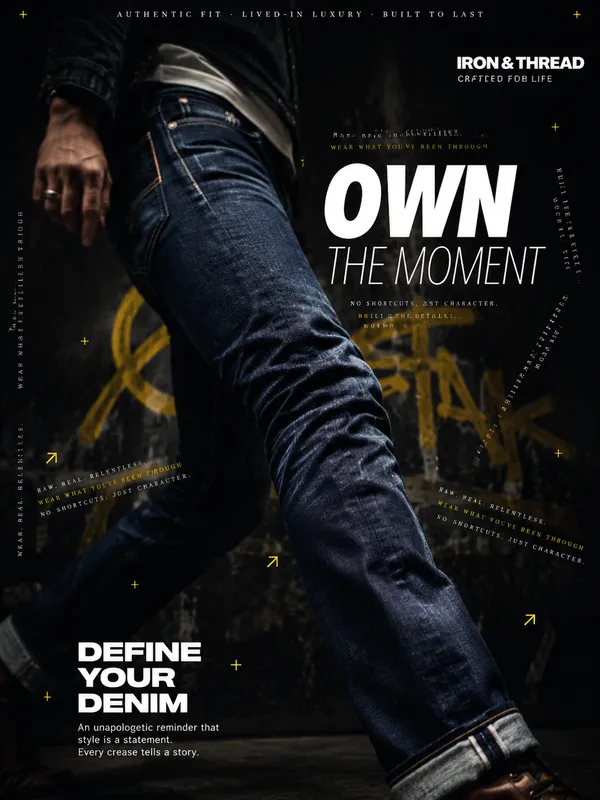
GPT Image 2.0 Prompt - Monumental Black-and-White Typography Poster Template

- Model
- GPT Image 2.0
- Aspect ratio
- 16:9
- Quality
- 1K
Prompt
{
"style_rules": {
"background": "pure black (#000)",
"typography": "ultra-condensed bold white, left-aligned, 50-65% frame coverage",
"photography": "black and white, high contrast, film grain, documentary candid",
"photo_placement": "inset between text lines, window-in-wall effect",
"format": "16:9 horizontal",
"metadata": "bottom-right small caps: [CONTEXT] // [DETAIL] + colored accent",
"mood": "monumental, raw, intimate"
},
"negative": "color photos, thin/serif fonts, centered layout, decorative elements, gradients",
"variables": {
"subject": "[person] doing [unseen activity] in [environment]",
"headline": "[3-6 word declarative statement about the hidden moment]",
"tag": "[CONTEXT] // [DETAIL]",
"accent": "orange brush stroke | red dot"
}
}
{
"style_rules": {
“背景”: “纯黑色 (#000)”
“字体”:“超窄粗体白色,左对齐,50-65% 边框覆盖率”,
“摄影”:“黑白、高对比度、胶片颗粒、纪实抓拍”
"photo_placement": "插入文本行之间,窗中墙效果",
"格式": "16:9 水平",
"metadata": "右下角小型大写字母:[CONTEXT] // [DETAIL] + 彩色强调文字",
“氛围”:“宏大、原始、亲密”
},
“负面”: “彩色照片、细/衬线字体、居中布局、装饰元素、渐变”
"变量": {
“主体”:[人]在[环境]中进行[未看到的活动]”,
“标题”:[关于隐藏时刻的3-6个字的陈述句]
"标签": [上下文] // [详情],
“重音”: “橙色笔触 | 红色圆点”
}
}
Remixes
RemixNo remixes yet. Be the first to make your own version.
Use this image prompt
- 01
Start with the prompt
Copy the prompt, or open it with the generate button.
- 02
Make your changes
Adjust the subject, setting, or details. Add reference media if needed.
- 03
Check before generating
Review the model and output settings. Results can vary between generations.